Concept Web Template
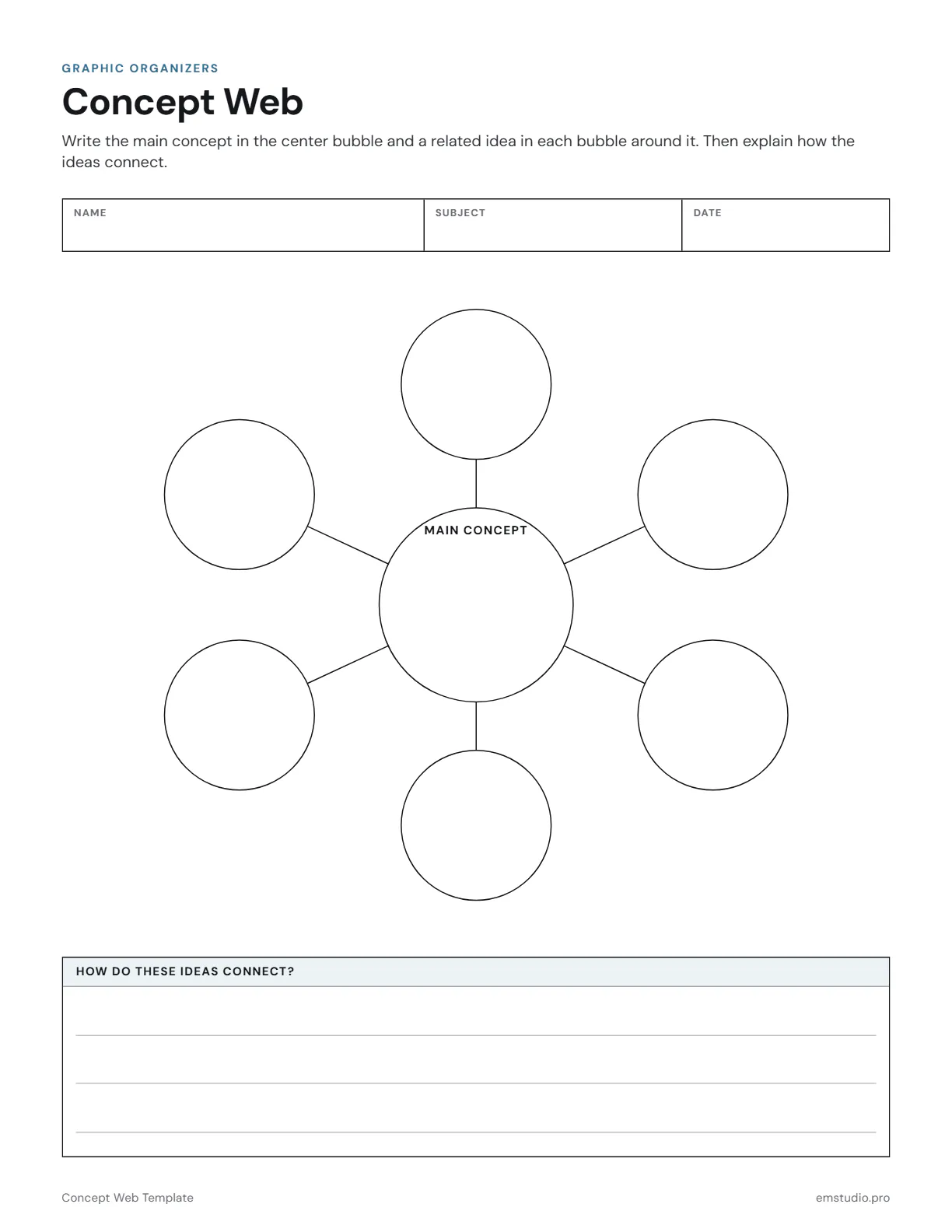
This concept web template has a center bubble for the main concept and six bubbles around it for related ideas. A ruled box below, headed How Do These Ideas Connect?, gives students room to explain the links in writing.
- Grade Level
- Grades 1 to 12
- Pages
- 1
- Formats
- PDF, Google Docs, Word
- Paper Size
- US Letter and A4
- Checked By
- Milo, Classroom Teacher
- Last Updated
- October 2026
Concept Web Template Example
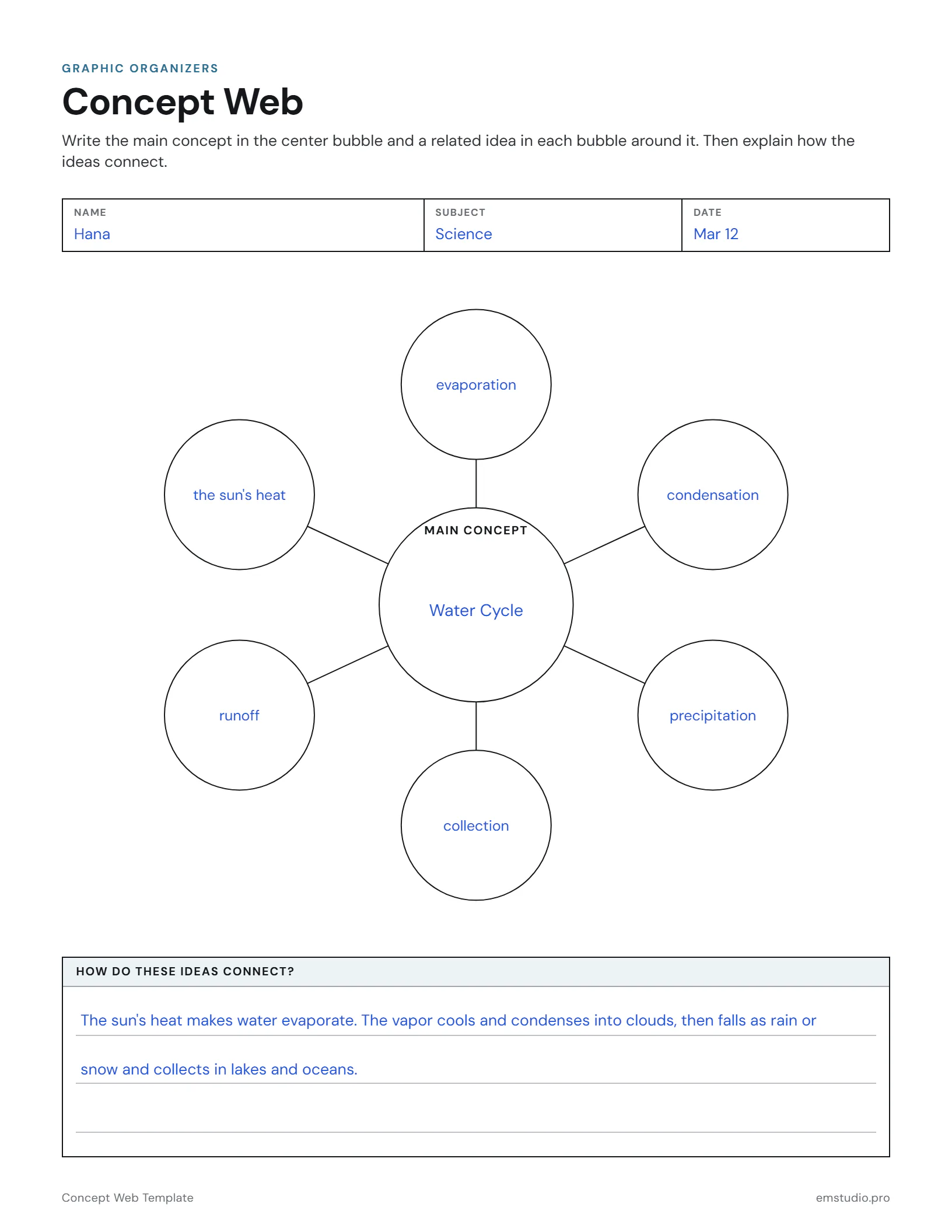
A 5th grader's concept web on the water cycle, with the connections explained underneath.
What's in the Concept Web Template
Center and Six Bubbles
One bubble for the main concept with six related-idea bubbles around it.
Connecting Lines
Lines run from the center to each outer bubble to show the links.
How Do These Ideas Connect?
A ruled box under the web for writing out how the ideas fit together.
Word, Google Docs and PDF
Edit it in Word or Google Docs, or print the PDF. US Letter and A4.
How to Use the Concept Web
Write the Main Concept
Have students put the topic of the lesson in the center bubble, in a word or a short phrase.
Brainstorm Related Ideas
Give students two minutes to list ideas linked to the concept, then pick the six best for the outer bubbles.
Fill Each Bubble
Students write one related idea in each bubble, using key words from the unit rather than full sentences.
Explain the Links
In the box below the web, students write how the ideas connect to the concept and to one another.
Compare With a Partner
Partners swap webs and look for a link they missed, then add it in the explanation box.
Concept Web Questions
More Graphic Organizer Templates
All 21 Graphic Organizer Templates
Other Templates
Plan the Lesson Around It in EMStudio
Attach any organizer to the lesson it belongs to and reuse it next year. Free to start.
Get Started for Free