Classroom Seating Chart Maker
Arrange your room, place students in seconds, and print a chart your substitute can actually read. Free, right in your browser.
What is a seating chart maker?
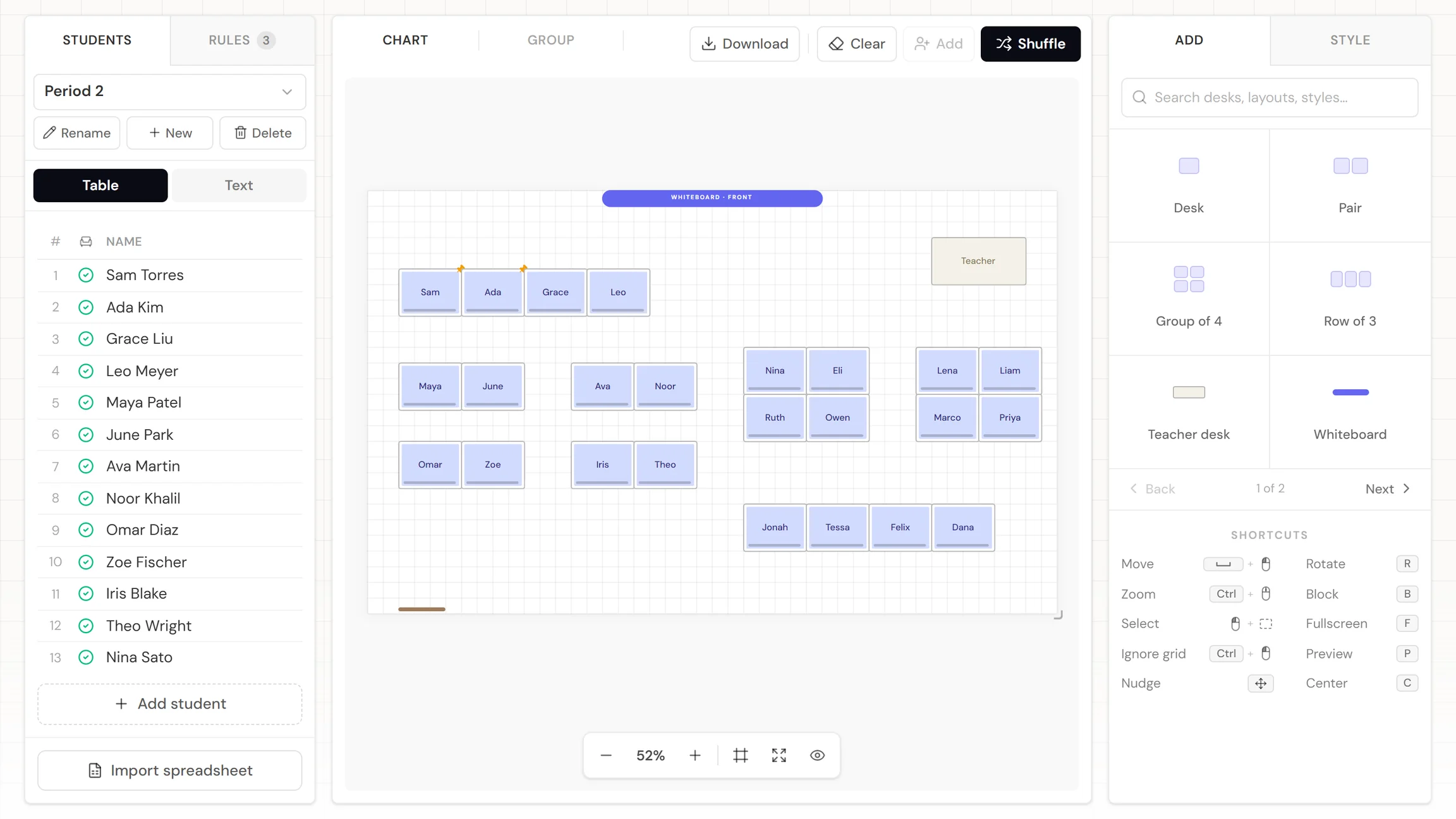
A seating chart maker is a tool that lets you map your classroom and place every student visually, instead of sketching grids on paper. Add your roster, shape the room, set a rule or two, and you've got a chart that's ready for the sub folder before the bell rings.
When to use a seating chart
Whenever knowing who sits where saves you time or prevents a problem. For most teachers, that's three moments:
The first weeks of school
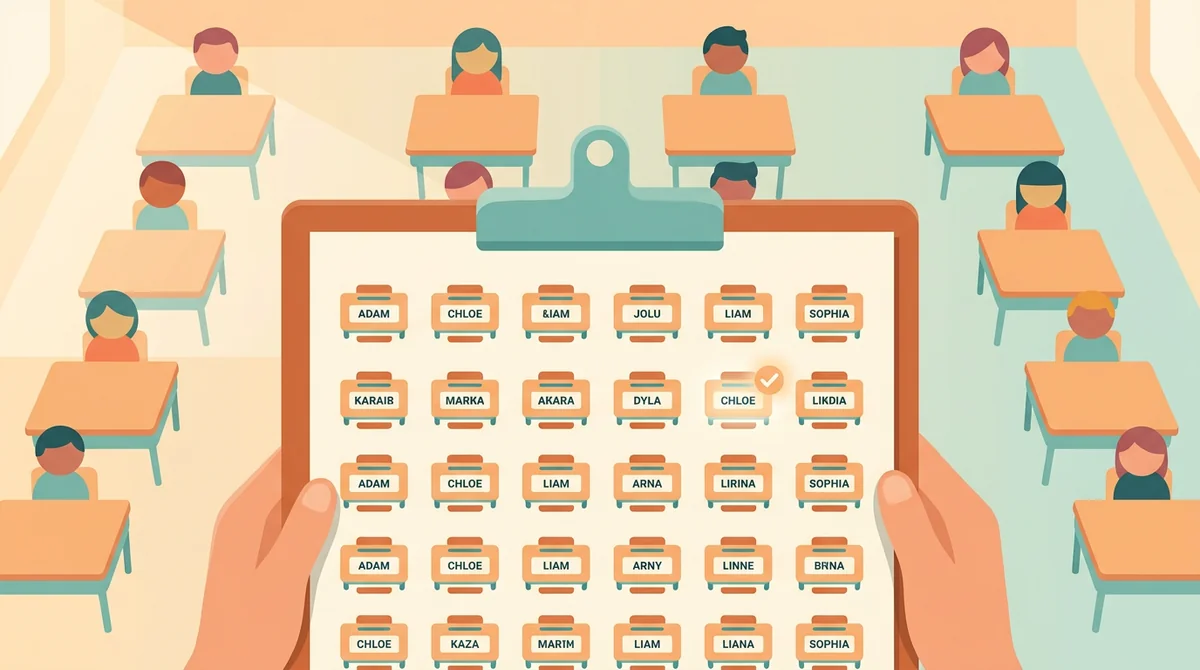
Names are the fastest path to classroom control, and a chart is the fastest path to names. Assigned seats from day one let you take attendance at a glance and learn names by location.
When the room stops working
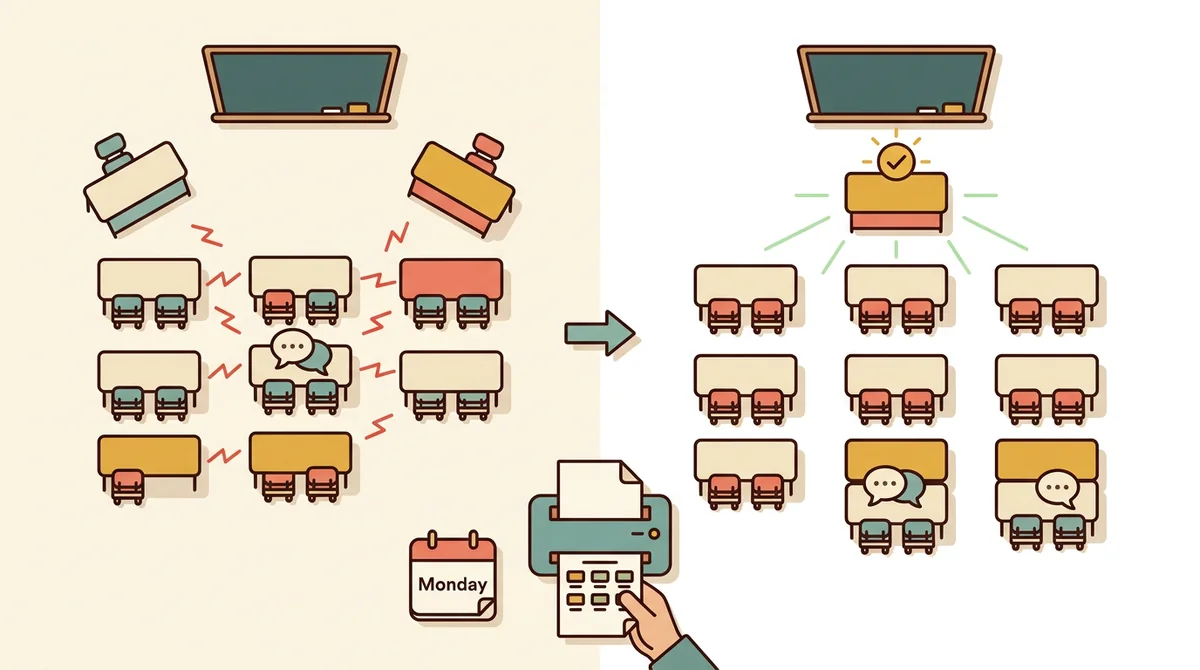
Two friends who can't stop talking, a student who needs to be near the board: a quick reshuffle fixes more behavior problems than a lecture does. Print it and start fresh on Monday.
Sub days and open house
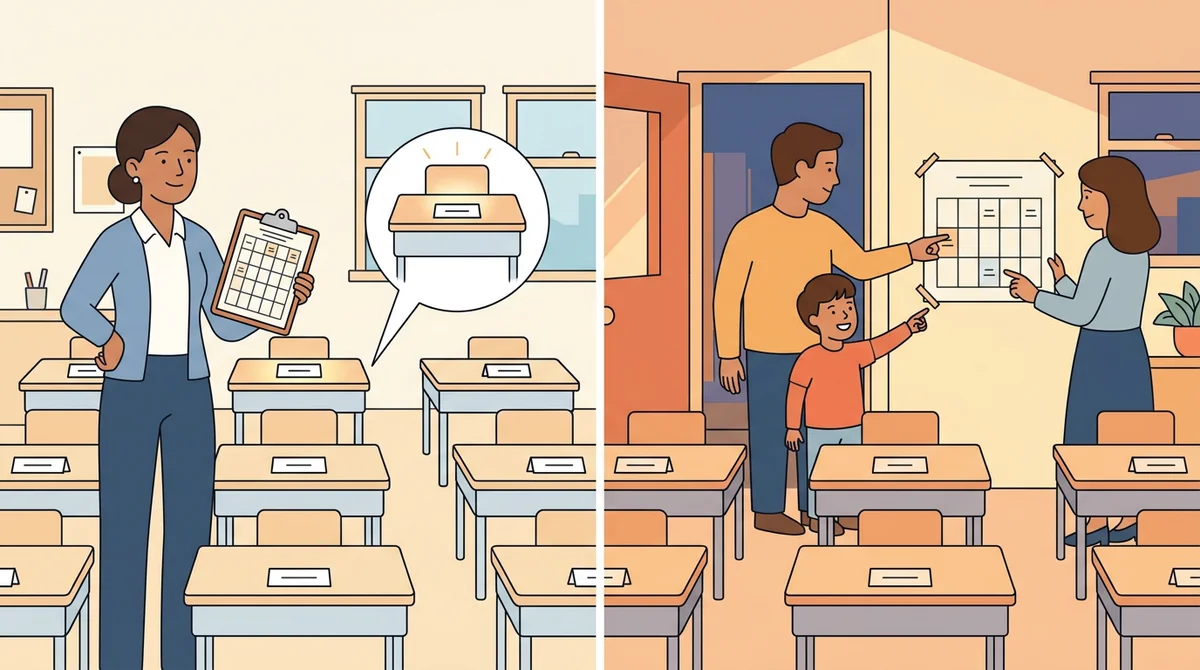
A substitute with a seating chart can take attendance, name the student acting up, and leave you a note that makes sense. At open house, the same chart shows families where their child sits.
Core features of
a seating chart maker
A good seating chart maker should carry you from a pasted roster to a printed chart without the guesswork. Here's what this one handles, start to finish.
Add your class roster
Getting your class into the tool should take minutes, not a prep period. Type names one per line, paste your whole list at once, or import a CSV straight from Excel or Google Sheets: the import maps your columns and shows a preview before anything lands.
- Paste a list, one name per line
- Import a CSV or TSV from Excel or Google Sheets
- A separate roster for every class you teach
Which column has the names?
Preview
…and 19 more
Customize your seating layout
Once your roster's in, the room needs shaping. Build it from real classroom pieces: single desks, pairs, groups of four, rows of three, plus the teacher desk, whiteboard, doors, and walls. Resize the room, rotate anything, and block off the seats that aren't really seats.
- Nine room objects, from desks to doors
- Block seats that shouldn't be filled
- Rotate, resize, and snap to the grid
Rearrange seats with drag and drop
Plans change mid-year, sometimes mid-period. Drag any student to a new desk in seconds (if the seat's taken, the two swap), pin the placements that matter, and undo anything with Ctrl+Z.
- Drag a student onto a taken desk and the two swap
- Pin seats that must not move
- Undo and redo every change
Randomize or auto-arrange seats
Random seating keeps things fair, but fair doesn't mean thoughtless. The shuffle seats your whole class in one click while honoring keep-apart, keep-together, and front-row rules, and it works around every pinned seat. Don't like the result? Roll again.
- One-click shuffle for the whole class
- Respects your rules and pinned seats
- A conflict badge flags anything it couldn't satisfy
Save, print, or export your chart
A chart only helps if you can get it where you need it: taped by the door, in the sub folder, or on your class slides. Print it, save it as a PDF sized for letter or A4, or download it as an image. Your work autosaves in the browser as you go.
- Print or save as a PDF
- Download the chart as an image
- Autosaves in your browser as you go
How to make
a classroom seating chart
The whole thing takes about five minutes: add your roster, build your room, set your rules, shuffle, and print. Here's the walkthrough.
Start with your class roster
Everything downstream depends on the roster, so front-load it. Paste your list or import a CSV straight from Excel or Google Sheets, and every name becomes a card you can place, pin, or shuffle.
Build your room
Drag desks onto the canvas in singles, pairs, groups of four, or rows of three. Add the teacher desk, whiteboard, doors, and walls until the screen matches your actual classroom.
Set your seating rules
Rules do the placement work for you. Keep the chatty pair apart, keep lab partners together, and hold the front row for the students who need it. They carry over every time you reshuffle.
Shuffle and fine-tune
One click seats everyone while your rules hold. Roll again as many times as you like, or drag students between desks until the room feels right.
Save and print your chart
Print it, save it as a PDF, or download it as an image: one copy for your desk, one for the sub folder. Everything autosaves, so next month's reshuffle starts where you left off.
That's the whole job
Your roster is probably sitting in a spreadsheet right now. Five minutes from now, it can be a printed chart.
Make your seating chart
Get started in under 5 minutes.
Sign up and walk through the onboarding tutorial. By the end you've got your classes set up and you're ready to plan your first lesson. No credit card required.
Get Started for FreeMore than a random seating chart generator
Random is easy. This one also knows who can't sit together, who needs the front row, and which class you're planning. None of it leaves your browser unless you save it to a free account.
Seating rules that stick
Keep-apart and keep-together rules are saved with the class and enforced on every shuffle. Set them once in August and stop re-checking.
Priority front-row seats
A front-row rule holds priority seats for students with glasses, hearing needs, or a 504 plan. Every shuffle plans around them automatically.
Random groups in one click
Deal your class into groups of four, five teams, or any split you need: labs, stations, and project day.
Every class, one workspace
Keep a chart per period, each with its own roster, room, and rules. Switch classes in one click; everything autosaves as you work.
Your roster stays private
Student names are stored on your device, not on our servers, unless you choose to save your chart to a free account. Nothing is tracked or sold. It stays yours.
Print, PDF, or PNG
Export a clean chart sized for letter or A4: one for the clipboard, one for the sub folder, one for your class slides.
Who needs a seating chart maker?
Anyone responsible for a room full of students. If you take attendance or learn names for a living, a seating chart earns its keep in the first week.
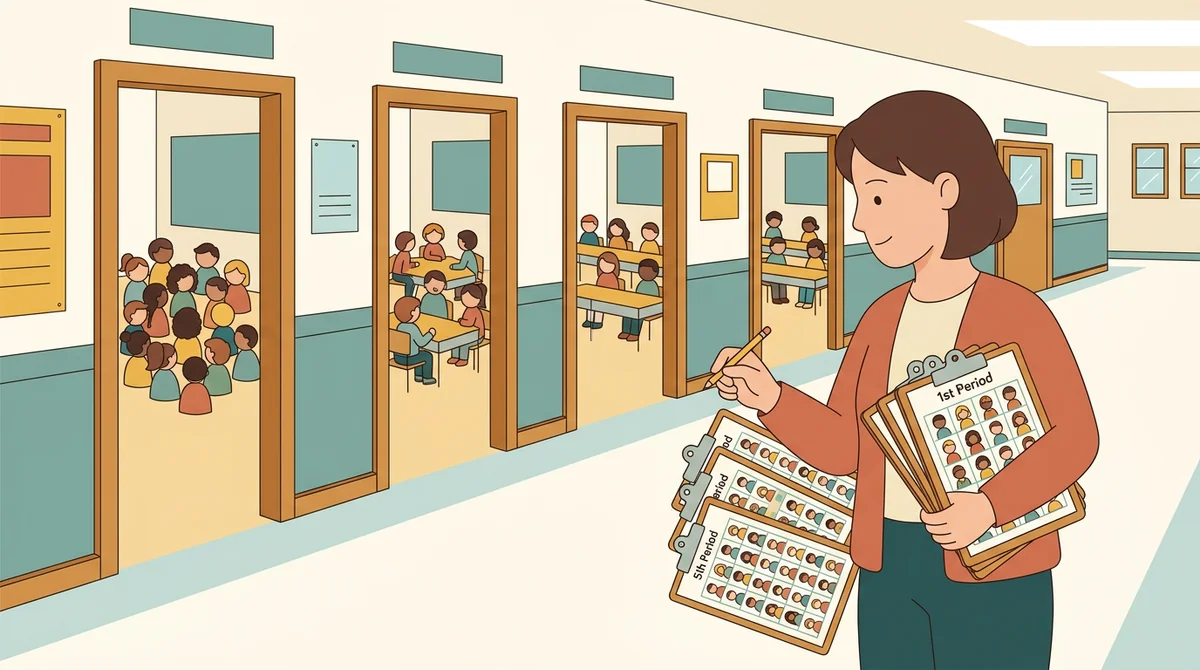
Classroom and subject teachers
Five periods means five rooms' worth of names and dynamics. A chart per class keeps attendance fast and reshuffles painless when a group's chemistry changes.
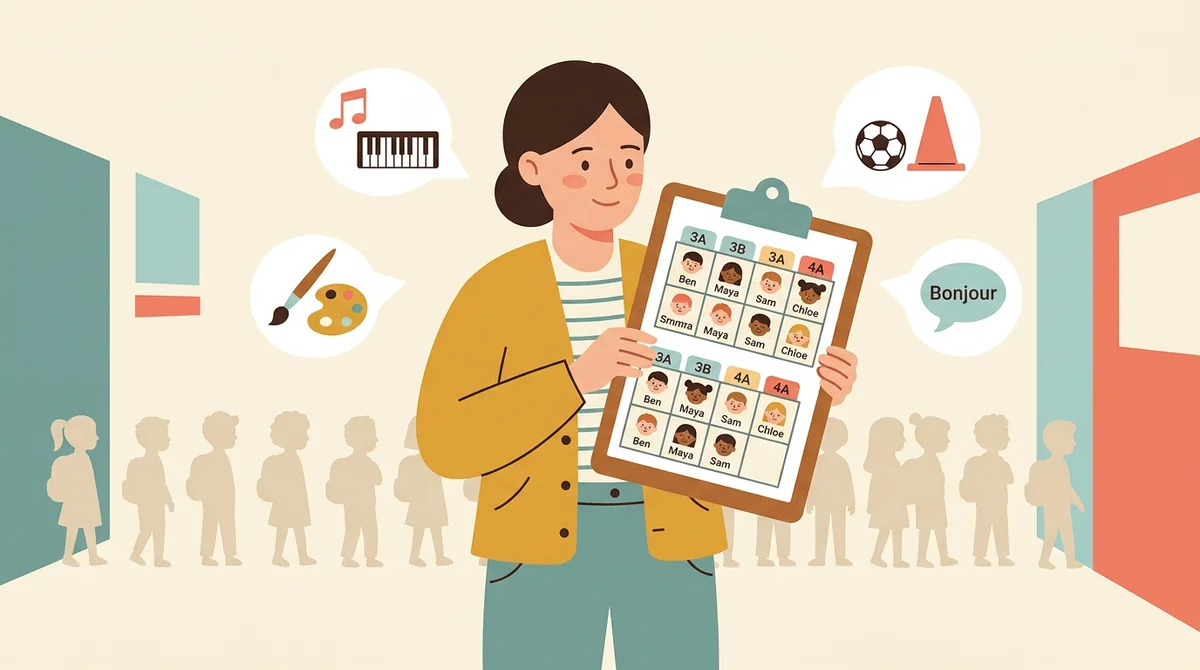
Specialists and electives
Music, art, PE, world languages: specialists can meet every student in the school in a single week. A chart per group is the only realistic way to attach names to faces.
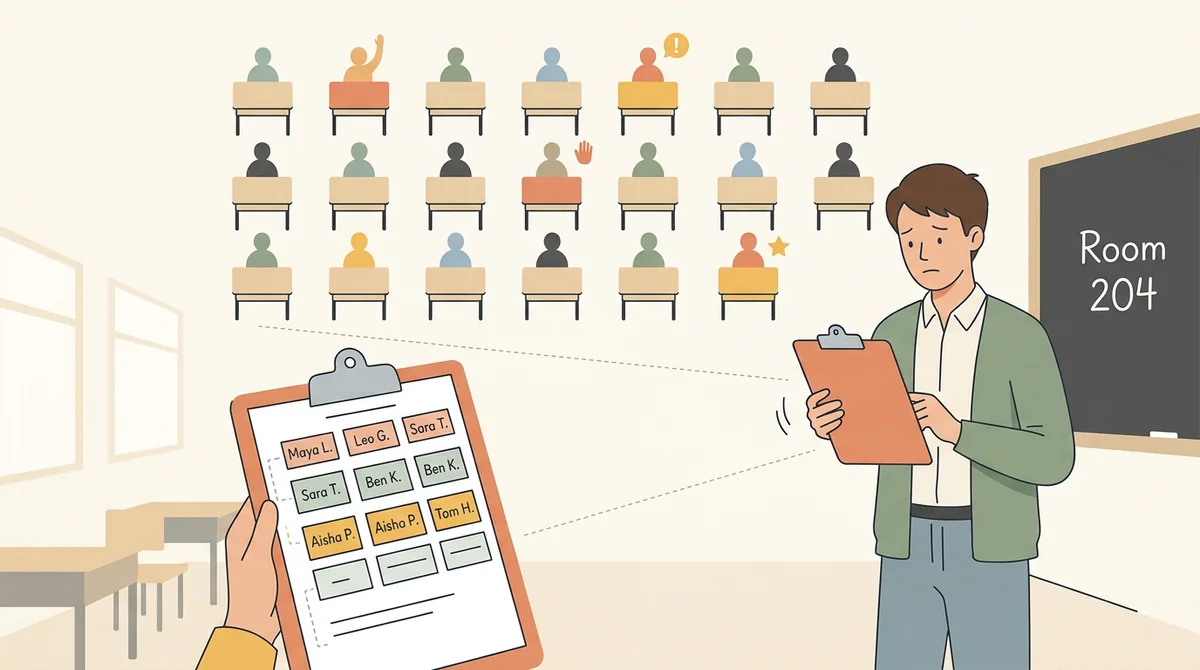
Student teachers and substitutes
Walking into a room of thirty strangers is the job. A seating chart turns it into a map: who's who, who to watch, and who to call on by name.
How EMStudio's seating chart maker is different
Plenty of seating chart generators are wedding planners in disguise. This one is built by the team behind a full teacher planner, and it treats your five minutes with respect: free, no watermarks, no sign-up wall.
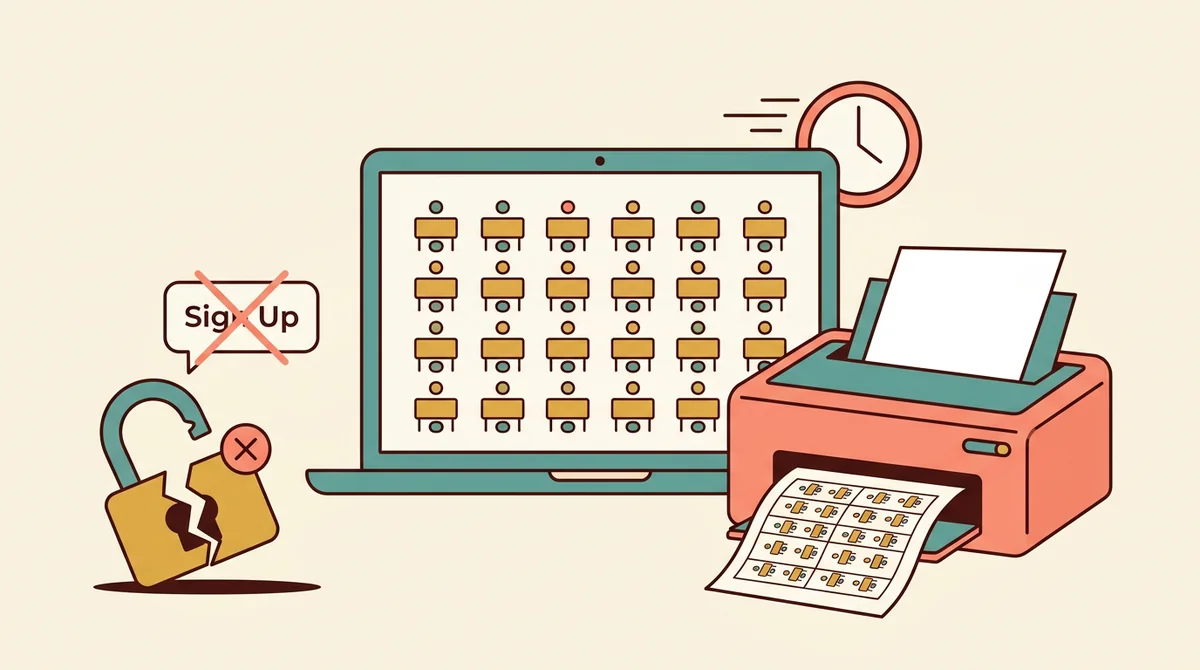
No account required
The tool runs entirely in your browser. Make a chart, print it, leave. You never hit a sign-up wall or a locked "premium" export.
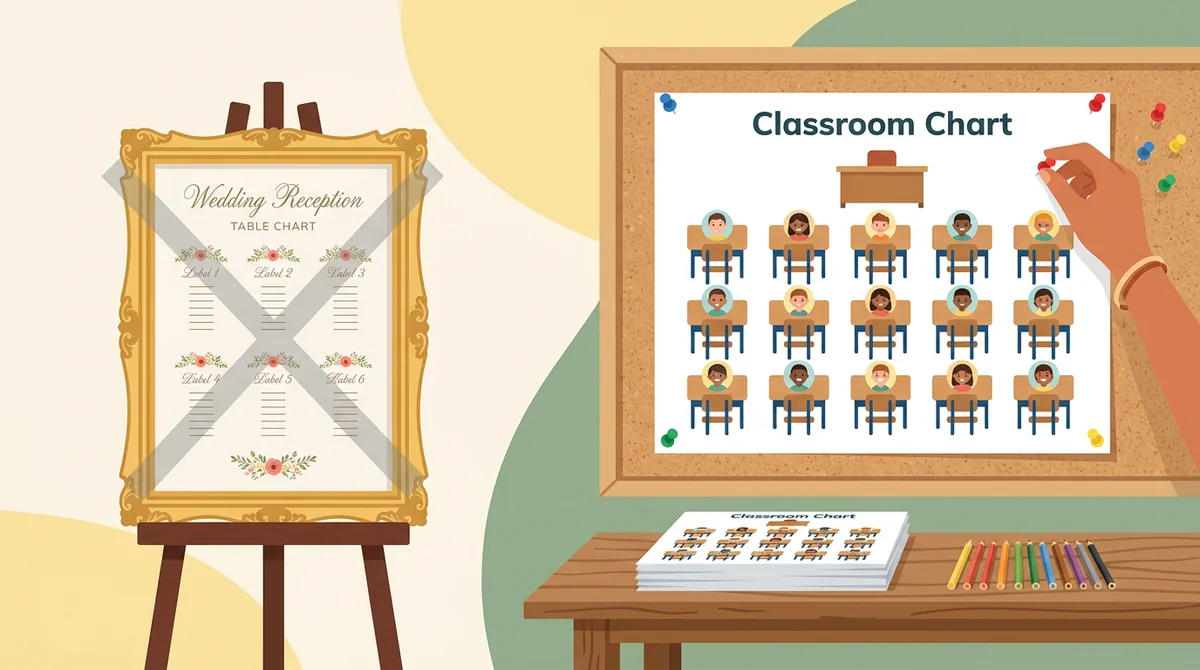
Made for classrooms, not banquets
No wedding-table presets to wade through. Layouts, pinning, and printing are designed around how teachers actually seat a class.
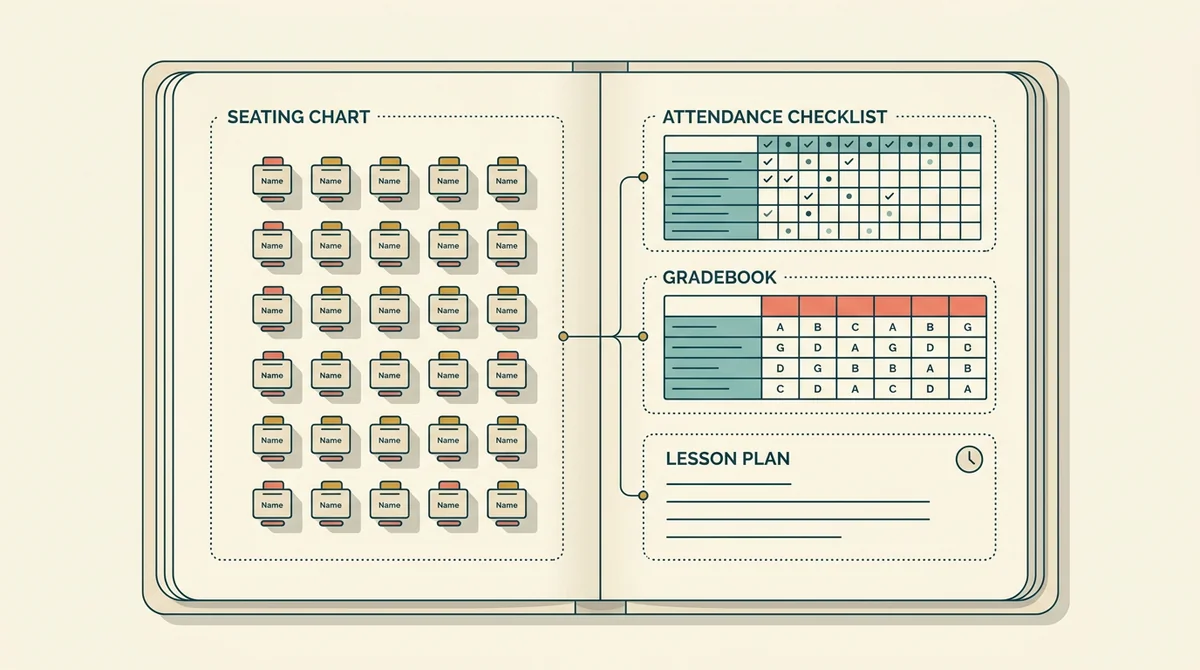
Part of a full teacher planner
A seating chart is most useful next to your attendance, gradebook, and lesson plans. EMStudio keeps all of that in one place when you're ready for more than a one-off chart.
More free teacher tools
Prefer a ready-made sheet? Seating Chart Template
FAQ
Try EMStudio today.
Create your first class, build a lesson, and take attendance all in under five minutes.
No credit card required.
Get Started for FreeYou have 3 lessons and 2 tasks today.