Easy Grader
Set the total questions, tap off wrong answers, and read the percent and letter grade instantly. Free, right in your browser.
- 1Set the total number of questions once.
- 2Tap +1 for each wrong answer you find.
- 3Read the percent and letter grade instantly.
- 4Tap Reset and grade the next paper.
Grading chart · 20 questions
What is an easy grader?
An easy grader is a small tool that does the grading math for you: enter the total number of questions, count off how many a student missed, and it hands back the percentage and letter grade instantly. No calculator, no scratch paper, no scale lookup. You'll also see it called an EZ grader: same tool, different name.
What can you grade with it?
Anything scored against an answer key. If a question is either right or wrong, the easy grader can handle the stack it came from:
Quizzes, tests, and exit tickets
Multiple choice, true/false, matching: the formats teachers actually use week to week. It scales the same way for a two-minute pop quiz and a 100-point final, so you're not switching tools depending on the stakes.
Every subject with an answer key
A math teacher can run a page of algebra problems through it just as easily as a biology teacher scoring a diagram quiz. Vocabulary checks, reading comprehension, dates and events: any subject with scored answers is fair game.
The big stack between periods
For a teacher juggling five sections of the same test, manual tallying adds up fast. Set the total once, tap through the misses, and a class set is scored in minutes instead of an evening.
Core features of
an easy grader
A good easy grader should carry you from the first paper to the last one without a calculator appearing. Here's what this one handles.
Tap through a paper, read the grade
Set the total once, then count misses as you scan. The percentage and letter update the moment you tap, so there's no separate calculate step waiting at the end.
- Total questions from 1 to 500, halves included
- Big +1 and −1 buttons sized for fast tapping
- A percent and letter you can read from across the desk
A grading chart that follows along
The full chart for your total sits beside the counter: every possible score, top to bottom. The row you're on stays highlighted and centered as you count.
- One row per possible score, wrong and correct side by side
- The current paper's row highlighted as you tap
- Print it or save it as a PDF for the sub folder
Your school's exact scale
No two schools grade exactly the same way, so the cutoffs bend to fit yours. A 62% shouldn't quietly become a fail when your policy says otherwise.
- Plus/minus grades or plain A to F
- Edit the lowest percent for every single grade
- Restore the standard 90/80/70/60 defaults any time
Count the way you actually mark
Some teachers count misses, some count rights, some give half credit. The grader follows your habit instead of forcing one.
- Wrong-answer or correct-answer counting, one toggle apart
- Half points for the answer keys that need them
- Whole, tenth, or exact rounding on every result
Fast on paper thirty, not just paper one
Reset keeps your total and clears the count, so the next paper starts in one tap. The setup itself is saved for tomorrow.
- R or Esc resets without touching the mouse
- Arrow keys nudge any field up or down
- Copy the link to hand a colleague your exact setup
Paper 12 of 30
20 / 20 correct
How to use
the easy grader
The whole routine is five steps, and four of them are taps. Here's the walkthrough for a stack of quizzes.
Set the total
Grading a 20-question quiz? Type 20 before you touch a single paper. The total stays put for the whole stack.
Mark wrong answers as you go
One tap per miss, and the score recalculates instantly. Counting correct answers instead? Flip the counting mode in settings.
Read the score
4 wrong out of 20 shows 80% and a B the moment you finish. No mental math, no scale lookup.
Reset for the next paper
One tap, or the R key, clears the count and keeps the total. Log the grade first: reset wipes the score.
Log it in your gradebook
Record the grade before picking up the next paper, so nothing slips through between desk and gradebook.
That's the whole routine
Your next stack won't grade itself, but it's a ten-minute job now instead of an evening. The grader is at the top of this page.
Start grading
Get started in under 5 minutes.
Sign up and walk through the onboarding tutorial. By the end you've got your classes set up and you're ready to plan your first lesson. No credit card required.
Get Started for FreeMore than a percentage calculator
The division is the easy part. This one also knows your school's cutoffs, your rounding policy, and half points. None of it ever leaves your browser.
Plus/minus, or plain letters
Toggle A− and B+ grades on or off and edit the lowest percent for every grade. One tap restores the standard scale.
Rounding you control
Whole numbers, one decimal, or the exact value. The result and the chart follow the same rule, so an 89.95 reads the way your policy says it should.
Half points that survive
Real answer keys rarely land on whole numbers. Flip on half points and +½ joins the counter, so a 17.5 out of 20 doesn't get rounded away.
Count correct instead
Marking right answers rather than misses? Flip the counting mode and the grade stays put: 3 wrong out of 20 simply becomes 17 correct.
A link that carries your setup
Your total, scale, and settings ride along in the page address. Copy it to a colleague and their grader opens set up exactly like yours.
Private by design
Everything runs in your browser. No account, no upload, no student data anywhere: scores exist only on your screen.
Who is the easy grader for?
Anyone who turns a pile of papers into a column of grades. If you've ever tallied scores between periods, it earns its keep on the first stack.

Elementary teachers
Spelling tests, math facts, reading checks: small totals, big stacks. Set 10 or 20 as the total and tap through a class set before the recess bell.

Middle and high school teachers
Five sections of the same quiz, percentage grades, plus/minus cutoffs. Batch same-size assessments and the total stays set for the entire stack.

Students and tutors
Double-check a returned test, or read the chart backwards: it shows exactly how many questions you can miss and still land the grade you need.
How EMStudio's easy grader is different
Most graders online are ad walls around a division sign. This one is built by the team behind a full teacher planner, and it treats your five minutes with respect: free, nothing in your way, no sign-up wall.
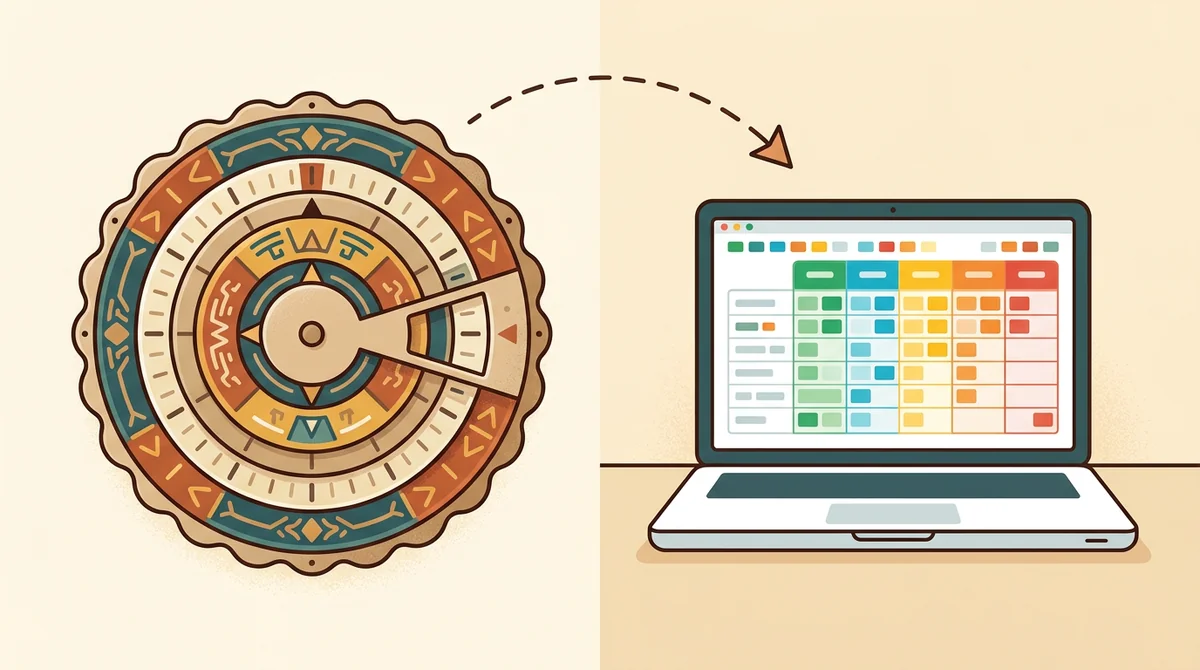
Better than the wheel
The original cardboard slide grader lives in a desk drawer and tops out where its printed rows do. This one handles any total up to 500, half points included, and prints a fresh chart whenever you need one.
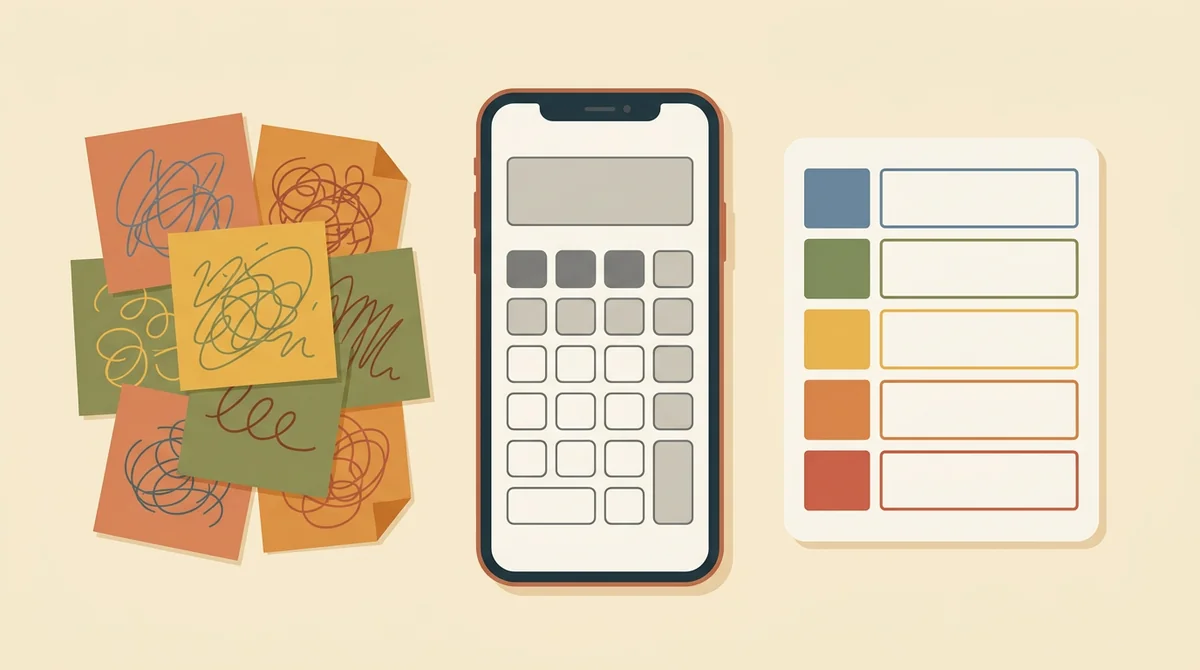
More than a percentage
A phone calculator gives you 83.333 and walks away. The grader applies your school's cutoffs and hands you the letter too, identically on paper one and paper thirty.
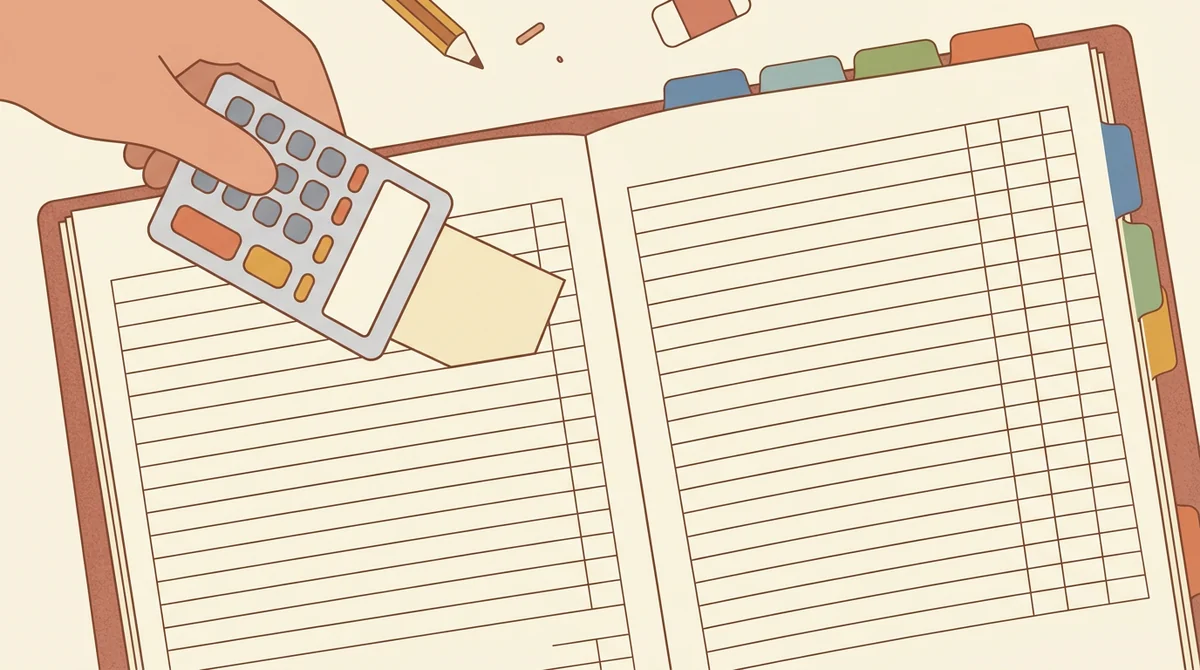
A first step, not a dead end
Scoring the paper is half the job; the grade still has to live somewhere. When you're ready, the EMStudio gradebook picks up where the grader stops: weighted categories, class averages, report cards.
More free teacher tools
FAQ
Try EMStudio today.
Create your first class, build a lesson, and take attendance all in under five minutes.
No credit card required.
Get Started for FreeYou have 3 lessons and 2 tasks today.