Random Name Picker Wheel
Paste your class list, spin the wheel, and let it pick who's next. Fair, visible, and free in your browser.
What is a random name picker?
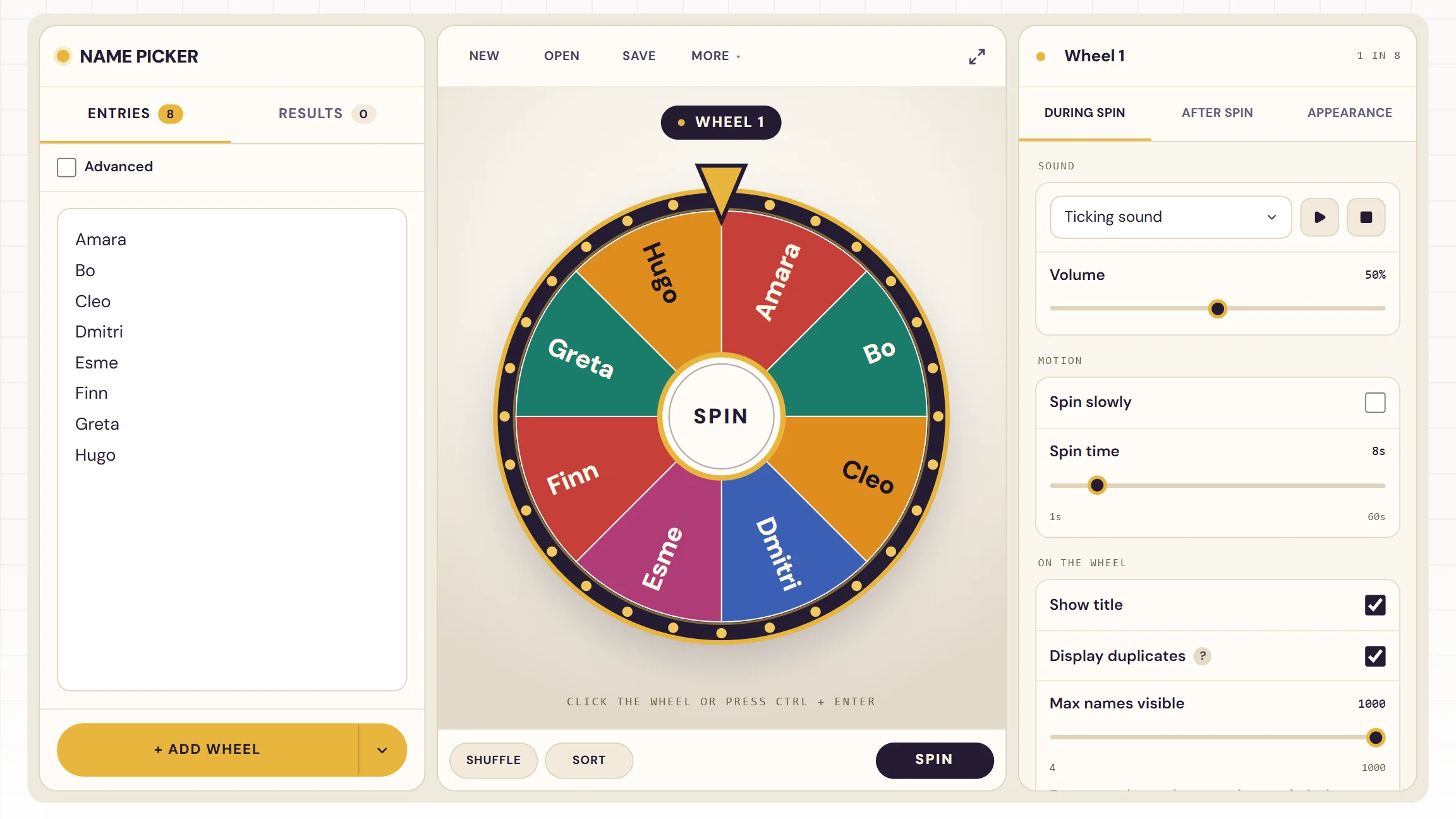
A random name picker is the jar of popsicle sticks on your desk, made digital: every name goes in, one comes out, and nobody can predict which. Students notice when the same few hands get called on, and a wheel spun in front of the class takes that guesswork out of your hands for good. Paste the roster once, spin whenever you need a name, and the odds stay exactly what you set them to.
When do you use a random name picker?
Anywhere a decision has to be quick and visibly fair. Three moments where the wheel earns its place on the board:
Cold-calling
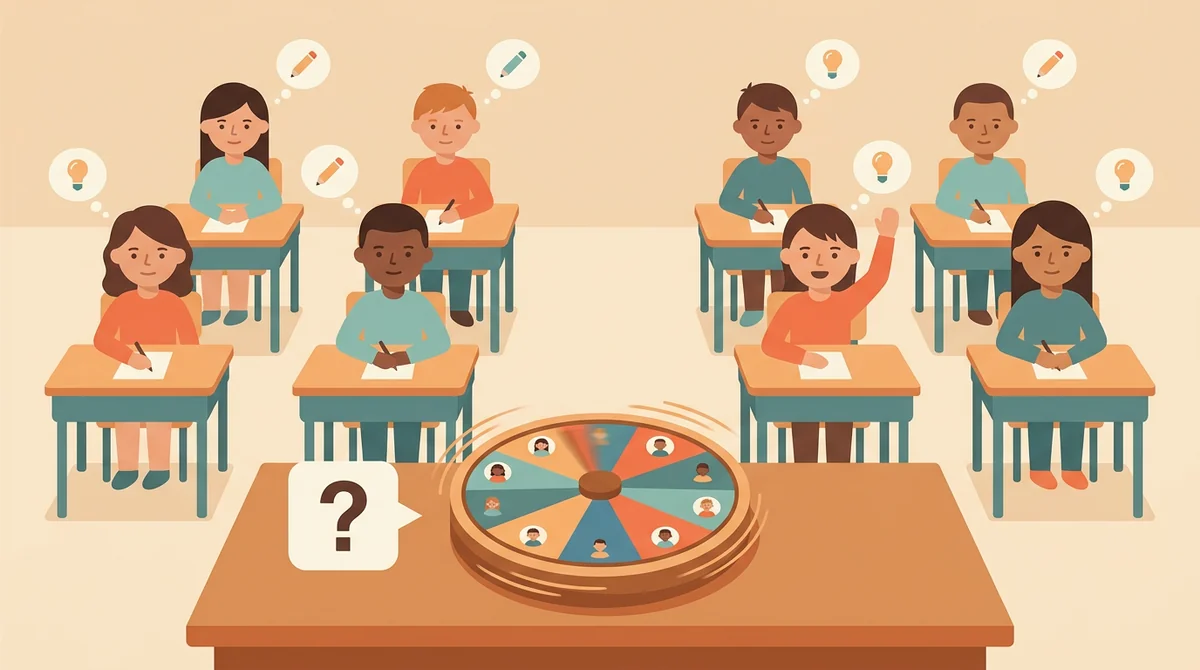
Ask the question first, then spin. Everyone works it out because anyone could be next, and the quiet student in the back row gets called exactly as often as the one who always volunteers.
Turn order and classroom jobs
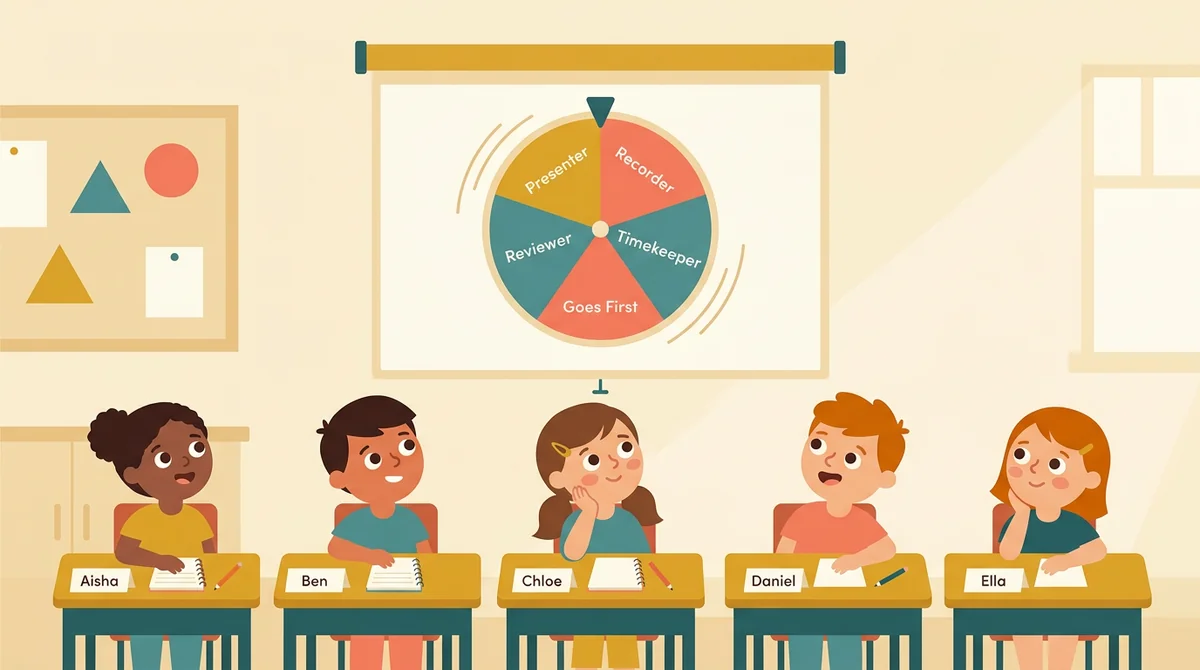
Who presents first, who's the group's recorder, which team starts the review game. A spin on the projector settles it in seconds, with no negotiating and no "you always pick them."
Raffles and rewards
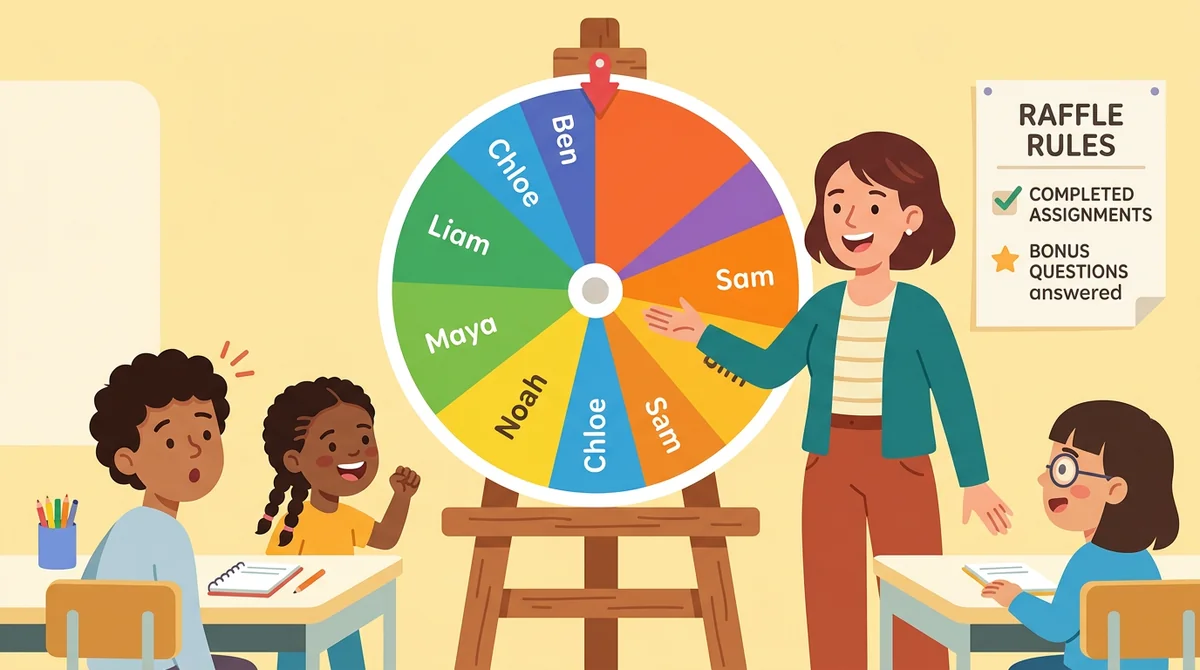
Give extra weight to students who turned in every assignment or answered a bonus question, post the rules, and draw the winner live. The wheel shows every entry's share, so the result is public and unarguable.
Core features of
a random name picker
A good name picker gets out of the way: paste the list, spin, read the name. Here's what this one does, and how it keeps every pick honest.
Paste the roster, spin the wheel
Type one name per line or paste a column straight from your spreadsheet or gradebook export. Every line becomes a slice, and the wheel redraws as you type. Click the wheel, press the button, or hit Ctrl + Enter to spin.
- Paste a whole class list in one go
- Shuffle or sort the list with one tap
- Untick a name to keep an absent student in the list but off the wheel
Fair every single spin
Every pick comes from your browser's cryptographic random generator, not a pattern the class can learn. Position in the list doesn't matter: the last name you added has exactly the same shot as the first, and the odds are printed right on the panel.
- Equal weights, equal odds: 1 in 28 means 1 in 28
- Weighted entries show their share of the wheel as a percentage
- A results log keeps every pick with the time it happened
Remove the winner and keep going
Once a student has answered, take them off the wheel with one tap so nobody gets picked twice while others wait. When the round is over, open the saved list and everyone is back for the next period.
- Remove or Spin again right from the winner card
- Auto-remove the winner five seconds after the card opens
- Open a saved set to restore the full roster in one click
Several wheels, one spin
Need a student and a topic? A name from each of three groups? Add up to twelve wheels side by side, each with its own list and settings, and spin them all at once. One card shows every result together.
- Add a copy of the current wheel or start an empty one
- Spin all wheels with one button or Shift + Enter
- Every wheel keeps its own sounds, colors, and spin time
Make it yours, then put it on the board
Seven color themes, your own palette, a picture instead of a name, a photo in the center of the wheel, ticks and applause you can turn down or off, confetti, and a winner message in your words. Then one tap fills the screen for the projector.
- Fullscreen for the board; F and S from the keyboard for fullscreen and shuffle
- Pick the sound, or none at all, for a quiet room
- Hide the names while the wheel spins for extra suspense
How to use
the random name picker
Five steps, and the first three take less time than taking attendance.
Add your names
Type them in, one per line, or paste the column from your roster. Eight sample names are waiting if you just want to try it.
Check the odds
Tick Advanced to see every name's share. Give a name more weight for a raffle, untick a student who's absent, or add a picture instead of a name.
Spin
Ask the question, then click the wheel, press Spin, or hit Ctrl + Enter. The pointer changes color as the slices pass, and the wheel settles on one name.
Remove the winner or spin again
The winner card shows the name big enough for the back row. Remove them so they're not picked twice, or spin again for the next question.
Save the set for tomorrow
Save your wheels in this browser, or copy a share link to open the same wheels on the classroom laptop. Your list is waiting when you come back.
That's the whole routine
Paste the list once and the wheel does the choosing for the rest of the term. It's at the top of this page.
Spin the wheel
Get started in under 5 minutes.
Sign up and walk through the onboarding tutorial. By the end you've got your classes set up and you're ready to plan your first lesson. No credit card required.
Get Started for FreeMore than a spinning wheel
Pulling a stick from a jar works until you need weights, a record, or the same list tomorrow. This wheel is made for a room full of students: honest about the odds, quick to reset, and yours to customize.
Weighted entries with live odds
Give a name two, three, or ten entries and its slice grows to match. Every row shows its exact percentage, so a participation raffle is transparent before you spin.
Up to twelve wheels at once
Add a copy of the current wheel or an empty one, name each, and spin them all together. One card shows every result: a student and a topic, or a name from each group.
A results log you can export
Every pick lands in the Results tab with its time and wheel. Sort it, clear it between periods, or export the whole list as a CSV for your records.
Save and share
Save named sets in this browser and reopen them from the Open dialog. A share link carries the names, weights, and colors to another device, so the classroom laptop is set up in one paste.
Themes, pictures, and sounds
Seven palettes, editable swatches, a photo in the hub, a picture on the wheel face, and five sounds for the spin and five for the finish, each with its own volume. Turn them all off for a test day.
Private by design
Everything runs in your browser. Names are never sent anywhere: saves live on this device, and a share link keeps the list in the part of the address that never reaches a server.
Who is the random name picker for?
Anyone who has ever said "I need a volunteer" and watched the same three hands go up. If a fair, visible pick would save you a decision, it's for you.
Classroom teachers
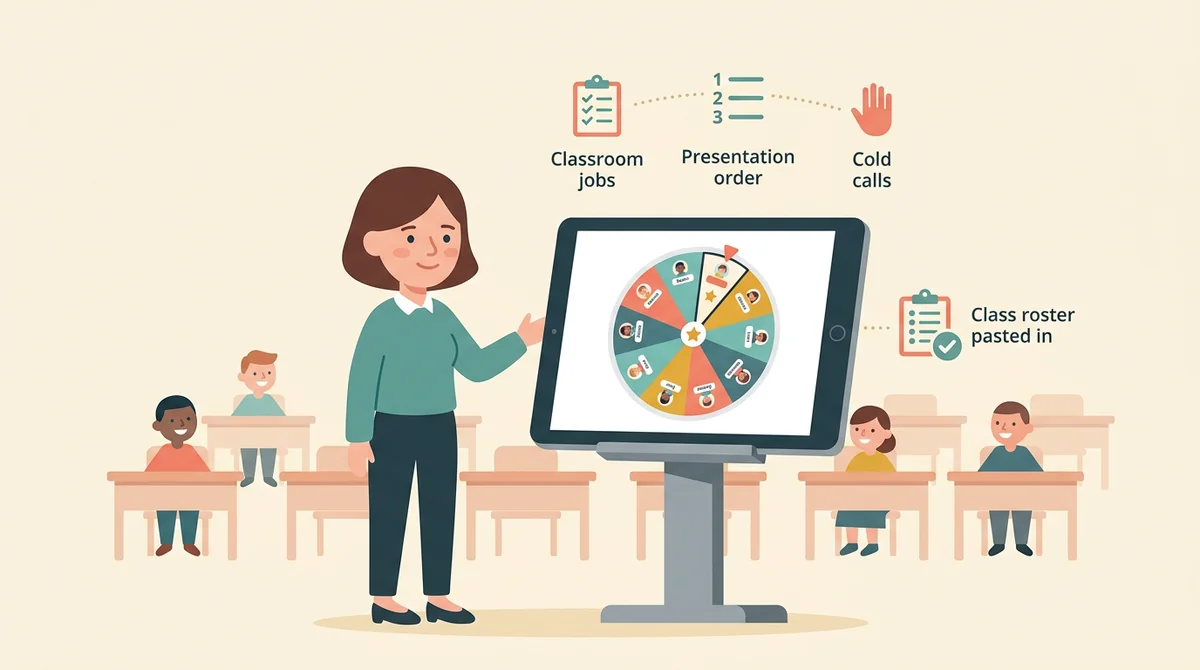
Cold calls that reach every student, presentation order that nobody argues with, classroom jobs assigned in seconds. Paste the roster once per class and reopen it every period.

Tutors, homeschool parents, and small groups
Whose turn to read, which flashcard deck comes next, who picks the game. A wheel on the kitchen laptop turns turn-taking into something the kids trust and look forward to.

Clubs, PTAs, and teams
A raffle at the fundraiser, a giveaway at the club meeting, the order for a standup. Weight the entries, spin in front of everyone, and export the results for the record.
How EMStudio's random name picker is different
Most wheel sites bury the spinner under ads, ask you to sign up, or hide how the pick is made. This one is built by the team behind a full teacher planner, and it treats your class list with respect.

Odds you can see
Every entry shows its exact share of the wheel, the pick uses the browser's cryptographic random generator, and the results log records every spin. Nothing is rigged, and students can see that for themselves.

Built for a projector and a class
Fullscreen fills the board, the winner card is big enough for the back row, and the sounds are yours to control. Several wheels spin side by side when one name isn't enough.
Part of a full teacher planner
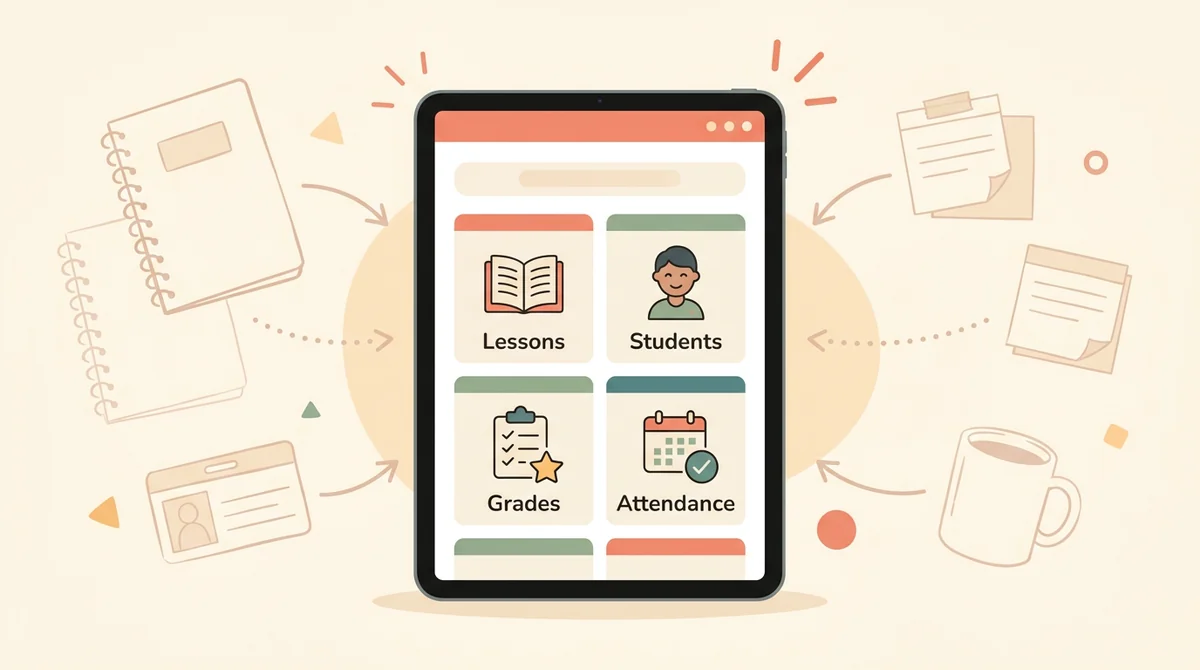
Picking a name is one small piece of running a room. When you're ready, EMStudio's classroom management app adds the rest: every class's lessons, students, grades, and attendance in one place.
More free teacher tools
FAQ
Try EMStudio today.
Create your first class, build a lesson, and take attendance all in under five minutes.
No credit card required.
Get Started for FreeYou have 3 lessons and 2 tasks today.