Jeopardy Game Maker
Build a Jeopardy-style review board with your own categories and questions, then host it on the projector with teams and scores. Free in your browser, no sign-up.
What is a Jeopardy game maker?
A Jeopardy game maker is a tool for building a quiz board in the style of the TV show: categories across the top, point values down the side, and a question behind every square. A team picks a category and a value, hears the clue, and wins or loses the points. This one builds the board and hosts the game too: teams with their own score cards, a clock on every card, Daily Doubles with a wager, a Final round, and a podium at the end. Nothing to download, nothing to sign up for.
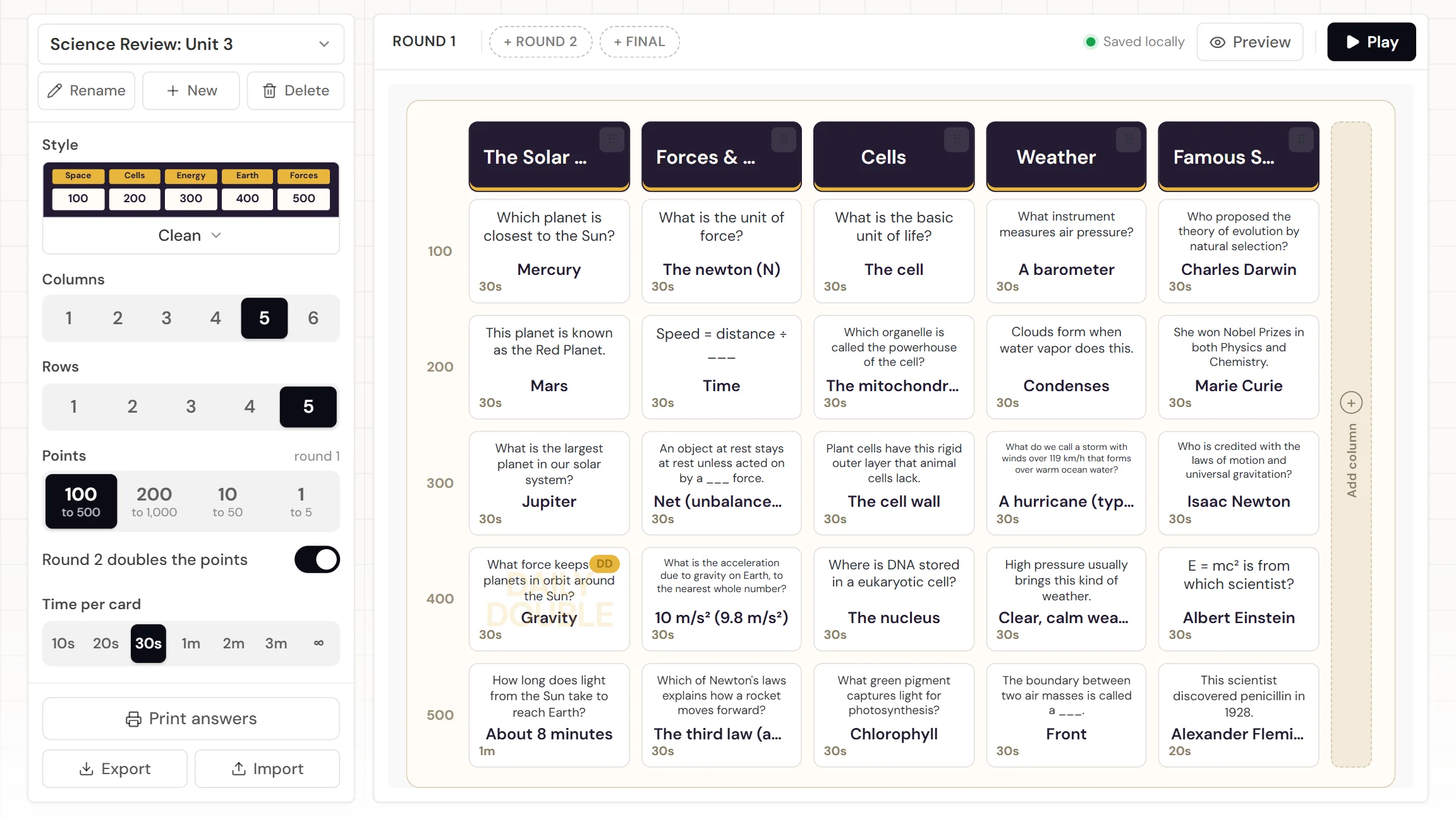
When do you use a Jeopardy game?
Whenever recall should feel like a competition instead of a worksheet. Three moments where the board earns its place on the projector:
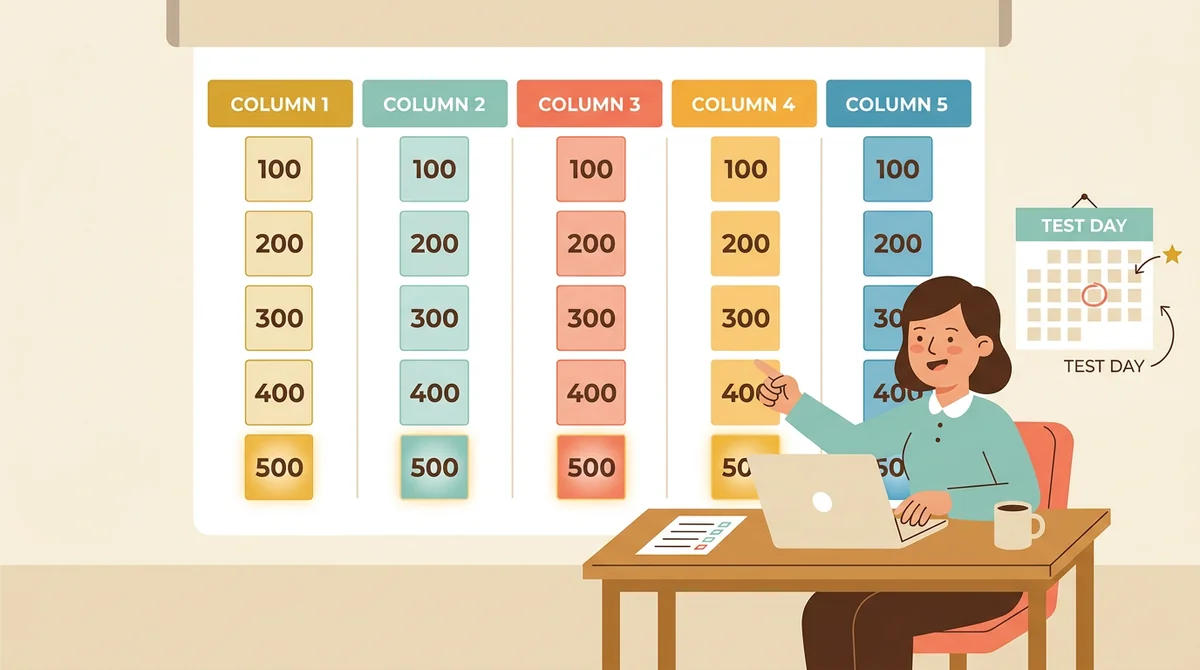
The review day before a test
Pull five categories straight from what the test covers, one per big idea, and let the values climb with difficulty: a 100-point recall question at the top, a 500-point "predict what happens" at the bottom. Thirty minutes of play, and the whole unit has been said out loud twice.
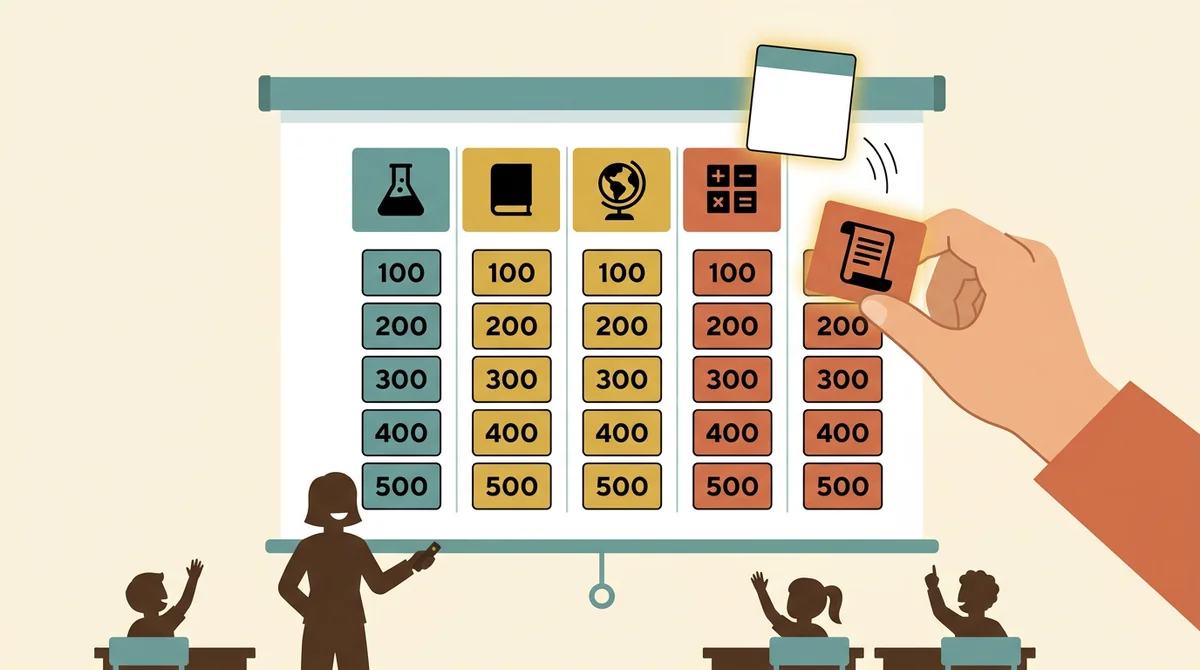
End-of-unit recaps and vocabulary
A board of key terms, dates, or formulas turns a dry recap into something students ask for. Keep the board, swap the categories next unit, and the same structure works all year.
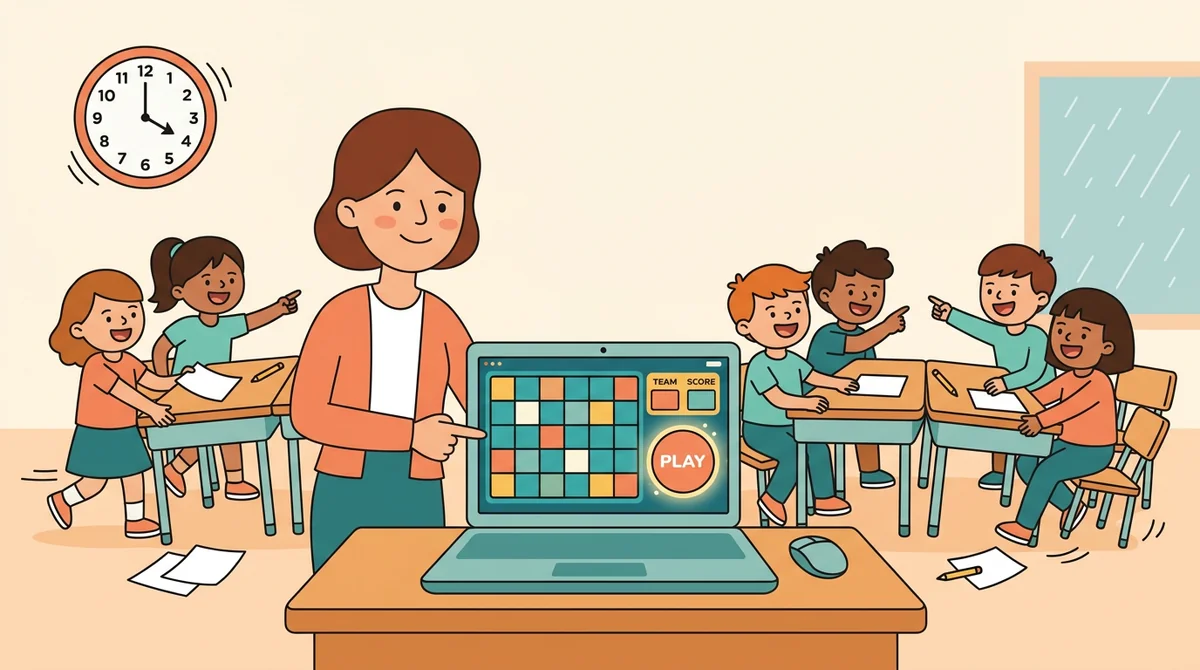
A game you need in ten minutes
A substitute day, a Friday afternoon, an indoor recess. Load the sample game or open a board you saved last term, add the teams, and press Play. No account, no download, nothing to install on a school laptop.
Core features of
a Jeopardy game maker
A good game maker gets the board built fast and then gets out of the way while you host. Here's what this one does, from the first category to the podium.
Build the board in minutes
Type a category into each header, click a square to write its question and answer, and the board redraws as you go. One to six columns, one to five rows, and values that climb from 100 to 500, or from 200, 10, or 1 per card if that suits your class better.
- Click any square to write the question and answer on the card itself
- Drag a column by its handle to reorder the categories
- Add or remove columns and rows, with a check before any written cards are lost
Cards that do more than text
Every card has a time limit, from ten seconds to three minutes or none at all. Bold a word, add a superscript for an exponent, or drop in a formula symbol, and with a free account add a picture or a YouTube video or music clue. Tick Daily Double on a card and the team that picks it wagers before they see it.
- Pictures, video, and music on any card, with a free account
- Bold, italic, superscript, subscript, and math symbols
- Daily Doubles anywhere on the board
Host it on the projector
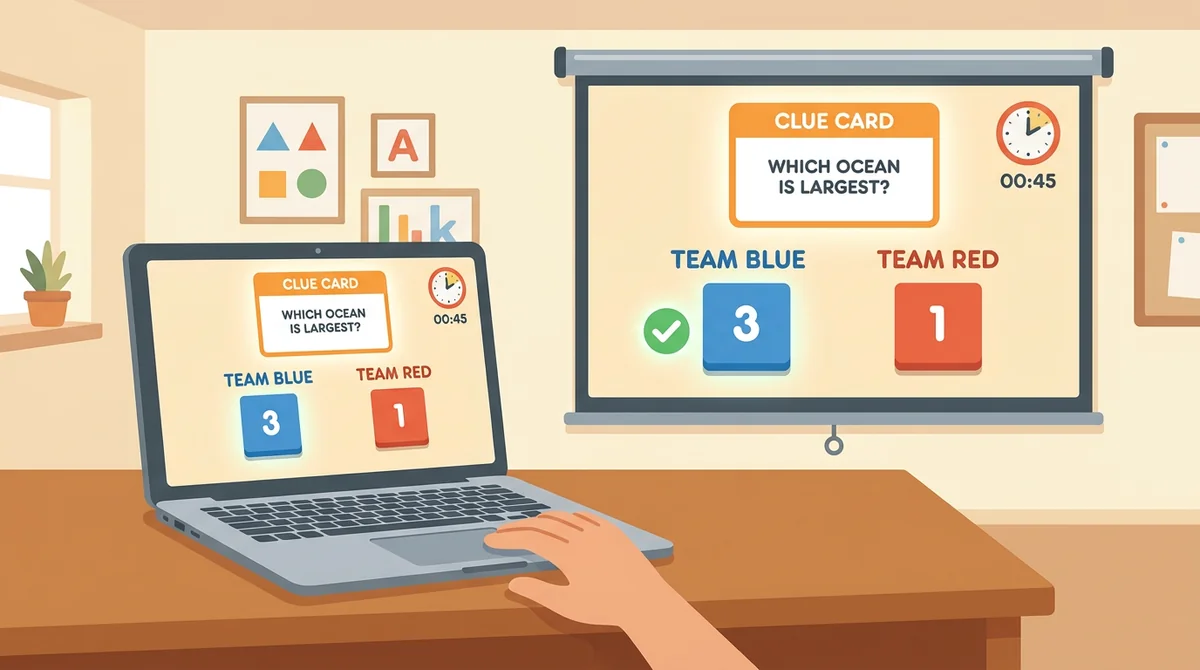
Press Play, add up to eight teams, and the game runs itself: an intro that announces every category, a clue card that flips in with a ticking clock, a check or a cross for each team, and scores that count up on the team cards. The team that answered picks the next card, just like the show.
- Up to eight teams, each with an avatar and a score card
- Mark a team right or wrong with one tap, undo with another
- Scores, ranks, and whose turn it is, kept for you
Round 2, Daily Doubles, and a Final
Add a second board with doubled values, mark any card as a Daily Double, and finish with a Final round where every team wagers anything up to its whole score before the last clue appears. The podium at the end shows first, second, and third with confetti.
- Round 2 doubles every value automatically
- Daily Double wagers up to the team's score or the board's top value
- Final wagers for every team, then the podium
Five looks, a game library, and an answer key
Pick a look for the board: Classic, Clean, Game Show in the TV board's blue and gold, Chalkboard, or Sticker Pop. Every game you build is kept in this browser in a library you can switch between. Export a game as a file to move it to the classroom laptop, and print the answer key before the game starts.
- Classic, Clean, Game Show, Chalkboard, or Sticker Pop
- A library of games saved in your browser, plus export and import
- Print the answers, with or without the questions
How to make
a Jeopardy game
Five steps from a blank board to a class shouting answers, and the first three take less time than writing the questions on the whiteboard.
Name the game and pick a look
Give the game a name, choose Classic, Clean, Game Show, Chalkboard, or Sticker Pop, and set how many columns and rows you need. The sample science game is there if you want to see a finished board first.
Fill in the categories and cards
Type a category into each header, then click a square: write the question and the answer, and set a time limit. Tick Daily Double on one or two cards for a swing moment mid-game.
Add Round 2 and a Final
Add a second board with doubled values for a longer game, and a Final question every team wagers on. Both are optional: a single board plays fine on its own.
Press Play and add the teams
Choose "You pick who answers", type in the team names, and press Start. Each team gets an avatar and a score card along the bottom of the board. Fullscreen fills the projector.
Host the game
The picking team chooses a card, the clue types itself onto the screen, and the clock runs. Reveal the answer, mark who got it right, and the scores update on their own. When the board is clear, the Final round and the podium follow.
That's the whole game
Build the board once, keep it in your library, and run it again next period. It's at the top of this page.
Build a game
Get started in under 5 minutes.
Sign up and walk through the onboarding tutorial. By the end you've got your classes set up and you're ready to plan your first lesson. No credit card required.
Get Started for FreeMore than a PowerPoint template
A slide deck with hyperlinks can show a board. It can't keep score, run a clock, take a wager, or remember the game for next year. This one does all of it, and it runs on a locked-down school laptop with nothing to install.
Daily Doubles with a real wager
Flag any card. When a team lands on it, a Daily Double splash takes over the screen, that team wagers anything up to its score or the board's top value, and only they can answer. Right adds the wager, wrong takes it away.
A Final round and a podium
After the last board is cleared, every team sees the Final category and locks in a wager before the clue appears. Mark each team, and the podium shows first, second, and third with confetti and a Play again button.
A clock on every card
Set ten seconds to three minutes per card, or no limit at all. The clock sits on the clue card, pauses with a tap, takes ten seconds off or adds ten back, and ticks red through the last five seconds.
Scores that keep themselves
A check or a cross on each team's chip adds or subtracts the points the moment you press it, with an undo right on the chip. Ranks update on the team cards, the picking team is tagged, and a tap on any score lets you correct it by hand.
Pictures, video, and music clues
With a free account, upload a picture to show above the clue, or paste a YouTube link for a video or music clue that plays on the card. Format the text with bold, italic, superscript, subscript, and a symbol picker for math and Greek letters.
Your games, saved and printable
Every game you build is saved in this browser and listed in the game menu. Export one as a file to open it on the classroom laptop, import it there, and print the answer key, with or without the questions, before the bell.
Who is the Jeopardy game maker for?
Anyone with a room full of people and something they need to remember. If a quiz with teams would get more out of the hour than a worksheet, it's for you.
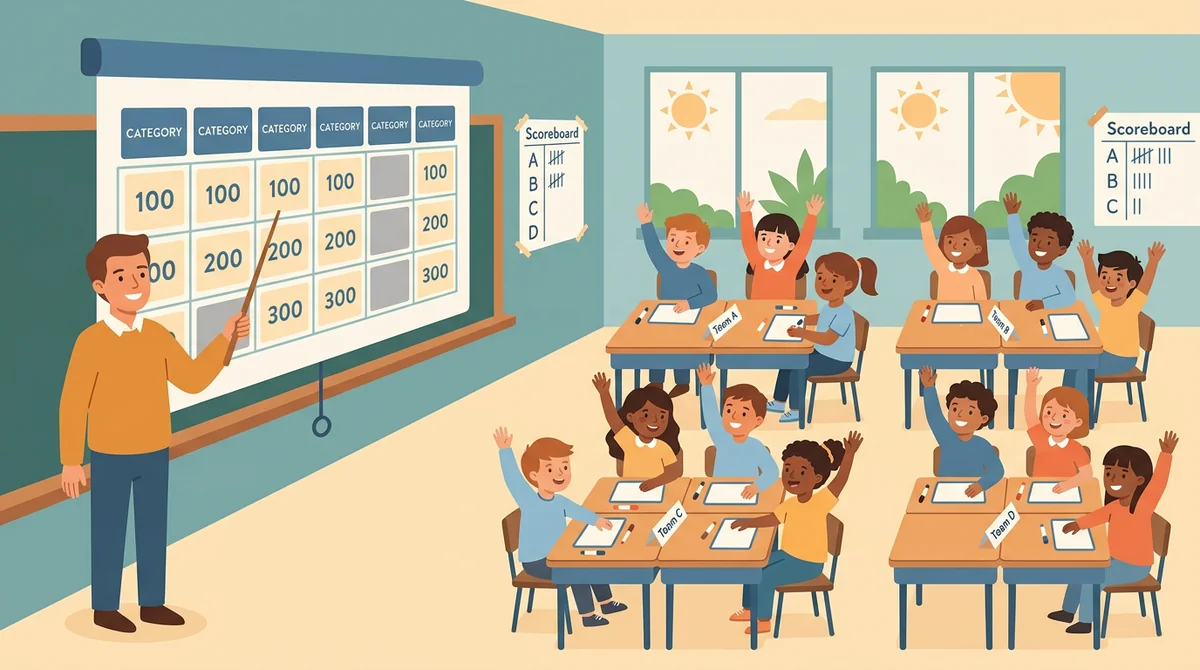
Classroom teachers
Test review, end-of-unit recaps, vocabulary drills, a Friday reward. Build the board around what's on the test, split the class into teams, and the review session runs itself while you judge the answers.
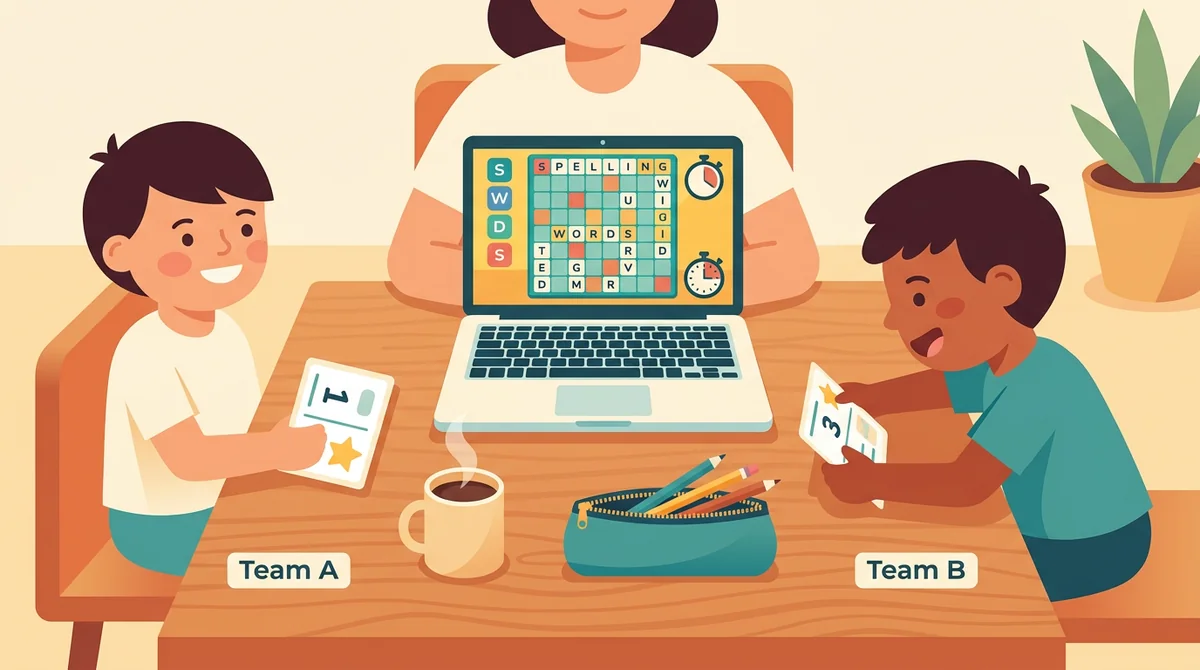
Tutors and homeschool families
One parent, one laptop, two siblings on opposite teams, and a board of this week's spelling words or times tables. The clock and the scores do the refereeing.
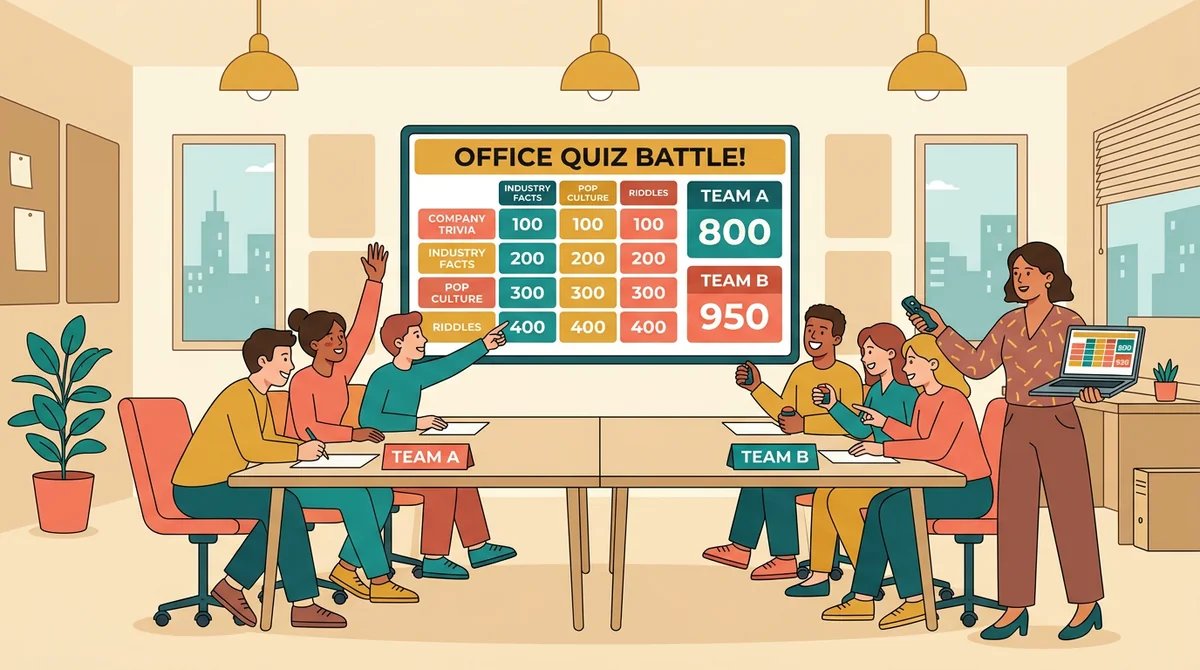
Trainers, clubs, and trivia hosts
Onboarding and compliance quizzes people actually pay attention to, a themed round for a club night or a birthday. Put the board on the big screen, add the teams, and host from your laptop.
How EMStudio's Jeopardy game maker is different
Most game makers cap the free plan at a few games or teams, hide the Final round behind a sign-up, or send you back to a PowerPoint template. This one is built by the team behind a full teacher planner, and it treats a review game as part of your lesson.
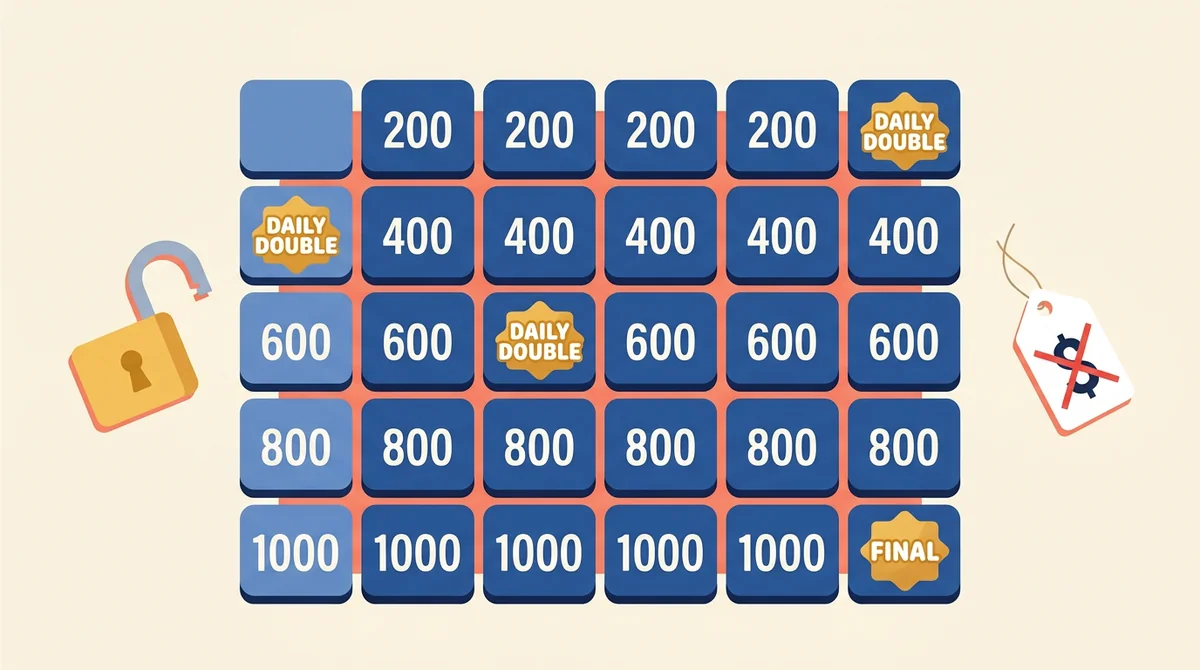
Free, with nothing held back
Unlimited games and up to eight teams, Daily Doubles, a Final round, five looks, printing and export: all of it without an account, a daily cap, or a watermark on the board. A free account adds pictures, video, music, and questions written with AI.
Built to host from one laptop
No phones, no buzzers, no second device. You read the clue, students raise their hands, you tap right or wrong, and the clock, the scores, the wagers, and the podium are handled for you. Fullscreen fills the projector.

Part of a full teacher planner
A review game is one small piece of running a class. When you're ready, EMStudio's classroom management app adds the rest: every class's lessons, students, grades, and attendance in one place.
More free teacher tools
FAQ
Try EMStudio today.
Create your first class, build a lesson, and take attendance all in under five minutes.
No credit card required.
Get Started for FreeYou have 3 lessons and 2 tasks today.