Parent Contact Log
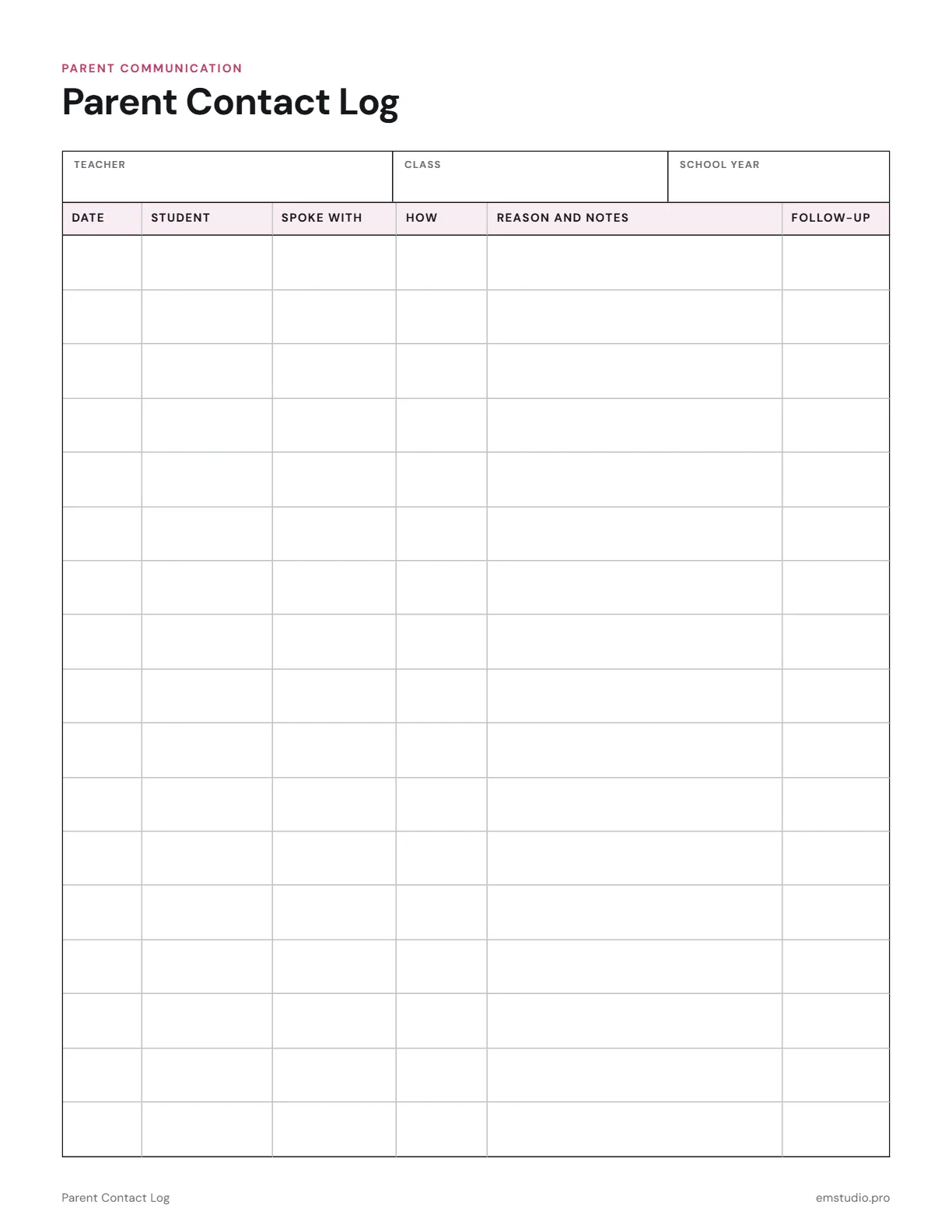
This parent contact log is a one page table for recording every conversation with a family. It has columns for the date, student, who you spoke with, how, the reason and notes, and the follow-up, with teacher, class and school year at the top.
- Grade Level
- All Grades
- Pages
- 1
- Formats
- PDF, Google Docs, Word
- Paper Size
- US Letter and A4
- Checked By
- Milo, Classroom Teacher
- Last Updated
- October 2026
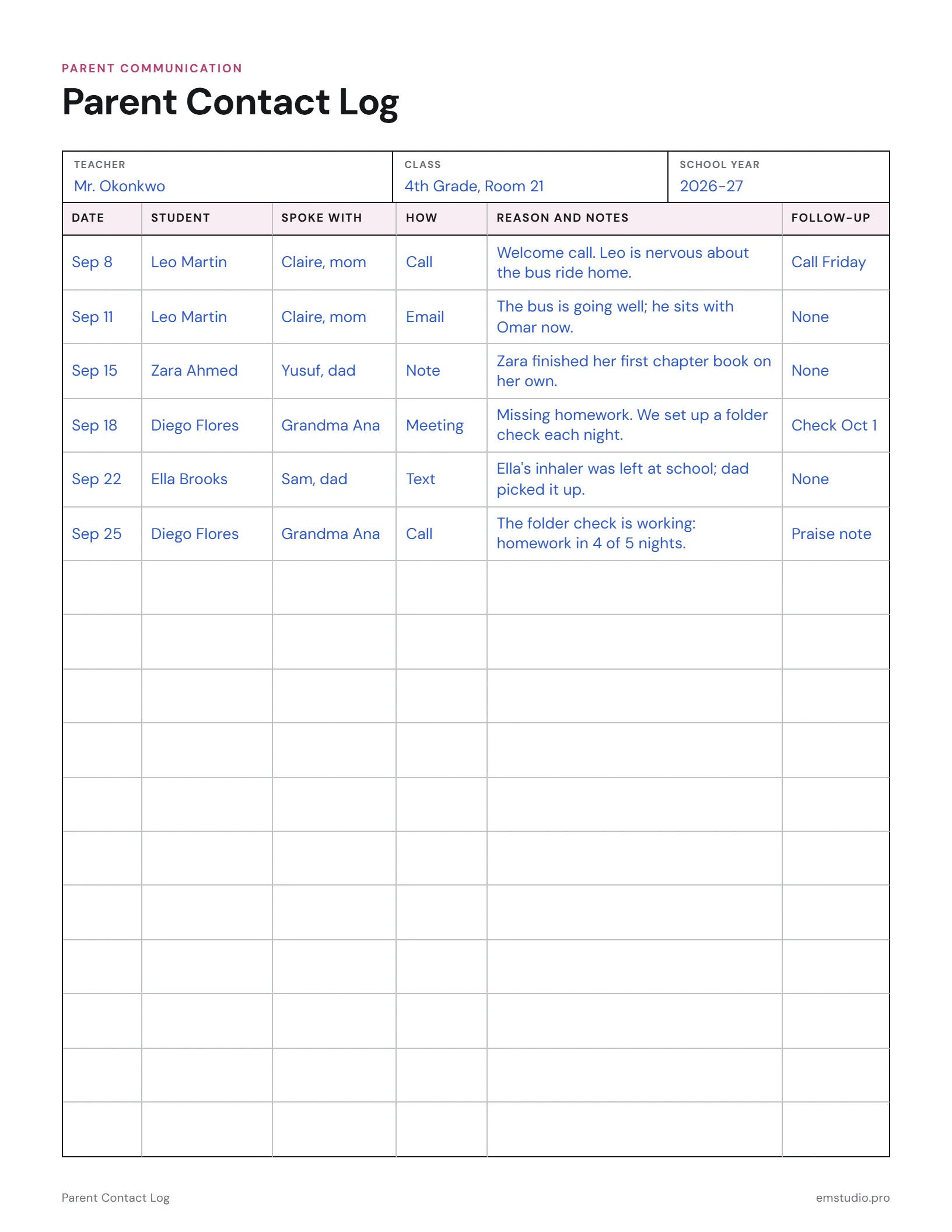
Parent Contact Log Example
September's family contacts for a 4th grade class, from welcome calls to a homework plan.
What's in the Parent Contact Log
Six Log Columns
Date, Student, Spoke With, How, Reason and Notes, and Follow-Up for every contact.
Header Fields
Fill in the teacher, the class and the school year at the top of the page.
Rows for Every Contact
A full table of rows, so you can log calls, emails, notes and meetings.
Editable Versions
Type into the Word, Google Docs or PDF file, or print it to fill in by hand. US Letter or A4.
How to Use the Parent Contact Log
Set Up the Page
Write your name, your class and the school year in the header before you log your first contact.
Log Each Contact
After a call, email, note or meeting, add a row with the date and the student's name.
Record Who and How
In Spoke With, write the family member. In How, note call, email, note or meeting.
Write the Reason
Use Reason and Notes for a short, factual summary of what was said and what was agreed.
Track the Follow-Up
Write what comes next in Follow-Up, and look back over the log at the end of each week.
Parent Contact Log Questions
More Parent Communication Templates
All 10 Parent Communication Templates
Other Templates
Keep Every Student's Story in EMStudio
Attendance, grades and notes ready before the next conference. Free to start.
Get Started for Free