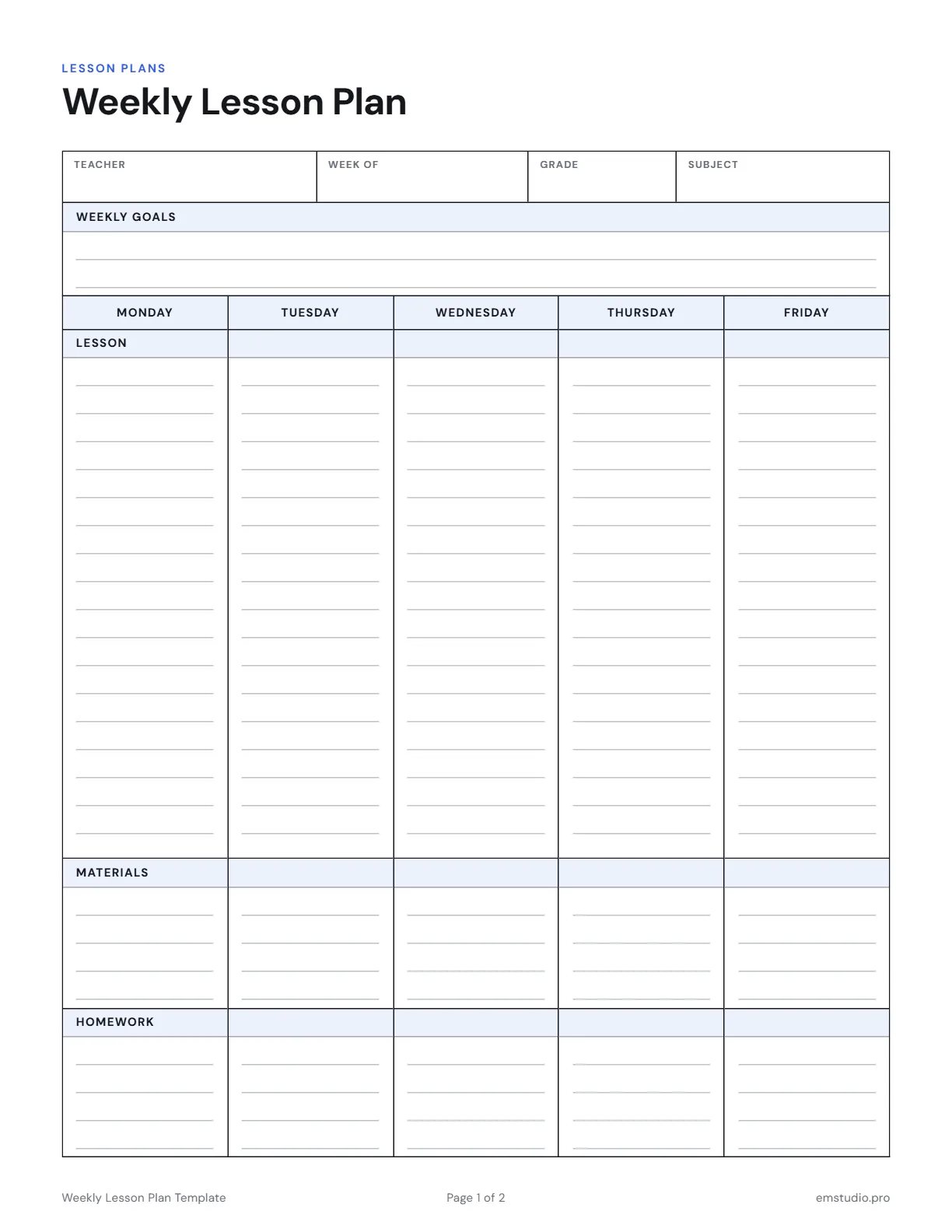
Weekly Lesson Plan Template
Plan your whole week on one page: goals for the week at the top, then a column for each day from Monday to Friday. Print it, type into it, or open it in EMStudio and plan online.
- Grade Level
- All Grades
- Pages
- 2
- Formats
- PDF, Google Docs, Word
- Paper Size
- US Letter and A4
- Checked By
- Milo, Classroom Teacher
- Last Updated
- October 2026
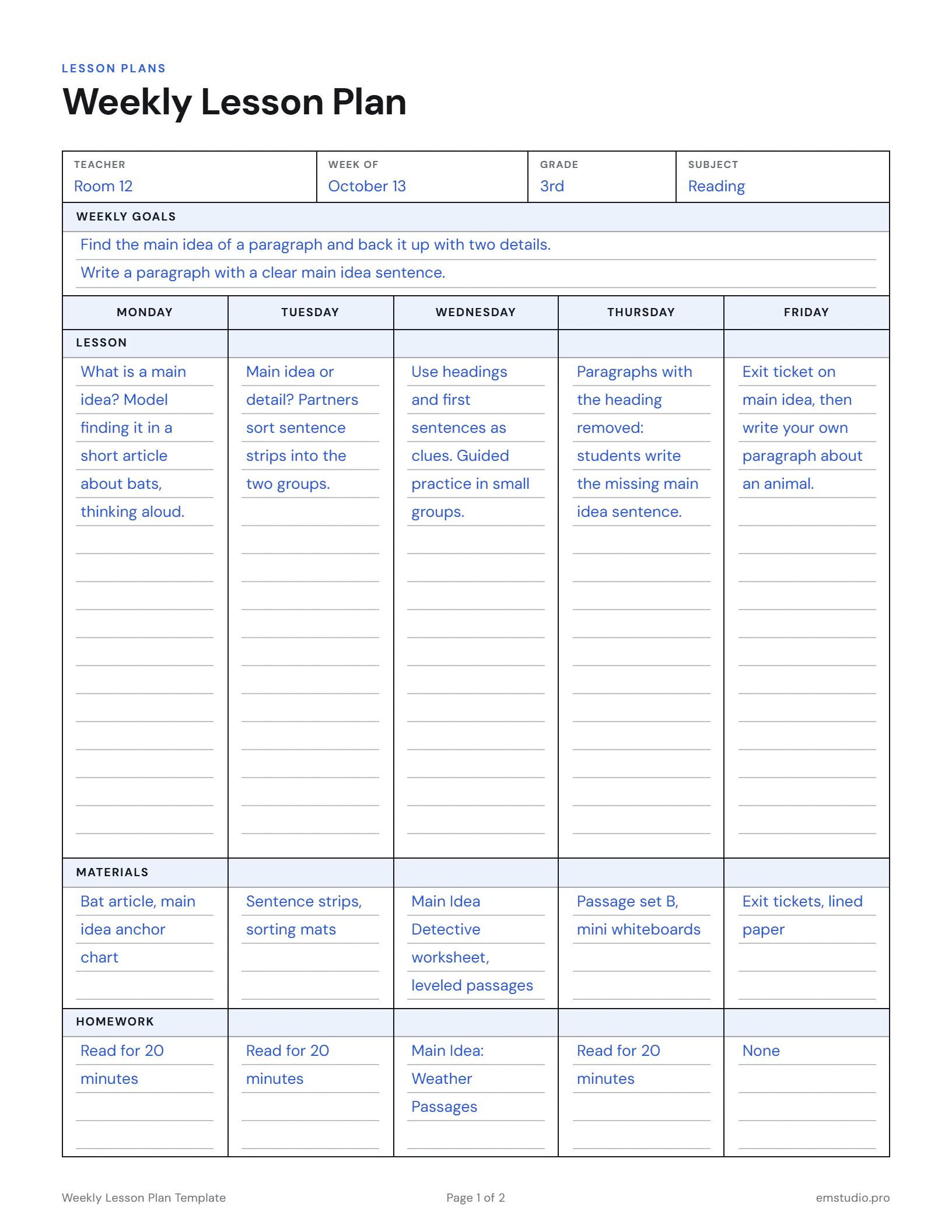
Weekly Lesson Plan Template Example
One real week planned with this template: 3rd grade reading, finding the main idea.
What's in the Weekly Lesson Plan Template
Weekly Goals
A box at the top for the two or three things you want students to learn this week.
A Column for Each Day
Monday to Friday side by side, with room for the lesson, materials and homework.
Notes and Reflection
A second page for what went well, what to change, and who to check in with.
Editable Versions
Type into the Google Docs, Word or PDF file, or print it to fill in by hand.
How to Plan Your Week with This Template
Write the Week's Goals First
Two or three things students should be able to do by Friday. Every day should point back to them.
Block Out Fixed Events
Add assemblies, tests and short days before anything else, so you plan around the time you really have.
Give Each Day One Focus
Write a single line per day for the lesson focus before adding any detail.
Add Materials and Homework
Fill these in now, so you can print and prep for the whole week in one go.
Look Back on Friday
Use page 2 to note what to reteach and carry it into next week's goals.
Weekly Lesson Plan Questions
More Lesson Plan Templates
All 28 Lesson Plan Templates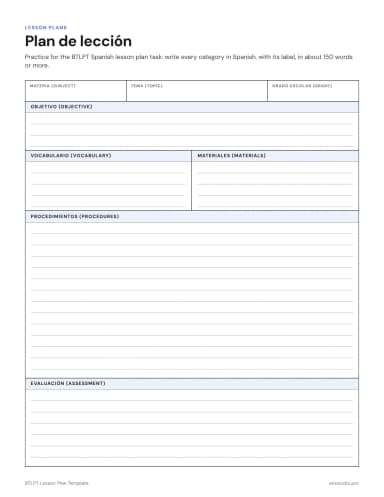
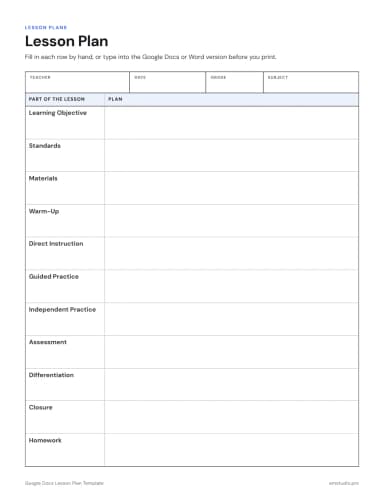
Other Templates
Plan the Week in EMStudio, Not on Paper
Lessons, grades, attendance and curriculum planning in one app. Free to start.
Get Started for Free