Google Docs Lesson Plan Template
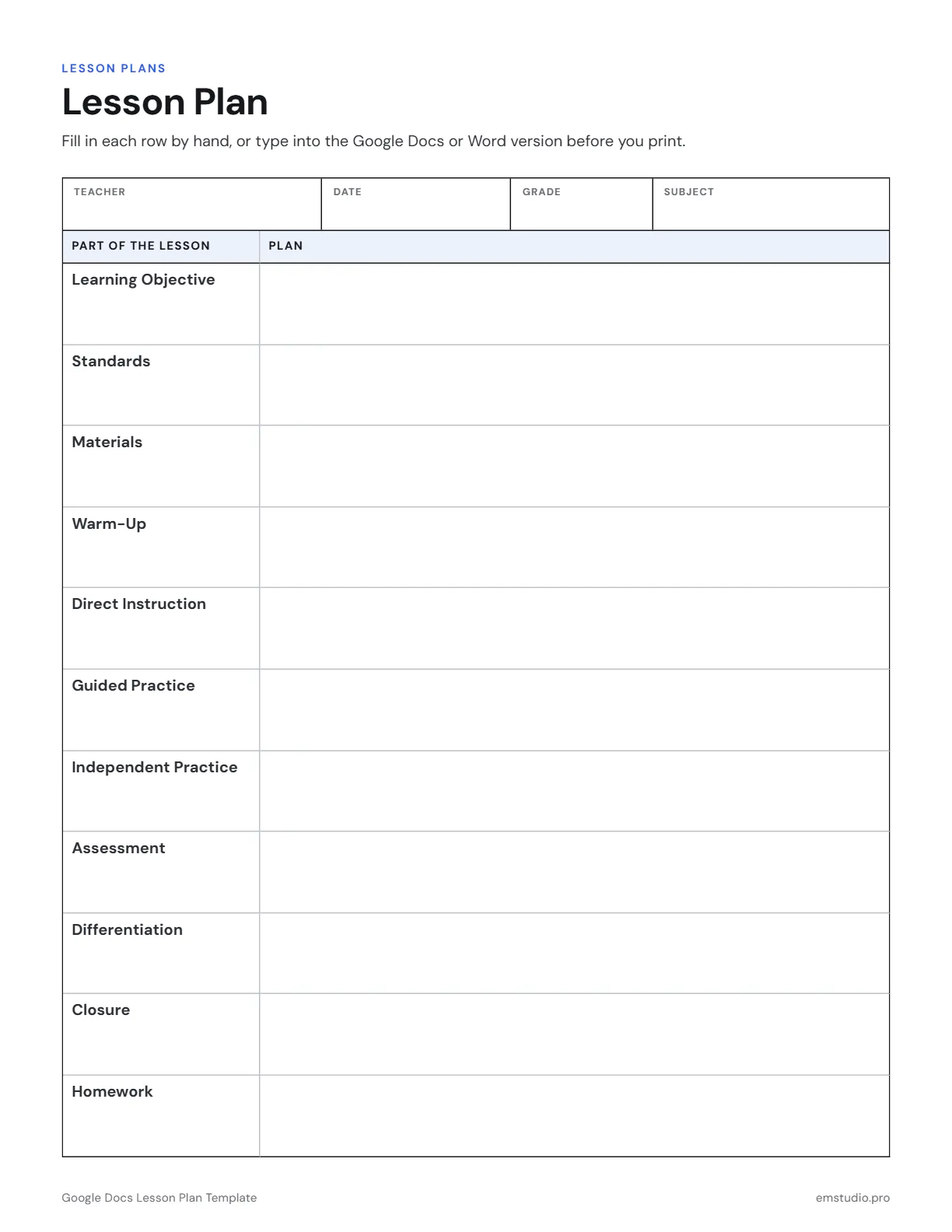
A Google Docs lesson plan template is a one-page, two-column form. The left column names each part of the lesson, from learning objective to homework, and the right column is where you type your plan. Teacher, date, grade and subject sit at the top.
- Grade Level
- All Grades
- Pages
- 1
- Formats
- PDF, Google Docs, Word
- Paper Size
- US Letter and A4
- Checked By
- Milo, Classroom Teacher
- Last Updated
- October 2026
Google Docs Lesson Plan Template Example
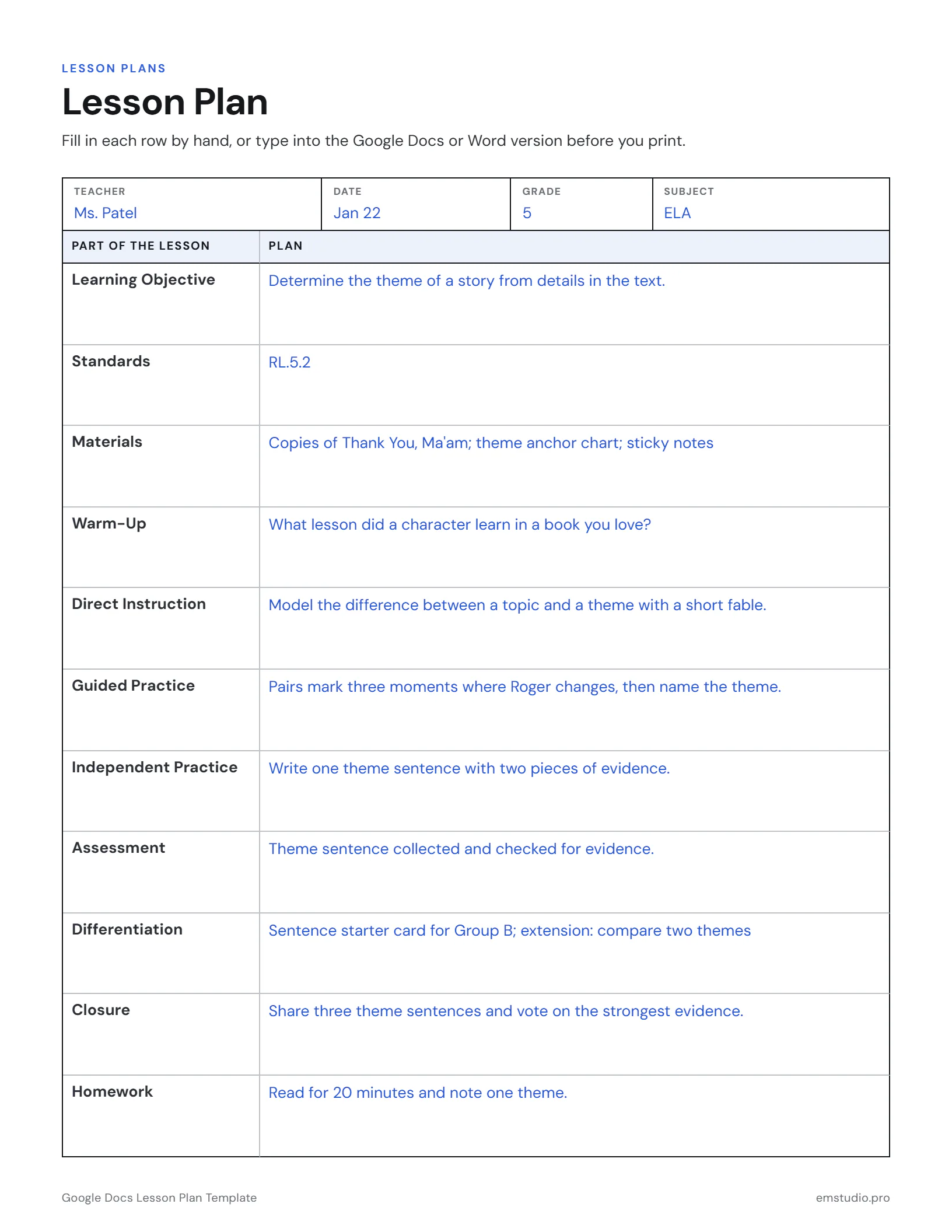
A 5th grade lesson on finding a story's theme, typed straight into the Google Docs version.
What's in the Google Docs Lesson Plan Template
One Row per Lesson Part
Eleven rows, from learning objective and standards through instruction to homework.
Two Clear Columns
Part of the lesson on the left, your plan on the right.
Header Fields
Teacher, date, grade and subject at the top of the page.
Editable Versions
Type into the Word, Google Docs or PDF file, or print it to fill in by hand.
How to Use the Google Docs Lesson Plan
Open Your Own Copy
Pick Google Docs, then your paper size. The button saves a copy to your Google Drive that only you can edit.
Rename the File
Name the copy with the unit and week so it is easy to find in Drive next to your other plans.
Fill the Header
Type your name, the date, the grade and the subject before you touch the rows.
Type Down the Right Column
Start at the learning objective and work down to homework. Each row grows as you type.
Duplicate for Next Time
Use File, then Make a copy, for each new lesson, and keep the blank form as your master.
Google Docs Lesson Plan Questions
More Lesson Plan Templates
All 28 Lesson Plan Templates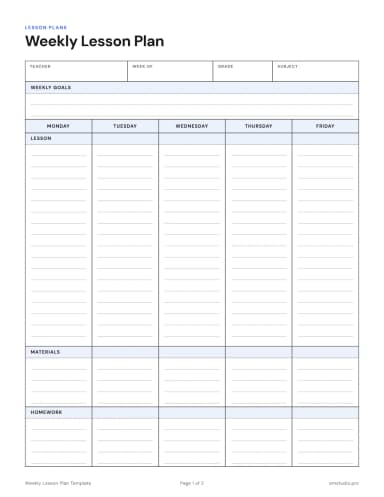
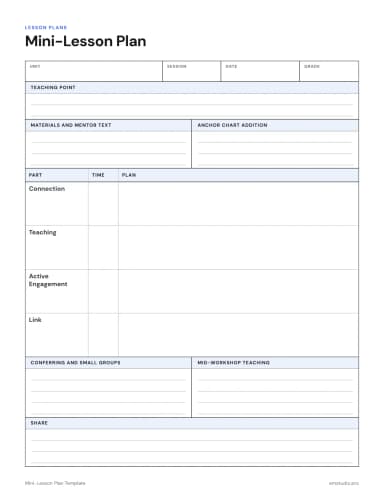
Other Templates
Plan the Week in EMStudio, Not on Paper
Lessons, grades, attendance and curriculum planning in one app. Free to start.
Get Started for Free