Venn Diagram Graphic Organizer
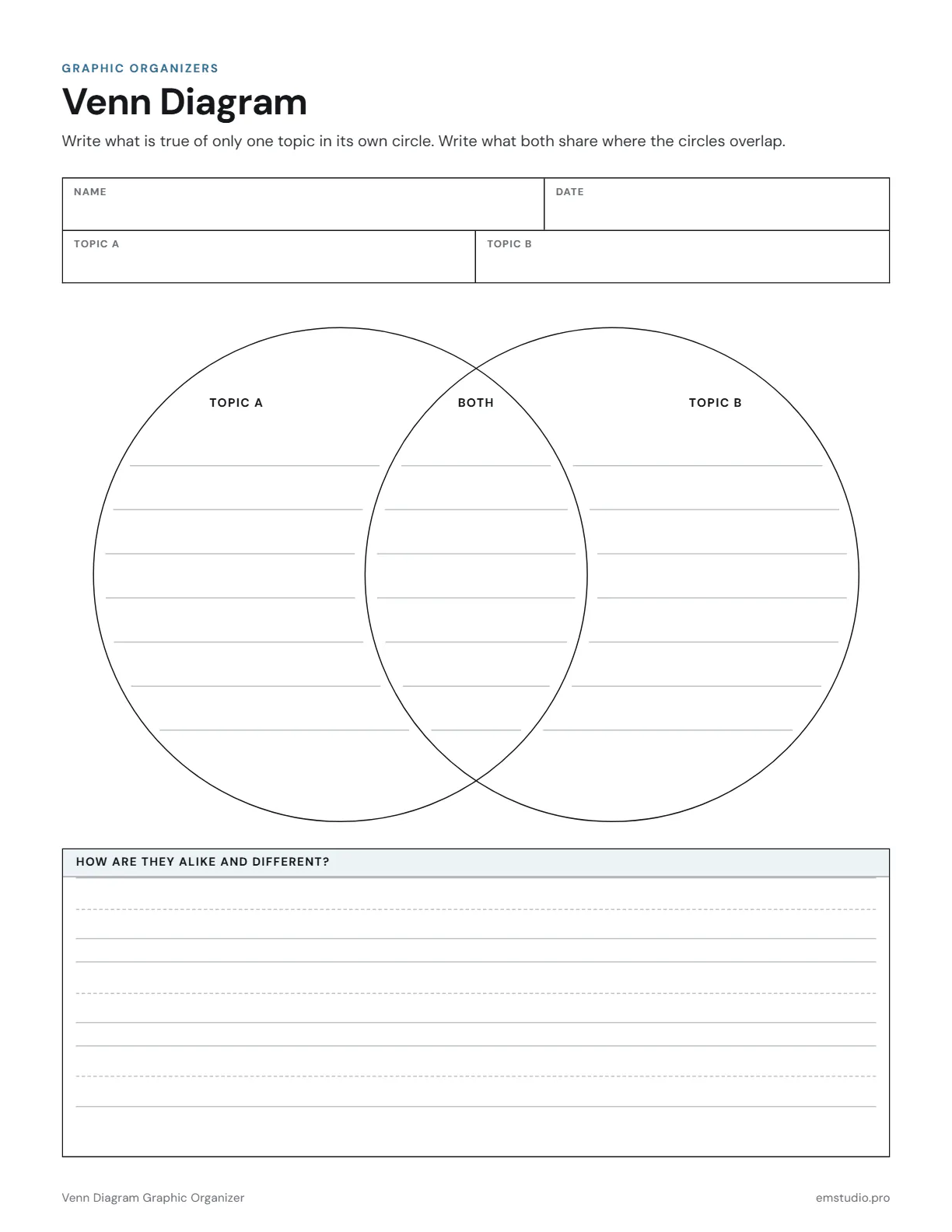
This Venn diagram graphic organizer template has two overlapping circles on one page. Students write what is true of only one topic in its own circle and what both share in the middle. A ruled box below asks how the topics are alike and different.
- Grade Level
- K to Grade 12
- Pages
- 1
- Formats
- PDF, Google Docs, Word
- Paper Size
- US Letter and A4
- Checked By
- Milo, Classroom Teacher
- Last Updated
- October 2026
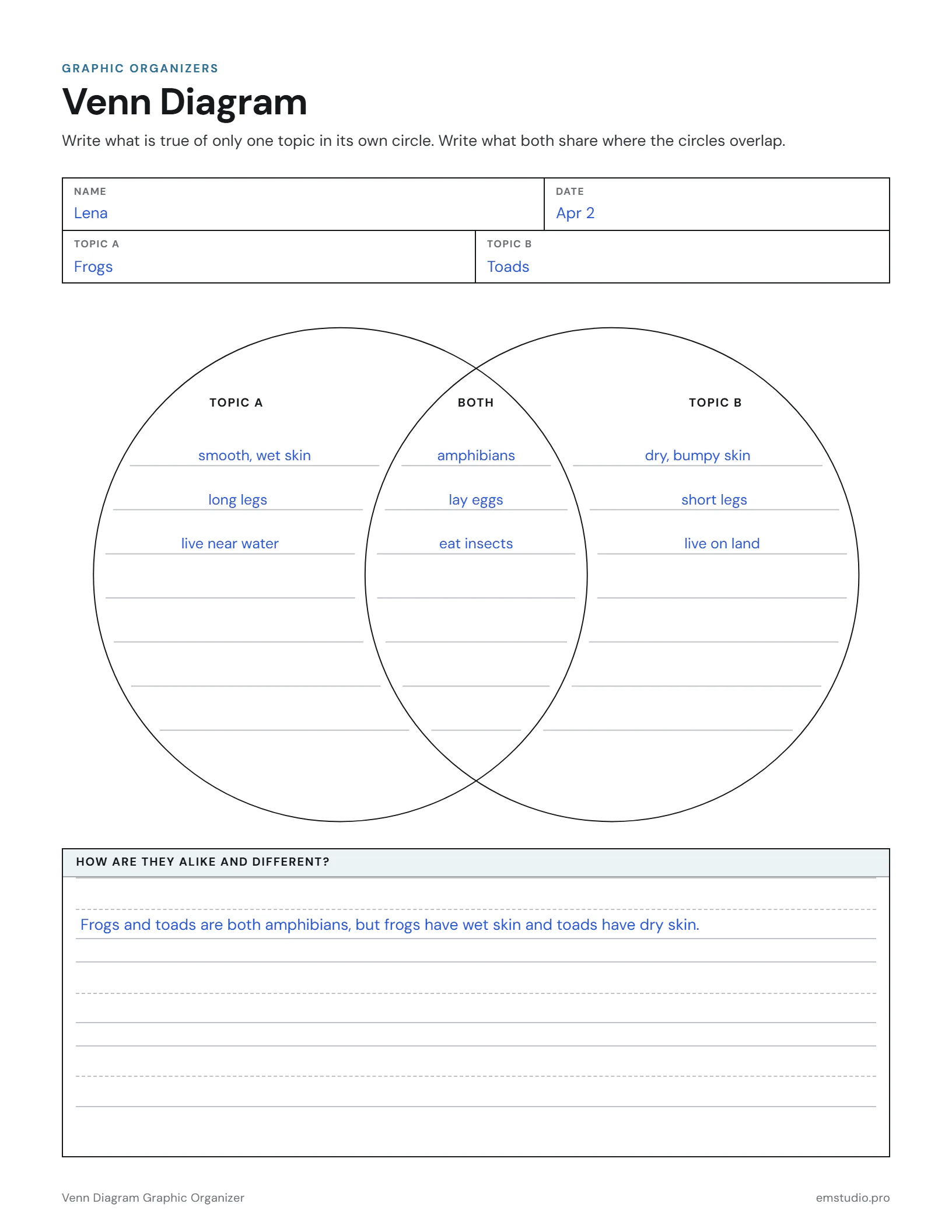
Venn Diagram Graphic Organizer Example
Frogs and toads compared in a two-circle Venn diagram, with a summary sentence below.
What's in the Venn Diagram Graphic Organizer
Two Overlapping Circles
Large circles with a shared middle, labeled Topic A, Both and Topic B.
Topic A and Topic B Fields
Two fields at the top for naming the topics, next to Name and Date.
A Ruled Summary Box
A box headed How Are They Alike and Different? for a sentence or two.
Word, Google Docs and PDF
Edit it in Word or Google Docs, or print the PDF. US Letter and A4.
How to Use the Venn Diagram
Name the Two Topics
Have students write both topics in the Topic A and Topic B fields before they touch the circles.
Start in the Middle
Ask students to list what the topics share first, then write that in the overlap of the two circles.
Fill the Outer Circles
Each student writes what is true of only Topic A on the left and only Topic B on the right.
Check for Misplaced Facts
Students point to each entry and say whether it belongs to one topic or both, then move any that are wrong.
Write the Comparison
Students use the box at the bottom to write how the two topics are alike and how they differ.
Venn Diagram Questions
More Graphic Organizer Templates
All 21 Graphic Organizer Templates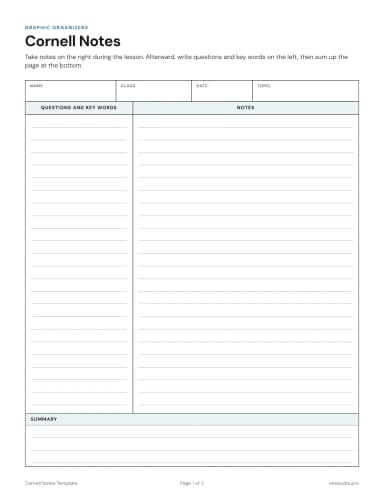
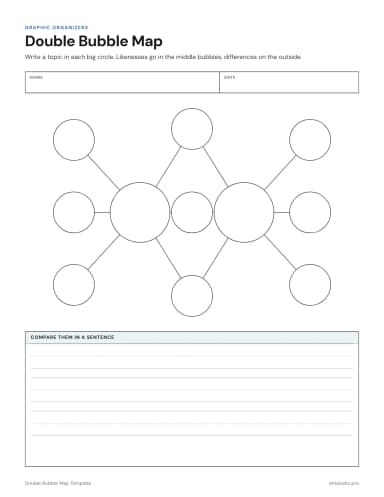
Other Templates
Plan the Lesson Around It in EMStudio
Attach any organizer to the lesson it belongs to and reuse it next year. Free to start.
Get Started for Free