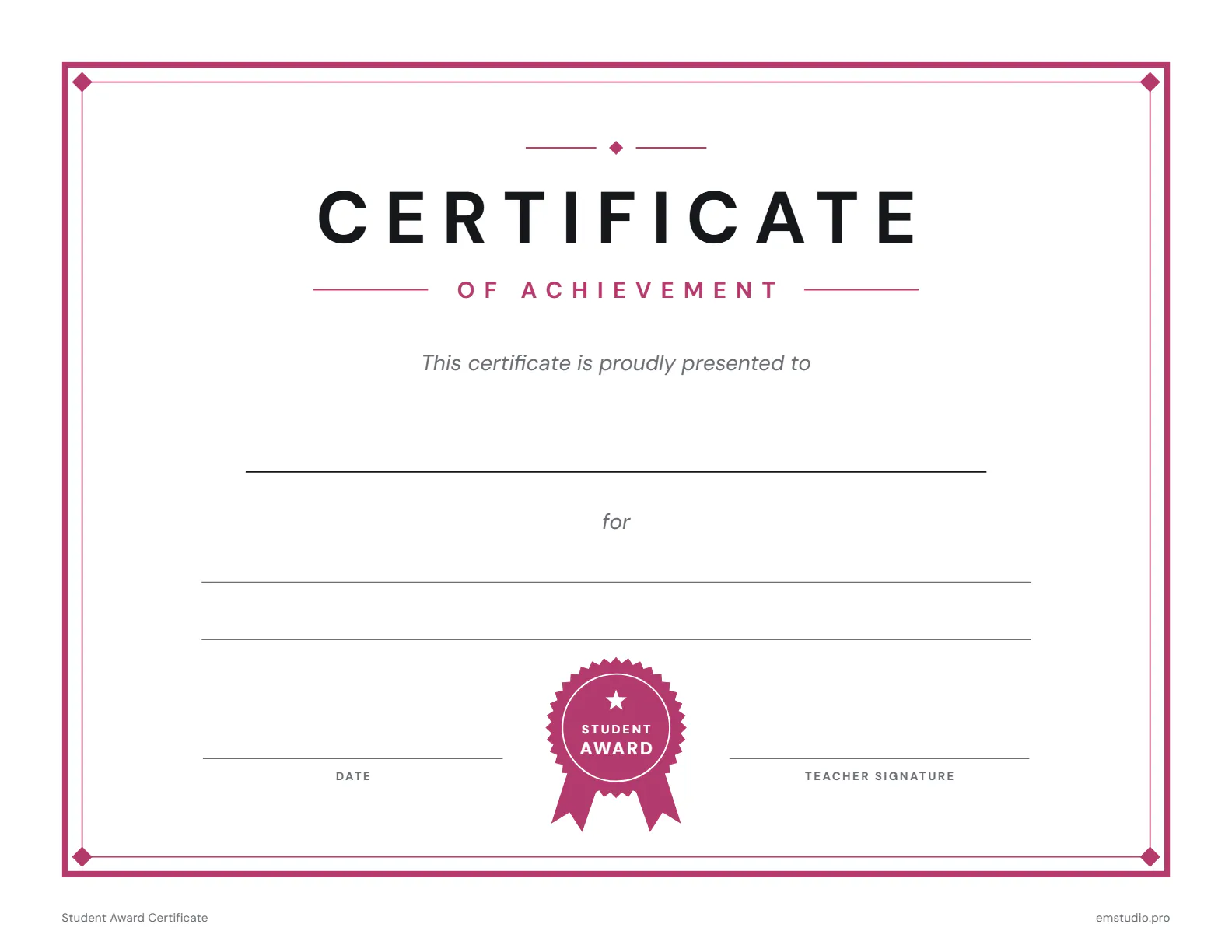
Student Award Certificate
This award certificate template is a landscape page of achievement with a double border, a ribboned seal and the words Certificate of Achievement. Type or write the student's name, the award, the date and your signature on its lines.
- Grade Level
- All Grades
- Pages
- 1
- Formats
- PDF, Google Docs, Word
- Paper Size
- US Letter and A4
- Checked By
- Milo, Classroom Teacher
- Last Updated
- October 2026
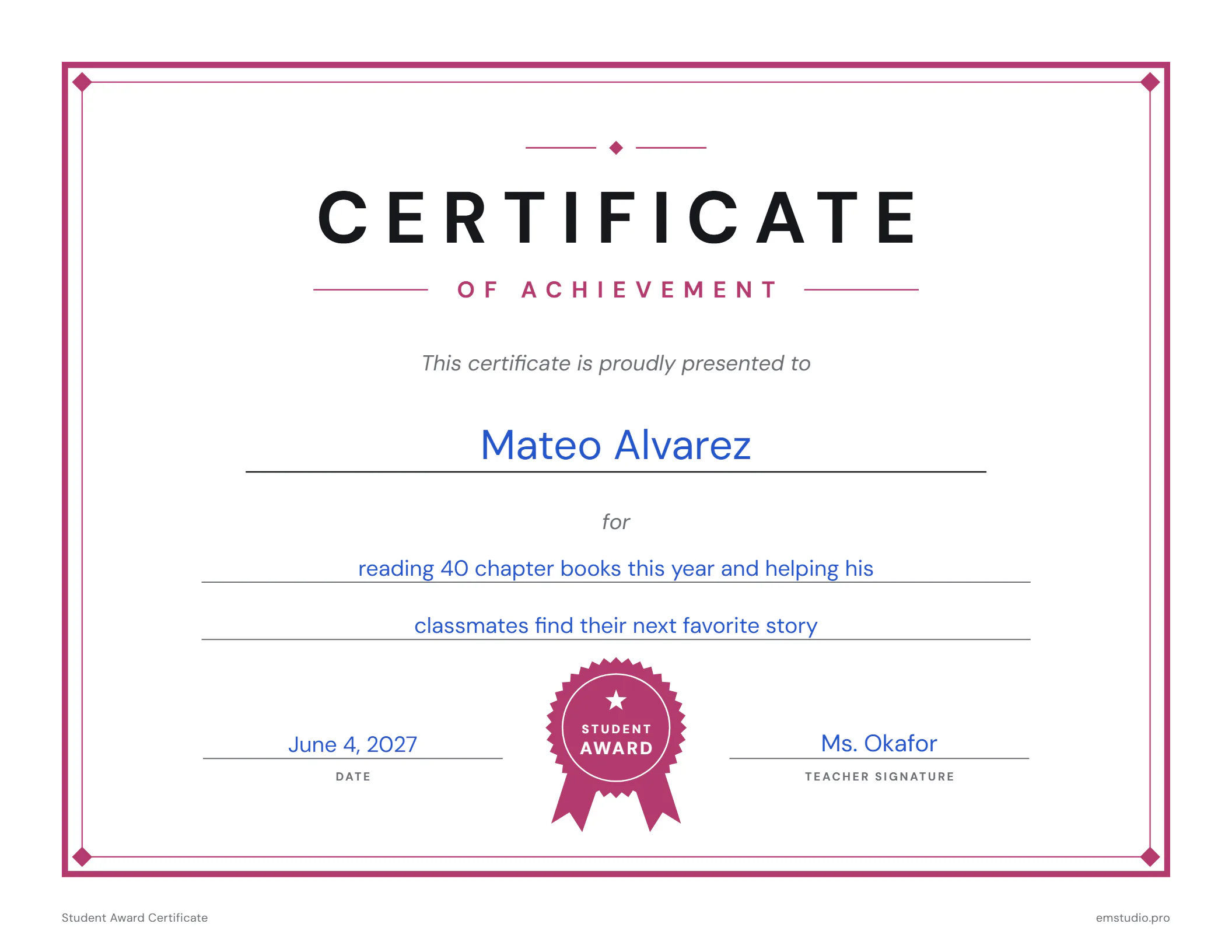
Student Award Certificate Example
One certificate, written in for a reader who finished 40 chapter books and passed the love of reading on.
What's in the Student Award Certificate
Certificate of Achievement
A landscape page with a double border, a seal and a line for each detail.
Name, Award and Date
Lines for the student, what the award is for, the date and the teacher's signature.
One Page, Any Grade
The same certificate suits preschool through high school and any kind of award.
Word and Docs Files
Type the name, award, date and signature on the lines in Word, Google Docs or the PDF.
How to Use the Award Certificate
Pick the File
Open the Word or Google Docs file to type the details, or print the PDF to fill in by hand.
Write the Name
Type the student's name on the line under presented to, or write it by hand on the printout.
Say What It Is For
On the line after for, write the achievement in a few words, such as reading 40 chapter books.
Date and Sign
Add the date, then sign on the teacher signature line before you hand the certificate over.
Present It
Give it out in front of the class or send it home in a folder so the family can see it.
Award Certificate Questions
More Parent Communication Templates
All 10 Parent Communication Templates
Other Templates
Keep Every Student's Story in EMStudio
Attendance, grades and notes ready before the next conference. Free to start.
Get Started for Free