Main Idea Graphic Organizer
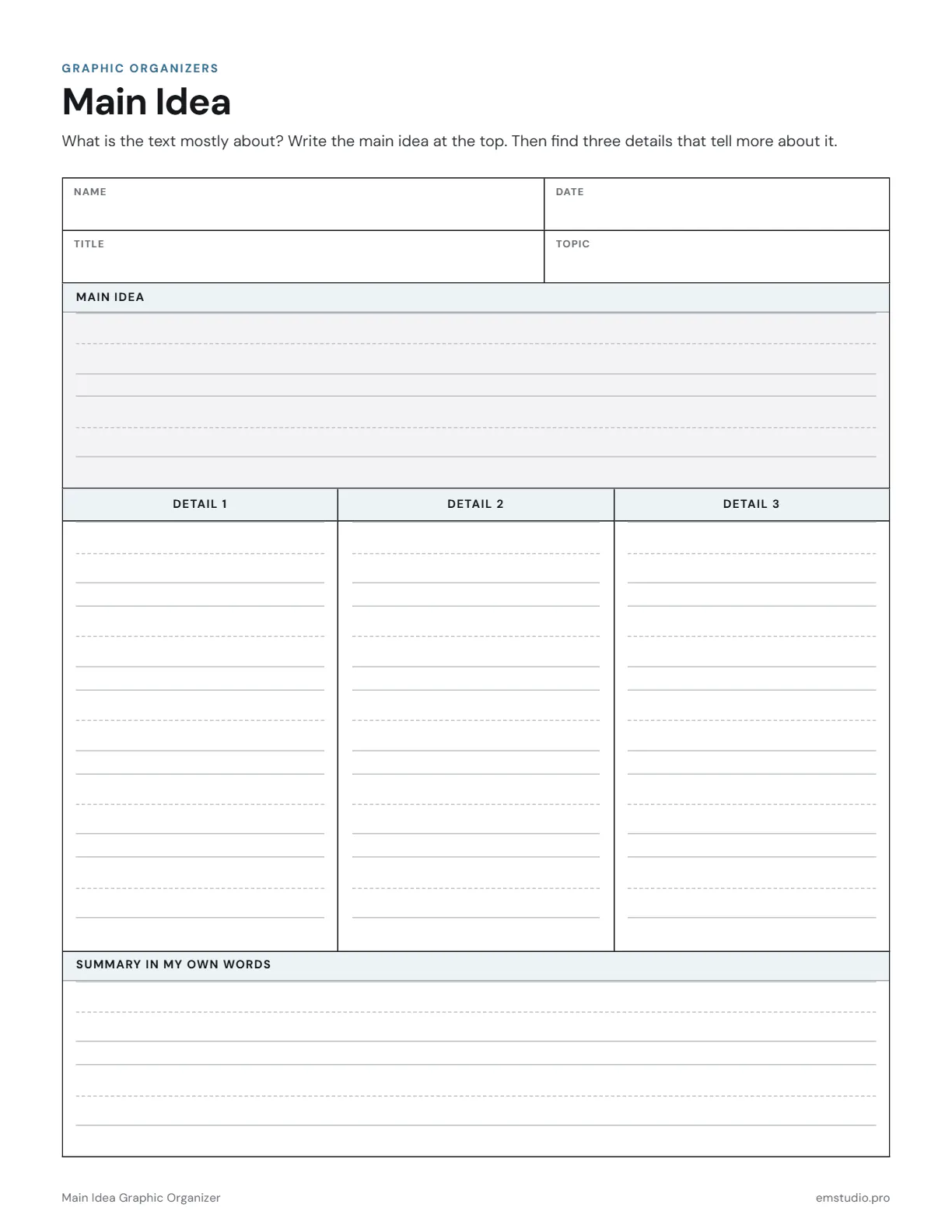
This main idea graphic organizer helps students take apart one text. They write the main idea in a box at the top, add three supporting details in columns beneath it, and finish with a summary in their own words.
- Grade Level
- K to Grade 8
- Pages
- 1
- Formats
- PDF, Google Docs, Word
- Paper Size
- US Letter and A4
- Checked By
- Milo, Classroom Teacher
- Last Updated
- October 2026
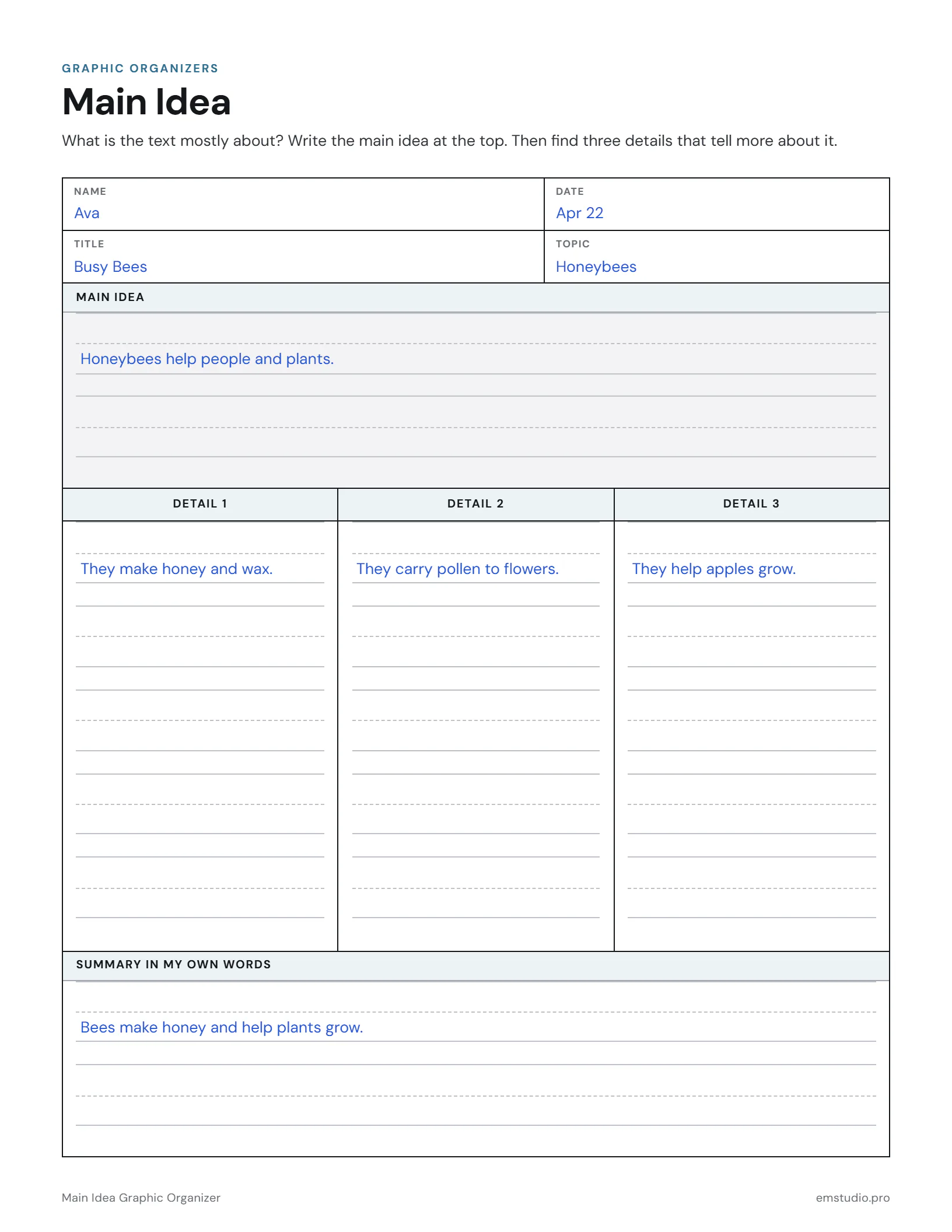
Main Idea Graphic Organizer Example
A 2nd grader's main idea and three details from an article about honeybees.
What's in the Main Idea Graphic Organizer
A Main Idea Box
A ruled box at the top for what the text is mostly about.
Three Detail Columns
Detail 1, Detail 2 and Detail 3, each with ruled writing lines.
Summary in My Own Words
A ruled box at the bottom, with Title and Topic fields at the top of the page.
Word, Google Docs and PDF
Edit it in Word or Google Docs, or print the PDF. US Letter and A4.
How to Use the Main Idea Organizer
Name the Text and Topic
Students write the title of the text and its topic in the two fields near the top of the page.
Ask What It Is Mostly About
After reading, have students say in one sentence what the whole text is mostly about, then write it down.
Find Three Details
Students go back to the text and write one detail that supports the main idea in each column.
Test the Details
Students read each detail with the main idea and ask if the detail tells more about it.
Write the Summary
In the bottom box, students put the main idea and details together in their own words.
Main Idea Organizer Questions
More Graphic Organizer Templates
All 21 Graphic Organizer Templates
Other Templates
Plan the Lesson Around It in EMStudio
Attach any organizer to the lesson it belongs to and reuse it next year. Free to start.
Get Started for Free