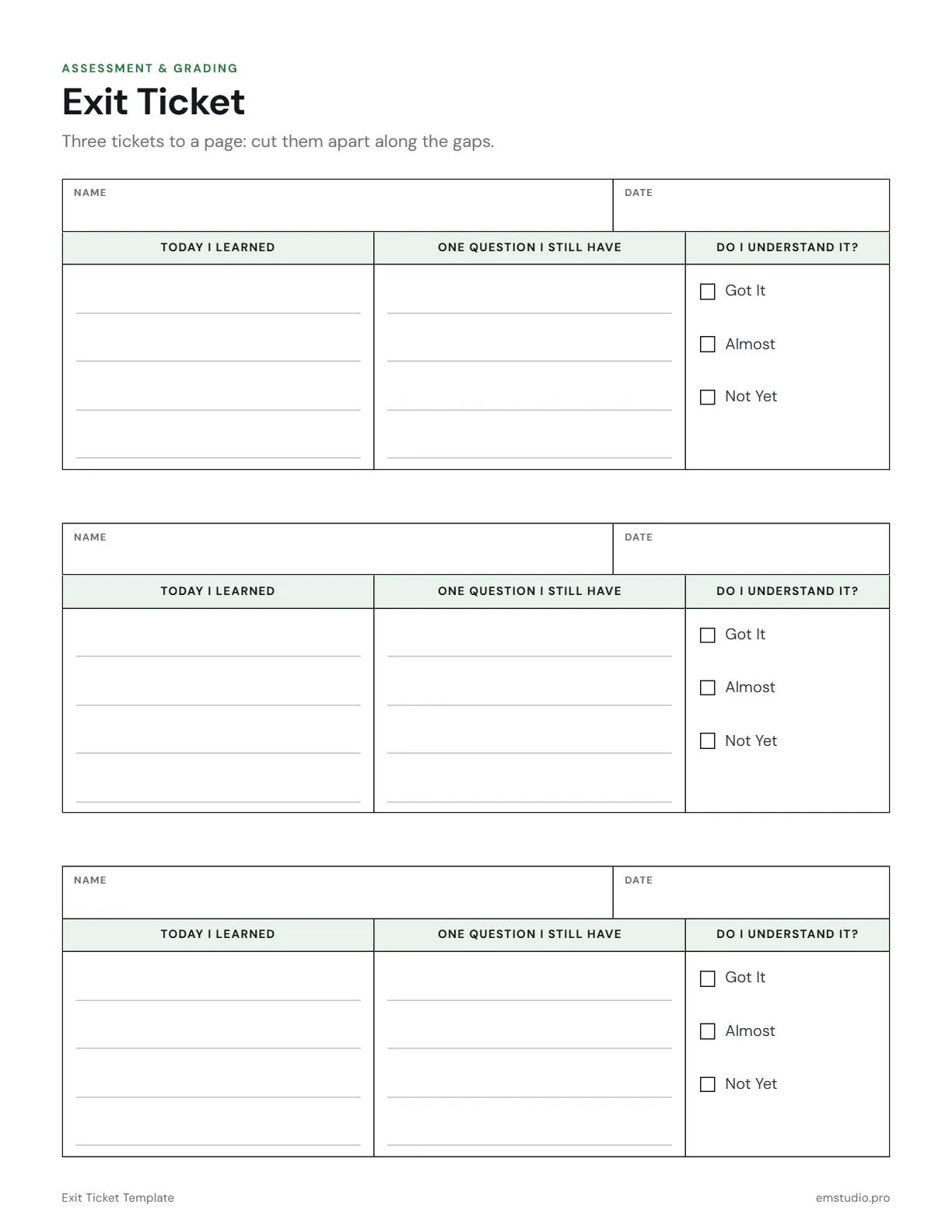
Exit Ticket Template
This exit ticket template puts three tickets on one page, ready to cut apart along the gaps. Each ticket has Name and Date, space for Today I Learned and One Question I Still Have, and a Got It, Almost or Not Yet check.
- Grade Level
- K to Grade 12
- Pages
- 1
- Formats
- PDF, Google Docs, Word
- Paper Size
- US Letter and A4
- Checked By
- Milo, Classroom Teacher
- Last Updated
- October 2026
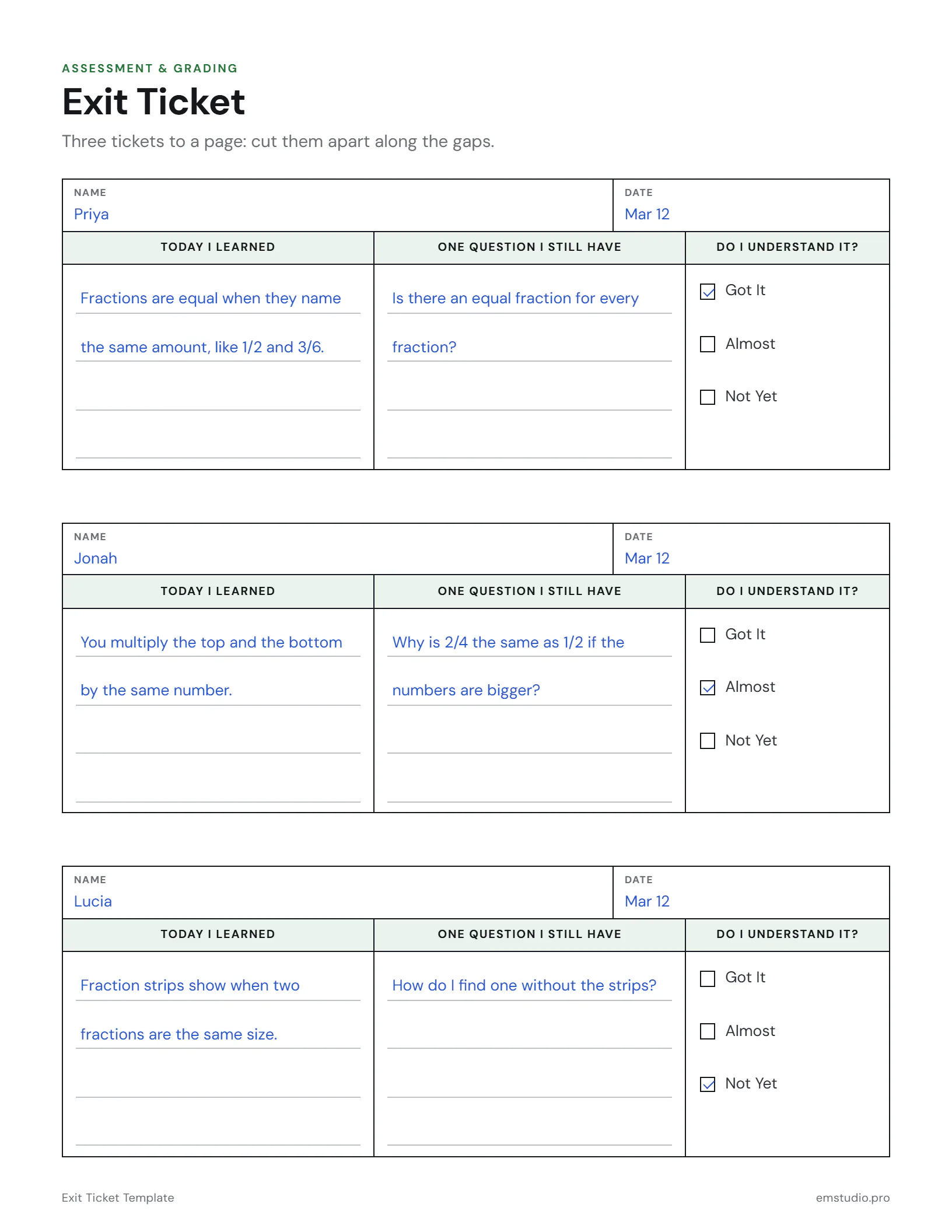
Exit Ticket Template Example
One page, three students: after a lesson on equivalent fractions, each ticket goes into a Got It, Almost or Not Yet pile.
What's in the Exit Ticket Template
Three Tickets per Page
Cut along the gaps to make three tickets from every sheet you print.
Learned and Still Wondering
Ruled lines for what the student learned and the one question they still have.
Got It, Almost or Not Yet
A three-box check so you can sort the stack into piles in a minute.
Editable Versions
Type into the Word, Google Docs or PDF file, in US Letter or A4, or print it.
How to Use the Exit Ticket Template
Print and Cut
Print one page for every three students and cut along the gaps before class starts.
Set the Prompt
Hand out the tickets in the last few minutes and name the one thing students should write about.
Students Write
Students fill in their name, the date, what they learned and one question they still have.
Check and Collect
Each student checks Got It, Almost or Not Yet, then drops the ticket in a tray at the door.
Sort Into Piles
Sort the tickets into three piles by that check, and plan tomorrow's groups from the piles.
Exit Ticket Template Questions
More Assessment and Grading Templates
All 22 Assessment and Grading Templates
Other Templates
Grade in EMStudio, Not in a Spreadsheet
A gradebook that does the math, with report cards and progress in one place. Free to start.
Get Started for Free