Blended Learning Explained: Models, Benefits, and Tools

Jump to section
Think about how you might learn a new skill today: maybe a few in-person classes, paired with videos you watch at home whenever you need a refresher. You get the best of both worlds. Teaching can work the same way.
Blended learning mixes face-to-face instruction with online activities, giving students structure and flexibility at once. It's no longer just a buzzword: it's how classrooms actually run now.
Here, we'll cover what it looks like, the models behind it, its benefits and challenges, the tools that support it, and a checklist for planning your first blended lesson.
What Is Blended Learning?
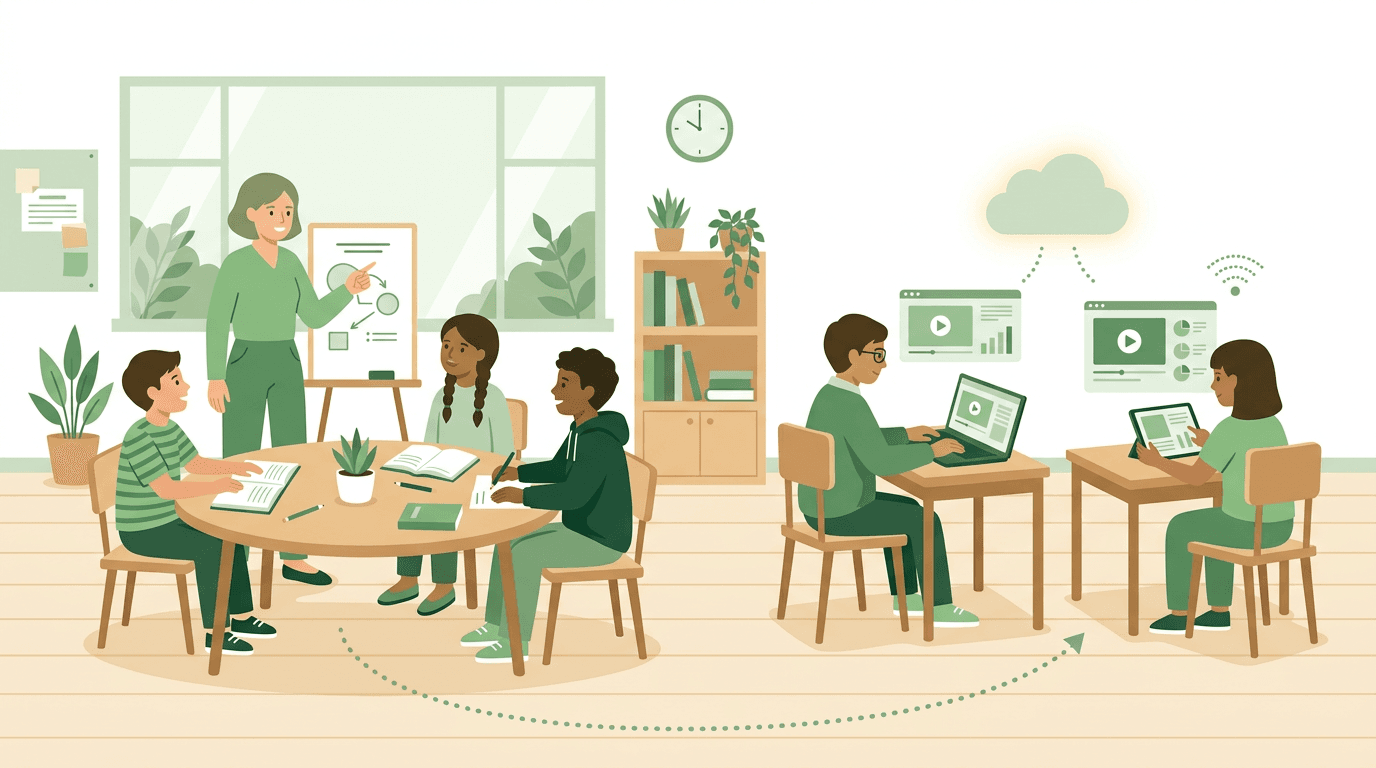
Walk into a classroom running blended learning well, and you'll see two things working together, not competing: face-to-face instruction and online activity, each doing what it does best.
What is blended vs hybrid learning?
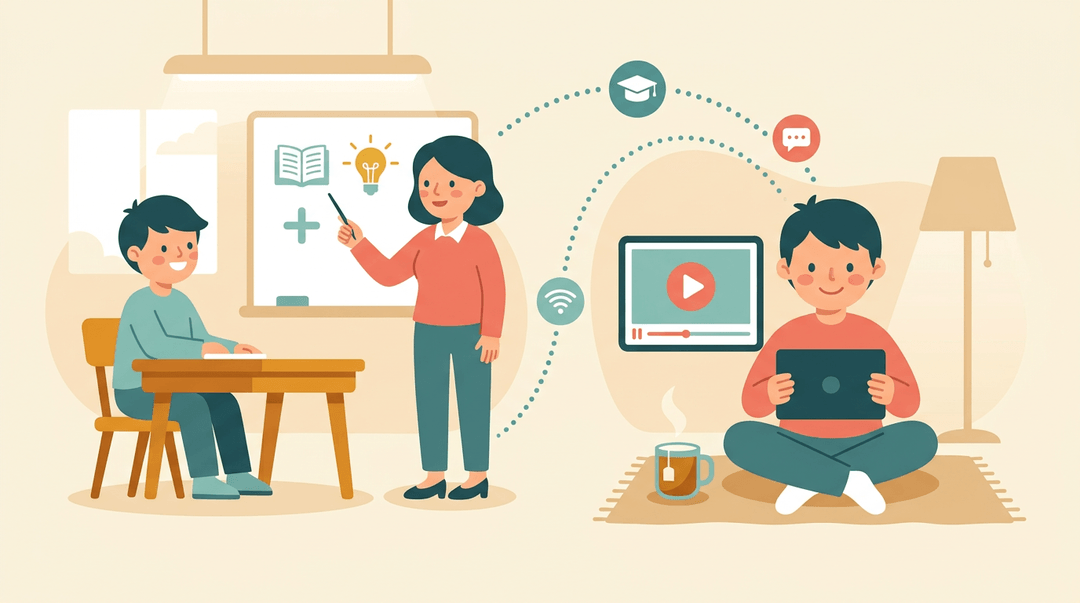
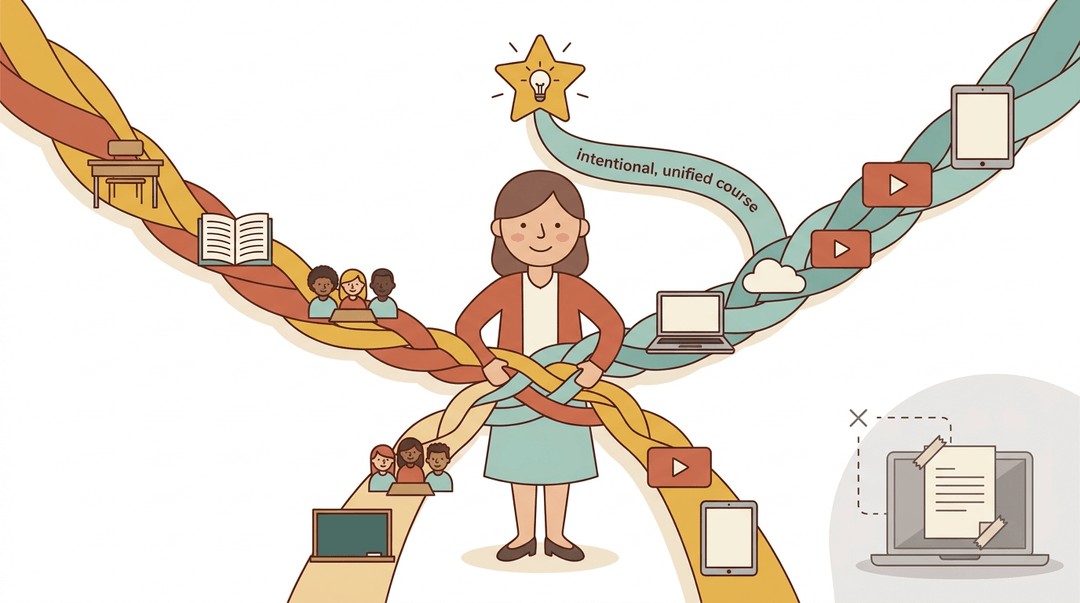
Blended learning combines in-person, face-to-face instruction with online learning in a single course design. You'll also hear it called hybrid learning or mixed-mode learning, and increasingly, technology-enhanced learning: the labels shift, but the core idea stays the same. The real distinction worth knowing is intent. Blended learning treats the online piece as deliberate, woven into the lesson from the start, not an add-on tacked onto a traditional class just because the technology happened to be available. That's what separates a genuinely blended unit from a teacher simply posting a worksheet online.
Synchronous versus asynchronous learning
Blended courses typically mix two modes of online learning. Synchronous learning happens in real time, running alongside classroom time: think a live video discussion the whole class joins together. Asynchronous learning uses separate online materials students work through on their own, like a recorded lesson or a set of practice problems. Self-paced elements are common in that asynchronous piece, letting students move at their own speed instead of everyone finishing on the same clock.
How blended learning evolved over time
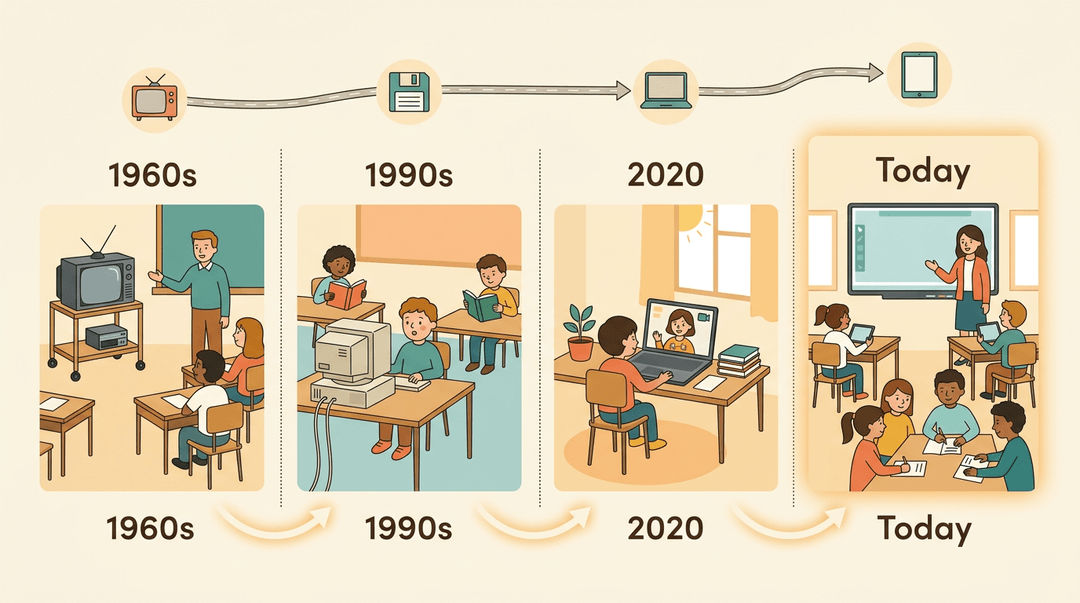
Blended learning isn't a pandemic invention. Technology-enhanced teaching stretches back to the 1960s, when, according to a systematic review of educational technology adoption, multimedia and television first entered classrooms for instructional use. The term "blended learning" itself came later: researchers trace its use to the early 1990s, once online learning became viable enough to pair with in-person teaching. COVID lockdowns then accelerated adoption almost overnight, pushing blended models from a niche option into everyday practice for many schools.
Common Blended Learning Models
Once you accept that blended learning isn't one method, the real question becomes which mix fits your classroom.
The models below aren't interchangeable: a middle school science teacher rotating stations needs different tools than a high schooler taking an online elective.
Match the model to your students' age, the subject, your available tech, and how much independence your learners can handle, and the rest tends to fall into place.
Rotation model and its variations
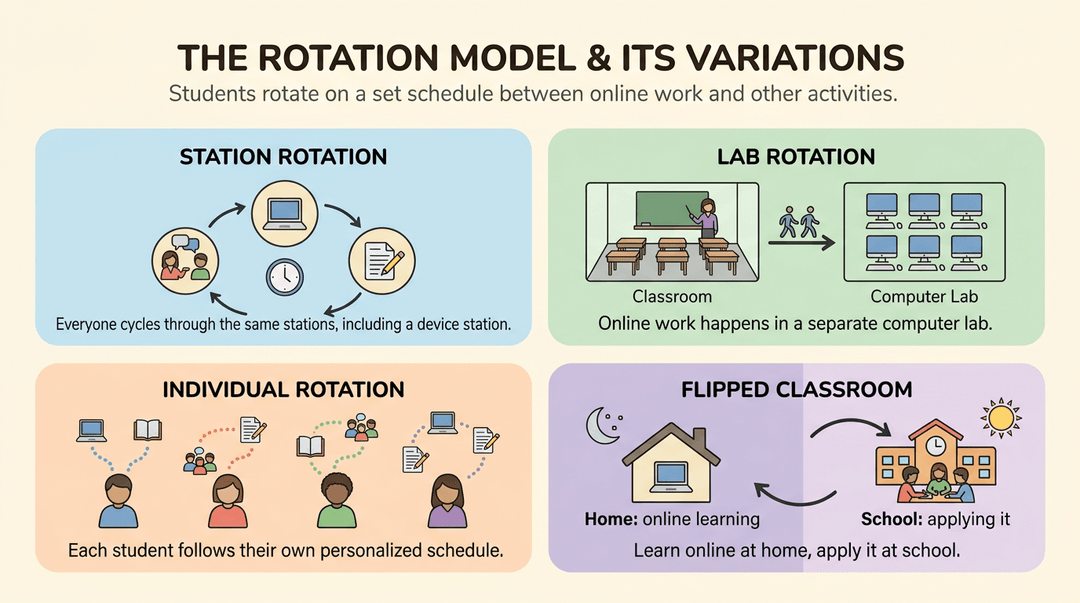
The rotation model is the most familiar entry point for teachers new to blended learning. Students rotate on a set schedule between online work and other activities, often within a single classroom period. It shows up in a few flavors:
- Station rotation. Students move through stations on a fixed schedule, one of which is a device or laptop.
- Lab rotation. The online portion happens in a dedicated computer lab rather than the regular classroom.
- Individual rotation. Each student follows a personalized schedule, not everyone hitting the same stations.
- Flipped classroom. Students rotate between online learning at home and application at school (more on this below).
The flex model explained
In the flex model, online instruction is the backbone of the course.
Students move through digital content at their own pace and path, and you shift from lecturing to supporting: circulating the room, answering questions, and pulling small groups as needed.
Think of a student working through an online algebra sequence while you check in one-on-one whenever they hit a snag.
A-la-carte and self-blend courses
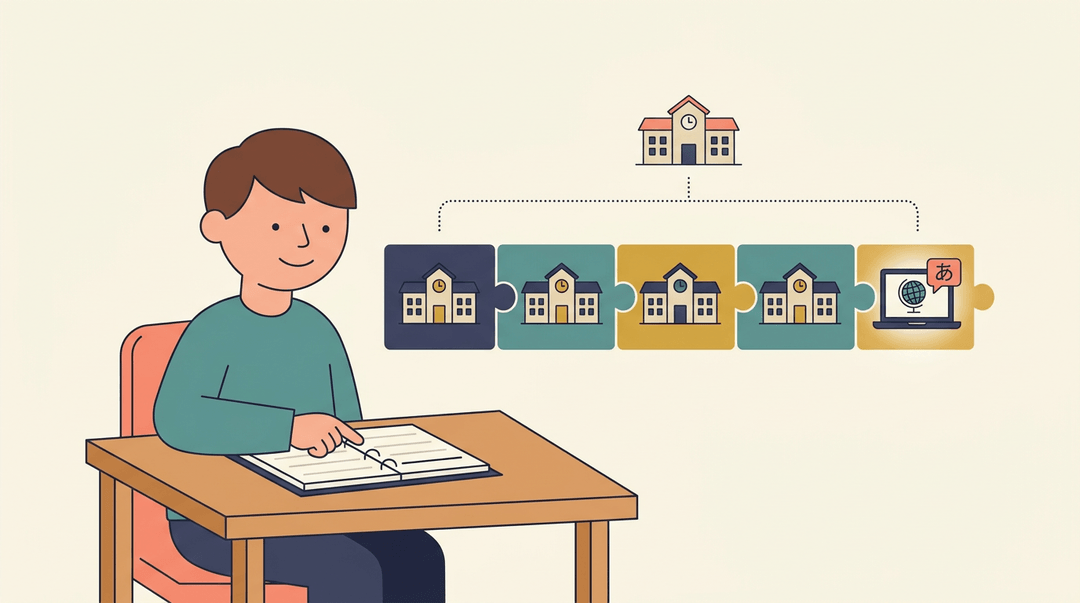
Here, the online piece is a supplement, not the whole course. In an a-la-carte setup, a student takes an entirely online elective (say, a language your school doesn't offer) while face-to-face classes remain their primary experience.
Self-blend works the same way, letting a student add an online course to round out a schedule. Both quietly expand what your school can offer without adding a single new classroom.
Online driver and enriched virtual models
These models flip the ratio: most learning happens online, with in-person time reserved for mandatory checkpoints like assessments or project check-ins.
It's the model of choice for learners who need maximum flexibility, a homeschool student splitting time between virtual coursework and occasional school visits, for instance. Less seat time, more control over when and how the work gets done.
Face-to-face driver and flipped classroom
This is the model most teachers already recognize, even before they had a name for it. You stay firmly in the lead role, using digital tools as supplements rather than replacements.
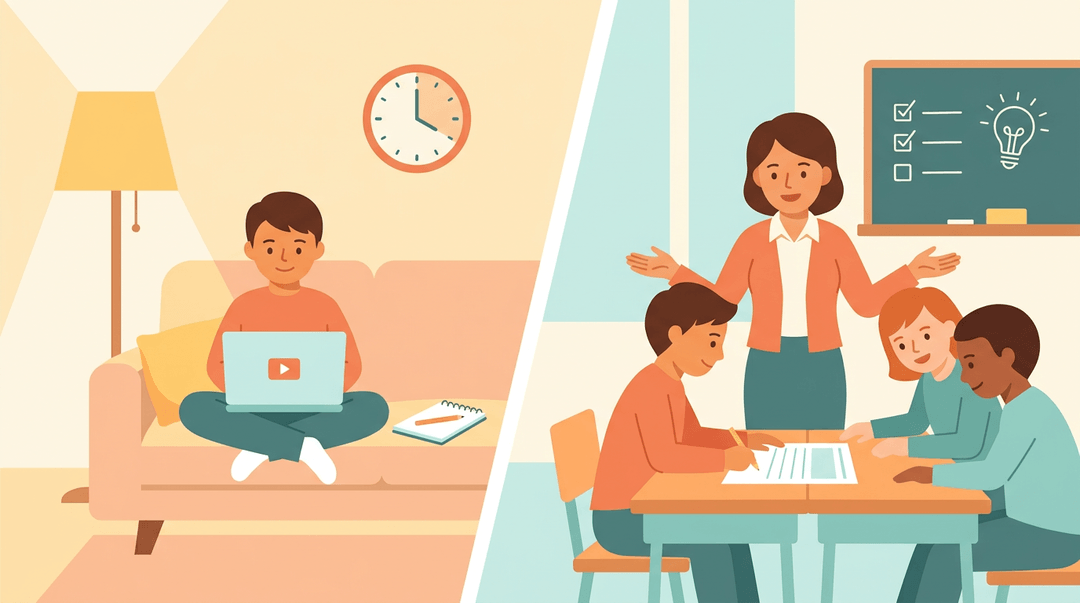
In its flipped form, students learn new content (a video, a reading) before class, freeing up class time for the harder work: discussion, practice, and application, with you right there to help.
Adding gamification to the mix
Gamification layers game elements like points, badges, and levels onto any of the models above.
Leaderboards and small rewards tap into healthy competition, and for a lot of students, that's enough to turn a dull review session into something they actually look forward to.
It's not a model on its own so much as a way to make any of them stick better.
How to Plan a Blended Learning Lesson
You don't need new software or a workshop to start; you need a plan that fits on one page. Here's the five-step routine we use, plus what it looks like at three grade levels.
The five-step plan
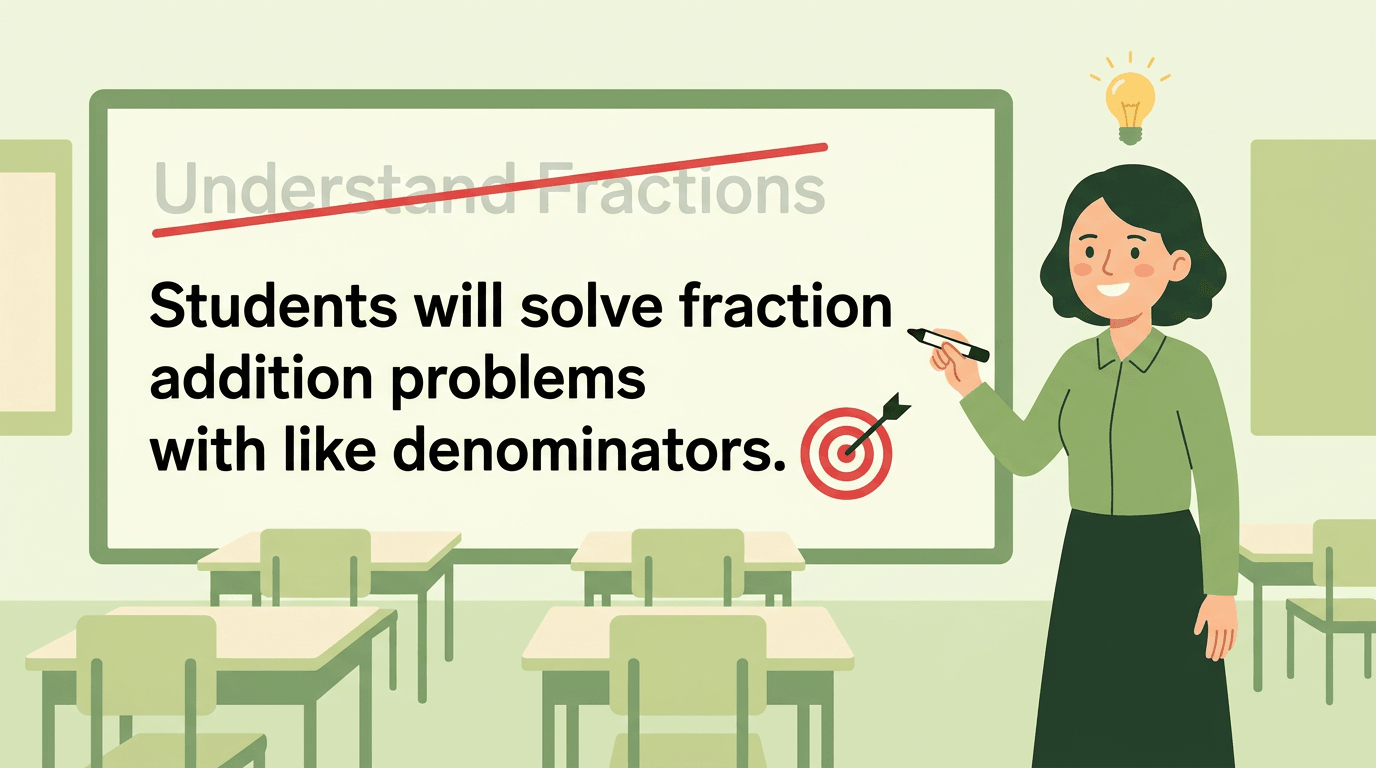
- Set one clear learning objective
- Write it as students will see it, on the board or the screen.
- Example: "I can solve two-step equations and check my answer."
- Write it as students will see it, on the board or the screen.
- Pick the blended model that fits the objective
- Practice-heavy topics suit station rotation; concept-heavy ones suit a flipped approach.
- Split tasks between online and face-to-face
- Online handles delivery and drill: videos, adaptive practice, auto-graded quizzes.
- Face-to-face handles what needs you: discussion, feedback, hands-on work.
- Quick rule: if it needs your live judgment, keep it in the room.
- Online handles delivery and drill: videos, adaptive practice, auto-graded quizzes.
- Build a quick formative check
- Two or three questions, not a test: you're checking the split worked.
- Exit ticket: "Solve 3x + 4 = 19. Rate your confidence 1 to 3."
- Two or three questions, not a test: you're checking the split worked.
- Save the plan for reuse
- Jot fixes while they're fresh: timing, tech snags, questions to swap.
- Next term you tweak for twenty minutes instead of rebuilding for two hours.
- Jot fixes while they're fresh: timing, tech snags, questions to swap.
⚠️ Watch out: don't pick the model first and force the objective into it. The tech-first version of this plan is how blended lessons turn into screen time with no payoff.
What it looks like by grade level
Same five steps, very different classrooms. Find your row:
| Grade level | Model that fits | What it looks like |
|---|---|---|
| Elementary | Station rotation | Reading groups rotate: teacher table, partner practice, online phonics |
| Middle school | Flipped classroom | Math videos at home; class time for problem-solving |
| High school | Online electives | Students take driver's ed online; you monitor and check in |
Example: A middle school math teacher flips a unit on equations. Students watch a six-minute video the night before; class opens with the exit-ticket question above. Anyone who rates their confidence a 1 joins a small group at the teacher's desk while the rest start practice. The video delivered the content; the teacher spent class time where it mattered.
Once your first plan works, the fifth step is what saves you the most time: build and reuse your blended lesson plans in EMStudio's online lesson planner.
Benefits of Blended Learning
So why are so many schools and districts making the shift? Because blended learning delivers real, measurable wins for both students and the teachers guiding them. Let's break down where those wins actually show up.
More flexibility and control for learners
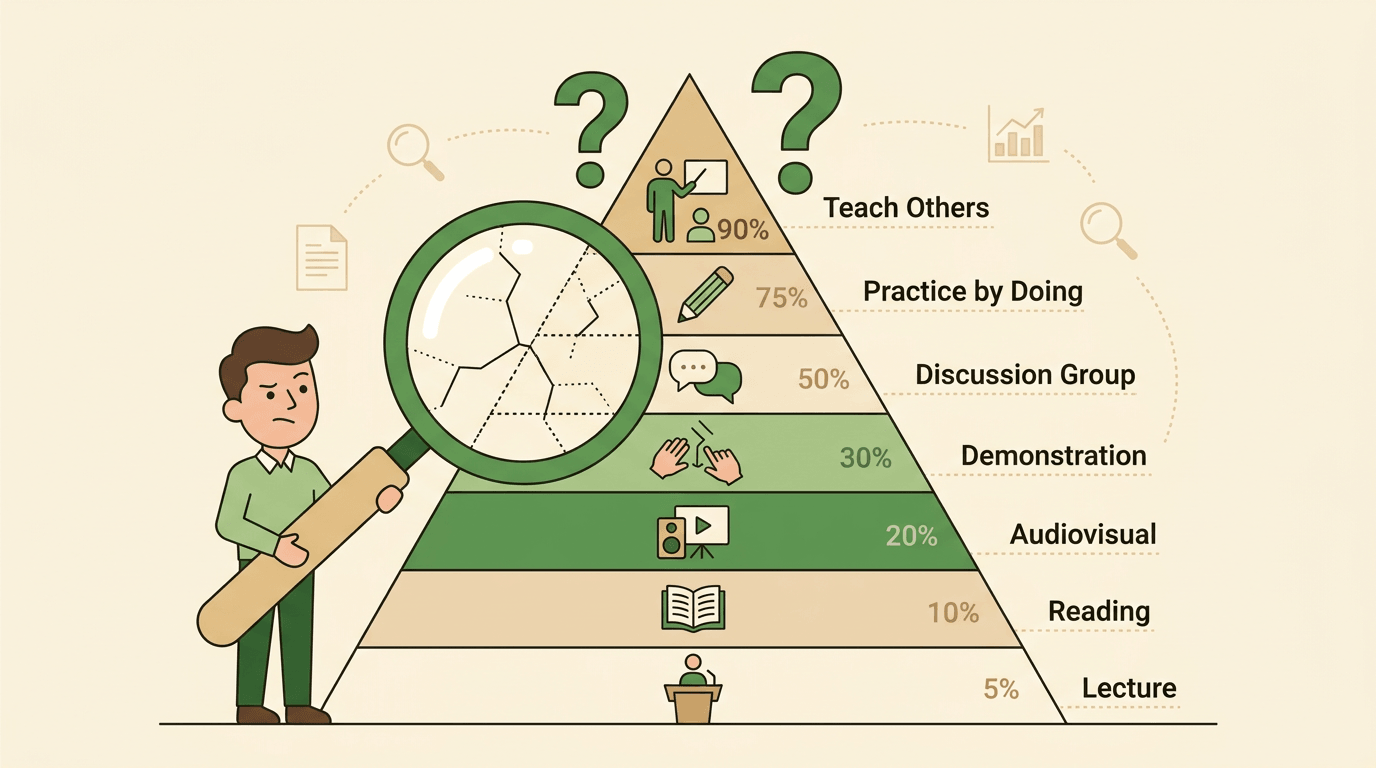
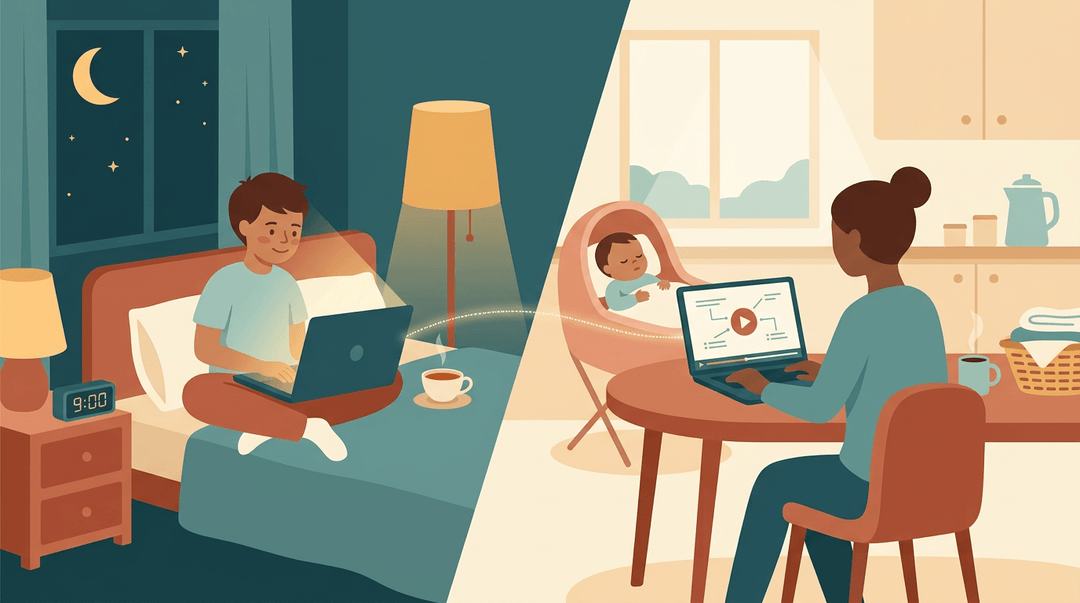
A student can rewatch a recorded mini-lesson at nine at night if that's when the concept finally clicks. That's the heart of learner control: students set their own pace instead of moving in lockstep with the whole class.
This flexibility also reduces scheduling conflicts, since asynchronous work doesn't demand everyone be in the same room at the same time.
It's a particular relief for working adults and parents pursuing further education or professional development: they can fit coursework around a job or a bedtime routine instead of choosing between them.
Boosting engagement through interactivity
A lecture alone rarely holds attention for long. Blended courses mix videos, readings, discussion boards, and hands-on tasks, giving students several ways into the same idea.
Add gamification and quizzes (points, badges, quick knowledge checks) and even reluctant participants start raising their hands, virtually or otherwise.
That variety consistently increases participation in online components, where it's easiest for a quiet student to disappear.
Personalizing instruction with data
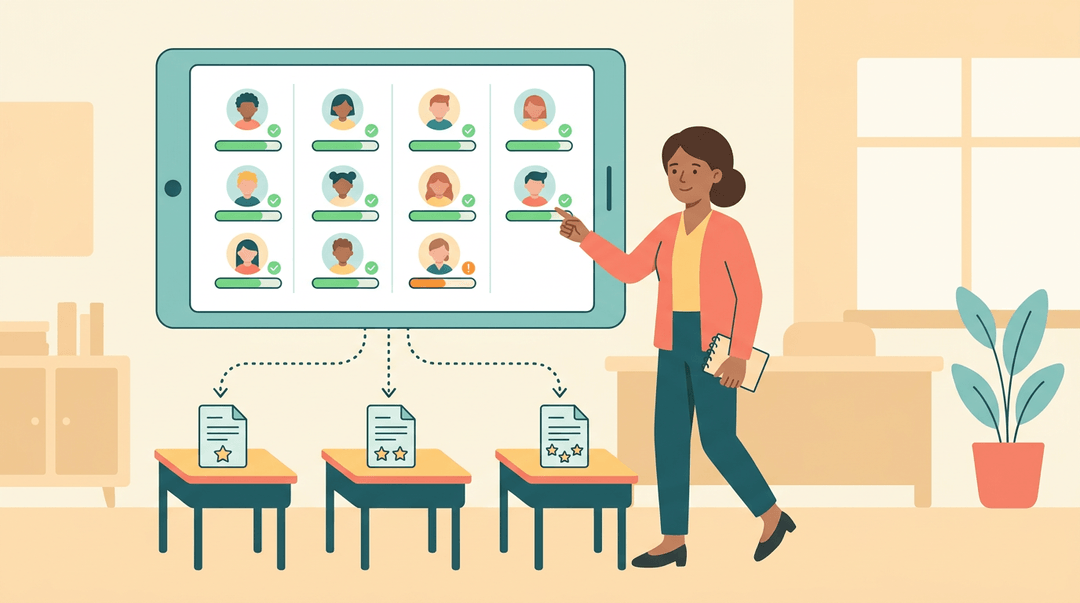
Consider a middle school teacher who can see, in real time, exactly which students breezed through a module and which ones stalled on question three. That's real-time progress tracking at work.
Many platforms use this data to build adaptive learning paths, adjusting the next task to a student's actual skill level rather than a fixed schedule.
The same analytics flag struggling students early, so the teacher can step in with a quick check-in before a small gap becomes a big one.
Cost savings and ROI
Blended models also make financial sense:
- Reduced travel and accommodation costs, since fewer sessions require everyone to gather in one physical place.
- Reusable recorded content, meaning a lesson built once can serve this year's class and next year's.
- Scalable delivery, letting a single course reach far more students without a proportional jump in cost.
Deeper learning outcomes
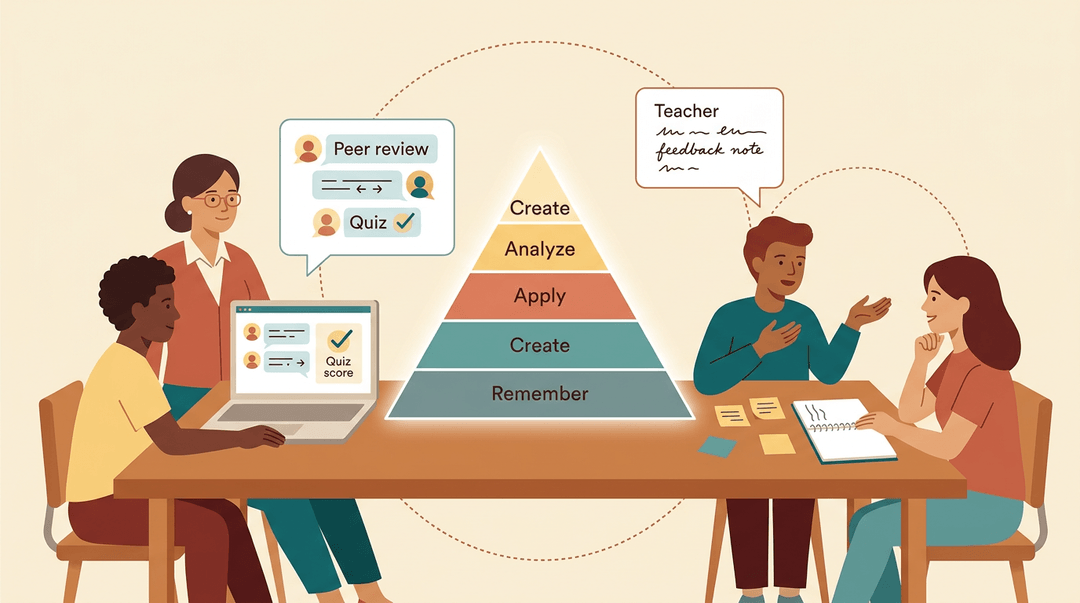
Beyond convenience, blended learning pushes students toward higher-order thinking skills: analyzing, applying, and creating, not just recalling facts for a quiz.
The format also opens up more feedback opportunities, from instructor comments to peer review to instant quiz results.
And when online discussion pairs with in-person collaboration, students often build a stronger learning community than either format offers alone.
Best Practices for Implementation
Blended learning works best when you plan it with intention, not bolt it on as an afterthought. A handful of habits separate the classrooms where it thrives from the ones where it fizzles out by October.
Start with clear objectives
Before you touch a single app, get clear on what you want students to know or do. Setting clear learning goals first means every tech choice you make afterward has a job to do, rather than existing for its own sake.
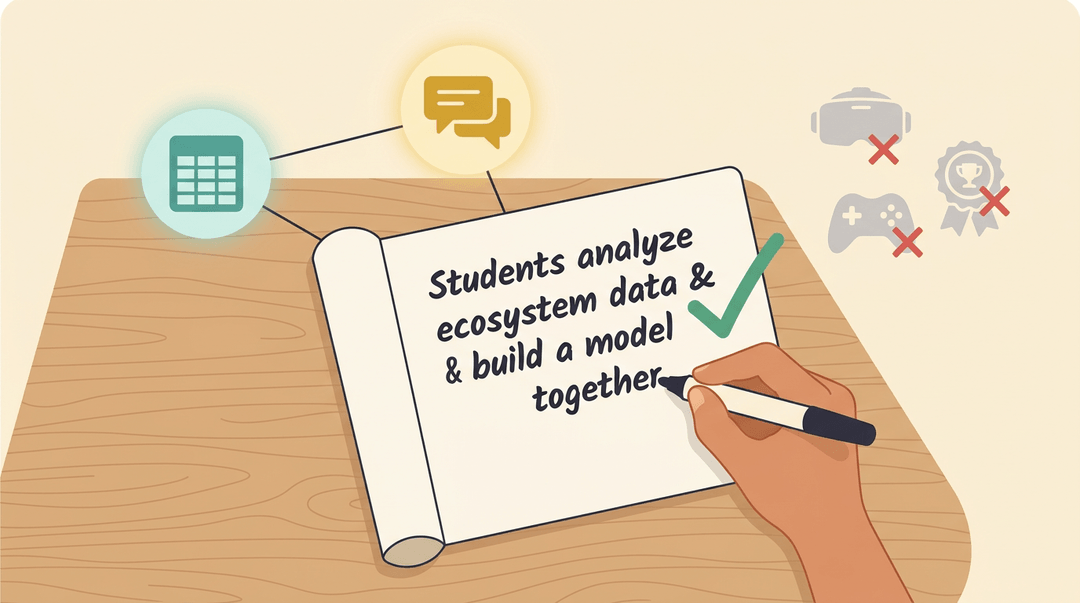
Consider a middle school teacher planning a unit on ecosystems: she decides students need to analyze data and collaborate on a model, then picks a shared spreadsheet and a discussion board to match.
That's aligning tech to a goal, not the other way around. Avoid tech-first design: picking a flashy tool and then hunting for a reason to use it usually leaves the goal as an afterthought.
Assessing and iterating along the way
Blended learning isn't a set-and-forget model. Build in ongoing formative checks (a quick online quiz, a discussion post) so you can see who's keeping up before it's too late to adjust.
A summative blended assessment, like a final project pairing an in-class presentation with an online rubric, tells you what stuck by the end.
Where you can, run a small pilot program with one class or one unit first, and gather learner feedback directly: a short survey asking what worked and what felt clunky often surfaces fixes you'd never spot on your own.
Encouraging collaboration and social learning
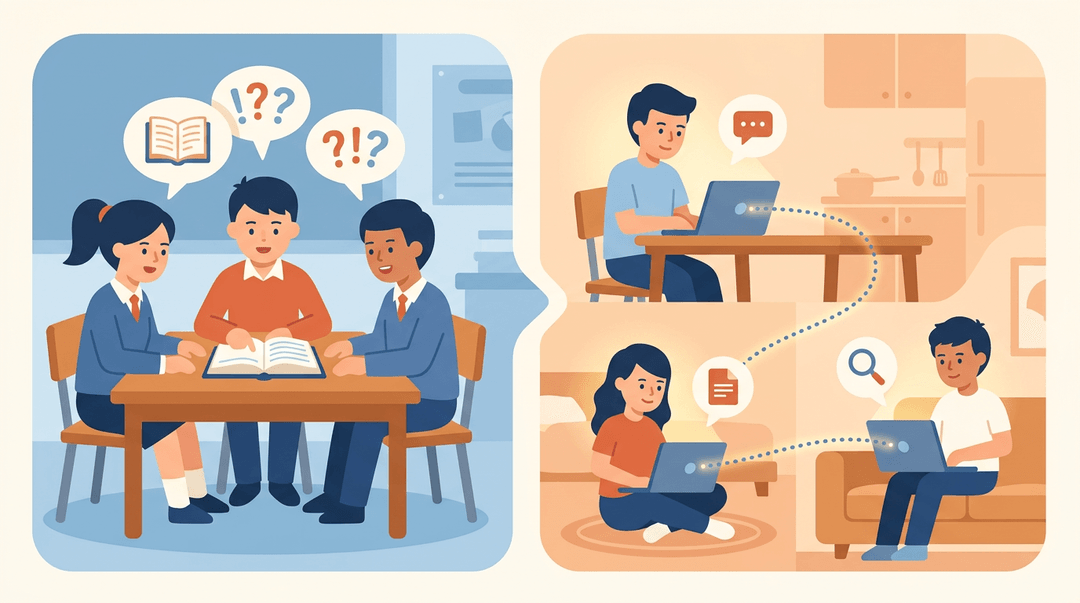
Blended doesn't mean solitary. Online group projects and peer discussion forums keep the social side of learning alive when students aren't all in the room together.
Think of a high school English class debating a novel's ending across a forum thread between class periods: the conversation keeps going, and no single student has to carry it alone.
Teamwork like this also reduces cognitive load: when students split research, writing, and review among a few peers, no one's stuck holding the whole task at once.
Practical tips for teachers and students
A few habits make the transition smoother for everyone in the room:
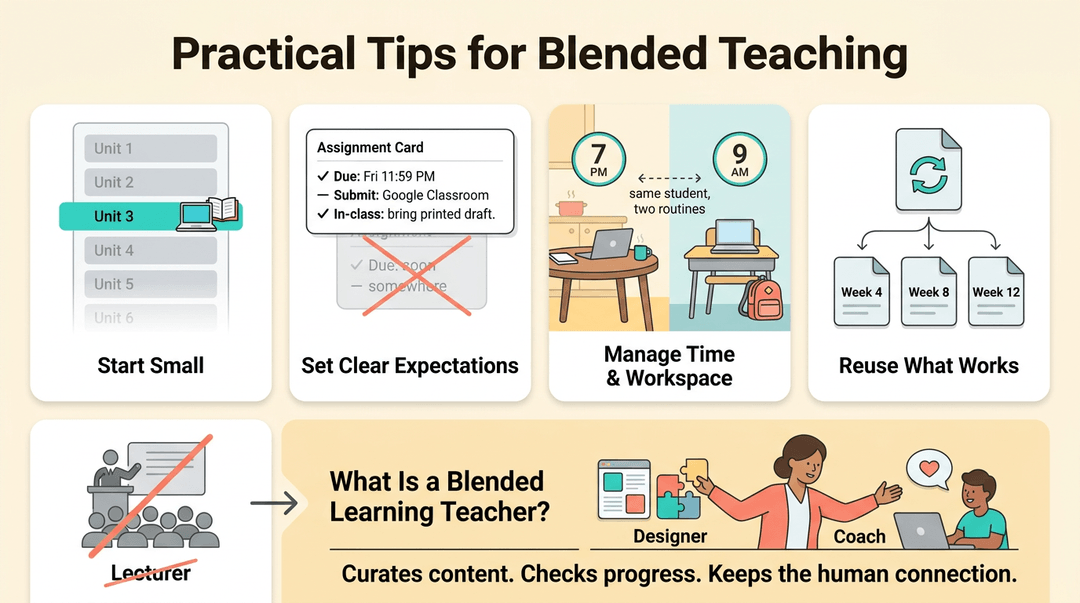
- Start small. Pick one unit to blend before you rebuild your whole course.
- Set clear expectations. Spell out what's due, where, and by when, for both in-person and online work.
- Manage time and workspace. A laptop at the kitchen table takes different habits than a desk at school, so talk students through both.
- Reuse what works. Reusable lesson templates save real prep time once you've found a rhythm that fits your classroom.
So, what is a blended learning teacher? Less a lecturer and more a designer and coach: someone who curates content, checks in on online progress, and steps in with the human connection that keeps digital work from feeling isolating.
What to consider when redesigning a course
Reflect on your course's actual context first: your students, your subject, your constraints. A full redesign often takes about six months done well, since it means weaving blended elements into the course's core, not tacking them on as extras.
Integration, not addition, is the difference that makes it stick.
Technology and Tools That Support It
Good blended learning doesn't run on good intentions alone. It runs on a learning management system (LMS), the platform that houses your content, tracks progress, and connects your in-person and online work into one experience.
Key LMS features to look for
Not every LMS is built the same, and the wrong pick can turn a promising blended unit into a scheduling headache. Look for a platform that gives you:
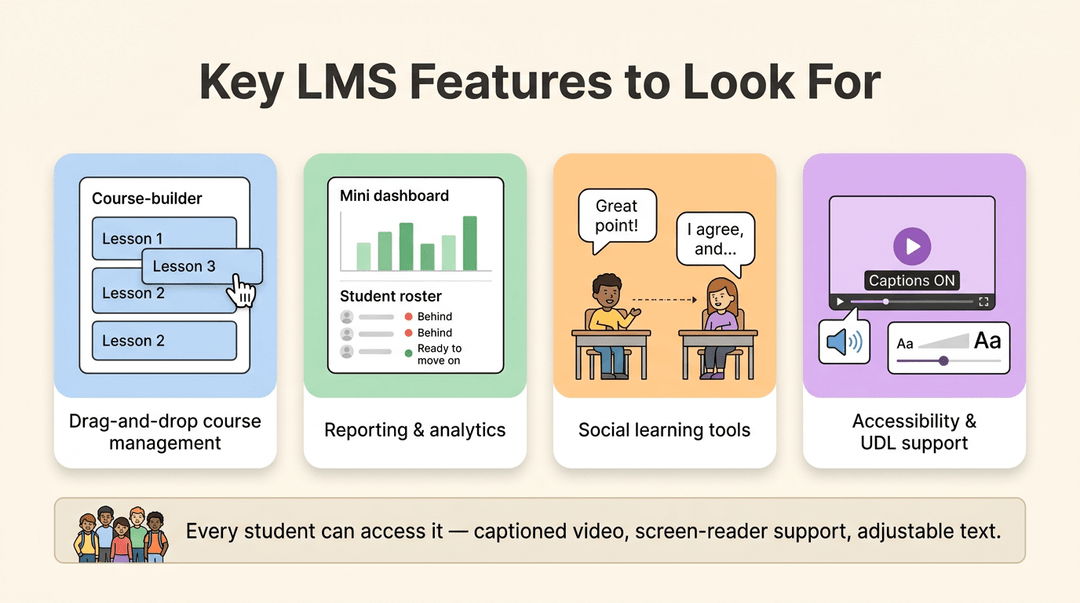
- Drag-and-drop course management. You should be able to build and reorder a unit without touching a line of code.
- Reporting and analytics. A quick dashboard view of who's behind and who's ready to move on beats guessing from memory.
- Social learning tools. Discussion boards and peer comment threads keep the connection alive even when students aren't in the room together.
Check for accessibility and Universal Design for Learning (UDL) compliance too:
- captioned video
- screen-reader support
- adjustable text
all matter, since a blended course only works if every student can actually access it.
Integrating webinars into your course
Live video is often the bridge between the classroom and the platform. Most modern LMSs integrate directly with Zoom or Microsoft Teams, so a session can launch from inside the course rather than a separate link buried in an email.
That integration usually brings auto-enrollment (students land in the right session automatically) and built-in polling, so a quick check for understanding doesn't require switching tools.
Once the session ends, don't let the recording disappear: reuse it as on-demand content for the student who missed class or wants a second pass before the test.
What Is a Blended Learning Example?
So what does blended learning actually look like once it leaves the theory books?
It depends entirely on where you're standing: a corporate training room, a fourth-grade classroom, or a college lecture hall all use the same core idea in very different ways. Here's how it plays out in each:
Corporate training programs
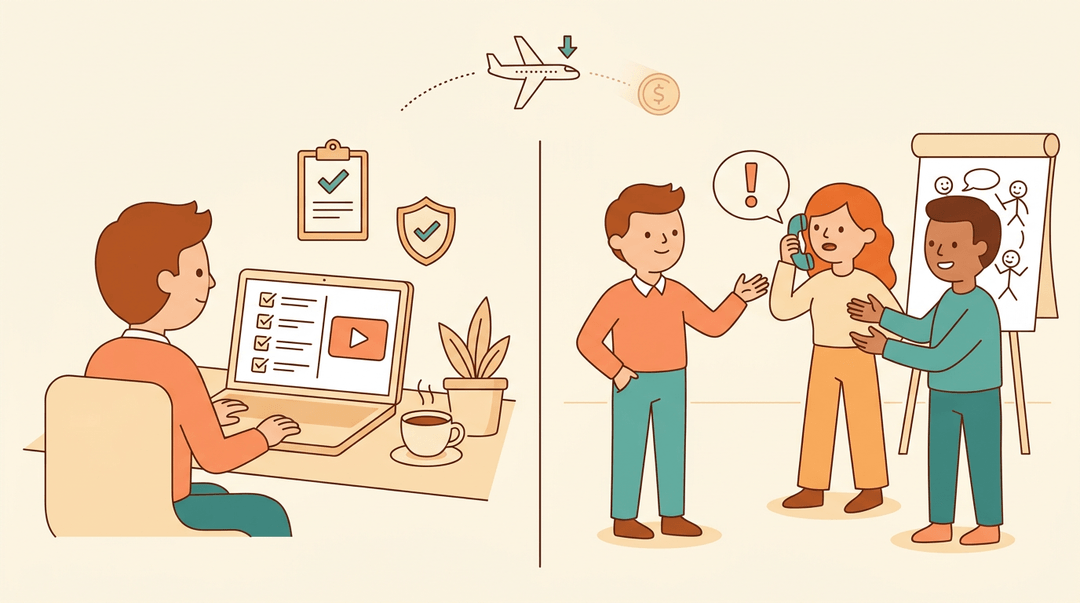
A new hire finishes compliance modules online at their own pace, then joins an in-person workshop for role-play scenarios like handling a difficult customer call.
That mix saves the company real money too: fewer employees flying in for training means lower travel costs, without losing the hands-on practice that only a live room provides.
K-12 classrooms
Picture a reading block where one group works through a digital phonics game while the teacher pulls another small group for guided reading.
That's station rotation in action: students rotate in small groups through a series of learning stations, and it tends to boost engagement scores because no one sits idle waiting for help.
Elementary classrooms often rotate through short, skill-based stations, while secondary classrooms lean toward longer blocks mixing independent research with discussion.
Higher education courses
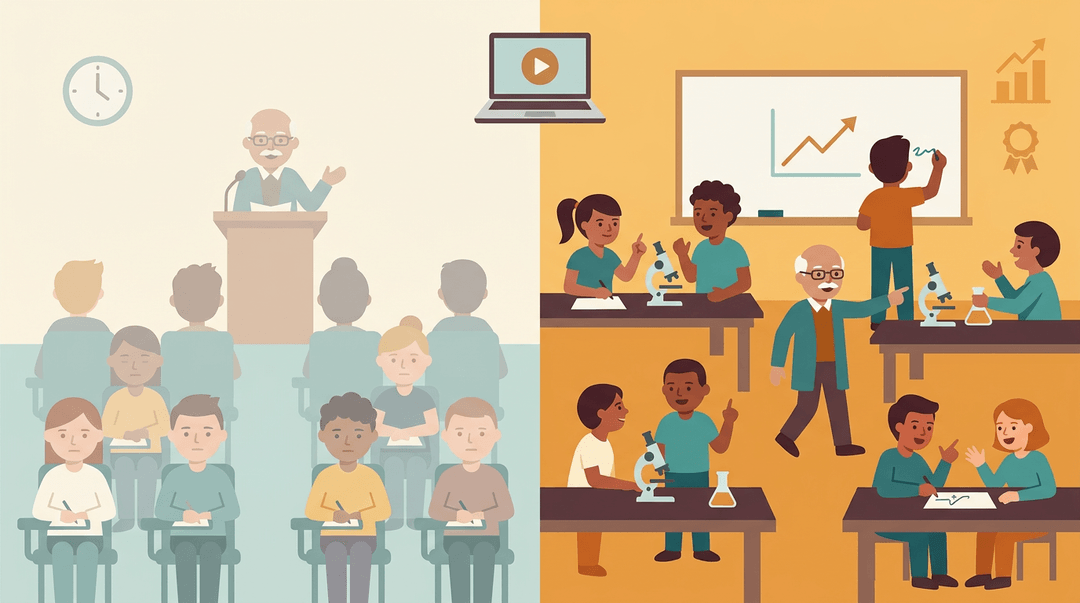
A community college biology professor flips the lecture: students watch the content at home and spend class time on labs and problem-solving. It works.
Students in active-learning sections performed significantly higher on common exam questions than their peers in traditional sections, cutting failure rates in later courses.
Many colleges fund this shift through hybrid learning grants for redesigning an existing course with already-defined outcomes.
Challenges and Drawbacks
Blended learning isn't a magic fix. Like any shift in how a classroom runs, it comes with real friction, and ignoring that friction only makes it harder to solve.
The digital divide and equity concerns
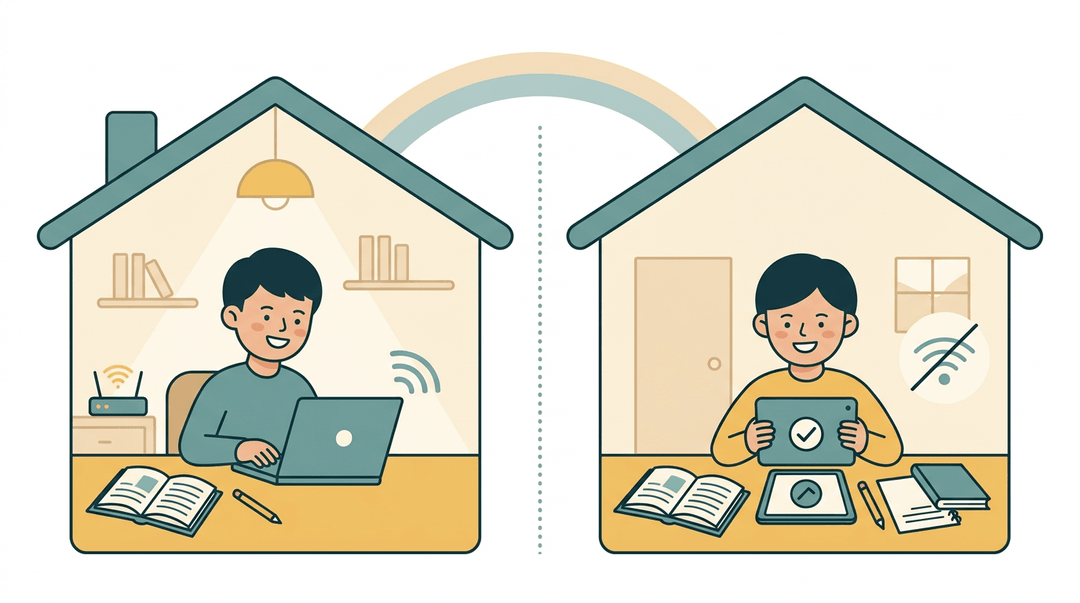
Not every student has the same access outside of school. Unequal home internet, spotty Wi-Fi in rural areas, and a lack of personal devices mean the same online assignment that's simple for one student can be nearly impossible for another.
Instead of leveling the field, blended learning risks widening the gap between students who have reliable tech at home and those who don't.
Extra workload and a tech learning curve
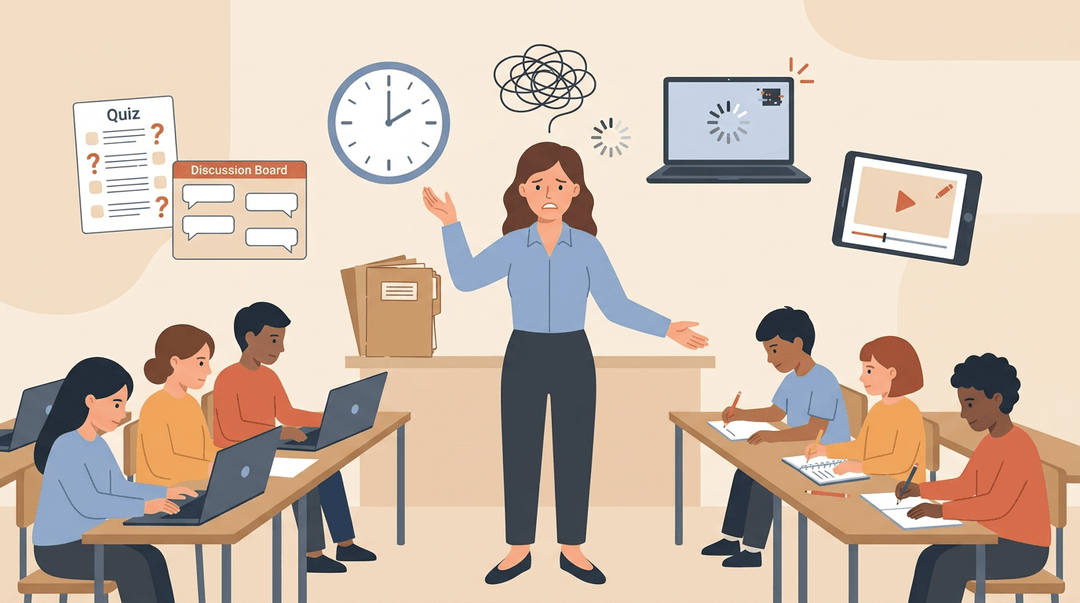
For teachers, blended learning often means climbing a new learning curve:
- mastering an unfamiliar platform
- troubleshooting glitches mid-lesson
- building digital content from scratch on top of an already full plate
Consider a veteran teacher who's taught the same unit for years suddenly rebuilding it as videos, quizzes, and discussion boards.
Managing a room where some students work online and others work offline, at the same time, adds another layer of complexity to keep track of.
Why some students struggle with self-motivation
Flexible, self-paced models hand students more freedom, and freedom invites procrastination. Without a teacher standing over the next step, self-regulation becomes the whole game: students have to plan, pace, and check their own progress.
Add hours of screen time on top of that, and burnout creeps in fast, leaving some students more exhausted than engaged.
Where Blended Learning Is Headed
Blended learning isn't standing still, and neither is the technology behind it. Here's what's shaping the next few years of classroom design.
AI-powered personalization
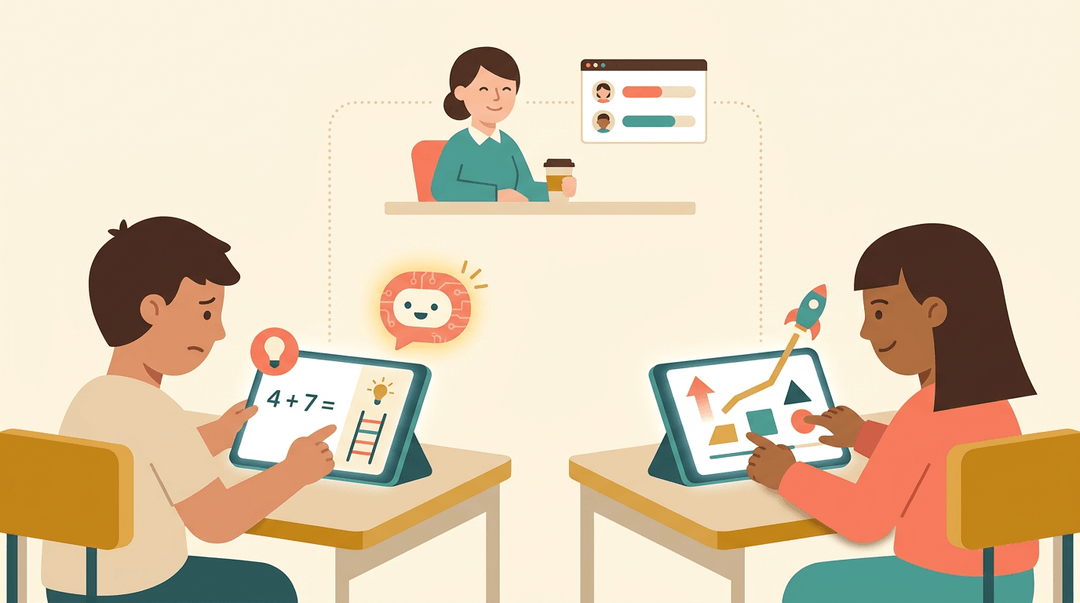
AI tutors are starting to give students real-time feedback the moment they hit a snag, not a day later when the teacher finally gets to grading.
Pair that with adaptive content delivery, and a struggling reader gets extra scaffolding while a student racing ahead gets pushed further, all without you rebuilding the lesson from scratch.
Immersive and mobile technology trends
Think of a history teacher dropping students into a VR simulation of ancient Rome instead of just describing it.
- VR and AR simulations make abstract or distant content something students can practically walk through.
- Micro-learning mobile content (short, phone-friendly lessons) fits the five minutes a student has between classes.
- Gamification keeps building momentum as a way to make practice feel less like a chore and more like progress.
Innovations aimed at closing equity gaps
None of this matters if only some students can get to it. That's why offline-accessible content, material that works without a live connection, is gaining ground, especially for students without reliable Wi-Fi at home.
Bridging broadband gaps and expanding access to underserved areas are becoming just as central to blended learning's future as any app or algorithm: the goal is a model that works for every student, not just the ones with the fastest connection.
Blended learning isn't about replacing you with a screen. It's about pairing your instruction with tools that give students more ways to practice, revisit, and grow, without adding hours to your week.
Get the mix right, and you'll spend less time repeating yourself and more time teaching.
Ready to plan your first blended lesson? Check out our Lesson Planning feature to organize and reuse plans across every class you teach.
References
- Key factors influencing educational technology adoption in higher education: A systematic review — pmc.ncbi.nlm.nih.gov
- Blended Learning Over Two Decades — doi.org (2015)
- Implementation of a Flipped Active-Learning Approach in a Community College General Biology Course Improves Student Performance in Subsequent Biology Courses and Increases Graduation Rate — pmc.ncbi.nlm.nih.gov
- Hybrid Learning Grants — grants.delta.ncsu.edu
- Blended Learning: Station Rotation- AVID Open Access — avidopenaccess.org
Frequently asked questions
What is a blended teaching method?
A blended teaching method combines face-to-face instruction with intentionally designed online activities in the same course. The online and classroom parts work together, with digital tools supporting content delivery and practice while in-person time focuses on discussion, feedback, collaboration, or hands-on work.
What is a blended learning teacher?
A blended learning teacher is a designer and coach who combines classroom teaching with online learning. They curate content, monitor students’ online progress, provide support, and use in-person time for guidance, feedback, and human connection.
What is the meaning of blended learning?
Blended learning means combining face-to-face instruction with online learning in a deliberate, integrated course design. It may include both real-time online activities and self-paced materials such as recorded lessons, readings, or practice exercises.
What is the best definition of blended learning?
The best definition of blended learning is a planned instructional approach that integrates in-person teaching and online learning so each mode contributes to the same learning objectives. It is more than simply posting worksheets or resources online.
What are the 4 types of blended learning in the classroom?
The four common classroom types are station rotation, lab rotation, individual rotation, and the flipped classroom. In each model, students move between online learning and other activities, but the location, schedule, or level of personalization differs.
What are the advantages and disadvantages of blended learning?
Advantages include greater flexibility, learner control, engagement, personalized instruction, progress tracking, reusable content, and more opportunities for feedback and collaboration. Disadvantages include unequal access to devices or internet, additional teacher workload, technical problems, a learning curve, self-motivation challenges, and potential screen-time fatigue.
What is an example of blended learning in teaching?
One example is a flipped middle school math lesson: students watch a short video about solving equations at home, then solve problems and receive teacher support in class. Another example is station rotation, where students alternate between digital phonics practice and teacher-led reading.
What best describes blended learning?
Blended learning is an intentionally integrated combination of in-person instruction and online learning. It gives students both classroom structure and digital flexibility, using each setting for the activities it supports best.