Learning Management System Defined: Features & How It Works

Jump to section
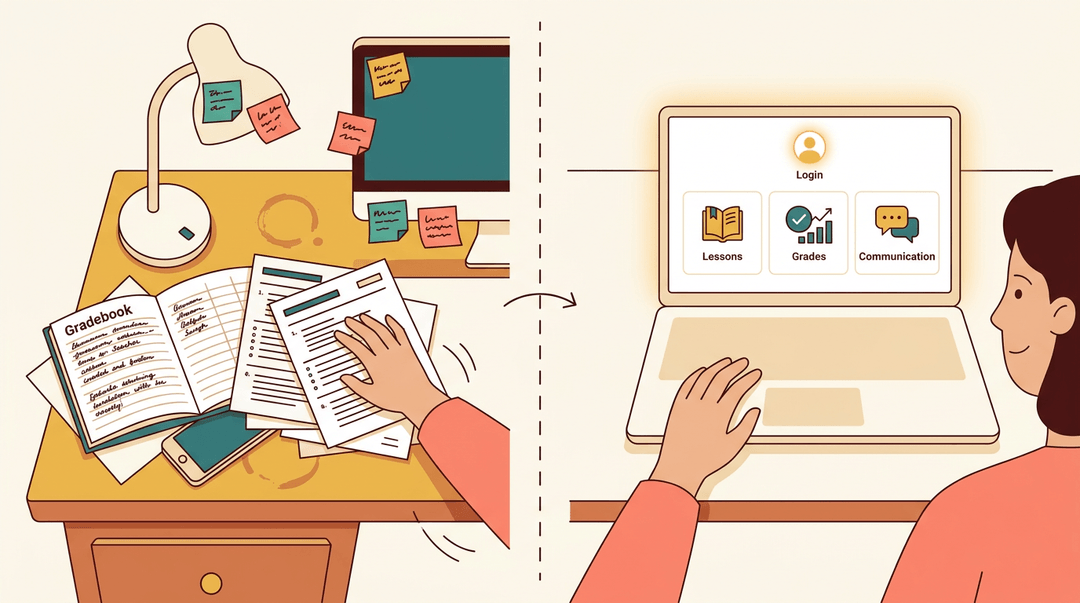
Picture a teacher's desk: a gradebook here, a stack of worksheets there, sticky notes reminding her to email a parent. It works, until she needs one thing fast and can't find it.
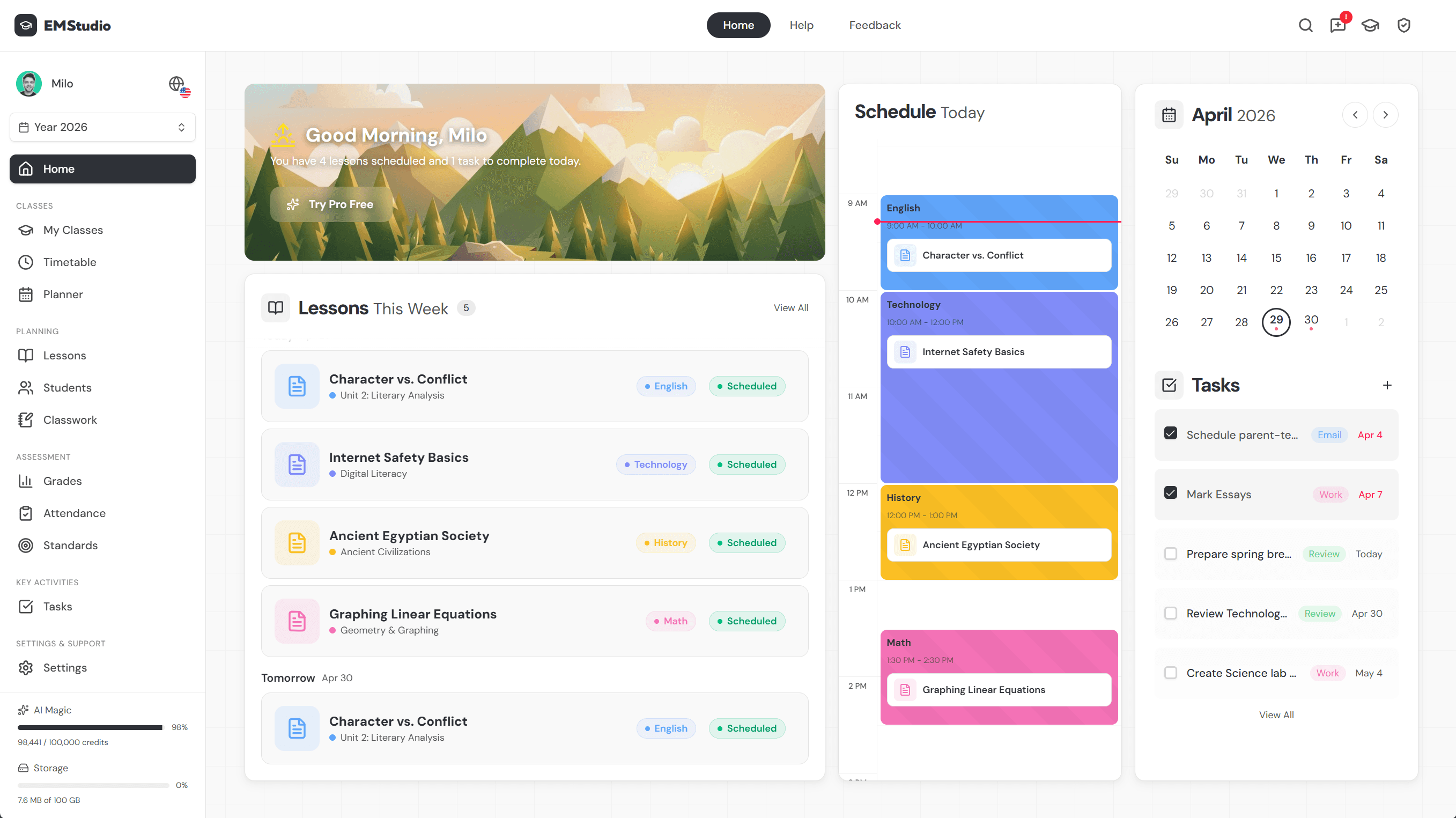
A learning management system, or LMS, puts all of that online in one place: lessons, grades, and communication under a single login.
In this post, we'll unpack what an LMS actually does, the features worth expecting, and how to pick one that fits your classroom instead of fighting it.
What a Learning Management System Actually Is
So what exactly is a learning management system, and why does nearly every school seem to run on one?
According to Western Governors University, an LMS is "a software application used to administer, document, track, report, and deliver educational courses or training programs."
Google Classroom and Canvas are two of the most familiar examples, and together with platforms like Schoology and Moodle, they're among the most widely used LMS choices in schools today.
Software that helps schools run learning
An LMS handles both sides of the job: it's software for planning a unit before the first lesson, and it aids executing that plan once students are in the room or logged in from home.
That dual role is why it's become the cornerstone of how modern schools run, from one classroom to an entire district.
Google Classroom counts as a genuine LMS, even though it started out simpler: it still organizes coursework, tracks submissions, and manages grades. It's worth knowing what an LMS isn't, too.
A learning content management system (LCMS) focuses on building and storing course content, while a plain content management system (CMS) handles any digital content, not just educational material.
An LMS borrows from both, but its job is specifically delivering and managing instruction.
How LMS shifted from teachers to students
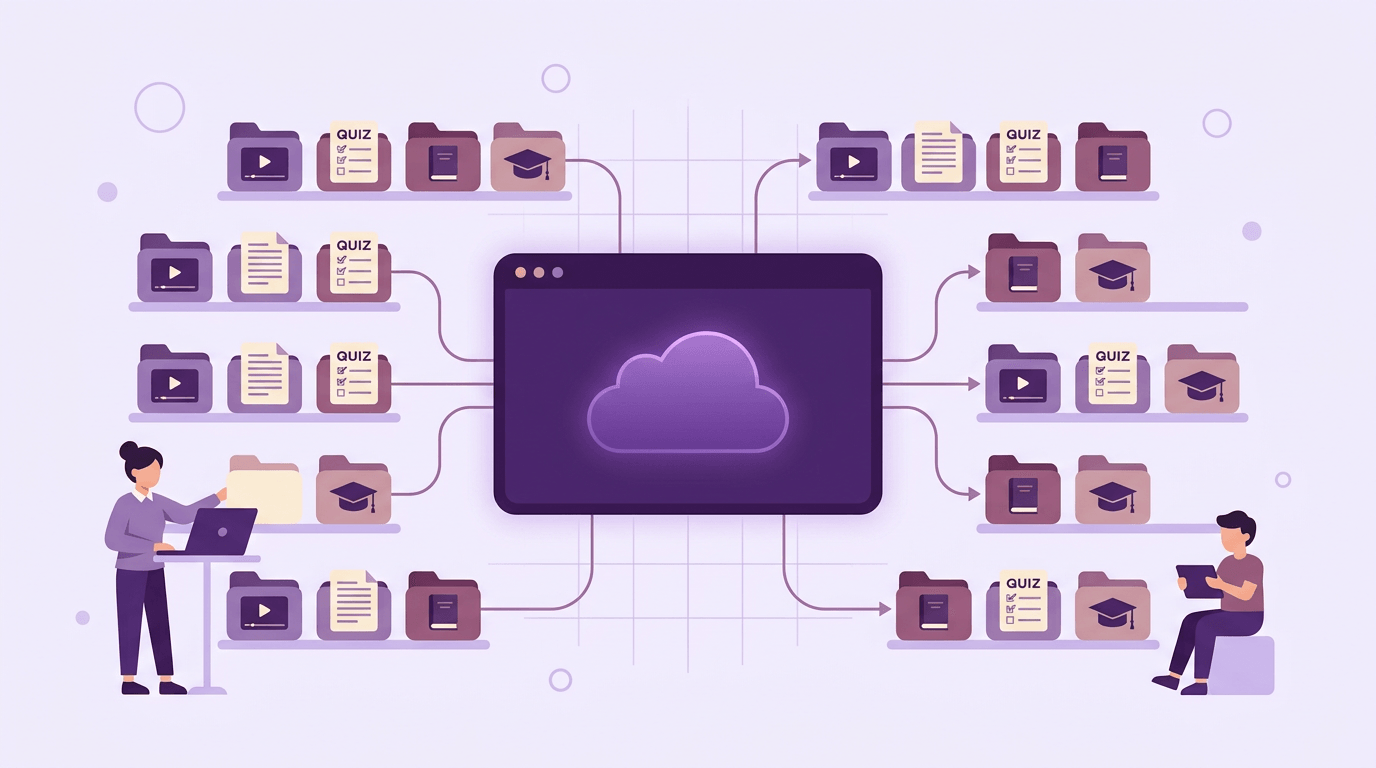
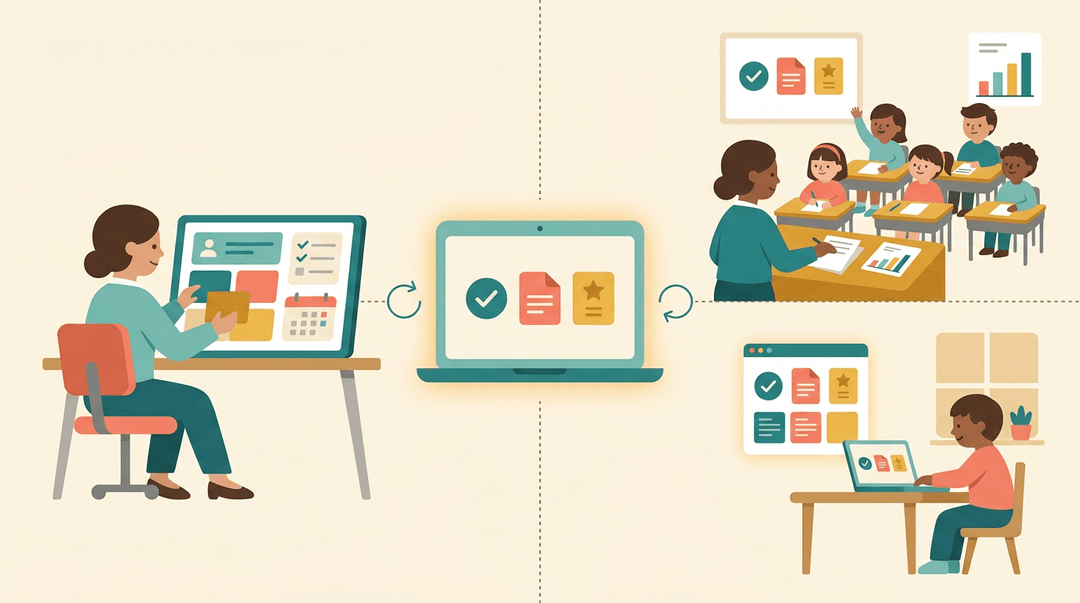
Early LMS platforms were originally built as a teacher's aid, not a student's. They worked as a repository: a digital filing cabinet where a teacher stored handouts, slides, and reading materials.
Over time, design attention moved toward the student side of the login screen, shifting from a teacher-focused tool to a student-centric one built around progress, feedback, and access.
Early ways schools first used LMS
Those first systems did a few things well.
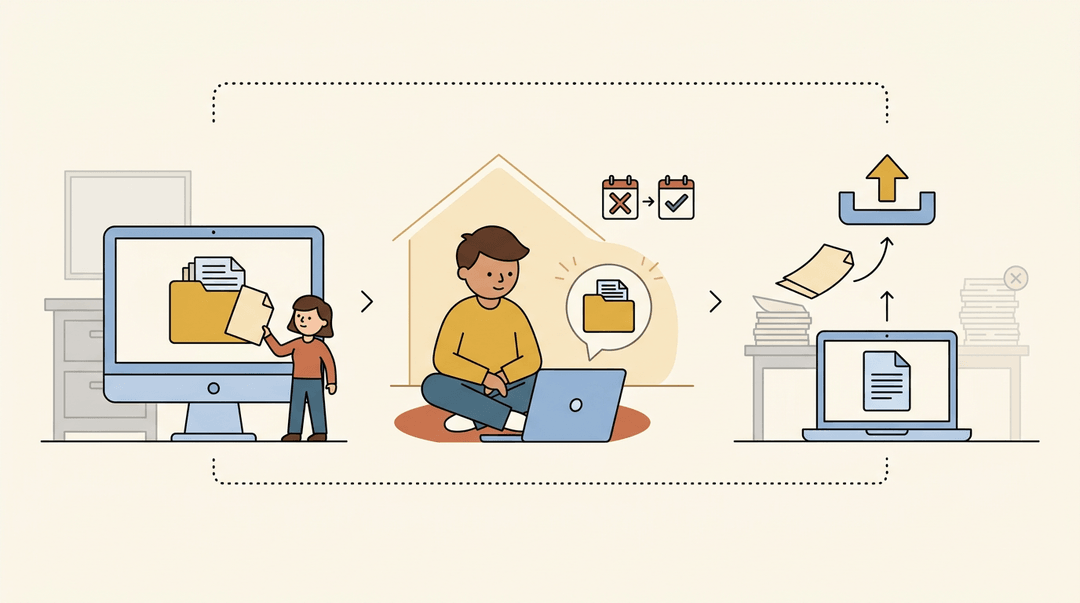
- Teachers used them as a file repository instead of a desktop folder.
- Students gained home access to the same materials, so a missed class no longer meant a missed handout.
- Assignments started moving online, with digital submission replacing a stack of papers.
Why older LMS platforms fell short
Those early platforms had real limits.
- Many weren't teacher-friendly, built more for IT departments than classrooms.
- They weren't student-centric either, offering little beyond a file to download.
- They came with a steep learning curve and costly maintenance, a hard sell for schools already stretched thin.
Key Features Every LMS Offers
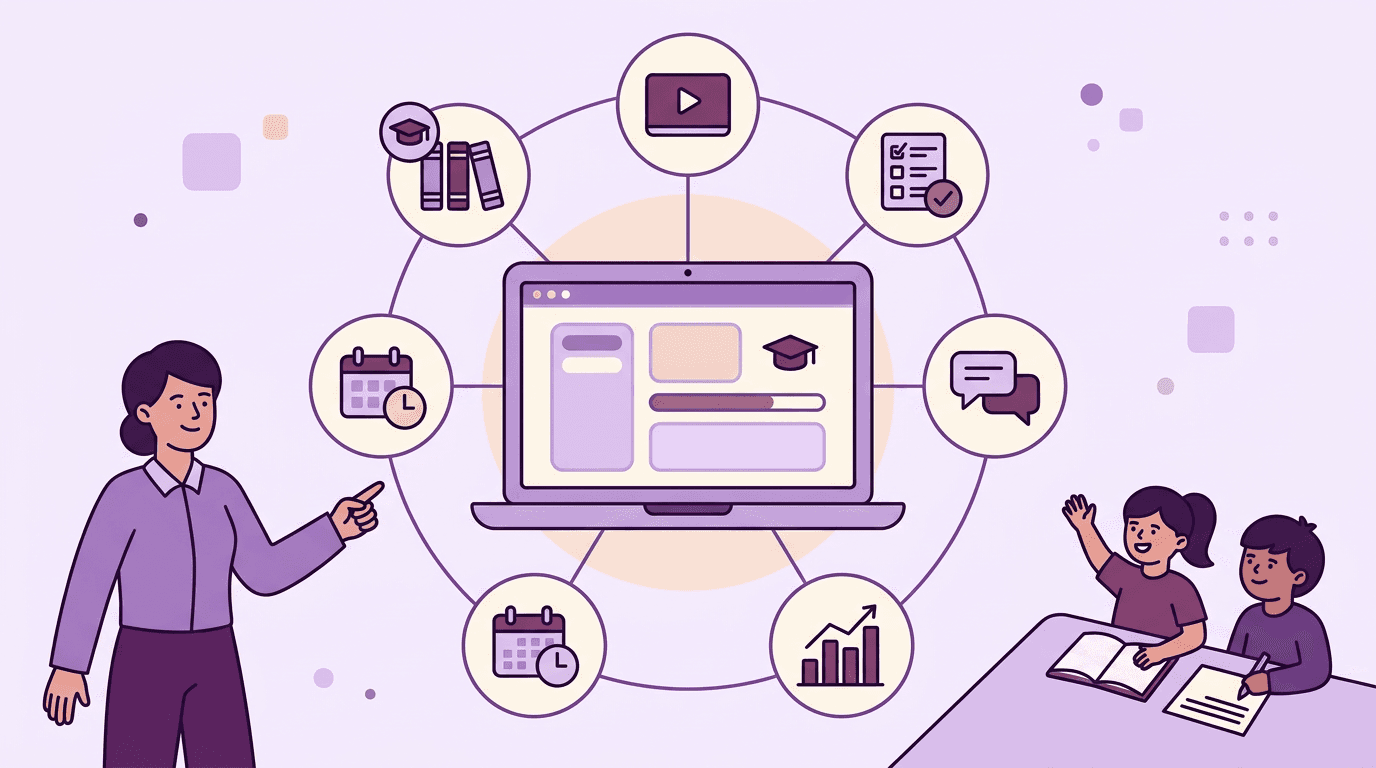
Every LMS looks a little different on the surface, but underneath, most of them solve the same handful of teacher headaches. Here's what shows up again and again:
Planning curriculum without the paperwork
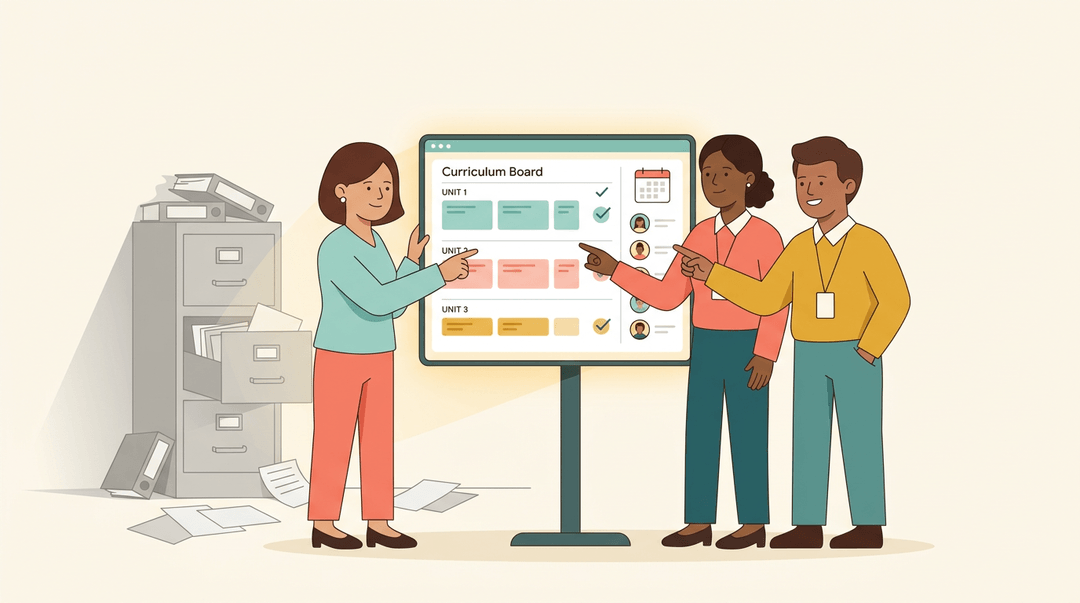
An LMS gives every stakeholder, teachers, department heads, admins, the same shared plan to work from, so nobody's teaching off an outdated printout. That consistency holds even across multiple courses or sections, keeping pacing and standards aligned without a filing cabinet full of binders. Planning moves online, which means less paperwork and faster updates. It also opens the door to real teacher collaboration: a team can build, review, and adjust a unit together instead of passing folders down the hall.
Grading and feedback made faster
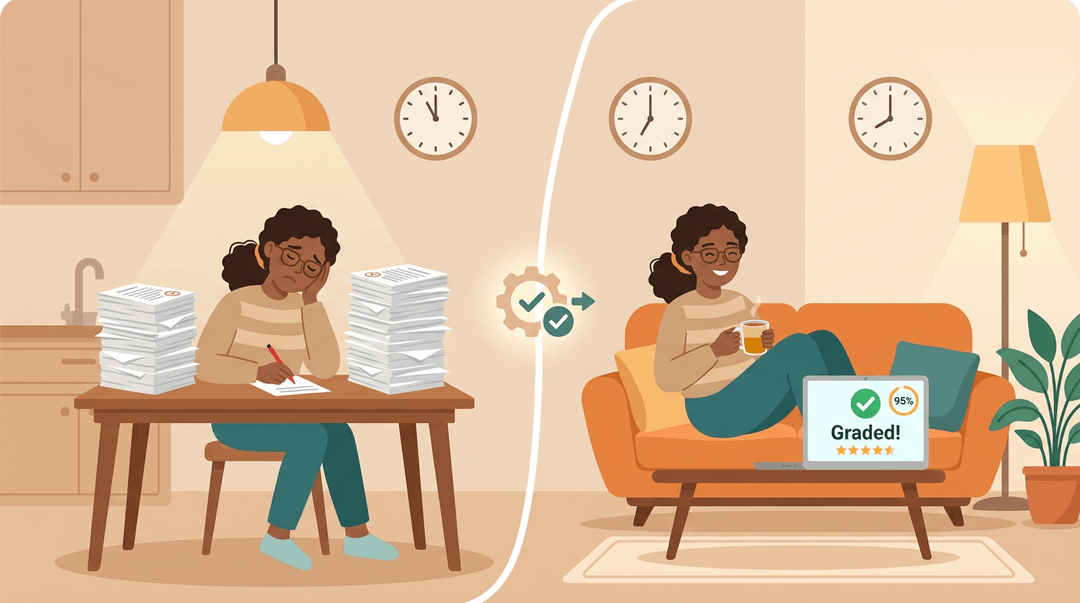
Objective questions, multiple choice, true/false, can be graded automatically the moment a student submits. Subjective work like essays can move online too, letting teachers grade from anywhere instead of hauling a stack of papers home. Research on automated assessment points to a real advantage here: reproducibility and rapid feedback for students. That speed matters for more than convenience: instant feedback also shrinks exam anxiety, since students aren't left waiting days to find out how they did. The time savings add up fast, too. Agilix Labs reported that its AI grading assistant returned roughly 150,000 hours of grading time to teachers after grading 6 million K-12 submissions, meaning less after-school grading and more evenings back.
Flexible content that fits every learner
Students can log in anytime, anywhere, and move through material at their own pace instead of everyone marching in lockstep. Good LMS content also supports different VARK learning styles (visual, auditory, reading/writing, and kinesthetic) by mixing video, audio, text, and interactive tasks. Byte-sized multimedia lessons make that variety easy to build and even easier for students to digest.
Connecting LMS data with other school systems
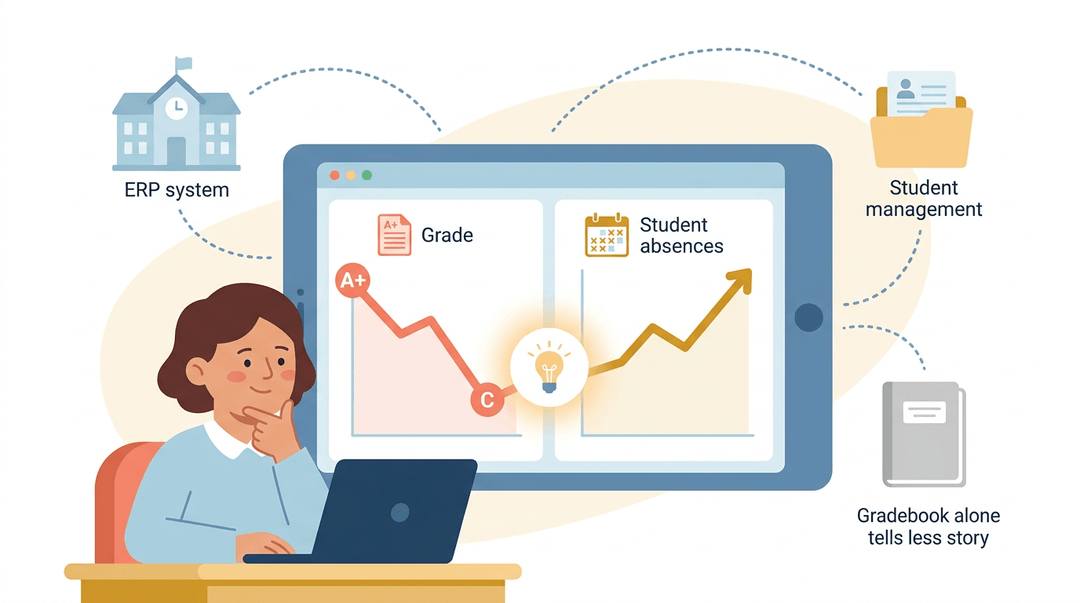
Many platforms integrate with a school's ERP (enterprise resource planning) or student management system, pulling attendance and performance data into one place. That combination gives teachers real insight into student context: a dip in grades next to a spike in absences tells a story a gradebook alone never could.
How Teachers Pick and Use an LMS
The definition only matters until you're the one choosing. Here's a short guide for evaluating a platform in one sitting, then getting your first class running without losing a weekend to setup.
Five things to test before you commit
Don't judge an LMS by its feature list; judge it by what you can do in the demo. Run each test yourself, in the trial version, before anyone signs anything.
| Look for... | Test it by... |
|---|---|
| Easy lesson upload | Uploading a real lesson file; it should take under two minutes |
| Simple gradebook sync | Entering three grades and checking they appear where students see them |
| Built-in parent messaging | Sending yourself a test message as a "parent" |
| Works on any device | Opening the same lesson on your phone, not just your laptop |
| Low learning curve | Asking: could a colleague find today's assignment without help? |
⚠️ Watch out: if any test needs a support ticket or a tutorial video to complete, that's your answer. The friction you feel in the demo is the friction your students will feel all year.
Three steps to get started fast
Once you've picked, resist the urge to build everything at once. Three moves get a working classroom in an afternoon.
- Import your existing lesson plans.
- Start with one unit, not the whole year; upload files as they are.
- You can reformat later; a live, imperfect course beats an empty polished one.
- Set up gradebook categories.
- Mirror the system you already use so nothing gets lost in translation.
- For example: Homework 20%, Quizzes 30%, Tests 50%.
- Invite students and parents.
- Share the join code in class, then message parents directly.
- Try: "We're using our new class site for grades and updates. Click the link below to join."
Example: A middle school teacher we heard from imported just her first two-week unit, set three gradebook categories, and sent invites on a Friday. By Monday, students were submitting work online, and she built the rest of the course as the semester went, not before it.
Your lesson plans are the heart of all this, so it's worth making them easy to build and revise. See how EMStudio's AI Lesson Editor helps you draft and adapt lessons right inside your planner.
Where LMS Technology Is Heading Next
Today's LMS platforms are quietly getting smarter, and that shift changes what you can expect from the tools in your classroom. Here's where things are headed:
How adaptive learning adjusts to students
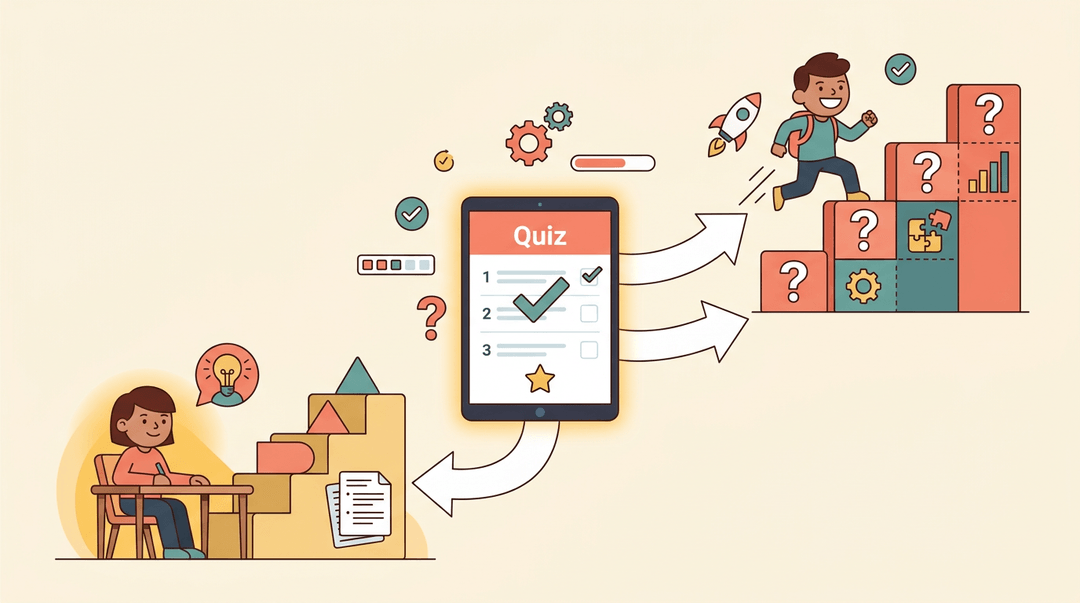
Instead of pushing the same lesson to every student, adaptive content delivery reshapes the material in real time. Think of a student who breezes through a quiz: the system serves harder questions next.
A student who struggles gets easier ones and extra practice. Either way, the platform identifies learning gaps fast, often before you'd catch them yourself.
Predicting problems before they happen
Some systems now use artificial intelligence (AI, or computer programs that spot patterns in data) to flag skill deficiencies and even predict which students are at risk of dropping out. Rather than just raising a red flag, the better tools explain why:
- a missed prerequisite
- a pattern of late logins
- a drop in quiz scores
That context gives you insight you can actually act on, not just a warning.
Built to grow and connect everyone
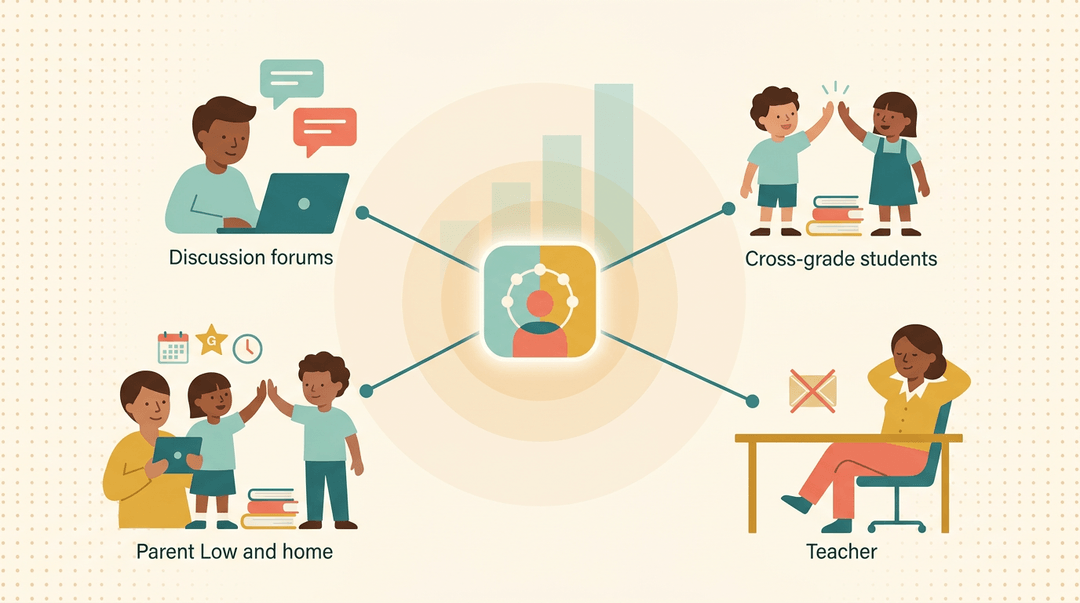
Modern LMS platforms are built to connect people, not just deliver content. Discussion forums, polls, and cross-grade peer collaboration turn a course into a community.
Parent portals extend that access to families: as one analysis of a school district's portal explains, these tools give parents secure access to attendance, grades, and schedules, which cuts down on the email volume you'd otherwise field.
Underneath it all, these systems now handle growing enrollment and large amounts of data without buckling.
Why Schools in India Are Adopting LMS
Across India, schools are turning to learning management systems (LMS) for a simple reason: the old way of running a classroom is stretched thin. And it's not just K-12 schools.
Coaching centers, colleges, and corporate training teams are leaning on the same tools to manage more learners with less friction.
Easing the load on teachers
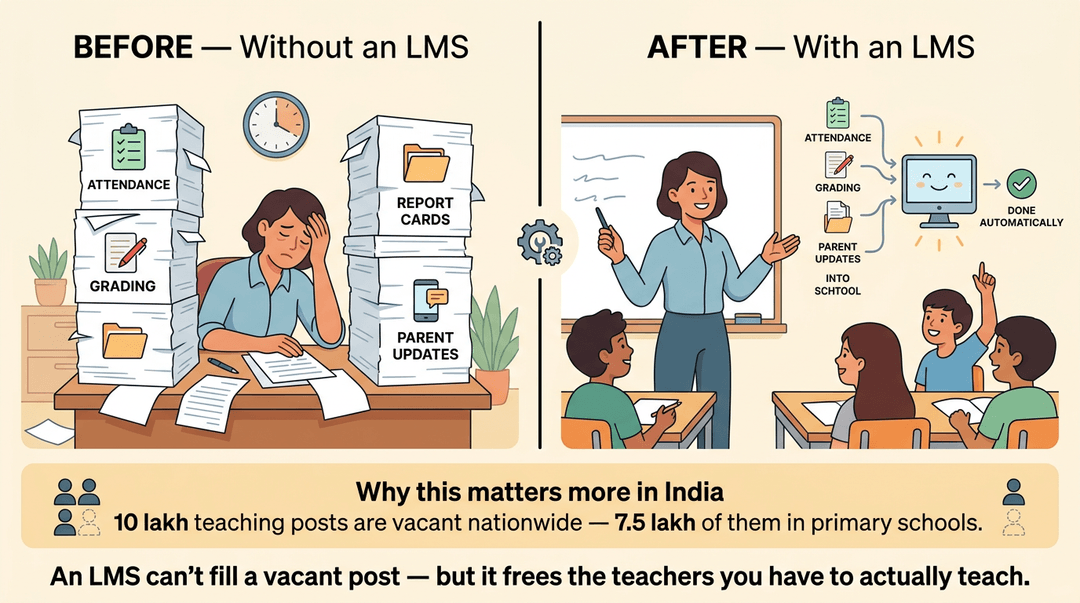
A learning management system automates the admin tasks that eat into a teacher's day:
- Attendance
- Grading
- Report cards
- Parent updates
That matters more in India than almost anywhere else.
According to Careers360, "Indian schools are facing a crippling shortage of teachers, with around 10 lakh teaching posts lying vacant in the country, of which most, about 7.5 lakh, are unfilled in primary sections."
When staff are already stretched, an LMS that handles the paperwork frees teachers to do what a vacant post can't: teach.
Helping students learn beyond rote memorization
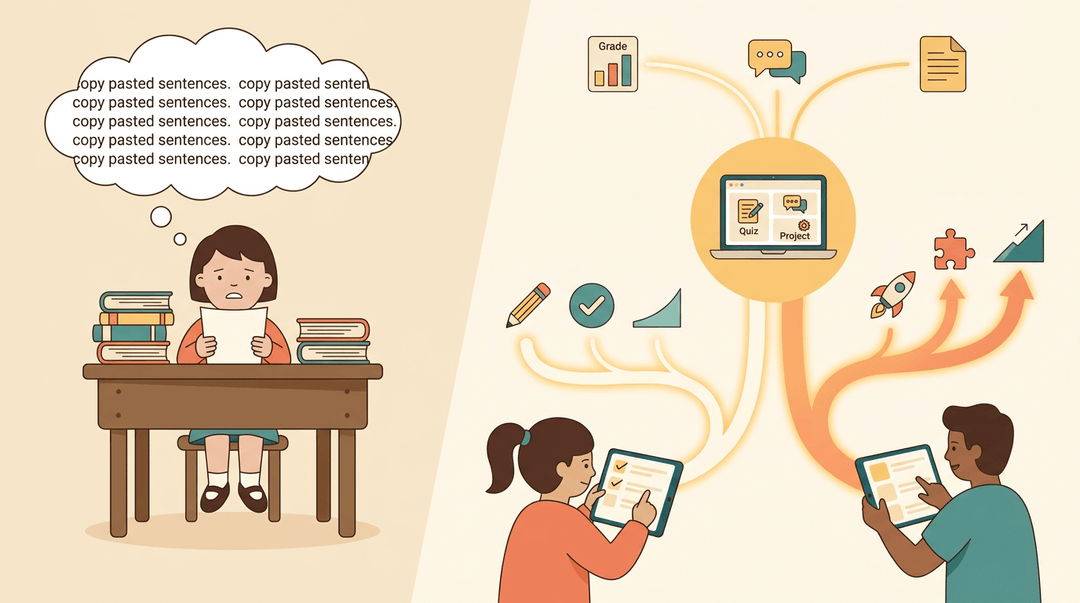
Indian classrooms have long leaned on memorization to get through crowded syllabi. An LMS pushes learning in a different direction.
Instead of drilling facts for recall, it builds critical thinking through interactive quizzes, discussion boards, and project-based modules.
It also opens the door to personalized learning paths: a struggling student gets extra practice, while one who's racing ahead moves on to harder material. Progress, not just completion, becomes the goal.
An LMS isn't just a login page for assignments. It's the backbone holding your lessons, grades, and communication together, and picking the right one means fewer scattered tools and more time actually teaching.
Whether you're comparing platforms or just learning the one your school already has, the goal stays the same: less admin, more learning.
Ready to plan faster inside whatever system you use? Check out our AI Lesson Editor to draft and refine lessons with built-in AI assistance.
References
- Improving Student Learning with Automated Assessment — exa.ai (2024)
- What Is a Learning Management System? — wgu.edu
- An Analysis of the Implementation and Perceived Effectiveness of the SchoolMAX Family Portal — exa.ai (2015)
- 10 lakh school teacher posts vacant due to 6-year hiring freeze; Parl panel says NEP policy 'not feasible' — news.careers360.com (2025)
- Six Million Graded Submissions, 150,000 Teacher Hours Returned — prnewswire.com (2026)
Frequently asked questions
What is the most commonly used LMS?
The most commonly used LMS varies by country, education sector, and organization. In schools, widely used platforms include Google Classroom, Canvas, Moodle, and Schoology, with Google Classroom among the most familiar and widely adopted options.
What is LMS and examples?
An LMS, or learning management system, is software used to deliver, organize, track, and manage instruction or training. Examples include Google Classroom, Canvas, Schoology, Moodle, Blackboard, and learning platforms used by businesses for employee training.
Is Google Classroom a LMS?
Yes. Google Classroom is a learning management system because it organizes coursework, collects student submissions, tracks grades, and supports teacher-student communication. It began as a simpler classroom tool but now provides core LMS functions.