Learning Pathways Explained: How to Build One

Jump to section
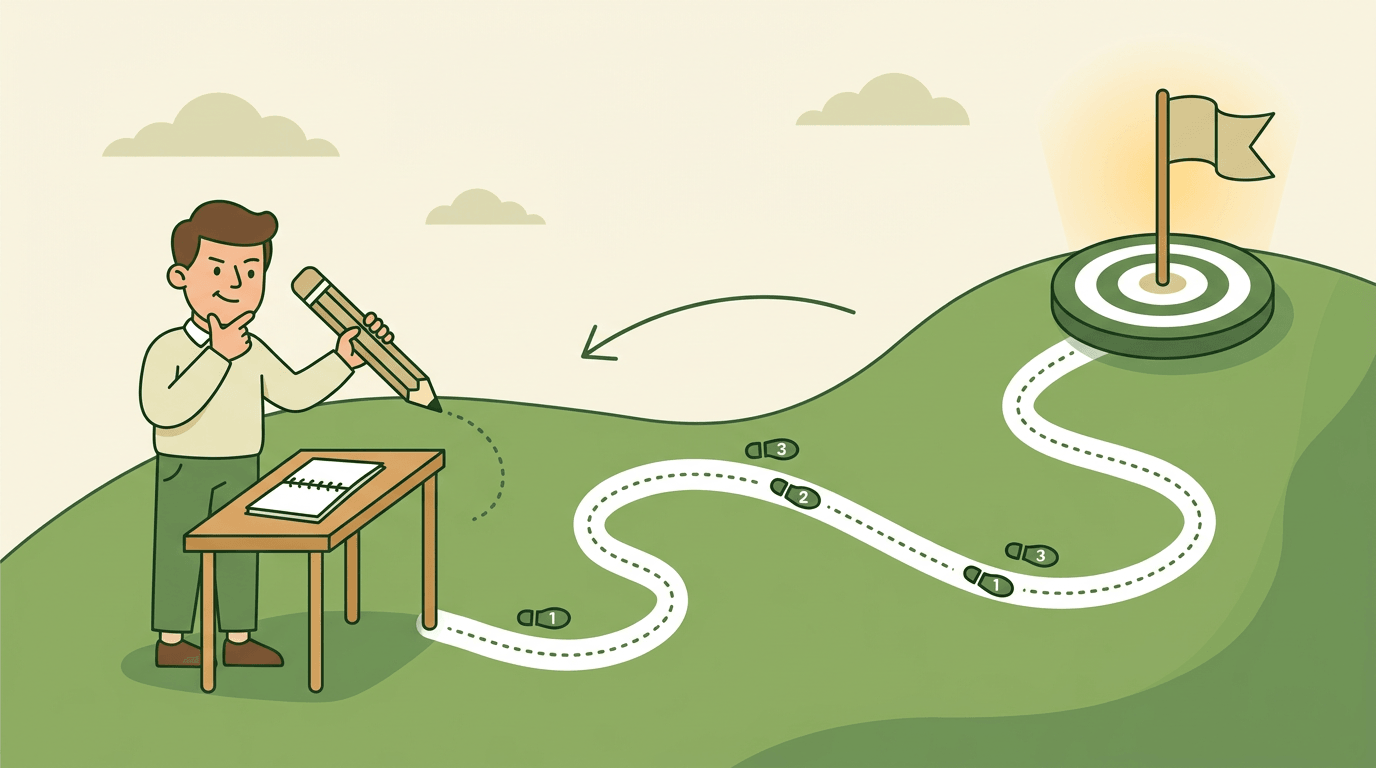
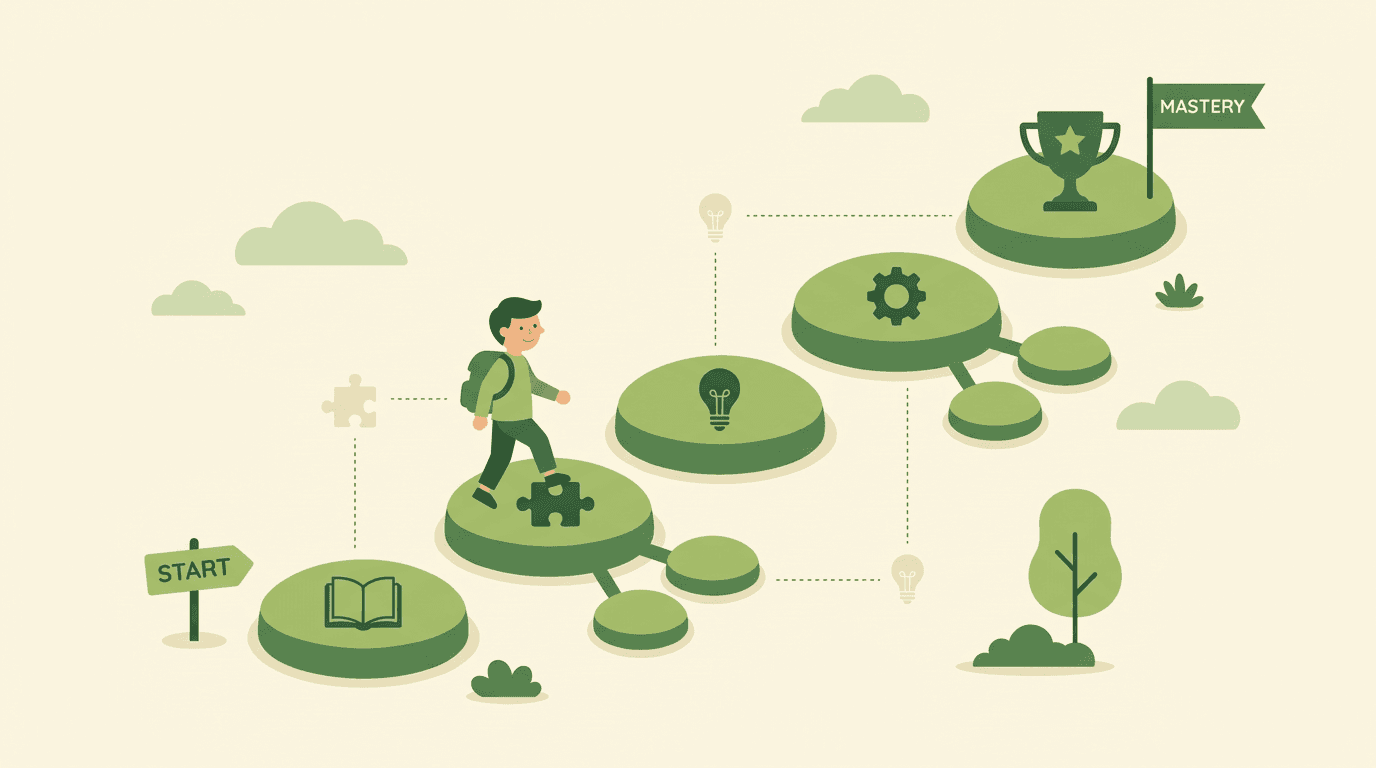
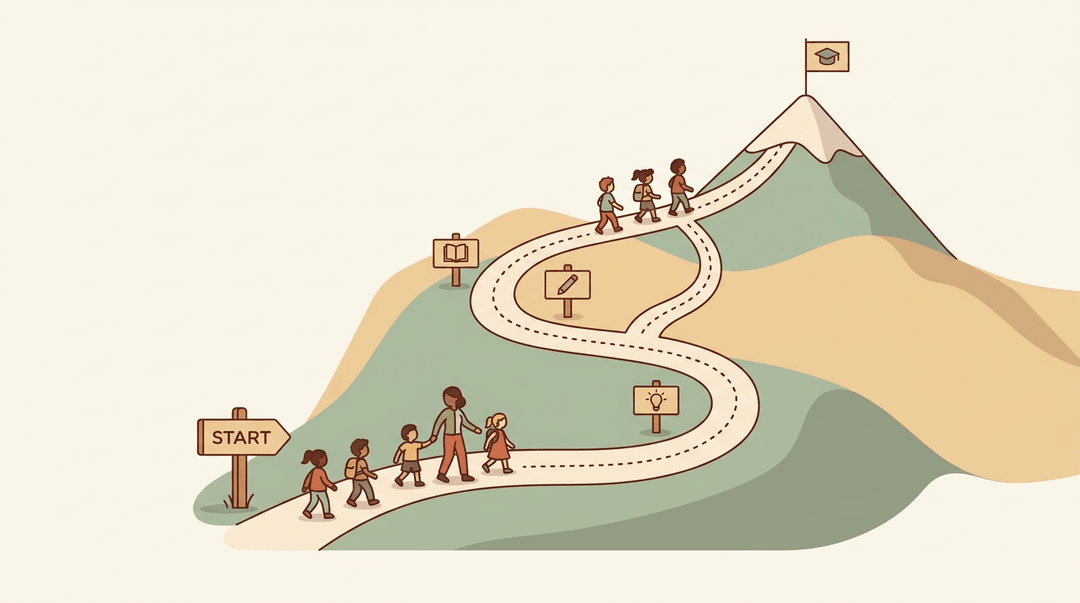
Think about hiking a marked trail: a clear trailhead, signposts along the way, and maybe a shortcut or two for hikers who already know the terrain. Learning works the same way.
A learning pathway is a planned sequence of lessons and skills that guides a student from where they are to where they need to be. With classrooms more varied than ever, that kind of guided route matters.
This guide walks through what pathways look like, how to design one, and how to build your own.
Learning Pathways Explained from the Start
Every teacher has watched a student wander through a unit without ever seeing the big picture.
A learning pathway fixes that, and the idea has a longer history than most people realize, long before Microsoft 365 or any corporate training platform picked it up.
What a learning pathway actually is
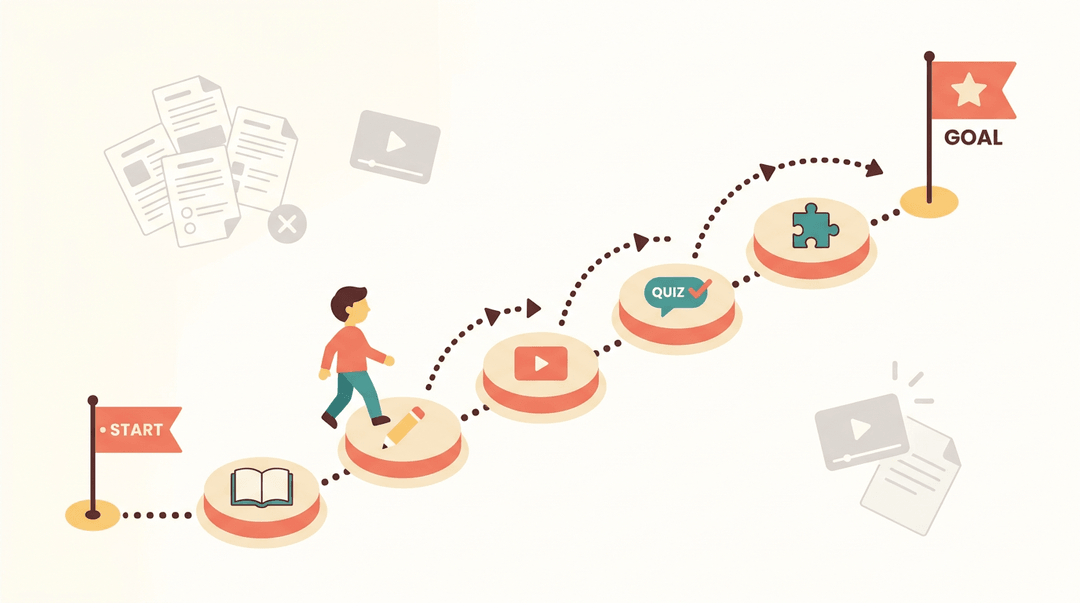
At its core, a learning pathway is a deliberate route through a set of learning activities, arranged so each one builds on the last.
Instead of a scattered pile of worksheets and videos, a pathway guides a learner step by step from a starting point to a clear goal. You might also hear it called a learning track or a learning journey: same idea, different label.
Its roots in science education research
The term didn't start in a training room. It came from science education research, where researchers were mapping how students' understanding actually develops over time.
Scott's 1991 work presented a pathway concept, tracing how a student's ideas about the structure of matter shifted as they learned.
A few years later, Niedderer and Goldberg's 1995 study examined students building understanding of electric circuits, following that same kind of progression.
Together, this research pointed to a theory of instruction guideline: sequence teaching to match how understanding actually forms, not just how a textbook happens to be organized.
How businesses adapted it for training
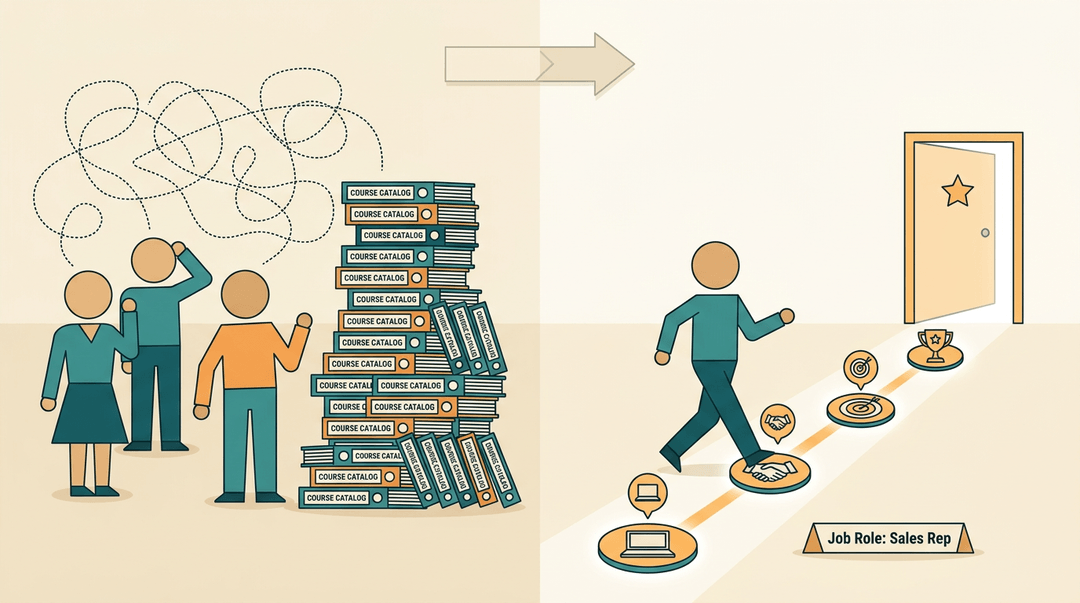
Businesses later borrowed the concept and gave it a corporate spin. Williams and Rosenbaum's Learning Paths method mapped an ideal sequence of training tied to a specific job role, rather than a generic course catalog everyone sits through.
The focus was performance improvement: get a new hire, or someone moving into a new role, to real competence as quickly as possible.
Done well, it also cuts down on training waste and variability, since employees in the same role follow a route that's been tested, not one cobbled together on the fly.
Different Types of Learning Pathways
Not every pathway looks the same. Some keep learners on a tight rail, some hand them the wheel, and some do a little of both. Here's how the main types break down:
Step-by-step paths with a strict order
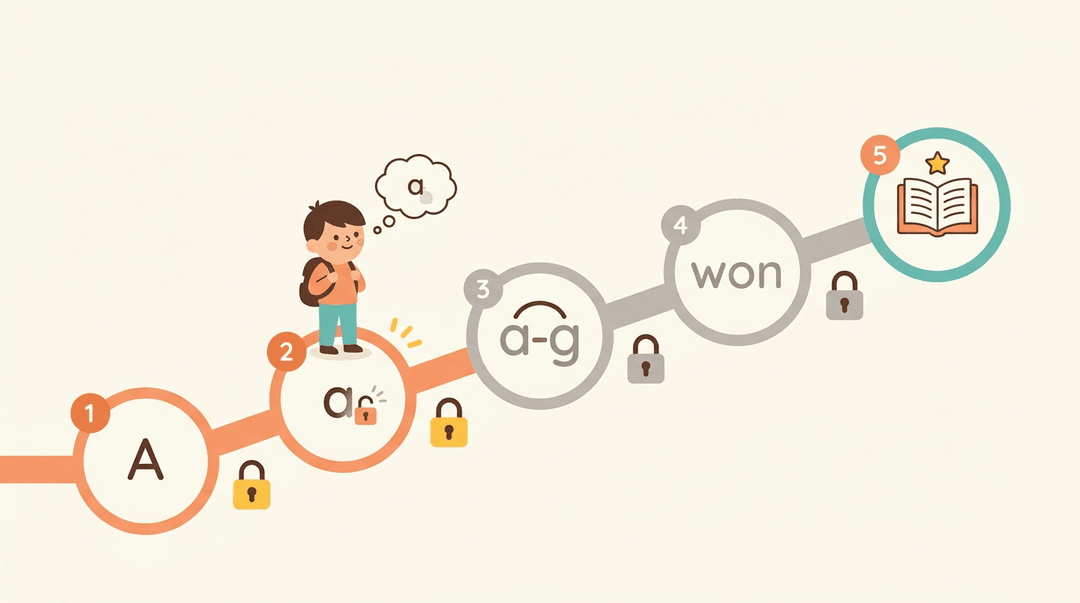
A linear pathway locks learners into a fixed course order. There's no skipping ahead: each unit sits behind a prerequisite, and students have to clear one before the next unlocks.
Think of a reading teacher building a phonics sequence where a student can't move on to blending sounds until single-letter recognition is solid. The strict progression isn't rigidity for its own sake. It protects the foundation the next skill depends on.
Flexible paths that let learners choose
A flexible pathway cares more about the outcome than the order it takes to reach it. Lessons become optional stops rather than mandatory checkpoints, and learners can skip what they've already mastered.
This mirrors differentiated instruction: the student who already knows fractions moves on, while another spends more time there. The order bends; the goal doesn't.
Leveled paths mixing structure and choice
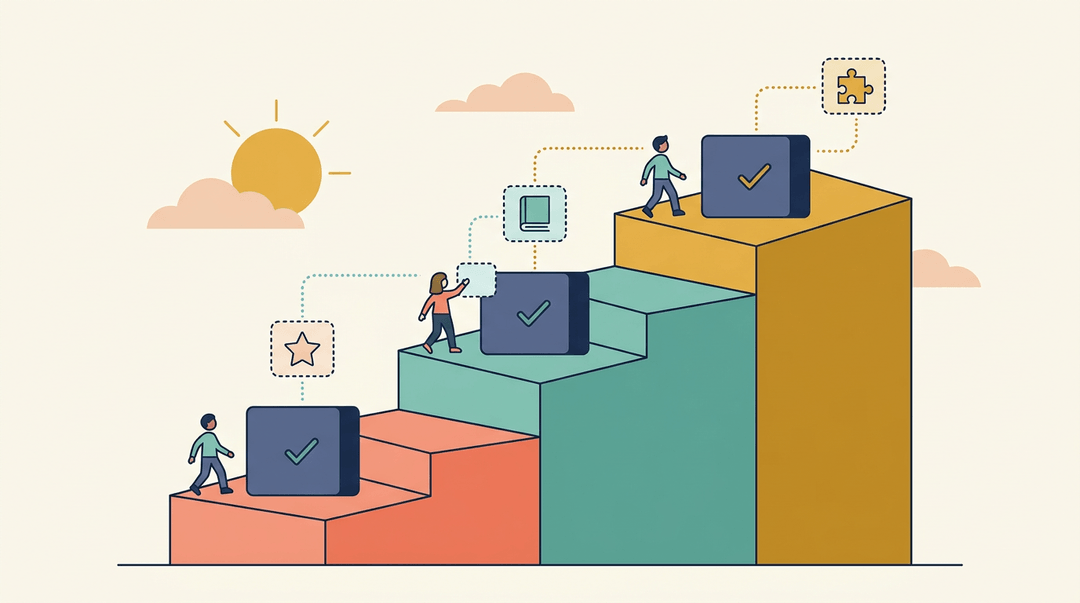
A leveled pathway blends the first two. It's built on hierarchical levels of content, each one harder than the last, so there's a successive backbone to climb.
Within each level, though, learners get an alternative route: a mandatory core bundle paired with optional extensions for anyone who wants (or needs) more. It's structure with room to breathe, not one or the other.
What Makes a Learning Path Effective
A learning path only earns its name if learners actually finish it, and that comes down to three things:
- how engaging it feels
- how personal it feels
- how clearly it shows progress
Keeping learners engaged and motivated
Nobody finishes a path that feels like a slog. Microlearning breaks content into short, five-to-ten-minute chunks that fit between classes instead of eating a whole evening.
Layer in light gamification (badges, points, a visible streak) and that small reward loop keeps students coming back. Mixing formats matters too: a video here, a short reading there, a quick interactive task next, so the path never feels monotonous.
Tie each step to something real: a fractions module that ends with splitting a pizza bill lands harder than one that ends with a worksheet.

Personalizing the path to each learner
One-size-fits-all rarely fits anyone.
Effective paths offer multiple format options (text, video, audio) so a student can choose how they absorb new material, and they flex for different learning styles: a visual learner gets diagrams, a hands-on learner gets a simulation.
Increasingly, AI-driven personalization handles this automatically, adjusting pacing and resource choice based on how a learner is actually performing, not a guess made at the start.
Tracking progress and checking understanding
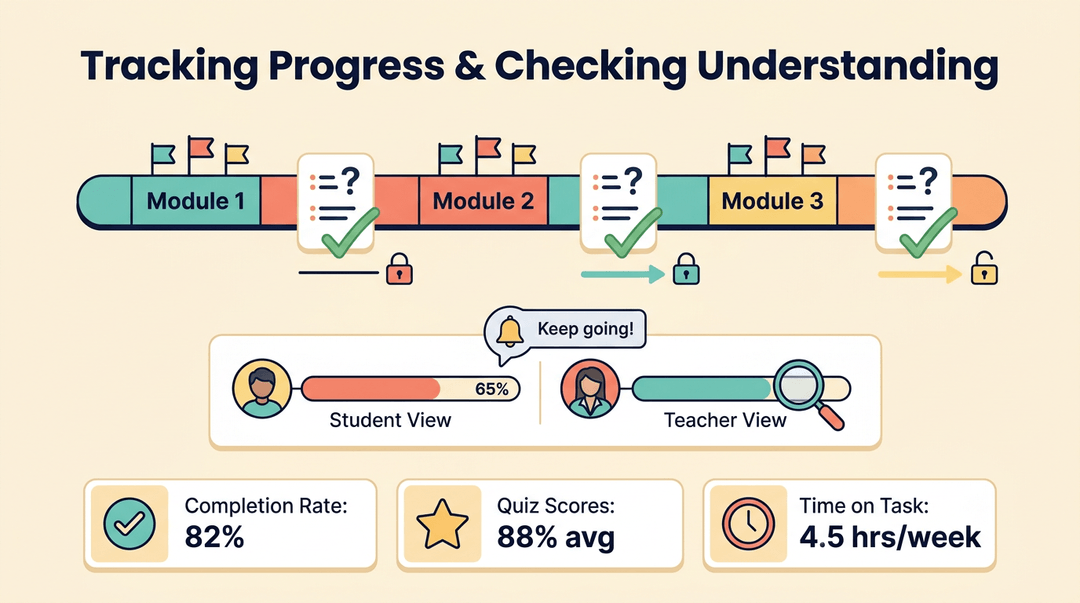
A path needs checkpoints. Short quizzes and exercises confirm a concept landed before the next module builds on it.
Built-in progress tracking tools give both student and teacher a clear view of where things stand, and timely feedback or reminders keep momentum from stalling.
For the teacher measuring whether a pathway is actually working, a few simple KPIs (completion rates, quiz scores, time on task) tell that story fast.
Build a Learning Pathway for Your Classroom
You don't need new software or a curriculum overhaul to build your first pathway. You need one unit, five steps, and a willingness to adjust after the first run.
Build it in five steps
- Define the unit's learning goal. One measurable sentence, written where students see it.
- On the board: "I can multiply two-digit numbers using the area model."
- Sequence lessons from simplest skill up.
- Jot the chain backwards: area model ← arrays ← single-digit facts.
- Each lesson becomes one stage on the path, in that order.
- Add a mastery checkpoint after each stage.
- Try a three-question exit ticket: 3 of 3 moves on, fewer loops back.
- Build in choice and enrichment paths.
- Offer two routes to the same checkpoint: a video lesson or a hands-on task.
- Early finishers get an extension challenge, not more of the same worksheet.
- Review and adjust after the first run.
- Mark the checkpoint where most students stalled, then split that stage in two.
⚠️ Watch out: a checkpoint without a planned loop-back is just a quiz. Decide before the unit what a student who misses it does next.
One pathway idea per grade band
| Grade band | Pathway idea |
|---|---|
| Elementary | Reading path: decodables → leveled readers → first chapter book |
| Middle school | STEM skill track: measurement → data tables → graphing |
| High school | Elective sequence: intro design → digital media → portfolio capstone |
| Homeschool | Subject mastery path: one subject deep, checkpoint before each new unit |
Example: A middle school teacher running the STEM track lets students who pass the data-tables checkpoint skip straight to a bridge-building challenge, while the rest get one targeted reteach lesson first. Same destination, two speeds.
Before you launch, confirm
- Clear objective per step. Every stage answers "what can students do after this?"
- Formative check at each stage. An exit ticket, quick quiz, or one whiteboard question.
- Flexible for fast and slow learners. Fast gets enrichment; stuck gets a loop-back, never a dead end.
- Linked to existing lesson plans. Each stage points to a plan you've already written, so the pathway reuses your work.
Once the map's drawn, keep it where you plan: you can map and reuse your pathway's lesson plans directly in EMStudio's lesson planner.
Designing a Pathway Step by Step
Building a pathway isn't guesswork: it's a handful of deliberate decisions, made in order. Get the sequence right and the rest tends to fall into place.
Start with learner needs and goals
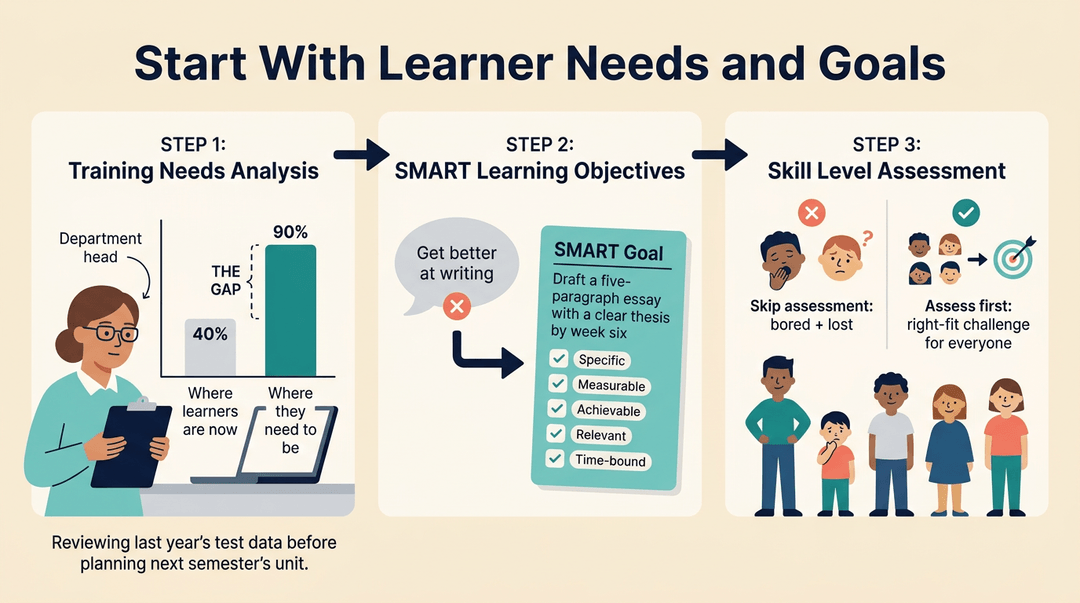
Every solid pathway starts with a training needs analysis: a plain look at the gap between where learners are now and where they need to be. Think of a department head reviewing last year's test data before planning next semester's unit.
That gap becomes your SMART learning objectives (specific, measurable, achievable, relevant, time-bound), so "get better at writing" turns into "draft a five-paragraph essay with a clear thesis by week six."
Pair that with an honest skill level assessment of your audience; skipping it is a common pitfall that leaves advanced students bored and strugglers lost.
Choosing and grouping the right content
Next, choose quality materials and check each one against your objectives: if it doesn't serve the goal, cut it.
Then chunk the content into small modules rather than one long slog, and fit the whole thing to your learners' real schedule and modality, whether that's a 50-minute period or a self-paced homework stretch.
Putting the steps in the right order
Finally, arrange everything in a logical, progressive order: foundational skills before advanced ones, simple before complex. This echoes backward design, where you plan from the end goal backward instead of bolting lessons together as you go.
Build it that way, and students always know what comes next.
Why Learning Pathways Pay Off
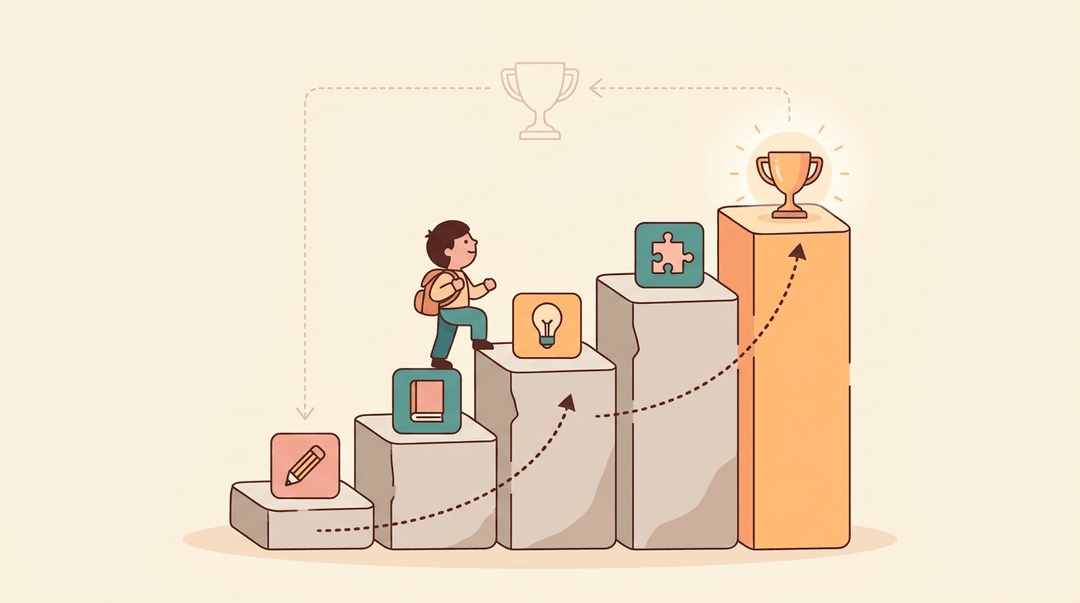
A well-built pathway isn't just tidier than a pile of worksheets. It changes how fast students actually get there, and how much freedom they have getting there. Here's what that looks like in practice:
Getting learners proficient faster
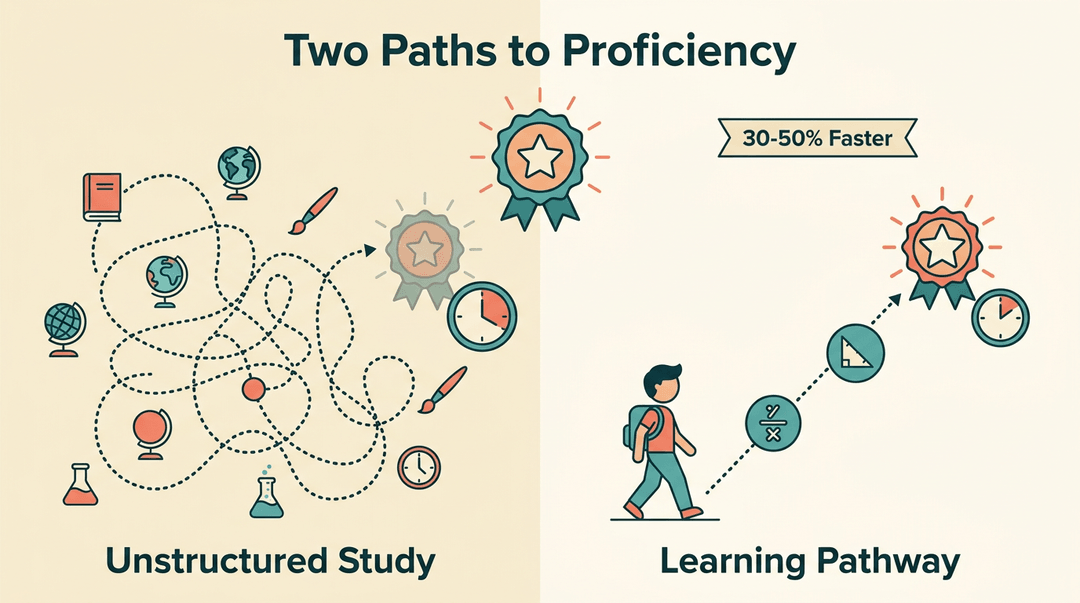
Learning pathways cut the time it takes a student to reach proficiency because they organize instruction around the exact skills a goal requires, not everything adjacent to it.
According to a study published in the journal Mathematics, sequencing instruction so each step upgrades one skill at a time works by "minimizing learning time and markedly enhancing learning efficiency."
In practice, that often means results 30-50% faster than unstructured study, and it eliminates training waste: no re-teaching what a student already knows, no skipping ahead before they're ready.
Think of a middle school math teacher who maps a pathway straight to the one state standard a student is missing, skipping the review units that student already aced.
Balancing structure with learner freedom
The best pathways aren't a locked staircase. They pair learner-driven navigation with a structured guided progression, so there's a clear destination but real choice in how to reach it.
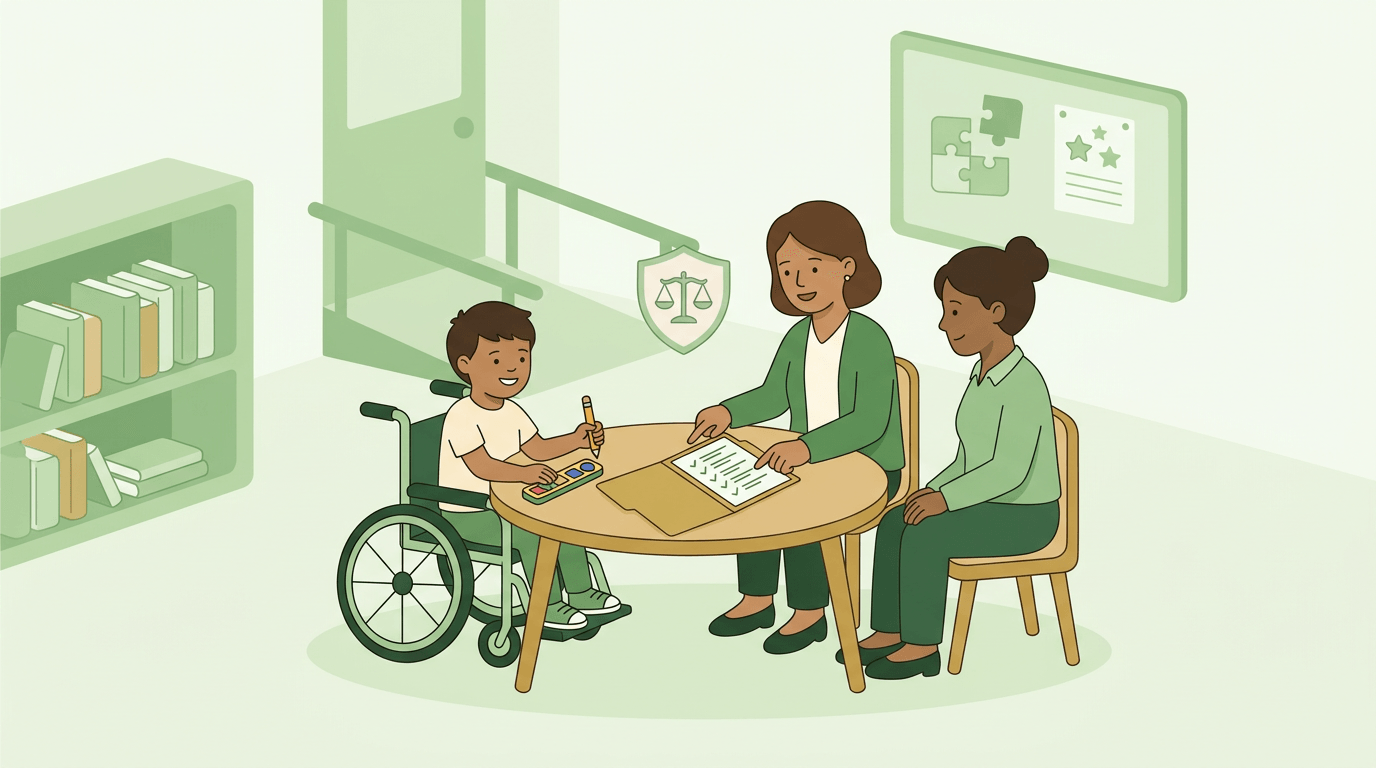
That same flexibility makes pathways a natural fit for personalized cognitive structures built around how an individual student actually thinks and learns, which makes them especially useful for supporting an IEP or other individualized plan without building a separate curriculum from scratch.
Real-world Examples and Uses
Learning pathways show up anywhere one skill has to build on another, and that's a wider range than you might expect. A K-12 teacher sequencing phonics lessons before full sentences is using the same logic as a company training a new hire.
Coding and data skill tracks
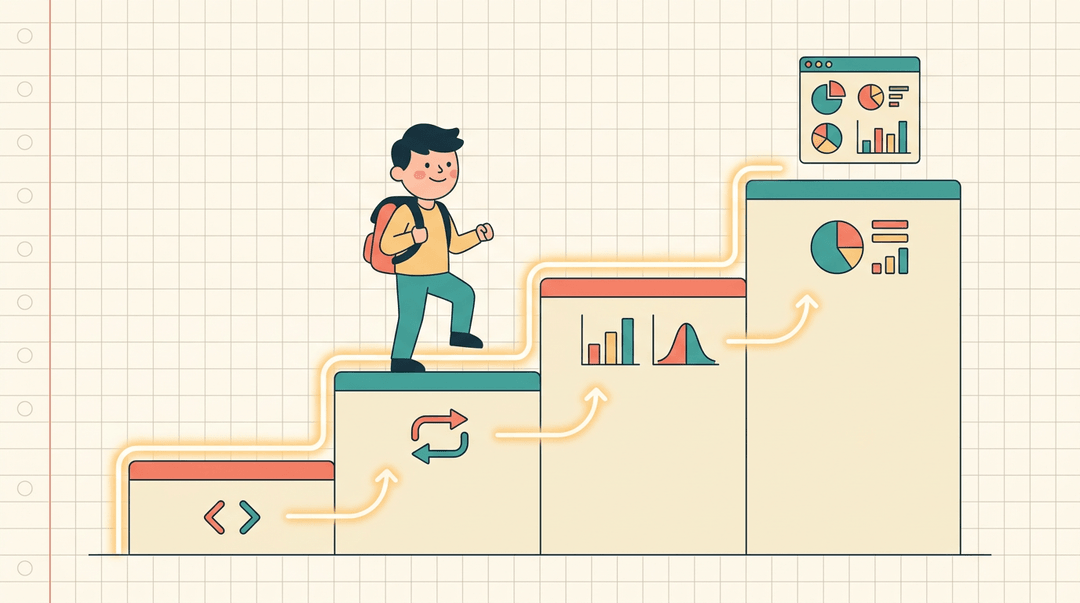
A programming course sequence usually starts with basic syntax, moves into logic and loops, and ends with a full project, each stage unlocking the next. Data analysis tracks follow the same shape: spreadsheets first, then statistics, then visualization tools. For example, a high school computer science teacher might sequence a year around exactly this arc, so students never hit a concept before they're ready for it.
From piano lessons to leadership skills
Piano learning modules are a classic pathway: scales, then simple pieces, then sight-reading, each one a prerequisite for the next. Soft skills like leadership work the same way, just less obviously. A pathway might move a student from self-awareness exercises to group collaboration to running an actual project, building confidence before asking for independence.
Business uses like onboarding and training
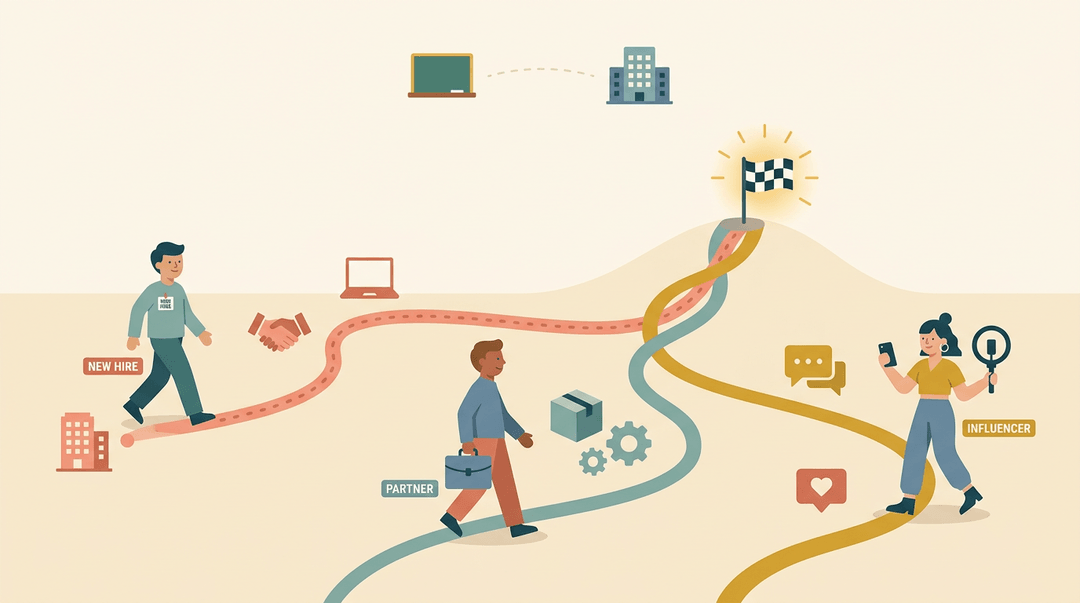
Organizations lean on pathways too. An employee onboarding path walks a new hire from company basics to role-specific tools. A partner enablement path gets outside partners up to speed on a product. An influencer marketing intro path does the same for new collaborators learning a brand's voice.
Microsoft's own Microsoft 365 learning pathways is a good real-world case: it's described as "a customizable, on-demand learning solution designed to increase usage and adoption of Microsoft 365 services in your organization," proof that the same pathway thinking scales from a classroom to an entire company.
A good learning pathway isn't a rigid script. It's a flexible route that meets each student where they are and still gets everyone to the same destination. Build it with intention, and the payoff shows up in engagement, confidence, and real growth.
Ready to put your pathway into action? Check out our Lesson Planning tool to write, organize, and reuse your lesson plans across every class.
References
- A Learning Path Recommendation Approach in a Fuzzy Competence Space — mdpi.com (2025)
- Overview of Microsoft 365 learning pathways — learn.microsoft.com
- Lernprozesse beim elektrischen Stromkreis — exa.ai (1995)
- Learning pathway for advanced science concepts approach: the study of magnetorezistive materials — sciencedirect.com
Frequently asked questions
What are the learning pathways?
Learning pathways are planned sequences of lessons and skills that guide learners from a starting point to a clear learning goal. Each activity builds on the previous one, often with checkpoints to confirm understanding and determine the next step.
Can you provide an example of a learning pathway?
For example, a middle school STEM pathway might move from measurement to data tables and then to graphing. Students who pass a data-tables checkpoint can advance to a bridge-building challenge, while others complete a targeted reteaching lesson first.
What are examples of pathways?
Examples include a linear phonics sequence, a flexible fractions pathway, a coding track from basic syntax to a full project, a piano pathway from scales to sight-reading, and an employee onboarding path from company basics to role-specific tools.