Pros and Cons of Online Learning Explained Honestly

Jump to section
Think about the last time you learned something new outside a classroom. Maybe you watched a tutorial at midnight, paused it twice, rewatched a tricky step, and finished with a skill you actually kept.
That's online learning at its best: learning that fits your life instead of the other way around.
Online learning has changed what's possible for teachers and students alike.
But it comes with real trade-offs, and knowing both sides helps you make smarter decisions, whether you're choosing a platform, designing a course, or guiding your students through one.
In this post, we'll cover the major advantages and disadvantages, then look at what teachers can do to tip the balance toward the good stuff.

Pros and Cons of Online Learning: Flexibility First
Ask most teachers why they chose an online course over a campus one, and "flexibility" is usually the first word out of their mouth. It's the feature that changes everything else.
Learn on your own schedule
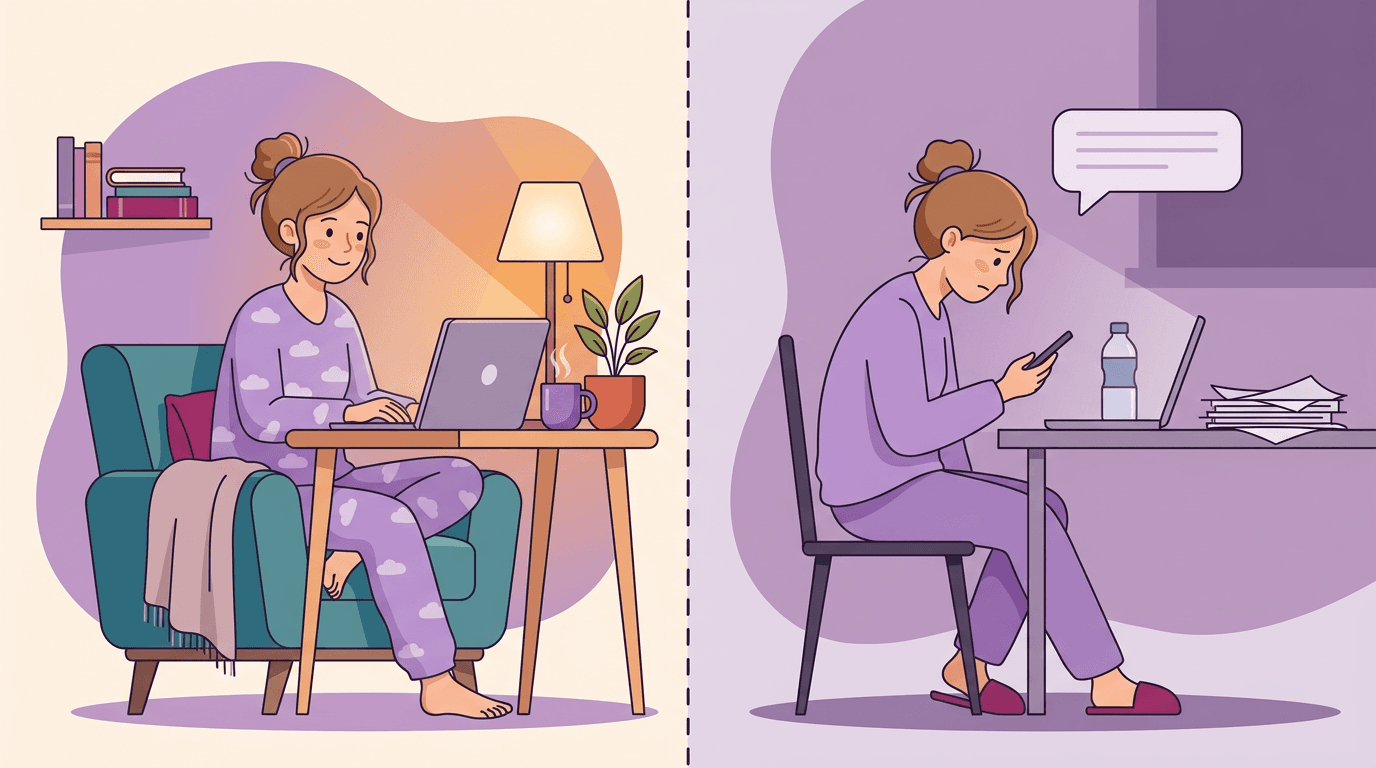
Online learning hands you back control of the clock. You set the schedule, you pick the time of day, and you move through the material at your own pace.
If you do your sharpest thinking at 6 a.m. before school, or at 10 p.m. after the kids are in bed, you can work then.
Most online courses are asynchronous, meaning the lessons, readings, and assignments sit there waiting for you rather than running at a fixed broadcast time. You don't show up at a set hour: you log in when it suits you and pick up where you left off.

Fitting study around work and family
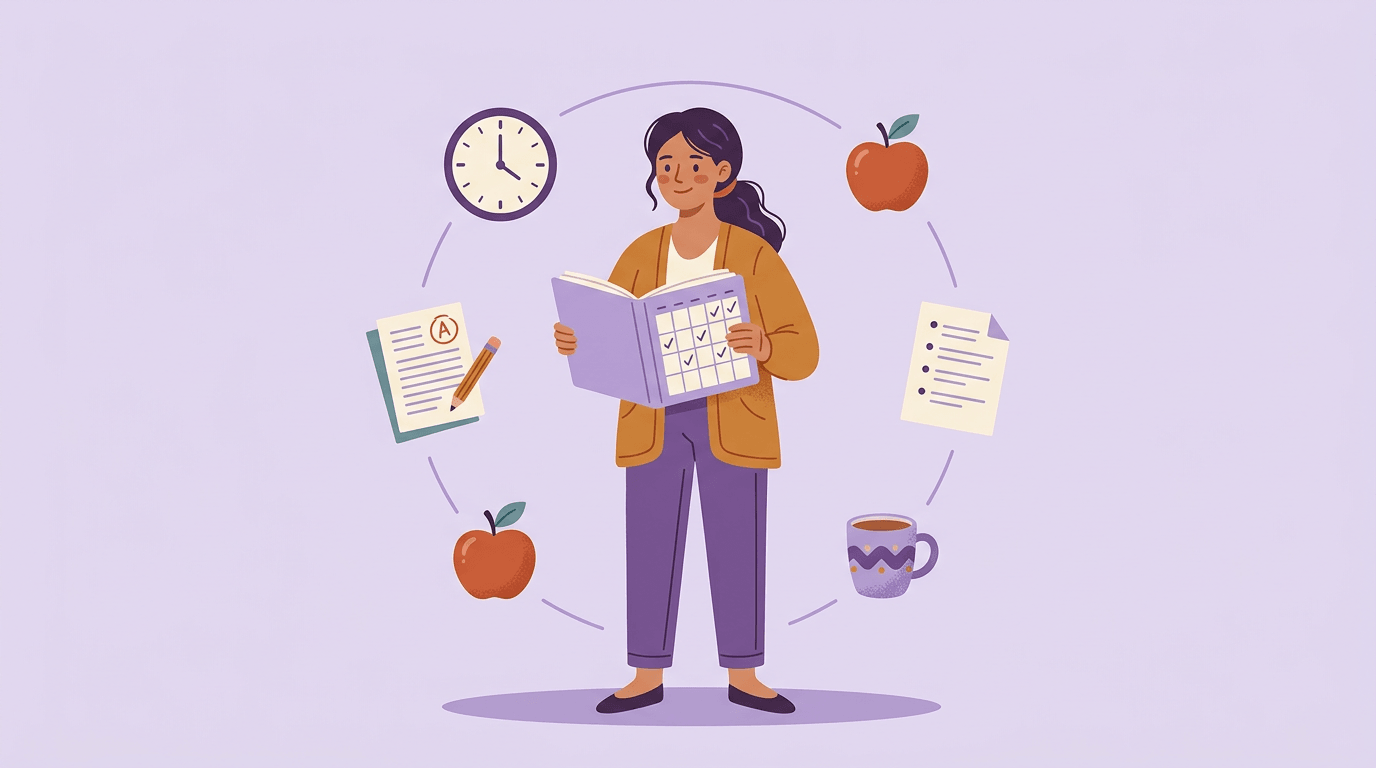
This is where flexibility really earns its reputation. Think of a third-grade teacher also raising two kids and picking up a graduate certificate. There are no rigid class times pulling her away from a parent-teacher evening or a school play.
She watches a lecture on Sunday afternoon, submits a discussion post on Tuesday night, and still makes it to every pick-up.
That kind of fit matters most for adult learners, who rarely have the luxury of blocking out a fixed weekday slot. Online learning doesn't ask you to rearrange your life around a timetable. It works around yours instead.
Where and What You Can Study Online
Online learning has quietly expanded what's possible for students and teachers alike. The where, the what, and the how fast things update have all shifted in ways that are worth understanding before you enroll or recommend a program.
Study from anywhere with internet access
The only real infrastructure requirement is an internet connection. That means no commute, no relocation, and no rearranging your life around a campus schedule.
For a teacher earning a graduate credential while working full-time, or a student in a rural area with limited local options, that flexibility is genuinely significant.
One thing to check before you commit: accreditation.
Employer skepticism about online credentials is real, but according to College Transitions, what most employers actually evaluate is "accreditation, institutional reputation, program quality signals, and the candidate's demonstrated skills and professional experience."
In other words, where the degree is from matters more than how it was delivered. Verify accreditation first.

More course options than most campuses offer
A mid-sized university might offer a few hundred courses. Online, you can find niche topics that no single campus could justify staffing, build a customizable degree path, and choose from a catalog that would have been unthinkable a decade ago.
That breadth is one of online learning's clearest advantages.
Course content that keeps up with fast-moving fields
Print textbooks go stale. Online courses don't have to. In rapidly changing fields like cybersecurity, data science, or instructional technology, course content can be updated far faster than a traditional curriculum cycle allows.
For technical topics especially, that currency matters.
What Are the 10 Advantages of E-learning?
Online learning has a lot going for it. Lower costs, flexible scheduling, and access to courses you'd never find locally are just three reasons more learners are choosing it. Here are ten advantages worth knowing.
Spending less than traditional college
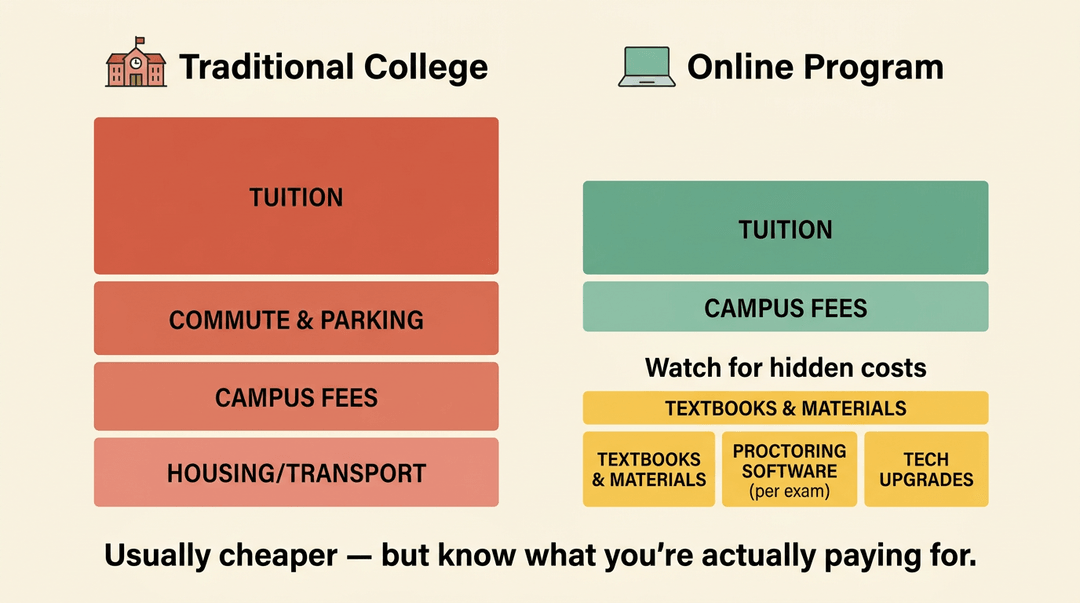
Cost is usually the first thing that draws people in, and the savings are real. Online students skip the commute entirely, which means no fuel, no parking, and no transit passes eating into a tight budget.
Tuition rates at online institutions tend to run lower than their on-campus equivalents, and many programs offer flexible payment plans that let you spread costs across a term instead of paying a lump sum upfront.
That said, "free from fees" isn't quite accurate. A few hidden costs are worth watching for:
- Textbooks and digital course materials can still run surprisingly high, even for an asynchronous class.
- Proctoring software, required by many programs for remote exams, often comes with a per-exam charge students don't see until they're enrolled.
- Tech upgrades are sometimes unavoidable: a reliable internet connection and a machine that can handle video calls and course platforms aren't optional.
For a teacher helping students weigh their options, or choosing a professional development course yourself, these extras are worth factoring in before anyone commits.
The bottom-line cost is often still lower than a traditional program, but going in clear-eyed means no unpleasant surprises halfway through a term.
Overall savings depend on the program; total value depends on how well the course is designed. Both matter.
Where Online Learning Falls Short
Online learning trades some real advantages for some real trade-offs. Most of them come down to the same thing: distance is convenient, but it costs you something.
Academic integrity is part of that cost too, since verifying who's actually doing the work is harder online, and proctoring tools often create friction for honest students.
Missing the feedback only face-to-face gives you
In a physical classroom, you catch the confused look before a student even raises a hand. Online, those non-verbal cues mostly disappear.
Without them, feedback becomes reactive rather than instinctive, and learners can feel genuinely isolated, especially in a large course where they rarely hear from an instructor directly.
Synchronous video sessions help restore some of that back-and-forth, but they can't fully replace it.
When the read-post-submit routine gets stale
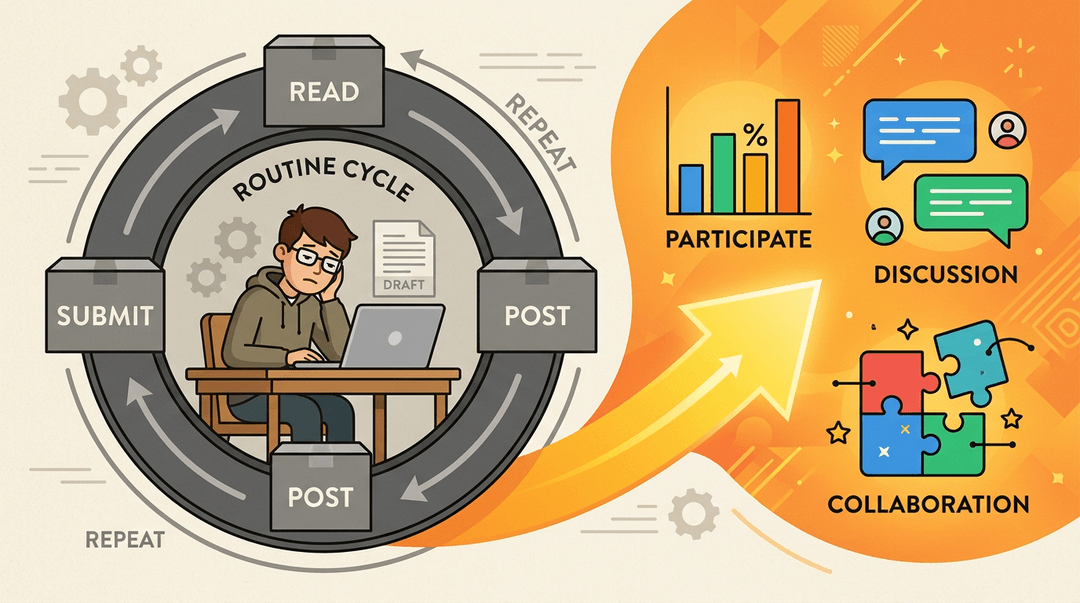
Many online courses settle into a rhythm: read the material, post a response, submit the assignment. Repeat. That cycle isn't inherently bad, but it gets stale fast, and disengagement follows.
The fix usually comes down to course design: polls, breakout discussions, and collaborative projects break the monotony and give learners a reason to show up rather than just check boxes.
Skills that are hard to learn through a screen
Some learning simply needs a room. A nursing student practicing a clinical procedure, a ceramics student at a wheel, a music teacher learning to conduct: these aren't experiences you can replicate with a video and a discussion board.
Healthcare and the arts feel this most sharply. Hybrid models, which combine online instruction with in-person lab or studio time, offer a practical workaround where the content allows.
How Teachers Can Design Better Online Courses
Most of the pitfalls covered above (isolation, drift, drop-off) are design problems, and design problems have design fixes.
This guide walks the three moves in the order you'd make them: clear the barriers, build the accountability, then keep the energy up.
Clear tech barriers before day one
A student who can't get online reliably fails the course before it starts. Before you publish anything else, confirm:
- A resource list is posted on day one: devices, free Wi-Fi locations, loaner programs, IT contact.
- Every live session has an asynchronous alternative: a recording plus a short response prompt.
- This way, attendance never quietly becomes a grade.
Build milestones that keep students accountable
Online students don't usually fail loudly; they drift. Two structures catch the drift early.
- Post weekly milestones, not just deadlines.
- ❌ "Essay due March 30." ✅ "By Friday: watch both lectures, post one reply, submit your outline."
- The difference: students see the path each week, not just the cliff at the end.
- ❌ "Essay due March 30." ✅ "By Friday: watch both lectures, post one reply, submit your outline."
- Run a low-stakes check-in every week.
- One ungraded question works: "Rate your confidence on this module, 1 to 5."
- Anyone posting a 1 or 2 gets a personal message, in week two instead of at midterm.
- One ungraded question works: "Rate your confidence on this module, 1 to 5."
Example: A high school biology teacher opens each Monday with a two-question ungraded quiz. By week three she's flagged four drifting students and reached out, weeks before any graded work would have shown the problem.
Rotate formats so engagement stays high
The same discussion-board routine every module trains students to skim. Change the activity format each module so the course keeps asking something new of them:
| Module | Format |
|---|---|
| 1 | Discussion-board debate |
| 2 | Short video responses |
| 3 | Peer review in pairs |
| 4 | Student-built quiz questions |
Then add short synchronous touchpoints for community: a 15-minute optional drop-in each week, recorded for anyone who can't attend (your async alternative, already built).
💡 Tip: Keep touchpoints small and human. A quick "show us your workspace" opener does more for community than another content review.
At a glance:
| Phase | Key move | What you get |
|---|---|---|
| Before launch | Resource list + async options | No student locked out |
| Each week | Milestones + check-ins | Drift caught early |
| Each module | New format + live touchpoint | Engagement that holds |
None of this requires rebuilding your course from scratch, and you don't have to draft it alone: EMStudio's AI Lesson Editor can draft and adapt online lesson plans, including activity variety and pacing scaffolds, in minutes.
What Is the Biggest Problem with Online Learning?
Ask most students who've dropped an online course why they quit, and the answer is rarely "it was too hard." It's usually something quieter: they felt alone, and nothing was holding them accountable. According to research highlighted by the K. Patricia Cross Academy, students in online courses frequently describe isolation as one of the biggest impediments to their learning, satisfaction, and success.
When isolation and a lack of accountability compound each other, dropout risk climbs fast.
Staying on track without external structure
A traditional classroom has a built-in rhythm: the bell rings, attendance is taken, the teacher asks a question and you'd better have read the chapter. Online learning strips most of that away.
Without external structure, students have to supply their own, and that's a skill many haven't developed yet.
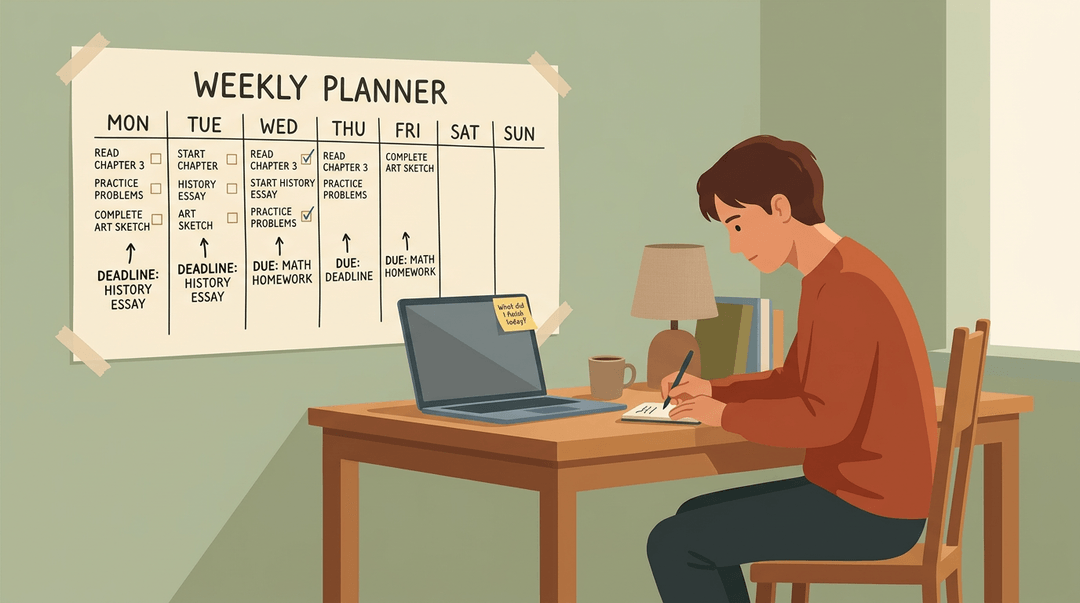
Time management isn't optional here; it's the whole game. Students who treat an online course like a flexible to-do list they'll get to eventually tend to fall behind quickly. Personal deadlines, set in advance and written somewhere visible, help.
So do weekly check-in prompts: a short reflection question or a progress nudge that asks students to name what they've done and what's next. Small as they sound, those prompts do real self-regulation work.
Why students underestimate the workload
Online courses aren't easier. They're often harder, because the responsibility for pacing, reviewing, and applying the material lands almost entirely on the student.
A lot of learners walk in expecting flexibility and discover they've signed up for something that demands serious time and focus. The mindset shift is real: online learning rewards students who treat it like a commitment, not a convenience.
Building Community and Connections Online
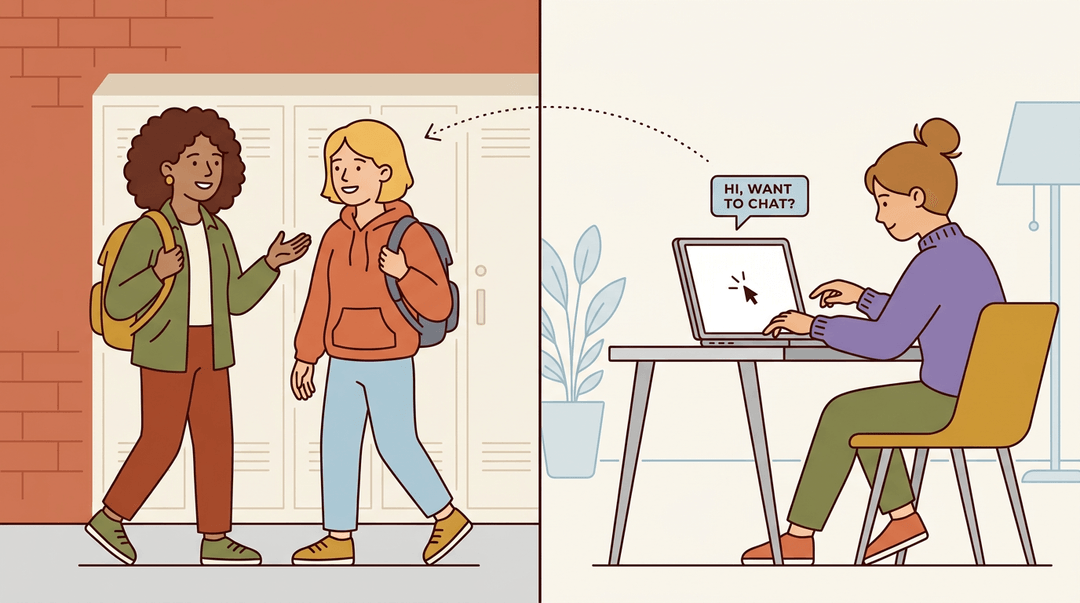
Online learning can feel isolating if students don't know where to look. The good news is that community is still there: it just doesn't form on its own the way it might in a hallway or a campus cafeteria.
Ways students find peers and study groups
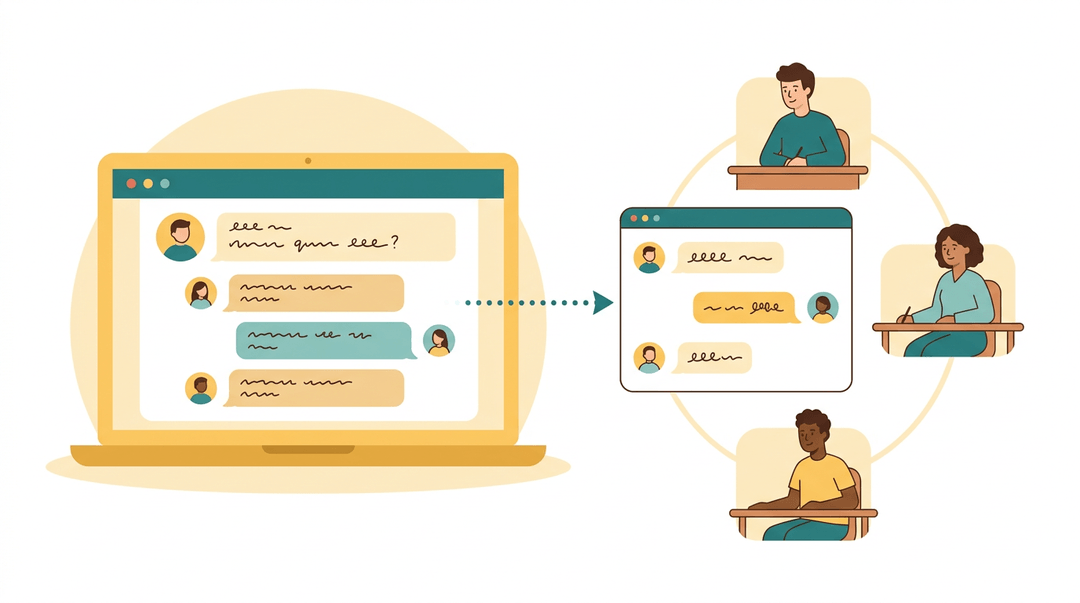
Students connect through discussion boards and forums, where a well-posed question often draws replies from classmates who are wrestling with the same material.
From there, study groups tend to form organically: a thread spills into a group chat, and suddenly a student has a reliable crew to work through assignments with.
Some platforms and institutions also run virtual networking events, giving students a more structured way to meet peers and professionals in their field.
Why networking takes more effort online
Here's the honest trade-off: building those connections requires deliberate effort in a way that face-to-face study rarely does.
There are fewer in-person encounters to spark a conversation naturally, and limited campus social events mean the informal side of student life is mostly absent. No one bumps into a future study partner between classes.
That gap doesn't close by itself. Students who thrive socially in online environments tend to do one thing consistently: proactive outreach. They reply to discussion posts, follow up on a classmate's comment, ask the instructor a question.
It's a skill worth naming for your students early, because many assume the isolation is just part of the deal. It doesn't have to be.
Tech Requirements and Common Barriers
Online learning runs on infrastructure, and when that infrastructure wobbles, the whole experience can fall apart. The top three challenges in fully online learning are engagement, tech equity, and academic integrity.
The first two show up before a single lesson even loads.
What you need just to get started
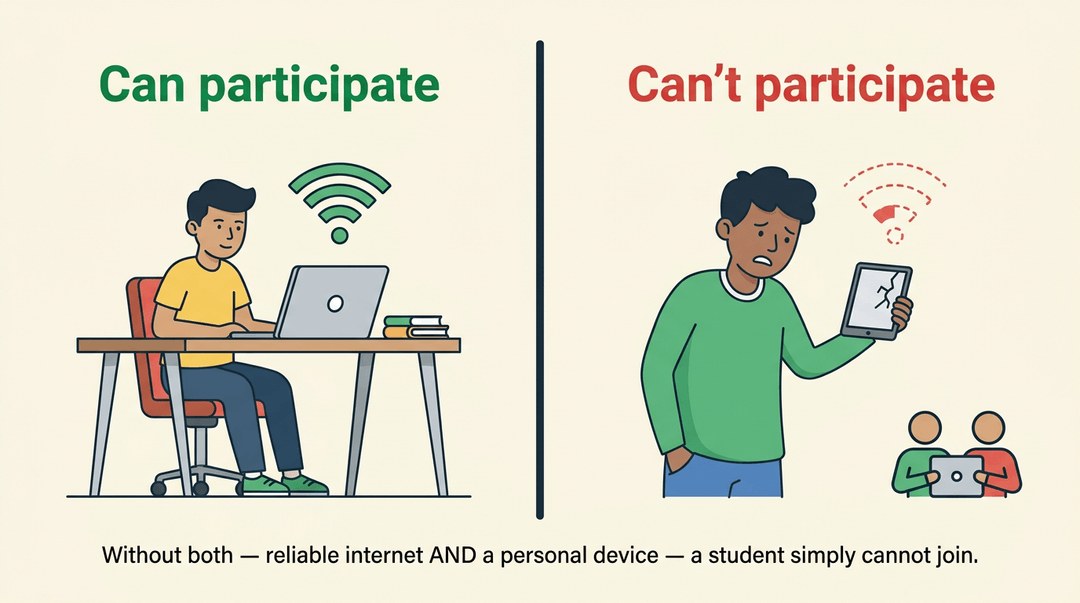
The baseline isn't complicated, but it's firm: a reliable internet connection and a compatible device. Without both, a student simply can't participate. That sounds obvious until you consider how many learners don't have consistent access at home.
A spotty mobile connection or a shared family tablet isn't the same as broadband and a laptop. Online learning isn't yet universally accessible, and pretending otherwise sets students up to fall behind through no fault of their own.
When the platform itself lets you down
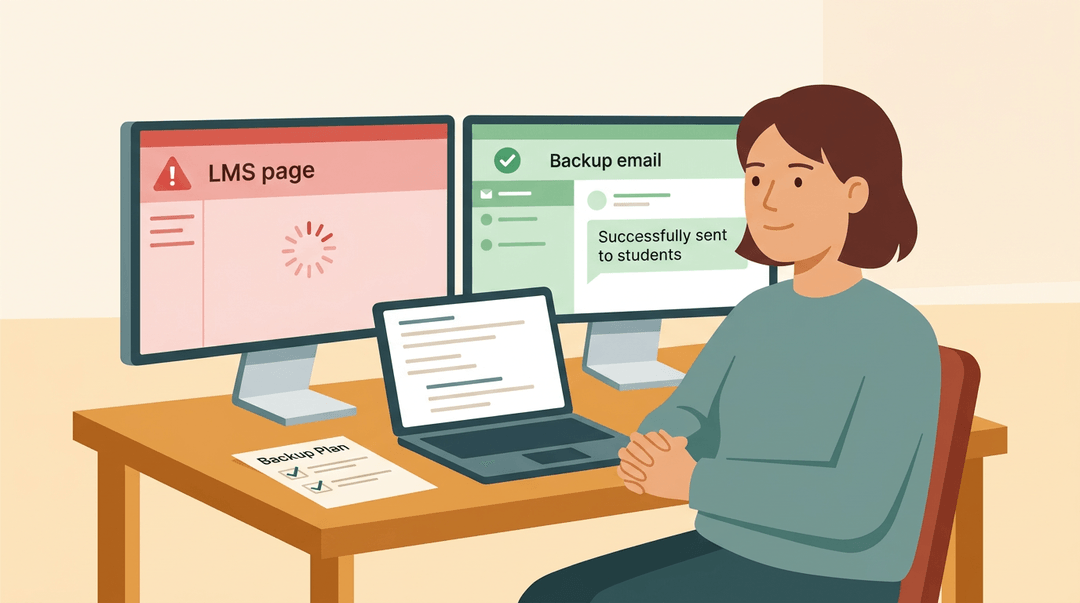
Even students who clear the access hurdle can hit a wall mid-lesson. Learning management systems (LMS) go down. Scheduled outages happen at inconvenient times. A quiz disappears, a video won't load, or a submission portal locks up right before a deadline.
These aren't edge cases: they're predictable friction points in any platform-dependent environment.
For teachers designing or choosing an online course, this means building in redundancy. Keep a backup channel (email, a secondary platform) for critical communications. Warn students in advance when maintenance windows are scheduled.
And consider whether the platform you're evaluating has a track record of stability, not just a polished demo.
Online learning isn't a silver bullet, but it's a genuinely powerful tool when you use it with intention. The flexibility is real, the reach is remarkable, and the pitfalls are avoidable once you know where they are.
The teachers who get the most out of it aren't the ones with the fanciest platform: they're the ones who design with their students in mind from the start.
Ready to build lessons that work online from day one? Check out our Workflow and Tools to save time on the design side and spend more of it where it counts.
References
- How Employers View Online Business Degrees — collegetransitions.com (2026)
- Meaningful Peer Interaction: Combatting Isolation in Online Courses — kpcrossacademy.ua.edu
Frequently asked questions
What is the 70 30 rule in teaching?
The "70-30 rule" in teaching typically refers to a guideline suggesting that 70% of learning should come from practical, hands-on experience and application, while 30% comes from formal instruction and theoretical knowledge. This approach emphasizes active learning and real-world problem-solving over passive instruction. It's often associated with adult learning theories and skill acquisition.
What is the biggest problem with online learning?
The biggest problem with online learning is that students often feel isolated and lack accountability. This lack of connection and external structure can lead to students drifting and eventually dropping out of courses.
What are the pros and cons of online learning?
The pros of online learning include flexibility in scheduling, studying from anywhere with internet, more course options, and up-to-date content in fast-moving fields. The cons involve missing non-verbal feedback, repetitive learning routines becoming stale, the difficulty of learning certain practical skills through a screen, and the effort required for networking.
What are the negatives of online education?
The negatives of online education include the lack of immediate non-verbal feedback, which can make learners feel isolated. Additionally, the typical read-post-submit routine can become stale, leading to disengagement. Some skills, particularly in fields like healthcare or arts, are also difficult to learn effectively through a screen.
What are the 10 advantages of e-learning?
Prominent advantages of e-learning include flexibility in scheduling and location, access to a wide range of courses and instructors globally, self-paced learning, and reduced commuting time and costs. Additional benefits include the opportunity for personalized learning paths, immediate access to updated content, development of digital literacy skills, and improved accessibility for students with mobility challenges. E-learning platforms often incorporate diverse multimedia resources, fostering engagement, and can provide opportunities for collaborative projects with peers worldwide.
What are the disadvantages of online learning?
The disadvantages of online learning include the absence of immediate non-verbal feedback, which can lead to students feeling isolated. The repetitive nature of read-post-submit tasks can also become monotonous. Additionally, certain hands-on skills are challenging to acquire effectively through a screen, and building connections requires more deliberate effort online.
What are the 10 disadvantages of internet for students?
Disadvantages of the internet for students can encompass distractions from social media and entertainment, potential for cyberbullying, and exposure to misinformation. Other drawbacks include eye strain and other physical health issues from prolonged screen time, reduced face-to-face social interaction, and the risk of privacy breaches. Students may also face challenges with information overload, the development of addictive behaviors, a decline in critical thinking if relying solely on easily accessible information, and the digital divide where not all students have equal access to reliable internet or devices.
What are the top 3 challenges you foresee in 100% online learning?
The top three challenges for 100% online learning are engagement, tech equity, and academic integrity. Tech equity refers to the need for reliable internet access and compatible devices, while engagement addresses the issue of students feeling isolated or finding the learning routine stale.