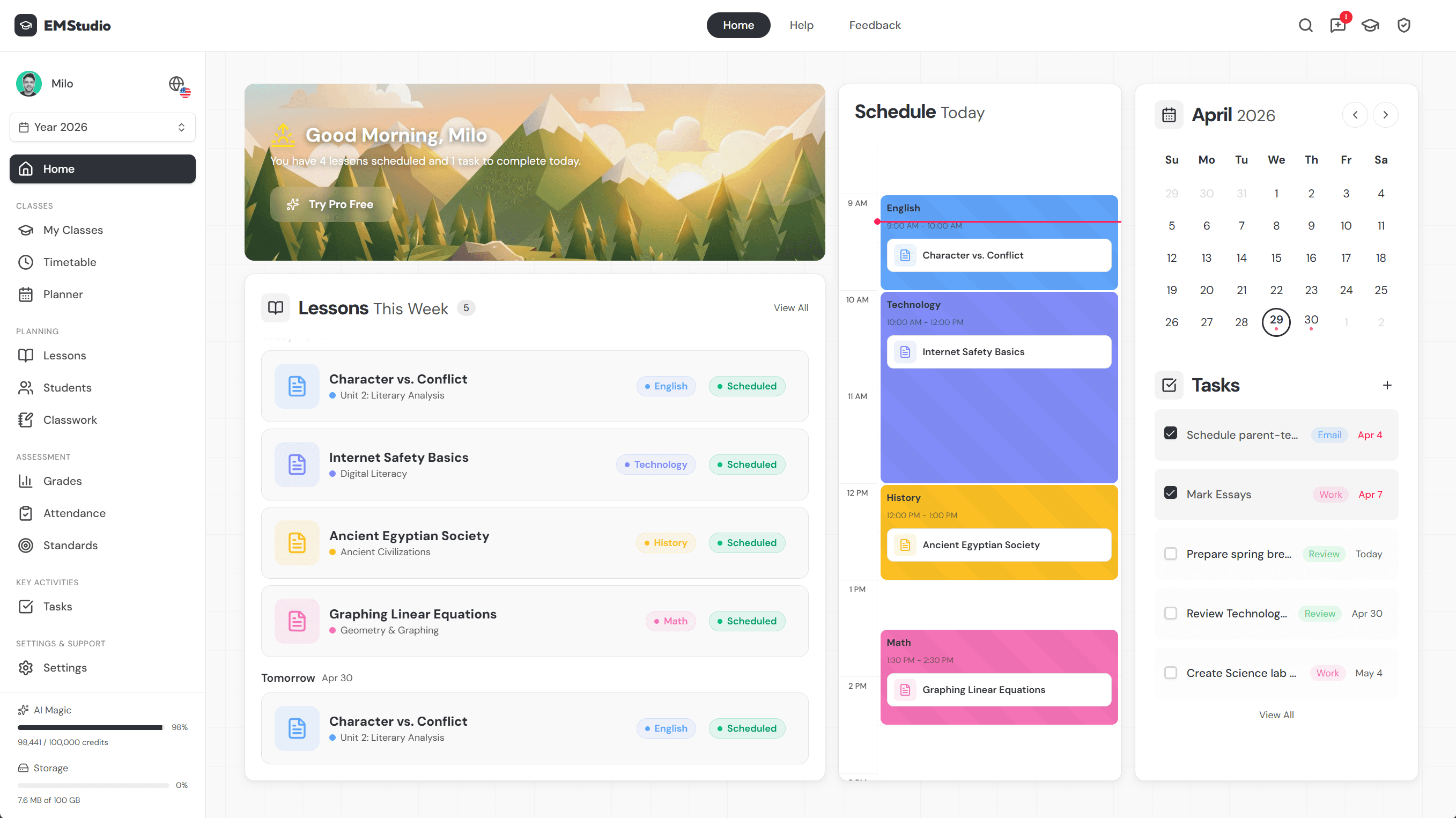
Student Progress Explained: How to Track and Understand It


Jump to section
Think about a car's dashboard on a long drive. You don't need every engine detail, just the gauges that tell you whether you're on track: speed, fuel, distance left. Student progress works the same way.
It's the ongoing record of how a student is doing, academically and behaviorally, not just a single grade or a login screen. It matters more than ever, since a clear picture today beats a surprise report card later.
In this post, we'll cover how to access it, track it, and use it to keep parents and students on the same page.

How to Access the Student Progress Portal
A portal login only helps once it's set up right and once you know what it's actually showing you.
Think of it as one piece of a bigger system: the same login that displays grades and attendance also feeds the ongoing progress monitoring you already run in class, and it's often the fastest link in the parent-teacher reporting cycle between conferences.
Setting up your portal account
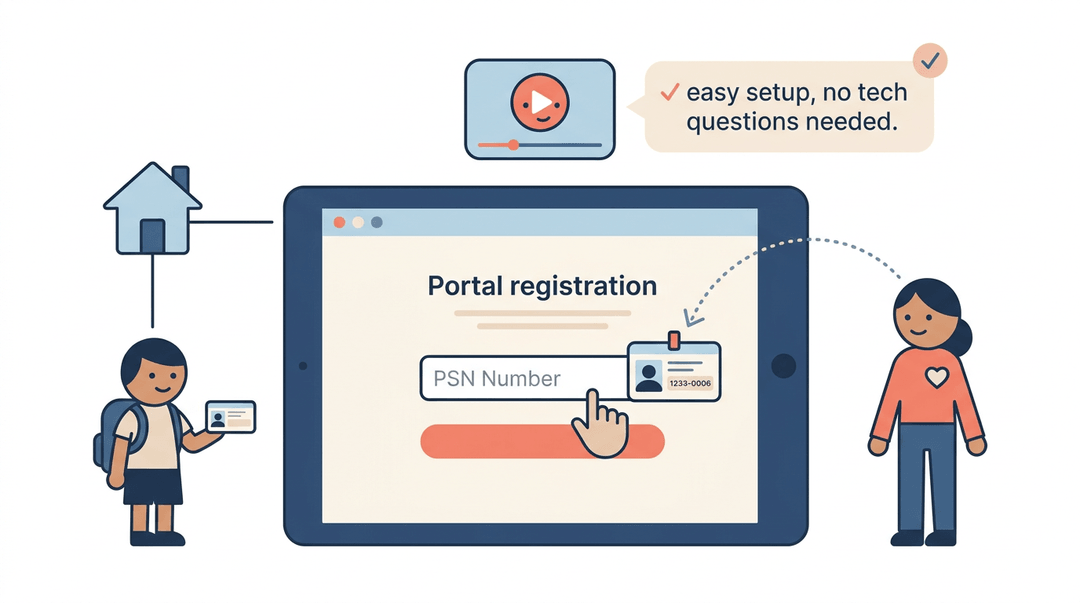
Getting started means registering as a new user on the portal's login page. You'll need the student's PSN number (a unique Pupil/State Student Number issued by the school or district) to complete that registration. From there:
- Students log in with the username their school issued them.
- Parents link a child's account to their own, so they see the same information you do.
- Video tutorials walk both groups through setup, so you're not stuck fielding tech questions during class time.
What you can see in the portal
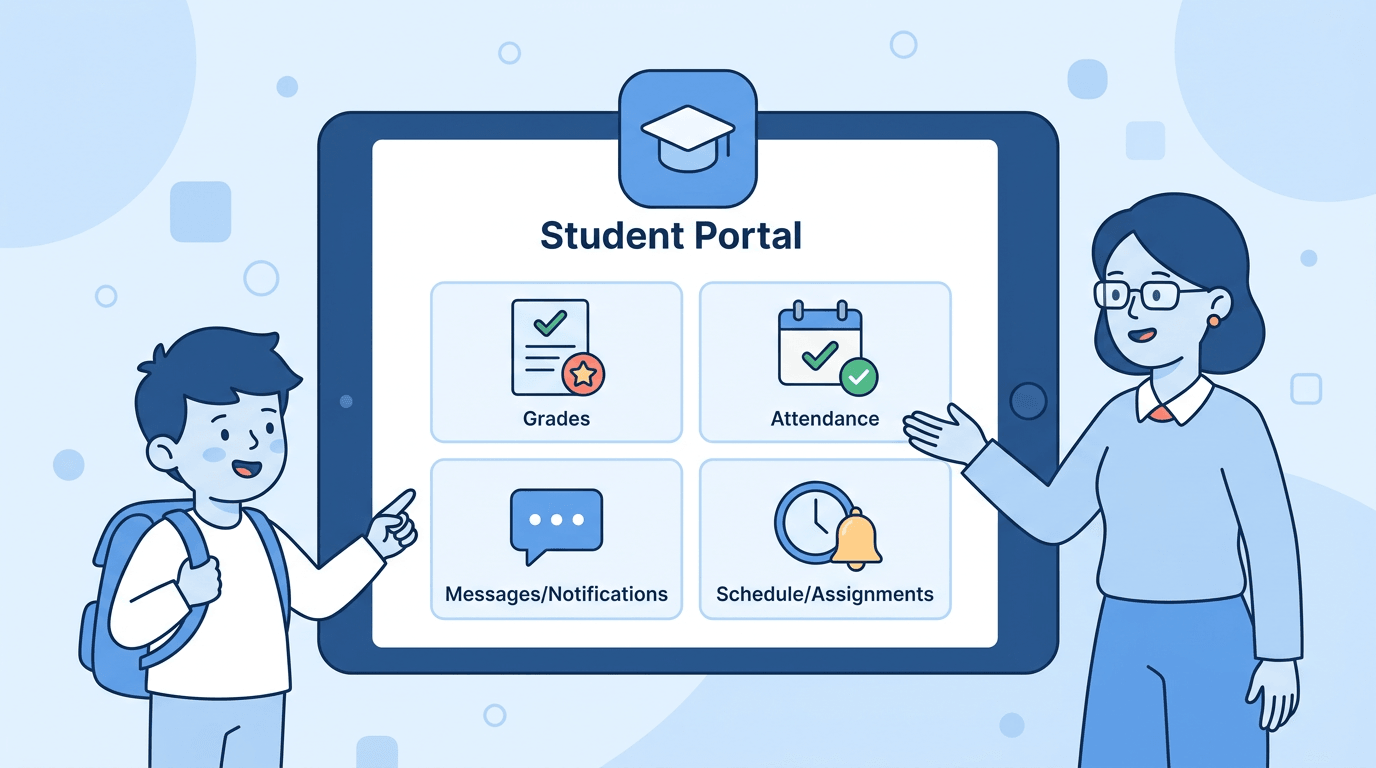
Once inside, the portal works as a dashboard for everyday progress monitoring. Parents and students can:
- view current grades
- check attendance
- see class schedules
- pull up test scores
all alongside school announcements in the same place.
The real payoff comes when you pair those grades with behavioral progress tracking, like PBIS (Positive Behavioral Interventions and Supports) points or check-in/check-out data, so a slipping grade and a rise in office referrals show up together instead of living in two separate systems.
Checking grades from your phone
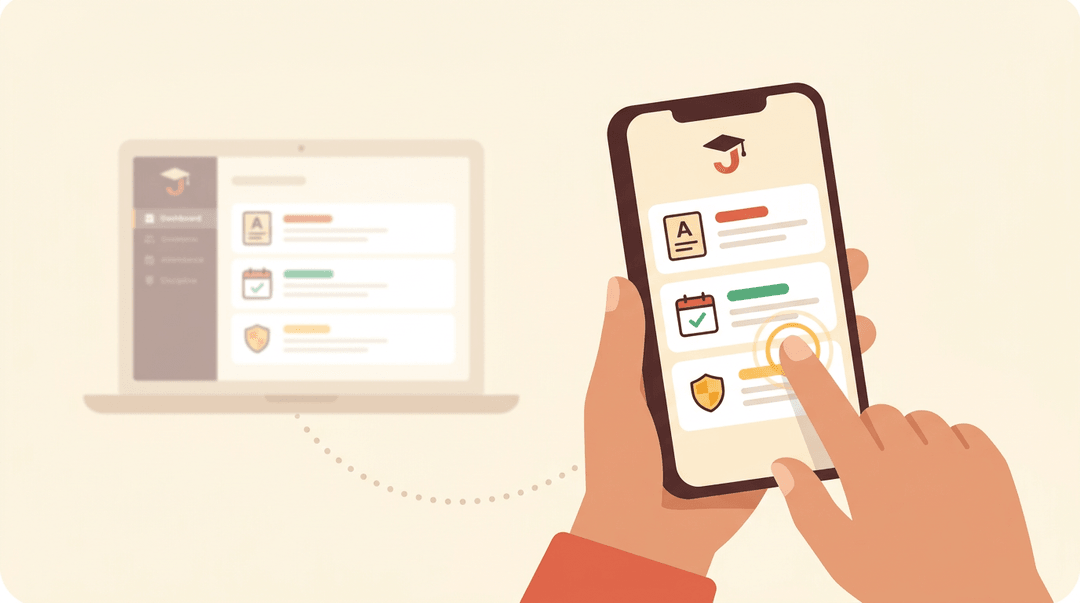
For families who'd rather glance at a phone than log into a laptop, the JCampus mobile app puts grades, attendance, and discipline records on one screen, available on both Apple and Android.
Districts running Clever single sign-on can skip separate logins entirely: one tap gets a parent into the same data you're already reviewing at your desk.
Tracking Student Progress in Your Classroom
You don't need a complicated system, just a repeatable one: clear goals, a few data streams, a weekly review, and a family loop. Here's the routine, built to run in under 20 minutes a week.
Set goals worth tracking
Progress only means something against a target. Write one academic goal and one behavior goal, tie each to a grade-level standard, and put both in words students can repeat back.
- ❌ "Improve in math." There's no way to know when it's met.
- ✅ "Solve two-step equations with 80% accuracy by March." Measurable, dated, tied to your standard.
A behavior goal works the same way: "Raises a hand before speaking in 4 of 5 discussions" beats "participates respectfully." Then share the target out loud: "Here's what we're aiming for, and here's how we'll both know you got there." Students who can name the goal start tracking themselves.
Choose your data streams
You can't track everything, so pick streams that answer different questions:
| Track this | It tells you |
|---|---|
| Grades and attendance | The long-term trend line |
| Quizzes and exit tickets | Whether today's lesson landed |
| Behavior and check-in logs | The patterns behind the academics |
Keep the tools light. An exit ticket is one question answered at the door. A behavior log is one line per incident: date, trigger, what you tried.
Run a short weekly review
- Block 15 minutes on the same day each week. Friday works: the week's data is complete.
- Scan for students off pace toward the goal.
- Flag anyone with two missed checkpoints or a sudden drop in either stream.
- Adjust instruction before Monday.
- A small change fast beats a big change late.
What "adjust" looks like depends on what you flagged:
| When you see... | Try... |
|---|---|
| One student slipping | A two-minute check-in: "What's getting in the way this week?" |
| Half the class missed a quiz item | Reteach that one skill Monday, then re-quiz |
| A behavior log filling up | Find the pattern (time of day, task, seat) before responding |
⚠️ Watch out: the point of flagging early is acting early. A flag you don't respond to by the next week isn't monitoring, it's just recordkeeping.
Keep families in the loop
- Send short progress reports on a set schedule: the goal, current status, one next step.
- Hold quick conferences when a flag persists. Ten minutes by phone counts.
- Update the portal and send texts for wins, not just problems.
That last one matters most. A family that only hears bad news stops opening your messages. Try: "Maya hit her reading goal two weeks running. Ask her about it tonight."
Keeping every stream in one place is what makes the Friday review fast, and EMStudio's teacher planner keeps grades, attendance, and behavior notes together for exactly that.
Know Your Rights as a Parent
Tracking your child's progress works best as a two-way street, and knowing what you're entitled to as a parent is half of that conversation.
Equal access and nondiscrimination policy
Schools operate as equal opportunity employers, and that same standard extends to every student who walks through the door. No child's access to instruction should ever hinge on race, gender, or disability.
If a concern comes up along those lines, your school's Title IX and Section 504 coordinator is the right contact for questions about discrimination or accommodations.

Your parental rights under state law
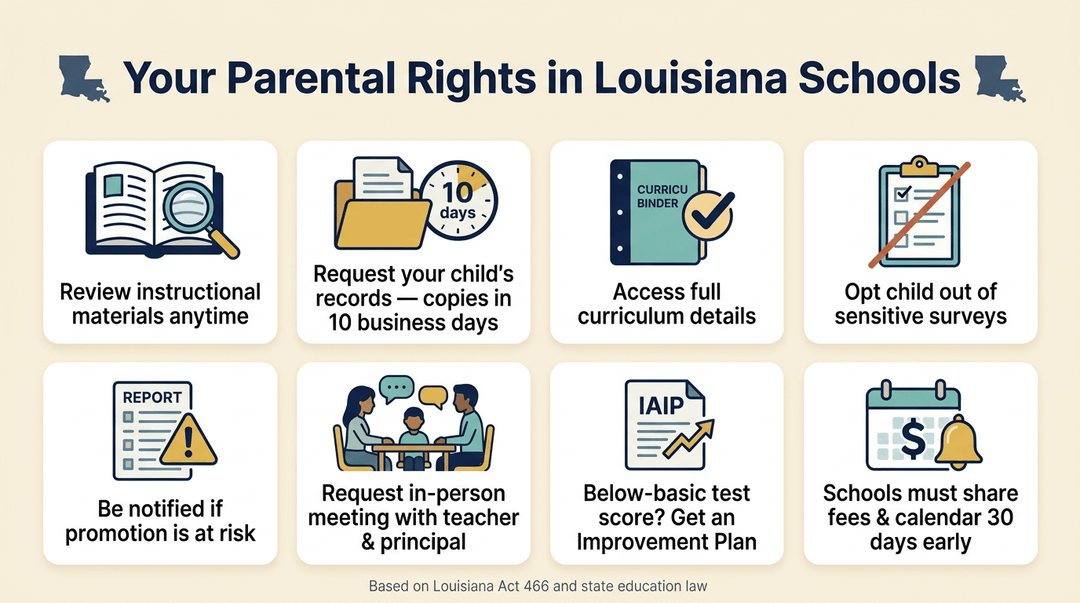
Under Louisiana Act 466, you have the right to review instructional materials and to inspect your child's school records, with copies provided within ten business days of a written request.
The Louisiana Department of Education affirms that same access to curriculum. You can also opt your child out of sensitive surveys, and you're entitled to be notified if their performance puts promotion at risk.
From there, state law guarantees an in-person meeting with your child's teacher and school leader to talk through resources and strategies, and a student scoring below basic on state assessments may qualify for an Individual Academic Improvement Plan.
Finally, Act 466 requires schools to disclose fees and share the school calendar at least thirty days before the year starts, with written notice of any changes.
Safety and Crisis Resources
Tracking a student's academic and behavioral progress sometimes surfaces something bigger than a grade or a checklist. When it does, knowing exactly who to call matters more than any spreadsheet.
Getting mental health and crisis support
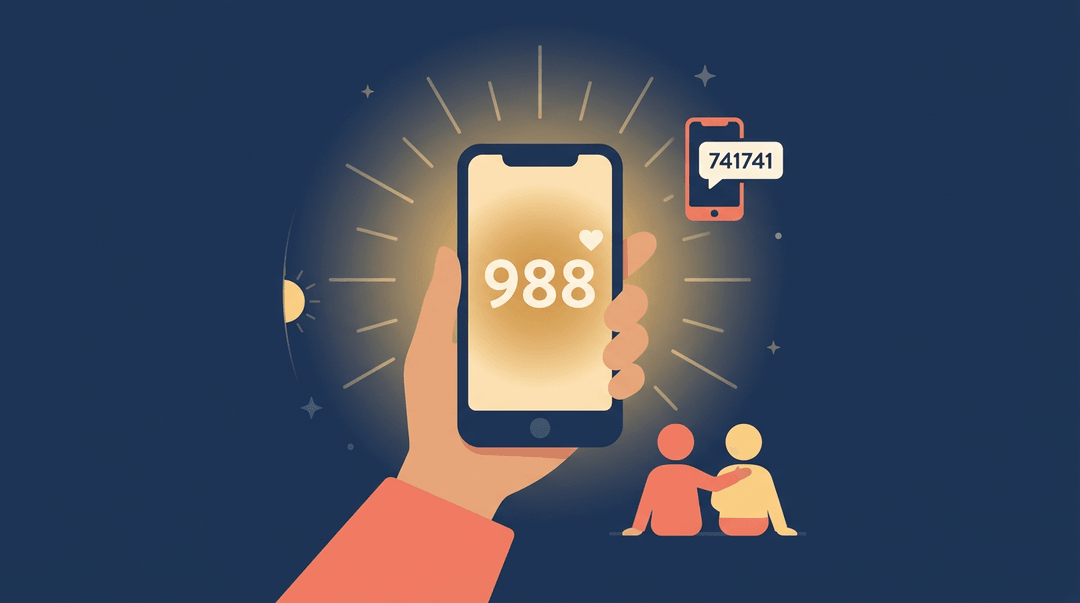
If a student, a colleague, or you yourself are struggling, 988 is the number to remember.
In 2020, Congress designated 988 as the new dialing code routed through the existing National Suicide Prevention Lifeline, so one simple call connects a person in crisis to trained support, day or night.
Some learners (and adults) find it easier to text than talk. In that case, the Crisis Text Line offers another way in: texting a keyword to 741-741 connects someone to a real crisis counselor.
Check what keyword your area uses so you can share it accurately.
Beyond national lines, don't overlook what's close to home. Louisiana keeps its own network of local mental health resources, and your district or school counselor is usually the fastest way to find the right one for a specific student's needs.
Who to call in an emergency
- For immediate danger, 911 still comes first: fast, local, and built for exactly that moment.
- For suspected child abuse or neglect, the DCFS child protection hotline is the right next call, not a hallway conversation.
- Keep your school or district's emergency information guide handy too. It spells out lockdown, medical, and severe-weather procedures before you need them.
- And if you ever suspect misuse of school funds or resources, a fraud, waste, and abuse hotline gives you a proper channel to report it.
Managing Your Family Contact Information
Progress reports and behavior updates only work if they actually reach home. A lesson plan can be flawless and a phone call perfectly timed, but if the number on file is old, none of it lands.
Update your contact information
Start with the basics: phone numbers and email addresses, kept current for every family.
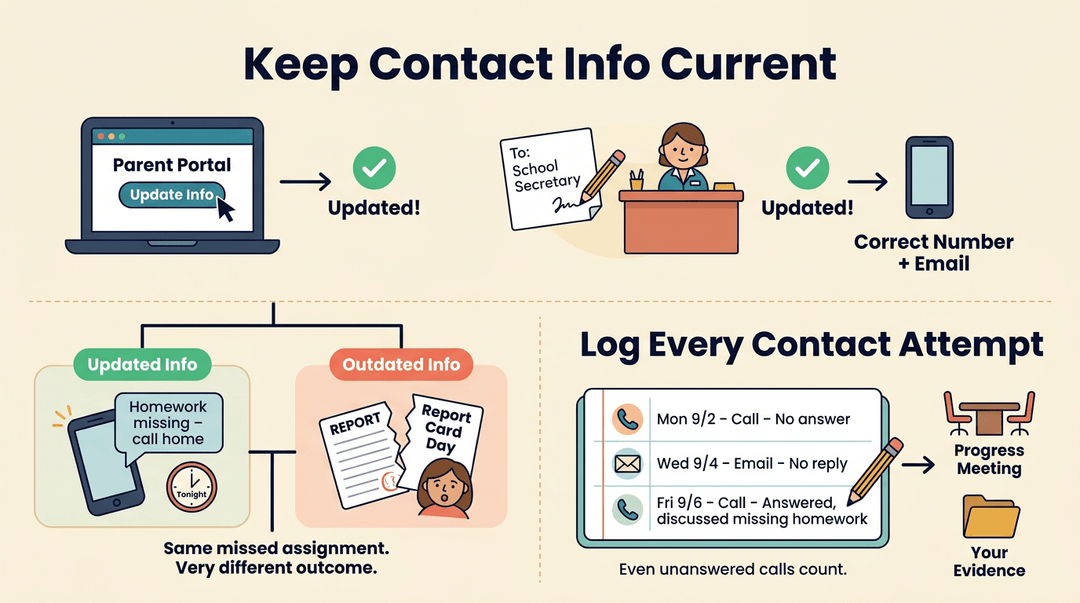
Most schools let parents update this through the online portal, but a quick note to the school secretary works just as well for families who aren't comfortable online.
Either way, this small habit ensures timely notifications: the difference between a parent hearing about a missed assignment tonight versus finding out at report cards.
It also pays to log parent contact attempts. When you jot down every call, email, or voicemail (even the ones that go unanswered) you build a record that protects you and shows real effort to keep families in the loop.
Think of a teacher who's called a guardian three times about missing homework: that log is the evidence a progress conversation, or a parent-teacher conference, might need later.
Sign up for text alerts
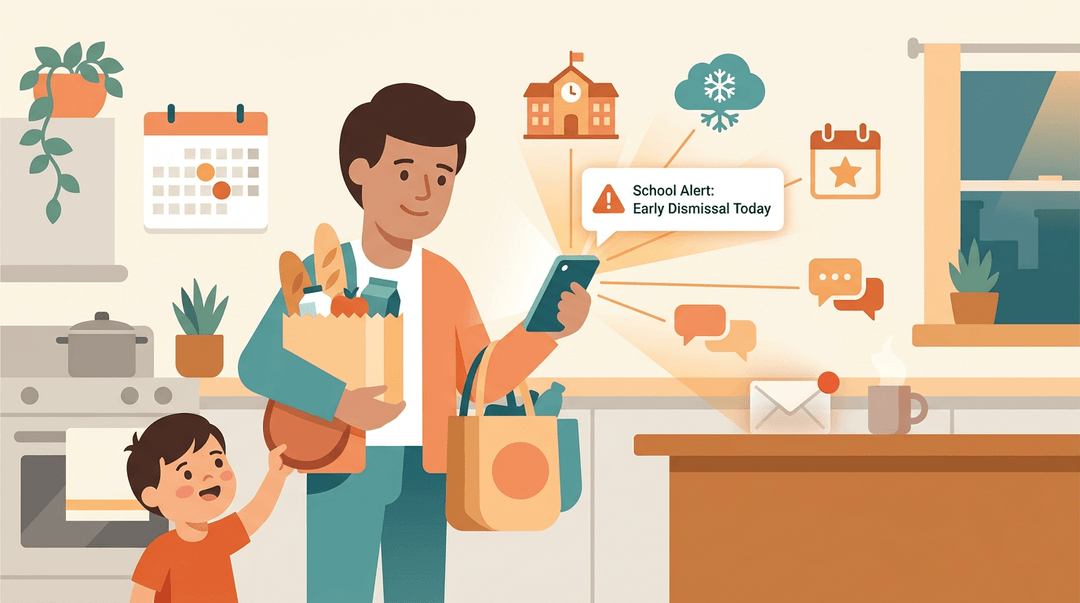
Encourage families to opt in to text messaging if the school offers it. It's the fastest way to reach a parent who's juggling work, other kids, and a packed evening.
Text alerts typically cover:
- School closure notices, sent the moment a decision is made.
- Weather notifications, especially for early dismissals or delays.
- Event announcements, from conferences to field trip reminders.
A text lands in seconds. A missed email might not.
Student progress isn't a portal you check once a semester. It's a habit built from steady tracking, honest communication, and knowing the rights and resources available to every family.
Treat it that way, and fewer surprises land on report card day while more students stay supported along the way.
Ready to build that habit into your daily routine? Check out our Classroom Management feature to organize your classes, rosters, and timetables in one place, so tracking progress becomes part of how you already teach.
References
- 988 Suicide & Crisis Lifeline — samhsa.gov
- Crisis Text Line in Ohio — dbh.ohio.gov
- Instructional Compliance — sbpsb.org
- LOUISIANA DEPARTMENT OF EDUCATION ASKING PARENTS, COMMUNITIES ABOUT ACCESSING STUDENT LEARNING MATERIALS — doe.louisiana.gov
- Education — dcfs.louisiana.gov
- Louisiana Laws — legis.la.gov