Classroom Events: How They Work and How to Plan One

Jump to section
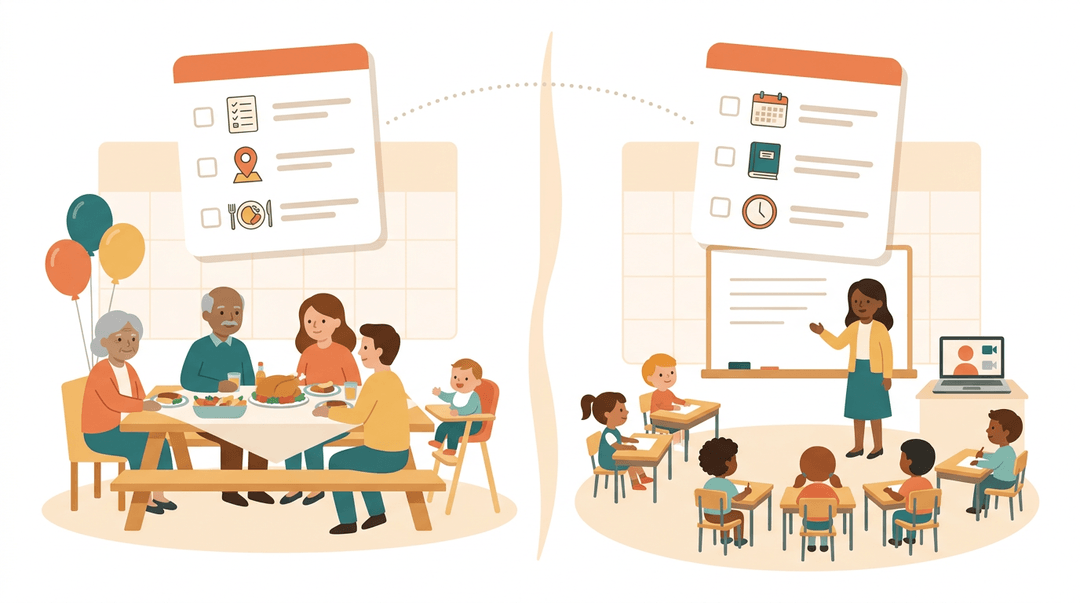
Think about planning a family reunion: you juggle a guest list, a venue, food, and a schedule that has to work for everyone, from grandparents to toddlers.
Classroom events ask the same thing of you, just with students, lessons, and a calendar that never seems to slow down. A classroom event is any planned activity, virtual or in-person, that adds structure to learning beyond the daily lesson.
Here's how they work, how to plan one step by step, and where to find solid resources for remote learning.
How Classroom Events Work
A classroom event gives you a home base for anything tied to one specific class, whether that's a field trip, a guest speaker, a science fair, or a day when a substitute is covering your room.
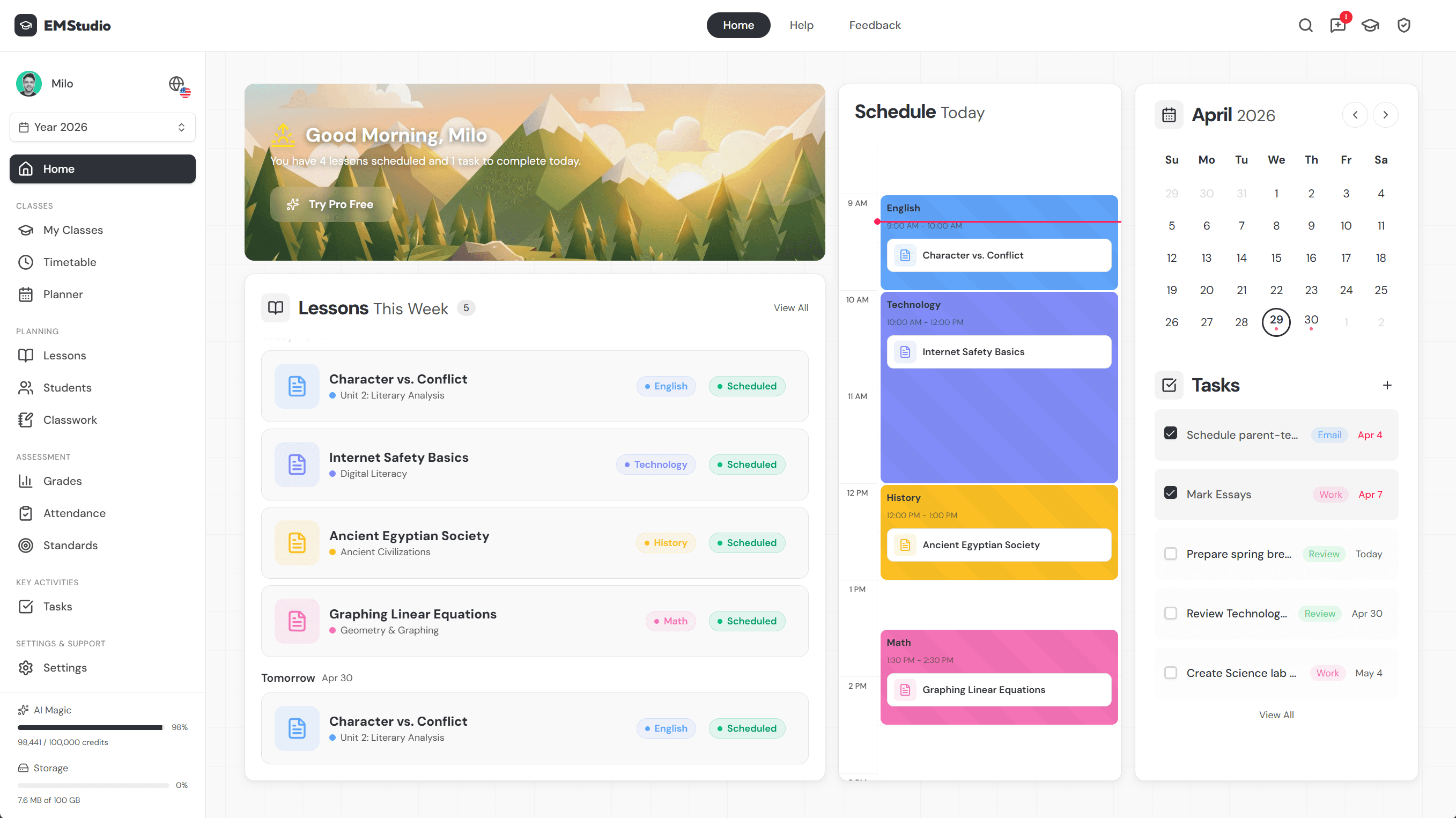
The setup is quick, and it plugs straight into the calendar tools you're already using.
How to create a classroom event
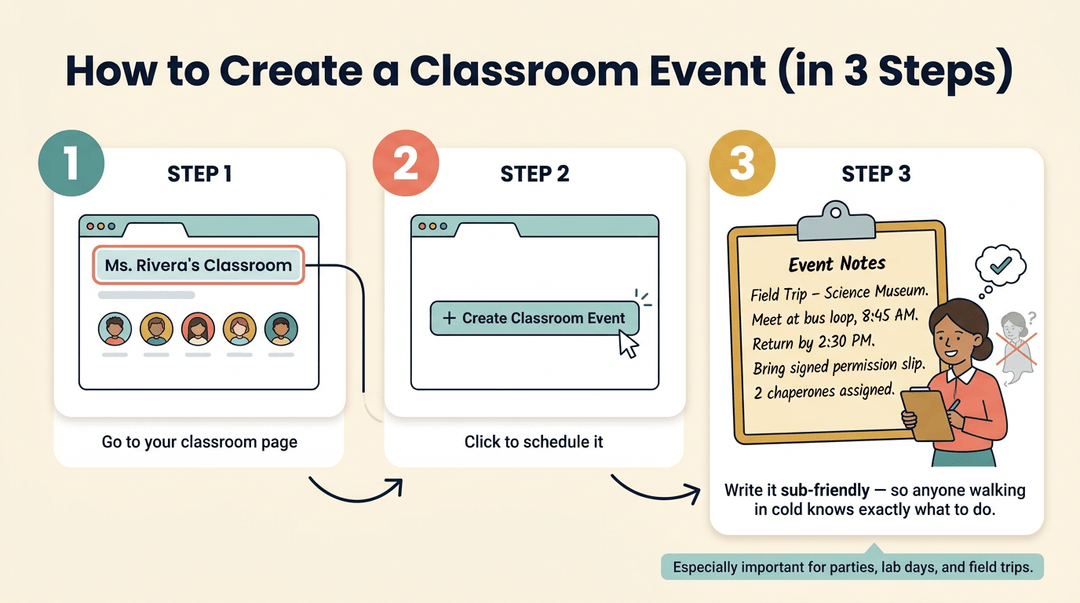
Getting one on the calendar takes just a few steps, and it doubles as a simple planning checklist:
- Navigate to your classroom page. This keeps the event tied to the right group of students from the start.
- Click the create classroom event button. It's the fastest path from idea to scheduled event.
- Add sub-friendly event notes. Think of a substitute walking in cold on the day of your field trip: a few clear notes on timing, location, and expectations means they don't have to guess.
That third step matters most for in-person events like parties, lab days, or off-site trips, where a stand-in teacher needs context fast.
Who can see your classroom event
Classroom events stay private to classroom members.
Unlike a schoolwide announcement, they're only viewable within that specific classroom, so a parent night for your third-period class won't show up on another teacher's roster or a student's unrelated calendar.
How classroom events show on your calendar
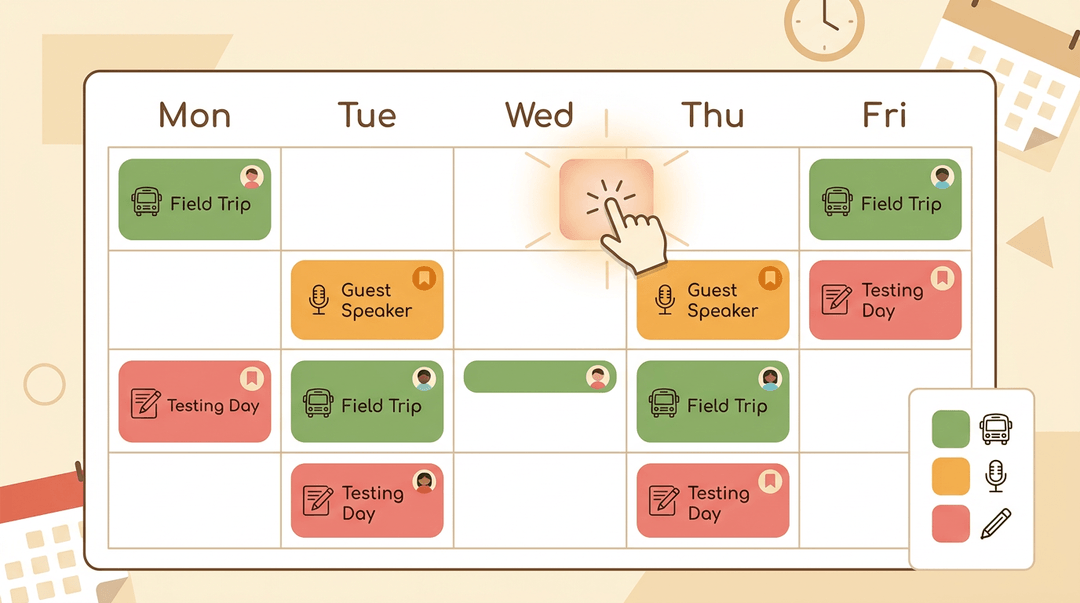
Once created, the event appears on your shared calendar and gets highlighted with your classroom's assigned color, so it's easy to spot at a glance. You can take that further by color-coding events by type:
- one color for field trips
- another for guest speakers
- another for testing days
It's a small habit that saves real time when you're scanning a busy week.
How classroom events differ from regular events
Under the hood, a classroom event functions like a regular event: same scheduling, same reminders, same basic mechanics. The difference is scope, not capability.
For the full range of what any event on your calendar can do, it's worth reviewing the primary events guide alongside this one.
How to Plan a Classroom Event Step by Step
Whether it's a poetry café, a science fair, or a guest speaker visit, every classroom event runs on the same three-phase routine: prepare, run, wrap up. Here's the playbook.
Before the event (one to two weeks out)
- Write one clear goal for the event.
- On the board it looks like: "By the end of our poetry café, every student reads one poem aloud."
- Check the calendar for conflicts.
- Scan for assemblies, testing windows, picture day, and other classes' room bookings.
- Secure permissions and budget.
- Email admin one paragraph: date, cost, goal. Save the approval reply.
- Notify parents at least a week ahead.
- Try: "We're hosting a poetry café on Friday the 14th. Students may bring one snack to share."
Key principle: The goal from step 1 decides everything after it: the seating, the jobs, the schedule. When you're unsure about a day-of choice, reread the goal.
On the day
- Prep materials before students arrive.
- Stack handouts by table and write the run-of-show on the board.
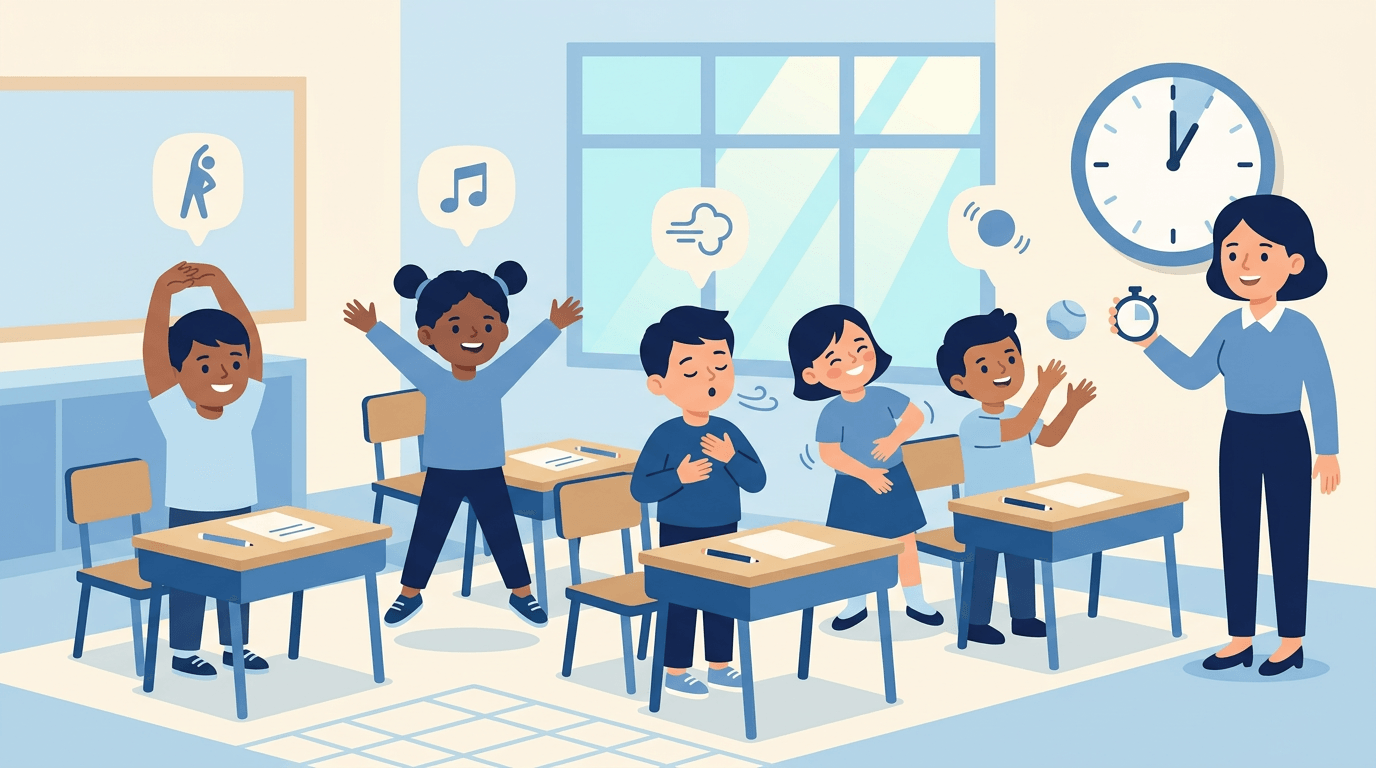
- Assign classroom jobs, one per student or group.
- Greeter, timekeeper, materials manager, cleanup crew.
- Leave a one-page brief if you'll be absent.
- The substitute needs four things: the goal, the schedule, the jobs list, the one rule that matters most.
- Arrange seating to match the activity.
- A circle for readings, clusters for stations, rows facing front for a guest speaker.
Example: A fourth-grade teacher running a science fair puts the timekeeper job on her most restless student. He circulates with a timer, calls the five-minute rotations, and stays engaged the whole hour: the job is the behavior plan.
After the event
- Debrief with students the same day.
- Say: "What's one thing we should keep, and one thing we should change?"
- Collect quick feedback.
- A two-line exit ticket works: a 1-to-5 rating plus one sentence.
- Note changes for next time while they're fresh.
- In your planner: "Poetry café: add 10 min for setup; snacks after readings, not during."
At a glance:
| Phase | Key move | What you get |
|---|---|---|
| Before | One written goal | Every later decision made easier |
| Day of | Jobs and layout set early | You facilitate instead of firefight |
| After | Same-day notes | A better event next time |
Schedule and color-code every classroom event right alongside your rosters and weekly timetable in EMStudio.
Resources for Virtual and Remote Learning
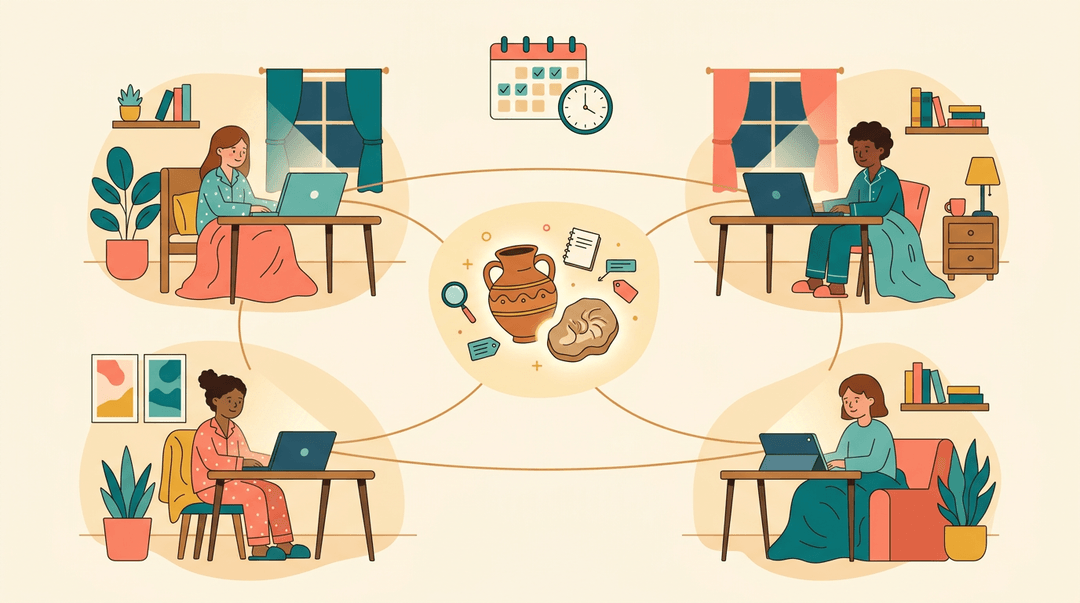
Not every classroom event happens inside four walls, and that's not a loss: it's an opportunity.
Whether your students are logging in from home or gathered around a single shared screen, a surprising amount of what makes an event work travels just fine online.
Live broadcasts and virtual sessions
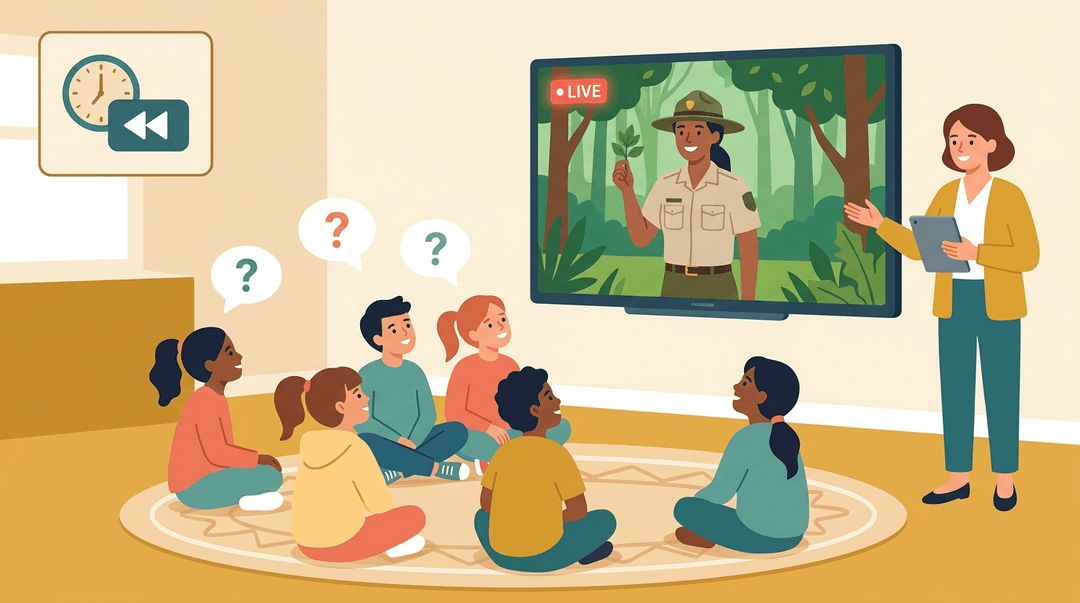
Consider a fourth-grade teacher who can't get a whole class to a nature center this month.
A daily live explorer session streamed straight into the classroom fills that gap: kids watch a real expedition unfold in real time, then ask questions before the feed ends. Can't make the live window?
Live event recordings let you queue up the same session during your own block, no scheduling gymnastics required.
Some organizations post their science lessons straight to Facebook too, which makes them easy to share with families, and it's a handy source of homeschool and tutor event ideas: assign the clip, then debrief the next morning.
Libraries of lesson plans and videos
Beyond the live stream sits a deeper well. Lesson plan libraries paired with printable worksheets turn a video into an actual lesson, not just a watch-and-forget clip.
Daily video lessons cover a rotating set of topics, so a teacher building out a week of remote learning doesn't have to start from a blank page every morning.
A digital magazine library adds reading material for older students, and museum quizzes and courses give you a built-in way to check whether the content actually landed.
Taking virtual field trips and tours
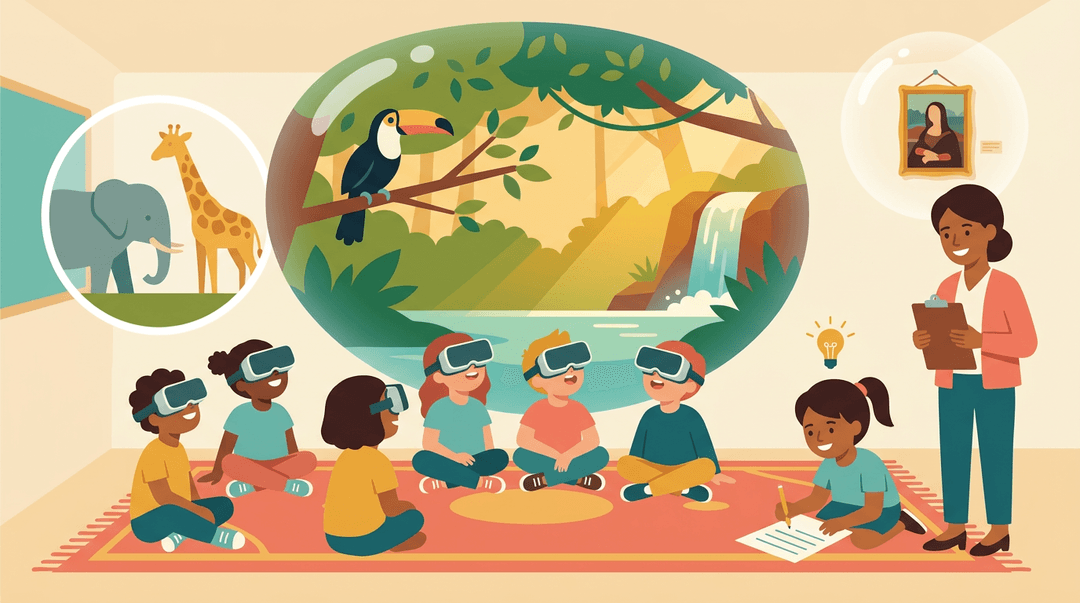
Think of the field trip that budget or distance ruled out this year. A 360 degree habitat tour puts students inside an ecosystem they'd never otherwise see, and a virtual zoo experience does the same for animals a classroom could never house.
Virtual art and science exhibitions extend that same idea to a museum floor. The trip itself is only half the lesson, though: pair it with a reflection sheet so students process what they explored instead of letting it slide past as passive video.
Hands-on STEM activity guides
Watching isn't the same as doing, and this is where remote learning can lean hands-on. An at-home STEM activities guide turns a kitchen table into a lab bench, using materials most families already have.
A nature club resource keeps that same curiosity going outdoors, and animal adaptation lesson materials give students something concrete to investigate: why does an animal look, move, or hunt the way it does?
Joining community volunteer projects
Virtual doesn't have to mean solitary, either.
A museum collective volunteer project lets students contribute to real conservation or research work from wherever they're logging in, so remote learning still carries that community feeling instead of just a screen and a silent room.
Classroom events don't have to feel like one more thing piled onto an already full plate.
With a clear sense of how they work, a step-by-step plan, and the right virtual resources on hand, you can build moments that make learning stick, without the last-minute scramble. Ready to keep every event, roster, and timetable organized in one place?
Check out our Classroom Management feature to plan with less stress and more clarity.