Learning Content Management System: A Complete Guide

Jump to section
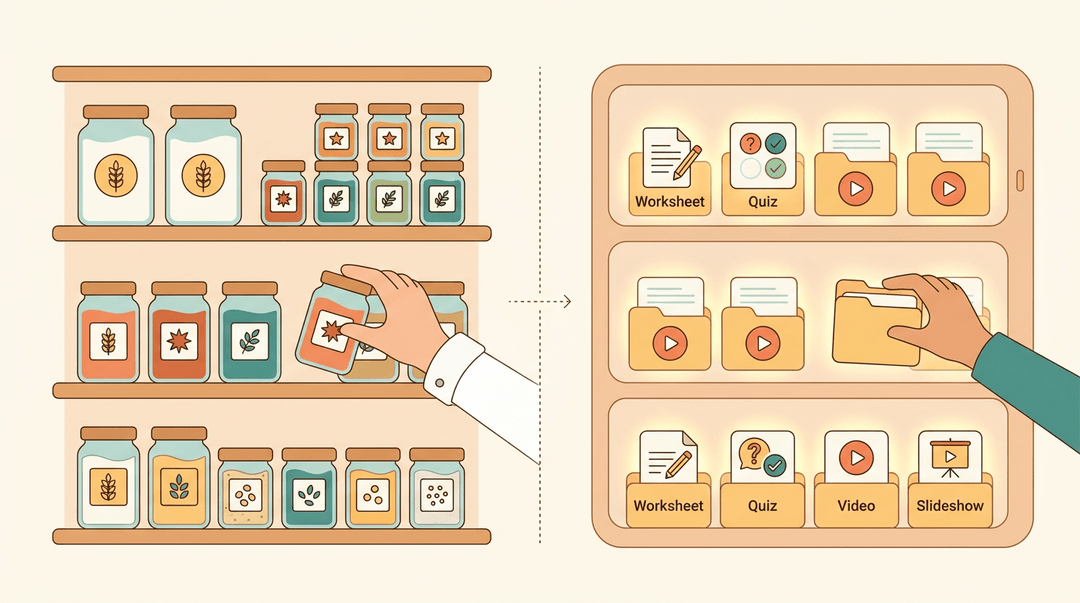
Think of a chef's pantry: every ingredient labeled, sorted, and ready to grab the moment a recipe calls for it. Nothing gets lost in a junk drawer, and nothing goes stale in the back of a shelf.
A learning content management system (LCMS) works the same way for your lessons: it's a dedicated space to store, organize, and reuse the content you build, so it's ready whenever you need it.
Below, we'll break down what makes one worth adopting, and how to start using one in your own classroom.
What a Learning Content Management System Is
Picture a filing cabinet, a projector, and a grade book all built into one system, and you're close to picturing a learning content management system (LCMS). It's the platform where teachers build lessons and where those lessons actually reach students.
How an LCMS Combines Authoring and Delivery
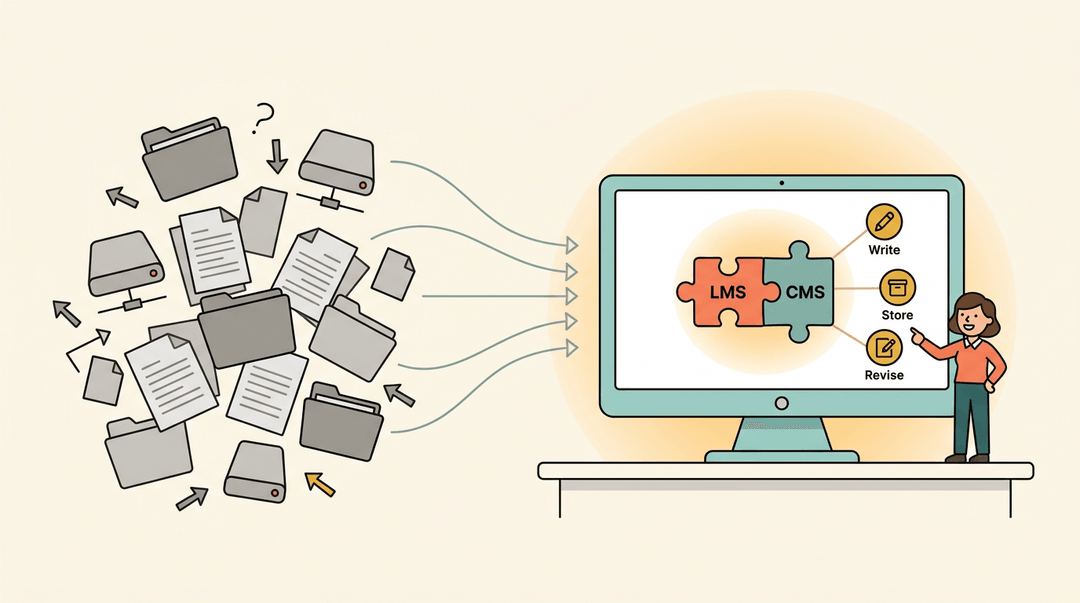
An LCMS acts as a centralized content creation platform: one place to write, store, and revise lessons rather than scattering them across drives and folders. It combines authoring, delivery, and tracking in a single tool, so a training platform doesn't just hold content, it unifies it. In practice, that's an LMS (learning management system) and a CMS (content management system) working as one.
How an LCMS Differs from an LMS
An LMS focuses on delivering and tracking courses:
- assigning work
- grading it
- logging progress
An LCMS focuses further upstream, on creating that content in the first place. That's why an LCMS often lacks the deep course administration an LMS provides, and why a typical LMS lacks real authoring tools. Some platforms blur this line.
Google Classroom, for instance, is a learning management system built for distributing and grading assignments, not authoring rich content from scratch.
Is a CMS System Easy to Learn?
A plain CMS stores content only, with no tracking involved, which keeps its learning curve fairly gentle. A CCMS (component content management system) manages structured technical content for reuse, often through a DITA-based approach, while an LCMS adds learning delivery and tracking on top of that. Among today's content management systems, the right fit depends less on the brand name and more on whether you need simple storage or built-in reuse for lessons you'll teach again and again.

Key Features Every LCMS Should Have
Not every platform calling itself an LCMS earns the name.
The best ones share a handful of features that make building, managing, and delivering course content genuinely easier, so you (and we, as educators juggling enough already) can spend less time hunting for files and more time teaching.
Here's what to look for.
Building Courses with Authoring Tools
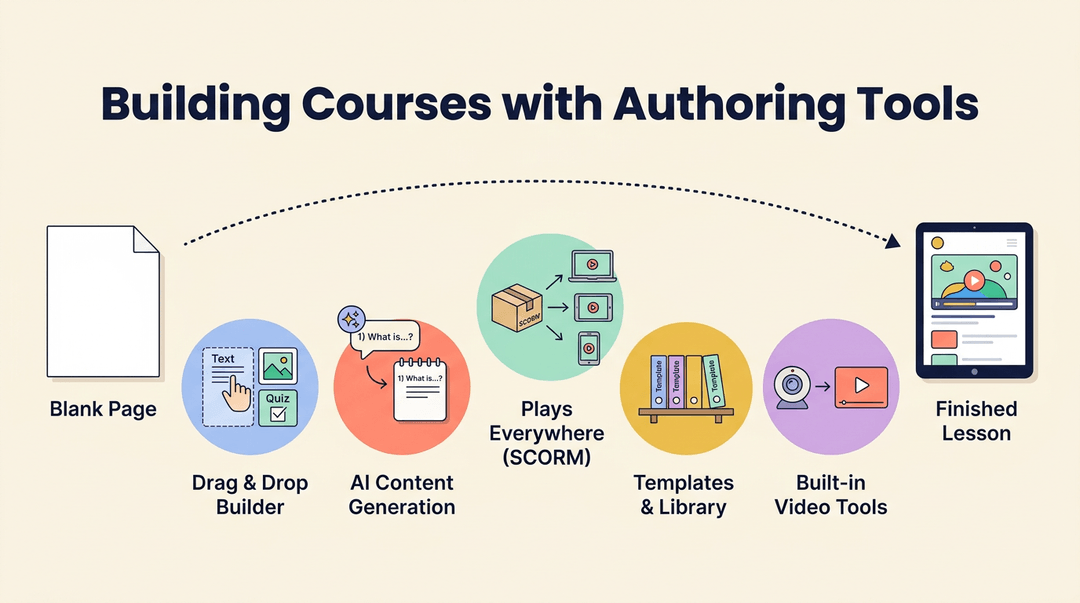
A solid authoring tool turns a blank page into a finished lesson without a steep learning curve.
- Drag-and-drop course builder. Arrange text, images, and quizzes visually, no code required.
- AI-powered content generation. Draft quiz questions, summaries, or discussion prompts in seconds, then tailor them to your class.
- SCORM-compliant authoring. Content packaged in the Shareable Content Object Reference Model (SCORM) format plays correctly across different systems.
- Templates and a course library so you're never starting from scratch.
- Video and webinar creation tools built right in, for lessons that need more than text.
One Repository for All Your Content
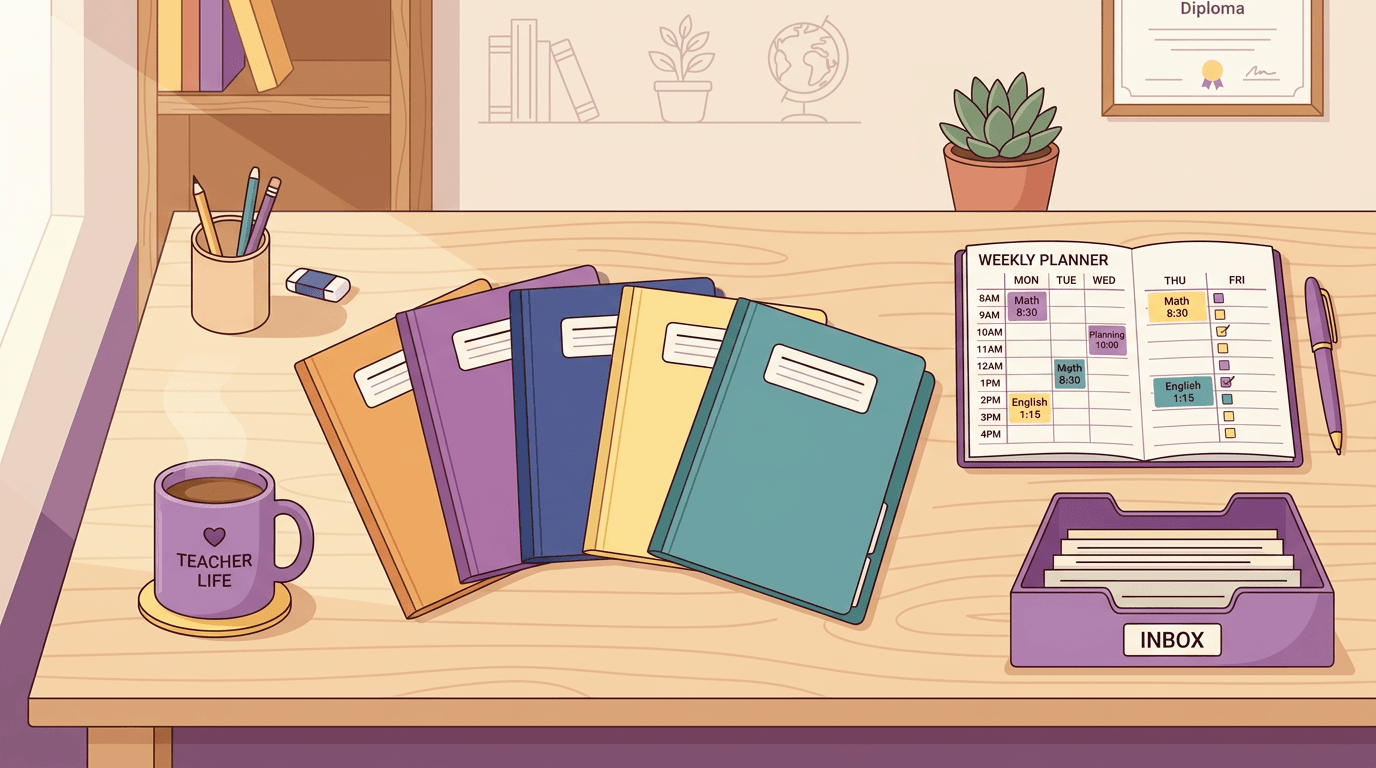
Instead of scattered folders and forgotten shared drives, an LCMS keeps everything in a single repository. From there, you get:
- Reusable components. Build a module once (a video, a quiz bank) and drop it into multiple courses.
- Metadata tagging that makes content easy to find by subject, grade level, or standard.
- Searchable media libraries for images, video, and audio.
- Version control that tracks every edit, so nothing gets lost or overwritten.
- Content licensing and copyright reuse rights, spelled out clearly, so you always know what you can legally reuse or share.
Working Together on Course Content
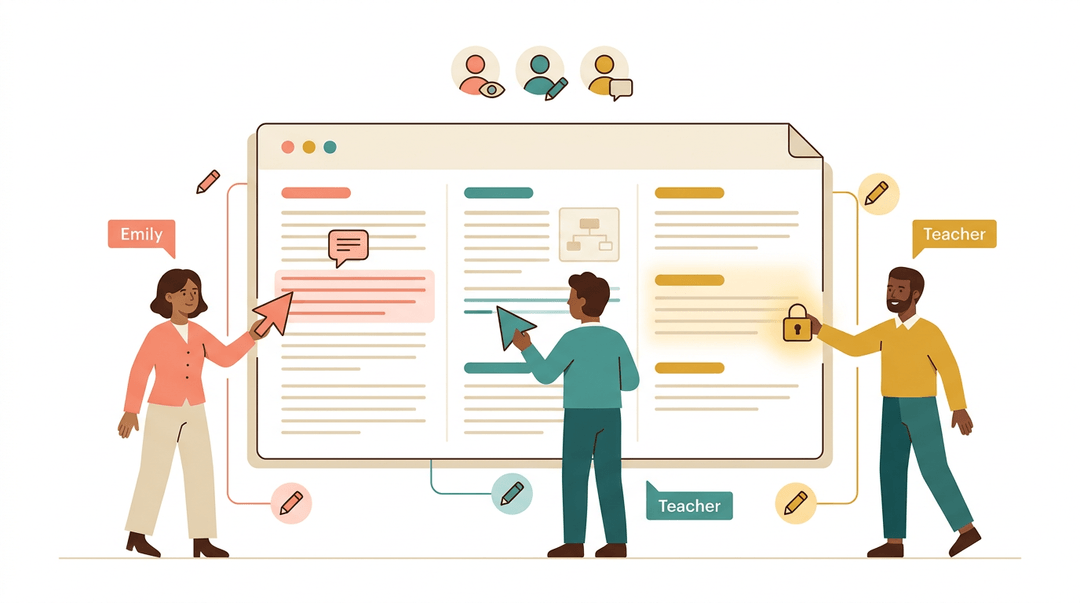
Curriculum rarely comes from one person alone. Real-time collaborative editing lets a team work on the same lesson at the same time, while multi-author review workflows keep feedback organized instead of buried in email threads.
Check-in and check-out functionality stops two people from overwriting each other's changes, and granular permissions decide who can edit, comment, or just view.
Publishing Content Across Multiple Channels
Students don't all learn the same way in the same place, so your content shouldn't be stuck in one format.
A good LCMS publishes to mobile, web, and print, and supports the standards that keep content portable: SCORM, xAPI (Experience API, which tracks learning activity beyond a single course), and AICC (Aviation Industry CBT Committee, another long-standing interoperability standard).
Omni-channel publishing themes keep the look consistent everywhere it lands, and built-in support for blended and virtual classrooms means the same course works whether students are in the room or logging in from home.
Personalizing Learning Paths for Each User
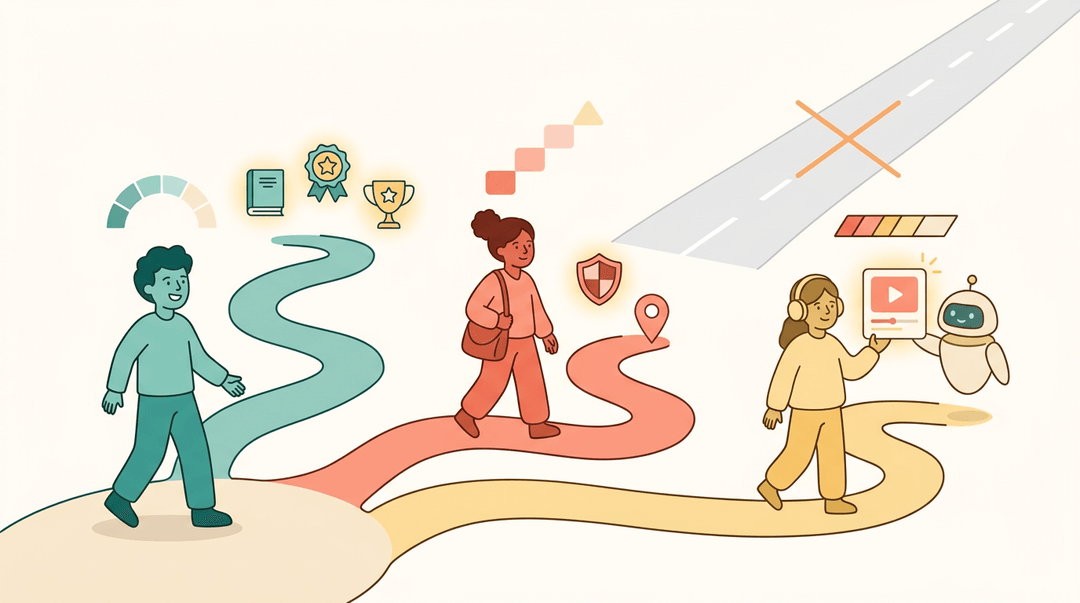
One-size-fits-all rarely fits anyone. Tailored learning paths adjust based on a student's progress, and content filtering by role or region makes sure the right material reaches the right group.
Gamification and rewards keep motivation up, while adaptive recommendations powered by AI suggest the next lesson based on what a learner has already mastered, much like a streaming service suggesting what to watch next.
Tracking Progress and Compliance Data
You can't improve what you can't see. Learner progress tracking and clear dashboards and reporting show who's on track and who needs a nudge.
Compliance and version audit trails matter just as much for a school district as for any regulated industry, and content performance analytics reveal which lessons actually work.
None of this matters if student data isn't protected: data privacy and FERPA (Family Educational Rights and Privacy Act) compliance should be non-negotiable in any LCMS you choose.
Connecting Tools and Supporting Multiple Languages
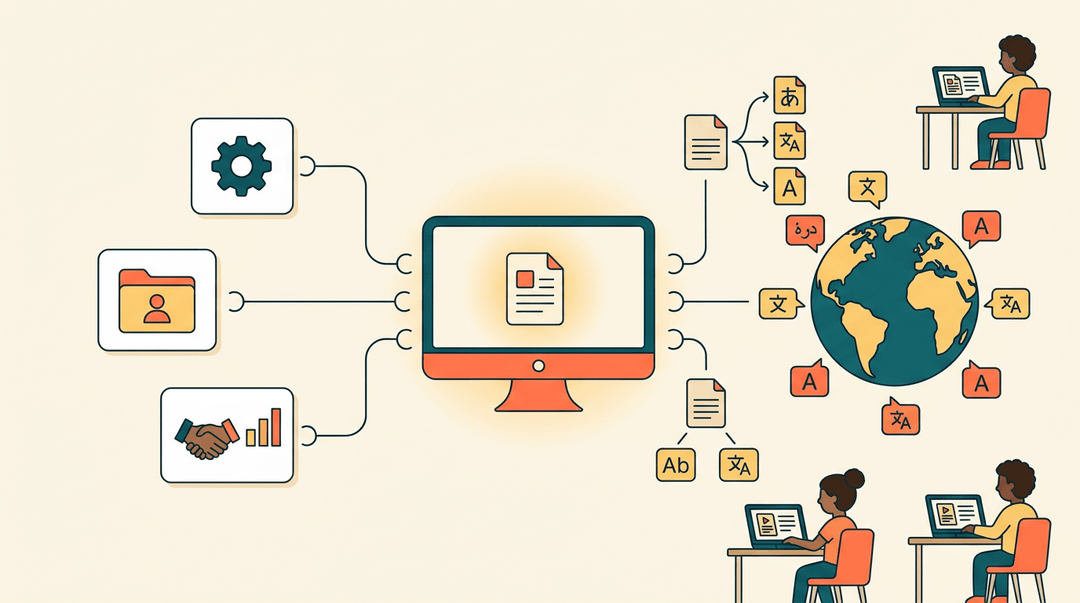
Finally, an LCMS shouldn't work in isolation. Third-party tool integrations, along with HR and CRM connectors for larger institutions, keep it talking to the systems you already use.
Translation and XLIFF (a standard file format for exchanging translatable content) support, plus multi-language localization, make sure the course you built for one classroom can reach students well beyond it.
Quick-Start Checklist for Classroom LCMS Use
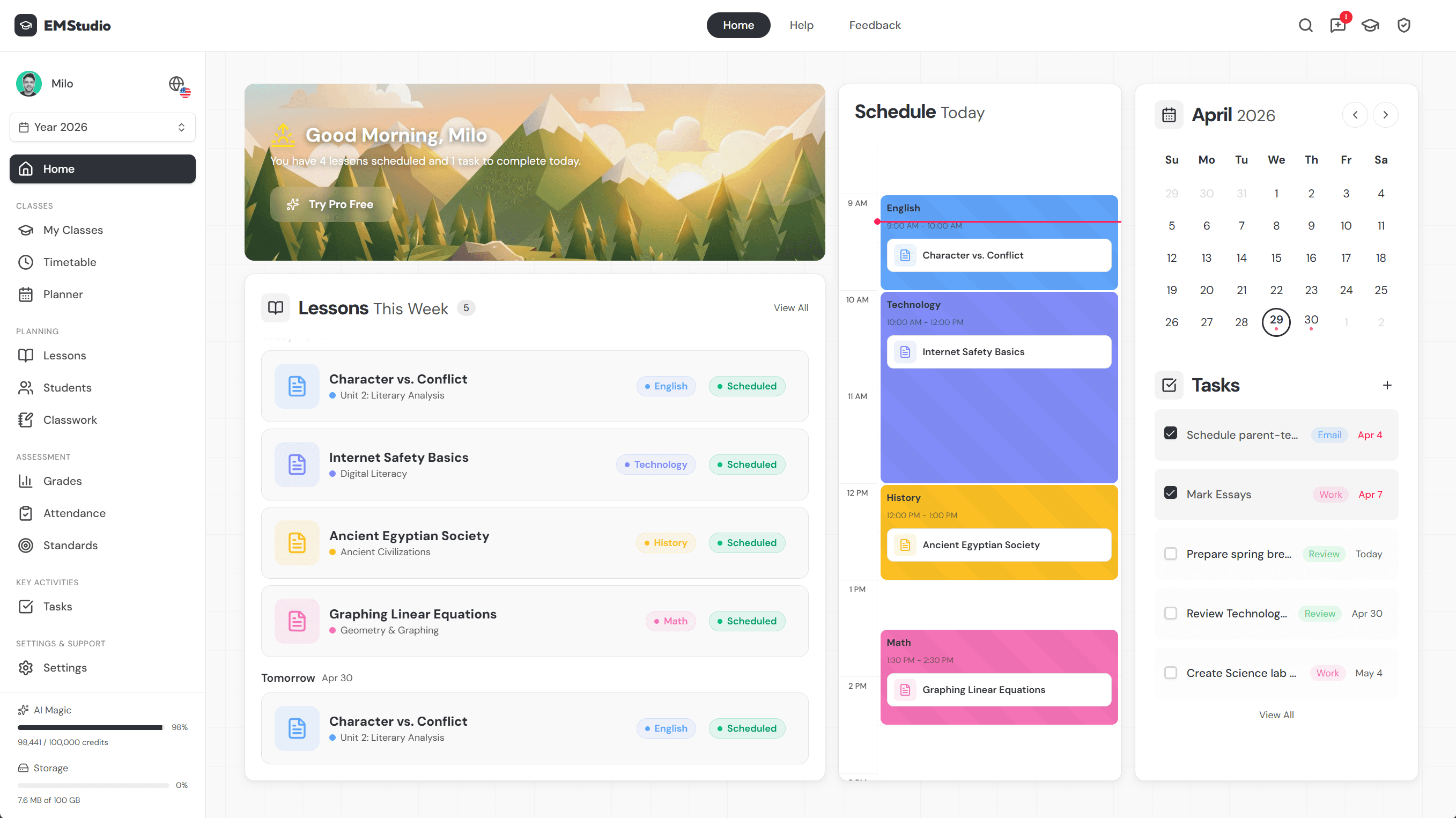
You don't need a full migration plan to start using an LCMS. You need one prep hour, one setup afternoon, and a clear picture of what "done" looks like for your grade level. Here's that whole path on one page.
Before you begin: three things to confirm
Run this quick verification before you touch the platform. Each takes about ten minutes.
- List content worth reusing. Skim last term's folder and star anything you taught twice. That starred list is your import queue: nothing else comes over yet.
- Check your LMS integration needs. Note where students actually see your work (Google Classroom, Canvas, Schoology) and confirm the LCMS publishes there.
- Confirm student privacy compliance. Ask your admin one direct question: "Is this tool on our district's approved software list?" If nobody knows, don't upload student names or work.
⚠️ Watch out: privacy is the step teachers skip most. A quiz with student names in it is student data, so verify approval before importing, not after.
Set up your course content in one afternoon
- Import your starred lesson plans first. Only the reusable ones from your list.
- Upload the files as-is; polishing comes later, inside the system.
- Tag every item by grade and subject. Two tags minimum, added at upload.
- A tag like "Grade 4 / Fractions" is what makes next year's search take seconds.
- Build one reusable template from your best lesson. Strip out topic-specific content; keep the skeleton.
- Keep slots you refill each time: Objective / Warm-up / Activity / Exit ticket.
- Duplicate that template for every new lesson instead of starting blank.
Example: A middle school science teacher imports her six lab handouts, tags them "Grade 7 / Life Science," and turns one into a lab-report template. Her next lab takes twenty minutes to build instead of two hours.
What "done" looks like at your level
Different classrooms, same system. Find your row and aim for that first artifact.
| Your setting | Build this first | Why it pays off |
|---|---|---|
| Elementary | Interactive slides with a short embedded quiz | Young students get instant feedback; you get auto-scored results |
| Middle/high school | A multimedia module: video, reading, quiz | One module replaces three separate handouts |
| Tutoring | A personalized worksheet template per student | Swap the problems, keep the format, reuse weekly |
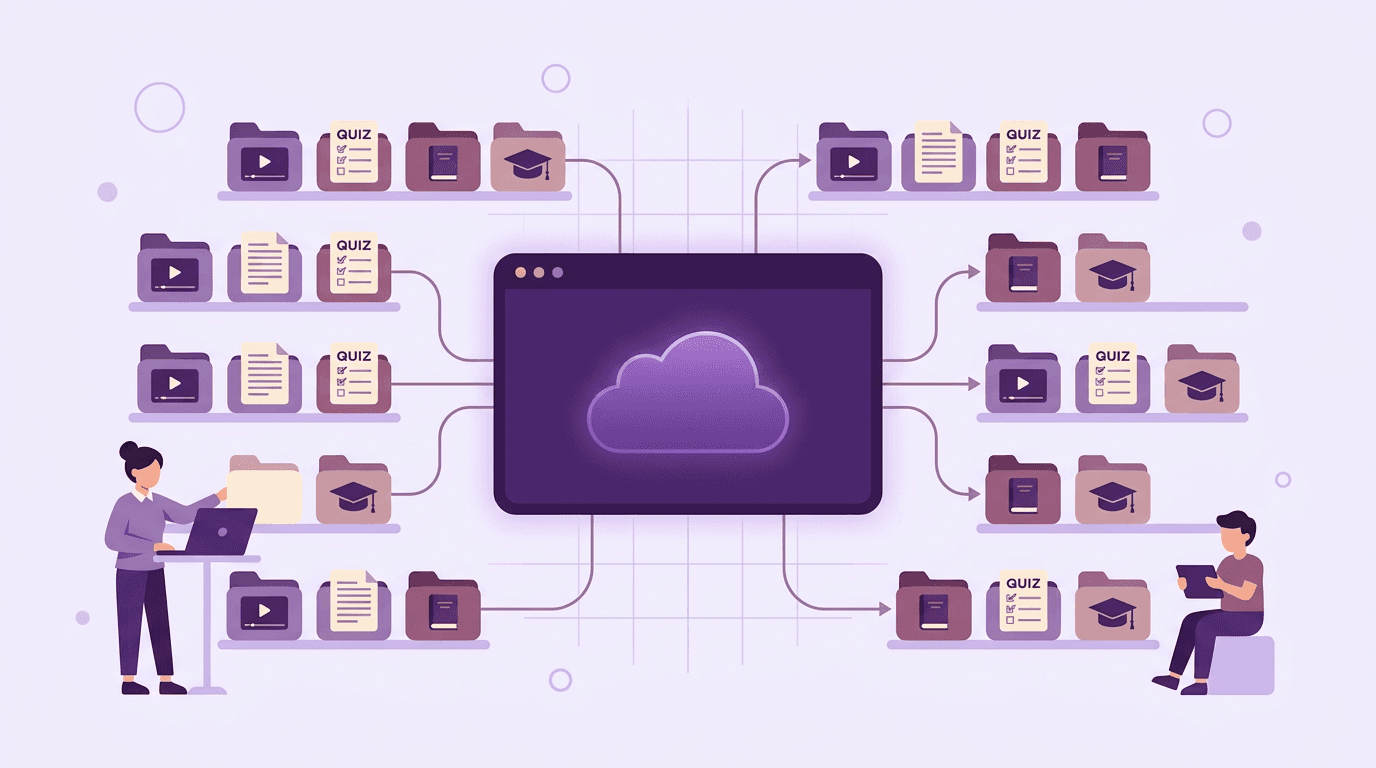
Start with one unit, not the whole year. Once tagging and templates feel routine, expanding is fast, and EMStudio's AI Lesson Editor helps you draft and refine that reusable lesson content in one place.
Why an LCMS Is Worth Adopting
So what does that investment actually buy you? A well-chosen learning content management system (LCMS) pays for itself in three ways we can all get behind: lower costs, room to grow, and students who actually remember what they learned.
Saving Time and Cutting Costs
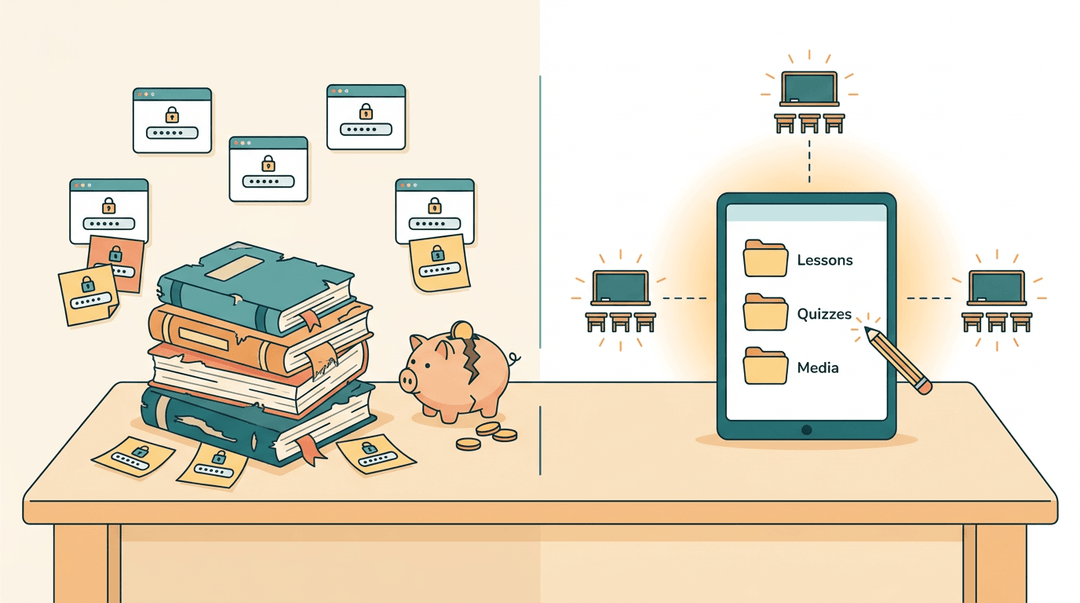
Textbooks wear out, go out of print, and cost a school real money every year. Housing your materials in one LCMS cuts that expense and gives you a single home for lesson plans, quizzes, and media instead of juggling five different logins.
When a standard changes or a typo needs fixing, you edit it once instead of updating every classroom's copy.
That consolidation is the whole point: according to research on designing an integrated learning content management system, an LCMS can improve efficiency by streamlining content updates and consolidating content-related tools, replacing a shelf of separate systems with one.
Scaling as Your Content Grows
A single unit's worth of slides is easy enough to manage in a folder. Ten years of lessons across three grade levels isn't.
An LCMS is built to hold that volume without buckling, and it scales right alongside you as your library, your class list, or your whole program keeps growing.
Boosting Engagement and Retention
Personalization isn't just a nice extra: it changes what sticks.
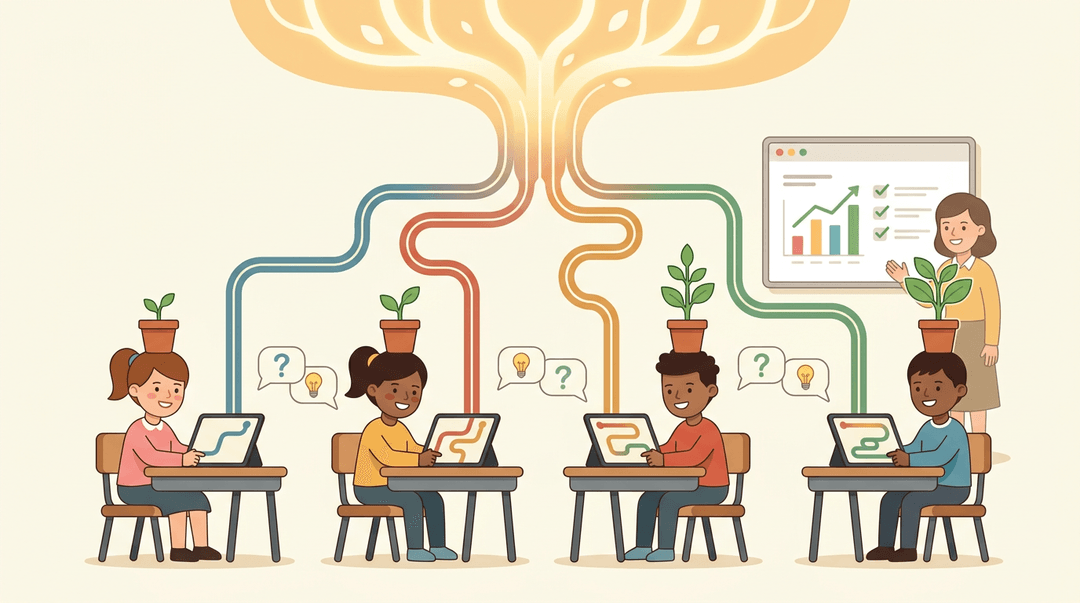
A quasi-experimental study of a machine learning-based adaptive platform used with Peruvian secondary students found that adaptive, personalized content led to steady, significant gains in cognitive learning compared with uniform, one-size-fits-all instruction.
Built-in chat and discussion forums add another layer, giving students a place to ask questions and help each other outside class time.
And because an LCMS tracks how students interact with content, you can see what's landing and what isn't, then refine the material accordingly.
Comparing Top LCMS Platforms
Once you know what an LCMS does, the next question is practical: which one actually fits your classroom? Here's how the leading platforms stack up on features, price, and day-to-day usability.
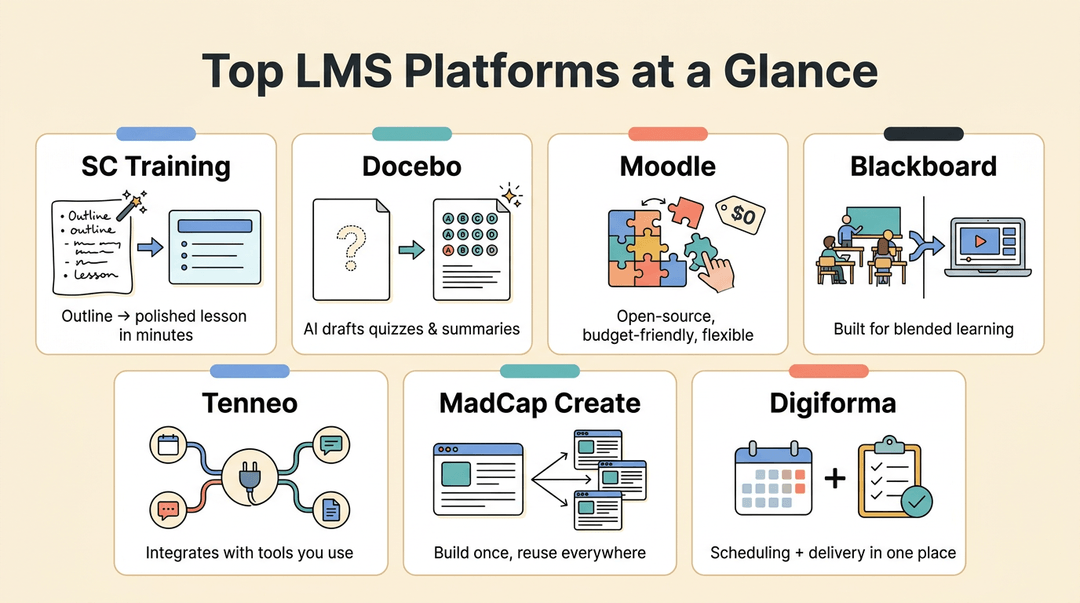
What Are the Top LMS Platforms?
Ask five teachers for their top five LMS platforms and you'll get five different answers, but these names come up again and again:
- SC Training. Its AI course creator turns a rough outline into a polished lesson in minutes.
- Docebo. Its AI content generator drafts quizzes and summaries so you're not starting from a blank page.
- Moodle. Open-source and endlessly flexible, which makes it a favorite for schools tight on budget but rich in tech support.
- Blackboard. A deep content library built for blended learning, mixing in-person and online instruction.
- Tenneo. Strong integrations and AI features that plug into tools you already use.
- MadCap Create. A dedicated authoring suite for building polished, reusable course content.
- Digiforma. A combined CMS and LMS, handy if you want scheduling and delivery in one place.
How Pricing Works Across Platforms
Pricing models vary as much as the platforms themselves:
- Free tiers for small classrooms or single teachers testing the waters.
- Per-user pricing, billed monthly or quarterly, that scales with your student count.
- Quote-based enterprise pricing for districts negotiating custom deals.
- Annual flat licensing, one price, predictable budgeting.
What Is the Easiest LMS to Use?
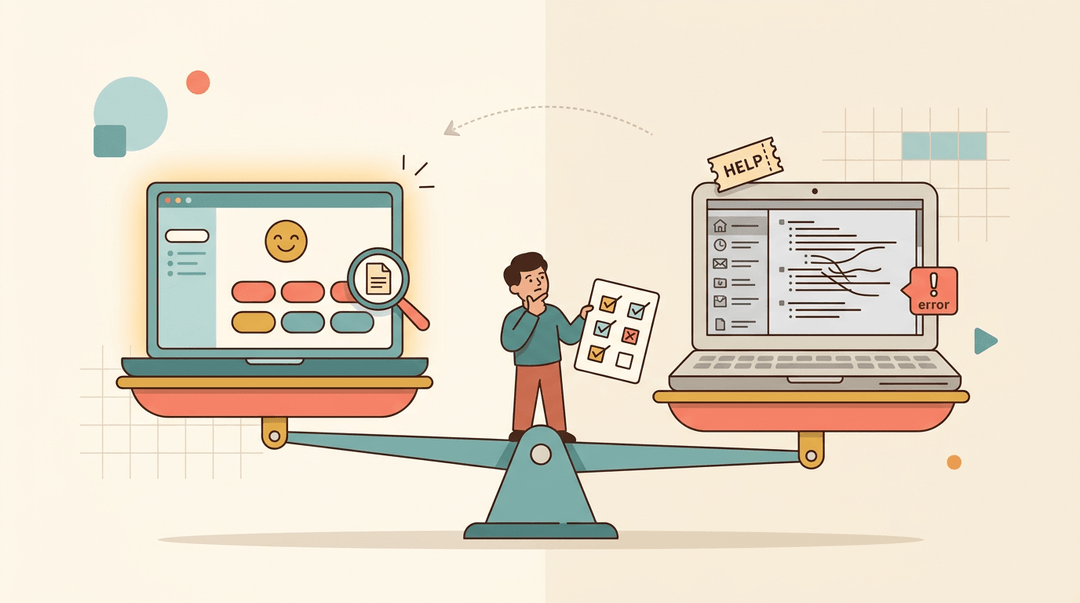
There's no single winner here: it's really a set of trade-offs. Some platforms offer a gentle learning curve and strong support but trade away customization.
Others have a modern, intuitive interface while an older competitor's dashboard feels stuck in 2010.
Ateş and Güyer found that faculty often struggled with LMS navigation during initial use, leading to a steep learning curve, which is exactly why ease of use deserves as much weight as features.
Watch, too, for robust reporting paired with weak search, or the reverse: the easiest LMS is the one where you can find what you need without a support ticket.
Device and OS Compatibility
Most top platforms run across Windows, Mac, and Linux, with full web access and dedicated mobile apps. Tablet compatibility matters most for younger students, so confirm a platform works smoothly on the devices already in your classroom before you commit.
Common Uses for an LCMS
An LCMS shows up in more places than you'd expect, from corporate training rooms to your own classroom. Here's where it earns its keep:
Training Employees and Meeting Compliance
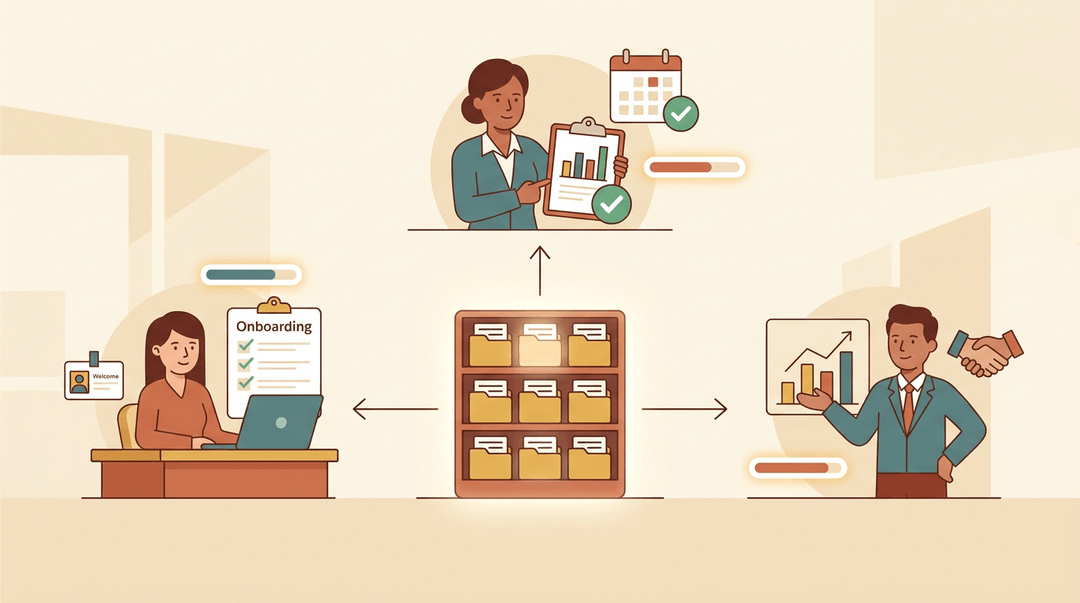
In the corporate world, an LCMS handles employee onboarding, tracks compliance training, and supports sales or partner training, all from one content library. New hires get a consistent onboarding path, while compliance officers can pull reports proving everyone finished the required course on time.
Use in Schools and Higher Education
Here's where it gets exciting for us. Educators use the same core LCMS features to power K-12 lessons, structure higher education courses, and standardize content across academic institutions. A tutor working one-on-one, or a homeschool parent building a semester's worth of lessons, can lean on the exact same reusable content blocks a district curriculum team uses.
Documenting Manuals and Knowledge Bases
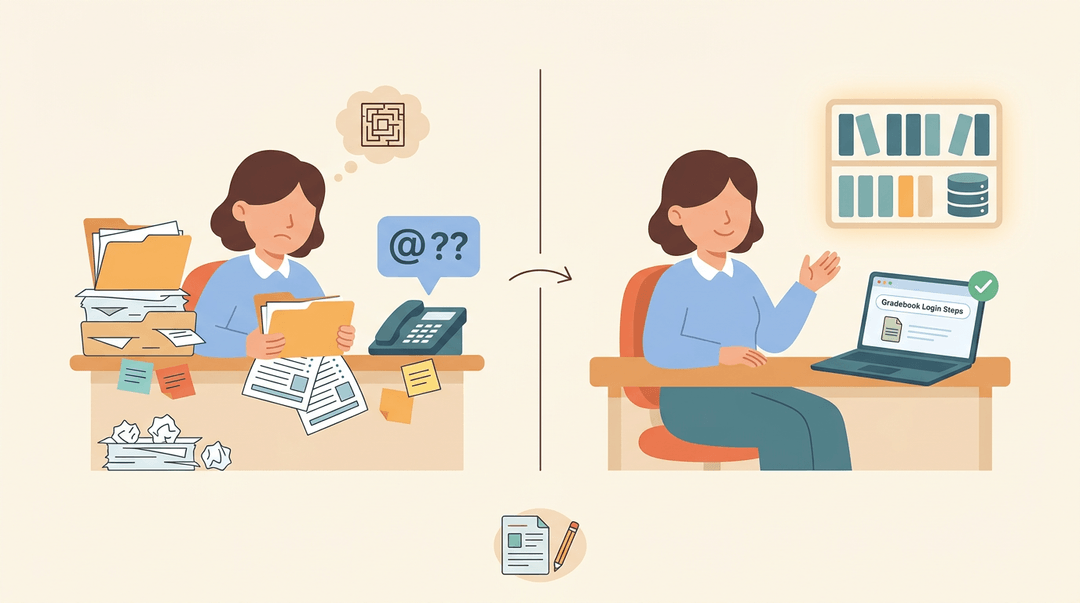
Beyond training, an LCMS is a natural home for product manuals, internal knowledge bases, and policy documentation. Think of a school's IT department storing step-by-step guides for the gradebook software, so staff can search once and find the answer instead of emailing the help desk.
An LCMS isn't just another acronym to memorize. It's the difference between digging through folders for last year's worksheet and pulling it up in seconds, polished and ready to teach.
Once your content has a real home, planning gets faster and teaching gets easier.
Ready to put that organized content to work in your lesson plans? Check out our AI Lesson Editor to draft and refine lessons with built-in AI assistance.
References
- Frontiers | A machine learning-based adaptive platform is associated with cognitive improvements in Peruvian secondary school students: a quasi-experimental study — frontiersin.org (2026)
- Usability in learning management systems: A mixed-method analysis — doi.org (2025)
- EdTech Books — edtechbooks.org
- Design and Implementing an Integrated Learning Content Management System — doi.org (2008)
Frequently asked questions
What is the most commonly used LMS?
Moodle is one of the most commonly used LMS platforms worldwide, especially in education. Other widely used options include Canvas, Blackboard, Google Classroom, and Schoology.
What is the easiest LMS to use?
There is no universally easiest LMS because ease of use depends on your needs and experience. Google Classroom and Canvas are often considered approachable because they have simple interfaces and straightforward assignment workflows.
What are the top 5 content management systems?
Five leading content management systems are WordPress, Joomla, Drupal, Shopify, and Wix. WordPress is the most widely used general-purpose CMS, while Shopify focuses primarily on ecommerce.
What are the top 5 LMS systems?
Five prominent LMS platforms are Moodle, Canvas, Blackboard, Google Classroom, and Schoology. The best choice depends on factors such as budget, required features, integrations, and the size of the organization.
What is an example of an LMS?
Moodle is an example of a learning management system. It lets educators create and deliver courses, assign work, track progress, and manage learner activity.
Can you give me some examples of content management systems?
Examples of content management systems include WordPress, Joomla, Drupal, Wix, Squarespace, Shopify, and Adobe Experience Manager. These systems help users create, organize, edit, and publish digital content.
Is a CMS system easy to learn?
A plain CMS is generally fairly easy to learn because it mainly stores, organizes, and publishes content without learning-progress tracking. More advanced systems, such as structured content systems or LCMS platforms, can take longer to master because they include authoring, reuse, permissions, and reporting features.
Is Google Classroom a LMS?
Yes, Google Classroom is a learning management system. It is designed mainly to distribute assignments, collect student work, grade it, and track classroom activity rather than author rich learning content from scratch.