Learning Management System Integration: Complete Guide

Jump to section
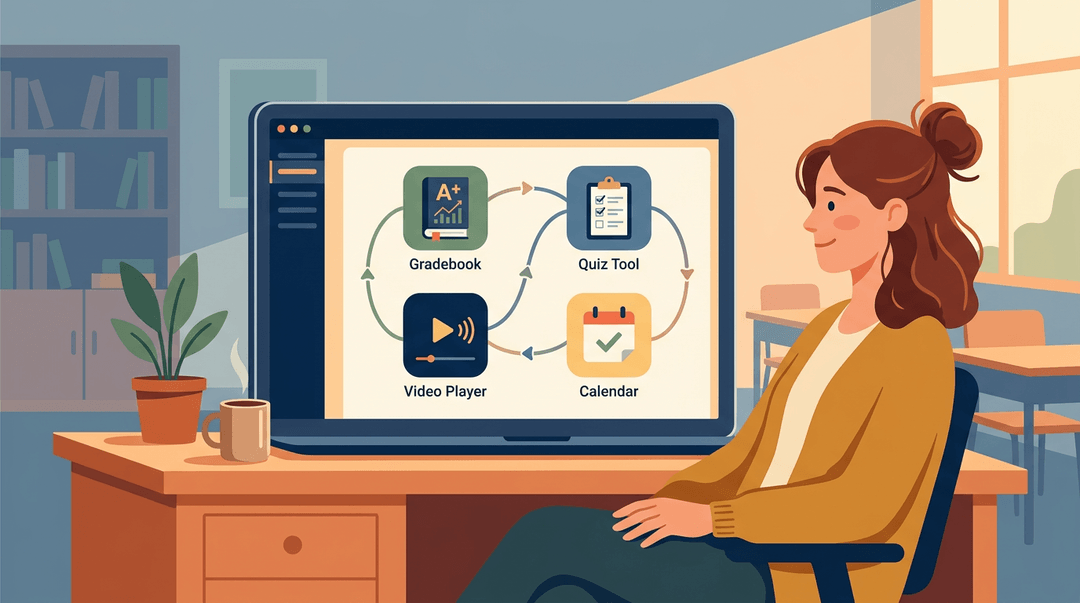
Picture a classroom toolkit where every app talks to the next: your gradebook updates automatically, quiz results flow straight into student progress reports, and the video platform you love works inside the same tab where you take attendance.
No copy-pasting, no switching between six windows, no losing five minutes hunting for a login.
That's the promise of LMS integration, the process of connecting your learning management system to the other tools, platforms, and data sources in your edtech stack so they work as one.
In this post, we'll unpack what LMS integration actually means, why it matters for your classroom, how to evaluate your options, and what to watch out for when you're building out a setup that works for you and your students.
What Learning Management System Integration Actually Means
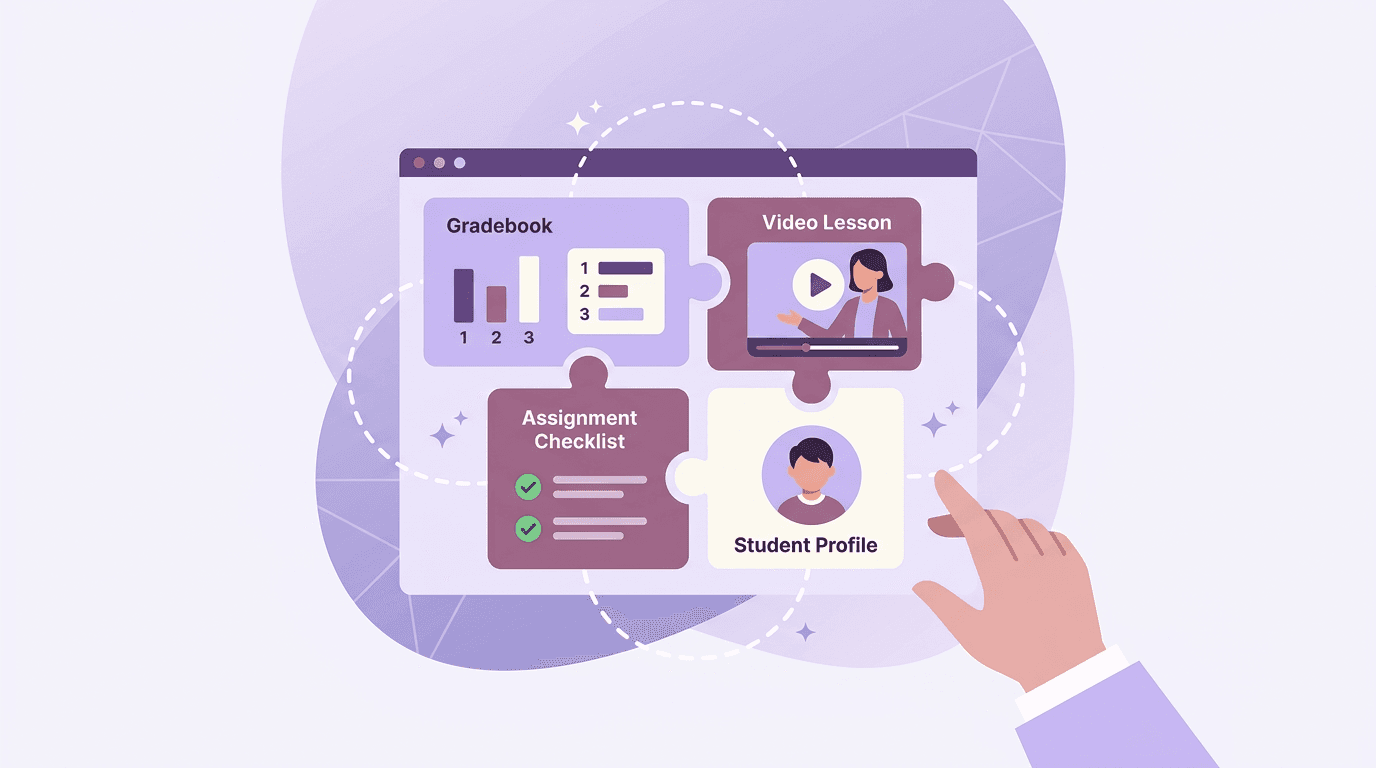
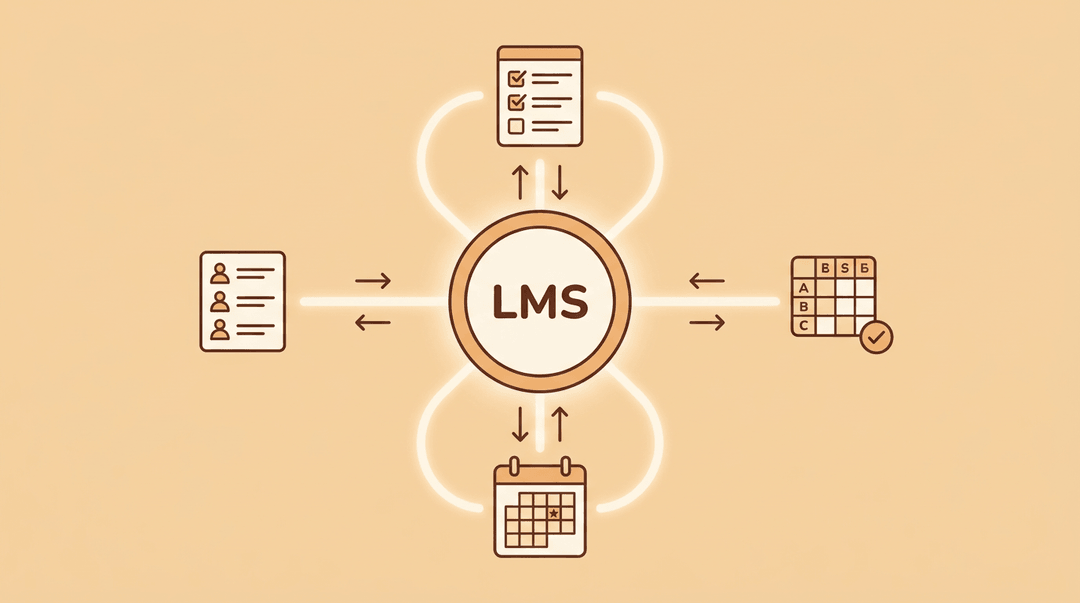
Your LMS doesn't work in a vacuum. Integration is what connects it to the other tools in your school or district's tech stack, so data, content, and users flow between platforms without anyone copying and pasting.
The most widely used platforms right now include Canvas, Google Classroom, Schoology, Moodle, and Blackboard, each with its own integration ecosystem.
How an LMS connects to other software
At its core, LMS integration means two or more platforms sharing information automatically. A student roster from your student information system populates in your LMS. A grade logged in a quiz tool syncs back to the gradebook.
No double entry, no mismatched records. Done well, it turns a collection of separate tools into a single, coherent tech ecosystem.
The main types of LMS integration
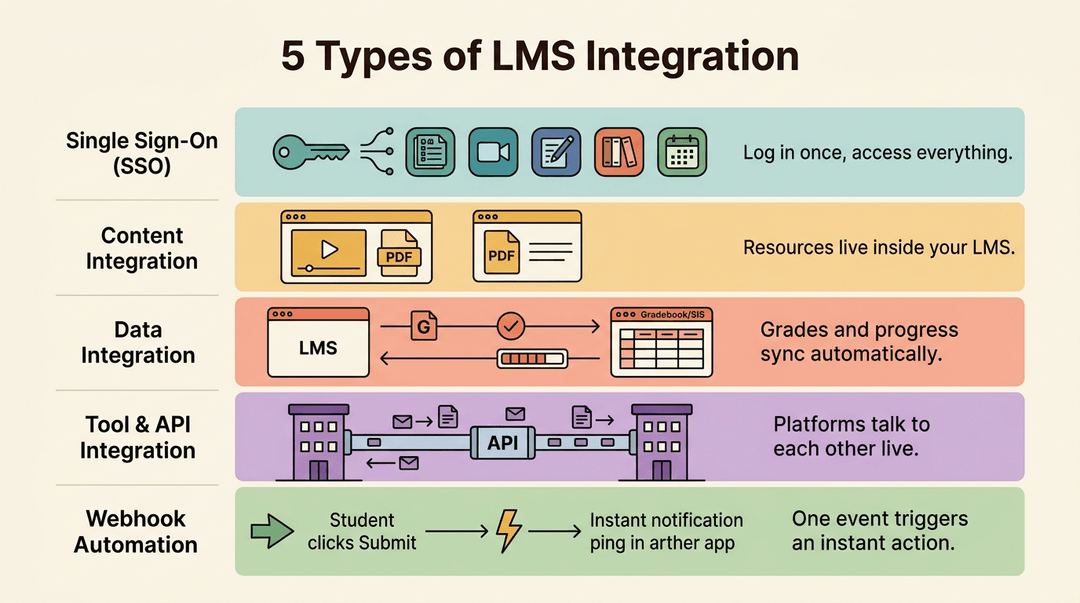
There are five you'll encounter most:
- Single Sign-On (SSO). Students and teachers log in once and access every connected tool, no extra passwords required.
- Content integration. External resources, video libraries, or curriculum platforms embed directly inside your LMS so learners never leave to find them.
- Data integration. Grades, completion rates, and learning progress move between platforms automatically, keeping records consistent.
- Tool and API integration. An application programming interface (API) lets two platforms talk to each other in real time, unlocking deeper, more flexible connections.
- Webhook-based automation. A webhook triggers an action the moment something happens: a student submits an assignment and a notification fires instantly in another system.
Why Integrating Your LMS Pays Off
A disconnected edtech stack costs you more than you might think: time spent on double-entry, learners who can't find what they need, and reports you can't trust. Integration fixes all three at once.
How integration cuts admin busywork
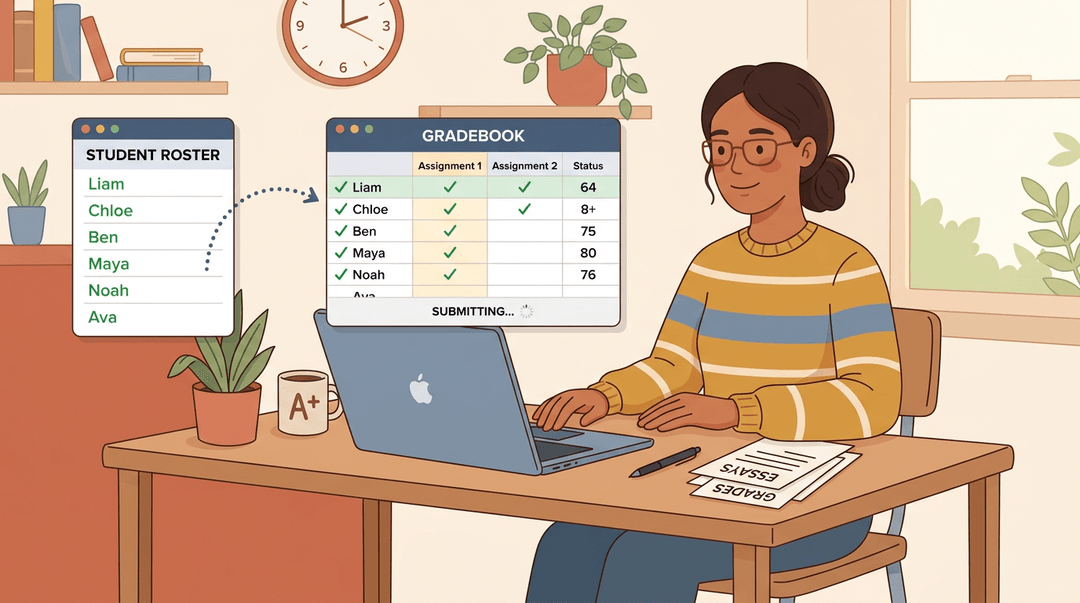
When your LMS connects to your student information system or HR platform, automated enrollment and tracking kick in without a manual trigger. Rosters update, grades sync, and new learners populate automatically.
You're no longer copying the same data into two places, which means fewer errors and far less time lost to duplicate gradebook and roster entry. For a teacher managing three sections, that's a meaningful slice of the week handed back.
A smoother learning experience for users
Integration makes the learning path feel coherent rather than cobbled together. Learners follow personalized learning pathways built from data that actually follows them across tools.
Content delivers seamlessly, single sign-on removes the login friction that quietly kills engagement, and support resources appear when learners need them rather than after they've given up.
Better data, reporting, and compliance tracking
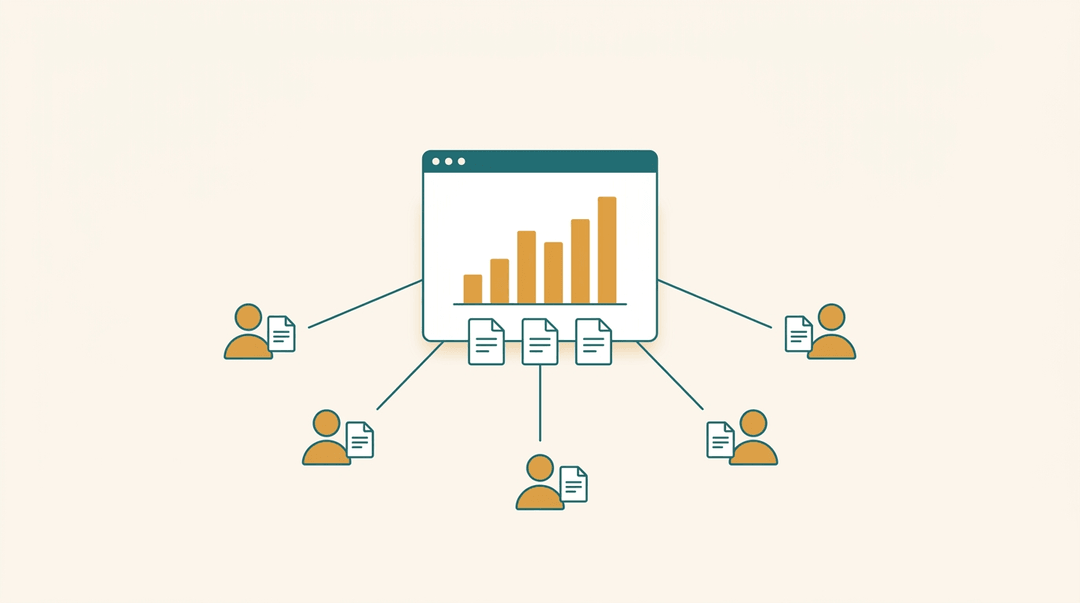
Connected systems give you a clear picture of learner progress across every tool in your stack, not just one corner of it.
You can measure training ROI, spot who's falling behind before it shows up on a summative, and manage compliance and certification tracking without chasing spreadsheets. That's data you can actually bring to a conversation with an admin or a parent.
Impact on business performance and growth
For schools and organizations thinking at scale, integration means training stays consistent: standardized training materials reach every cohort the same way, and performance data can trigger targeted suggestions when someone needs a refresher.
Engagement climbs when learners aren't fighting the tools to get to the content. And because the system scales without adding proportional cost or coordination overhead, growth doesn't mean more admin burden.
It means the infrastructure keeps up so you don't have to.
How Teachers Can Evaluate LMS Integration
You don't need an IT background to judge whether an LMS will play nicely with your classroom tools. Three short moves get you there: map what you already use, rank connections by time saved, and ask the vendor the right questions before you commit.
Map the tools you already use
Start with what you actually open every day, not what the LMS brochure lists. Jot it in a grid like this:
| Category | What you use now | Native integration available? |
|---|---|---|
| Gradebook | Your district gradebook | Check the LMS app marketplace |
| Video | Where you host lesson clips | Yes / no |
| Forms and quizzes | e.g., Google Forms | Yes / no |
Check native integrations before adding custom ones. A built-in connection installs in minutes and gets updated by the vendor; a custom one needs IT time and breaks more often.
Rank integrations by time saved
Not every connection is worth the setup effort. Two earn their place in almost any classroom:
- Roster and attendance sync: the highest return. Students appear in your course automatically, no retyping names every term.
- Single sign-on (SSO): one login for everything. It removes the daily password shuffle that eats the first five minutes of class.
💡 Tip: For anything beyond these two, apply one filter: does it replace a task you do weekly? If not, skip it for now.
Ask the vendor these three questions
Wording matters here, so use these lines as written and listen for specifics:
- Say: "Does it connect to Google Classroom or Clever?"
- A yes usually means rostering and SSO are already solved for you.
- Say: "Is SCORM content supported?"
- SCORM is the standard format for packaged interactive lessons.
- A yes means you can import existing content instead of rebuilding it.
- SCORM is the standard format for packaged interactive lessons.
- Say: "What's the setup time?"
- A specific answer ("one afternoon with your IT lead") beats a vague "it's easy."
⚠️ Watch out: If a vendor can't name the setup time, assume it's longer than you'd like, and ask for a reference school that's done it.
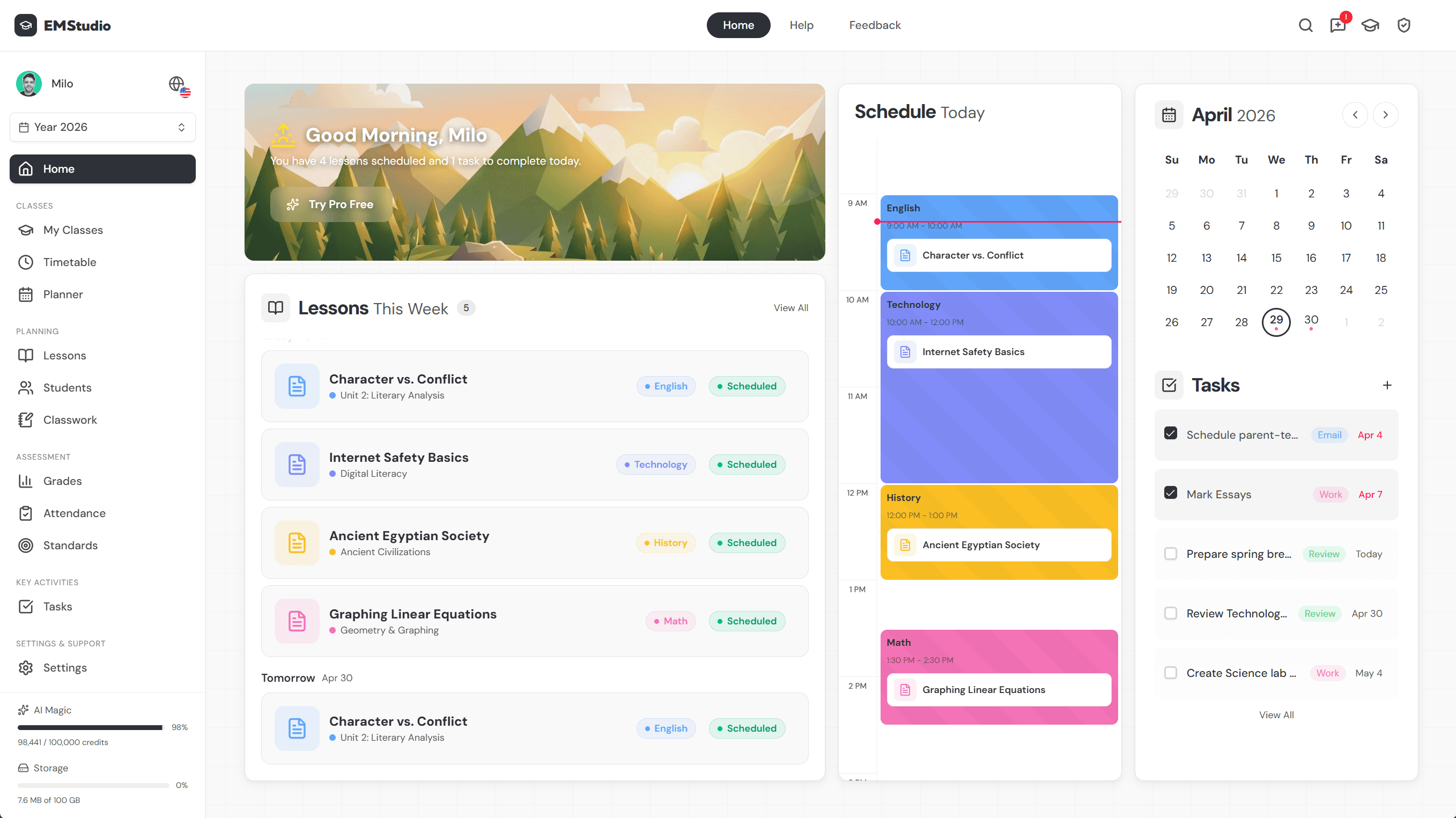
Once your tools talk to each other, planning is the last piece to connect: EMStudio's AI Lesson Editor connects lesson planning directly to your workflow, no copy-pasting between tools.
Technical Methods Behind LMS Integration
Under the hood, LMS integration runs on a few distinct mechanisms. Each one suits a different setup, so knowing which is which helps you (or your IT team) pick the right path.
Using APIs to build custom connections
APIs (Application Programming Interfaces) are the most flexible route. A RESTful API lets two systems talk to each other over the web in a standardized way, so your LMS can send and receive data from almost any platform your school already uses.
For teams with developer support, this opens the door to custom-built connections and precise control over which data flows where: user records, grades, enrollment status, whatever you need.
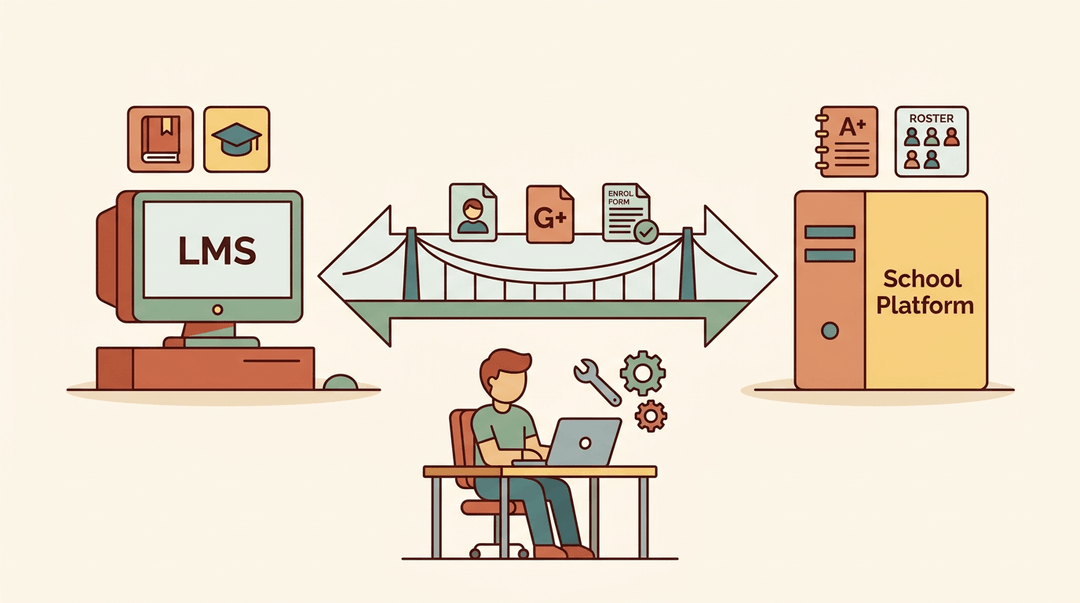
Automating workflows with webhooks
Where APIs respond to requests, webhooks work the other way: they push information automatically the moment something happens. A student completes a course, and your SIS (Student Information System) updates instantly.
A quiz score comes in, and a notification fires to the teacher's dashboard. No manual syncing, no lag. For schools juggling multiple tools, that real-time automation removes a significant administrative burden.
Delivering learning inside existing workflows
Sometimes the goal isn't to connect your LMS to another tool: it's to make the LMS invisible.
A headless LMS separates the back-end learning engine from the front-end interface, so content can surface inside the platforms students and teachers already use. No tab-switching, no separate login, no friction.
Learning appears where the work is already happening.

Common LMS Integration Examples
The real power of an LMS isn't what it does on its own. It's what it does when it connects to the other tools already running your school, organization, or business.
Here are the most common integrations you'll run into, and what each one actually gives you.
Connecting your LMS to HR systems
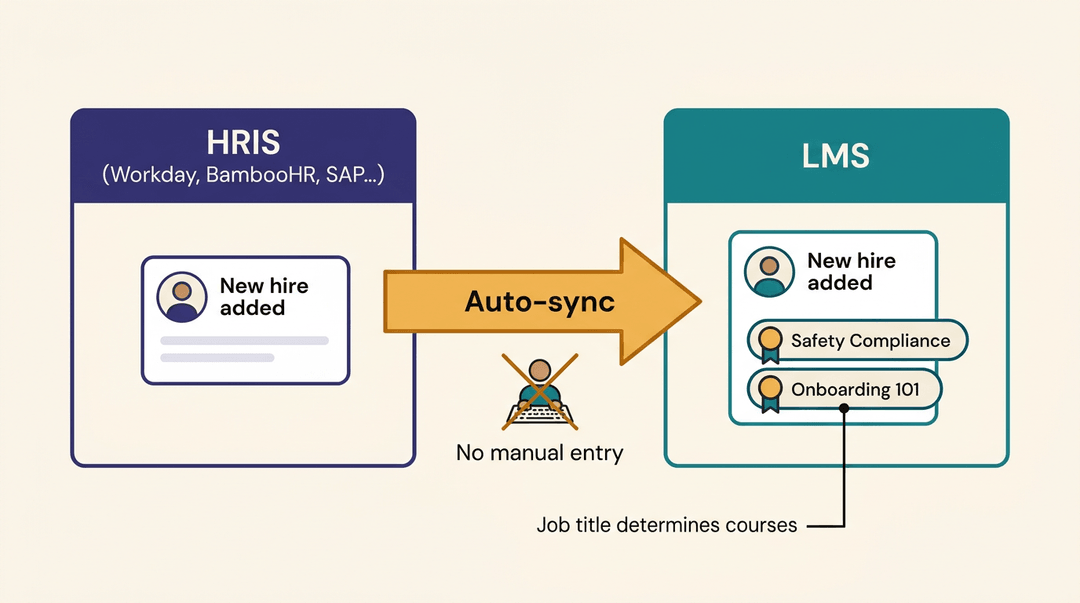
For organizations that manage large workforces, linking an LMS to an HR information system (HRIS) saves hours of manual data entry.
Platforms like Workday, SAP SuccessFactors, ADP, BambooHR, and UKG Pro can push employee profile data directly into your LMS. When a new hire is added to the HR system, the LMS picks it up automatically.
That sync also enables role-based training assignment: an employee's job title or department determines which courses they're enrolled in from day one. No manual setup, no missed compliance training.
CRM integrations for sales and engagement training
Sales teams often need training tied directly to their pipeline. Connect your LMS to Salesforce, and you can trigger a course the moment a rep moves into a new product line or misses a quota.
HubSpot integrations work similarly for learner engagement: completion data flows back into contact records, so your team can see training activity alongside every other touchpoint. Performance gaps surface faster, and the right training follows.
Pulling in external content libraries
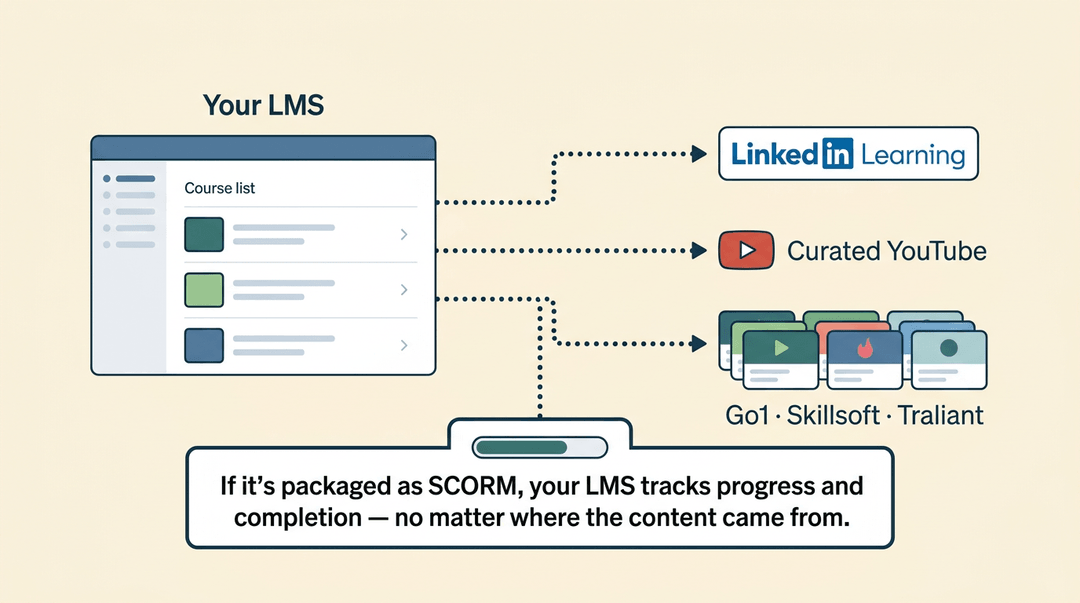
You don't have to build everything from scratch. Most modern LMS platforms connect to external content libraries:
- LinkedIn Learning
- curated YouTube channels
- full-catalog providers like Go1, Skillsoft, and Traliant
If the content is packaged as SCORM (Shareable Content Object Reference Model), the LMS can track exactly how far a learner got and whether they passed, regardless of where the content came from.
Linking collaboration and video conferencing tools
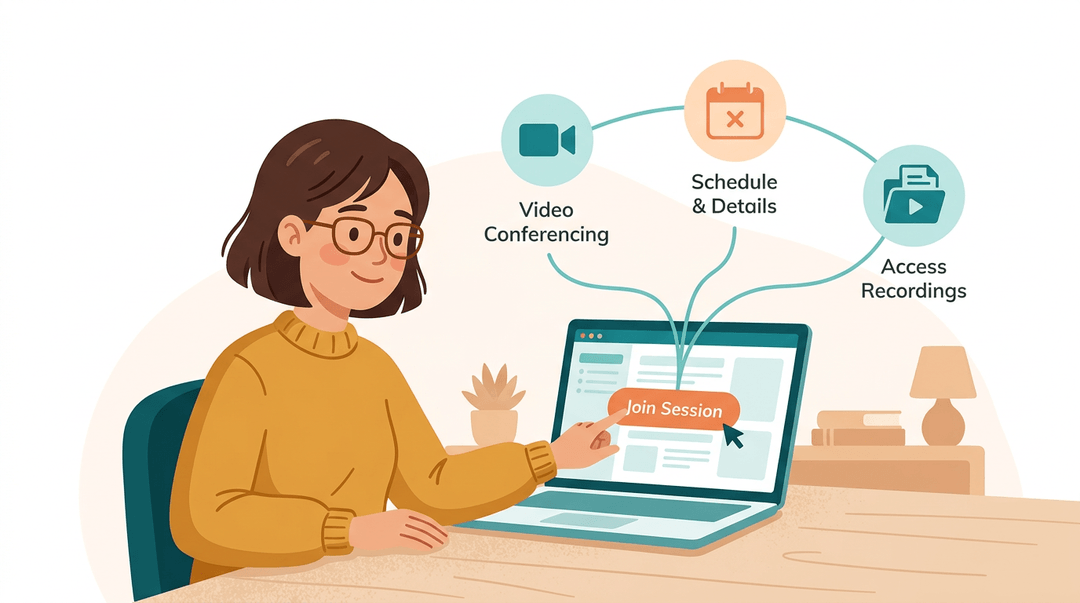
For virtual and blended learning, connecting your LMS to Microsoft Teams, Zoom, or Webex means learners never have to hunt for a meeting link.
Sessions are scheduled inside the LMS, attendance is logged automatically, and recordings can be stored alongside course materials. Document and asset sharing flows through the same connection, keeping everything in one place.
eCommerce, events, and productivity tools
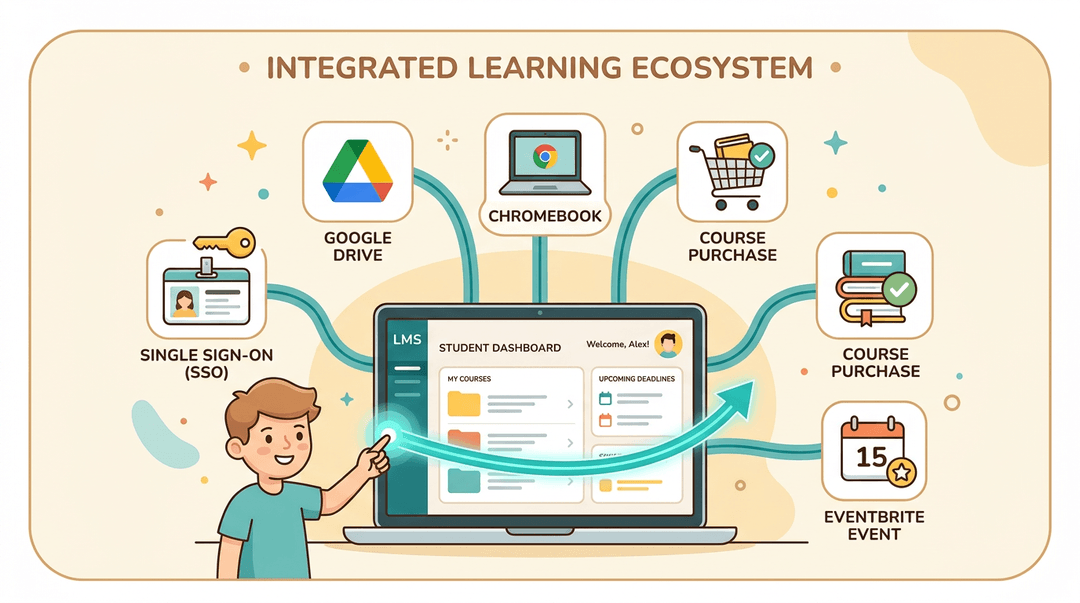
If you sell courses, integrations with PayPal or Shopify let learners purchase and enroll in one step. Eventbrite connectors handle live event registrations the same way, syncing sign-ups back to the LMS without a spreadsheet in sight.
For teachers specifically, Google Workspace (Docs, Drive, Meet, Classroom) is the integration that matters most.
As geo.sig.ai notes in its Google Classroom market analysis, the Chromebook and Google Workspace for Education bundle created the dominant K-12 education operating system. Any LMS you bring into a school needs to work smoothly inside that ecosystem.
On the K-12 side, look for native connections to your SIS (student information system) and single sign-on tools like Clever or ClassLink. These pull roster data automatically and let students log in with the same credentials they use everywhere else.
Keeping Integrations Secure
Connecting your LMS to other platforms opens up real efficiency, but it also opens doors. Keeping those doors locked comes down to two things: how users log in, and how data moves between systems.
SSO protocols that simplify access
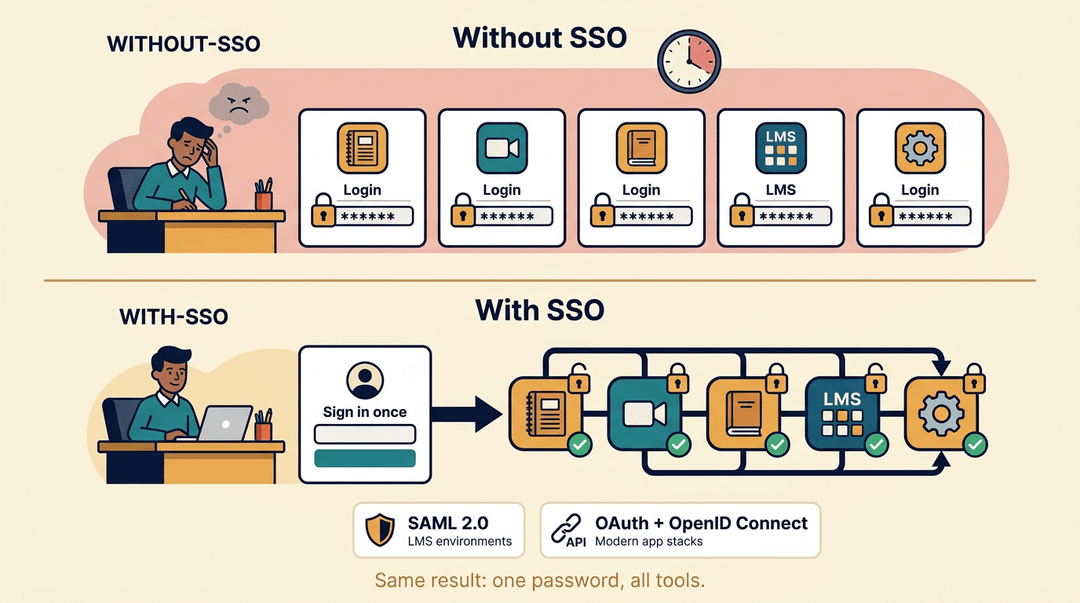
Single sign-on (SSO) lets teachers and students authenticate once and access every connected tool without logging in again. Two protocols make this possible at the enterprise level.
SAML 2.0 (Security Assertion Markup Language) is the most widely supported standard for LMS environments. OAuth paired with OpenID Connect handles the same job in modern, API-driven stacks.
Either way, the result is one password for all systems, fewer forgotten credentials, and a lot less time spent at login screens.
For a teacher juggling a gradebook tool, a video platform, and a reading app alongside the LMS, SSO isn't a luxury. It's the difference between a smooth morning and five separate password resets.
Best practices for secure data exchange
Once users are in, the data flowing between systems needs its own protection. A few principles hold:
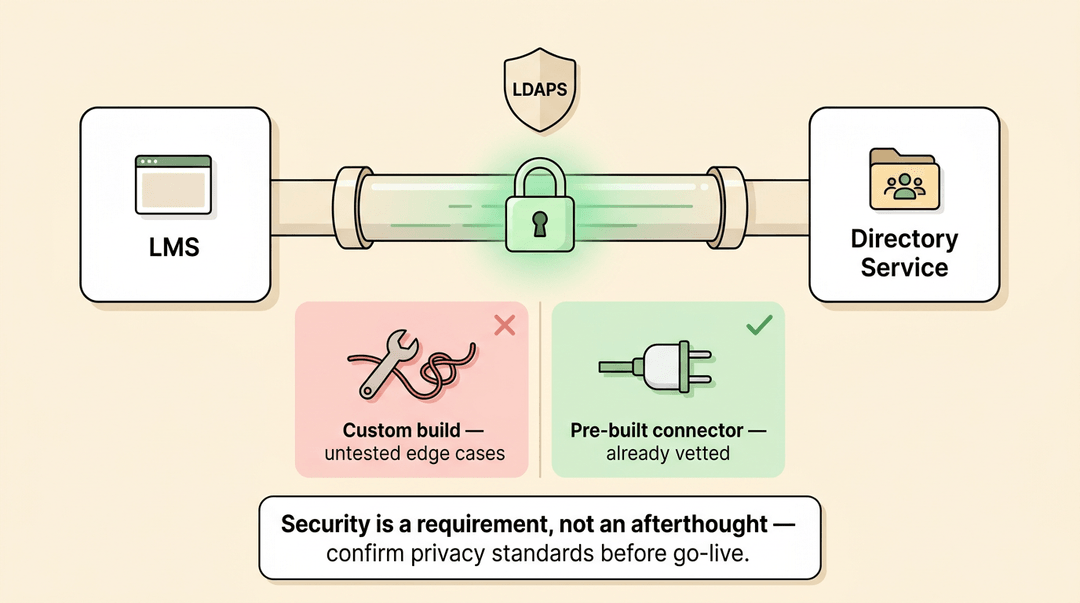
- Use tested connectors rather than ad-hoc custom builds. Pre-built integrations have already been vetted for security edge cases your team may not anticipate.
- Treat data security as a core requirement, not an afterthought. Confirm that any integration meets your institution's privacy standards before it goes live.
- Look for LDAPS support (Lightweight Directory Access Protocol Secure), which encrypts the connection between your LMS and your directory service when syncing user accounts.
Security doesn't have to slow down your edtech stack. With the right protocols and tested connectors in place, you get smooth access and solid protection at the same time.
Do You Need LMS Integration?
Not every school or team needs a deeply connected tech stack.
But if your teachers are copy-pasting grades between systems, re-uploading content that already lives somewhere else, or losing student data when it crosses platforms, integration isn't a luxury. It's the fix.
How to assess your integration needs
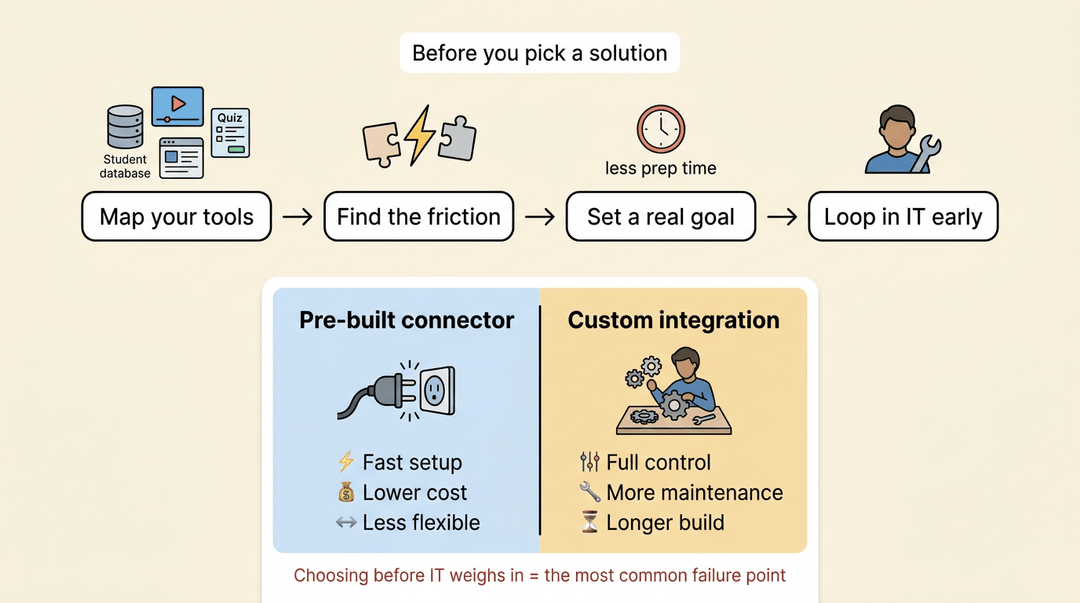
Start by mapping your existing tools: your student information system, video platform, assessment software, and anything else that touches learning data. Then ask which handoffs are creating friction.
If the answer is "most of them," that's your case for integration.
Align that case with real goals: reducing prep time, improving data accuracy, or scaling a program across more classrooms. Then loop in your IT department early. The most common integration failure point isn't the technology.
It's choosing a solution before IT knows what your infrastructure can actually support. They'll also help you weigh pre-built connectors (faster, lower cost, less flexibility) against custom integrations (more control, more maintenance).
When consolidation beats integration
Before you price out connectors and API work, ask a simpler question: do these tools need to be separate at all?
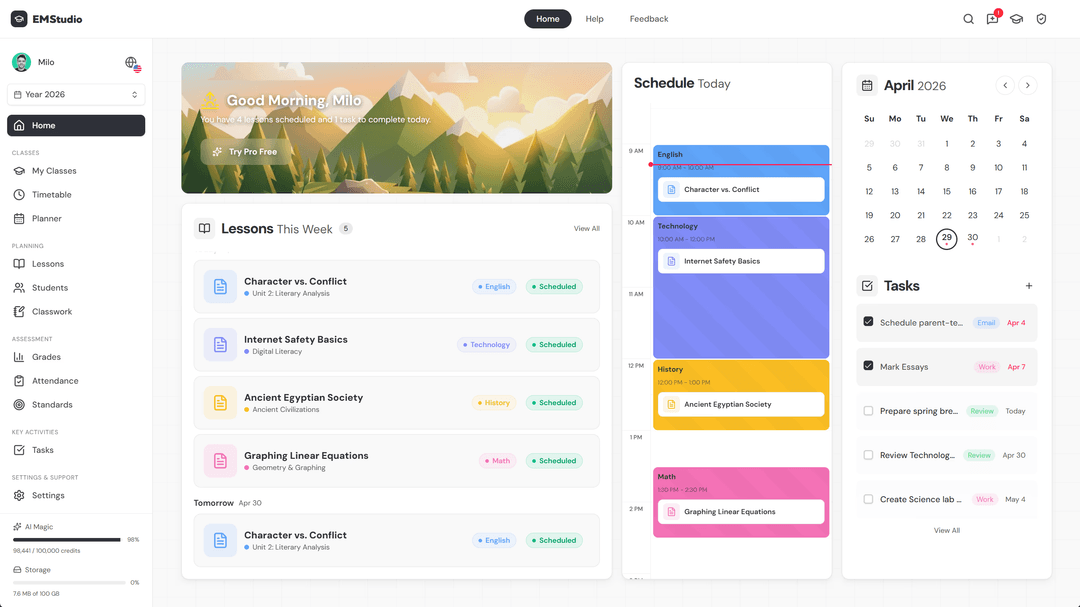
Most teacher-facing integrations exist to move the same student data between a planner, a gradebook, and an attendance tracker. An all-in-one platform like EMStudio removes those handoffs entirely: lesson planning, grading, attendance, and curriculum live in one app, so the roster you take attendance against is the same one behind your gradebook, with nothing to sync and nothing to break.
That doesn't eliminate every integration question, you may still connect a video platform or a district SIS. But each tool you consolidate is one connector you never have to set up, secure, or troubleshoot. For solo teachers, tutors, and homeschool families with no IT department to lean on, "fewer, broader tools" is the integration strategy that wins by default.
Migration support and getting up and running
Once you've chosen a path, migration is where things get fragile. Look for a vendor that offers end-to-end assistance:
- Data transfer
- Content migration
- A clear timeline
The goal is to move everything cleanly and keep downtime short, ideally invisible to students and teachers.
Don't treat launch day as the finish line. Post-migration support matters: someone to call when a roster sync breaks or a grade passback stops working. Ask vendors directly what that support looks like after go-live, not just during setup.
LMS integration isn't just a feature for IT departments to worry about. When your tools connect cleanly, you spend less time managing systems and more time actually teaching.
Your students get a smoother experience, your data is in one place, and the apps you've carefully chosen finally pull in the same direction.
Ready to build a smarter workflow around your lessons? Check out our AI Lesson Editor to see how a well-integrated writing and planning tool can save you real prep time.

References
- Google Classroom Revenue & Market Share 2026 — geo.sig.ai (2026)
Frequently asked questions
What is an LMS integration?
LMS integration is the process of connecting a learning management system to other educational technology tools, platforms, and data sources. This allows various applications in an edtech stack to work together seamlessly, enabling data, content, and user information to flow automatically between them.
What are the different types of LMS integrations?
The five main types of LMS integration are: Single Sign-On (SSO), which allows users to log in once for all connected tools; Content integration, where external resources are embedded directly within the LMS; Data integration, which ensures grades and progress move between platforms automatically; Tool and API integration, using APIs for real-time communication between platforms; and Webhook-based automation, which triggers actions instantly when an event occurs.
What are the top 5 LMS platforms?
The top five widely used LMS platforms mentioned in the article are EMStudio, Google Classroom, Schoology, Moodle, and Blackboard. Each of these platforms has its own ecosystem for integrations.