Technology Inside the Classroom: Complete Guide

Jump to section
Think about the last time you learned something new outside school. Maybe you watched a short video, tried a tool hands-on, or searched for an explanation that finally clicked.
You found the format that worked for you, moved at your own pace, and got immediate feedback. That's the kind of learning experience classroom technology makes possible every day.
Technology inside the classroom isn't a silver bullet, but it's one of the most practical tools teachers have for meeting every learner where they are.
Used well, it saves prep time, deepens engagement, and opens doors for students who might otherwise fall behind.
This post covers the benefits, the real challenges, the types of technology worth knowing, and the integration strategies you can put to work this week.
How Technology Inside the Classroom Helps Students Learn
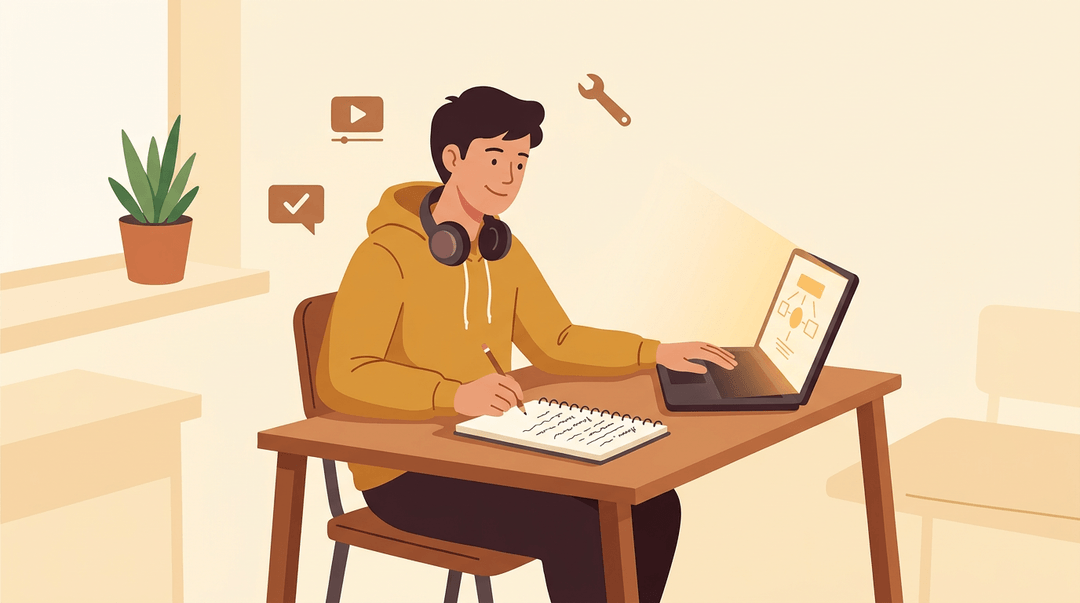
Technology doesn't just make lessons look different. Used well, it changes what students can do, how fast they grow, and how fairly every learner gets access to a great education. Here's what that looks like across five dimensions that matter most.
Why students engage more with tech tools
Engagement isn't a nice-to-have. When students are genuinely interested, they participate, they persist, and they remember more.
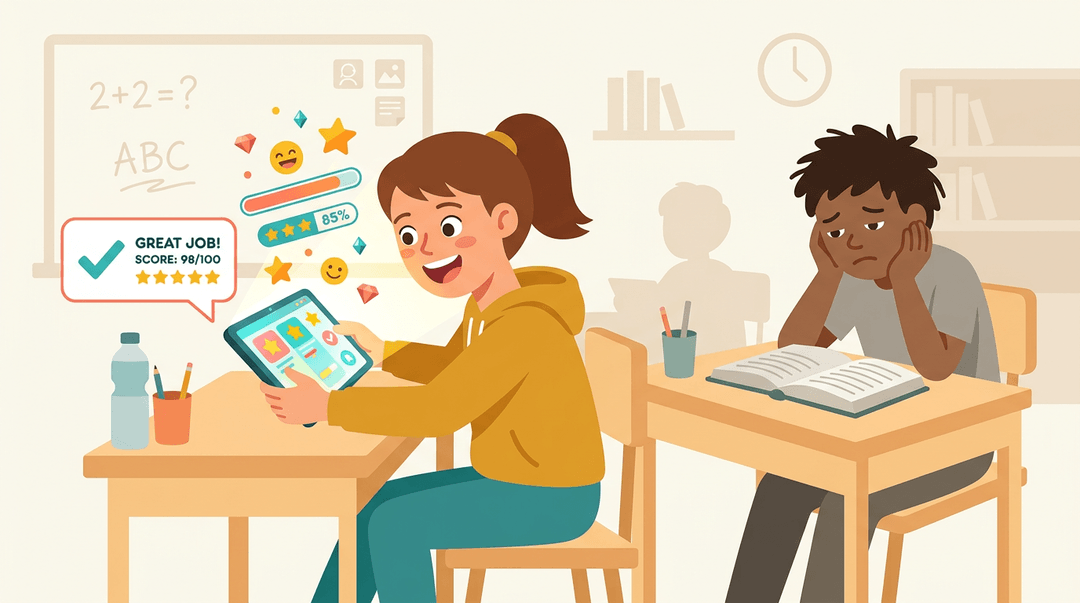
Gamified learning is one of the clearest examples. According to EDUCAUSE Review, gamification can increase student engagement and create a greater sense of community, especially in hybrid settings where the classroom extends beyond its physical walls.
Add interactive tools (polling apps, drag-and-drop activities, simulations) and you move students from passive watchers to active participants.
Real-time feedback matters too. Research published in Frontiers in Education found that AI-enhanced feedback led to significantly higher performance and stronger motivation, particularly in students' confidence and satisfaction.
Immediate feedback tells students where they stand before frustration sets in. Multimedia content (video, audio, animation) rounds this out by reaching learners who tune out plain text.
Learning that adapts to every student
One-size-fits-all rarely fits anyone. Adaptive platforms adjust the pace and difficulty of content based on how each student performs, so the student who needs another pass gets it, and the one racing ahead isn't held back.
That's differentiated instruction built into the tool itself, not an extra planning burden on you.
For students with special needs, the impact is even more direct.
Data-driven platforms surface individualized content aligned to each learner's gaps, and many integrate directly with IEP goals, giving special education teachers a clearer picture of progress without hours of manual tracking.
How tech improves collaboration and communication
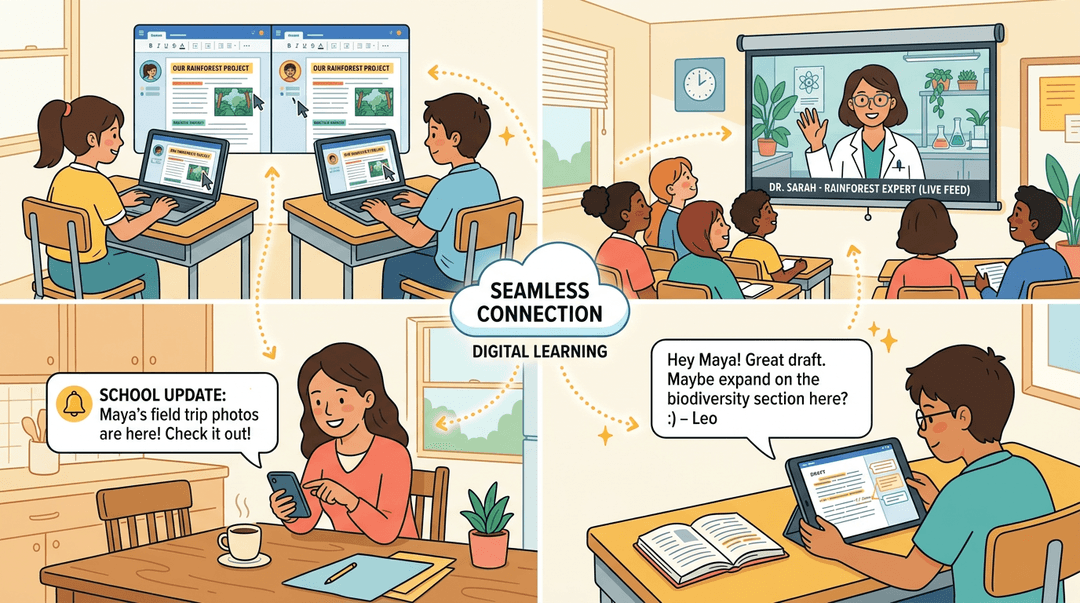
Cloud-based tools like shared documents and collaborative slide decks let students work on group projects in real time, whether they're in the same room or across town.
Video conferencing stretches that collaboration further, connecting your class with experts, partner classrooms, or students who are learning remotely.
Communication beyond the classroom improves too. Parent portals keep families informed without a stack of paper newsletters.
Peer feedback tools let students respond to each other's drafts instantly, building revision habits that used to take a full class period to organize.
Making classrooms more accessible and equitable
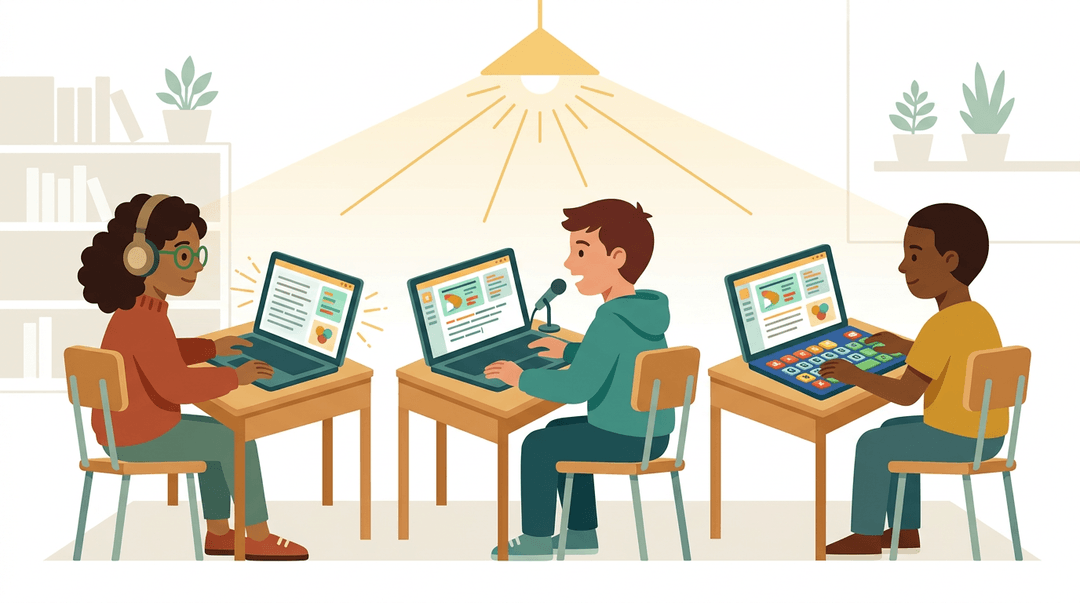
Technology is one of the most practical levers for equity. Text-to-speech tools support struggling readers and visually impaired learners.
Assistive technology (screen readers, speech-to-text, alternative input devices) opens up participation for students whose needs might otherwise go unmet.
At a broader level, school-issued devices and subsidized broadband programs help bridge the socioeconomic digital divide, so access to quality content isn't limited to students with resources at home.
Universal Design for Learning (UDL) principles, which call for multiple means of representation and engagement, map naturally onto what most edtech platforms already offer.
Building skills students need after graduation
Every time a student navigates a new platform, debugs a form, or collaborates in a shared document, they're building digital literacy.
Add structured coding and problem-solving practice through tools like block-based programming apps or robotics kits, and you're directly developing the 21st-century skills employers consistently say they need:
- critical thinking
- adaptability
- technical fluency
How teachers save time and use data better
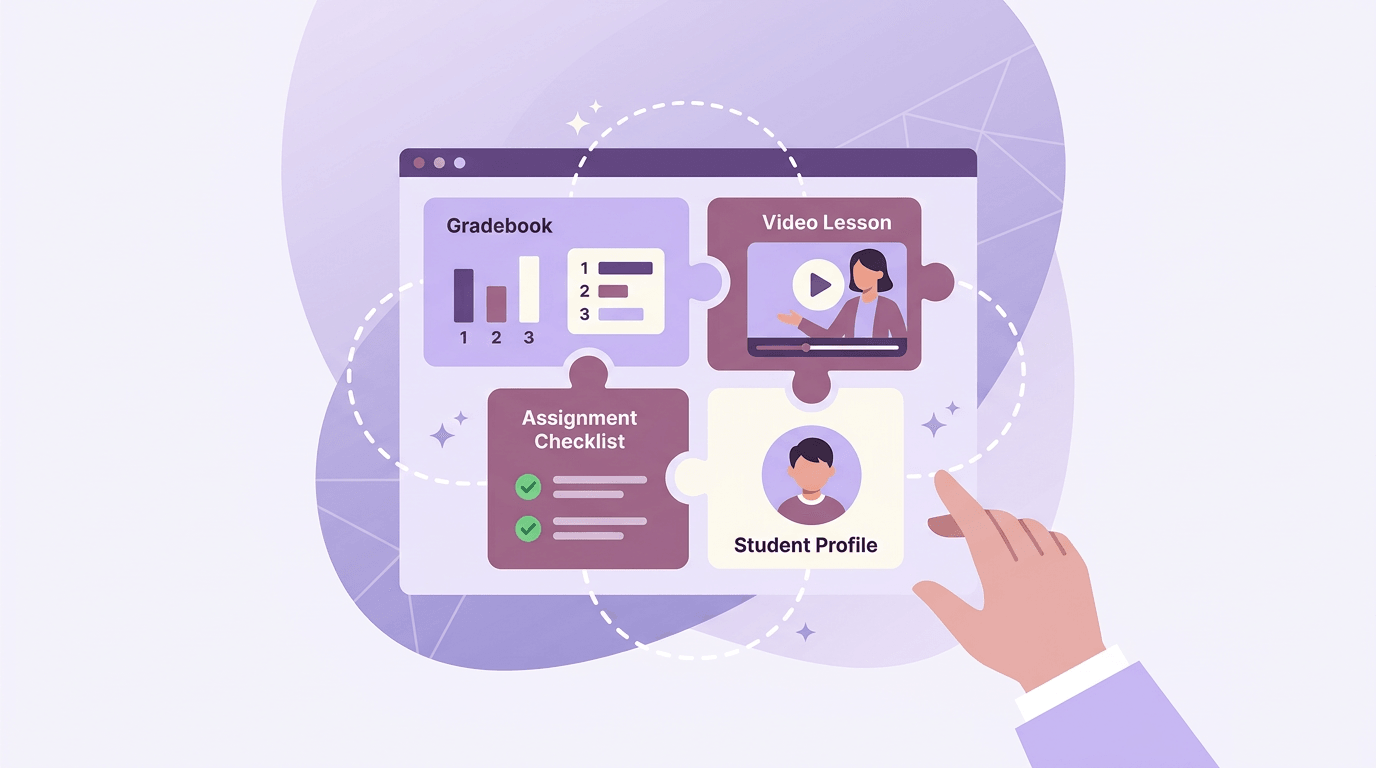
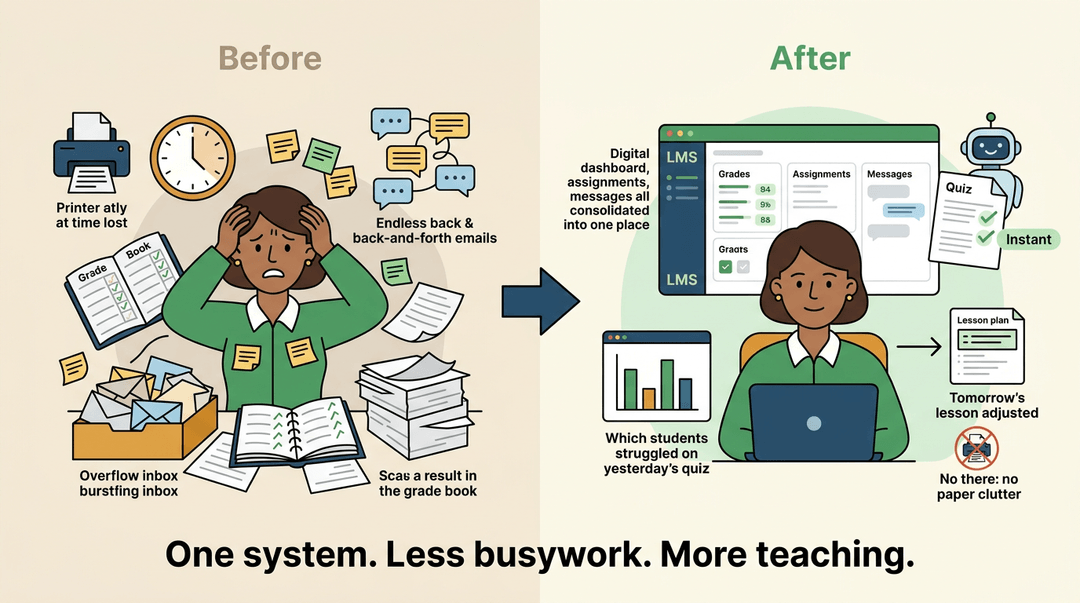
The benefits aren't only for students. A learning management system (LMS) centralizes assignments, grades, and communication in one place, cutting the back-and-forth that eats into planning time.
Automated grading handles multiple-choice and short-answer work instantly, and the performance data it generates lets you adjust next-day instruction based on what students actually understood, not what you assumed they did.
Less paper, less printing, and more time for the work that actually requires you.
How Is Technology Used in a Classroom?
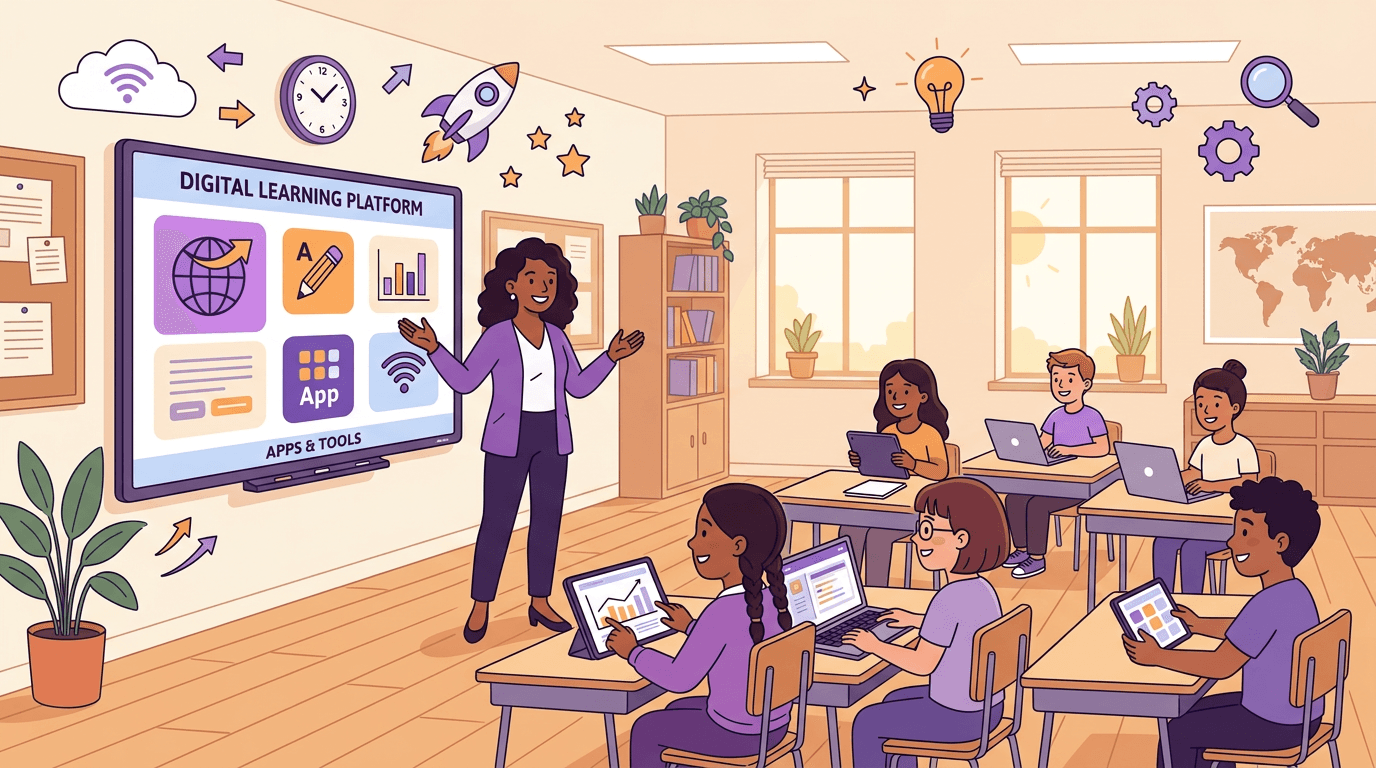
Day-to-day, classroom technology isn't one thing: it's a whole ecosystem of tools teachers reach for depending on what the lesson needs. Here's a look at what's actually in use.
What learning management systems do for teachers
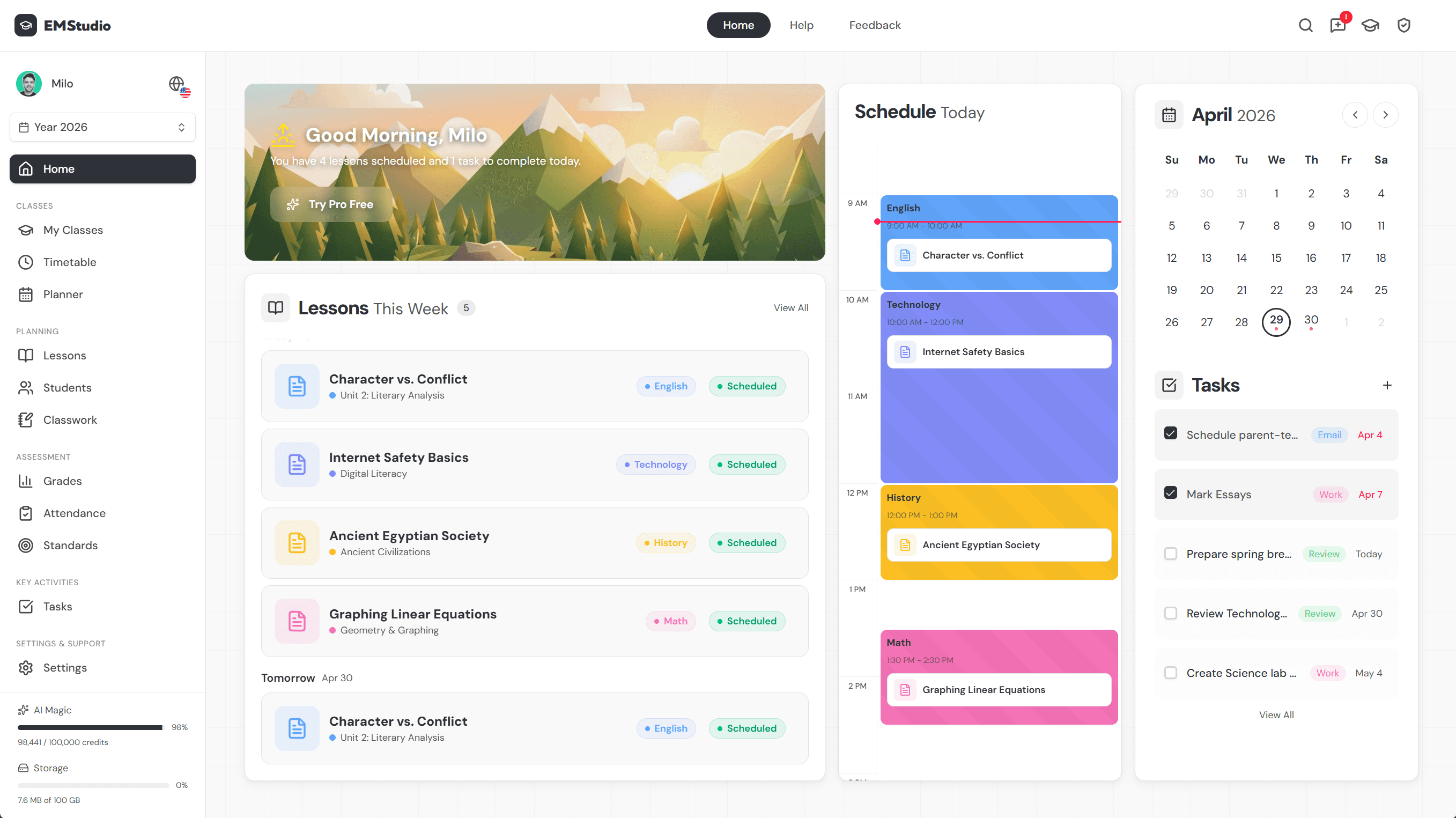
Learning management systems (LMSs) are the organizational backbone of the modern classroom. Platforms like Canvas and Google Classroom keep assignments, grades, and feedback in one place, whether you're teaching fully in person or running a hybrid setup.
Parents can log in as observers too, so there's less back-and-forth email about missing work or upcoming deadlines.
AI tools changing how teachers and students work
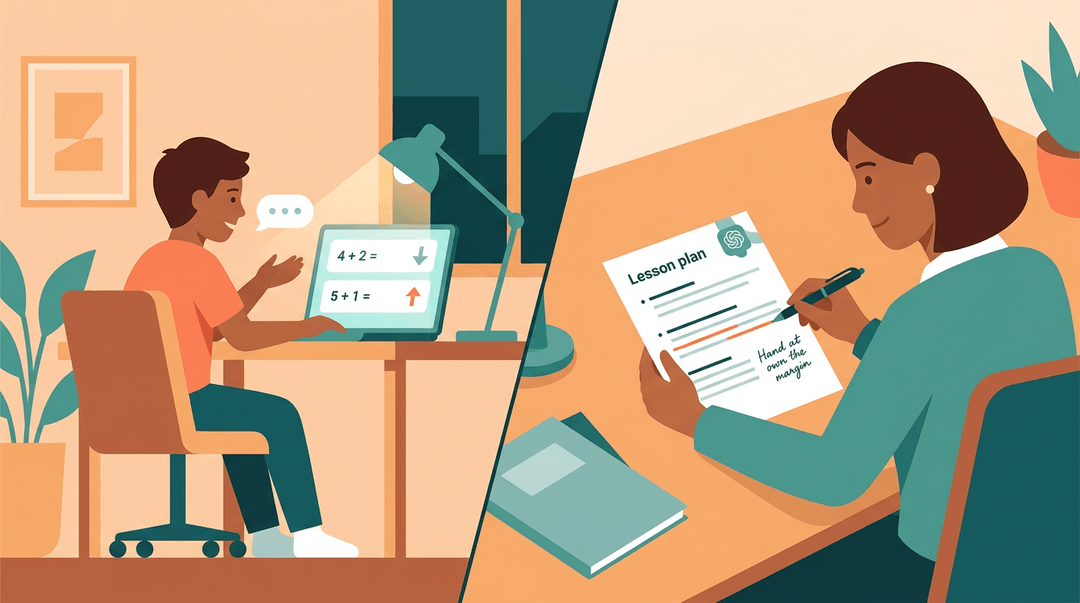
AI has moved from novelty to everyday tool faster than almost anything else. Students can get real-time answers from AI tutors outside class hours. Teachers use it to draft lesson plans, generate quiz questions, and offload repetitive clerical tasks.
AI-powered adaptive platforms adjust the difficulty of practice problems based on how each student is performing, so the student who needs another pass gets it, and the one racing ahead isn't stuck waiting.
The practical rhythm most teachers settle into: let AI draft a first version, then review and personalize it. The judgment stays yours.
Devices and hardware found in modern classrooms
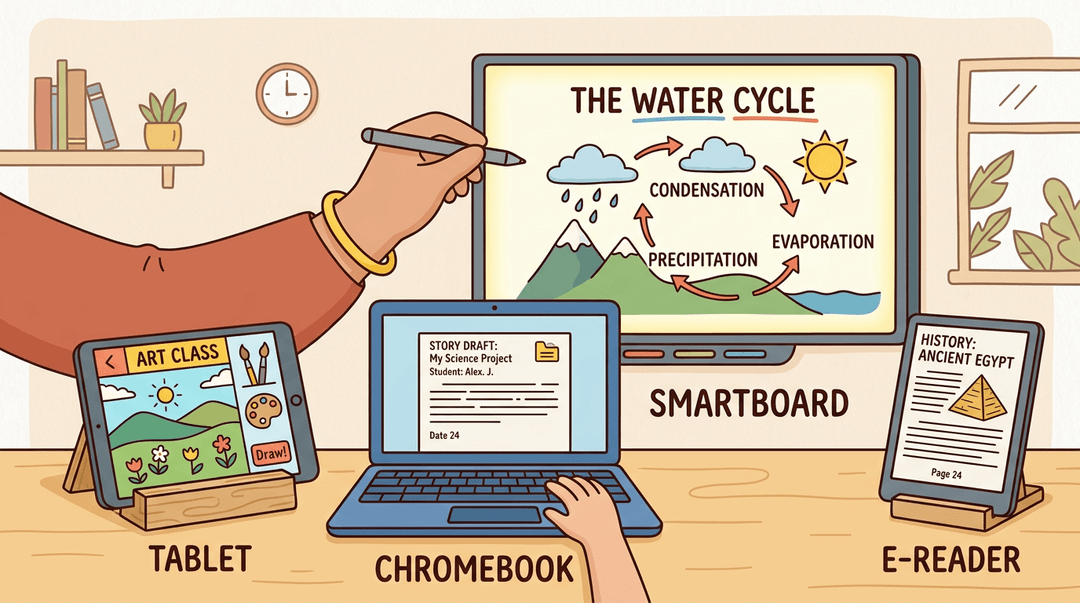
The physical setup varies by school, but a few devices show up everywhere.
- Tablets and iPads work well for younger learners and creative tasks.
- Chromebooks give students affordable, reliable access to cloud-based work.
- Smartboards replace static whiteboards with interactive lessons: teachers can pull up a website, annotate over a diagram, or let a student solve a problem at the front of the room.
- E-textbooks are quietly replacing heavy backpacks in many districts.
Tools for creative and collaborative student work
When students need to make something, the toolbox has expanded considerably. Canva lets them design infographics and presentations without a design background.
Google Docs supports real-time collaboration, so group projects don't require everyone in the same room at the same time.
Students can build digital portfolios to document growth over a semester, or produce short videos and podcasts that push them to communicate ideas in a different format entirely.
Video conferencing and virtual field trips
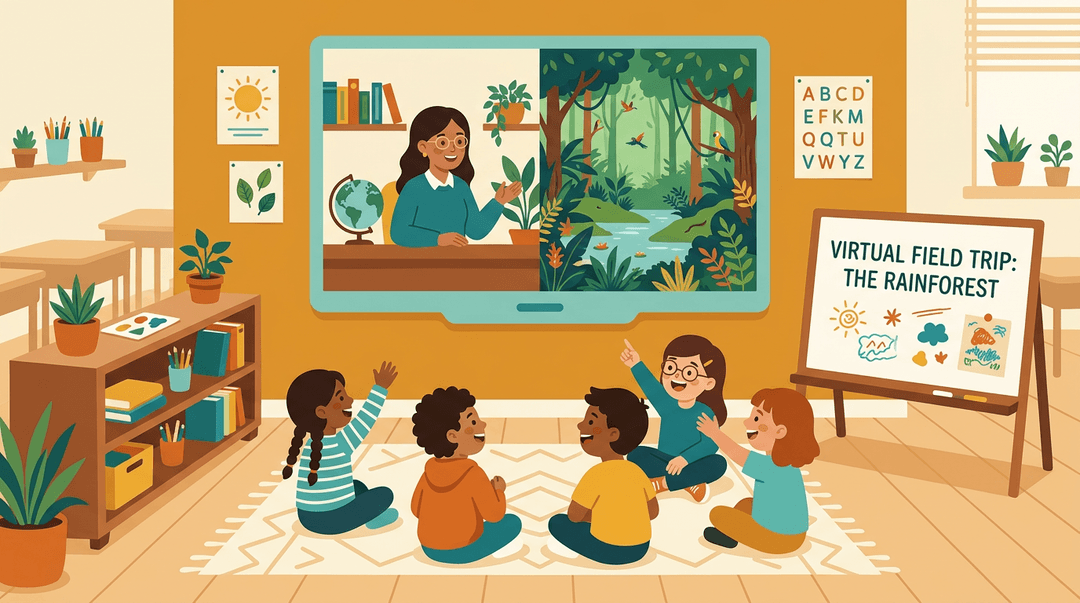
Zoom and similar platforms aren't just for remote learning days. Teachers use them to bring in guest speakers from anywhere in the world, or to connect their classroom with students in another country.
Virtual field trips open up museums, ecosystems, and historical sites that no budget could otherwise reach. For students who can't be physically present, these tools keep them connected rather than left behind.
A Practical Teacher Checklist for Integrating Technology
This is the routine to pin above your desk: three checkpoints, before, during, and after the lesson, that keep the technology serving the learning instead of starring in it.
Before the lesson: set up for success
Confirm these three things before any student touches a device:
- The learning goal is written first. As it would appear on the board: "Explain how supply affects price, using two real examples."
- One tool serves that goal. Pick the single app that does the goal's work; skip the rest.
- ✅ A graphing app for a lesson on slope: the tool performs the objective.
- ❌ A quiz app "because students like it": engagement with no connection to the goal.
- Devices and internet actually work. Open the tool on a student device, on the classroom network, the day before.
Key principle: The tool never picks the goal. The goal picks the tool.
During the lesson: keep screens focused
- Model the tool for two minutes. Project your screen and complete one task aloud.
- Say: "Watch me build one graph. Then you'll build three on your own."
- Set a visible time limit on screens. Write it on the board and run a timer.
- "Screens close at 10:15" beats "you have a while" every time.
- Pair every tech task with discussion. Screens down, then talk before moving on.
- Try: "Turn to your partner: what surprised you in the data you collected?"
After the lesson: review what worked
Give yourself two honest minutes. Pull whatever evidence the lesson produced: the tool's engagement dashboard, exit ticket scores, or simply how many students finished.
Then ask the one question that matters: did the tech add value, or would paper have done the same? Your answer tells you the next move:
| If you find... | Then... |
|---|---|
| Engagement high, scores flat | Keep the tool, tighten the task around the goal |
| Students fought the tool, not the content | Swap tools; the goal stays the same |
| Paper would've worked just as well | Drop the tech for this lesson type |
Run this loop a few times and your toolkit shrinks to the handful of apps that genuinely earn their screen time.
And if the planning side is what's eating your evenings, EMStudio's AI Lesson Editor can draft and refine your lesson content in minutes, so you spend more time teaching and less time planning.
Best Practices for Using Technology with Purpose
Technology works best when it serves a clear learning goal. The points below cover how to stay intentional, keep balance, and build the habits that make edtech stick.
Balancing screens with traditional teaching methods
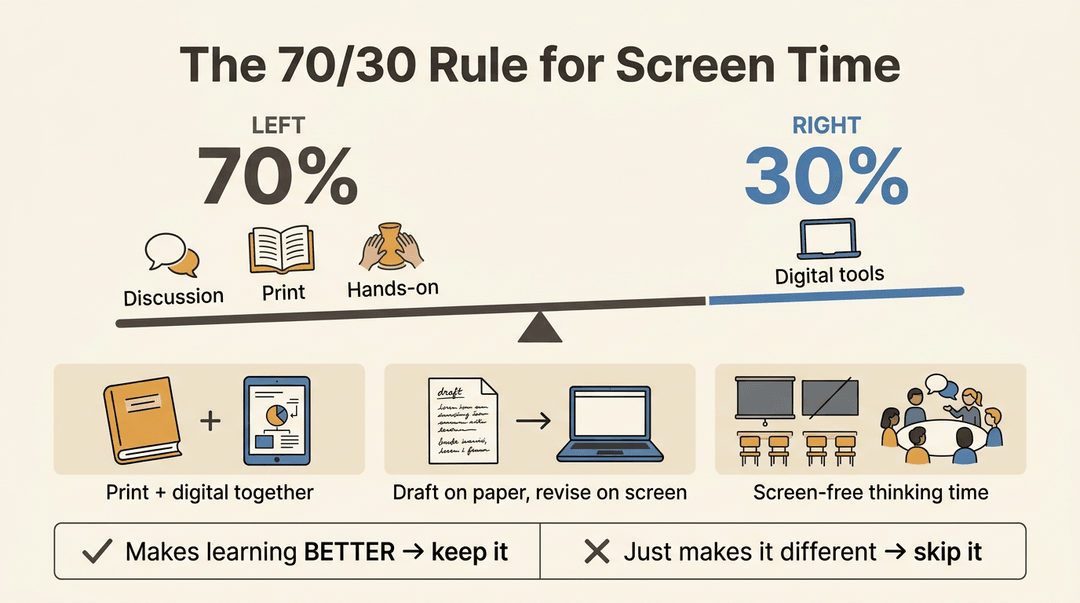
A useful starting point is the 70/30 rule: roughly 70% of instruction stays rooted in traditional methods (discussion, print materials, hands-on work), while 30% uses digital tools. That ratio keeps screens in a supporting role rather than a starring one.
In practice, that means blending print and digital deliberately: a physical textbook alongside an interactive diagram, or a paper draft before a digital revision.
It also means establishing media-free zones and times so students can think without a screen in front of them. And when a digital activity wraps up, follow it with discussion: that's where the learning gets consolidated.
Before adopting any tool, evaluate it against a simple question: does it make learning better, or just different? If it's the latter, skip it.
Planning lessons with the SAMR framework
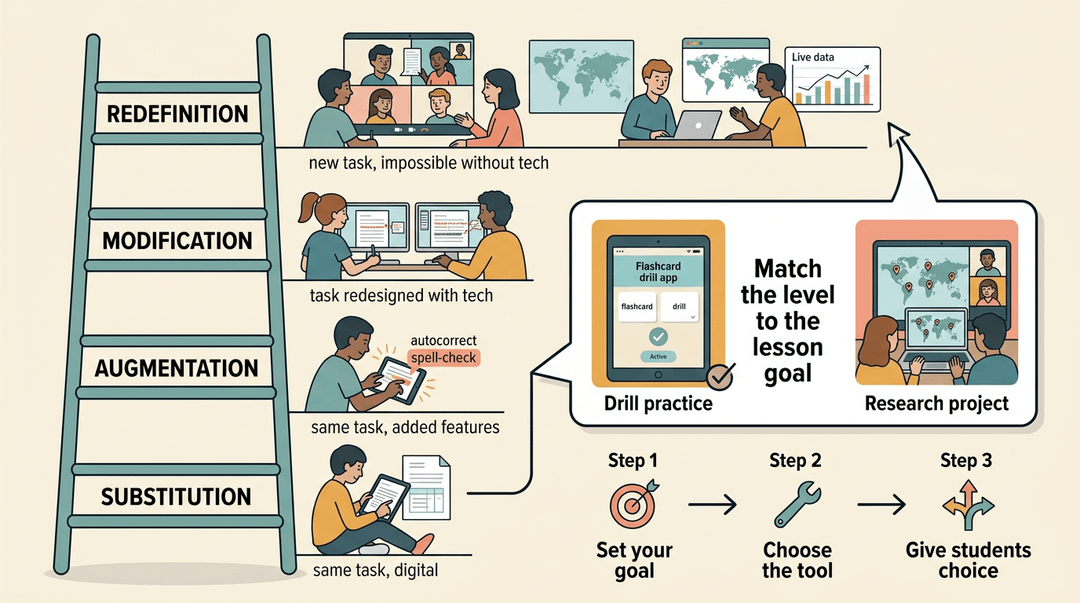
The SAMR model (Substitution, Augmentation, Modification, Redefinition) gives teachers a practical lens for evaluating edtech. The goal isn't to reach the top level every time: it's to match the level to the lesson objective.
A drill-and-practice activity might work fine at Substitution; a collaborative research project can aim for Redefinition.
Before any lesson, set the goal first, then choose the tool. Give students some choice in how they use technology to reach that goal, and consider a station rotation model where devices are one station among several.
Getting teachers trained and confident with edtech
Comfort with technology varies widely across a staff, and that's normal. Targeted workshops help, but so do professional learning communities (PLCs) where teachers share what's actually working in their rooms.
For teachers who want to go further, edtech certifications (such as Google Certified Educator or ISTE credentials) build structured expertise over time.
Giving students ownership over their tech use
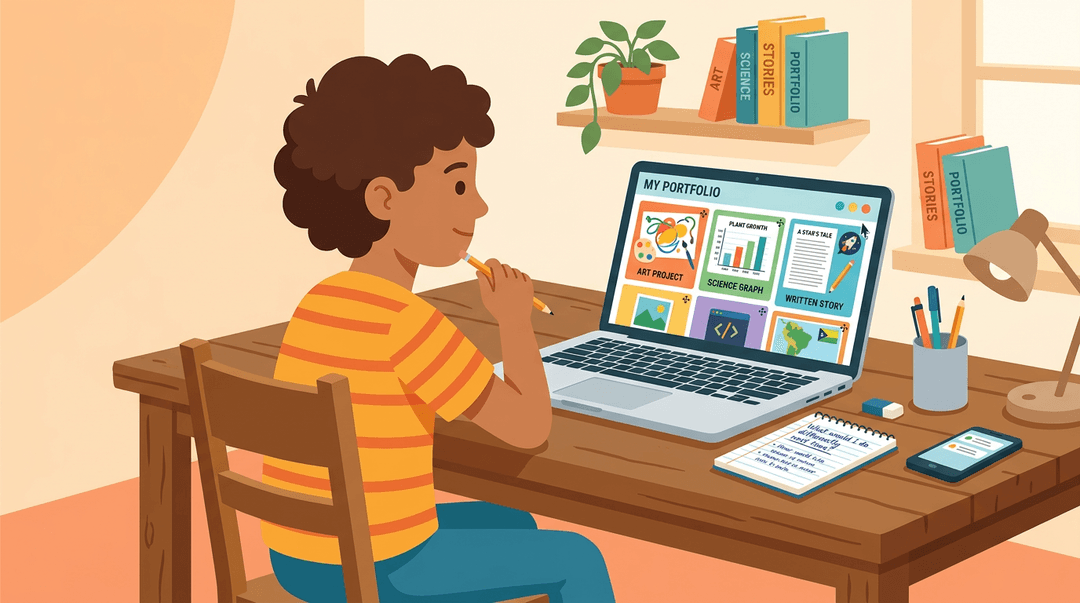
When students choose how to demonstrate their learning digitally, engagement goes up. Digital portfolios give them a running record of their own progress, and paired with metacognitive reflection prompts ("What did you struggle with?
What would you do differently?"), they push students to think about their own learning path, not just the finished product.
Real Challenges of Technology in the Classroom
Technology brings real advantages to the classroom, but it comes with a set of challenges you can't afford to ignore.
Screen time, equity gaps, safety risks, and social costs all deserve a honest look, and so does the burnout many teachers feel when edtech demands pile up.
Managing screen time and student distraction
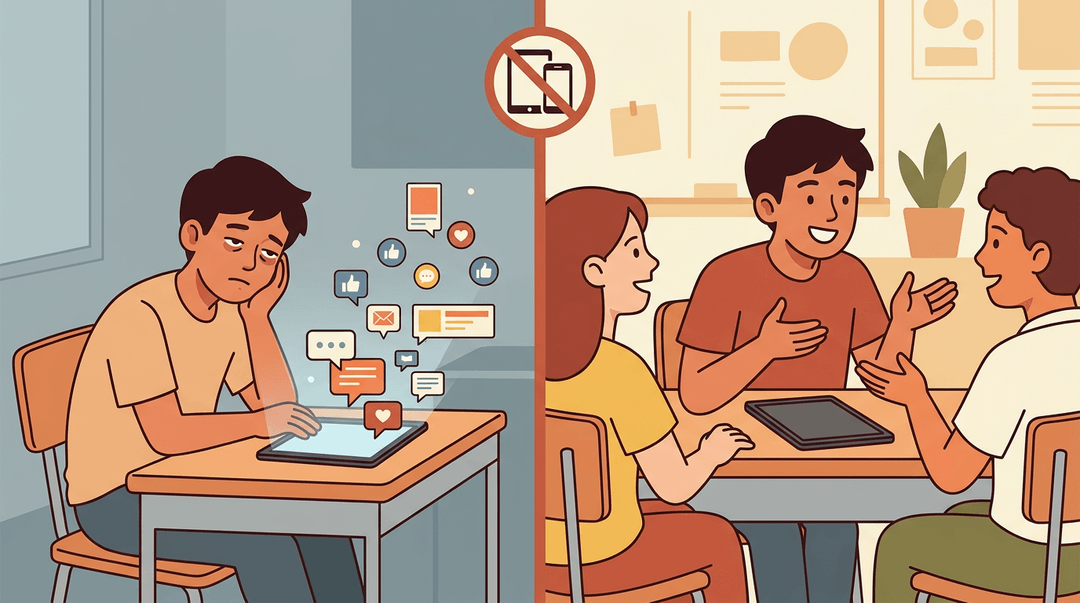
Devices are attention magnets, and not always for the right reasons. Ads, social media notifications, and endless feeds compete directly with your lesson, and students often don't have the self-regulation to push back.
Over time, that constant pull leads to device fatigue: glazed eyes, shorter attention spans, and disengagement that looks a lot like boredom.
Building media-free zones into your day helps. A no-device window for discussion or hands-on work gives students (and you) a genuine reset.
Teacher burnout is part of this picture too: managing distraction across a room full of devices adds a layer of mental load that compounds fast, especially when new tools keep arriving before you've mastered the last ones.
Device costs and the digital divide
Not every student walks in with equal access. According to a report from EdTrust-West, 50% of low-income families and 42% of families of color lack sufficient devices at home for distance learning.
And even when a device exists, connectivity isn't guaranteed: research from the American Foundation for the Blind found that unreliable internet access was one of the most commonly reported barriers to technology integration.
For students in underserved areas, this gap is sharpest. Offline alternatives, printed materials, and low-tech options aren't a step backward: they're a practical necessity for reaching every learner.
Cheating, cyberbullying, and online safety risks
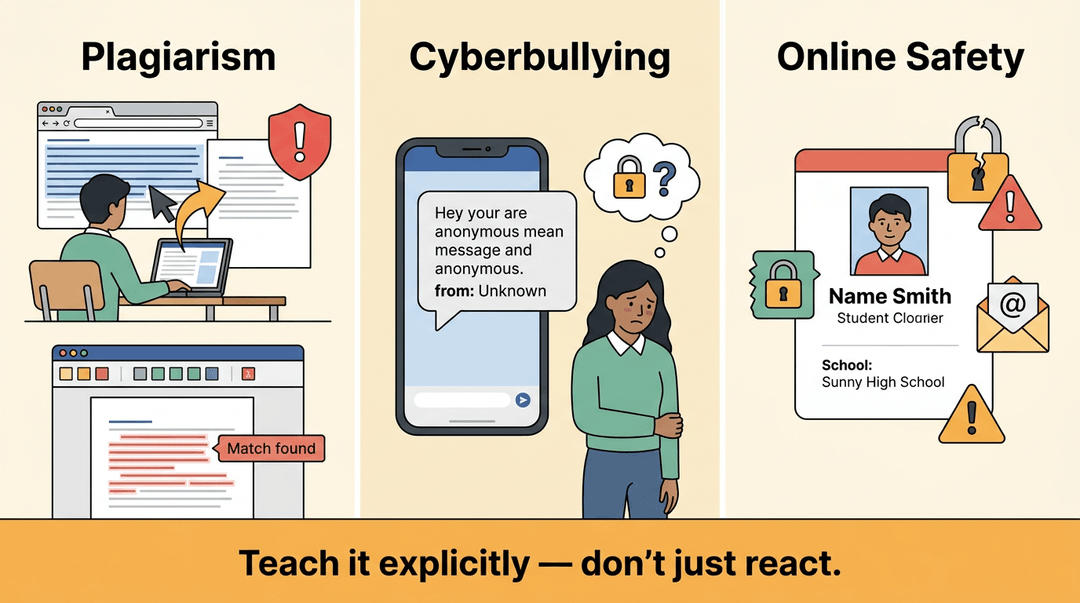
Easier internet access makes plagiarism easier too. Students can copy, paste, and submit in minutes, which makes plagiarism detection tools a practical part of any digital classroom.
Beyond academic honesty, cyberbullying is a serious concern: as Kent State University notes, the anonymity technology provides often leaves victims feeling they have no recourse.
Add data privacy and cybersecurity risks to that list, and online safety becomes a topic worth teaching explicitly, not just managing reactively.
Social and physical downsides worth watching
More screen time can mean less of everything else: face-to-face conversation, physical movement, and the kind of spontaneous social interaction that builds classroom community.
Students who default to devices can become isolated without anyone noticing right away. Device damage and misplacement add a practical headache on top.
None of this means avoiding technology, but it does mean being intentional: balance screen-based tasks with movement, discussion, and activities that keep students connected to each other, not just their screens.
Classroom technology works best when you're in the driver's seat, choosing tools that serve your students rather than tools that just look impressive.
The benefits are real, the challenges are manageable, and the strategies in this post give you a clear place to start.
Your students deserve learning experiences that are responsive, engaging, and built around their needs. Technology, used with purpose, helps you deliver exactly that.
Ready to simplify your planning and put more time back in your day? Check out our AI Lesson Editor to see how it can take the heavy lifting out of lesson prep.
References
- Frontiers | AI-mediated feedback in gamified programming education: effects on vocational students’ achievement and motivation — frontiersin.org (2026)
- Can Gamification Drive Increased Student Engagement? — er.educause.edu
- Negative Effects of Cyberbullying - Online Degrees & Programs — onlinedegrees.kent.edu
- Access to Technology and Its Challenges — afb.org
- Education Equity in Crisis: The Digital Divide - EdTrust-West — west.edtrust.org
Frequently asked questions
What is the purpose of using technology in the classroom?
The purpose of using technology in the classroom is to make learning experiences more engaging and responsive to individual student needs. It helps teachers save prep time, deepen student engagement, and provides access to learning for students who might otherwise struggle.
What is the 70 30 rule in teaching?
The 70/30 rule in teaching suggests that roughly 70% of instruction should remain rooted in traditional methods like discussion or print materials. The remaining 30% of instruction should incorporate digital tools. This ratio ensures technology supports learning without dominating it.
What are the top 5 technologies?
Identifying the "top 5 technologies" is subjective and depends on the specific criteria and context. However, broadly impactful technologies include artificial intelligence, machine learning, the Internet of Things, blockchain, and 5G connectivity. These technologies are rapidly evolving and influencing various sectors, from industry to daily life.
What are the 10 advantages of technology for students?
Technology offers numerous advantages for students, including enhanced access to information, personalized learning experiences, and opportunities for collaborative projects. It can improve engagement through interactive tools, develop digital literacy skills, and prepare students for future careers. Technology also facilitates remote learning, provides immediate feedback, supports diverse learning styles, and expands educational resources beyond traditional textbooks.
What are 5 positive effects of technology?
Five positive effects of technology in the classroom include increased student engagement through gamified learning and interactive tools, learning adaptivity for individual students, improved collaboration and communication, enhanced accessibility and equity through assistive technologies, and the building of essential 21st-century skills like digital literacy and critical thinking.
What are 10 examples of technology?
Ten examples of technology broadly include smartphones, laptops, artificial intelligence systems, virtual reality headsets, 3D printers, smart home devices, GPS navigation systems, robotics, electric vehicles, and biotechnology innovations. These examples span various applications, showcasing the pervasive nature of technology in modern life.
What technology can be used in the classroom?
Technology that can be used in the classroom includes Learning Management Systems (LMSs) like Canvas and Google Classroom, AI tools for tutoring and lesson planning, hardware such as tablets, iPads, Chromebooks, and Smartboards, and creative tools like Canva and Google Docs. Additionally, video conferencing platforms and virtual field trips are valuable classroom technologies.