Computer Assisted Language Learning: A Complete Guide

Jump to section
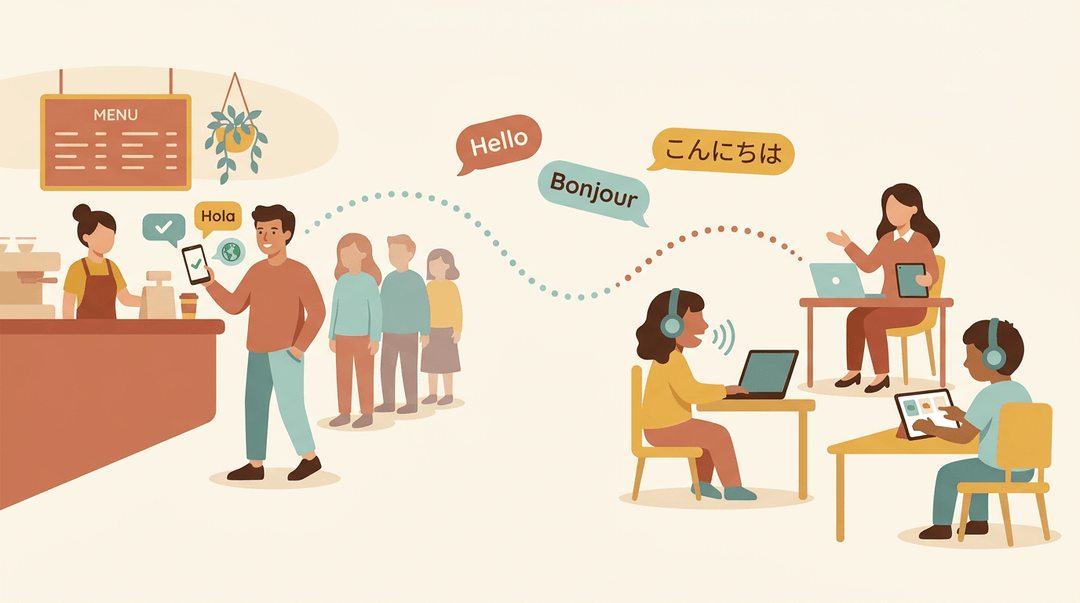
Think about the last time you practiced a new language with an app on your phone, maybe during a commute or while waiting in line. That's a simple example of computer assisted language learning (CALL), or using technology to teach and practice a language.
This guide covers the whole picture: what CALL is, its main types, how it fits into teaching, where it helps, and where it falls short. We'll also show you how to plan CALL activities and choose tools that fit your classroom.
Core Ideas of Computer Assisted Language Learning
Here's what you need to know about Computer Assisted Language Learning (CALL): the use of technology to teach and learn languages.
What counts as CALL technology
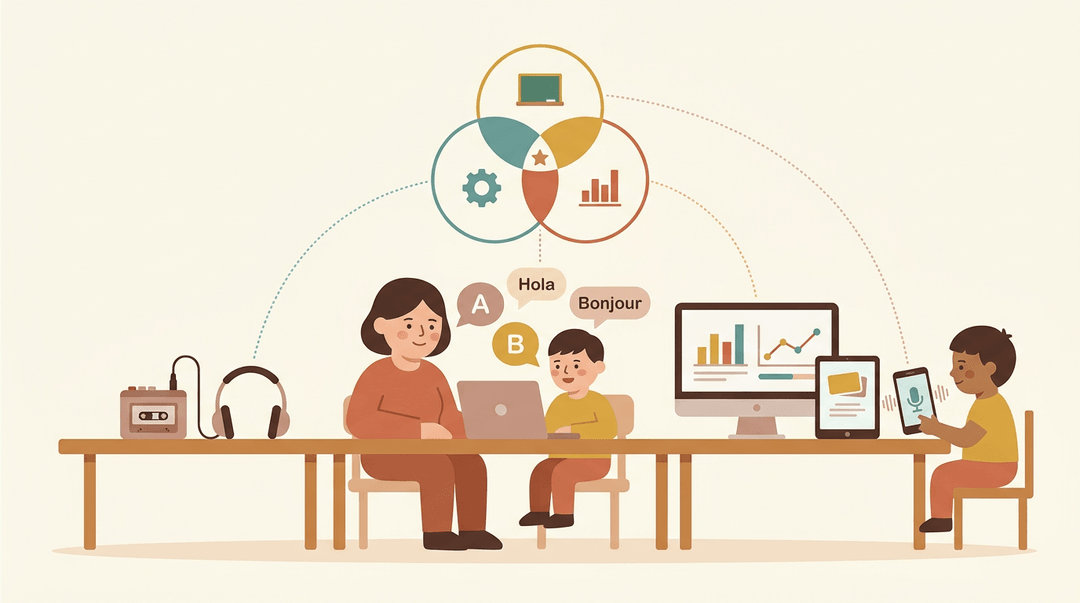
Any technology used to present, practice, or evaluate language counts as CALL. It's the mix of technology, pedagogy (the teaching method behind a lesson), and data (records of how learners are doing).
Tools range from a simple audio recorder to serious computing power, reaching learners on desktops, laptops, and mobile devices.
The teaching theories that shape CALL
Good CALL starts with language acquisition theories, the research on how people learn a second language. Three ideas matter most:
- Comprehensible input: learners progress when they understand messages just above their level.
- Communicative competence: using language to get things done, not just reciting rules.
- Task-based learning: learners complete meaningful tasks, and language comes along with them.
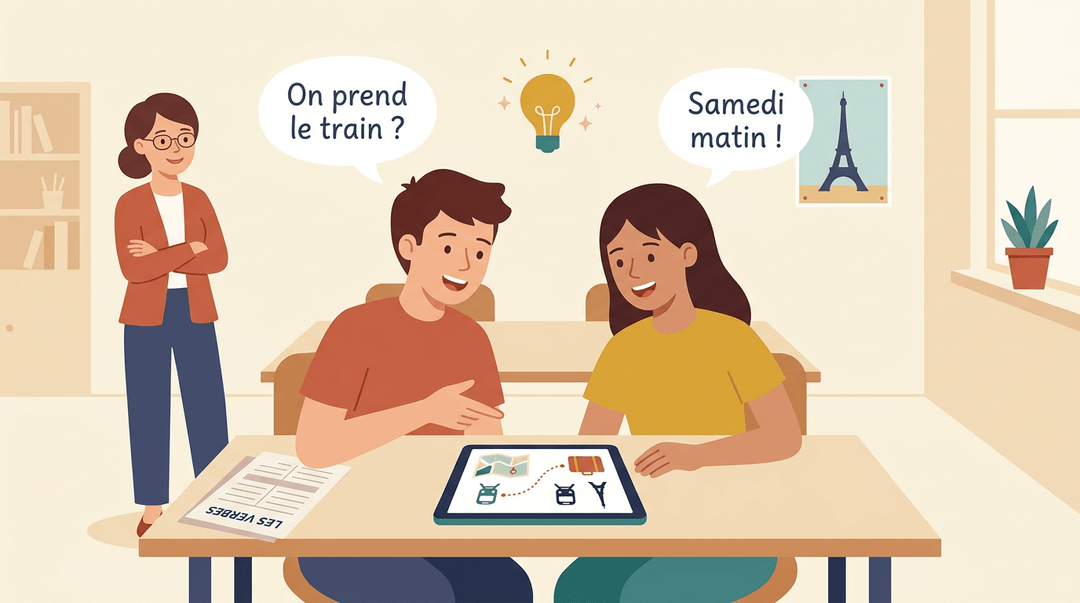
A French teacher might have pairs plan a weekend trip through a shared digital task. Students stop memorizing verb charts and start using French to decide.
Scientific rigor separates CALL from generic e-learning. Both can go digital, but CALL rests on research into how learners acquire language. The difference is design rather than delivery. The screen alone doesn't teach.
How CALL developed over time
Early CALL leaned on repetitive exercise programs: drills that showed a sentence, checked an answer, and moved on. As technology evolved, CALL grew to include richer media and more responsive feedback.
The focus shifted from what machines could display to how learners use them.
Today we're seeing a move toward artificial intelligence (AI) and immersive experiences. The tools keep changing. The goal of learning doesn't.
The Main Types of CALL
Computer-assisted language learning (CALL) tools fall into a few broad types, each building a different part of the skill. Here's how they fit together.
Structured practice with instant correction
Structured practice builds the foundation. Learners repeat words and grammar patterns with immediate correction, so a wrong answer gets fixed right away instead of becoming a habit. That's the vocabulary and grammar base every other skill depends on.
- Flashcards, quizzes, and self-correcting tasks give quick, low-stakes repetition
- Vocabulary warm-ups have students retrieve words before a lesson begins
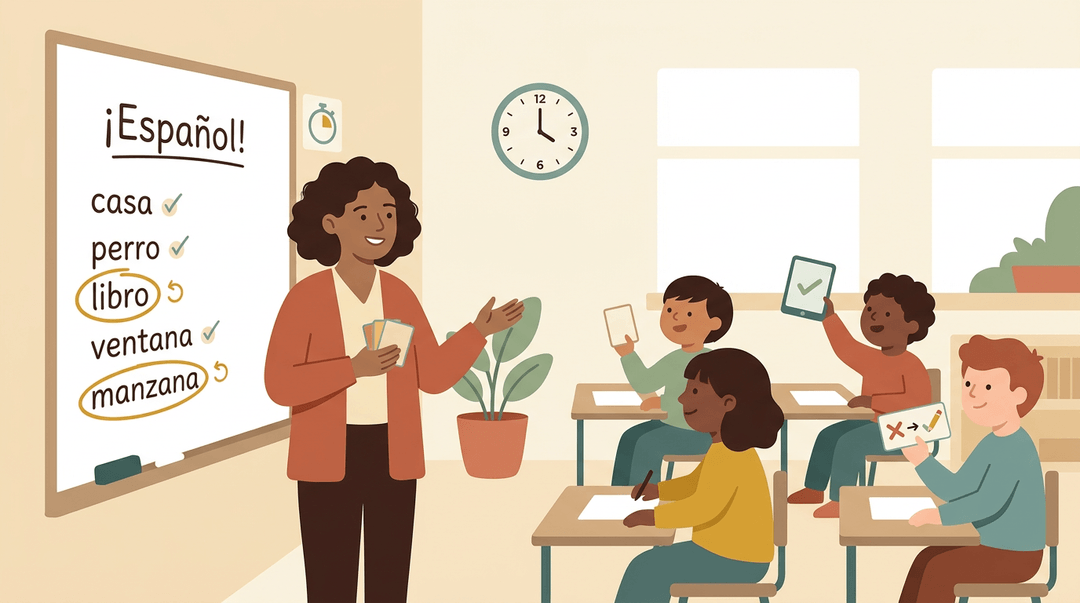
Think of a Spanish teacher who opens class with a five-minute vocabulary warm-up. Students retrieve last week's words, and she can see at a glance which ones need another pass.
Practicing real communication online
This is where language becomes meaningful. Learners write emails, hold conversations, and solve problems together, and chats, simulators, and collaborative projects let them practice with peers in real time.
Think of a teacher who pairs two students in separate rooms to plan a class event in the target language, then reviews the exchange to see where it stalls. The focus shifts from studying the language to using it.
Immersive VR and AI practice
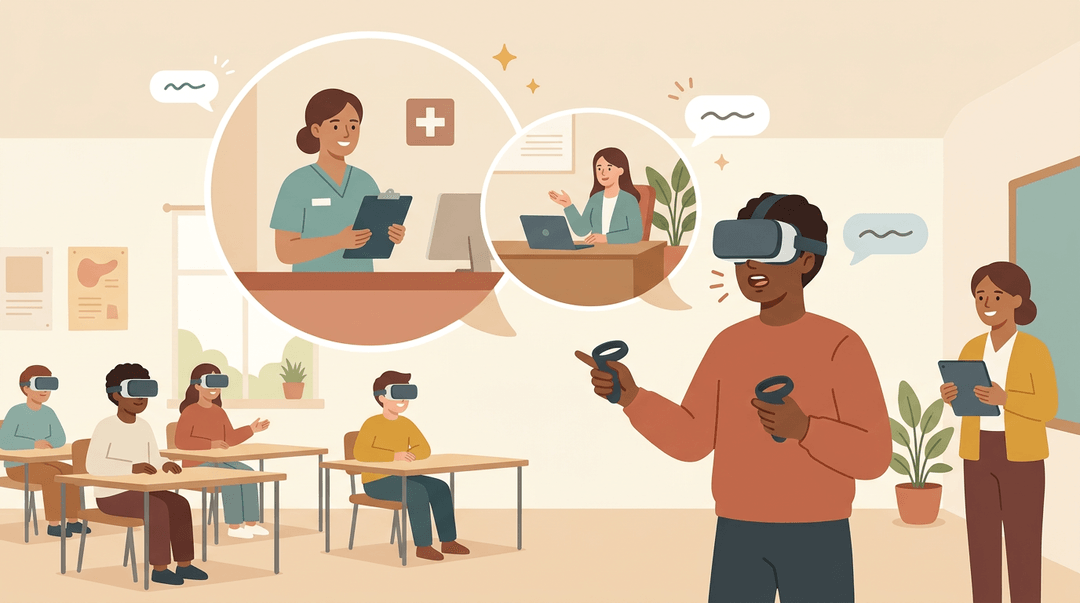
Virtual reality (VR) and artificial intelligence (AI) environments place learners inside a scenario. Think of a student rehearsing a job interview or a hospital check-in.
Realistic scenarios such as meetings and hospitals can provide measurable, memorable experiences.
In a pilot reported by ASU News, 199 English learners used a tool called IMMERSE to practice speaking in three-dimensional workplaces, service settings, and everyday social scenarios.
Mobile-assisted language learning on phones and tablets
Mobile-assisted language learning puts practice on phones and tablets, fitting it into the gaps of a busy day. Its strengths come built in:
- Micro-lessons of a few minutes each
- Notifications that nudge learners back to practice
- Voice recognition for pronunciation
- Gamification like points and streaks
Mobile practice works best as a complement to classroom instruction, not a substitute for it. Consider a middle school French teacher who assigns a ten-minute voice-practice session as homework.
Students arrive ready to speak, so class time goes further. Small, daily practice adds up.
How to Use CALL in Your Lessons
Use this guide to plan one simple CALL (computer assisted language learning) lesson, match an activity to your learners, and check a tool before it takes up class time.
Plan the lesson
Keep the first lesson small: one objective, one activity, one tool.
- Set one language objective
- Write it as students will see it: "I can order a meal using three polite phrases."
- Pick a matching CALL activity
- Let the objective choose the activity, not the other way round.
- Model the task first
- Run one round on the projector and think aloud.
- Say: "I'm choosing this phrase because the customer asked a question."
- Monitor and give feedback
- Walk the room and jot down errors you see more than once.
- Say: "Read that aloud again. What did the tool flag?"
- Review learner data afterward
- Scan scores and attempts, then pick tomorrow's reteach point.
Example: A secondary Spanish teacher sets the objective "ask for and give directions." Students do a chat-based role-play in pairs after she models one exchange on screen. While they chat, she notes that many students drop the verb. The next day opens with a five-minute mini-lesson on exactly that.
Match activities to learners
Find your group, read across, and adapt the idea to your objective.
| Learner group | Activity to try | What it looks like |
|---|---|---|
| Primary | Picture-based vocabulary games | Match the picture to the word, then say it aloud |
| Secondary | Chat-based role-plays | Pairs act out a scenario in a chat window |
| Adult learners | Workplace scenario simulations | Practice a client call or a meeting update |
| Tutors | Personalized pronunciation drills | Assign each learner the sounds they struggle with |
Choose a tool
Before you commit a lesson to a tool, confirm:
- It matches your learning objective. If it doesn't practice your target skill, skip it.
- It gives accurate feedback. Test it with a correct answer and a deliberate mistake.
- It works on student devices. Try it on the oldest phone or laptop your students use.
- It protects student data. Check what it collects and who can see it.
- It tracks progress. You should be able to see who practiced and where they struggled.
⚠️ Watch out: A polished tool with wrong feedback is worse than no tool. Always test its corrections yourself first.
Draft CALL-based language lessons faster with EMStudio's AI Lesson Editor.
How CALL Differs from Regular Digital Learning
Plenty of digital lessons put content on a screen. Computer-assisted language learning (CALL) goes further, building practice around how learners actually use a language. Here's where that difference shows up.
Four features that set CALL apart
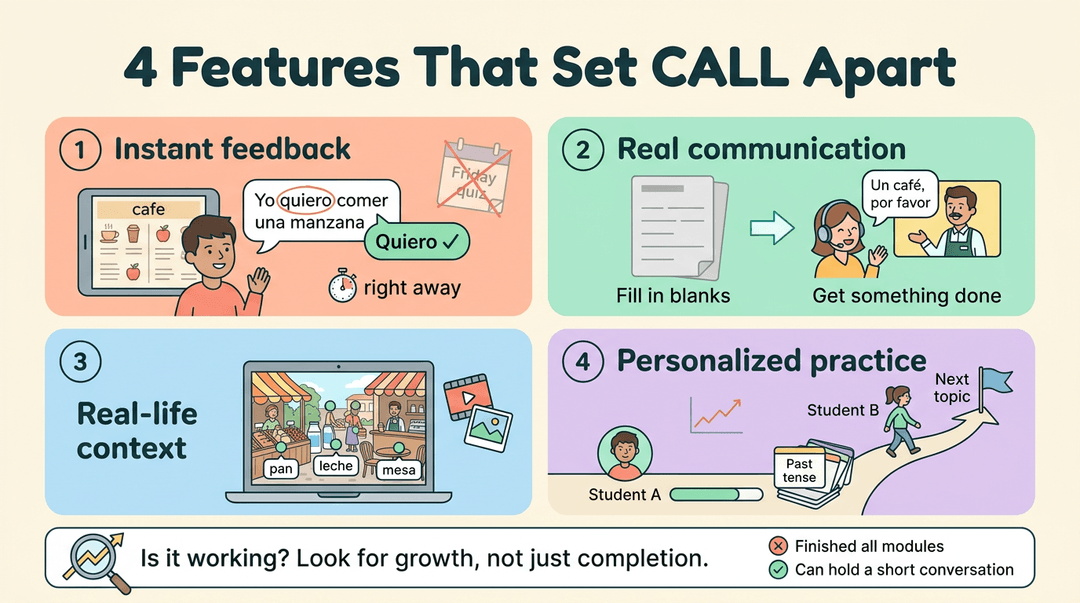
- Real-time adaptive feedback. The software responds the moment a learner answers or speaks, so errors get fixed while the practice is still fresh. Consider a Spanish teacher whose students practice ordering food in a simulated café. A learner who mixes up a verb form hears the correction right away and tries again, instead of discovering the mistake on Friday's quiz.
- Communicative authenticity. Learners use the language to get something real done, like making a request or answering a question, rather than only filling in blanks. They spend less time studying the language and more time using it.
- Contextual immersion. Vocabulary and grammar appear inside meaningful situations, such as short video clips, images, or interactive scenes, so learners see how the language works in real life.
- Data-driven personalization. The tool tracks each learner's answers over time and adjusts what comes next. A student struggling with the past tense gets more practice on it while a classmate moves on. That's less guesswork for you.
That same data helps answer the question every teacher asks: is it working? Look for growth rather than just completion, such as whether students can hold a short conversation by the end of the unit, not only whether they finished every module.
What CALL Offers Learners and Businesses
Computer assisted language learning (CALL) has grown fast, and it's easy to see why. Here's what's driving demand and what it does for learners.
Why demand is growing
- Global careers and markets. Language skills open doors to jobs well beyond a learner's home country.
- Companies need communication. Businesses need staff who communicate across languages, and CALL builds those skills at scale.
- Less rigid traditional methods. One class pace doesn't suit everyone. CALL lets learners move at their pace.
How learners and organizations benefit
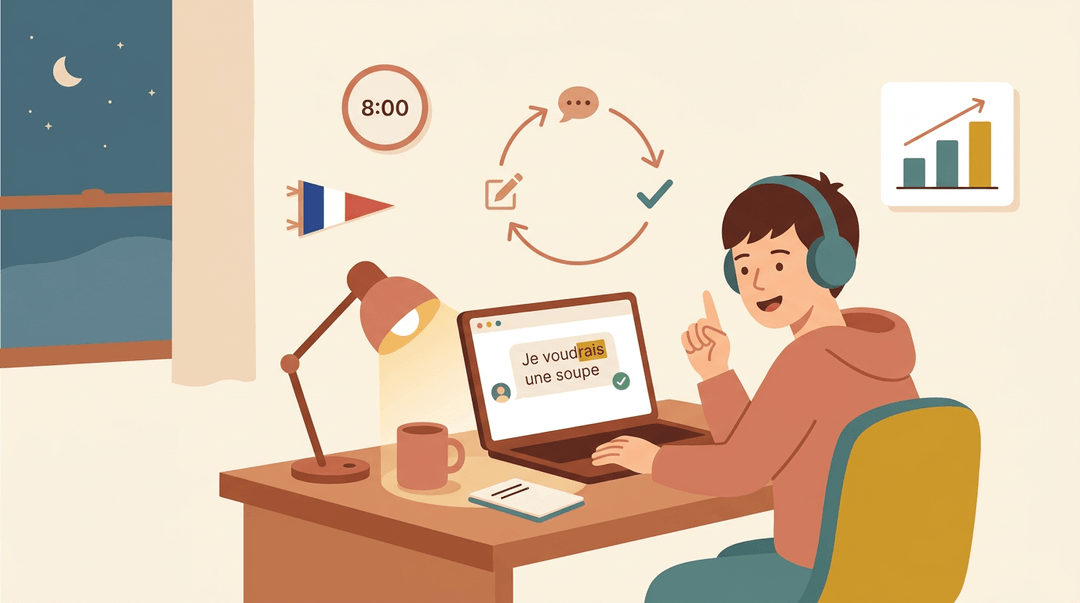
Consider a high school French teacher whose student practices ordering a meal at 8 p.m. The app corrects a verb ending on the spot, so the student tries again while the sentence is fresh. That quick loop is a big part of CALL's appeal.
- Flexibility and personalization. Learners practice when it suits them, and the tool adjusts to where each person is, not where the whole class is.
- Measurable results. Progress shows up in data you can review. One study of adaptive learning systems for college-level English vocabulary and grammar describes tools that use real-time learner data to personalize content and adjust difficulty.
- Motivation and effectiveness. A literature review titled Facilitating Language Learning Through Technology reports that recent effectiveness studies show increased confidence, motivation, willingness to communicate, and language proficiency among learners who use dialogue-based CALL systems.
- Immediate feedback. Mistakes get corrected in seconds, not days later.
CALL has real limits, though. Software can't read a confused face the way you can, and it depends on devices and a reliable connection. That's why it works best as a supplement to your teaching, not a replacement for it.
How CALL Is Used Across Industries
Business, hospitality, and healthcare all demand clear language under pressure. Computer assisted language learning (CALL) lets learners rehearse first, and here's how we see that play out in three fields.
Language practice for international business
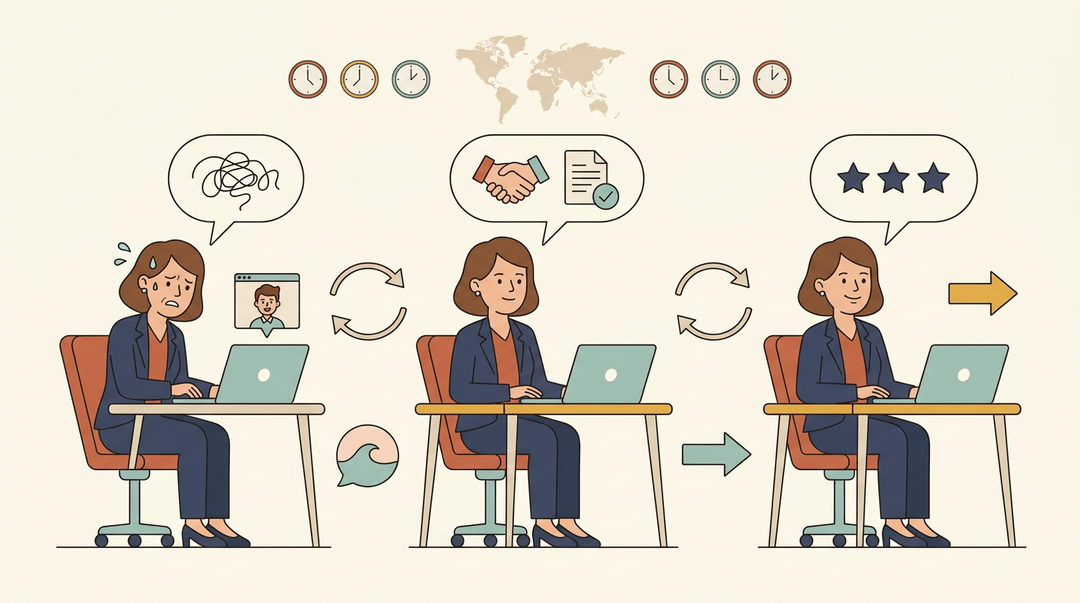
Picture a sales manager rehearsing an overseas negotiation. Contract negotiation simulations let them test the offer, the pushback, and the closing terms until the wording feels natural.
Presentations and multicultural meetings can be rehearsed the same way.
The real payoff is repetition rather than a single run-through. Replaying a scenario builds confidence with each pass, so you'll notice the hesitation fade.
Cultural sensitivity matters too: a scenario can show when to soften a request and when to be direct.
Training for tourism and customer service roles
Think of a new hotel clerk before their first shift. Scenarios for hotels, airports, and restaurants let them rehearse:
- Check-ins and room problems
- Gate changes and lost luggage
- Orders and bill disputes
The most useful scenarios are the ones that go wrong. A guest upset about a double booking means the learner must calm them down and offer a fix. That's less about knowing the phrases and more about using them under pressure.
Because the scenarios mirror real shifts, learners can apply them from the first day on the job. No cold start.
Practicing technical and healthcare vocabulary
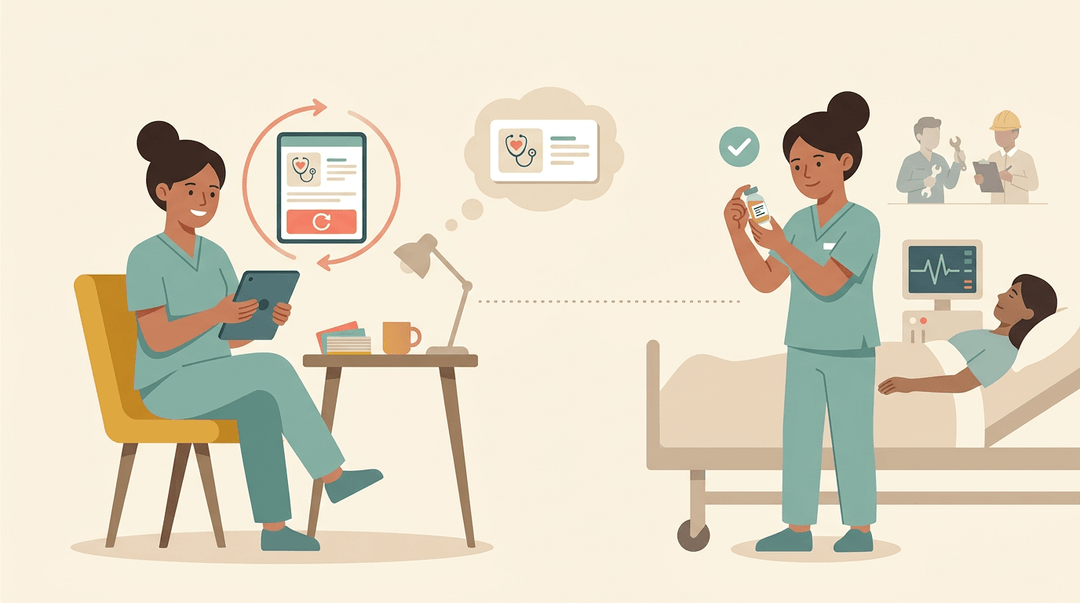
A nurse, technician, or engineer needs precise terms on the job. Specialized terminology practice lets them drill those words before they need them, and risk-free, unlimited repetition means a wrong answer costs only a retry.
Practice like this can reduce errors in critical healthcare and technical contexts.
A randomized controlled trial of a digital serious game for medical terminology, published in npj Digital Medicine, linked consistent gameplay to better knowledge acquisition, providing preliminary support for repeated exposure.
Fewer mistakes where they matter most.
How Stakeholders View CALL and Its Research
Learners, teachers, and researchers each see computer-assisted language learning (CALL) from a different seat, and we'll look at how each view shapes where the field goes.
Who takes part in CALL
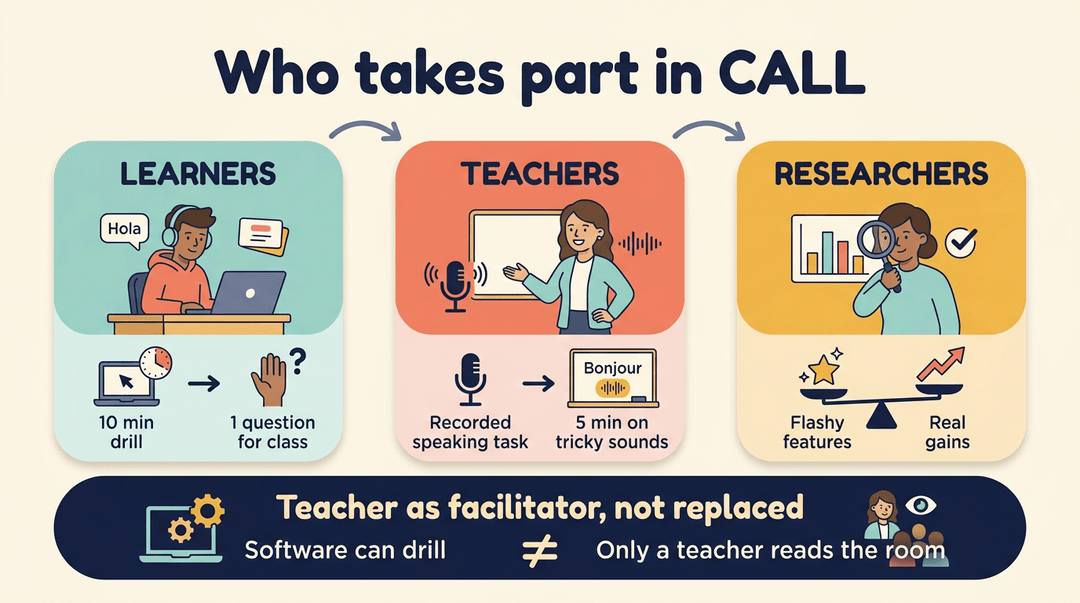
- Learners are the people these tools serve. A student practicing Spanish after school might drill vocabulary for ten minutes, then bring one tricky question to class.
- Teachers decide how CALL fits the lesson. A middle school French teacher might assign a short recorded speaking task, then spend five minutes of the next class on the sounds students struggled with most.
- Researchers study whether these tools help learners in practice, separating impressive features from genuine gains.
- Teacher as facilitator, not replaced. The goal is a tool that supports the teacher, not one that replaces them. Software can drill, but it can't read the room.
Where CALL research is heading now
Key research developments point in one direction: past whether a tool works, toward how it works, for whom, and under what conditions. That shows you what to check when evaluating a tool.
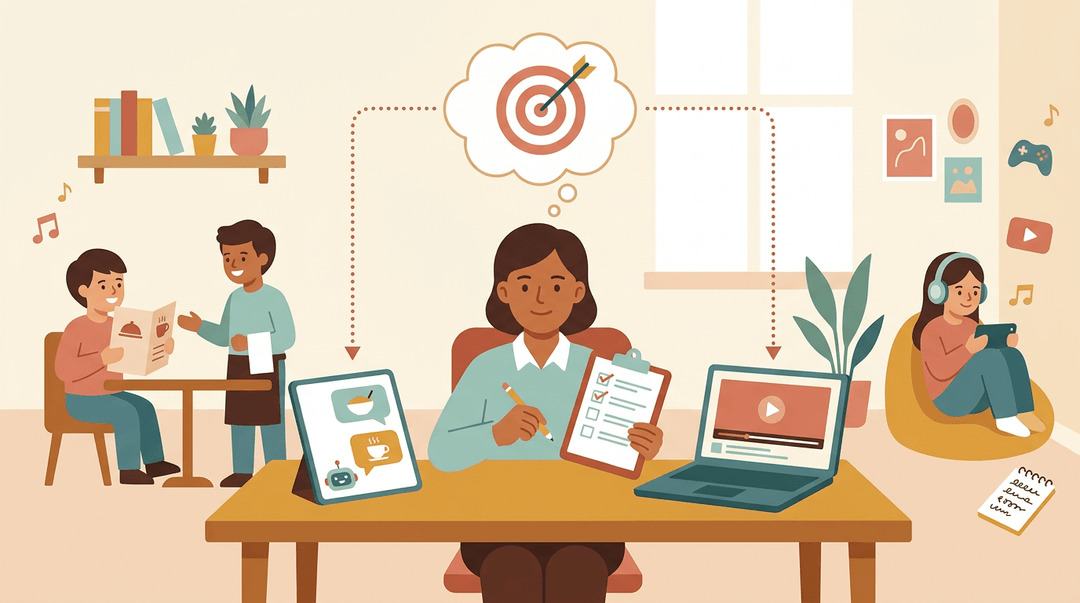
Informal learning happens outside class, through apps, videos, games, and music. Picture a student who watches a favorite show in the target language with subtitles, then looks up the phrases they missed.
Teachers can point learners toward resources that genuinely help.
Generative artificial intelligence (AI) tools can hold a conversation and produce practice dialogues. A student might rehearse ordering food with a chatbot before a classroom role-play. The output still needs checking.
The tool can offer plenty of practice, but the teacher decides what counts as progress. Tools keep changing. Your goal doesn't.
CALL works best when technology serves a clear learning goal, not the other way around. With a purpose in mind and the right tool for the job, it gives learners more chances to practice and keeps your focus on what matters most.
Start with what your students need to practice, then choose the tool that gets them there. Ready to plan your next lesson? Check out the AI Lesson Editor to draft and refine lessons with built-in AI assistance.
References
- Fluent Futures Lab teaches what English textbooks miss — news.asu.edu (2026)
- Evaluating a digital serious game for learning medical terminology in a randomized controlled trial — nature.com (2026)
- Evaluating the Effectiveness of Adaptive Learning Systems in College-Level English Vocabulary and Grammar Acquisition — doi.org (2025)
- Facilitating Language Learning Through Technology — caslt.org