Film Lesson Plan: A Step-by-Step Guide for Any Subject

Jump to section
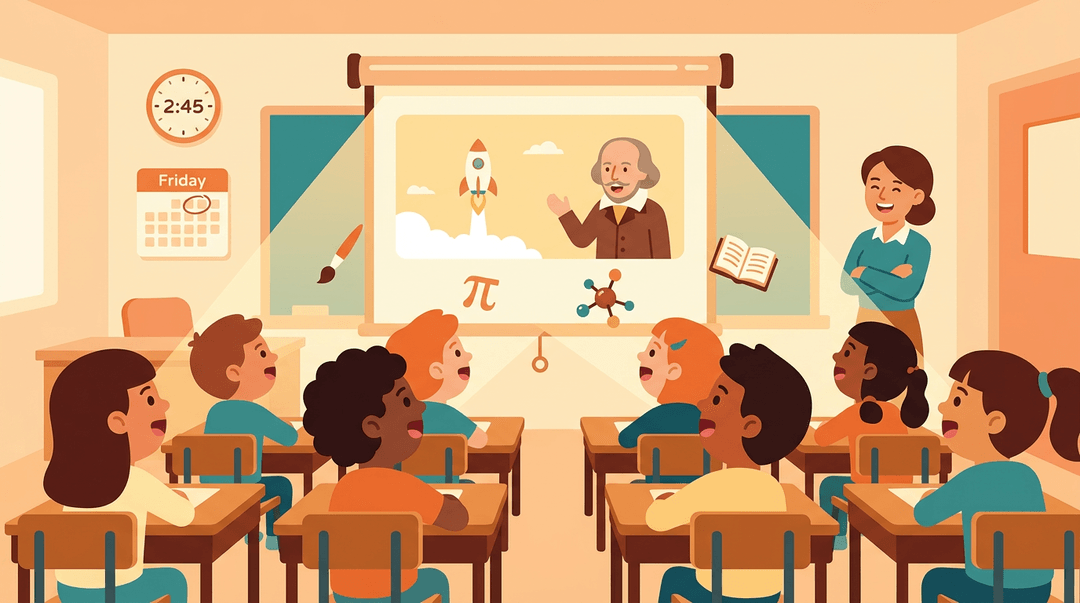
Picture a Friday afternoon where your students are glued to the screen, not because it's a break, but because the clip is pulling them into the lesson.
That's the power of a film lesson plan: a lesson built around a film or video clip that carries the learning, whether you teach English, history, science, or art.
A film lesson plan is any lesson where film or video does the heavy lifting, from a two-minute clip in a math warm-up to a full unit built on a novel's screen adaptation.
It works across subjects, grade bands, and frameworks, so you don't need to be an ESL teacher to use one.
In this post, we'll look at who it's for, what students will learn, and how to build one step by step so you can reuse it across classes.
Who This Film Lesson Plan Is For
Film can work in almost any classroom, but it works best when you know who's sitting in front of you.
What ages and grades it fits
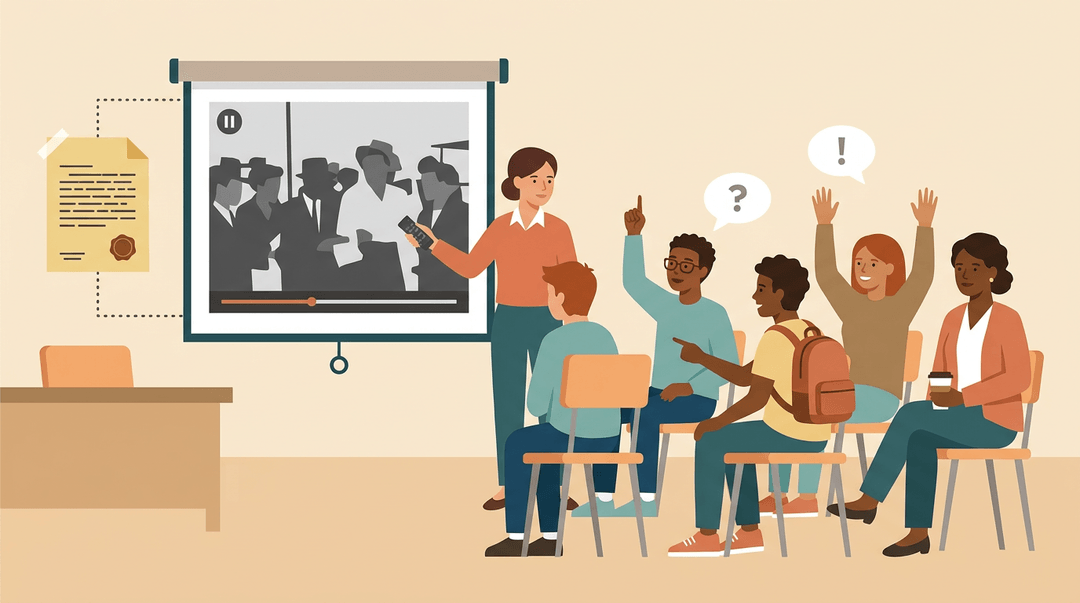
Film lesson plans are a strong match for adolescents and adults. Consider a grade 11 history teacher who pairs a documentary clip with a primary source. Students watch, pause, and argue about what the filmmaker chose to show and what they left out.
The same structure works for:
- Grades 10-12 students, who can handle longer clips and deeper analysis
- Adult education learners, who often bring real-world experience to the discussion
Language levels and accommodations it suits
Film is especially useful for intermediate to advanced speakers, who can follow dialogue and talk about what they see.
For ESL, EFL, and ELL learners (English as a second, foreign, or additional language), pair the clip with subtitles and a short vocabulary preview, so the story carries the meaning while the language catches up.
Accommodations are simple to layer in. Give SPED students a graphic organizer, chunk longer clips into segments, or offer captions and transcripts. The goal is access, not a watered-down lesson: the same big ideas, reached by more doors.
Cross-subject use
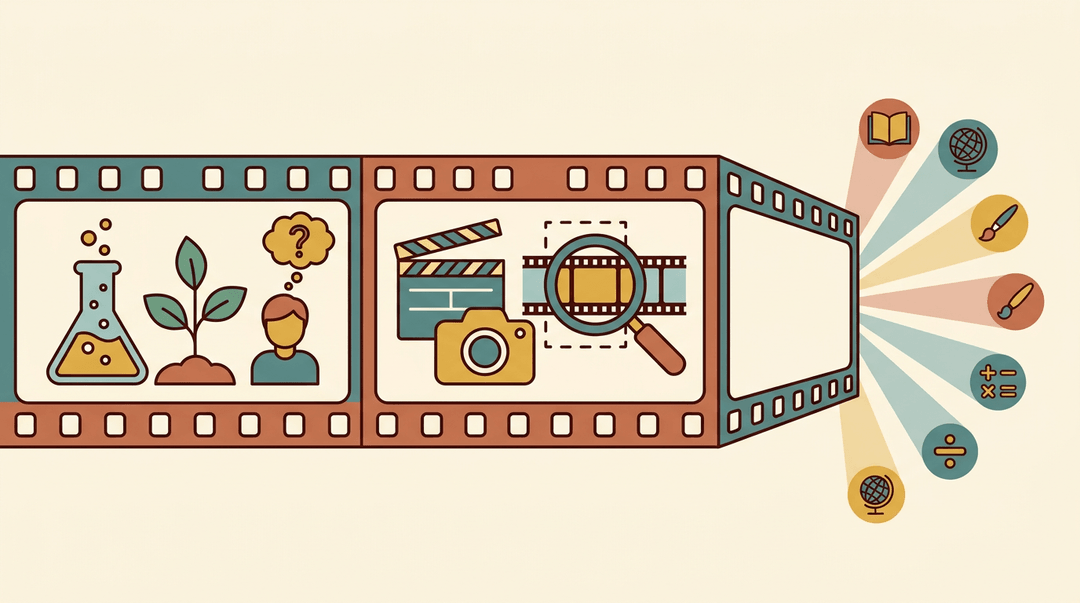
The format travels well. In science, a short video of a lab or natural process becomes a chance to predict and explain. In media studies, students dissect editing and framing. Film becomes a flexible tool across subjects.
What Students Will Learn
Here's what students gain when the video is doing real teaching work.
Building film vocabulary
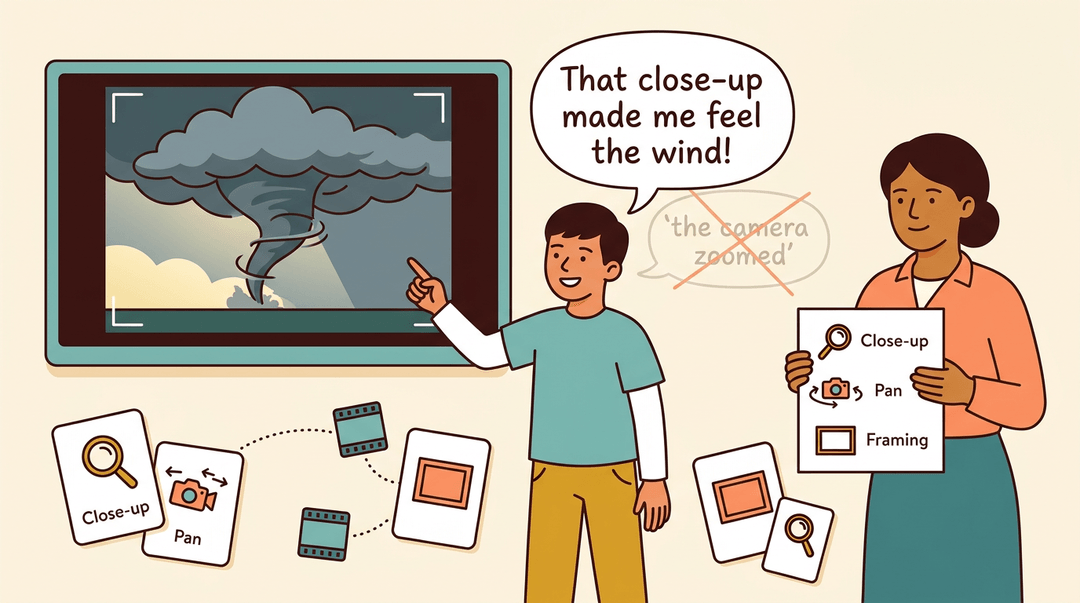
Students need the words before they can talk about what they're watching. Start with a film vocabulary list covering terms like close-up, pan, and framing, and give students a printed word list they can check during the lesson.
Then run a matching exercise: students pair each term with a short clip or a plain-language definition. Vocabulary comes first. Confident discussion follows.
Visual literacy and film analysis go hand in hand here. Students learn to read shots, lighting, and framing, not just plot.
Consider a seventh-grade science teacher who shows a two-minute clip of a storm forming and asks which shot choices made the danger feel real. Soon a student who once said 'the camera zoomed' is saying 'that close-up made me feel the wind.'
Practicing speaking and discussion skills
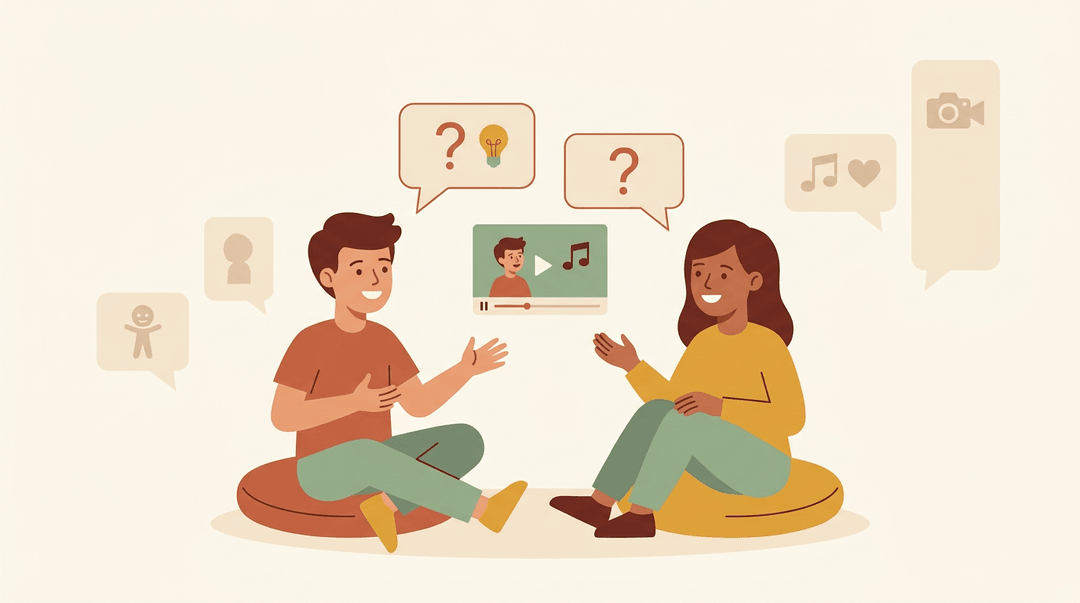
Oral discussion practice is where vocabulary becomes confidence. Pair students after a clip and have them talk through what they noticed, using the new terms.
Keep it real-world: it's the same kind of talk they'd have with a friend about a show they loved. Match questions to the grade band, such as:
- What did the character want? in early grades
- How did the music change how you felt? in middle school
- What would the scene mean if the camera stayed on the other character? in high school
Critical thinking is the goal. The conversation is about why, not just what.
Building Your Film Lesson Plan Step by Step
Use this guide to build a film lesson in three phases: before, during, and after the screen goes on. The same skeleton works for a ten-minute clip or a full feature, so build it once and adjust the size.
Before you press play
Preparation decides whether students watch with purpose or just watch.
- Set one learning objective.
- Put it on the board: "I can explain how the director builds tension in the opening scene."
- Pre-teach key vocabulary.
- Pick only the words students need to follow the film, such as montage or score.
- Hand out preview questions.
- Give two or three to watch for: "Whose point of view are we seeing?"
While it plays
Students should have a job the whole time. Here are three tools, and you can use all of them in one sitting.
| Tool | What it looks like |
|---|---|
| Guided-question pauses | Stop at planned moments. Say: "What just changed for this character?" |
| Note-taking organizer | Three columns: Scene / What I saw / What it means |
| Flagged timestamps | Jot key scenes in your plan, like 12:40 argument at the door, so you can cue them back up |
⚠️ Watch out: Plan your pauses before class. Stopping on impulse every few minutes breaks the film's pull, and students stop watching and start waiting.
When the lights come up
Move from reaction to evidence while the film is still fresh.
- Run a discussion or seminar.
- Start with the organizer: "Which scene from your notes mattered most, and why?"
- Assign a written response.
- Require one flagged scene as evidence in every answer.
- Close with an exit ticket.
- Tie it straight back to the objective on the board.
Exit ticket: Name one choice the director made in the opening scene. What did it make you feel or think? Cite the moment.
Adjusting it by grade level
The skeleton stays the same. Only the film's length and the final task change.
| Grade band | Film format | Anchor task |
|---|---|---|
| Elementary | A short clip | Story map: beginning, middle, end |
| Middle | A short film | Analysis of one scene, using the organizer |
| High school | A feature film | Essay built on flagged scenes |
Example: A middle school teacher shows a short film with one pause at the turning point. Students fill the organizer, discuss, then write a paragraph on one scene. The exit ticket asks which moment changed the story. Nothing was added to the skeleton. The film was just shorter.
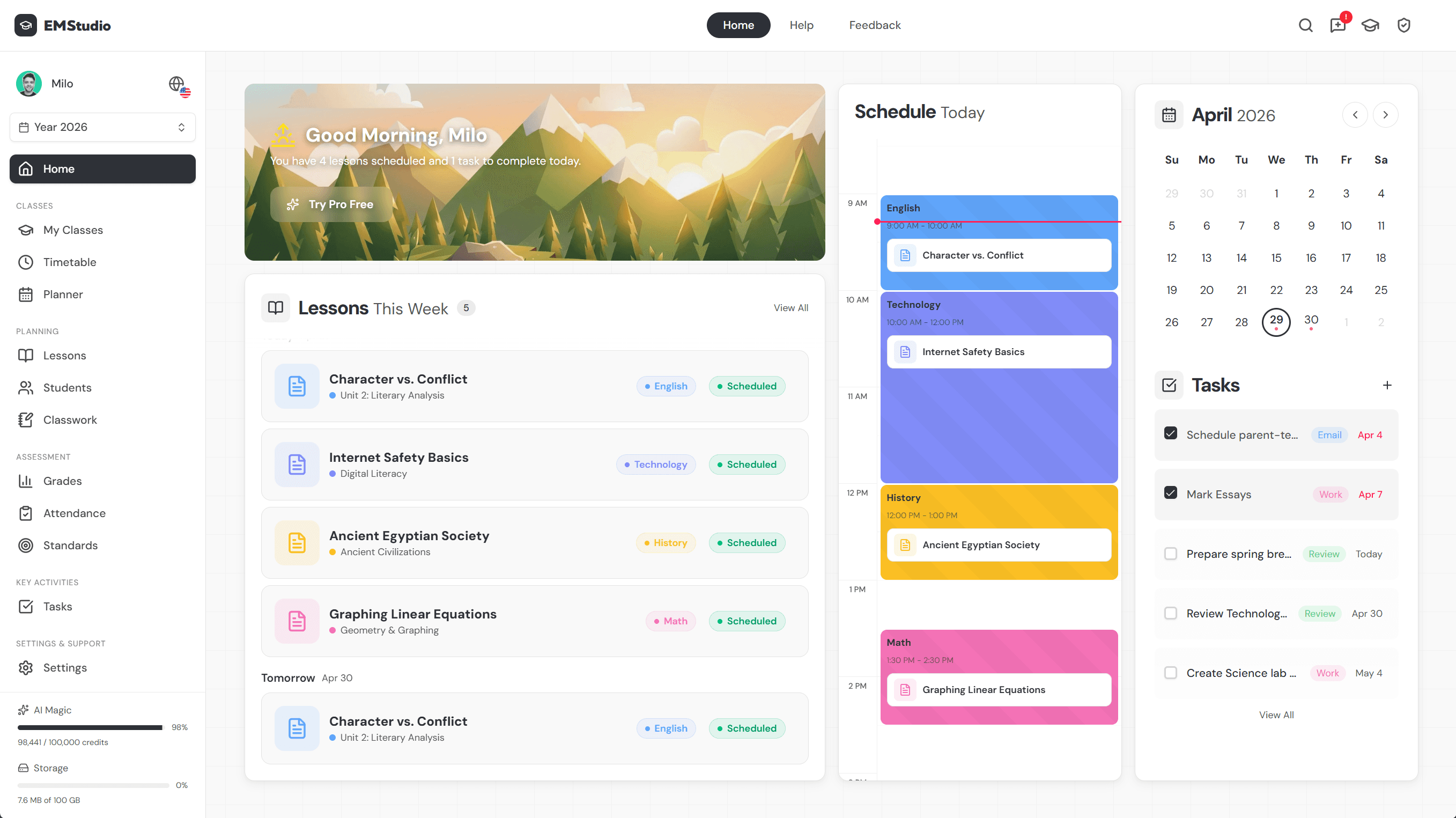
Save your film lesson structure once and reuse it across classes with EMStudio's lesson planner.
What's Included in the Lesson Plan
Everything you need to run the lesson is already built in, so you spend your time teaching instead of designing. Here's what's inside and how it reaches you.
Materials you'll get
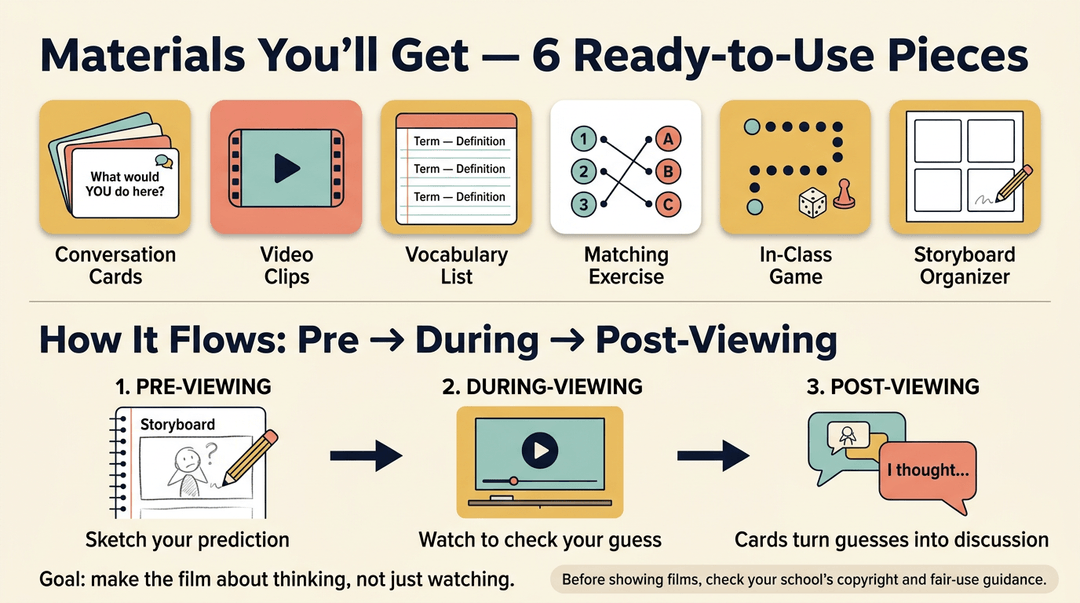
The lesson plan includes six ready-to-use pieces:
- Conversation cards to spark discussion
- Video clips to anchor the lesson
- A vocabulary list for key terms
- A matching exercise to check understanding
- An in-class game to get everyone involved
- A printable storyboard graphic organizer
Picture a seventh-grade history teacher who wants students to predict what happens next before the clip plays. The organizer gives them a place to sketch those guesses, and the cards turn those guesses into conversation.
The lesson follows a pre-viewing, during-viewing, and post-viewing flow, so the film becomes less about watching and more about thinking. Before you press play, check your school's guidance on copyright and fair use for showing films.
How the lesson plan is delivered
It arrives as a digital download, so you can save it once and reuse it every year. It's Google Apps compatible, so you can open and share it with colleagues without converting anything. At seven pages, it's short enough to skim during planning.
It's also printable with a no-prep style. Print it, pick your clip, and teach.
Lesson Timing and Structure
Before you pick a film, you need to know how much room you have. Here's how a film lesson fits into a normal class period and what a workable structure looks like.
How long the lesson takes
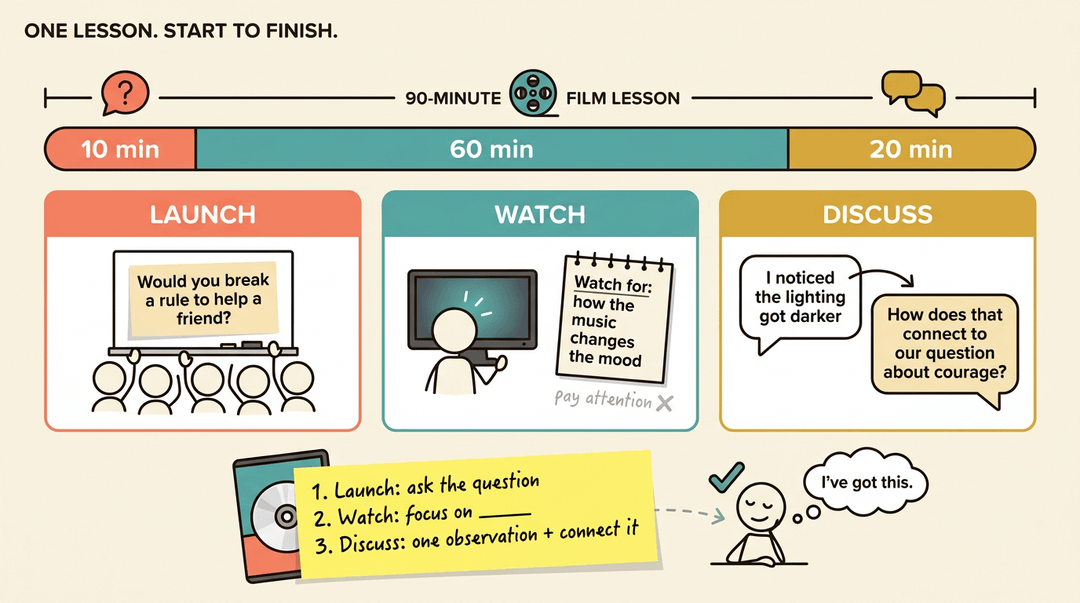
A film lesson plan is designed to run for about 90 minutes of teaching time. That's enough to set a purpose, watch the film with focus, and talk through what students noticed, without spilling into a second day.
Think of a middle school science teacher with one block period before a unit test. She doesn't need a week of planning. She needs a complete lesson she can run start to finish.
That's the idea behind a single lesson format: one self-contained session rather than a multi-day unit. One lesson is easier to fit into a crowded calendar, and it's easier to repeat across classes.
Here's a ready-to-use structure you can reuse with almost any film:
- Launch. Pose one question students answer before the video starts.
- Watch. Give them a specific viewing focus, not just "pay attention."
- Discuss. Have students share one observation, then tie it back to your goal.
Three steps, and you're set.
Planning to be out? Write those three steps on a sticky note and stick it to the film case. A substitute can run the whole lesson without you, and your students will know exactly what to expect.
More Lesson Plans and Bundles
Once you've got the core build-out down, a handful of themed lessons can fill out your rotation. Here's what else is available and who's behind it.
Other themed conversation lessons
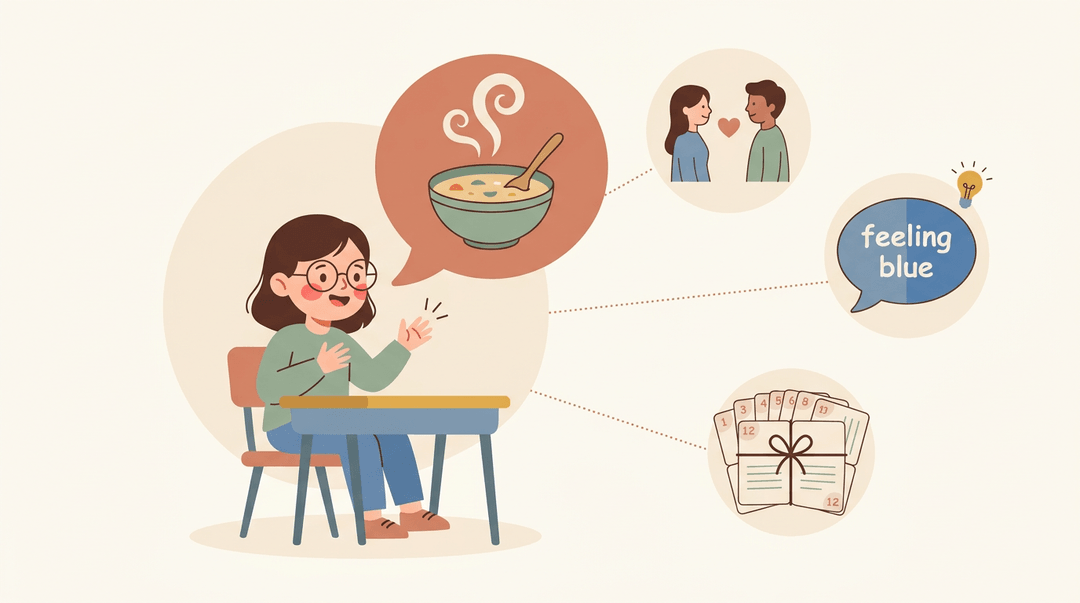
Themed lessons work well because they give students something familiar to talk about. Picture a shy student who suddenly lights up describing her grandmother's soup in a cooking lesson plan unit.
A love and relationships lesson gives learners a natural reason to practice describing people and feelings, while the color idioms lesson turns phrases like "feeling blue" into a puzzle about meaning rather than words.
Want everything at once? The 12-lesson conversation bundle packages these themes into one sequence. You get steady practice without scrambling for the next topic. Less prep, more teaching.
About the teacher behind this store
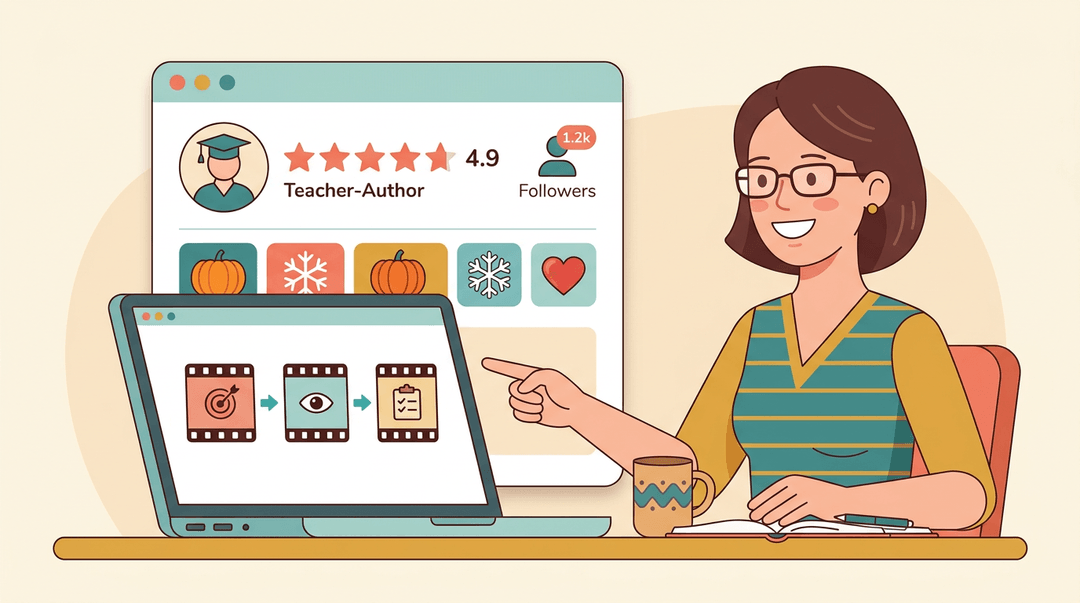
The store is run by a teacher-author, and knowing who built your materials helps you judge whether they'll fit your classroom. Check the store page for the author's background and the classroom context the lessons were written for.
Ratings and follower counts are another useful signal. Read the reviews to see how other teachers have used these lessons, and look at the follower count as a quick gauge of interest.
Seasonal and thematic units are worth a look too if you want to line up conversation practice with holidays or the unit you're already teaching.
A good film lesson plan turns a movie clip into a tool for real learning. Clear goals, a purposeful viewing focus, and a follow-up task keep the screen working for your students instead of just filling time.
Reuse it, adjust it for each class, and it gets easier every time.
Ready to build yours? Explore Lesson Planning to write, organize, and reuse your film lesson plans across multiple classes from one place.