Sub-Plans: The Complete Guide to a Stress-Free Day Out

Jump to section
Picture this: it's 7:40 on a Monday, you're home with a sudden stomach bug, and your substitute walks in with no idea where the attendance sheet lives. Good sub plans prevent that scramble.
They're the set of instructions that lets a substitute keep learning going when you're not there to guide it.
A sub plan is more than a worksheet left on the desk. It's a clear, organized guide to your classroom routines, your students, and the lessons you want covered, so your day doesn't unravel when you're out.
In this post, we'll look at what belongs in a sub plan, how to write and organize one, which ready-made options are worth a look, and a step-by-step checklist you can use to build your own in about 15 minutes.
Why Sub Plans Matter for Your Peace of Mind
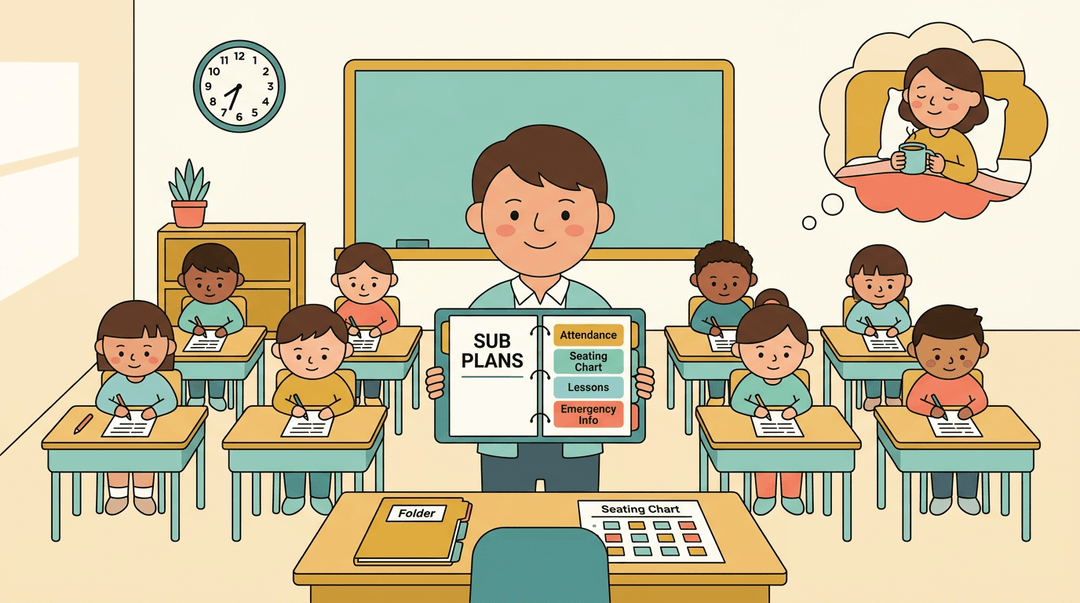
Few things drain a teacher's energy like worrying about the class you're leaving behind. A good sub plan (a clear packet that tells a substitute how your day runs) takes that worry off your plate.
Take the stress out of sub planning
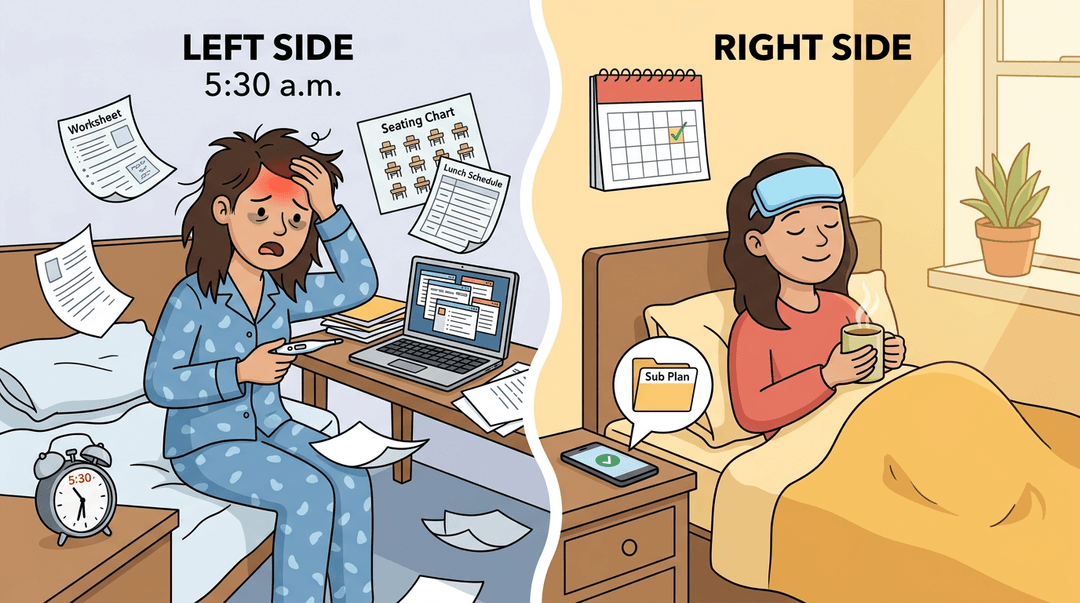
Sub planning often feels like a chore that lands at the worst moment. Picture a fourth-grade teacher who wakes up with a fever at 5:30 a.m. and spends an hour hunting for a worksheet, a seating chart, and the lunch schedule.
With a plan already on file, that same morning becomes one quick message and a day of rest instead of scrambling.
Taking sick days without the guilt
You can't pour from an empty cup, and a teacher running on fumes doesn't help anyone. Staying home to recover is the smart move, because it gets you back to your students sooner. Your sick leave is there for exactly this, so use it.
Set expectations before your sub arrives
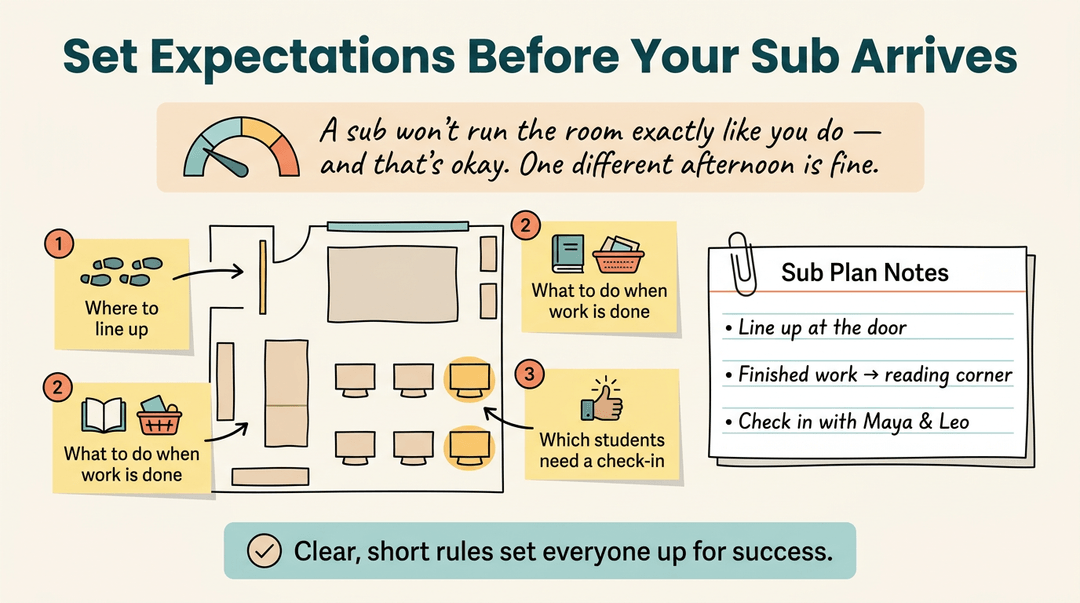
Lower your expectations for the day. A substitute won't run your room exactly the way you do, and that's okay. Think of a sub who doesn't know your routines, so the room runs a little differently for one afternoon.
Spell out behavior expectations in the plan:
- where to line up
- what to do when work is done
- which students need a check-in
Clear, short rules set everyone up for success.
Building a Smart Sub-Plan Strategy
Sub plans work best when they're built on a calm weekend, not the morning you're out sick. Here's a strategy for that.
Prep your sub plans before you're sick
Picture a fifth-grade teacher with a fever at 6:00 a.m. Her plans are already filed, so she sends one link and rests.
Start with a sub binder covering your schedule, roster, routines, and emergency procedures. Update it periodically. Keep a ready-to-go folder or shared doc for the lessons themselves.
Paper is easy to flip through on arrival, while cloud access lets you send plans from home. Many teachers keep both, not one or the other.
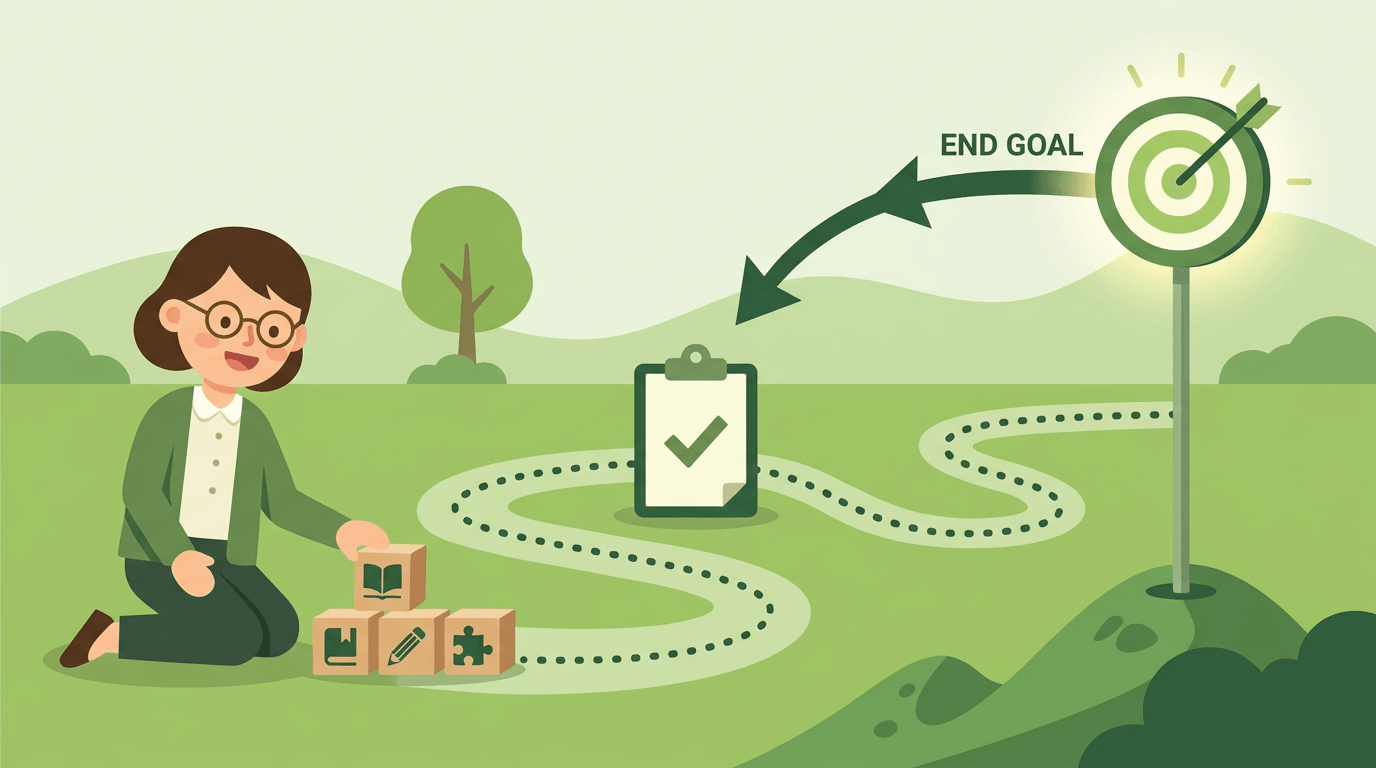
A simple step-by-step planning process
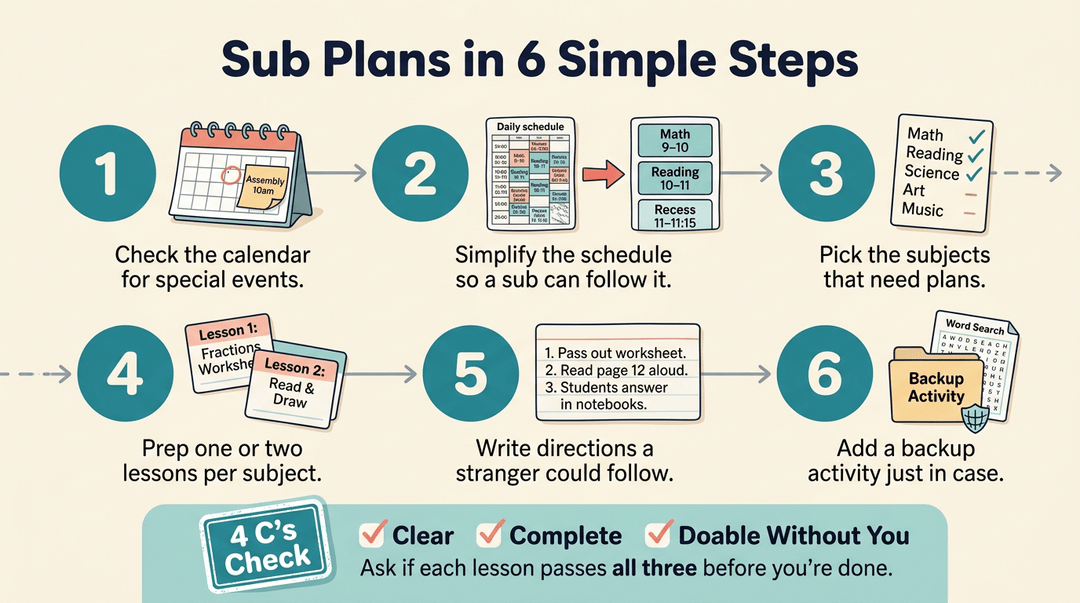
Use six steps to keep planning fast:
- Confirm your schedule and special events.
- Simplify the schedule for sub ease.
- Pick the subjects that need coverage.
- Prep one or two lessons per subject.
- Write directions a stranger could follow.
- Add a backup activity.
The 4 C's planning framework offers a quick check. Ask whether each lesson is clear, complete, and doable without you.
Plan extra activities to avoid downtime
Overplan on purpose. A sub who finishes early with nothing to do ends up with a restless room. Stick to familiar material like review games or last unit's worksheet.
Think of a high school science teacher whose students already know the review format, so the sub simply hands it out and keeps everyone busy.
Must-have Items for Your Sub Binder
Think of your sub binder as the one document that lets a stranger run your room like it's their own. Here's what belongs in it, grouped by what a sub will reach for first.
Share your class schedule and logistics
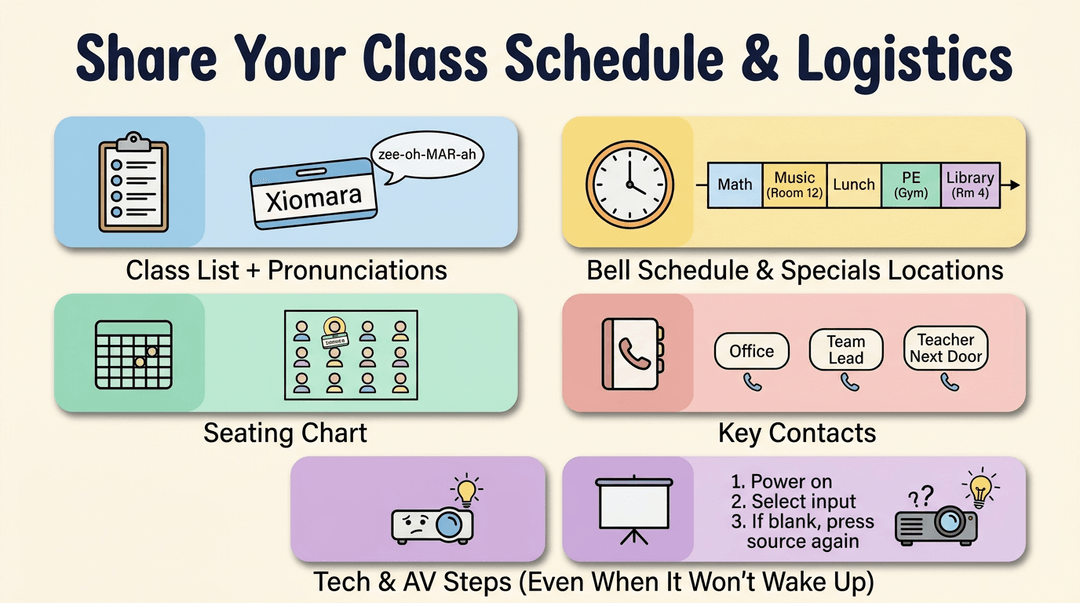
Start with the basics. Your sub needs:
- Class list with pronunciations for tricky names
- Daily bell schedule and the specials schedule & locations (music, PE, library)
- Seating chart so attendance doesn't take twenty minutes
- School and staff contact info for the office, your team lead, and the colleague nearest your room
- Tech and AV login steps written out in order, including what to do when the projector won't wake up
Emergency info every sub needs
This is the section a sub hopes never to use, which is exactly why it has to be easy to find. Include your school's emergency procedures, a list of student allergies, your medication policy, and the location of the first aid kit and office.
Mark the lockdown and fire drill routes and where students line up. A sub who knows the exit route in the first five minutes can focus on teaching instead of hunting for a map.
Walk subs through daily routines
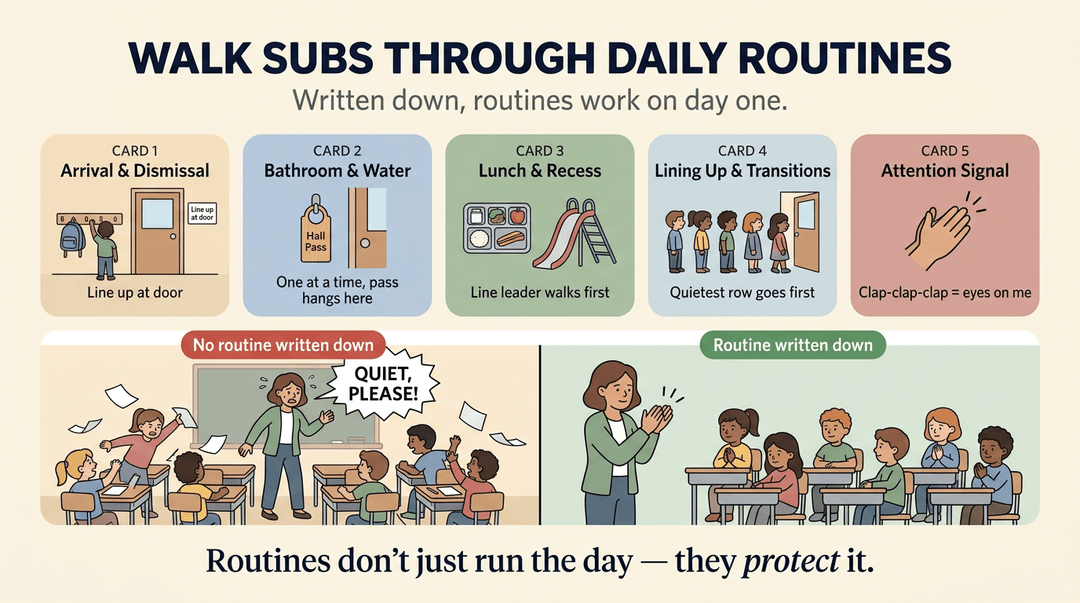
Routines are where a day either flows or falls apart. Describe your:
- arrival and dismissal routine
- bathroom and water routine (who goes, how many at once, where the pass hangs)
- lunch and recess routine
- lining up and transitions
- attention-getting signal you use
Consider a third-grade teacher who uses a three-clap pattern. Written down, that pattern works on day one instead of shouting over the room. Routines don't just run the day, they protect it.
Simple tools for managing behavior
Include your:
- punch cards
- word-of-the-day reward
- classroom rules overview
- positive behavior list that names what good looks like
These tools reward the right behavior rather than chasing the wrong one, so a sub can use them without inventing a system from scratch.
Leave notes for your sub
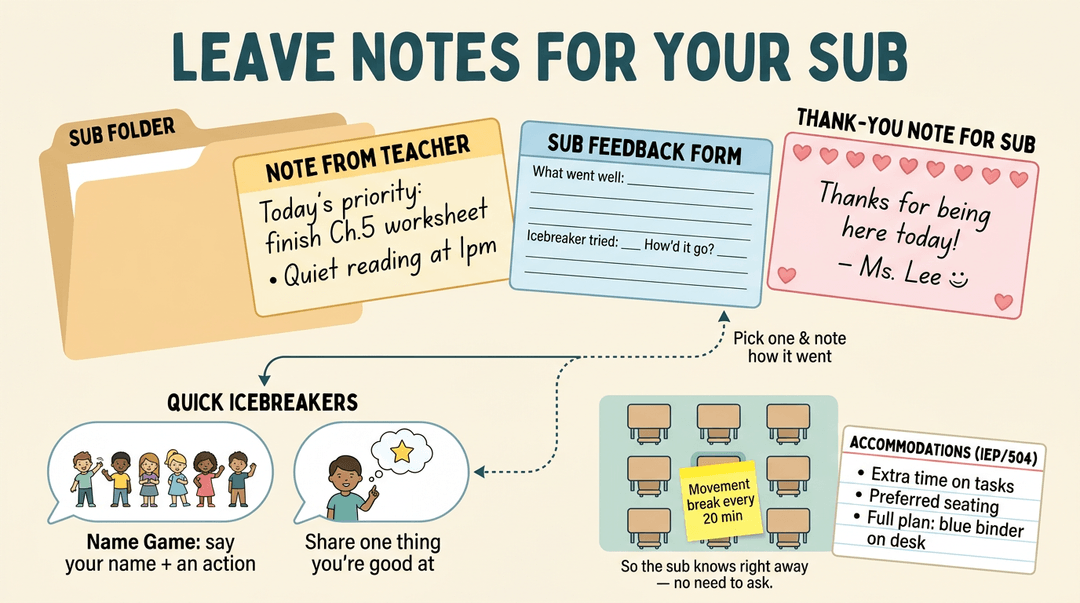
Add a personal note from teacher so your sub knows what matters most today. Add a sub feedback/notes form for them to report what went well, and a thank-you note for sub you'll enjoy reading when you return.
Subs often meet a room of students who don't know them yet, so a quick icebreaker helps. Try a name game where each student says their name with a small action, or ask everyone to share one thing they're good at.
Suggest the sub pick one and note how it went on the feedback form.
If students have an Individualized Education Program (IEP) or a 504 plan (a written accommodation plan for students with disabilities), list each accommodation clearly, such as extra time on tasks or preferred seating, and say where the full plan lives.
For example, a special education teacher marks a student's movement breaks on the seating chart with a sticky note, so the sub knows right away and the student never has to ask.
Build Your Sub Plan in 15 Minutes
This is a fill-in-and-go guide for when you need a sub plan fast. Gather three things, sketch the day for your grade level, then run the final check before you leave.
Gather first
Pull these together before you write a word, so you're copying instead of hunting.
- Class schedule. Copy bell times, room changes, and pull-outs onto one page.
- Jot it as: "8:30 Bell ringer / 9:00 Lesson / 10:15 Specials."
- Tech logins. Note exactly what the sub needs to sign in to the projector or laptop.
- Try: "Projector: use the classroom account. Login is on the card by the desk."
- Allergies and accommodations. List them by student, with what the sub should do.
- Try: "Student A: peanut allergy. Student B: extra time on written work."
Sketch the day by grade level
Pick the shape that fits your students, then swap in your own materials. Keep the work something students already know how to do, so the sub isn't teaching new content.
| Grade band | The day's shape | What the sub runs |
|---|---|---|
| Elementary | Centers + read-aloud | Rotate groups, then read together |
| Middle | Bell ringer + worksheet | Start with the prompt, hand out the sheet |
| High school | Warm-up + independent work | Post the warm-up, monitor quiet work |
Example: A middle school teacher writes the day as "Bell ringer on the board, worksheet on the front table, collect at the bell." The sub never has to guess what happens next.
Run the final check
Before you leave the plan on your desk, confirm each of these:
- Emergency contacts listed. Office, a neighbor teacher, and an administrator are easy to find.
- Seating chart attached. Names match desks, so the sub can take attendance quickly.
- Behavior expectations stated. Two or three clear rules, plus where to leave notes about issues.
- Early finisher tasks included. Students who finish fast know what to do next.
- Try: "Finished? Read silently or start the extension question on the back."
- Thank-you note added. A short line on top makes the sub feel welcome.
⚠️ Watch out: Don't bury the contacts and allergy notes on page three. Put anything urgent on the first page, where a sub looks first.
Save your sub plan once in EMStudio and pull it up for any class, any time you're out.
What Does a Sub Lesson Plan Look Like?
Picture a substitute walking in at 7:45 with no idea where anything is. A good sub plan answers those questions before they're asked, and it's easier to build than you might think.
Academic lessons by grade level
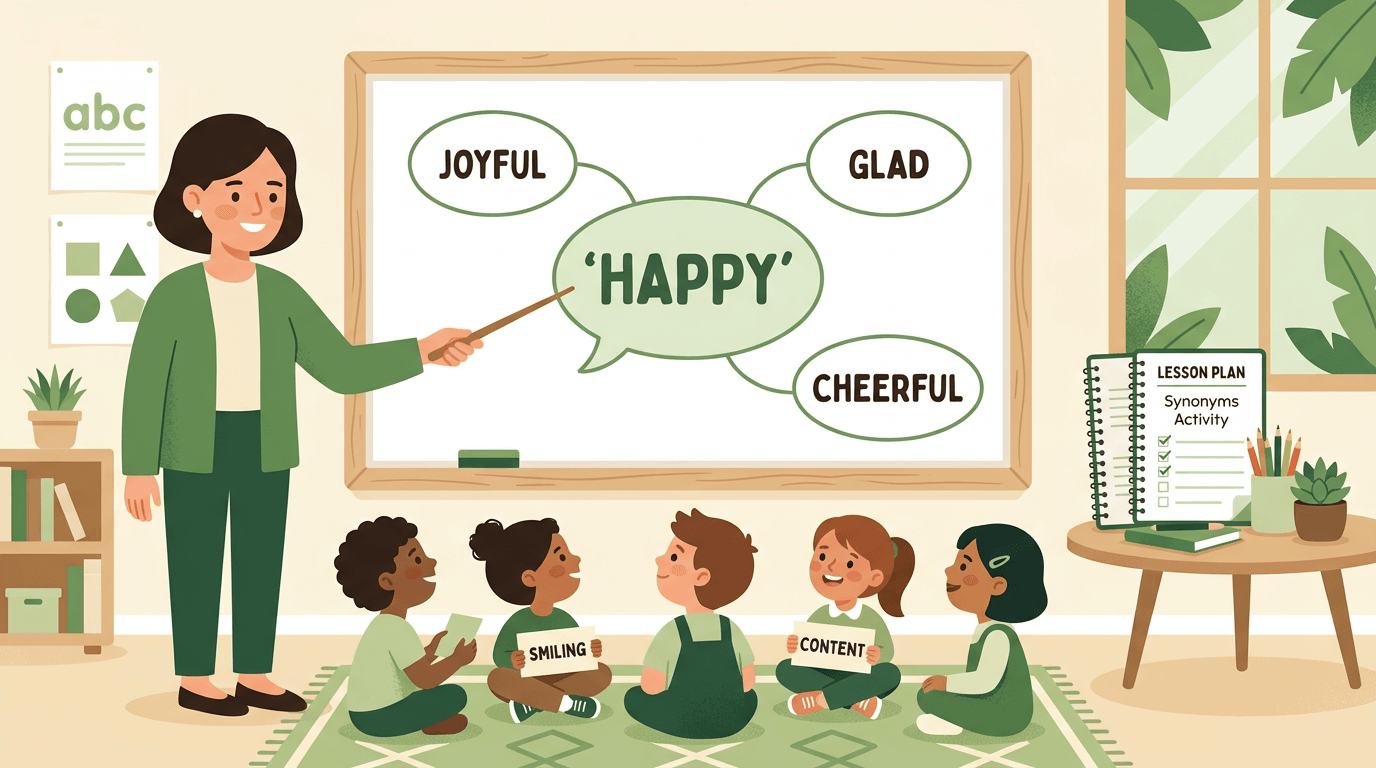
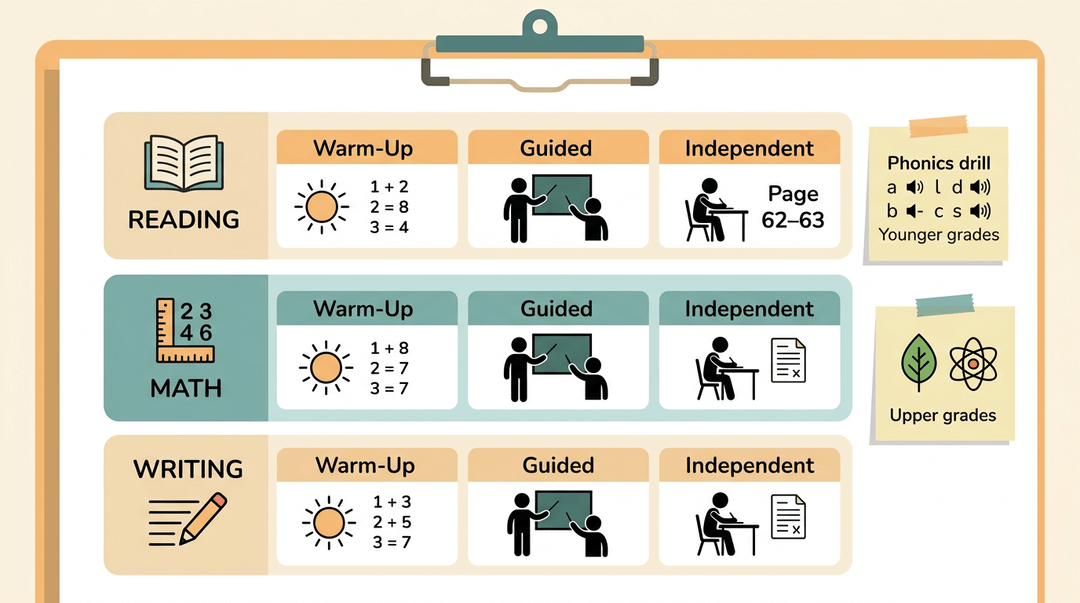
Spell out the core day: daily reading, math, and writing blocks with page numbers, worksheets, and answer keys in one place. For younger grades, add a phonics or grammar focus, such as a short sound drill or a sentence-editing task.
Upper elementary and middle school plans can draw a science or social studies theme from your current unit.
Use the same rhythm for every lesson: a warm-up to get brains going, guided practice the sub can model, then independent work students can do without help. For example, a fifth-grade teacher might write: "Warm-up: three problems on the board.
Guided: number four together. Independent: pages 62 to 63."
No-prep activities subs can use
Keep a few activities that need only supplies already in the room:
- An ABC object match, where students pair classroom objects with letters
- Shape hopscotch for quick math review
- A seasons or science activity
- A writing prompt on the board
- Art made with classroom objects
- A geography or food activity
File these in a folder labeled "Emergency Sub Plans" so they're ready when you wake up sick at 6 a.m.
Should subs teach new material or review
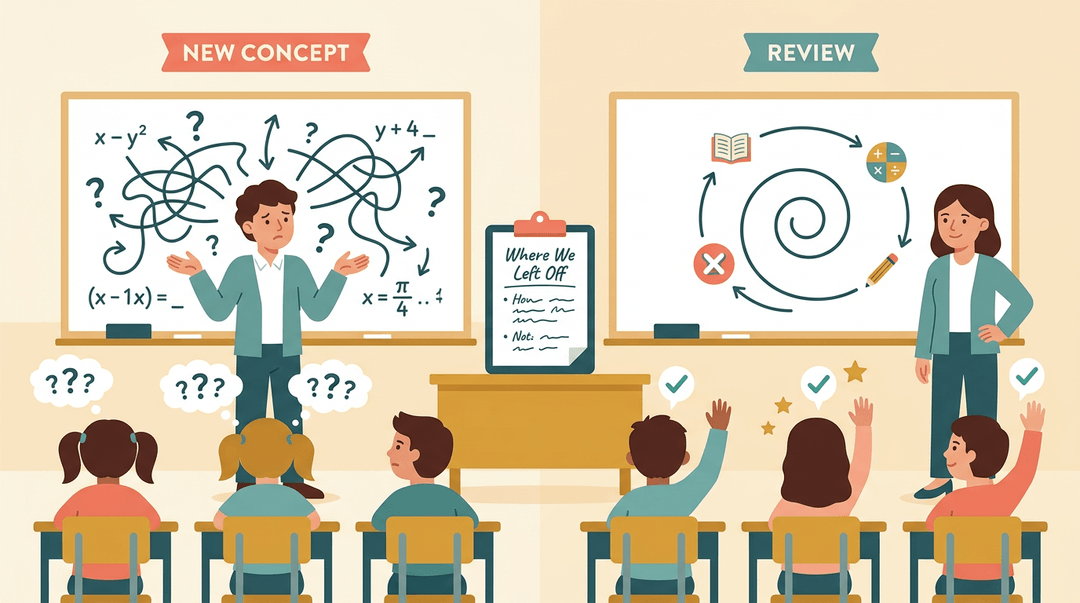
Subs usually do best with review rather than new teaching. Spiral review, which revisits recent skills in short bursts, and close-reading sets built around one theme keep learning moving without asking the sub to teach a concept cold.
Lessons aligned to your curriculum pacing work too, but only with clear notes on where the class is.
Extra activities for early finishers
Some students always finish first, so plan for them. Offer early finisher options like puzzles, a reading choice, or a challenge card.
Add overplanning buffer tasks so the sub is never out of work to assign, and keep extra worksheets and games in a labeled bin. Think of a third-grade teacher with a "Finished?" bin by the door.
When a fast reader wraps up early, she grabs a puzzle and stays quiet. Nobody wanders, and the sub keeps the room calm.
Where to Buy Ready-made Sub Plans
Sick at 6 a.m. with a plan needed by noon? Ready-made products can take the scramble out of an absence, and here's how to sort through your options.
Editable templates and binders you can customize
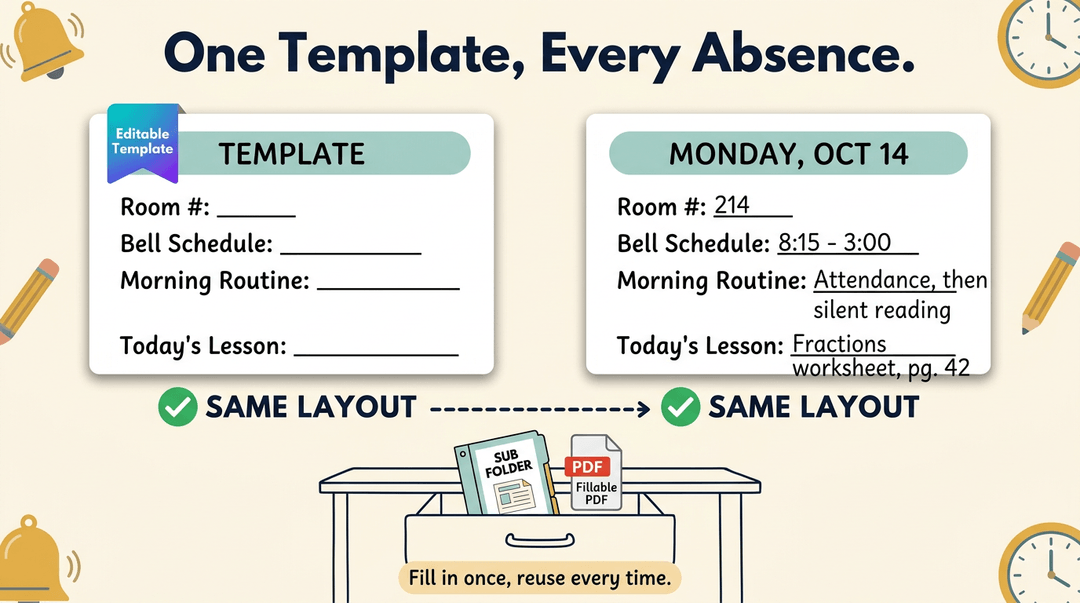
Start with editable templates. Canva and Google Doc templates let you swap in your own room numbers, bell schedule, and routines, so the structure is done and you just fill in the lessons.
Fillable PDF binders work well for a physical sub folder, and many include customizable covers and schedules you can print and keep in a drawer. Consider a third-grade teacher who fills in one template for every absence.
The layout stays the same, and only the content changes.
Bundles organized by grade or theme
Bundles come in a few flavors. Grade-level sets, such as K-2 bundles, cover routines and activities that fit younger learners. Themed lesson sets built around letters or seasons give a substitute an easy, familiar hook.
Some sellers also group plans by the beginning, middle, or end of the year, because a November lesson rarely fits a May classroom. One-day plans are quick to drop in when you're out tomorrow.
Multi-day plans need more care: they need a clear sequence so the sub knows what comes next on Wednesday.
Plans for long-term or maternity leave
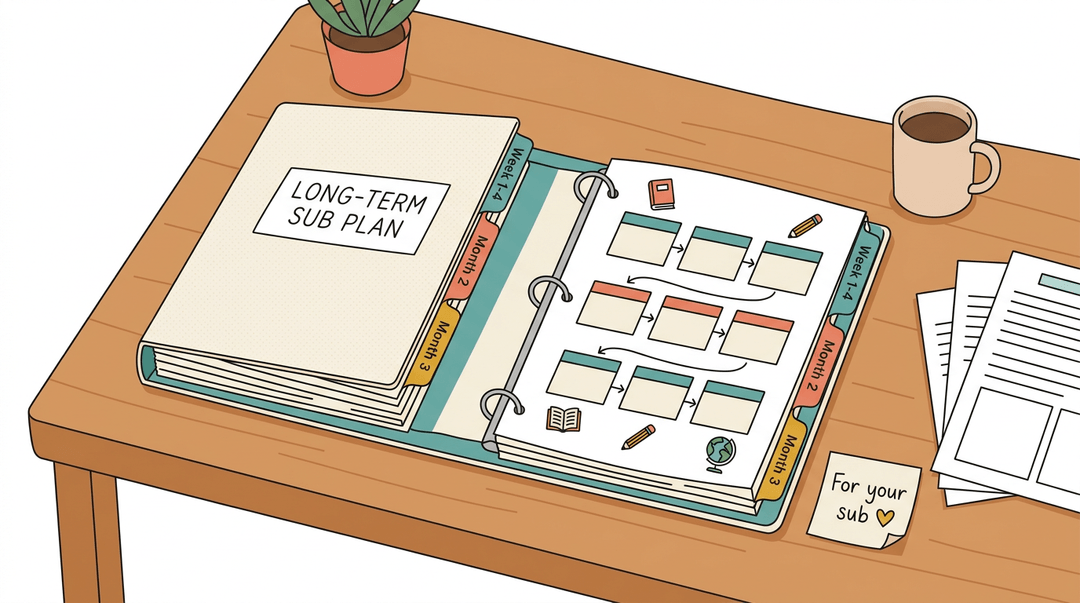
Longer absences call for a different approach. A maternity leave binder or a long-term sub planner helps a colleague keep the class moving week after week.
The most useful piece is often a set of pacing guides, which map what to teach and when, so the class stays on track with the year's goals. Because these plans run longer, check that each week connects to the next rather than standing alone.
Can ChatGPT Create Your Sub Plans?
Yes, many teachers ask whether ChatGPT can create lesson plans, and it can draft one quickly. AI tools and sub plan generator apps promise plans in minutes, which is appealing on a rushed morning. A draft is only a starting point, though.
You'll still need to confirm the content fits your curriculum, your students' level, and your school's routines. Treat the output as a first draft you refine, not a finished product you hand over.
Pricing and reviews to consider
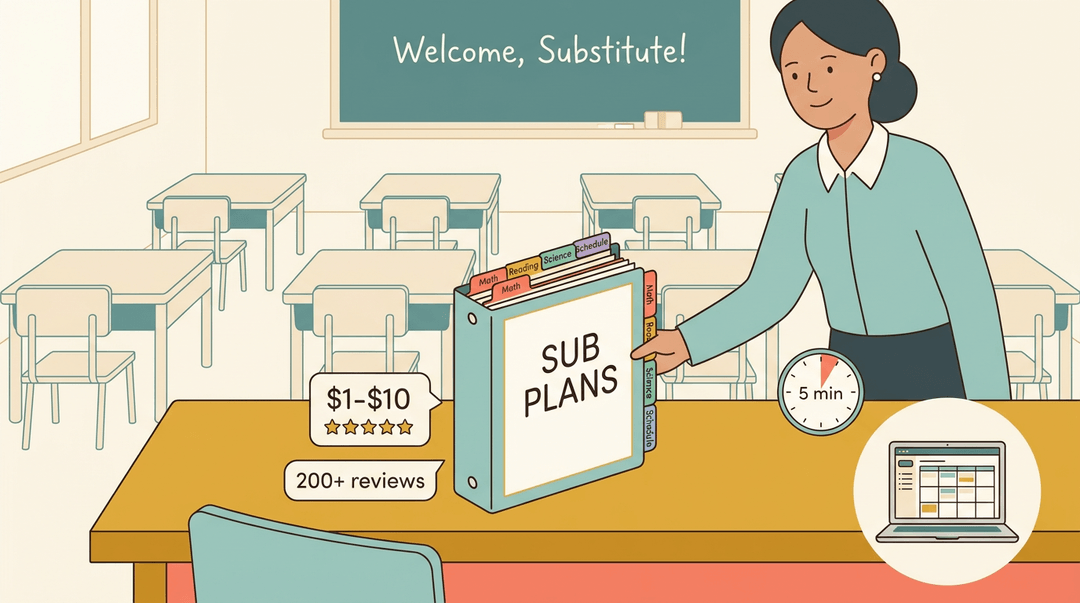
Ready-made products often fall in a price range of about $1 to $10, so you can test one before committing. Look at star ratings alongside the number of reviews: a 5-star product with two reviews tells you less than a 4-star product with hundreds.
Customer testimonials can show how a plan worked in a real classroom. Look less at price and more at how the plan performs when a substitute actually uses it. Choose carefully, and your next absence will go much smoother.
Your sub plan doesn't need to be perfect. It needs to be clear, easy to find, and ready to go before you need it. With a solid binder and a plan you can build in minutes, you can step away from school knowing your students and your substitute are covered.
Ready to make your lesson planning easier all year long? Check out our Lesson Planner, an all-in-one online teacher planner that helps you write, organize, and reuse lesson plans across multiple classes from one place.
Frequently asked questions
What are some fun icebreakers for substitute teachers?
Fun icebreakers include a name game in which each student says their name with a small action, and a quick share such as one thing each student is good at. These activities help the substitute learn names and create a comfortable classroom atmosphere. Keep the activity brief and easy to run with the whole class.
What does a sub lesson plan look like?
A substitute lesson plan is a clear, organized schedule for the day. It typically includes the bell schedule, subject blocks, learning objectives, page numbers or worksheets, answer keys, materials, and step-by-step directions. Strong plans use a warm-up, guided practice, and independent work, along with behavior expectations, early-finisher tasks, emergency information, and relevant accommodations.
Can ChatGPT create lesson plans?
Yes. ChatGPT can quickly draft lesson plans, including objectives, activities, directions, and assessments. The teacher should review and adapt the draft to match the curriculum, students’ grade level, learning needs, available materials, and school routines before giving it to a substitute.