Learning Commons Explained: What It Is and How It Works

Jump to section
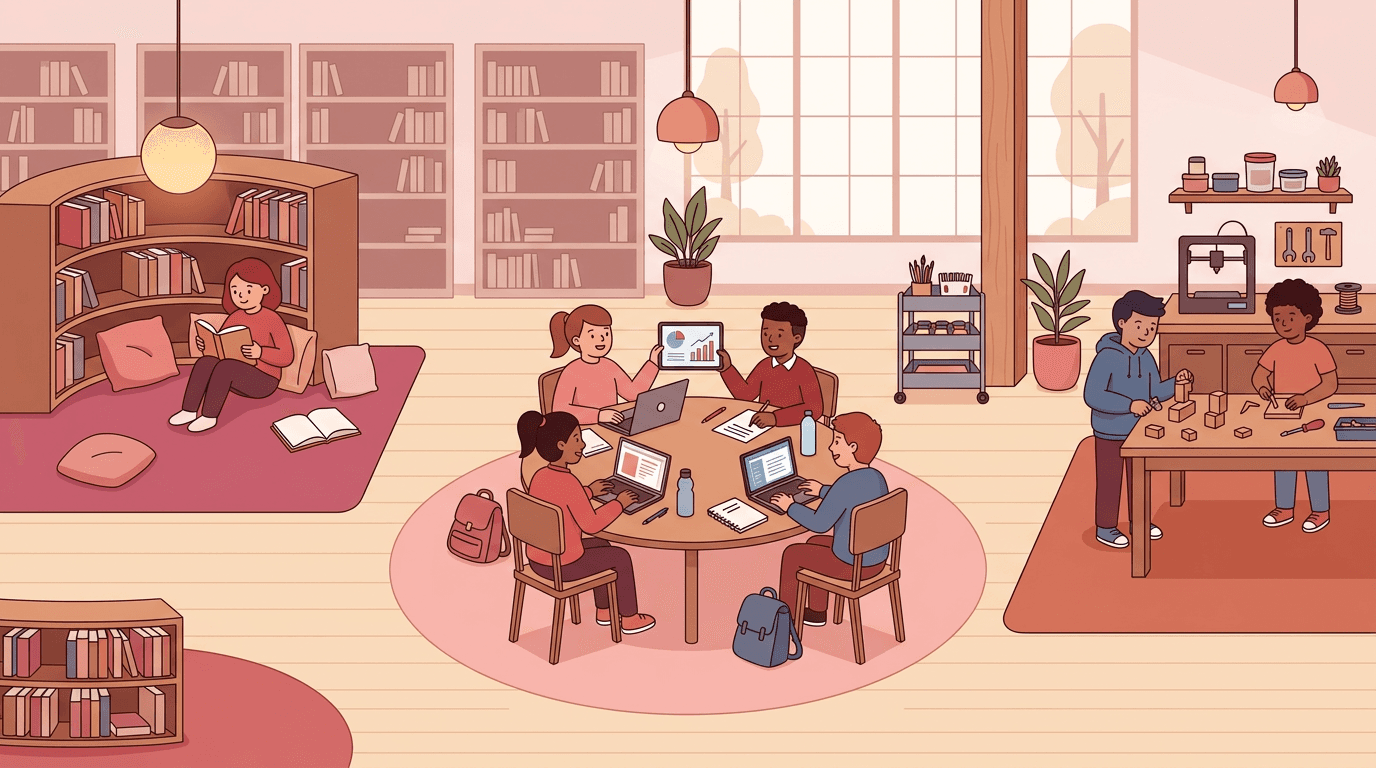
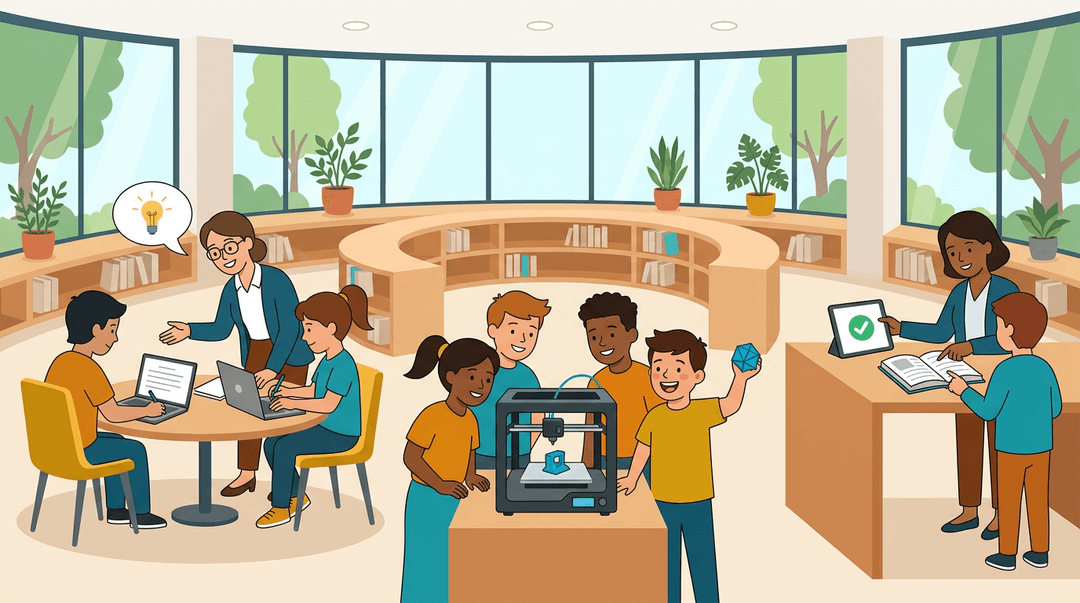
Picture a school library that's grown up. Instead of rows of shelves and a quiet hush, there's a busy hub where students get help with essays, tinker with a 3D printer, and ask a librarian where to find a trusted source.
That's the heart of a learning commons: a shared space that brings academic support, research help, technology, and creative tools together under one roof.
Think of it like a community kitchen. Everyone comes to cook, but the real magic comes from having the right tools and people in one place.
In this post, we'll cover what a learning commons is, the services it offers from elementary school to college, and practical ways to fit it into your lessons.
What a Learning Commons Is
Ever wondered where students should go when they're stuck? A learning commons is a shared space built for that moment.
It's not the same as a student commons, which is usually a social gathering spot, because the learning commons is organized around academic work. Here's how it fits together.
A free hub for student success
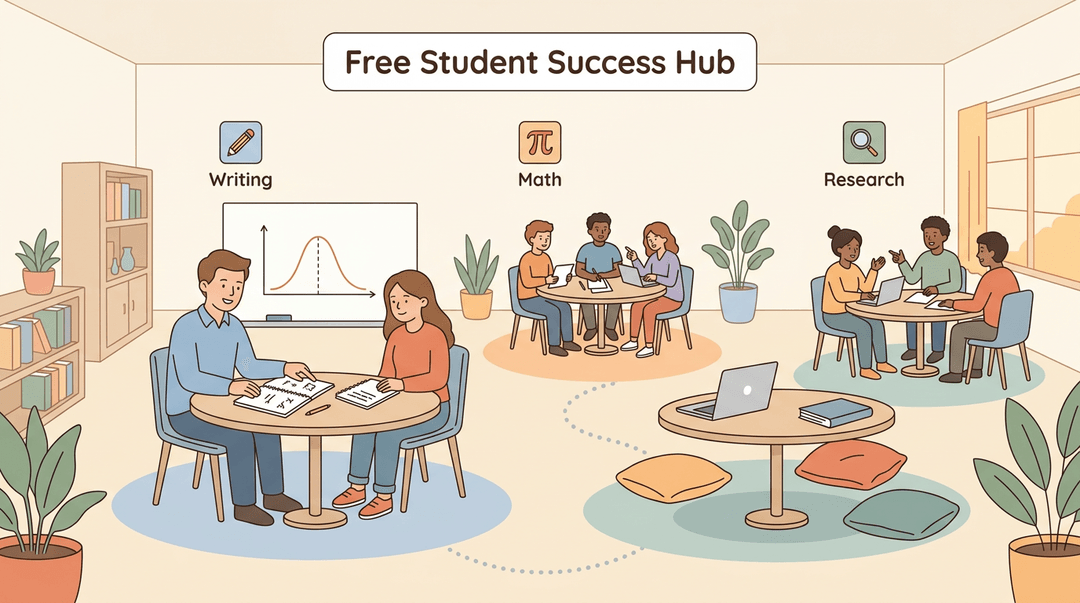
A learning commons is a free academic support hub, a one-stop student success center where learners get help with writing, math, and research in one place. Its individualized approach means support fits the student, not the other way around.
Think of a college sophomore stuck on a statistics problem. She can get help from a tutor, then practice at a nearby table without hunting across campus.
The commons complements the classroom experience rather than replacing it, and it fosters collaboration as students learn from one another.
Is the learning commons part of the library?
So, is a learning commons a library? Not exactly. It's often housed in one, but it's about support more than shelves.
On many campuses, the learning commons sits inside the library building as a dedicated study and collaboration space, open during library hours. On others, it's a campus hub on the lower level.
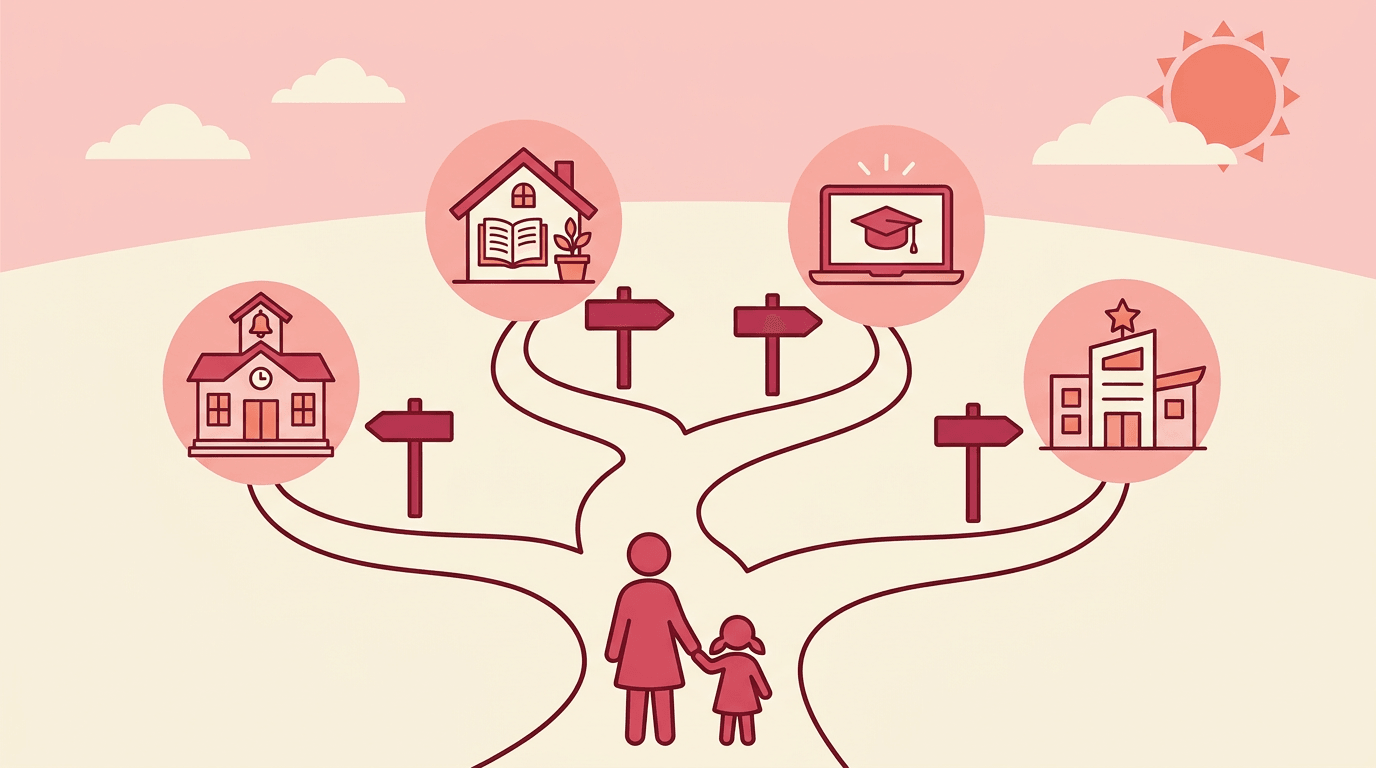
The model also reaches beyond college. The K-12 learning commons brings the same idea into schools, often in the media center.
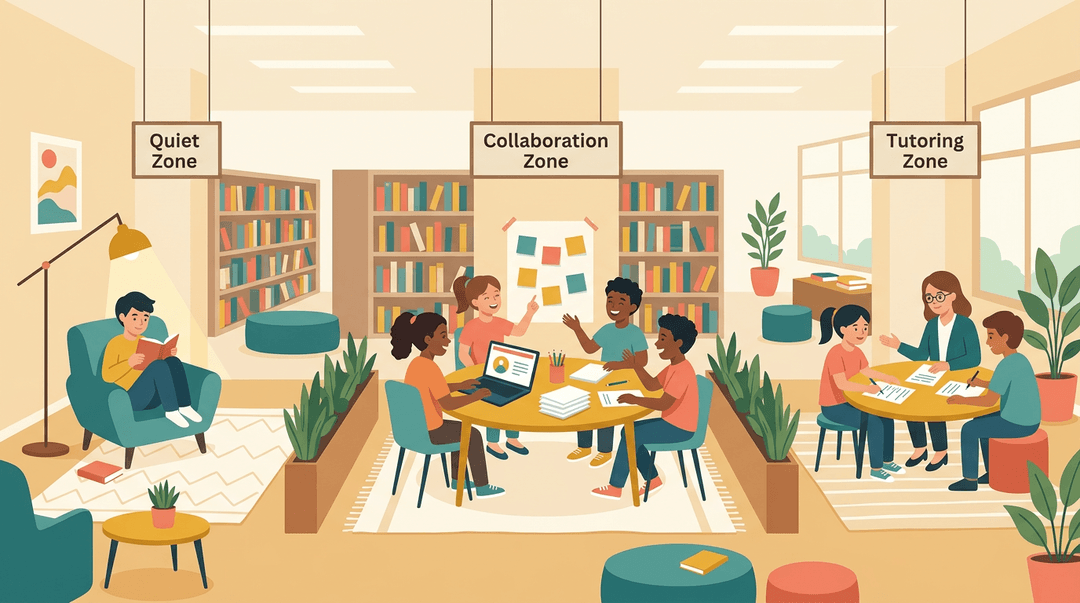
Flexible zoned space design helps here: quiet reading corners, group tables, and tutoring areas let one room serve many needs at once. A middle school teacher can send a small group to a collaboration zone for a project while others read quietly nearby.
Core Academic Support Services Offered
Most of what happens in a learning commons is hands-on academic help, and it's the part students notice first. Here's what that support typically looks like, service by service.
Getting one-on-one tutoring help
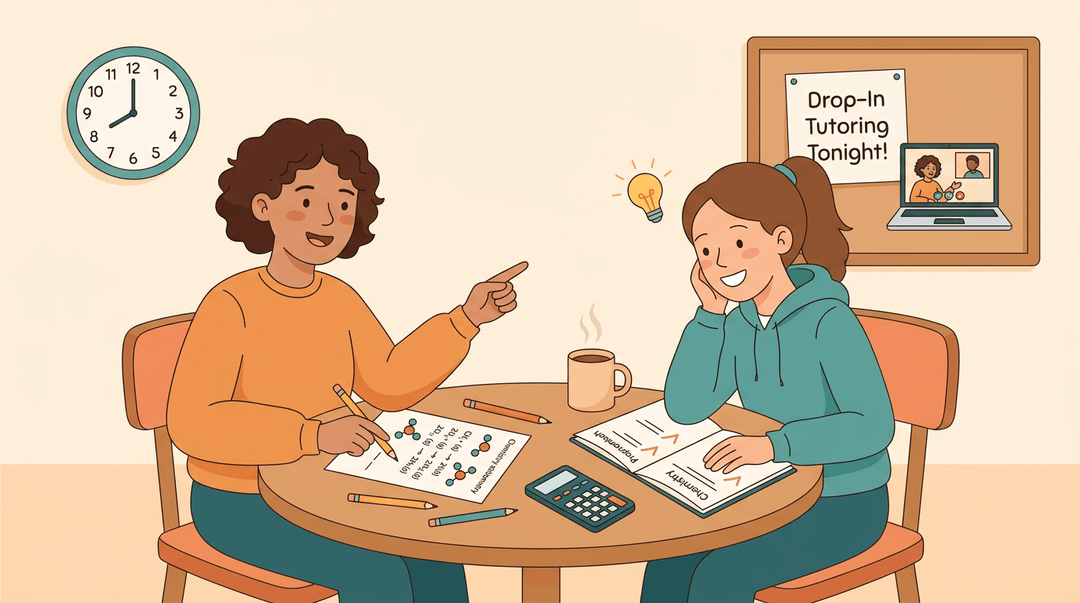
Tutoring is at the heart of most commons. Students can work with a peer tutor, a fellow student who knows the material and can explain it in plain language. Help comes in a few formats:
- Drop-in sessions let students walk in when they're stuck.
- Appointments reserve a set time for ongoing help.
- Course-specific tutoring focuses on the class a student is actually taking, not general study tips.
Sessions run online or in person, so a student who can't make it to the building can still get support.
Consider a sophomore stuck on stoichiometry the night before a chemistry quiz. She drops in, works through two practice problems with a tutor, and leaves knowing exactly which step tripped her up. That's the payoff: less panic and more clarity.
Writing help for every subject
Writing support isn't limited to English class. Students in biology, history, or business can bring a draft to the commons. Options include:
- One-on-one writing consultations where a consultant reviews the draft alongside the student.
- Drop-in or scheduled appointments, depending on how much time a student has.
- Writing workshops that build skills students can use beyond a single assignment.
Support covers both undergraduate and graduate students. A master's student revising a thesis chapter and a first-year student tackling a first lab report can both find help under the same roof.
Math and science help centers
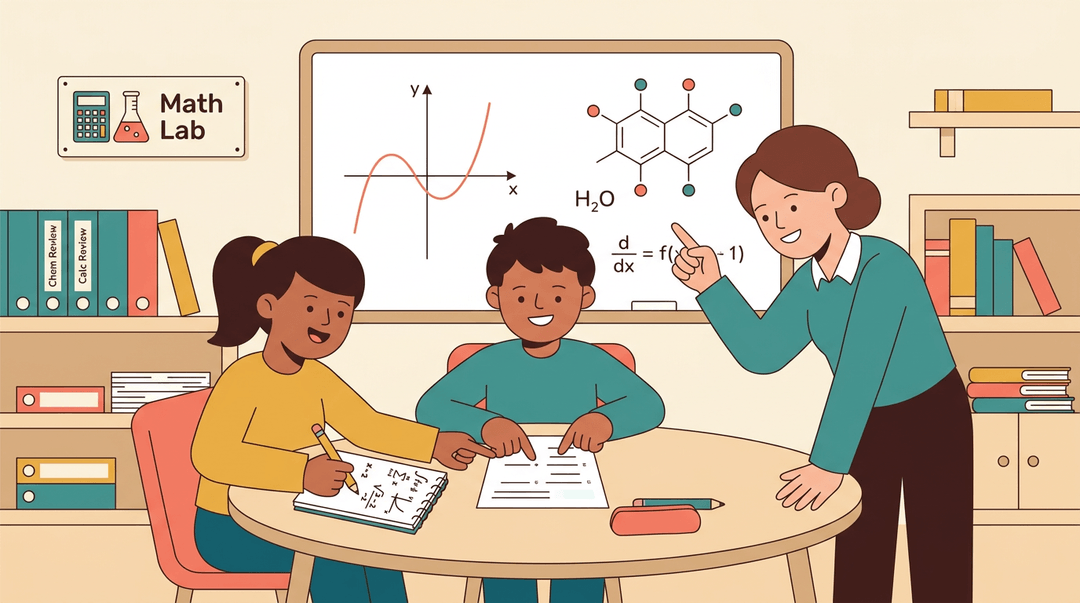
The math resource center, often called a math lab, gives students a place to practice problems with help close by. Group study tables let classmates work through homework together, which often makes hard material easier to talk through.
Focused support for chemistry and calculus addresses two subjects where students often need extra time. Supplemental review courses add structured review on top of what's taught in class.
Extra review sessions for tough courses
Some courses are historically difficult, and the commons targets them directly. A credit-bearing review course counts toward a student's academic record, so the work pays off on paper as well as in understanding.
Small group sessions keep the pace personal and give students room to ask the questions they might hesitate to raise in a large lecture.
The goal isn't just getting through a hard course. It's preparing for the next one.
Building study and success skills
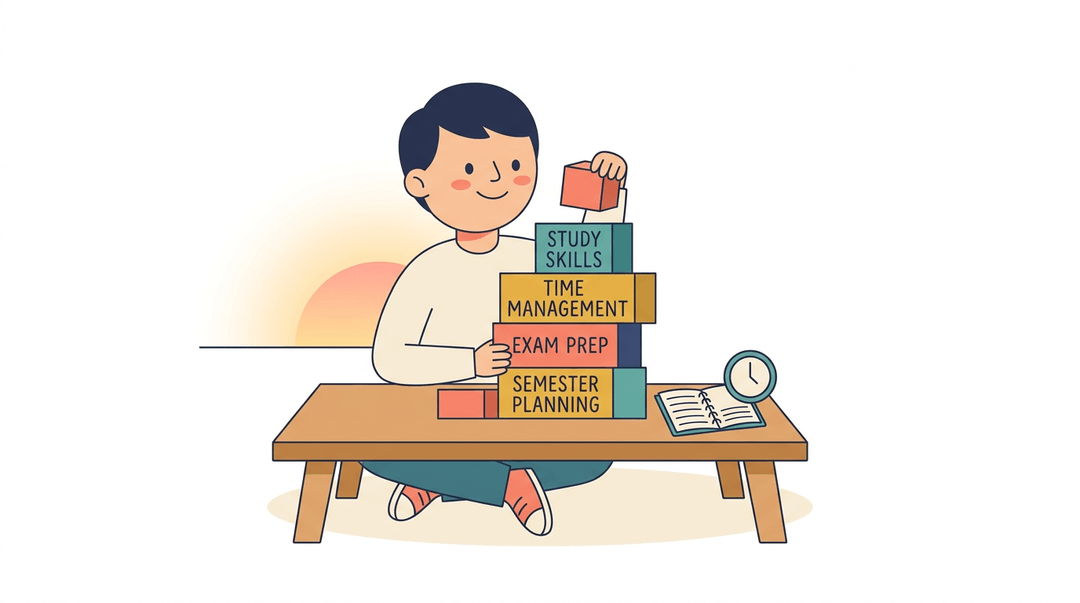
Content knowledge matters, but so does how students learn it. Commons programs address that through:
- study skills workshops
- time management strategies
- exam prep coaching
- college success strategies that help students plan their semester.
Good habits compound, and these sessions help students build them early.
Support for specific student needs
Some students need help shaped around their particular situation:
- English as a Second Language (ESL) resources support students still building English skills.
- Conversation partners give language learners low-pressure practice speaking.
- Nursing-specific tutoring targets the material on nursing exams and clinical coursework.
- Graduate student resources address the demands of advanced study and research.
A nursing student preparing for pharmacology exams, for example, can book tutoring built around the content she'll actually be tested on.
Fitting the Learning Commons into Your Lessons
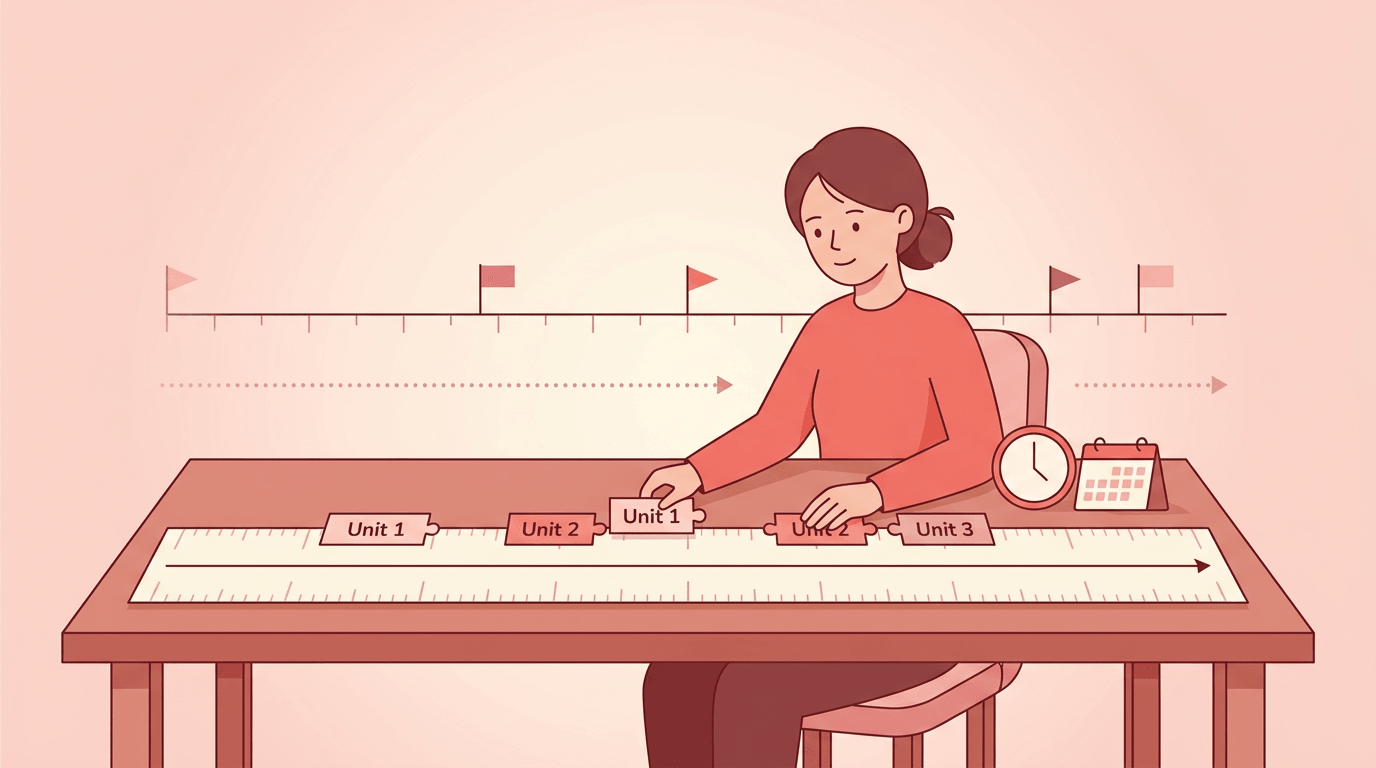
Use this guide when you want commons visits to feel like part of the unit, not a one-off trip. Plan them where you plan everything else: your pacing guide.
Put visits in your pacing guide
Three moves. Do these when you map a unit, not the week before.
- Block commons visits in the unit plan
- Mark them like any other lesson: Week 2, Days 2-3: commons research.
- Place them after you've taught the skill, so students practice it there.
- Align each research day to a standard
- Paste the standard's wording at the top of that day's plan.
- Write one observable task: "Find two sources that support your claim."
- Map maker projects to the pacing guide
- Give build time its own rows, plus a row for sharing the finished work.
- Keep design, build, and reflect as separate days so nothing gets squeezed.
What each grade band can do there
Start with what's realistic for your students, then adjust to your commons' space and staff.
| Grade band | Strong commons activity | Pairs well with |
|---|---|---|
| Elementary | Literacy and listening centers | Read-alouds, fluency practice |
| Middle | Research skills stations | Source evaluation, note-taking |
| High school | Writing conferences, STEM labs | Drafting, revision, inquiry projects |
Before and after each visit
Planning checklist. Confirm each item before you book, then again before you go.
- Hours and booking confirmed: the space is reserved for your full class period.
- Activity matched to a standard: you can name what students will show you.
- Collaboration roles assigned: each student knows their job before they walk in.
- Debrief and assessment planned: you know how you'll check outcomes afterward.
For roles, try: "Today you're the recorder, the source checker, or the presenter."
Example: A middle school science teacher blocks two commons days in a unit on ecosystems. Day one is a research station rotation with a source-checking task tied to the unit's standard. Students leave with a role-based notes sheet. Back in class, a ten-minute debrief asks, "Which source would you trust, and why?" Their answers double as the assessment.
⚠️ Watch out: A visit with no follow-up becomes a field trip. Schedule the debrief when you schedule the visit.
Map commons visits right into your year-long plan with EMStudio's Curriculum Planner.
Who Staffs the Learning Commons
A learning commons runs on people: classmates, professionals, and friendly faces you'll come to know. Here's who you'll meet and how to join the team.
Student peer tutors and staff
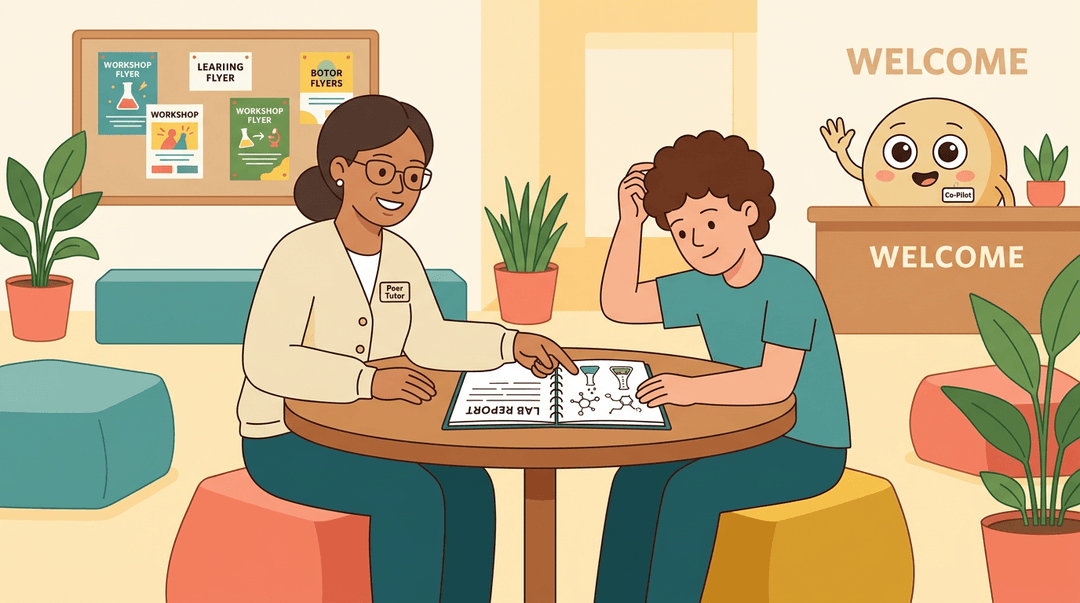
Many commons rely on student peer tutors, who work one-on-one or in small groups with classmates. Consider a junior who aced organic chemistry last year.
She helps a first-year through a tough lab report, and both benefit: he gets unstuck, and she sharpens her own understanding by explaining it.
Peer educators take that student-to-student approach further by leading workshops and commons activities. You may also meet named, mascot-style staff called Co-Pilots, who add a friendly face to the space.
Professional coordinators and directors
Coordinators and directors set the commons' direction and keep its services running. Alongside them, professional academic support staff bring specialized training. Students offer a peer's recent experience; professionals offer deeper expertise.
For example, a coordinator who notices the same writing questions coming up again can add a workshop to meet that need.
How to apply for a job there
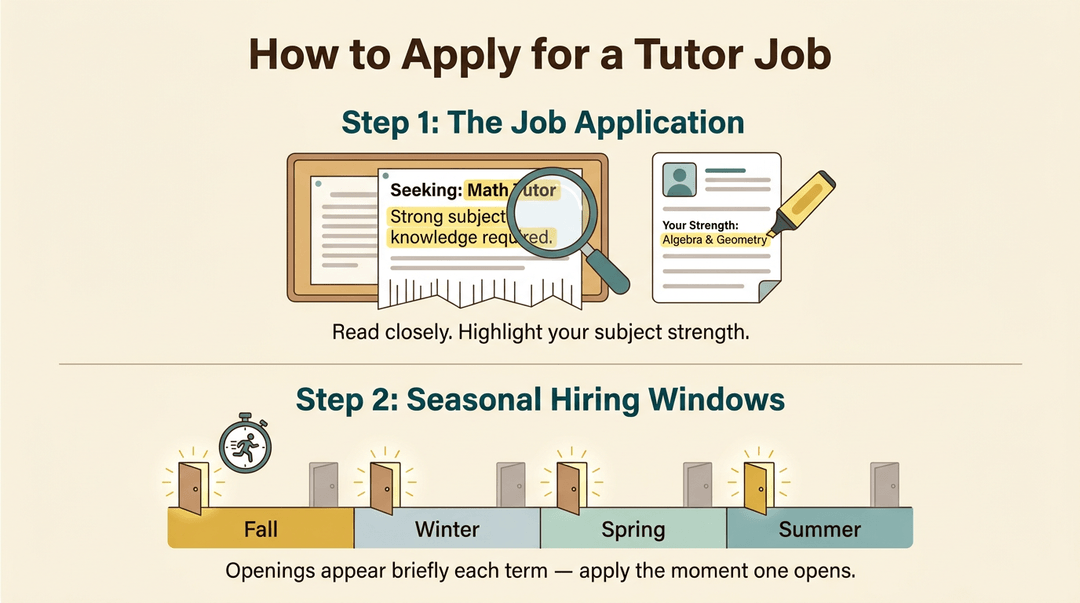
Tutor positions start with a job application. Read the posting closely, since it spells out what the commons is looking for, and highlight your strength in the subject you'd tutor.
Hiring follows a seasonal hiring cycle, so openings appear in set windows rather than all year. Watch for postings at the start of each term, and apply as soon as one opens.
Hours, Booking, and Cost
Knowing when the commons is open, how to reserve time, and what it costs makes it much easier to plan a visit. Here's the practical side.
Booking an appointment online
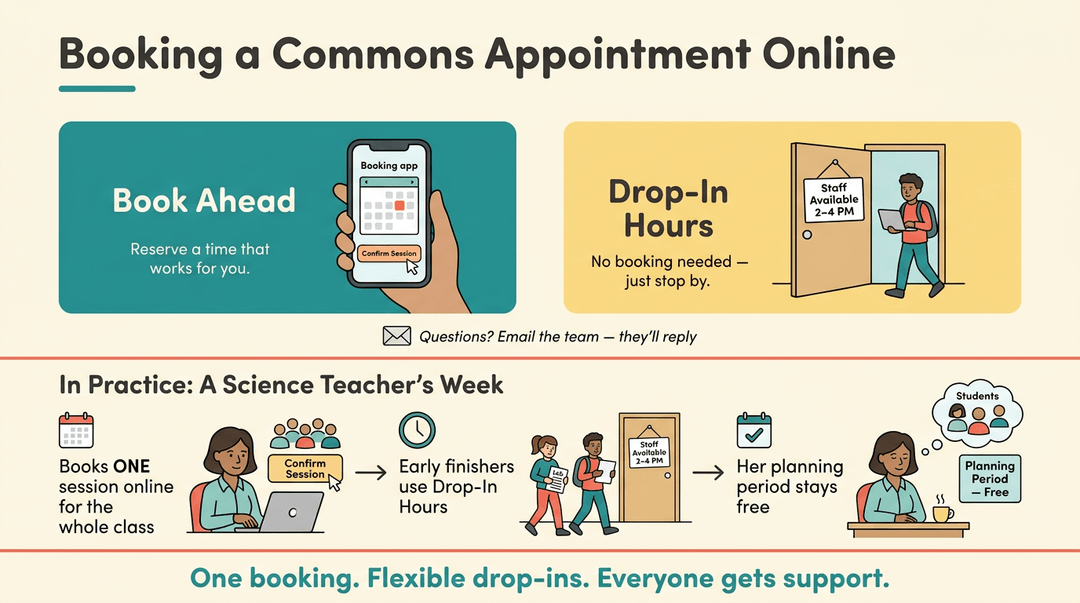
Most commons use an online booking platform, so you can reserve a consultation or work session from your phone or laptop. Look for the booking link on your library or commons page.
Drop-in hours are listed there too, so if you can't book ahead, you can still stop by when staff are available. Have a question about a booking? Email the team and they'll reply.
Consider a middle school science teacher who wants her students to get feedback on lab reports. She books one session for the whole class, then points students who finish early to the drop-in hours for a quick second look.
Her planning period stays free, and students still get real support.
When the commons is open
Weekday operating hours are posted on the commons website. Because the commons usually shares its schedule with the library, a change to the library calendar often changes the commons too.
Check before you plan a visit, especially around holidays and exam weeks.
Each location sets its own food and drink policy, so you may not be able to eat in every space. Check the posted signs or ask the front desk before you bring snacks.
Why these services cost nothing
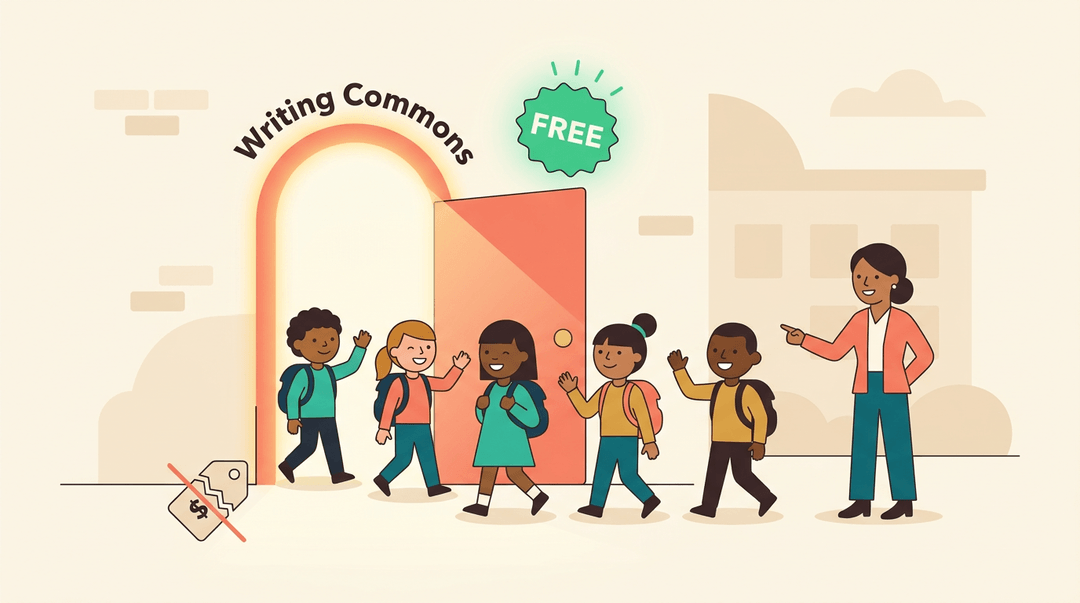
Core services are no-cost for students. They're free to all enrolled students, so getting help isn't a fee you have to weigh. The goal is access, not a paywall. For you, that means you can point students to the commons without worrying about cost.
How to get in touch
The front desk is the fastest route for most quick questions, and you can reach it by phone or email. Each campus lists its own contacts because staff and hours can differ from one location to another.
If your institution has multiple campus locations, confirm which one serves your students before you send a request. Double-check first. It saves a trip.
Research and Library Support
The learning commons handles research help, equipment, and printing under one roof. Here's how each service supports your lessons.
Getting help with research
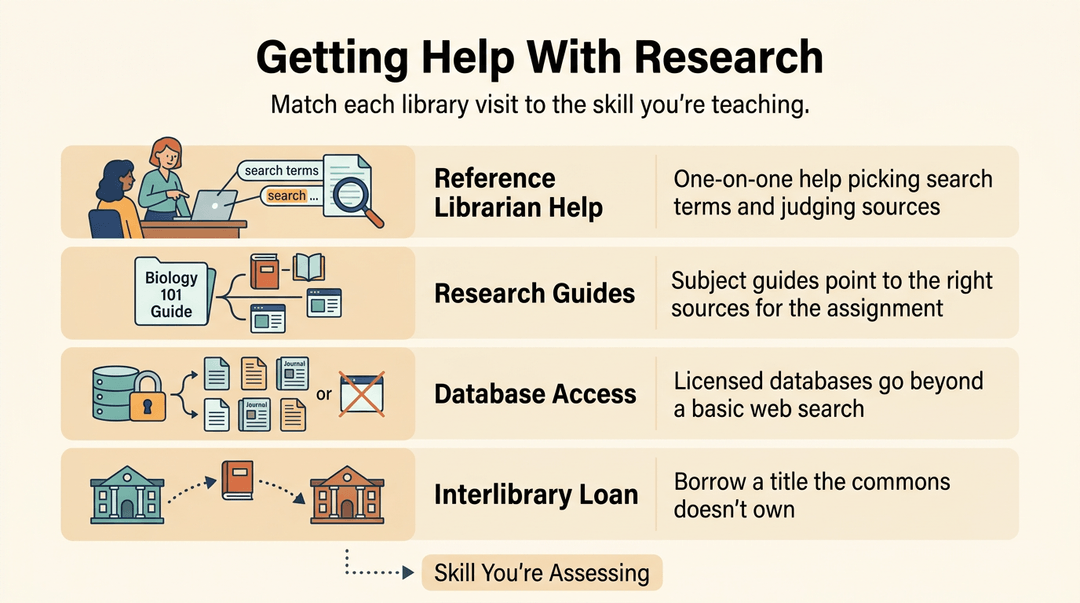
Research is a skill you're already teaching, and a librarian can help a whole class practice it. Map each research task to the skill it builds, like evaluating sources, so every visit supports what you're assessing.
- Reference librarian help: Students get one-on-one guidance on search terms and source evaluation.
- Research guides: Subject guides point students to the right sources for each assignment.
- Database access: Students reach licensed databases that go well beyond a basic web search.
- Interlibrary loan: When the commons doesn't own a title, a request can bring it from another library.
Borrowing laptops and textbooks
- Laptop checkout: Students borrow a device for a class period or a project.
- Course reserves and textbooks: Required reading waits at the desk for every student.
- Equipment reservation: Book cameras or tablets ahead so your lesson doesn't stall.
A science teacher reserves tablets for data week, and every group starts on time.
Printing documents on campus
Printing runs on a simple allowance, so students plan pages instead of printing everything and running out.
- Free print allowance: Each student gets a set number of pages at no cost.
- Pay-per-page after the limit: Pages beyond the allowance carry a small per-page charge.
- Account reload: Students add funds when the balance runs low, so a last-minute worksheet doesn't get stuck.

Getting Tech Support
When technology breaks, the lesson stops with it. The learning commons often keeps things moving, whether the help is down the hall or through a virtual or online learning commons.
Fixing device and network problems
Commons teams usually handle three kinds of everyday issues:
- Computer and device troubleshooting for laptops, tablets, and printers
- Network and virus support to keep connections reliable and malware out
- Student email and Moodle help when logins fail or assignments won't upload
Consider a fifth-grade teacher whose class is ten minutes into a research task when half the laptops can't reach the wifi. One call to the commons team gets things running again, and the lesson carries on instead of being rescheduled.
Virtual and online learning commons offer much of this help remotely.

Learning software like Microsoft Office
Software can be the sticking point even when the hardware works. Commons staff typically offer two options:
- Microsoft Office consultations: one-on-one sessions where you bring a real task, like a gradebook or slide deck
- Tool-specific workshops: group sessions that teach one program at a time
A consultation fixes your problem today, while a workshop builds skills for the next problem. Think of a new teacher who needs an attendance spreadsheet.
One consultation gets it built in twenty minutes, and a later formulas workshop means she can build the next one herself.
Creative and Maker Spaces
Making is one of the fastest ways to get students thinking, and many learning commons stock the tools to do it. Here's what that support can look like.
3D printing and creative projects
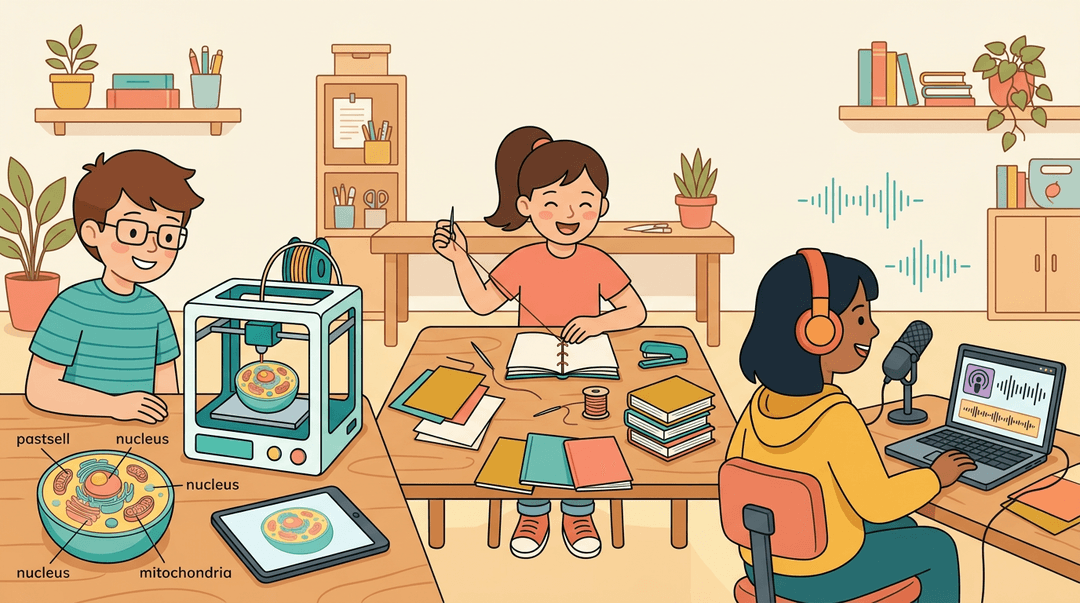
Many commons offer 3D printing, which lets students turn a design into a physical object. Think of a middle school science class designing a model of a cell they can actually hold.
The printer handles the slow work, so students can spend their time on the design and the reasoning behind it.
Commons also run bookmaking and other self-service projects, where students create their own books or finished products without a teacher supervising every step.
Digital audio and video design support helps students record a podcast or edit a short film, with staff available to show them the basics. Students get to create rather than just consume. Hands-on work sticks.
Help with data and visualization
Data skills matter in every subject, and the commons can help. Staff often provide data analysis training, showing students how to sort, compare, and question numbers.
Consider a high school biology teacher whose students collect water samples across a semester. With a little help, they can organize their results and spot patterns a plain table would hide.
Support also includes:
- data management help, such as organizing files, cleaning up spreadsheets, and keeping track of research sources.
- visualization tools so students can turn findings into charts or graphs that tell a story.
Clear visuals show what the numbers mean, and they give any project a strong finish.

Resources for Faculty and Staff
Your learning commons works best when you know it's there. Here's how to bring it into your classroom, send students its way, and book space for projects.
Requesting classroom workshops and referrals
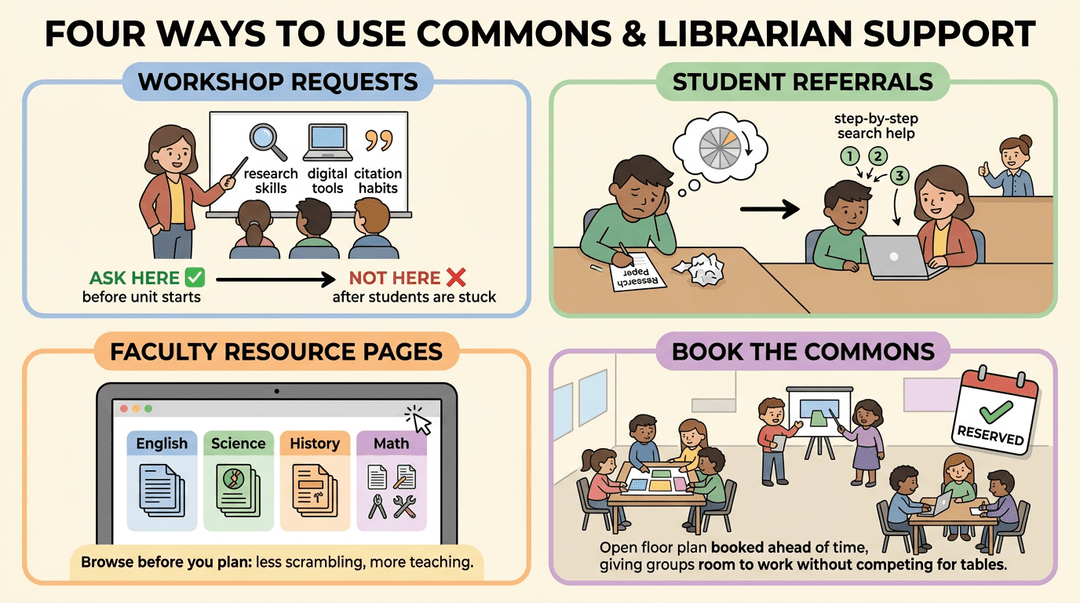
Need a session for your class? Workshop requests for classes let you bring a librarian or commons staff member in to teach research skills, digital tools, or citation habits, matched to what your students are already working on.
Ask before a unit starts, not after students are stuck.
Some students need more than a whole-class lesson. The student referral process connects a learner who's stalling with commons staff who can offer one-on-one help. Picture a ninth-grade English teacher whose student keeps stalling on a research paper.
One referral gets that student sitting with a librarian who walks through the search step by step, and the teacher can get back to the rest of the class.
Prefer to browse first? Faculty-facing resource pages gather guides and tools by subject, so you can see what's available before you plan. Less scrambling, more teaching.
Planning a project that needs more room? You can book the commons for class projects, so groups have space to build, present, or collaborate without fighting for tables.
Wellness and Holistic Support
Learning goes better when students feel supported as whole people. A learning commons can help with more than coursework.
Getting counseling support
A learning commons can connect students with counseling support in two main ways:
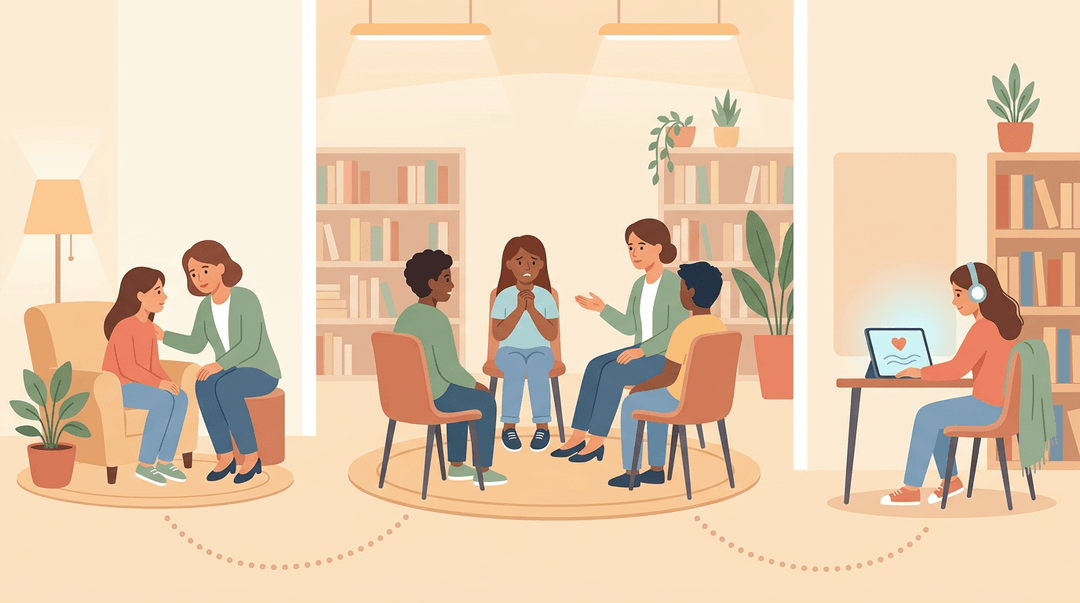
- Individual counseling. Students meet one-on-one with a counselor in a private space to talk through stress or friendship trouble.
- Group counseling. Small groups with a shared need, such as test anxiety, meet together with a counselor who keeps the conversation supportive.
Online mental health resources add another option. Think of a junior who feels overwhelmed before finals and won't raise her hand in front of peers. Private, self-paced resources give her a way to get help on her own terms.
They supplement in-person support rather than replace it.
Mindfulness and well-being programs
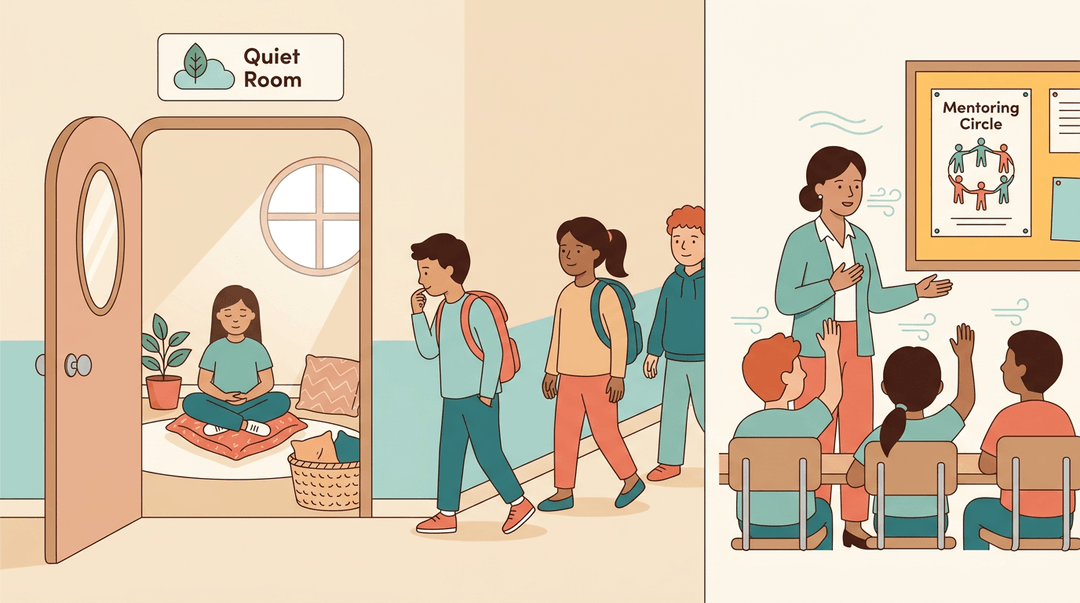
A meditation room gives students a quiet space to decompress between classes. It works best when it's easy to find and open for drop-in use, so students can step in without explaining why.
Guided wellness sessions bring students together for breathing, stretching, or short mindfulness practice. Consider a middle school teacher who leads a five-minute breathing exercise before a state test. Students walk in tense and leave a little steadier.
Belonging-focused programs, such as mentoring circles or peer clubs, help every student feel known. Connection is a quiet foundation for wellness, and it's easy to overlook.
A learning commons works best when it's woven into what happens in your classroom, not parked off to the side. When students have a place to get help, explore, and create, learning sticks in ways a single worksheet rarely can.
Start small: pick one commons activity that supports your current unit and see how your students respond.
Ready to line up your lessons with the commons? Check out our Curriculum Planner to plan units, lessons, and standards across the whole school year.
Frequently asked questions
What is a student commons?
A student commons is usually a social gathering space where students can relax, meet, and interact. Unlike a learning commons, it is not primarily organized around academic support, research, or tutoring.
What does learning commons mean?
A learning commons is a shared academic support hub that brings tutoring, writing and research help, technology, study space, and creative tools together. It may serve students in schools or colleges and is designed for collaboration and student success.
Can I eat in Learning Commons?
Eating in a learning commons depends on the location's food and drink policy. Check posted signs or ask the front desk before bringing or eating snacks.
Is Learning Commons a library?
A learning commons is not exactly the same as a library, although it is often located inside a library building or media center. It focuses on academic support, collaboration, technology, tutoring, and research help rather than primarily on book shelves and collections.