Asynchronous learning: formats, planning, and benefits

Jump to section
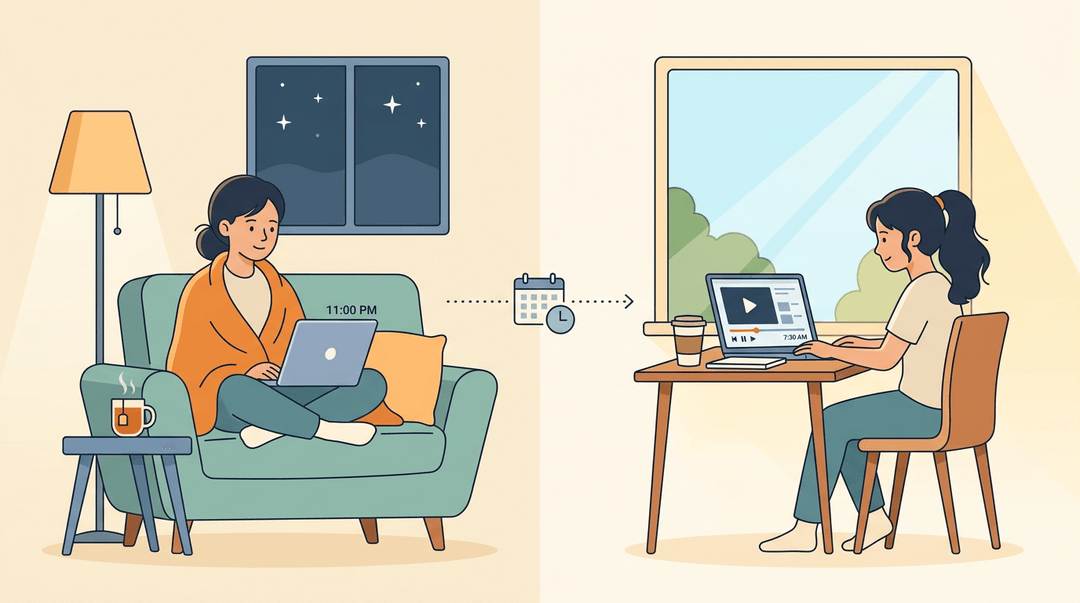
Think about a show you can pause, rewind, and watch at 11 p.m. from your couch. Asynchronous learning works the same way: students move through lessons on their own schedule, without everyone logging in at the same moment.
Put simply, it's learning that doesn't depend on a live teacher or a shared time slot, though it still needs a clear plan behind it. In this post, we'll explore how it works, the formats you can use, how to plan an async unit, and where it falls short.
Asynchronous vs Synchronous Learning Explained
The core question is simple: does learning happen live, or on your own time?
What asynchronous learning actually means
Asynchronous learning is self-paced, with no live component. Students access materials anytime and work within a weekly or biweekly timeframe. It's a distance learning model, so learners set their own schedule and their own location.
Is asynchronous online or face to face? It's delivered online, not in a physical classroom, and the defining feature is when students learn.
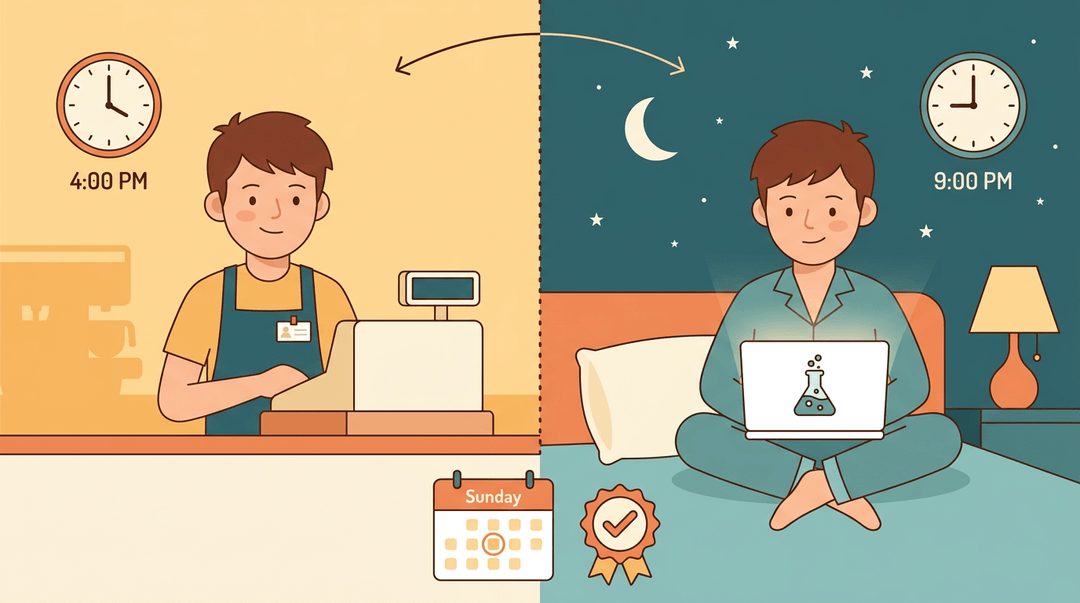
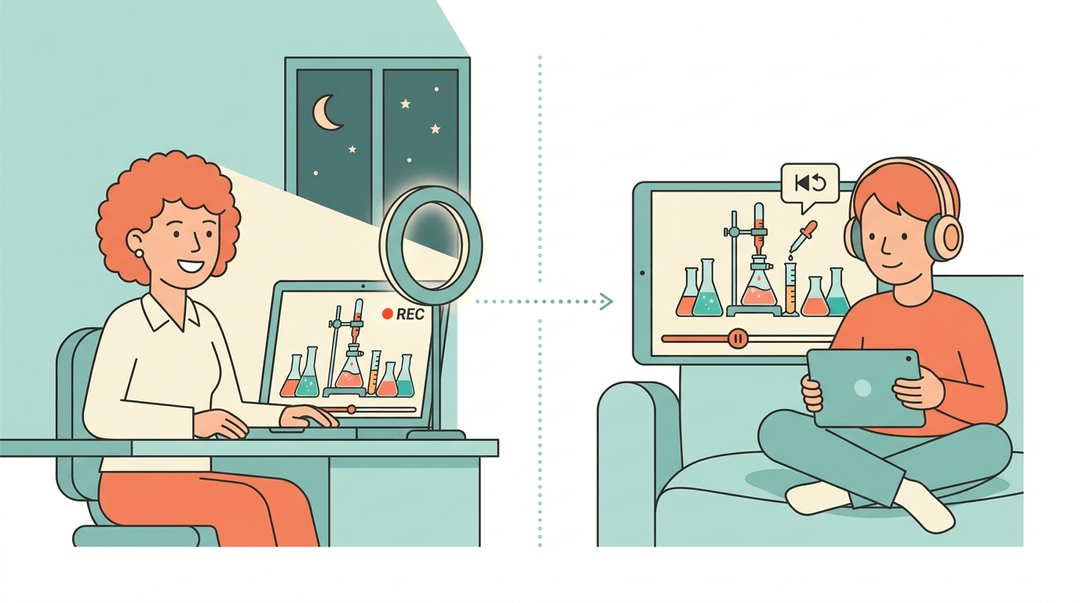
Consider a high school student working a part-time job who watches a chemistry lesson at night and finishes the quiz by Sunday. The lesson fits around work instead of the other way around.
What synchronous learning actually means
Synchronous learning happens in real time, through live instruction on a fixed weekly schedule. It's the traditional classroom, moved online, with webinars and Zoom calls as the usual tools.
A fourth-grade teacher who runs a live reading group every Tuesday at 10 a.m. gets immediate questions, and students hear each other's answers as they happen.
Does asynchronous mean no Zoom?
Not always. The real distinction is the presence or absence of a live component, along with the schedule flexibility that comes with it: asynchronous work follows your timeline, while synchronous work follows the clock.
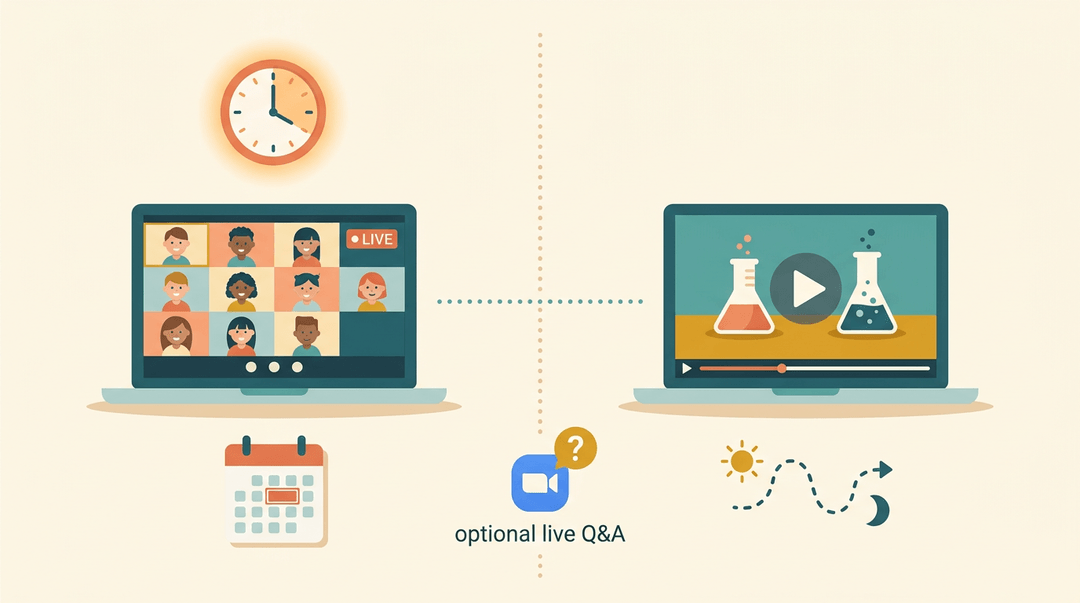
Many asynchronous courses have no live meetings, but some still allow occasional sync tools, like one optional call for questions. Online classes can use either model, so check the syllabus.
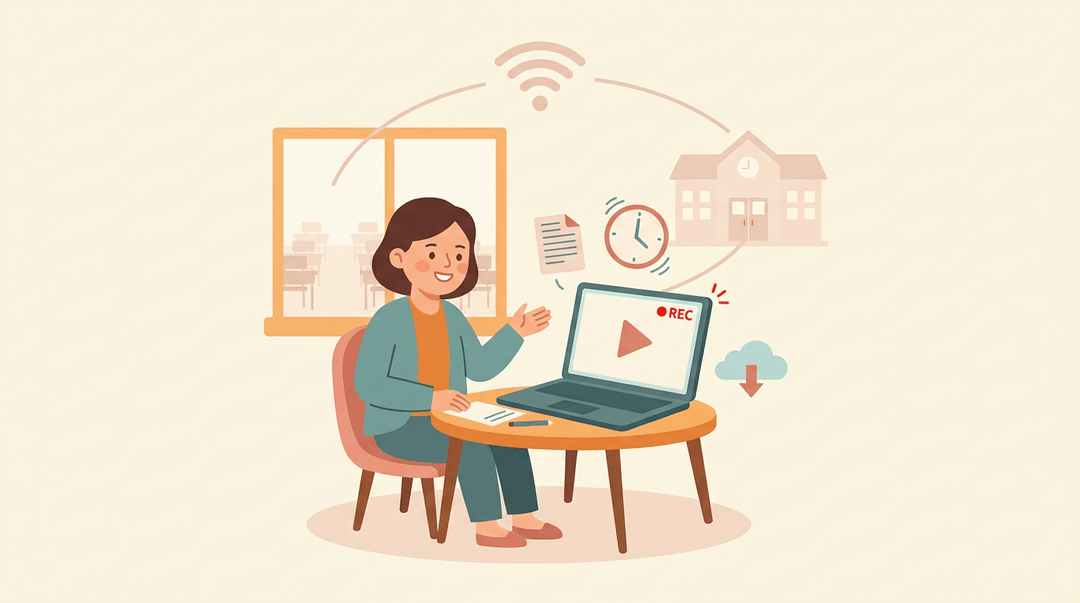
A middle school science teacher might post a recorded lab demo for students to watch on their own, then host one optional Zoom session for questions.
What Asynchronous Learning Formats Look Like
Asynchronous learning doesn't look just one way. Students work on their own schedule with materials you've prepared, while synchronous activities happen live and together. Here's what each side typically includes, plus a few real program examples.
Typical asynchronous course materials
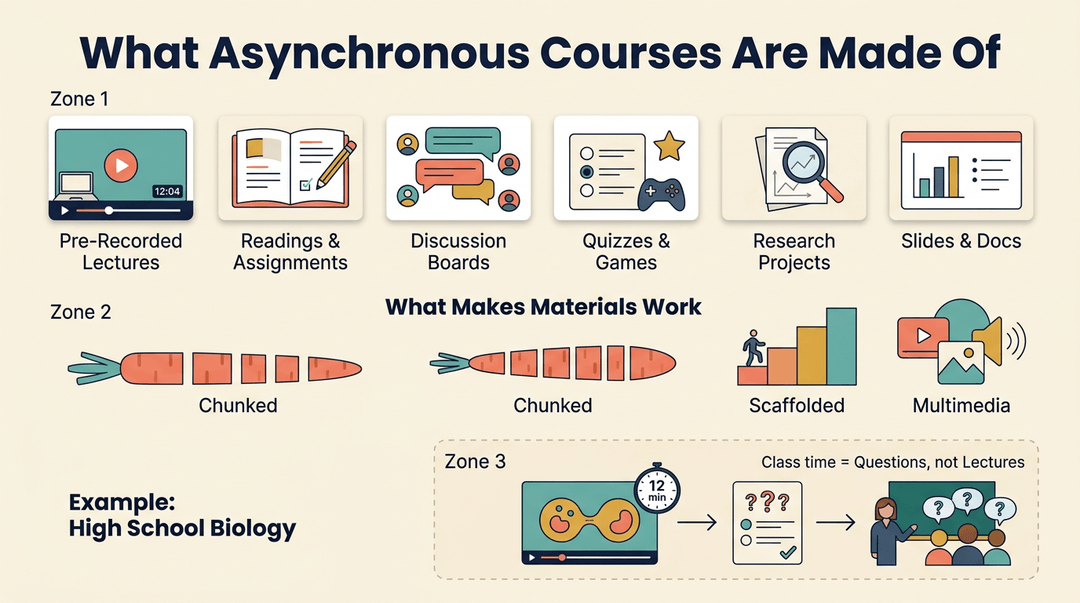
Most asynchronous courses are built from a handful of recurring pieces:
- Pre-recorded video lectures
- Readings and written assignments
- Discussion boards
- Quizzes and games
- Research projects
- PowerPoint and documentation
Good materials are chunked into short, focused pieces, scaffolded so each step builds on the last, and paired with multimedia such as video, images, and audio.
Think of a high school biology teacher who records a 12-minute video on cell division, then has students take a short quiz before class. Class time shifts to questions, not lectures.
Typical synchronous class activities
Synchronous activities happen at the same time, so students and teachers interact in real time:
- Live video lectures
- Real-time discussions
- Student presentations
- Group case study negotiation
- Virtual instructor-led sessions (VILT)
Live time is for discussion more than delivery. Use it for the moments that need a human touch, and let the content itself wait for students to review on their own.
Real world program examples
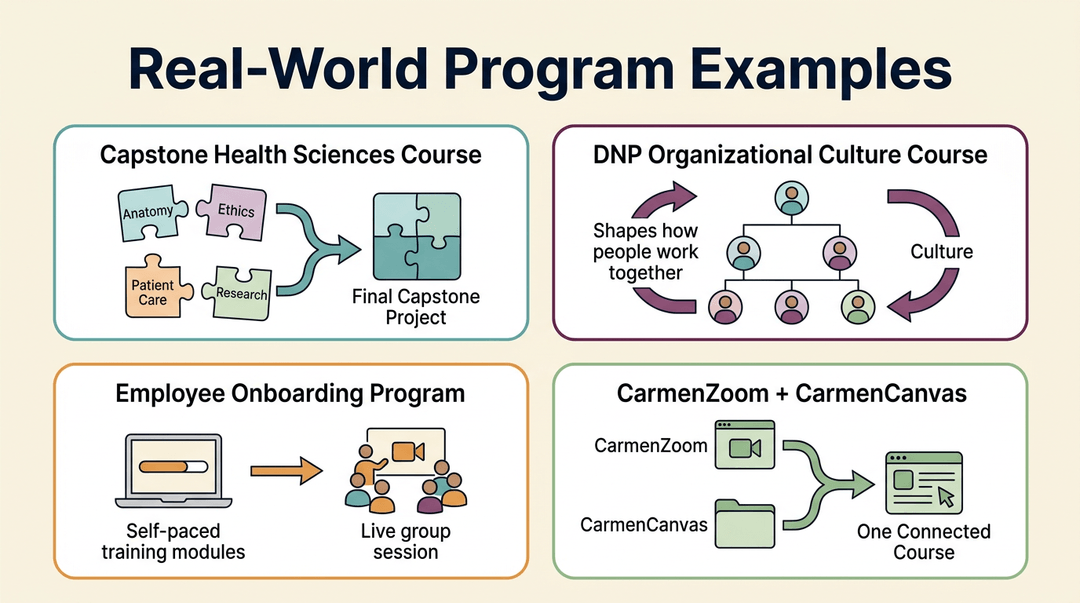
- Capstone health sciences course: a final course where students pull together what they've learned across the program.
- DNP organizational culture course: a course in a Doctor of Nursing Practice (DNP) program focused on how organizations shape the way people work together.
- Employee onboarding program: new hires work through training modules at their own pace before joining live sessions.
- CarmenZoom and CarmenCanvas tools: tools that bring the two formats together in one course.
How to Plan an Asynchronous Unit
Use this guide when you're turning a unit from your scope and sequence into something students can work through on their own time. It's four moves, a launch checklist, and a quick grade-band cheat sheet.
The four-move plan
Map the unit to your standards
- Pull the unit's slot and timing from your scope and sequence.
- Align each lesson to a learning standard, then set a clear target.
- Target on the board: "I can explain why a fraction names equal parts of a whole."
Break content into short modules
- Keep each module to one idea, in short segments.
- Mix formats: a video, a reading, and a quiz.
- End every module with a self-check point.
Add engagement touchpoints throughout
- Post one discussion prompt each week.
- Offer optional live office hours.
- Assign a peer feedback task.
Plan assessment and feedback
- Grade the big task with a rubric.
- Use auto-graded quick checks inside modules.
- Hold a weekly progress review.
Here's what one module looks like when it's laid out, so you can copy the shape:
Module 3: Equal parts
- Watch: a short video showing halves, thirds, and fourths.
- Read: one page with two worked examples.
- Quick check: four auto-graded questions.
- Self-check: "Can I split a shape into equal parts without looking back at the video?"
Check it before you launch
Run this list once the unit is built. If you can't confirm a line, fix that before students see it.
- Every module maps to a standard. You can name which one in a few words.
- Each target is student-readable. It starts with "I can..."
- No module runs long. If it feels heavy to you, it will to students.
- Formats are mixed. Nobody sits through a whole module of only video or only reading.
- Touchpoints are on the calendar. Discussion, office hours, and peer feedback are scheduled, not "if there's time."
- Feedback has a home. Students know where the rubric lives and when you'll review progress.
⚠️ Watch out: The most common gap is skipping the touchpoints. A unit of well-made modules with no discussion or feedback can leave students working alone. Build the human moments in at planning time, not after the first weak week.
Fit the shape to your learners
Same four moves, different dials. Find your group and read across.
| Your learners | Adjust this | What it looks like |
|---|---|---|
| Elementary | Chunk size | Shorter chunks, one small task at a time |
| Secondary | Module length | Longer modules with more depth per sitting |
| Homeschool or adult | Pacing | Flexible pacing, students set their own rhythm |
Example: A secondary science teacher plans a two-week unit on ecosystems. She pulls the unit from her scope and sequence, aligns each module to a standard, and builds four longer modules, each with a video, a reading, and an auto-graded check. Students post to one discussion prompt weekly and give a peer comment on a lab write-up, which she scores with a rubric. Office hours on Thursday are optional, and she reviews progress every Friday, so a student who's fallen behind gets a nudge within days.
At a glance:
| Move | Key action | What you get |
|---|---|---|
| Map | Scope and sequence to standards to targets | A unit with a clear purpose |
| Chunk | Short modules, mixed formats, self-checks | Manageable, varied work |
| Connect | Discussion, office hours, peer feedback | Students who aren't alone |
| Assess | Rubric, quick checks, weekly review | Feedback you can act on |
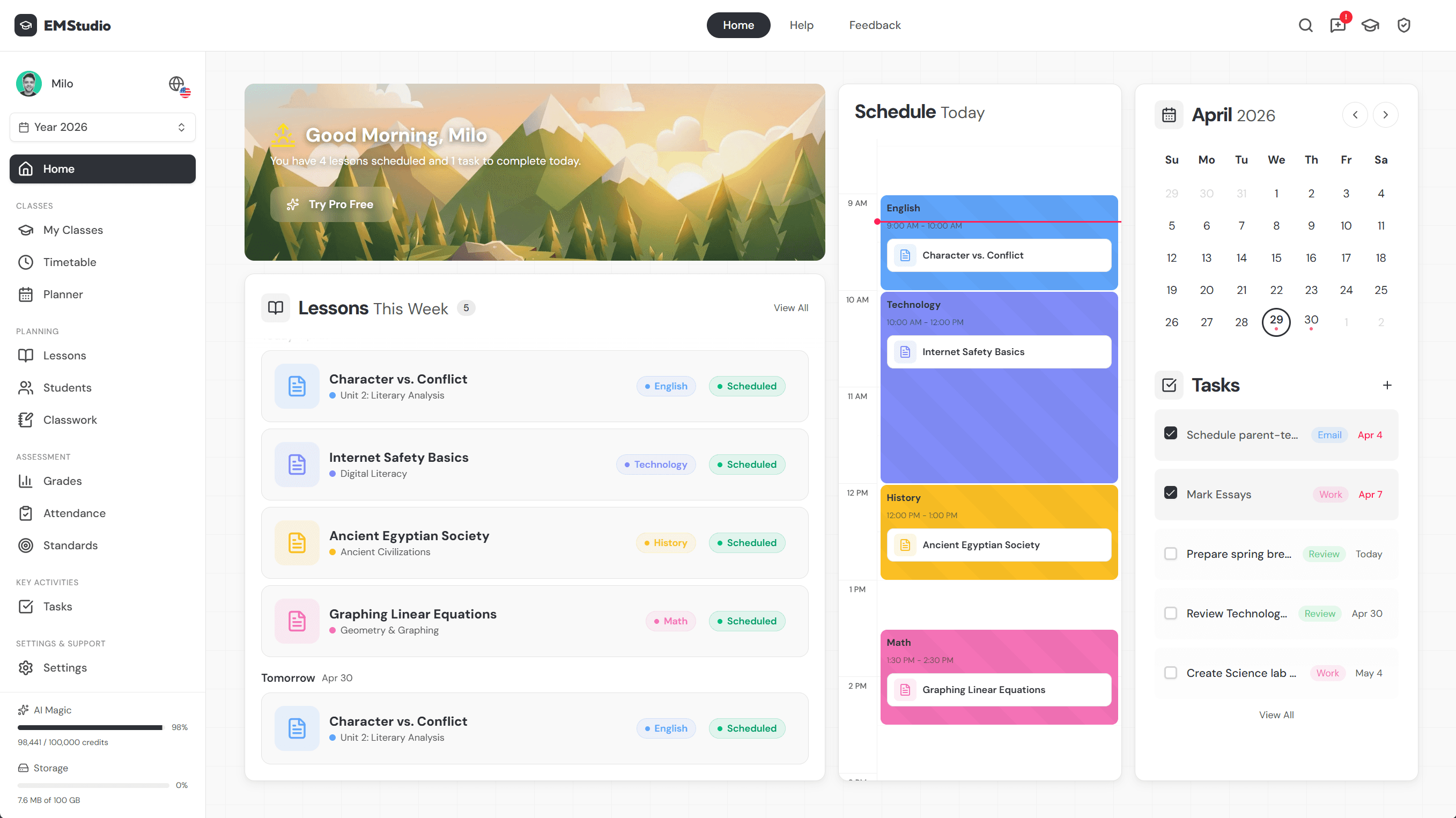
Sequence and track async units across the year with EMStudio's curriculum planner.
Benefits of Asynchronous Learning
Asynchronous learning frees students from a single class period, and that flexibility brings real benefits. Here's where teachers see the biggest gains.
Learn on your own schedule
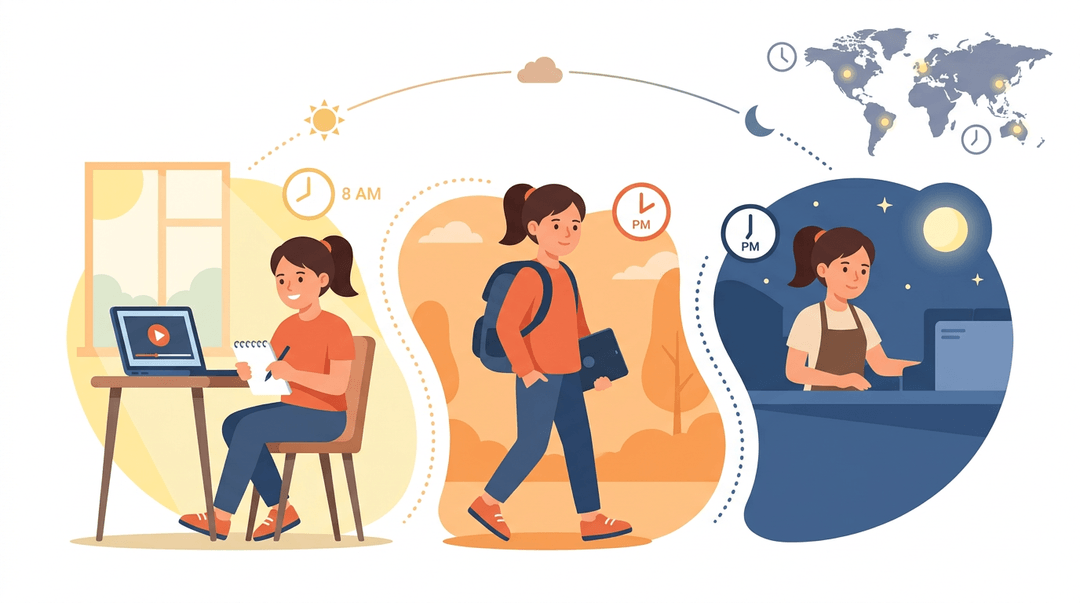
Students can learn anytime, anywhere, with no fixed attendance. Think of a high school student who works evenings: she can watch Sunday's lesson, pause to take notes, and finish practice before her shift.
It also helps learners in different time zones join the same course without staying up late.
Accessible for every kind of learner
Async courses can accommodate disabilities, since students replay content, slow it down, or turn on captions. Multiple content formats support diverse learning styles, and each learner can follow a personalized learning path through the material.
Flexibility only works for students who can get online, though. The digital divide (gaps in device and internet access) can leave some learners behind, so check who has a reliable connection before assigning a video-heavy unit.
Review lessons whenever you need
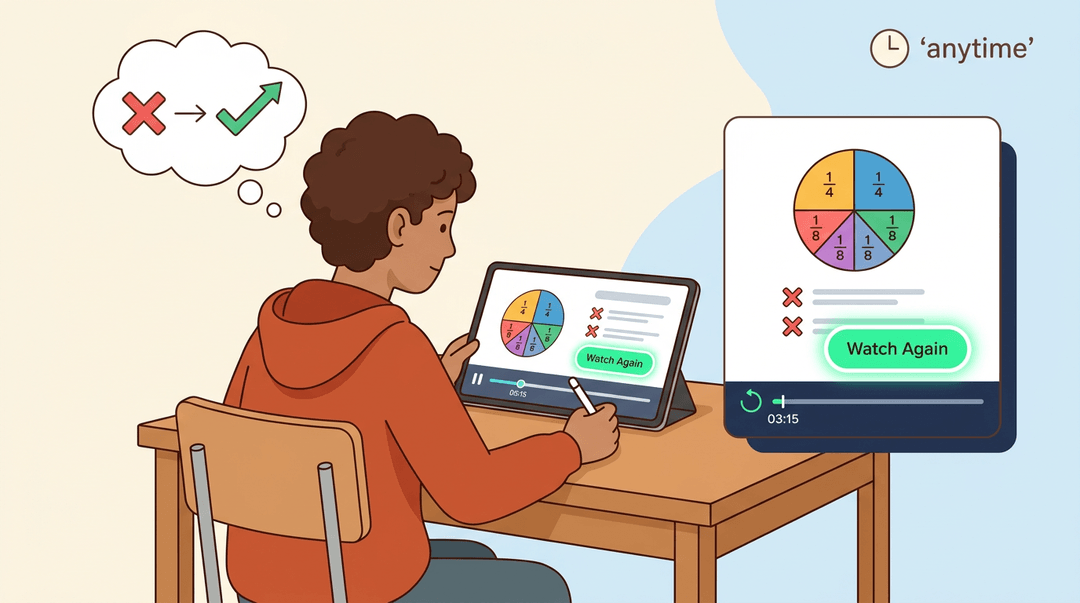
Students can revisit lessons anytime and rewatch recordings, which helps reinforce knowledge retention. Consider a seventh grader who takes a fractions quiz, gets immediate feedback on two wrong answers, and rewatches that exact segment before class.
Feedback turns mistakes into next steps, not final grades. That's a fast fix.
Where Asynchronous Learning Falls Short
Asynchronous learning (lessons students complete on their own schedule) gives you flexibility, but it trades away things a live room does automatically.
Knowing those gaps lets you plan around them, including how you assess and give feedback without live contact.
Missing out on real time interaction
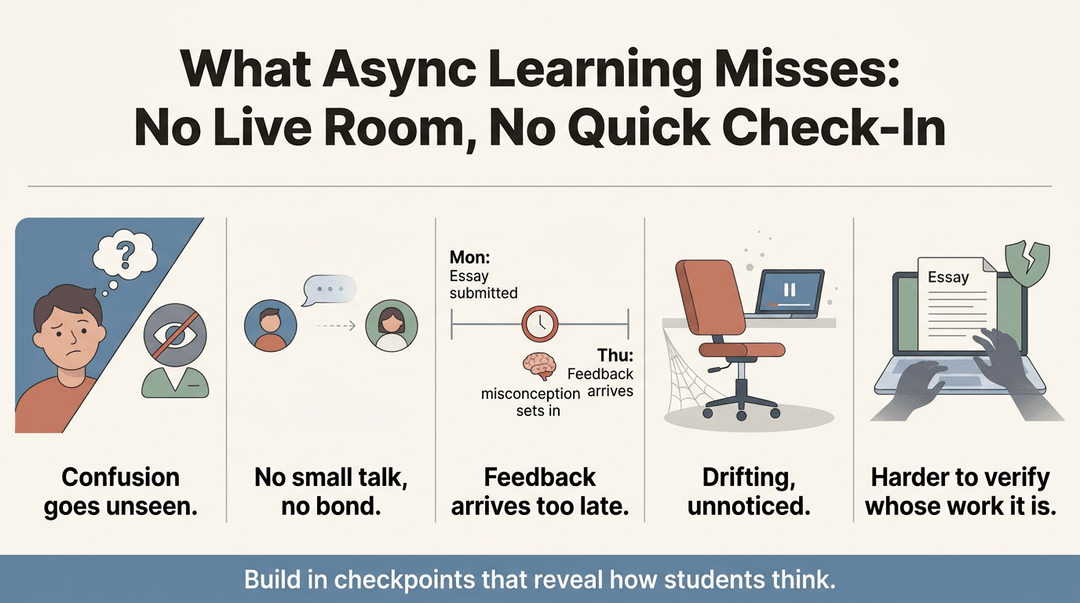
Without a live room, you lose the quick check-in. Watch for these trade-offs:
- No face-to-face contact. Students rarely show confusion in a way you can see.
- Harder to build relationships. Connection often grows from small talk, and async courses don't leave much room for it.
- Delayed feedback. Picture a tenth grader who submits an essay Monday and gets comments Thursday, after the misconception has already set in.
- Risk of boredom or confusion. No teacher is reading the room, so a student can drift or stall unnoticed.
- Academic integrity risks. Take-home work is easier to outsource, so build in checkpoints that show how students think.
Why self-discipline matters so much
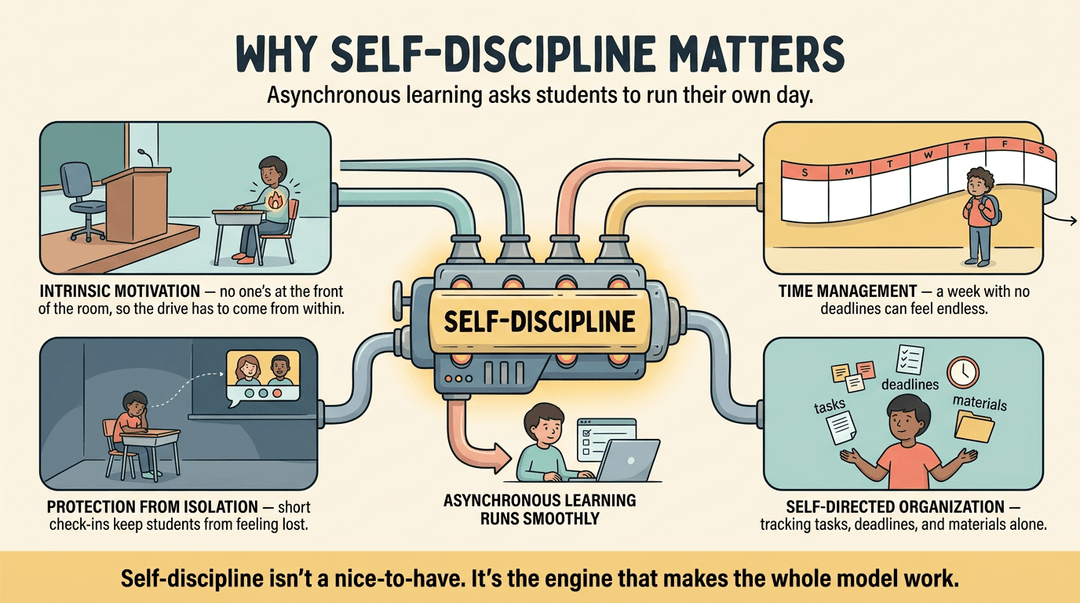
Asynchronous work asks students to run their own day, and that's a big ask. Students who thrive usually bring:
- Intrinsic motivation. Nobody is at the front of the room to keep them going, so the drive has to come from within.
- Time-management skills. A week-long module with no session deadlines can feel endless to a sixth grader.
- Protection from isolation. Students working alone can feel lost, so schedule short check-ins or small group forums.
- Self-directed organization. Students need to track tasks, deadlines, and materials on their own.
Self-discipline isn't a nice-to-have. It's the engine that makes the whole model work.
Blending Synchronous and Asynchronous Learning
Why pick one style when you can use both? Most teachers end up blending them, and that's where a lot of the best results come from.
Hybrid strategies that mix both styles
Hybrid learning mixes both styles in one course. Many teachers start with a learning management system (LMS), the online hub for lessons and assignments, then add video conferencing for the live pieces.
Schedule an occasional live Q&A, and students get connection without losing flexibility. That's how you keep the benefits of both styles while limiting the drawbacks of each.
How the flipped classroom works
In a flipped classroom, students study pre-recorded lessons before class, and class time goes to application rather than lecture.
A study titled Effects of flipped learning on secondary students' chemistry achievement and attitudes found that the model significantly improved performance and that students generally held favorable attitudes toward it.
Students arrive already familiar with the content, so the period goes to active learning in person, where you can see who needs another push.
Letting students choose how to attend
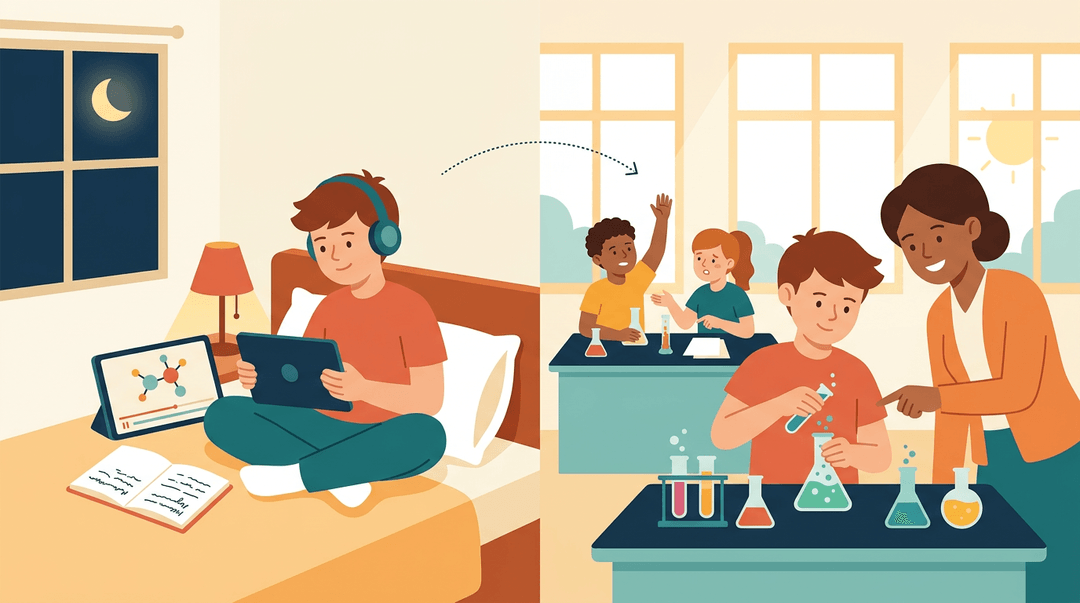
Give students a choice of attendance mode: join the live session or watch the recording later. The learning objectives stay the same for everyone; only the route changes. Consider a ninth-grade English teacher who offers a live Thursday discussion.
Students who miss it post their thoughts by Friday, and everyone is graded on the same rubric. A flexible structure like this lets students plan around the rest of their lives.
Staying Engaged and Succeeding Online
Online learning works best when you show up on purpose. Here's how to stay connected and keep your week on track.
Building connection with classmates and teachers
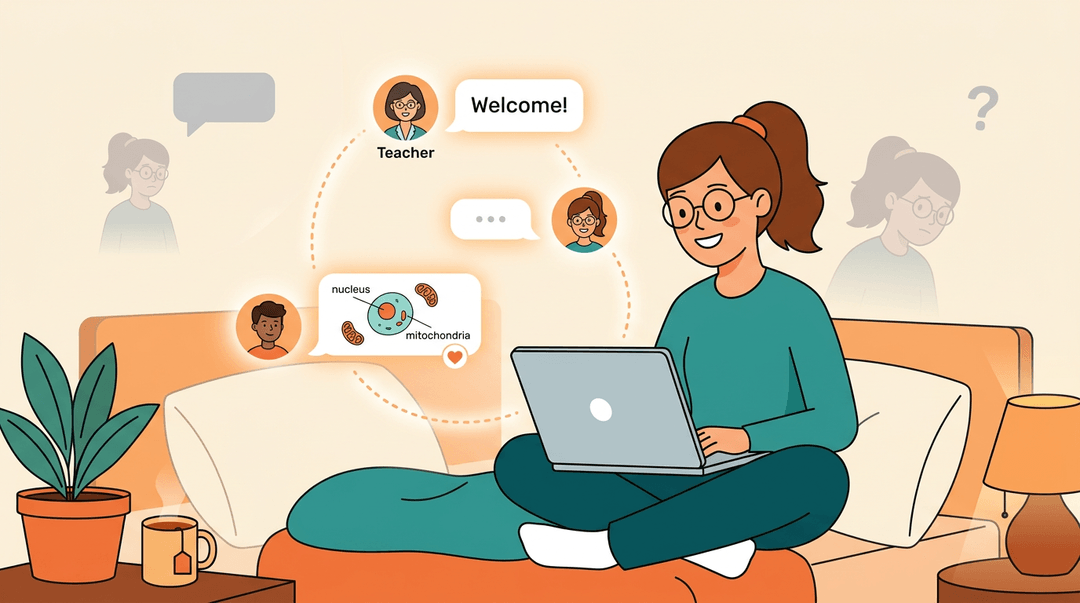
Reach out to your instructor early. A short note introducing yourself or asking about the first unit goes a long way. Then engage in discussion posts, the online version of a classroom conversation.
Respond to at least one classmate's idea each week, and that back-and-forth builds a real sense of community.
Think of a high school sophomore taking biology online for the first time. Her first post feels awkward, but by week three she's helping a classmate with cell diagrams and realizing she's not alone.
That's how isolation fades: connection rather than silence.
Managing your time effectively
Without a bell schedule, work can quietly take over your study hours. Block off dedicated time on your calendar, just like a live class, and protect it. Plan around your work-school balance by choosing your highest-energy hours.
Check the weekly contact requirements in your syllabus, since many courses expect logins, posts, or submissions on a set schedule. Then set clear weekly pacing deadlines, such as finishing two modules by Wednesday.
Small, steady goals beat a frantic weekend.
How Asynchronous Learning Became so Popular
Asynchronous learning didn't arrive out of nowhere. A sudden shift in how classes were taught pushed it into everyday classrooms, and student habits have shaped it since. Here's what happened and what students have told us.
How the pandemic fueled its growth
When schools closed and classes moved online, teachers had to rethink lessons almost overnight. Many turned to:
- recorded videos
- posted materials
- assignments students could finish on their own schedule
People jokingly called it "Zoom University," but the shift was real. Recorded content became central to how courses ran, and live attendance became less consistent.
What the research says students prefer
Research has looked closely at whether students actually prefer live or recorded lectures. One study of undergraduate mathematics students asked why some students still choose to attend in person when recordings are available.
A report reviewing recent research on lecture capture found that students largely find recordings useful and use them strategically to revisit sections they want to reinforce.
According to the University of Saskatchewan's learning technology toolkit, Panopto is "designed primarily for asynchronous learning opportunities and transfer of meaning between users."
Picture a biology teacher who posts a recorded lab walkthrough on Sunday night. On Tuesday, a student who got lost at the titration step rewatches just that section before the quiz.
It's less about when the class meets and more about how students revisit what they've learned. Replays matter.
Asynchronous learning gives students flexibility, but its success depends on thoughtful design: clear goals, engaging materials, and regular checkpoints that keep learners on track.
Blended with live time when it makes sense, it can strengthen what happens in your classroom rather than replace it. Ready to map out your next async unit?
Check out our Curriculum & Standards planner to plan units, lessons, and standards across the whole school year.
References
- Effects of flipped learning on secondary students’ chemistry achievement and attitudes — doi.org (2026)
- Panopto - LTE Toolkit — teaching.usask.ca
- Undergraduate mathematics students’ reasons for attending live lectures when recordings are available — doi.org (2013)
- Student use of recorded lectures: a report reviewing recent research into the use of lecture capture technology in higher education, and its impact on teaching methods and attendance — eprints.lse.ac.uk (2013)
Frequently asked questions
What is asynchronous learning?
Asynchronous learning is a self-paced learning model in which students access lessons and complete work on their own schedule, without everyone learning at the same time. It commonly uses recorded videos, readings, quizzes, discussion boards, and assignments within a set timeframe.
Is asynchronous online or face to face?
Asynchronous learning is generally delivered online rather than face to face in a physical classroom. Students can learn from different locations and at different times, usually through an online learning platform.
Does asynchronous mean no zoom?
No. Many asynchronous courses do not include live Zoom meetings, but some offer optional Zoom calls or occasional live question-and-answer sessions. The key distinction is whether live participation is required, so students should check the course syllabus.
What does "asynchronous" mean in simple terms?
In simple terms, asynchronous means learning whenever it fits your schedule instead of attending class at a specific time with everyone else. You can pause, review, and complete lessons within a given deadline.