How Do Online Exams Work? A Complete Step-by-Step Guide

Jump to section
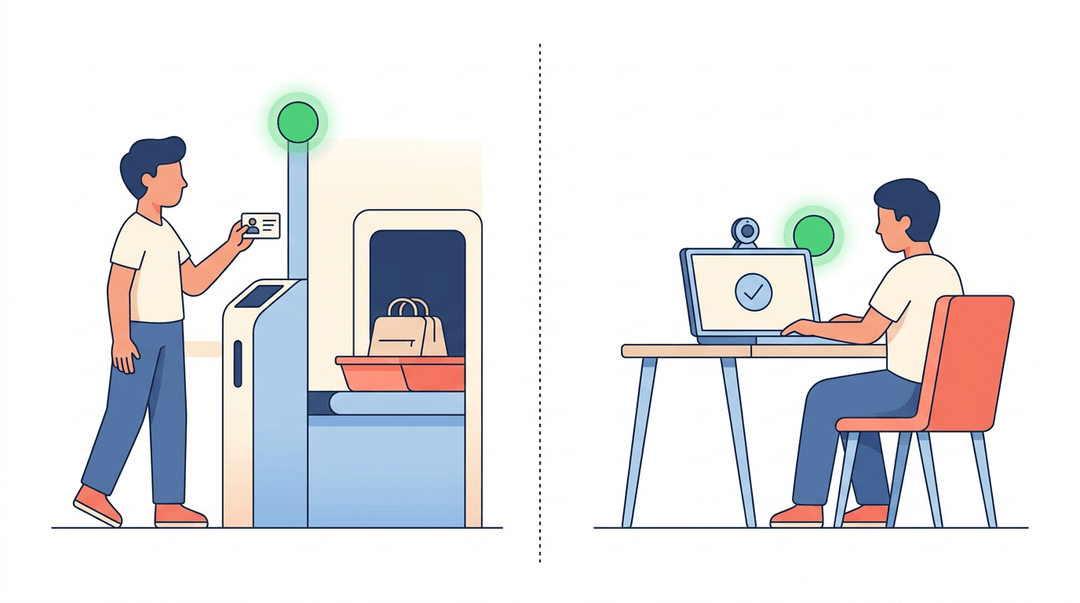
Think about the last time you went through airport security. You get your ID out, put your bag through the scanner, and wait for the green light before you can move on. Online exams work a lot like that: a checkpoint before the real thing.
An online exam is simply a test taken on a device, verified and monitored, with results delivered digitally. Below, we'll walk through exactly how that process works, step by step, plus a setup checklist built for teachers.
How Online Exams Actually Work
Before a single question loads, there's groundwork to cover: knowing the rules of the exam and knowing what kind of exam you're actually walking into. Get those two right and the rest tends to fall into place.
Check the exam rules and timing
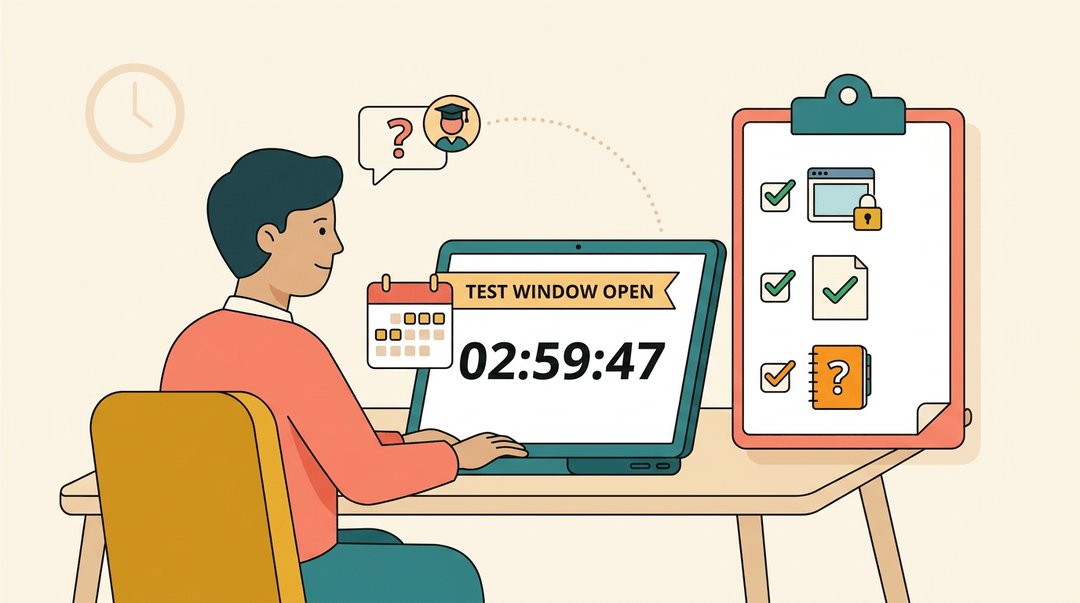
Start with the basics: when does the test window open, and how long do you actually have once you click start? Some platforms give a multi-day window with a strict countdown timer; others lock everyone into the same hour. Confirm both before you sit down.
From there, read the instructor's instructions closely, not skim them. Can you leave the browser tab? Is scratch paper allowed? If anything's unclear, don't guess.
Consider a student who assumes notes are fine, only to get flagged mid-exam for having a notebook open. A quick message to the instructor beforehand solves that instantly.
Different types of online exam formats
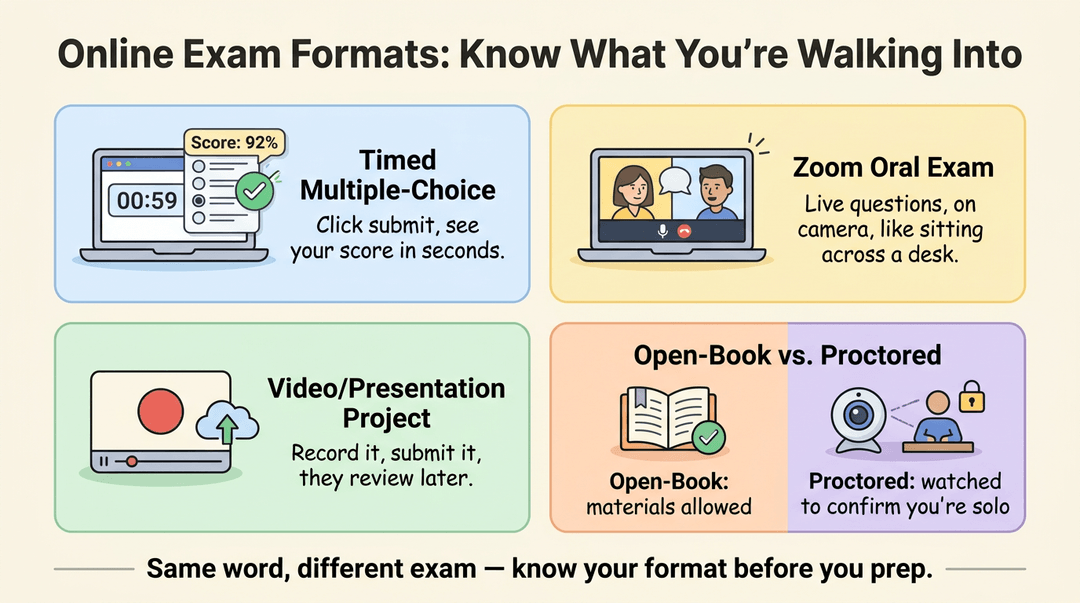
Online exams aren't one format wearing different skins. A few common versions:
- Timed multiple-choice tests. These are usually auto-graded: the system scores answers the moment you submit, often showing a result within seconds.
- Zoom oral exams. You answer questions live, on camera, the same way you would across a desk from someone.
- Video or presentation projects. You record and submit your work for the instructor to review later.
- Open-book vs. proctored formats. One trusts you with your materials open; the other watches (via webcam or software) to confirm you're working solo.
Knowing which one you're facing changes how you prepare, and how you show up.
Getting Your Tech Ready
Before a single exam question loads, the tech behind it needs to be ready to go. Most test-day glitches trace back to something you could've caught the night before.
Check your device and internet
Start with the basics: a device that works and a connection that holds.
- Wi-Fi. Test your connection before exam day, not during it.
- Laptop. Charge it fully and install any pending updates so a restart doesn't interrupt you mid-exam.
- Stable internet beats fast internet: a steady connection matters more than speed.
- Webcam and microphone. Confirm both work, since most proctoring tools rely on them.
Set up the right software and browser
Online exams run through a few layers of software, and each one needs to be ready first.
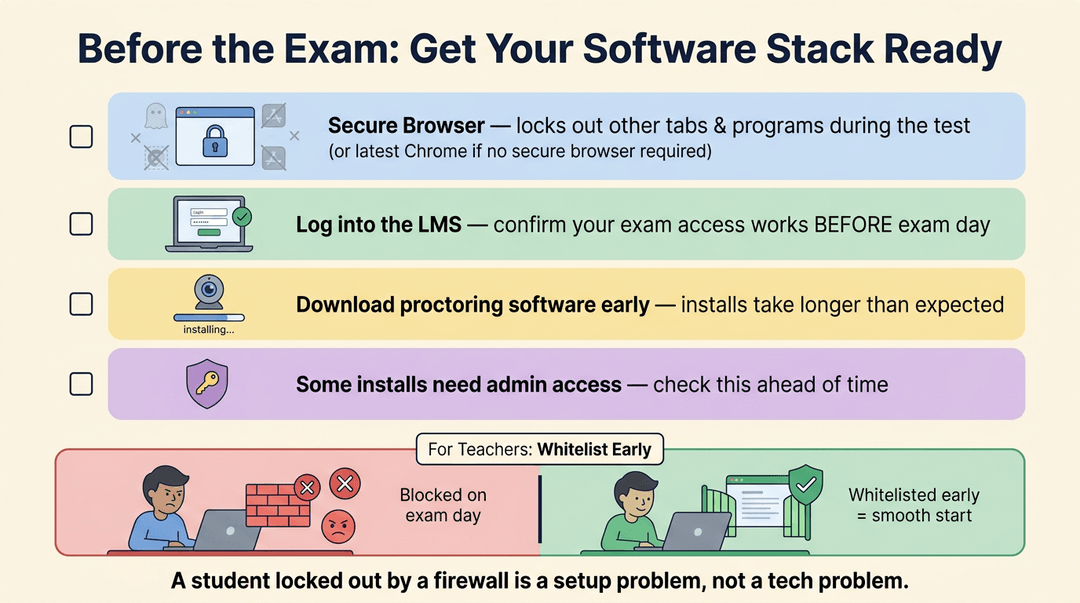
- Install the required secure browser, the locked-down version that blocks other tabs and programs during the test.
- Use the latest version of Chrome if the exam runs through a standard browser instead.
- Log into the learning management system (LMS), the platform hosting the exam, and confirm your access works.
- Download any required proctoring software early: installs often take longer than you'd expect.
- Some tools need admin access to install, so check that ahead of time.
- Teachers: whitelist exam and proctoring software on school networks early. A student locked out by a firewall on exam day is a setup problem, not a tech problem.
Run a system compatibility check
Most platforms offer a compatibility check tool that catches problems before they become emergencies. Run it a day or two ahead, not minutes before, so you're not troubleshooting under pressure. It checks whether your hardware, operating system, and internet bandwidth can handle the exam. Launch any practice tutorial offered, and close banned applications first, like messaging apps or screen-sharing tools the exam software flags.
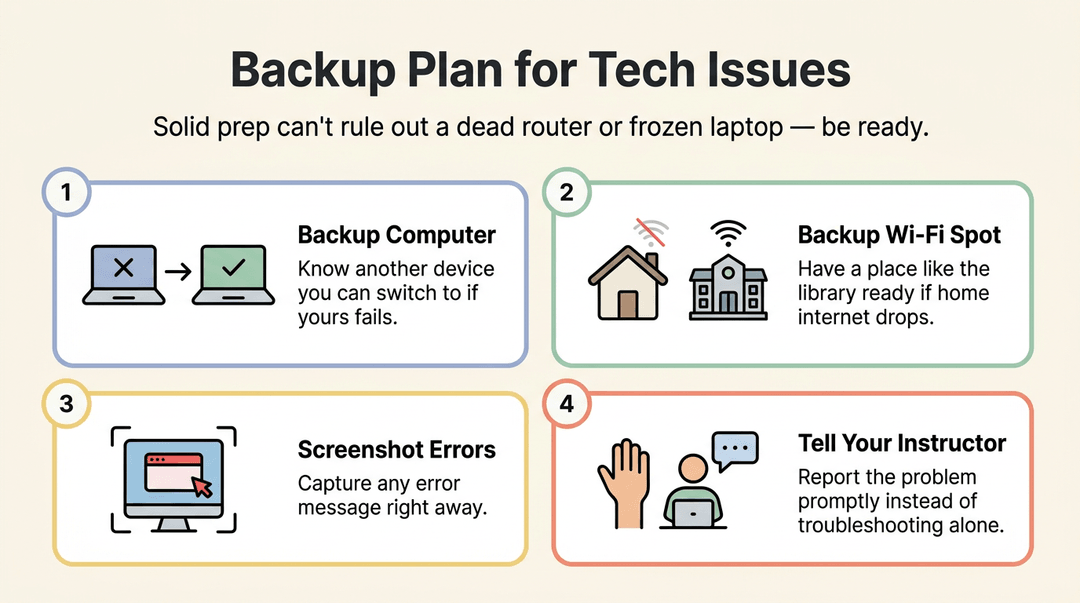
Have a backup plan for tech issues
Even solid prep can't rule out a dead router or a frozen laptop. Have a plan ready:
- Know an alternate computer you could use if yours fails.
- Identify a backup Wi-Fi spot, like a library, in case your home internet drops.
- Take a screenshot of any error message right away.
- Notify your instructor promptly rather than trying to fix it alone.
Setting up Your Testing Space
Before a single question loads, your surroundings do a lot of the work. Think of a high school junior about to sit a timed online exam at the kitchen table, only to have a sibling wander in mid-question: the room matters as much as the test prep.
Find a quiet distraction-free space
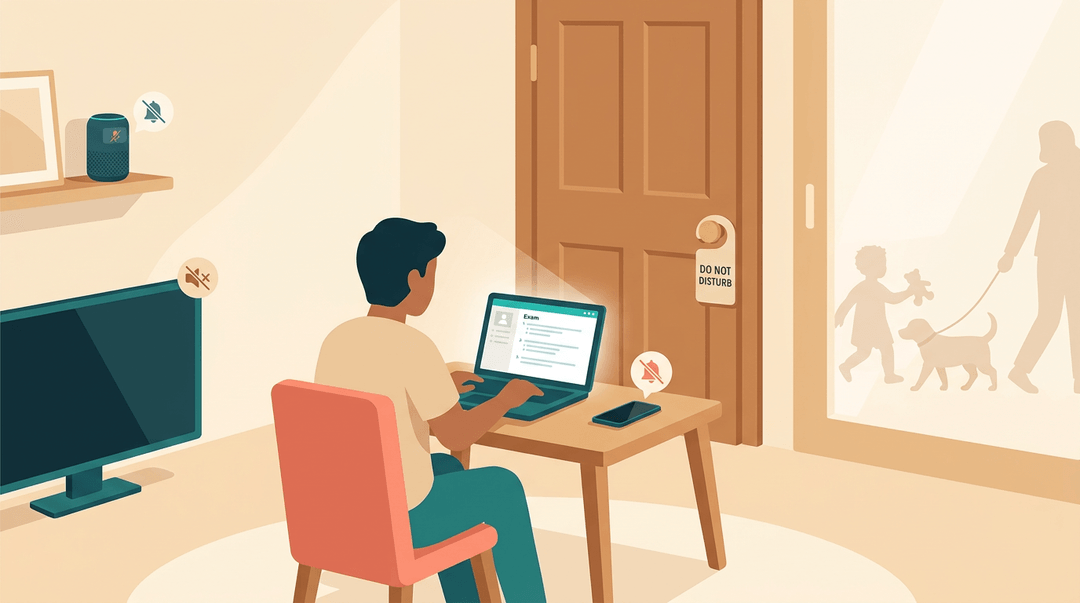
A quiet, closed-door room is your baseline. Turn off notifications on your phone, laptop, and any smart devices nearby, and silence the TV before you start. If you've got kids or pets at home, arrange for someone else to watch them for the exam window.
It's less about finding silence and more about removing every reason for it to break.
What your room needs for proctored exams
Proctored exams (tests monitored by a live or automated proctor to confirm you're working alone and honestly) come with extra requirements:
- Clear desk of clutter. Books, notes, and scratch paper have to go.
- Remove other devices. A second phone or tablet on the desk can flag as a violation.
- Do a 360-degree room scan. Most systems ask you to slowly turn your camera around the room.
- Show your desk and floor. Proctors often want a clear view of both before you begin.
Other places you can take exams
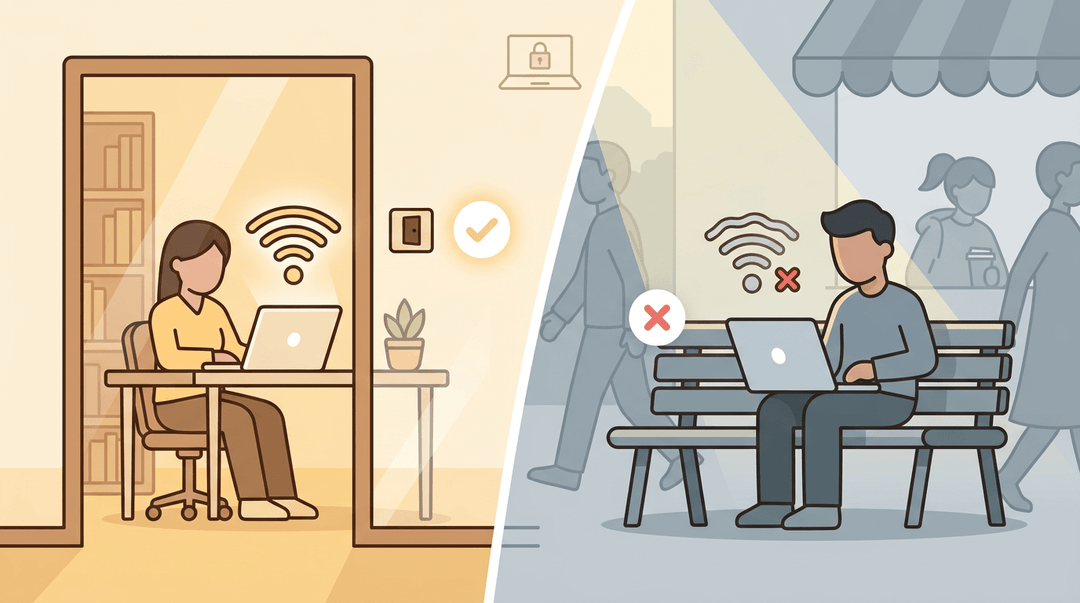
No quiet room at home? A library study room usually solves it: private, quiet, and built for focus. Wherever you land, confirm you've got a strong Wi-Fi signal before the clock starts, and skip public spaces or outdoor spots.
They're rarely private enough to meet proctoring rules.
How Identity Checks and Proctoring Work
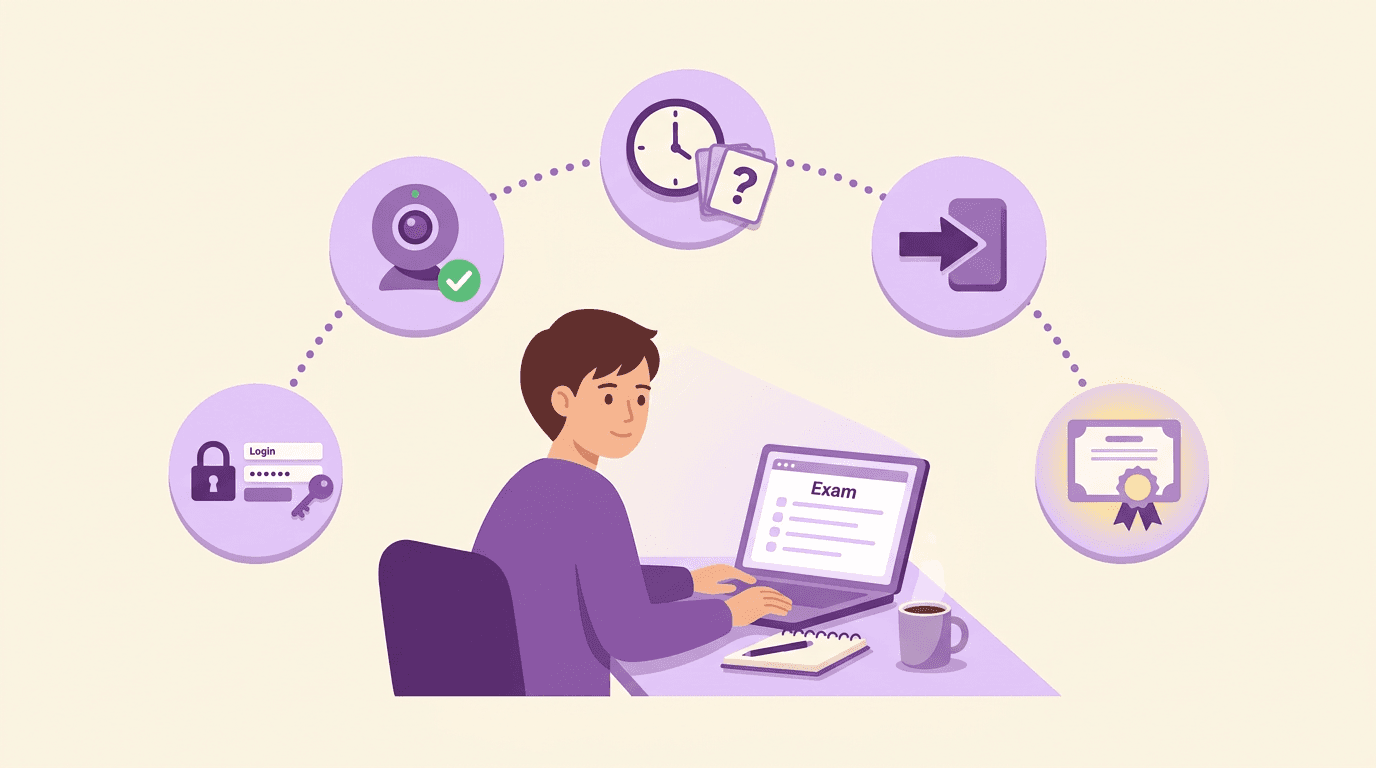
Before you ever see a question, most online exams need to confirm you're actually you. Here's what that process looks like, step by step.
Checking in with your ID
You'll typically start by holding up a government-issued photo ID like a driver's license or passport to your webcam. The system captures a photo of that ID alongside a live selfie, then asks you to confirm your name and other details are correct.
At this point, you'll also give consent to be monitored during the test. A check-in specialist (sometimes a person, sometimes software) reviews the match before letting you proceed.
Can online exams detect cheating?
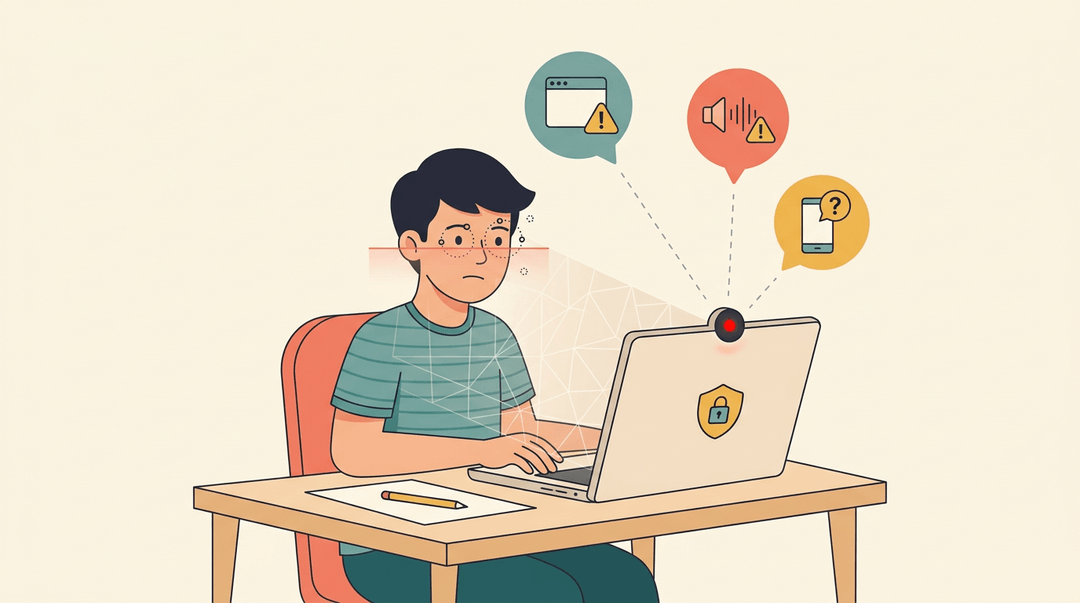
Yes, and in more ways than most students expect. Once you're checked in, your webcam and microphone stay on, and a proctor (human or automated) watches for suspicious behavior like leaving the frame, talking, or switching windows.
Do online tests record you? Usually. Platforms like Proctorio or ExamSoft store that recording for later review, so a flagged moment can be double-checked against the footage.
Increasingly, AI-based detection scans for eye movement, background noise, or unfamiliar devices in real time, flagging anything unusual for a human to confirm.
That footage is treated as student data, so it's stored securely and only shared with people who have a legitimate reason to see it.
Getting accommodations and special equipment
- Some aids, like scratch paper or a physical calculator, are often allowed without any advance approval.
- Others, like extended time or a reader, need a formal request submitted ahead of the exam.
- Medical devices are typically an exception too: insulin pumps, hearing aids, and similar equipment usually don't need special sign-off.
A Teacher's Checklist for Online Exams
Everything above explains how online exams work from the student's side. This checklist covers your side: the setup, monitoring, and follow-up that make an exam run smoothly instead of generating a night of panicked emails.
Before exam day: set up in this order
- Choose your LMS and proctoring tool first.
- Every later setting depends on this: pick before you write a single question.
- Match proctoring to stakes: a weekly quiz rarely needs a webcam recording.
- Set the exam window and duration separately.
- The window is when students may start; the duration is their clock once they do.
- Write it like this: Window: Tuesday 8 a.m. to 8 p.m. Duration: 60 minutes.
- Communicate the rules early, in writing.
- Send them at least a week out, so nobody learns the rules at login.
- Build a practice quiz with identical settings.
- Ungraded, two or three questions, same browser and proctoring setup as the real thing.
- This surfaces broken webcams and expired logins while there's still time to fix them.
Here's a rules message you can copy and adapt:
Exam rules: Closed book. One attempt. Webcam on. If you're disconnected, log back in immediately: your timer keeps running, and your answers are saved. Tech problems? Email me a screenshot right away.
💡 Tip: Enable accommodations before the window opens, not on exam morning. Most LMS platforms handle this as a per-student time override (say, 1.5x) on the same exam, so nobody needs a separate version.
During the exam: monitor, don't hover
Keep the live dashboard open and your email visible. When something breaks, find your row and act:
| When you see... | Do this... |
|---|---|
| A student disconnected mid-exam | Confirm autosave captured answers, then extend their timer by the lost minutes |
| "It won't let me start" emails | Check their browser and proctoring install against your practice-quiz settings |
| A proctoring flag on the dashboard | Note it and keep going: review flags after, not mid-exam |
After the exam: protect your grading time
Schedule grading before the exam happens. Block a calendar slot within a few days of the window closing, and decide now what feedback looks like: a rubric score plus one comment per student beats a vague promise to "get to it."
Release results all at once. Posting grades in batches invites a trickle of "where's mine?" messages.
You can draft clear exam instructions and rubrics faster with an AI lesson assistant like EMStudio's AI Lesson Editor.
How to Study and Prepare
Good scores on an online exam start long before the login screen loads. The habits that help you here are the same ones that help with any test: practice, study early, and keep your nerves in check.
Take practice exams
Ask a teacher for practice tests, or build a short quiz from the study guide. Either way works, and the payoff is the same. Practice testing builds confidence and highlights weak areas before they show up on the real thing.
In fact, a review of the testing effect found that the benefits of practice testing held up even when the practice format looked nothing like the original lesson.
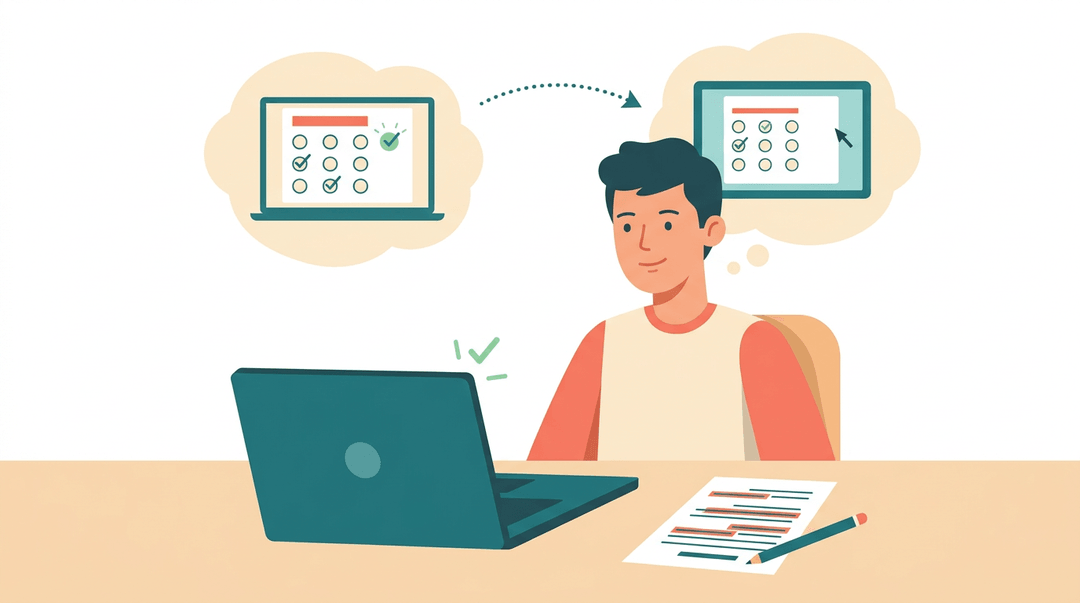
Consider a high school teacher who assigns a short practice quiz before each unit test, one that mirrors the online exam's layout, so students walk in already comfortable with the screen they'll see.
Study the material ahead of time
Cramming the night before rarely sticks. Studying early beats cramming every time, giving you room to master the content instead of just skimming it.
Organizing notes by topic (rather than by date or class period) makes review faster and turns a messy stack of pages into something you can actually use.
Managing test anxiety
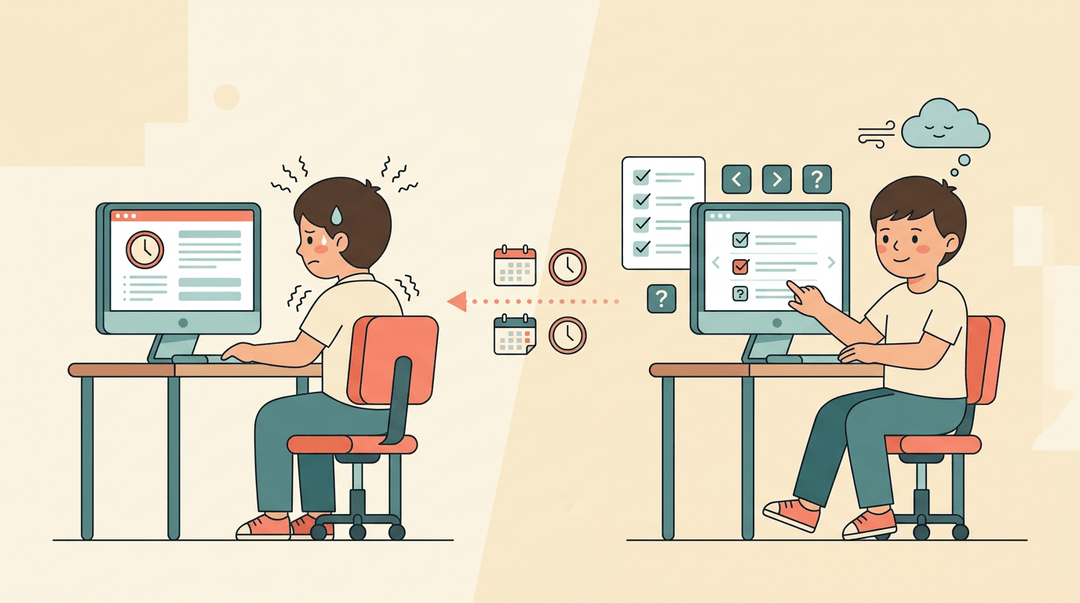
When nerves creep in, a few slow breaths go a long way. But the real fix happens earlier: preparation reduces anxiety before it starts.
A study on practice test timing found a significant effect of when students practiced on how anxious they felt during the actual exam.
Getting familiar with the test mechanics, like navigation and question format, removes one more unknown, leaving you free to focus on the content instead of the software.
Strategies for During the Exam
Once the exam window opens, success comes down to a few habits: pacing, question strategy, and a final check. Share these with your students before test day, so nerves don't undo the studying they've already done.
Manage your time wisely
Encourage students to glance at the clock early and set a mental checkpoint for every section. If a question stalls them, they should skip it and come back later rather than burning minutes on one item.
Most platforms display remaining time on-screen, and a quick alert at the halfway mark keeps them from a last-minute scramble at the end.
Smart ways to answer questions
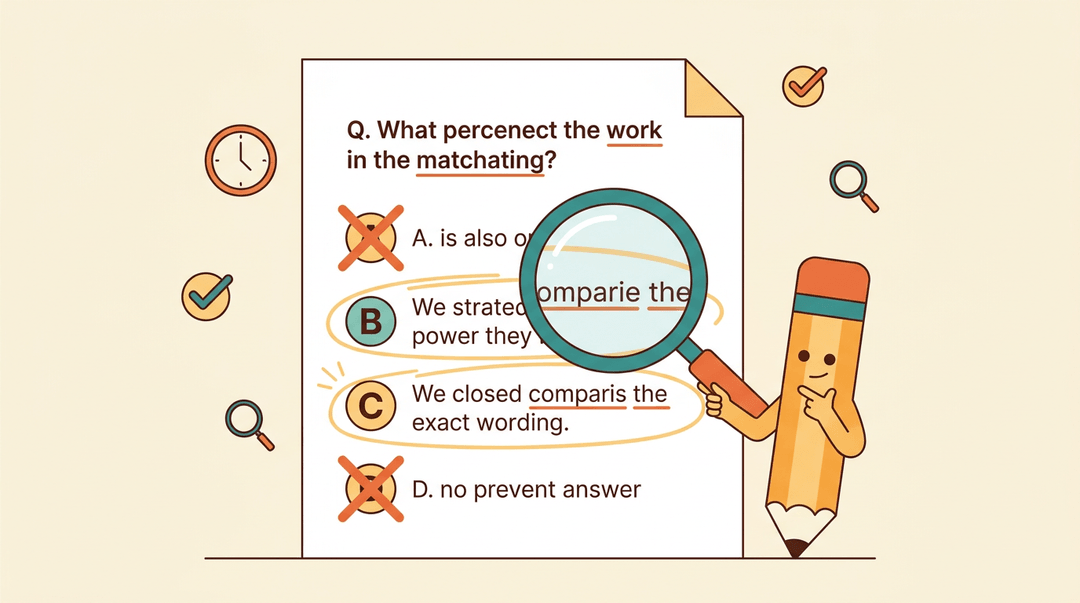
On multiple choice, eliminating the obviously wrong choices first narrows the field fast. From there, logic does the heavy lifting: does the wording match the question's verb tense, does the unit even make sense?
When two answers look close, students should weigh which one answers the exact question asked, not just a related idea.
What are common online exam mistakes?
The most common online exam mistakes are:
- Rushing past a hard question without flagging it
- Leaving answers blank
- Submitting nothing when a guess could still earn credit
Before submitting, students should:
- Recheck every answer
- Confirm no field is empty
- Choose the best available option rather than skipping entirely
An educated guess beats a guaranteed zero.
Juggling Multiple Exams and Tools
With online testing, students often face several exams across different platforms in the same week, and that can get messy fast. A little organization up front saves a lot of scrambling later.
Prioritize your exam prep
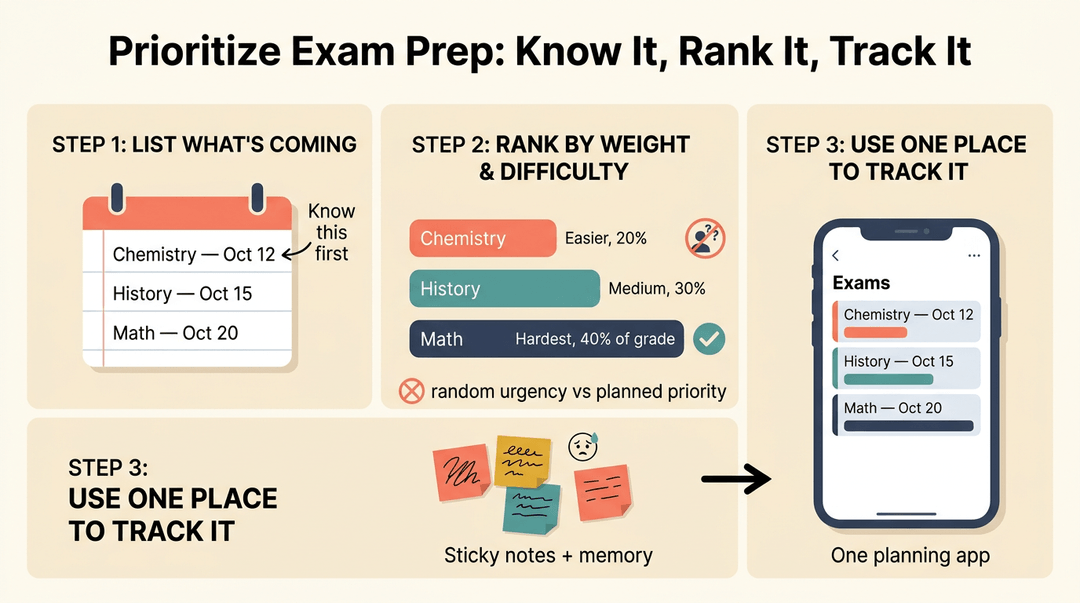
Encourage students to rank upcoming due dates first: nothing else matters until they know what's coming and when.
From there, they can allocate prep time to each exam based on weight and difficulty, rather than tackling whatever feels most urgent in the moment.
Planning apps make this easier to manage, letting students see every deadline in one place instead of juggling sticky notes and memory.
Get familiar with your exam tools
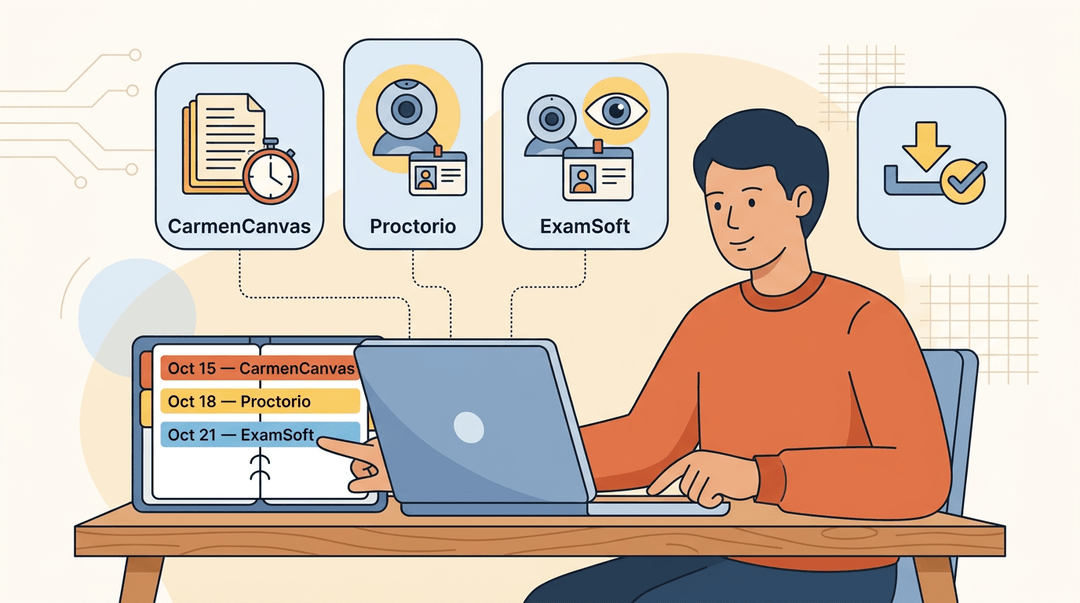
For example, a student with three exams in one week, one on CarmenCanvas, one proctored through Proctorio, and one using ExamSoft, needs more than good study habits. They need to know each platform before exam day.
- Know CarmenCanvas navigation. Where to find the exam, how to submit, and what a timer or lockdown warning looks like.
- Understand Proctorio steps. The webcam check, ID verification, and screen-share permissions that happen before the exam even starts.
- Learn ExamSoft if it's in use. Downloading the exam file ahead of time and confirming it runs on their device.
Syncing exam deadlines within a planner ties it together: one glance shows what's due, on which platform, and what prep still needs to happen.
Online exams aren't a mystery once you see the pieces: the tech, the identity checks, the proctoring, and the scoring all working together behind the scenes. Once you know how each part fits, setup stops feeling like guesswork.
Ready to spend less time on logistics and more time teaching? Check out our AI Lesson Editor to draft and refine lessons with built-in AI assistance.
Frequently asked questions
What are common online exam mistakes?
Common mistakes include rushing through difficult questions, leaving answers blank, failing to flag questions to revisit, and submitting without checking every field. Students may also overlook exam rules, skip the system compatibility check, or fail to test their webcam, microphone, internet connection, and required software beforehand.
How are online exams proctored?
Online exams may use identity verification, webcam and microphone monitoring, screen or browser monitoring, room scans, and human or automated proctoring. Students may need to show government-issued photo ID, complete a selfie check, scan the room, and keep their desk and floor visible.
How to prepare for an online exam?
Study the material early, organize notes by topic, and take practice tests that resemble the exam format. Before test day, read the rules, check your device and internet, install required software, run the compatibility check, prepare a quiet space, and arrange a backup computer or connection.
Can online exams detect cheating?
Yes. Proctoring systems can flag behavior associated with cheating, such as leaving the camera frame, talking, switching windows, unusual eye movement, background noise, or unfamiliar devices. These flags are typically reviewed by a human or instructor rather than treated as automatic proof of cheating.
Which is the no. 1 toughest exam?
There is no single universally accepted toughest exam because difficulty depends on the subject, country, and qualification. Exams often considered among the most difficult include China’s Gaokao, India’s UPSC Civil Services Examination, the IIT-JEE Advanced, and professional exams such as the CFA exams.
Can I hit my vape during a proctored exam?
Usually not, unless the exam rules explicitly allow it. Using a vape can create movement, smoke or vapor, and behavior that a webcam or proctor may flag, so ask the instructor or proctoring provider before the exam and follow the stated rules.
Do online tests record you?
Usually, yes, when webcam-based proctoring is enabled. The platform may record webcam video, microphone audio, screen activity, or parts of the check-in process for later review, although the exact recording depends on the exam software and settings.