How Do Classroom Literacy Centers Work? A Step-by-Step Guide

Jump to section
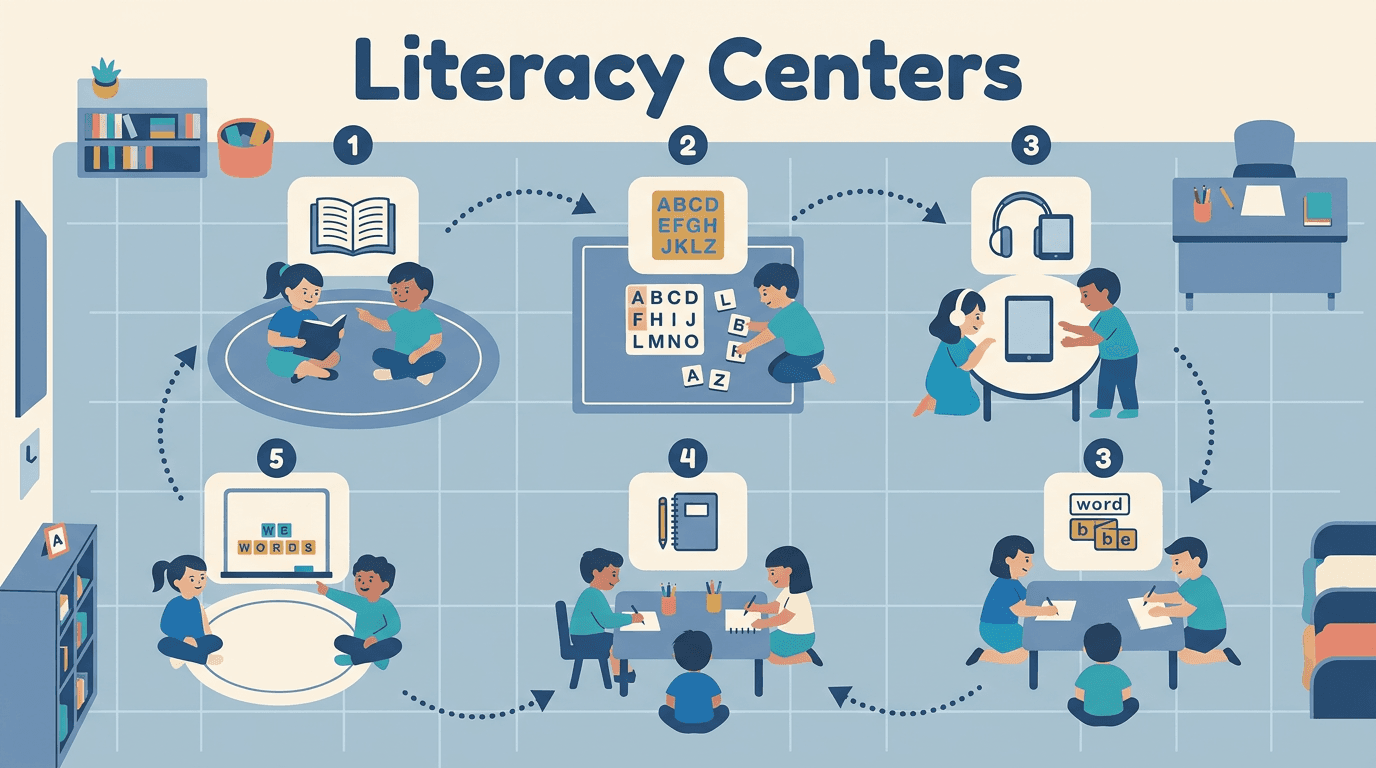
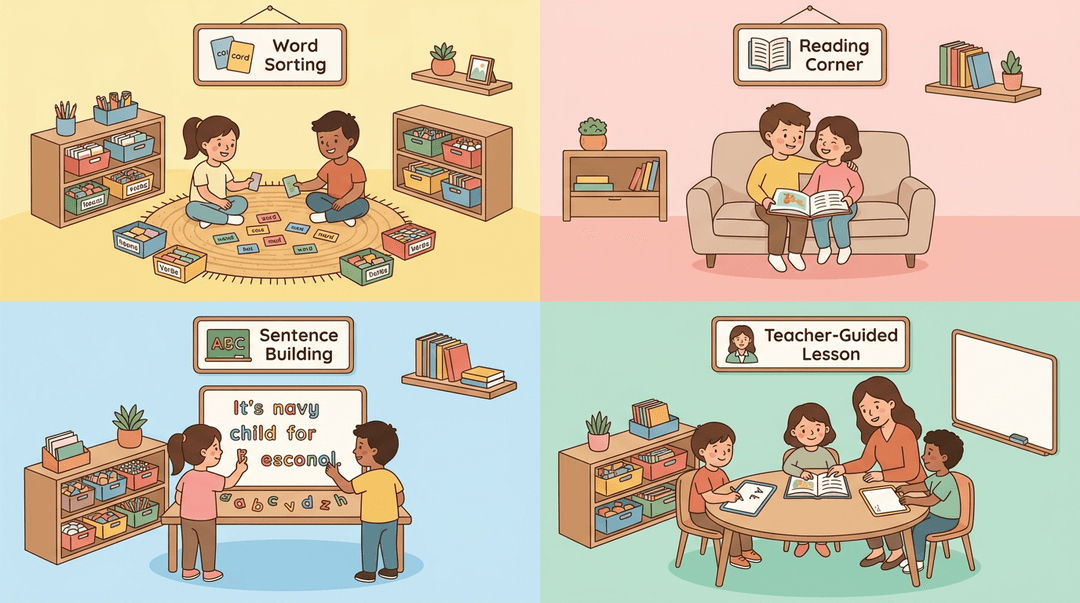
Picture a room where one group is sorting word cards, another is reading with a partner, and a third is building sentences with magnetic letters, while you sit with a small group at the table. That's the rhythm of literacy centers.
They're small, purposeful stations where students practice reading and writing skills in rotation, so you can teach, observe, and support every learner.
This post covers the science-of-reading basics, activity ideas, a step-by-step setup checklist, and the day-to-day realities like tracking progress, handling subs, and getting new teachers up to speed.
Science of Reading Basics for Literacy Centers
Literacy centers work best when they're built on what researchers know about how kids learn to read. Here's the foundation behind the stations you'll set up, so every center has a clear job.
What effective reading instruction looks like
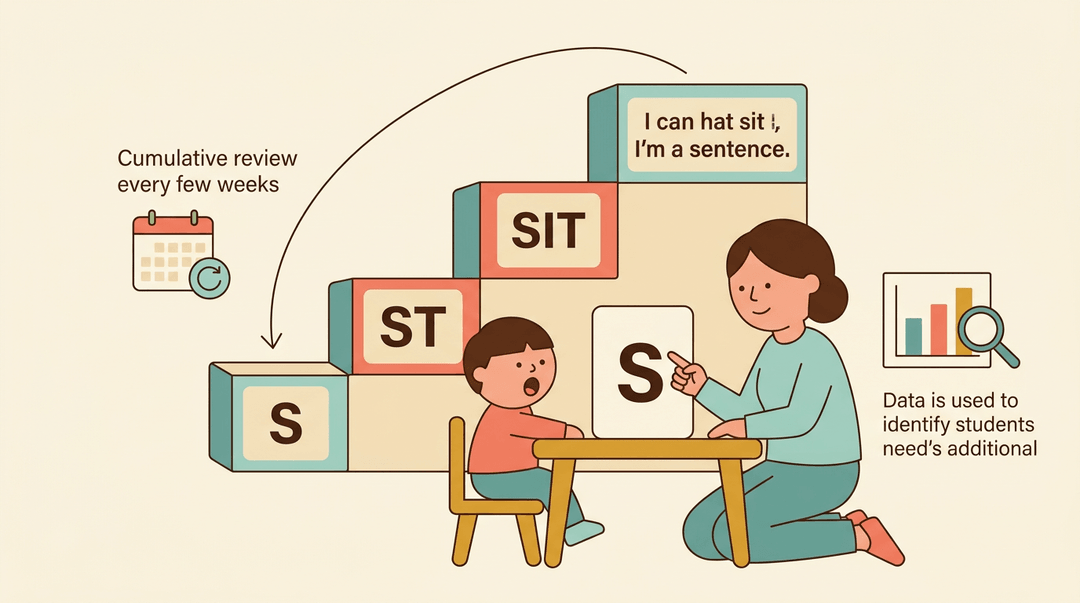
Strong reading instruction is explicit, so you show students exactly what a sound, letter, or strategy is and how to use it. It also follows a systematic scope and sequence, a planned order where each skill builds on the last.
The Iowa Reading Research Center notes that explicit instruction has been linked to improved outcomes across multiple academic areas, and that evidence-based literacy instruction should include cumulative review.
Center activities should be engaging and motivating, because a bored student practices nothing. Use data to decide who needs intensive support. Then build in cumulative review every four to six weeks so earlier skills don't fade.
How kids map sounds to letters
Reading starts with phoneme-grapheme mapping, which means connecting each sound (phoneme) to the letter or letters that spell it (grapheme). Heart words are words with one tricky part you learn by heart while decoding the rest.
Sight words are memorized whole, so keep the two straight when you plan.
Hands-on tools help this stick:
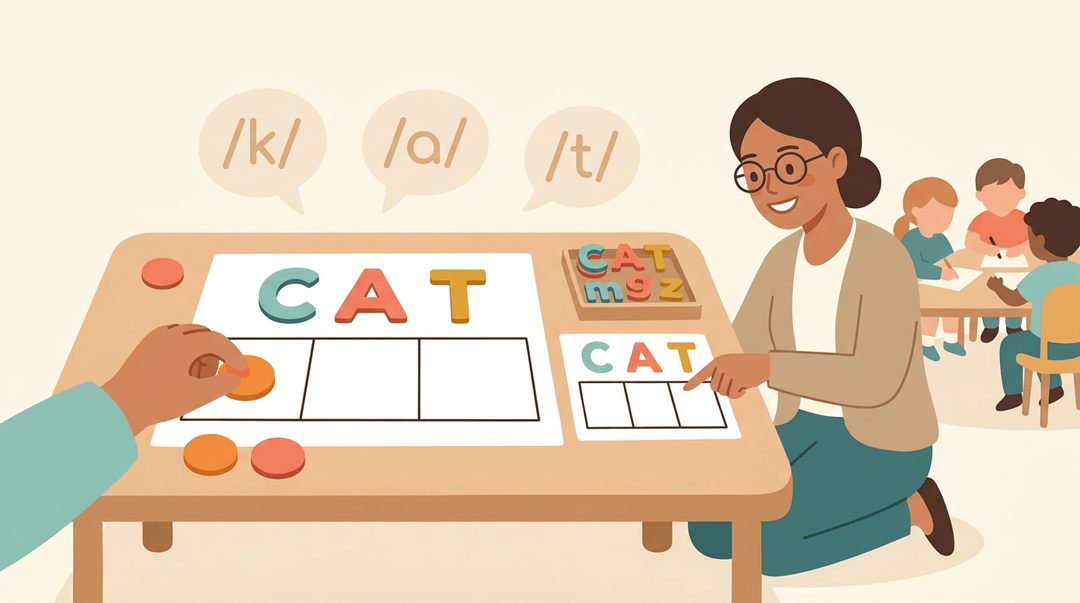
- Sound boxes and counters: students push a counter into a box for each sound they hear.
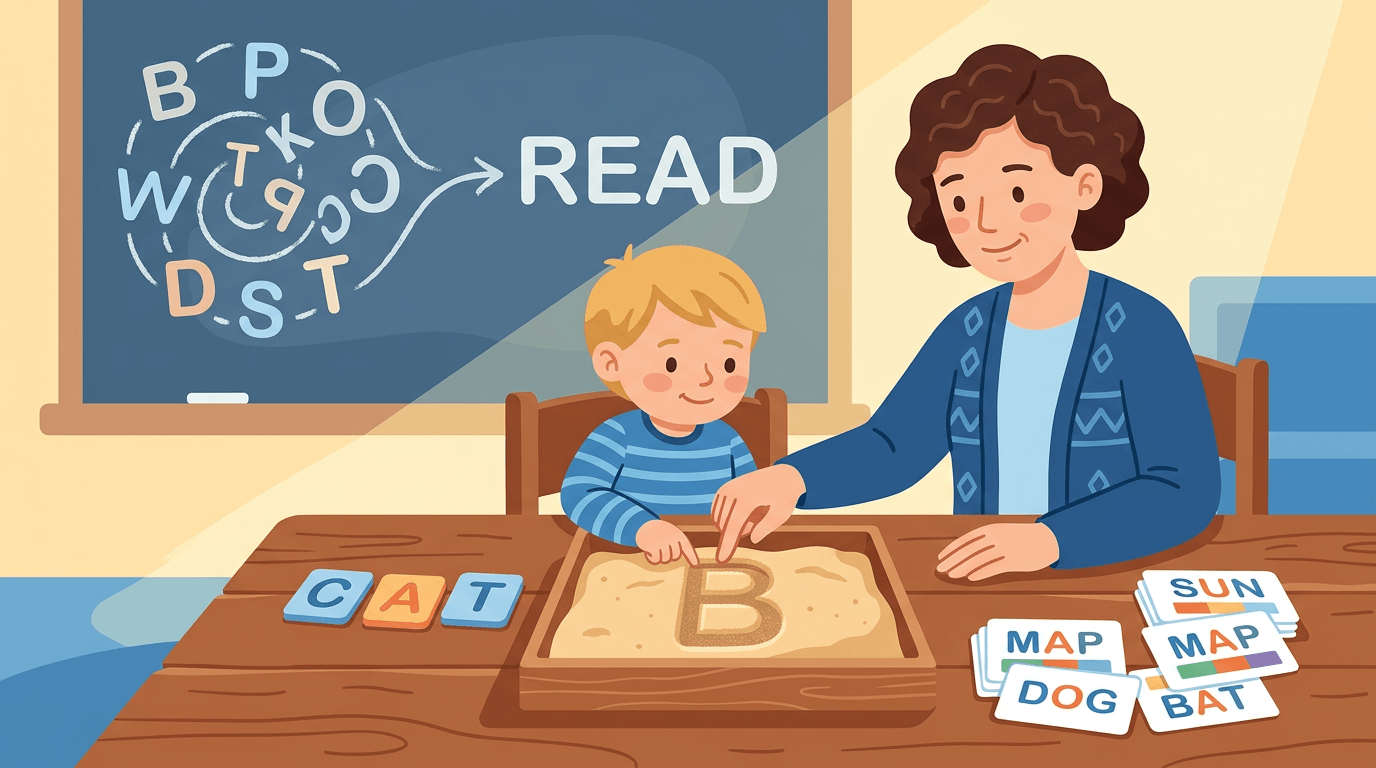
- Multisensory manipulatives: letter tiles or magnetic letters let students see, touch, and say sounds at once.
- Self-checking digital activities: students get instant feedback and can fix mistakes on their own.
Consider a kindergarten teacher who sets up sound boxes at the phonics station. While her small group works, she can circle the room and spot errors right away.
Simple routines for practicing phonemic awareness
Phonemic awareness is hearing and playing with the sounds in spoken words, and it doesn't need fancy materials. Try say it, tap it, map it, write it: students say the word, tap out each sound, place a counter for each, then write the letters.
Practice both segmenting (breaking a word into sounds) and blending (putting sounds back into a word).
Keep materials cheap and reusable:
- Play dough for pressing and tapping sounds.
- Dry erase pockets that students wipe clean and reuse all week.
- Mini erasers as counters.
Why phonics beats flashcard memorization
Flashcards ask students to recall whole words by sight, which works for a few words and breaks down fast. Phonics gives them a research-based progression: a path from single sounds to blends to longer words, so each new word has a pattern they can decode.
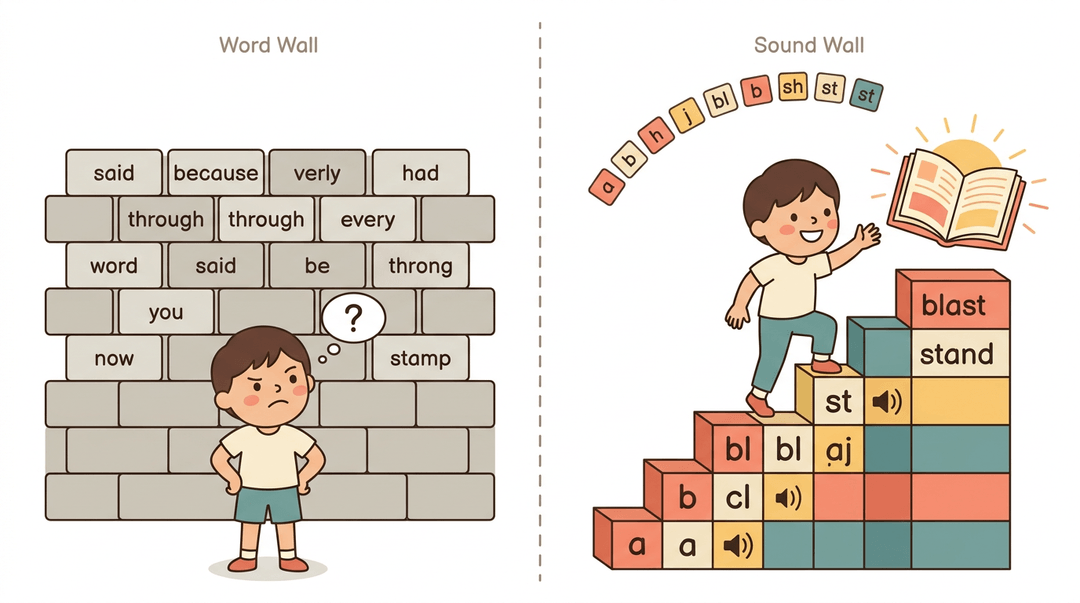
A sound wall arranges letters by sound, while a word wall only lists words. Choose decoding over memorizing, and your students will read new words on their own.
Popular Literacy Center Activity Ideas
Center time is where practice happens, and the best activities feel like play while building real skills. Here's what teachers reach for most, grouped by what students are doing.
Hands-on activities with letter manipulatives
Manipulatives get students touching sounds and letters before they ever write them. These options work well:
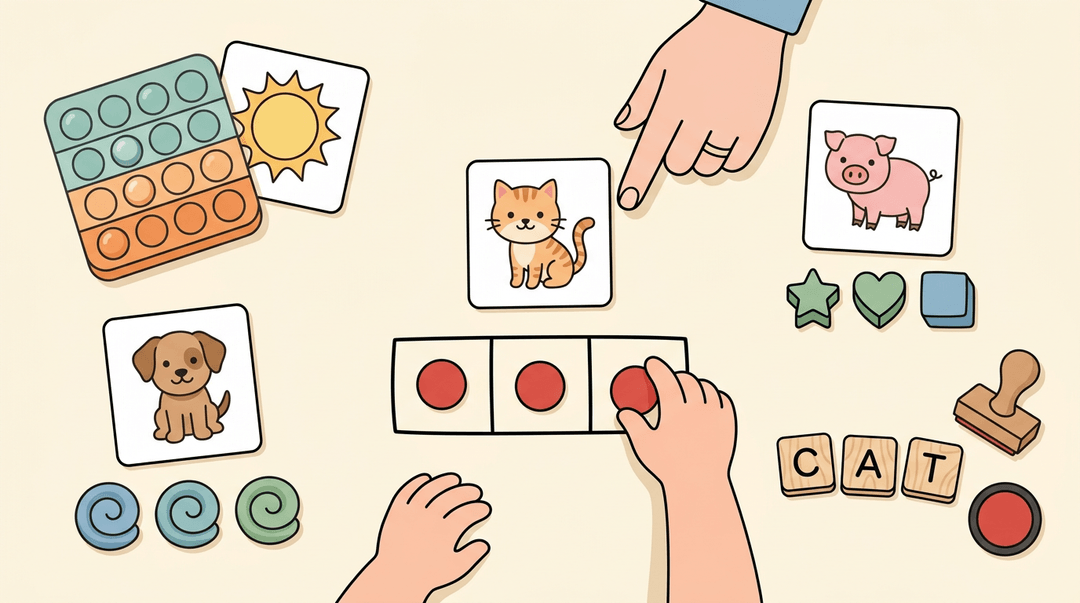
- Pop-it dot mapping: Students push one pop-it bubble for each sound in a word.
- Chip or counter mapping: Students place a chip for every sound they hear.
- Play dough balls: Students roll one small ball per sound, then build the word.
- Mini-eraser mapping: Students line up erasers to show each sound.
- Letter tiles or stamps: Students spell words with tiles or stamp letters onto a page.
Consider a kindergarten teacher whose students struggle to segment short words. With chips, she can see in seconds who has each sound and who needs another pass.
Task cards and sorting games
Sorting turns vocabulary and comprehension into a puzzle students want to solve. Popular options include:
- Figurative language cards: Students match idioms or similes to their meanings.
- Comprehension task cards: Students answer short questions about a passage.
- Synonym and antonym sorts: Students group words that mean the same or the opposite.
- Point of view sorts: Students sort sentences written in first, second, or third person.
- Vowel sound sorts: Students group words by the vowel sound they share.
The real learning happens when students explain why a card belongs in a pile, not just where it goes.
Self-checking color-by-code activities
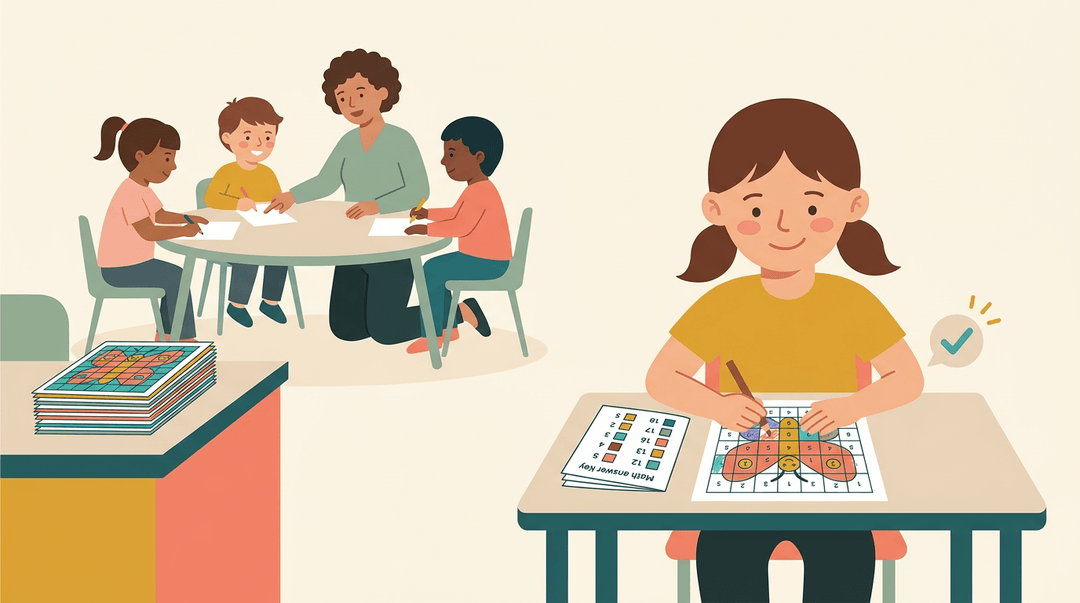
These activities let students check their own work. In a color-by-code mystery picture, each answer matches a color, so the hidden image fills in correctly only when the answers are right.
Self-grading design builds the answer key into the activity, and a multiple choice format keeps each check quick.
Imagine a third-grade teacher with a stack of mystery pictures: students grade themselves, and she spends her small-group time on the students who need her most.
Setting up broad center categories
Broad categories keep your centers organized all year. Common ones include:
- Reading center: Books and response prompts for independent reading.
- Writing center: Journals, word banks, and story starters.
- Listening center: Audio recordings paired with a book.
- Technology center: Literacy apps and devices.
- Drama center: Props for retelling favorite stories.
- Poetry or pocket chart center: Rhymes and sentence strips students rearrange.
Rotate students through each category so no one gets stuck in the same corner all year.
Picture and sound blending games
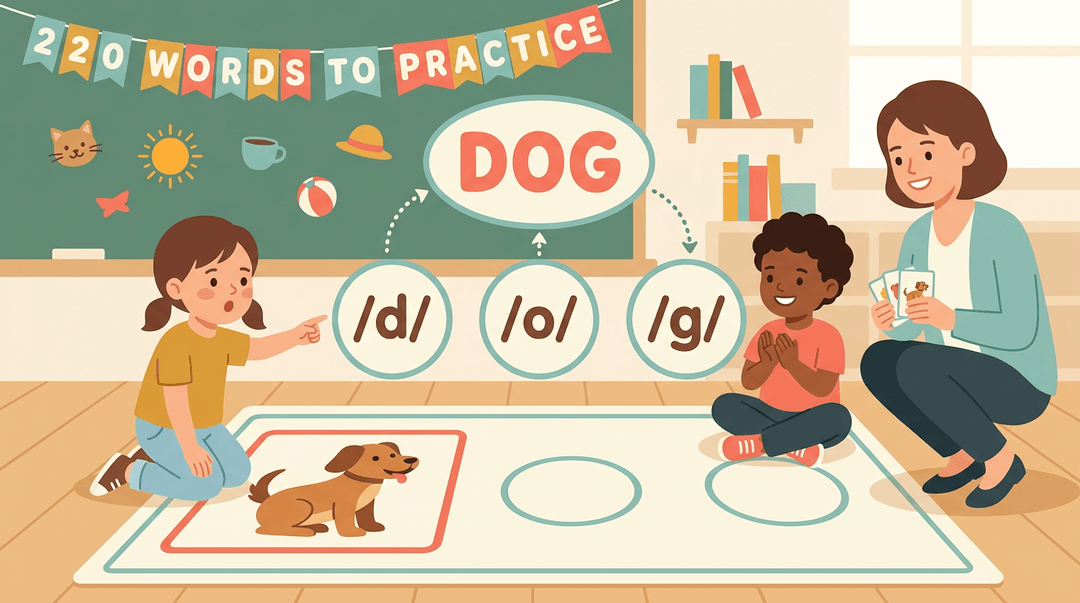
Blending games connect individual sounds to a whole word. Students start with picture sound identification, naming each sound in a picture's word. Then they practice blend sounds to find the word, putting those sounds together.
For example, a first-grade teacher shows a picture of a dog, students say each sound, and they blend the sounds into dog. Game mats with 220 words give students a bigger bank to practice on, so the skill keeps growing as they do.
How to Run Literacy Centers in Your Classroom: a Step-by-Step Checklist
Use this playbook to take centers from nothing to a smooth routine. Work through the phases in order, then keep the troubleshooting table nearby for the bumpy days.
Before day one
Do these four things before students touch a center.
- Assess reading levels first.
- Group students by need, not by label.
- Jot groups as: Group A: decoding CVC words. Group B: fluency. Group C: comprehension.
- Choose 4 or 5 centers.
- Match each to a skill you're teaching, such as phonics, fluency, vocabulary, or writing.
- Fewer centers means fewer materials to manage.
- Create a visual rotation chart.
- Put group names down the side and center icons across the top.
- Students should find their spot without asking you.
- Prep materials in tubs.
- One labeled tub per center, with everything students need inside.
- Add a task card so each tub explains itself.
Weeks one and two: teach the routine
Centers run on independence, and independence is taught. Move through these stages and don't skip ahead.
| Stage | What you do | Say |
|---|---|---|
| Model | Run each center live, mistakes included | "Watch how I open the tub and start." |
| Practice | Everyone does one center only | "Show me the first two minutes." |
| Add | Introduce new centers gradually | "Today we're adding one more." |
| Role-play | Rehearse transitions | "Let's try that move again, quietly." |
⚠️ Watch out: Launching every center on day one is the fastest way to lose the room. If students can't run one center alone, they can't run four.
Example: A second-grade teacher spends the first week on a single word-work center. Students practice grabbing the tub, finishing the task card, and putting everything back. Only then does she add a listening center, and the rotation chart finally earns its place on the wall.
Running rotations by grade
Pacing changes with age, but the structure stays the same.
| K-2 | Grades 3-5 | |
|---|---|---|
| Block length | Shorter, about 15 minutes | Longer stretches |
| Independence | Short, simple tasks | More extended independent work |
Then, in both bands:
- Pull small groups during centers. That's your guided-reading time, so protect it.
- Use a timer for transitions. A visible countdown means you aren't the one calling time.
- Sound a clear signal. Try "Eyes on the chart, tubs closed, move."
Fixing common problems
Find your row and read across.
| When you see... | Try... |
|---|---|
| Chaos or off-task groups | Limit choices: fewer centers, fewer options at each |
| Routines slipping after winter break | Reset expectations mid-year: re-model, then re-practice one center |
| A center students drift away from | Swap it for something fresher, same skill |
| Repeat behavior trouble | Track behavior with a simple chart, by group |
The behavior chart works best when it's boring: one row per group, one mark per smooth rotation. Review it with students, not just for them.
Build rosters, rotations, and weekly center schedules in one place with EMStudio's class management tools.
Phonics and Word Study Center Activities
Phonics and word study centers give students a chance to practice the patterns from whole-group lessons, one piece at a time. Here's how to set up the four activities that do the most work.
Using word sorts to spot patterns
A word sort asks students to group words by a shared feature, and it works because it makes them look closely.
As the Word Sort toolkit explains, sorting helps students attend to "orthographic details (patterns of the written language system)," which supports accurate spelling and fluent reading.
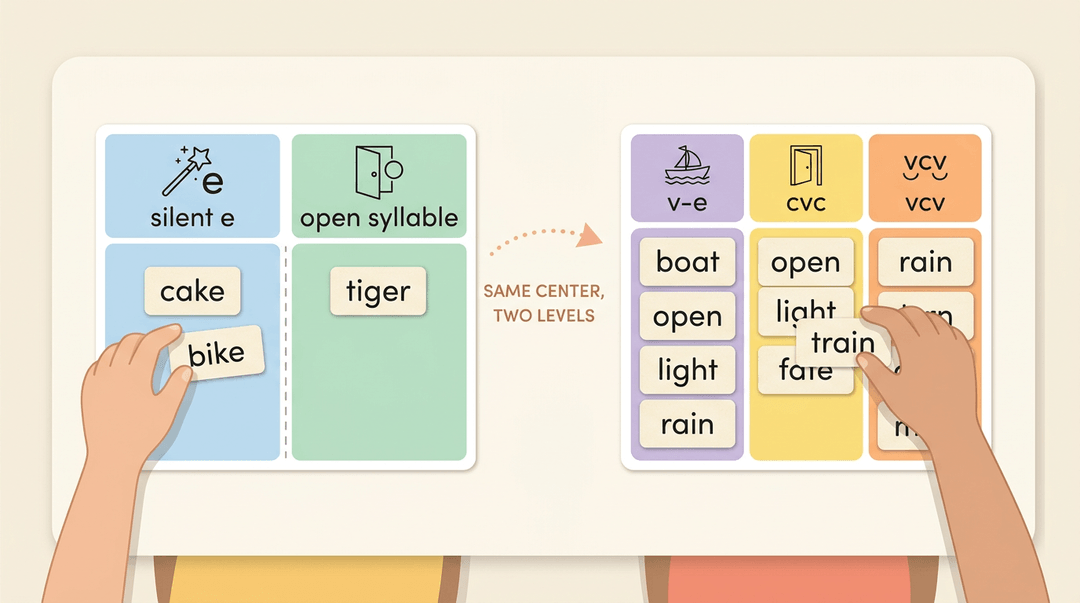
Sorts can focus on a spelling pattern or any other common feature, and you can adjust them to learner needs. Think of a second-grade teacher whose group struggles with long vowels.
She gives them a two-column sort, silent e and open syllable, while her faster group sorts a longer list by three patterns. Same center, two levels. For more on the approach, look up Wiley Blevins, a literacy author worth reading.
Word ladders that build one sound at a time
A word ladder changes one phoneme per rung, so students see exactly which sound shifts meaning: cat, hat, hot, hop. Each step is small enough to succeed at, and the format checks itself as students go.
Printable and digital versions both work: print for small tables, digital for independent practice. Match the ladders to your K-2 scope and sequence so students only climb sounds you've already taught.
Teaching the six syllable types
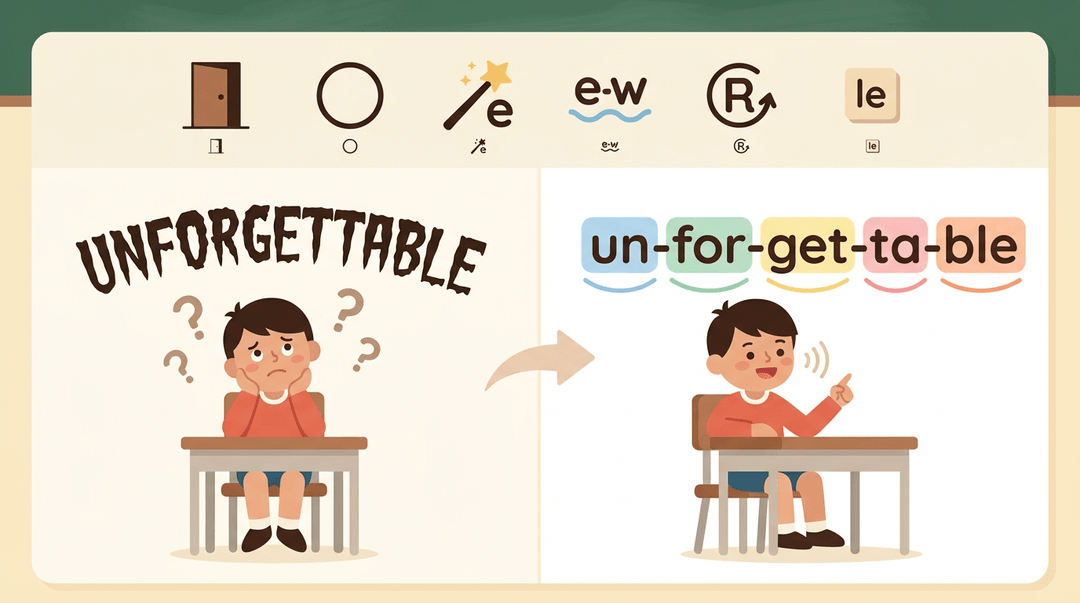
Longer words get easier once students know the six syllable types:
- closed
- open
- vowel-consonant-e
- vowel team
- r-controlled
- consonant-le
Name the type, then decode.
Start with explicit whole-group slides. Show one type, model splitting a word, and have students read it aloud. Then send students to centers with printables for practice.
The payoff: a student who once froze at a long word can chunk it into pieces and keep reading.
Low-prep word work and spelling centers
Low-prep centers keep you sane. Build a weekly word list from the pattern you taught that week, then rotate it through:
- phonics activities (sort, build, write)
- vocabulary practice (define and use each word)
- a spelling focus that matches the list
One list, three centers. That's the whole trick.
Tracking Progress and Differentiating Centers
Centers only work when you know what's happening at each table. Here's how to track the work and adjust activities so every student is challenged at the right level.
Tools for tracking student work
Keep a few simple records so you're not hunting for evidence at week's end:
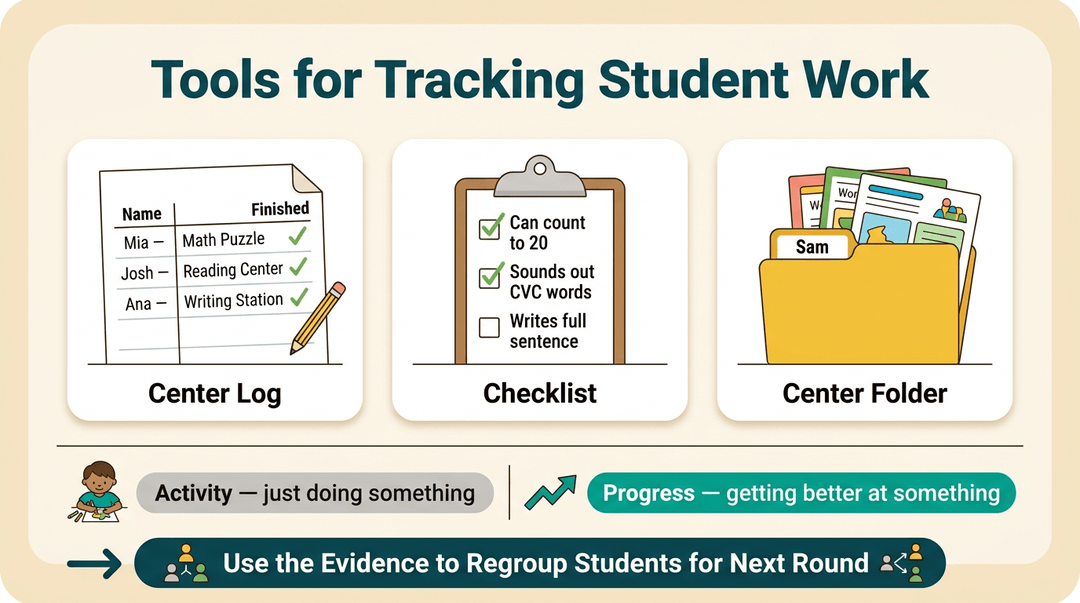
- Center logs: a quick sheet where students note what they finished.
- Checklists: short lists of skills students check off as they go.
- Center folders: one folder per student for finished work.
Tracking finished work shows you progress rather than just activity. Then use that evidence to regroup students for the next round.
Adjusting centers for different skill levels
Tailor each center to individual needs instead of handing everyone the same task. For example, a second-grade teacher might have some students draw their response to a story while others write a full sentence.
The same game can run at different levels too: the easier version focuses on letter sounds, the harder one on word families.
Use targeted intervention grouping to pull small groups who need the same skill, and build those groups from reading-level data.
Benefits of independent and group work
Centers build habits that carry into the rest of the day. A study of self-access centres for German learners found that most students felt the setting boosted their motivation to learn independently.
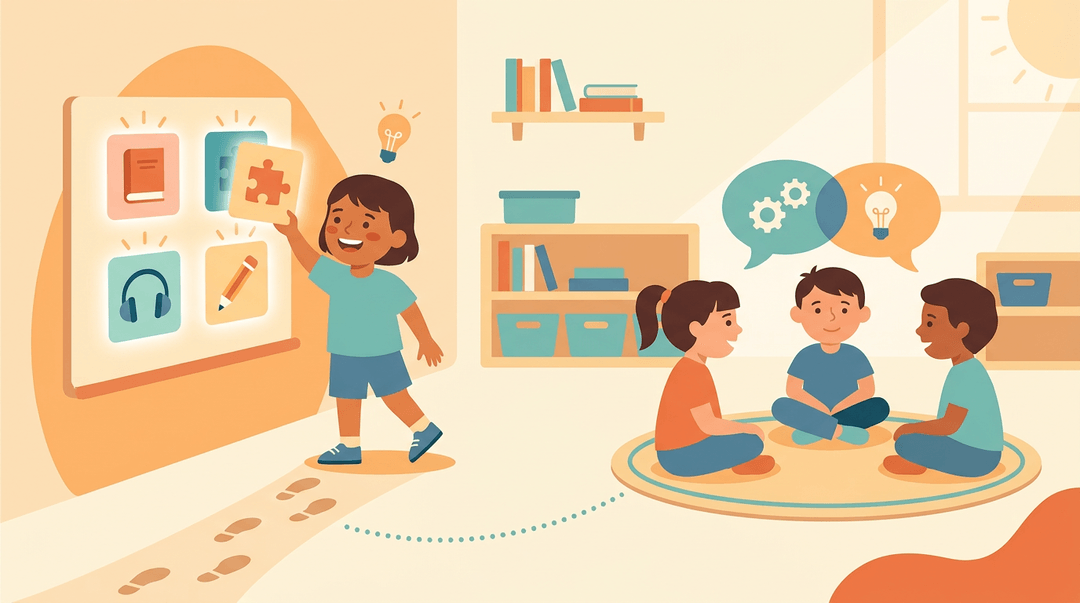
Group work adds another layer: proponents of collaborative learning argue that exchanging ideas in small groups promotes critical thinking.
Choice matters too. In a study of choice literacy centers, students who selected their own tasks practiced autonomy and decision making, and they became more intrinsically engaged. Independence isn't a bonus. It's the goal.
Managing Literacy Centers Day to Day
Running centers well depends less on the activities than on the routines that hold them together. Here's how to set up the rhythm, keep it visible, and keep it calm.
How many centers to start with
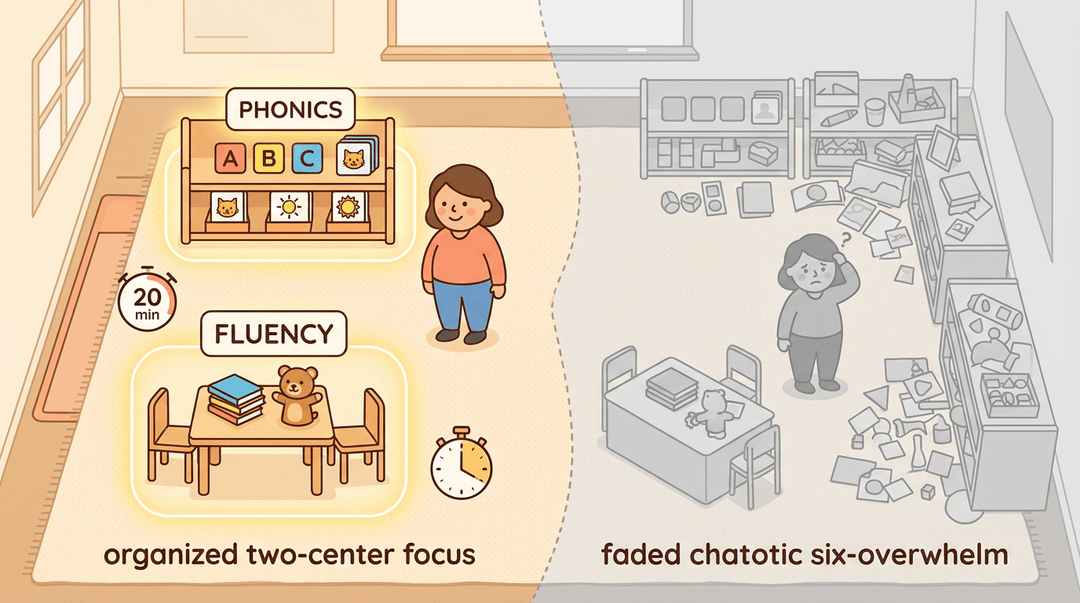
Start small. Four or five centers is plenty for most classrooms, and the right number depends on your students' needs. A group still building letter-sound skills may need more phonics practice, while readers who are ready for more may need fluency work.
Also check your time and space honestly. A first-grade teacher with a 20-minute literacy block and one corner of the room will do better with two centers she can run well than six she can't.
Choosing a rotation or free-choice model
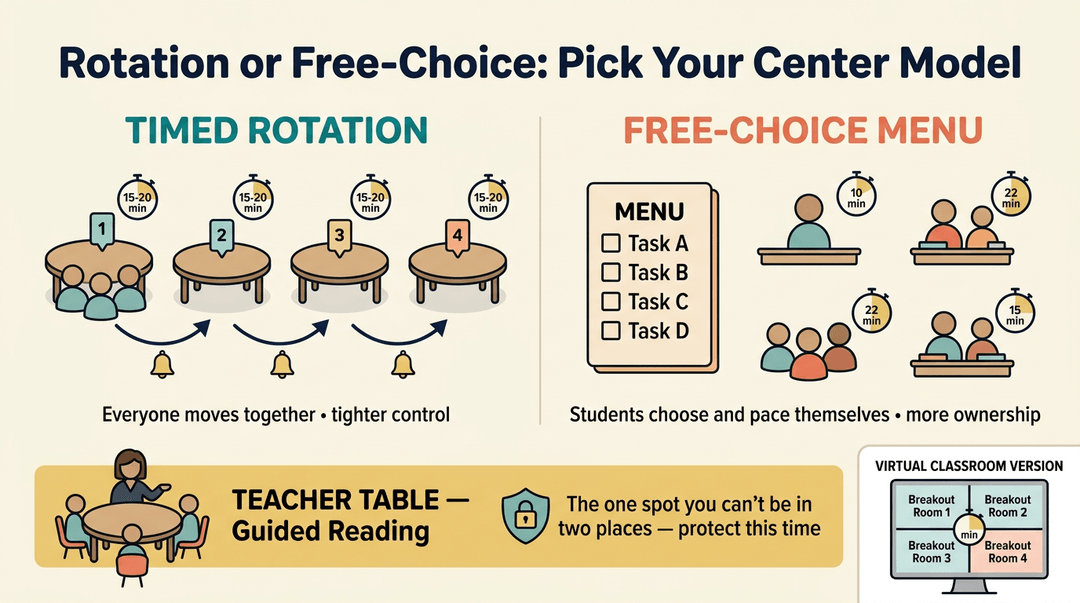
Two models work well:
- Timed rotation groups: Students move through centers together, usually 3-4 centers a day at 15-20 minutes each.
- Free-choice menu model: Students pick from the options and work at their own pace, which suits classes with wide differences in how long tasks take.
Rotations give you tighter control, while menus give students more ownership. During either model, pull a small group to the teacher table for guided reading. That's the one spot you can't be in two places, so protect that time.
In a virtual classroom, the same structure works with breakout rooms for each center and a timer on screen.
Introducing center routines step by step
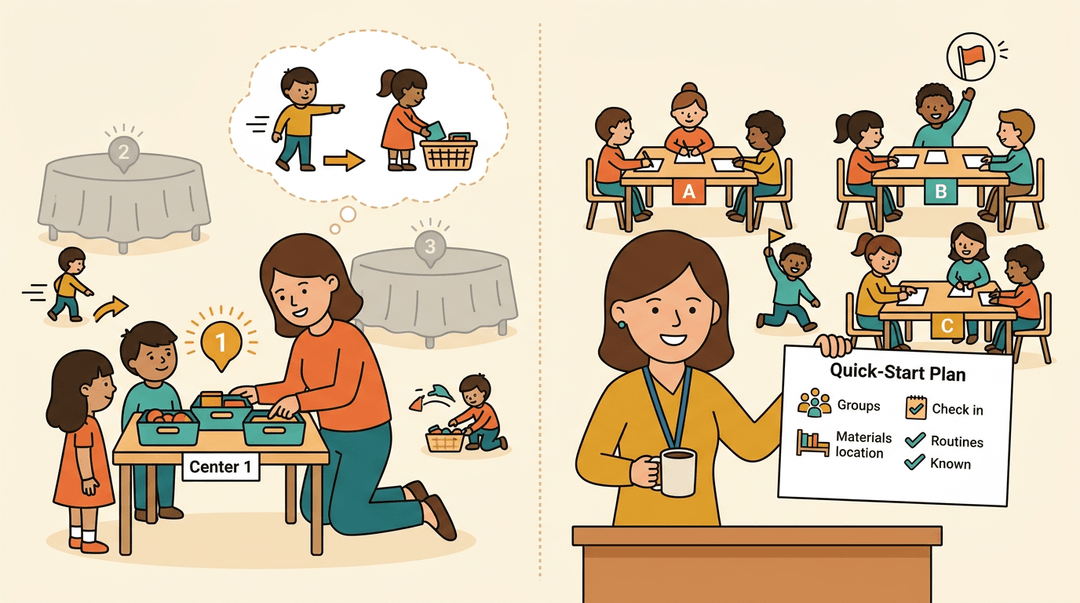
Don't launch every center on day one. Introduce them gradually, and practice one center first until the routine runs smoothly. Model each center, then have students role-play what it looks like, including how to move between centers and how to clean up.
Review transitions explicitly: where to go, what to bring, and how to signal they're finished.
A quick-start plan makes life easier for substitutes. Write a one-page guide that lists the center names, the groups, where materials live, and the two or three routines students already know.
A substitute who opens the plan can keep centers running without guessing.
Visual tools for scheduling centers
Students can't follow a schedule they can't see. Try one of these:
- Pocket chart display: Name cards slide into the slot for each center.
- Center wheel: A spinner you turn at each transition.
- Whiteboard magnets: Each student's magnet moves across a center grid.
- Digital display: A slide showing the current rotation, useful for virtual classes too.
- Visual center menu: A picture and a word for each center, so emerging readers can choose on their own.
Making centers work in small spaces
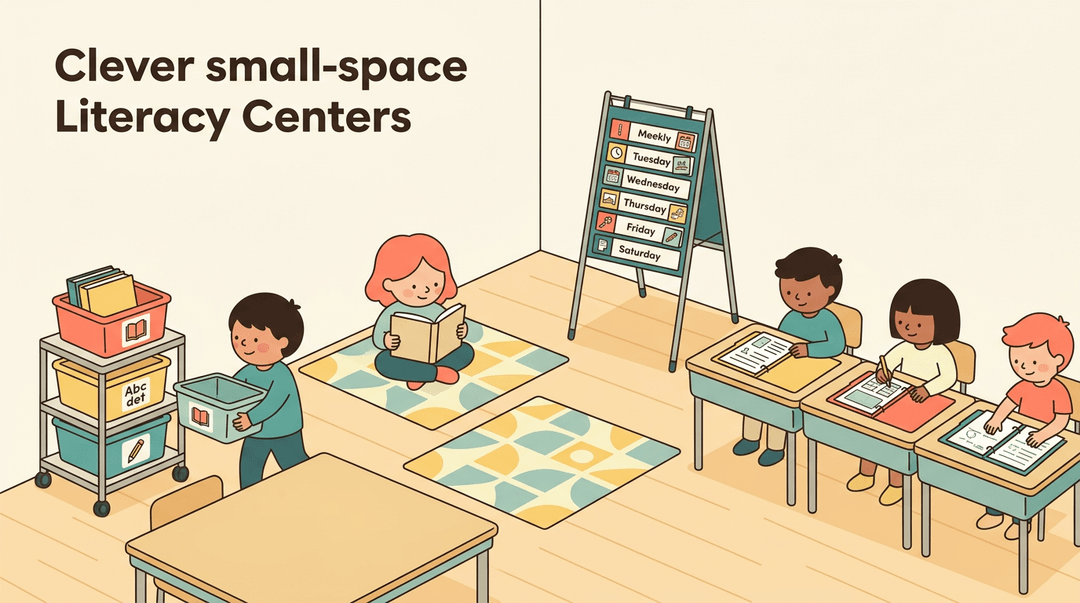
No dedicated literacy corner? Centers in tubs work well: each tub holds everything for one center and can be carried to any table. Carpet squares mark a floor spot, and a foldable pocket chart stand takes the schedule off the wall.
Desk-based centers let students work in their own seats with a folder of activities. Choose the setup that keeps materials easy to reach and easy to put away.
Keeping behavior calm and focused
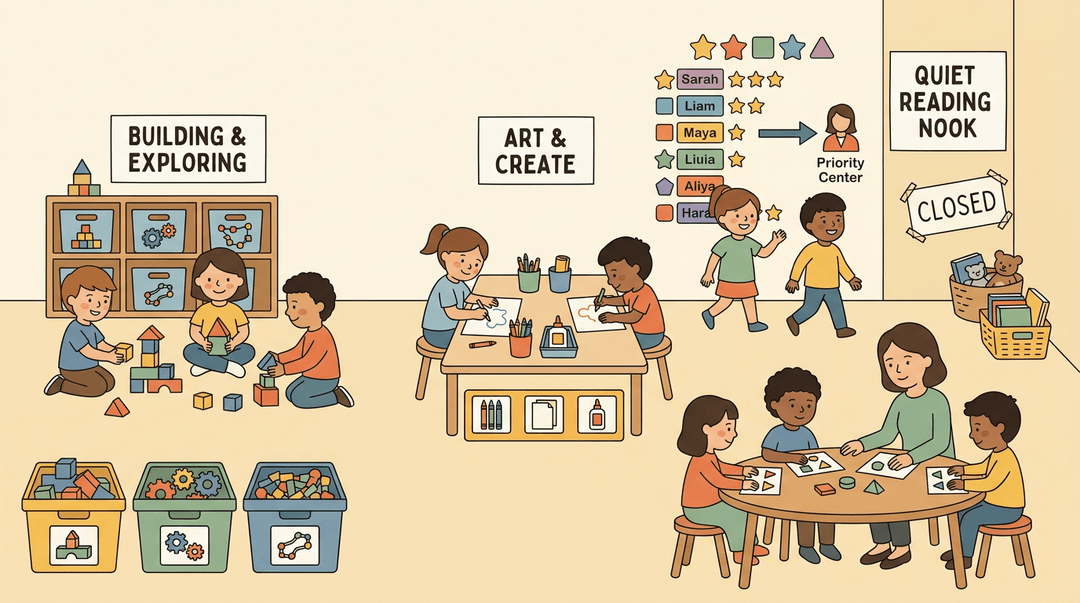
Too many choices can overwhelm students, so limit choices initially to two or three centers. Model materials management by showing exactly how to take out and return supplies.
Use flexible center closing: if a center gets noisy or messy, close it for the day rather than fighting it. A star system for priority centers lets students earn a star to unlock the teacher-led or other high-priority center.
Consider a third-grade teacher whose class rushed to the same popular center every day. She limited choices to two, added a star chart, and closed any center that got messy.
Fewer disputes and more time at her teacher table made the rest of the block easier.
Ready-made Literacy Center Resources
Buying finished materials can save you a weekend of cutting and laminating. The trick is matching them to your students and routine, not grabbing whatever looks good.
Pre-made bundles worth checking out
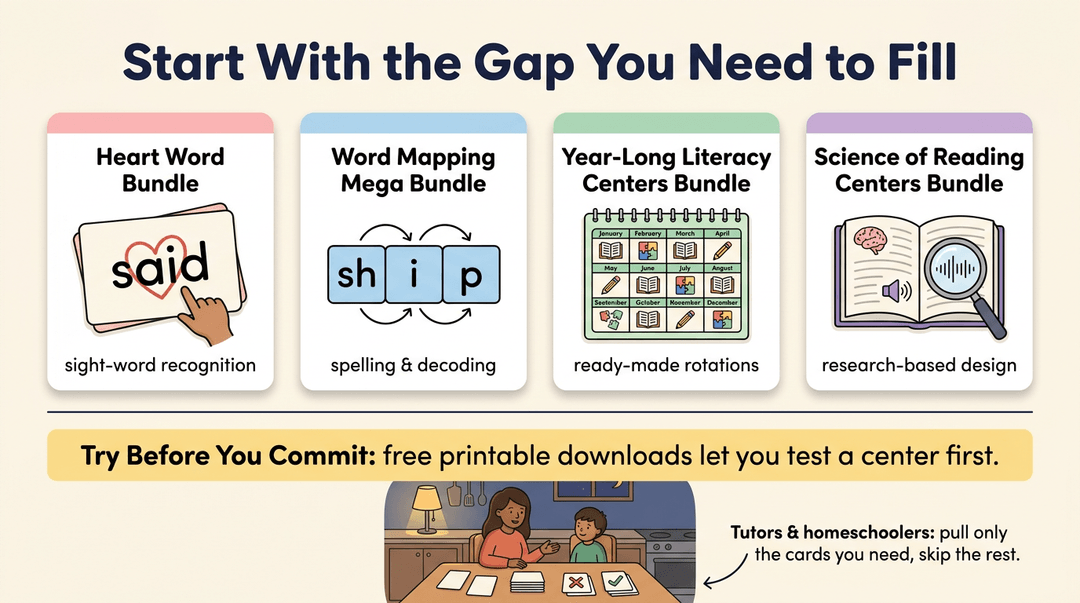
Start with the gap you need to fill:
- Heart word bundle: a fit when students need practice with words they must recognize on sight.
- Word mapping mega bundle: useful for building spelling and decoding skills through sound-by-sound work.
- Year-long literacy centers bundle: a full set of rotations, so you aren't planning every week from scratch.
- Science of Reading centers bundle: designed around the research on how students learn to read.
Free printable downloads are the low-risk way to test a center before you commit. Homeschool and tutor adaptations matter too. Bundles written for full classrooms often need tweaking for a kitchen table or a one-on-one session.
Think of a tutor working with one student on a Tuesday evening, who pulls only the cards that student needs and skips the rest.
Choosing digital or printable formats
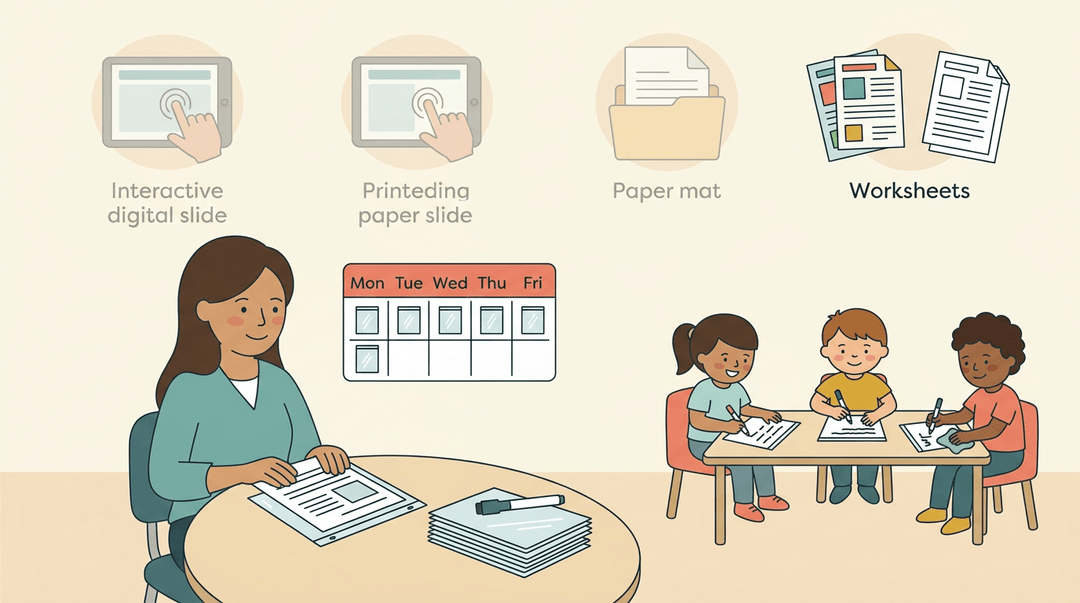
Format is less about looks and more about use. Each option trades one thing for another:
- Interactive digital slides: students tap, drag, or type on screen, which can speed up answer checking but requires devices.
- Printable mats: simple and screen-free, though you'll need to print and store them.
- Dry erase reusable sleeves: print once, slide in a sheet, and wipe clean for the next group.
- Color vs. black and white versions: color helps young readers sort pieces quickly, while black and white prints cheaper and copies cleanly.
Consider a second-grade teacher running three rotations a day. She prints one set of dry erase sleeves on Sunday, and those sheets serve every group all week, so her prep time goes to teaching instead of copying. Pick the format first, then the bundle.
Literacy centers work best when they're planned, purposeful, and easy to manage. With a clear setup and a routine students understand, you get more time with small groups and more confidence that every learner is growing.
Ready to get your rotations organized? Check out our Class Management feature page to organize classes, sections, rosters, and timetables in one structured workspace.
References
- The Utilization of Self-Access Centre (SAC) for Independent Learning of German Language Education Students — doi.org (2025)
- Get to Know Explicit Instruction | Iowa Reading Research Center — irrc.education.uiowa.edu
- JTE v7n1 - Collaborative Learning Enhances Critical Thinking — scholar.lib.vt.edu
- Improving Engagement and Literacy Skills with Choice Literacy Centers — digitalcommons.hamline.edu (2021)
- Word Sort — nexus.aimpa.org