Your first class
In this article
A class is the central building block of EMStudio — lessons, students, grades, and attendance all connect to it. Learn how to create your first class and set the foundation for everything else.
What is a class?
A class is the central building block of EMStudio. Lessons, students, grades, attendance, and standards all connect to a class. When you select a class anywhere in the app, everything filters to show only what belongs to it.
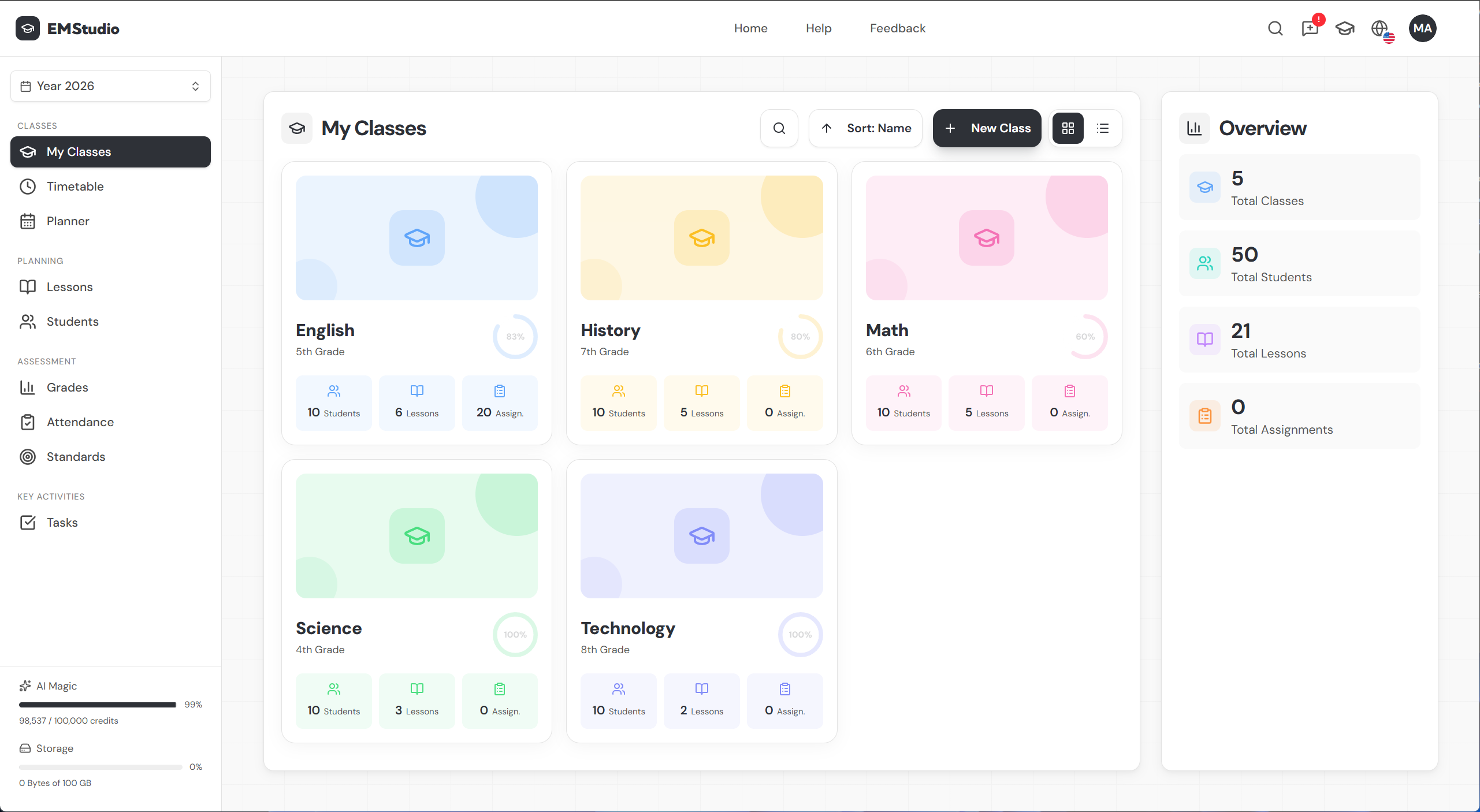
Create a new class
- Click
+ New Classfrom the My Classes page. - Enter a class name.
- Add a description.
- Pick a class color.
- Click
Create.
Click into your new class to open the class page — your hub for that class's lessons, students, and grades. For a deeper look at class management, see Create a class →
Add a description
The description field is flexible — use it however you like. It shows up on your class card for quick reference.
Most teachers include the subject, grade level, or section number here.
Set a class color
Your class color carries through your entire EMStudio experience:
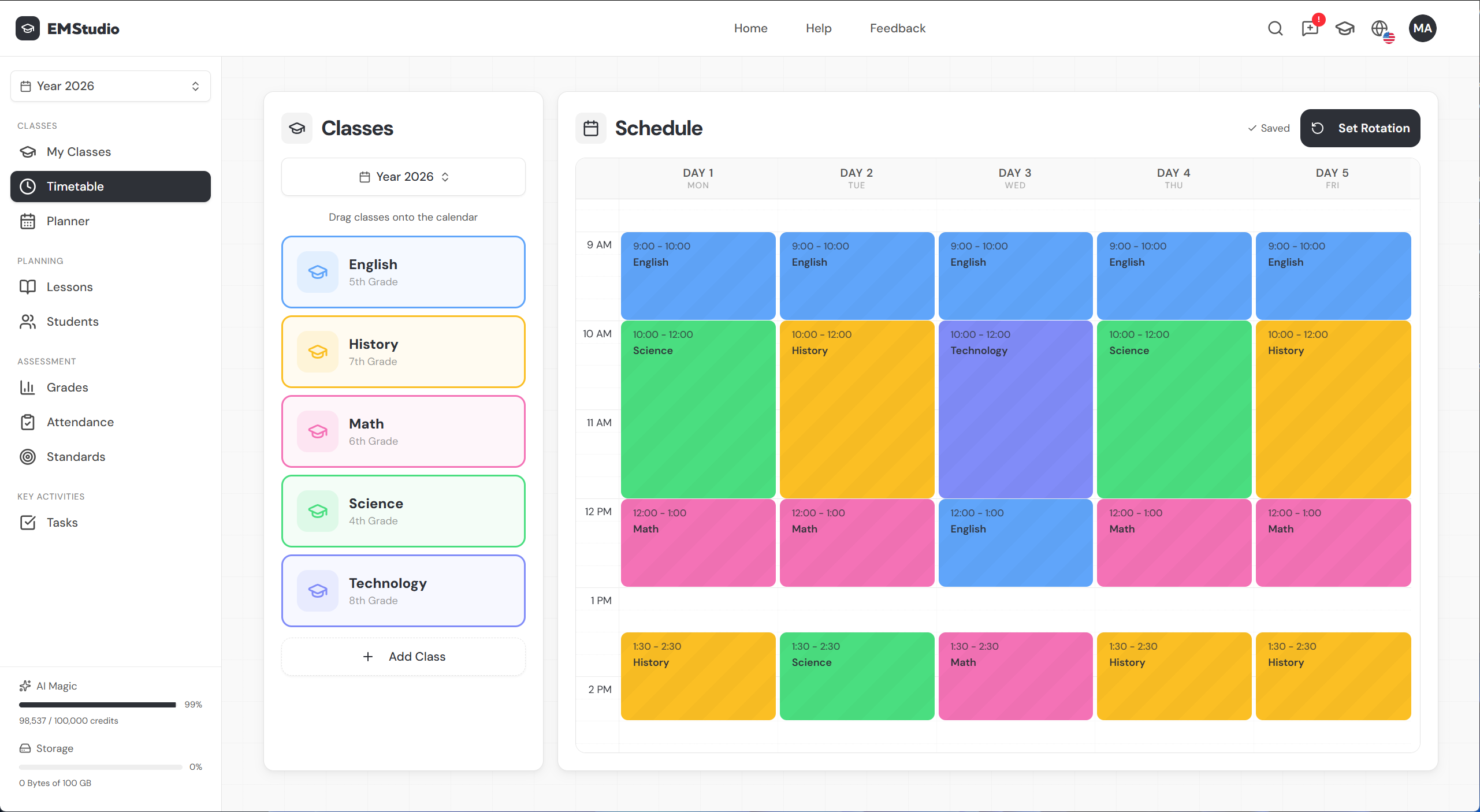
- Timetable — schedule slots use the class color
- Planner — calendar entries are color-coded
- Lessons, students & grades — all tagged with the class color
Choose distinct colors for each class so you can tell them apart at a glance, no matter where you are in the app. You can always change your class color and details later.
What's next?
With your class created, you'll want to set up your timetable to define when you teach it, and add your students to build your roster.
Still have questions?
Chat with us— we're happy to help.