Exit Tickets: A Quick Guide to Checking Student Understanding

Jump to section
Think about the last few minutes of a class period. The bell is about to ring, students are packing up, and you still don't know who actually got the lesson. An exit ticket solves that problem.
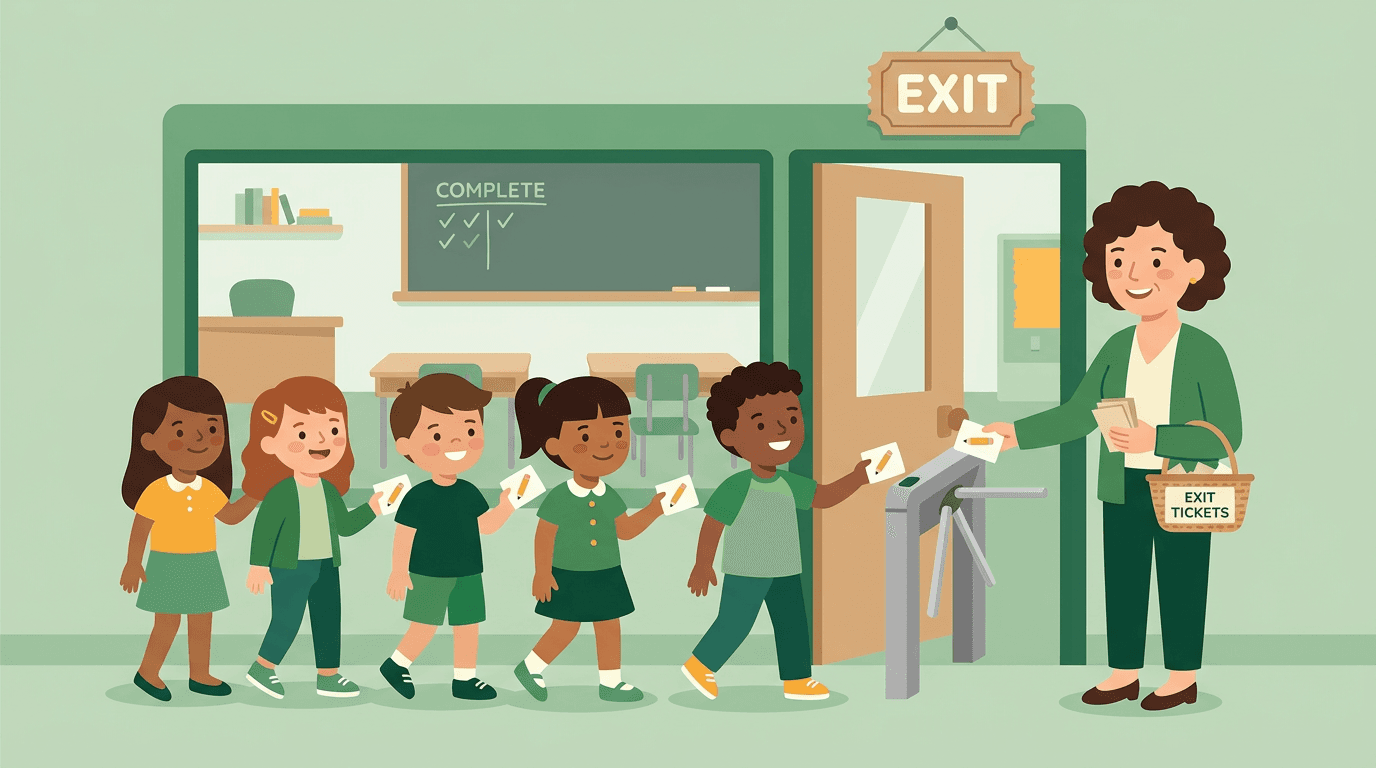
An exit ticket is a short question or task students complete just before they leave, giving you a quick read on what they understood. It can be a single written answer, a multiple-choice prompt, or a digital poll.
In this post, we'll look at why exit tickets work, the formats and question types you can choose from, and how to fold one into your lesson plan without adding extra prep.
Exit Tickets as a Quick Classroom Check
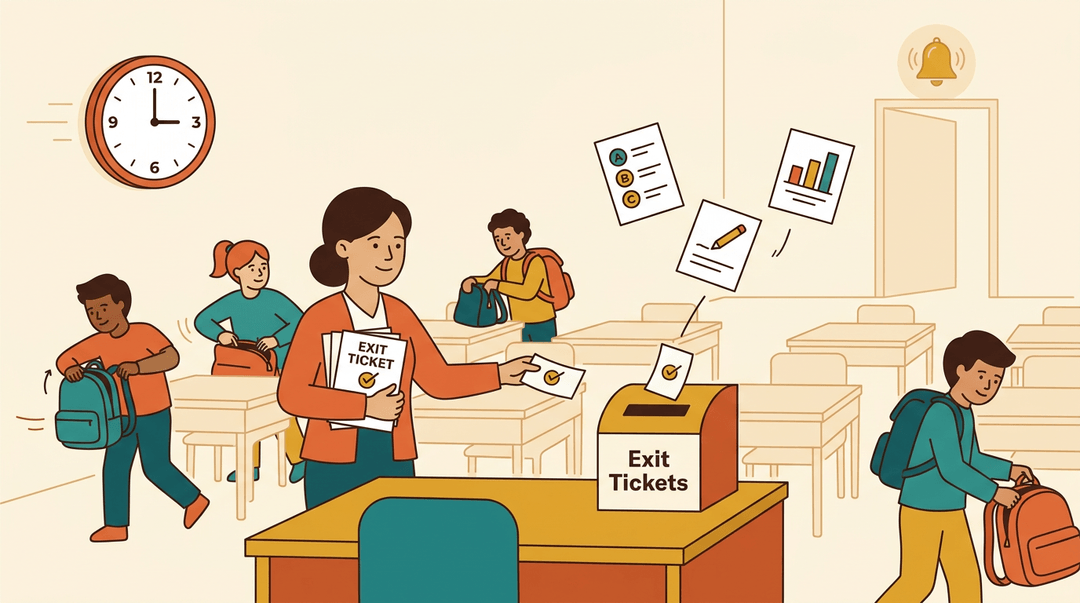
An exit ticket is one of the fastest ways to see what landed before students leave. Here's how to build one, from the question to the digital tools.
What Is an Exit Ticket Question?
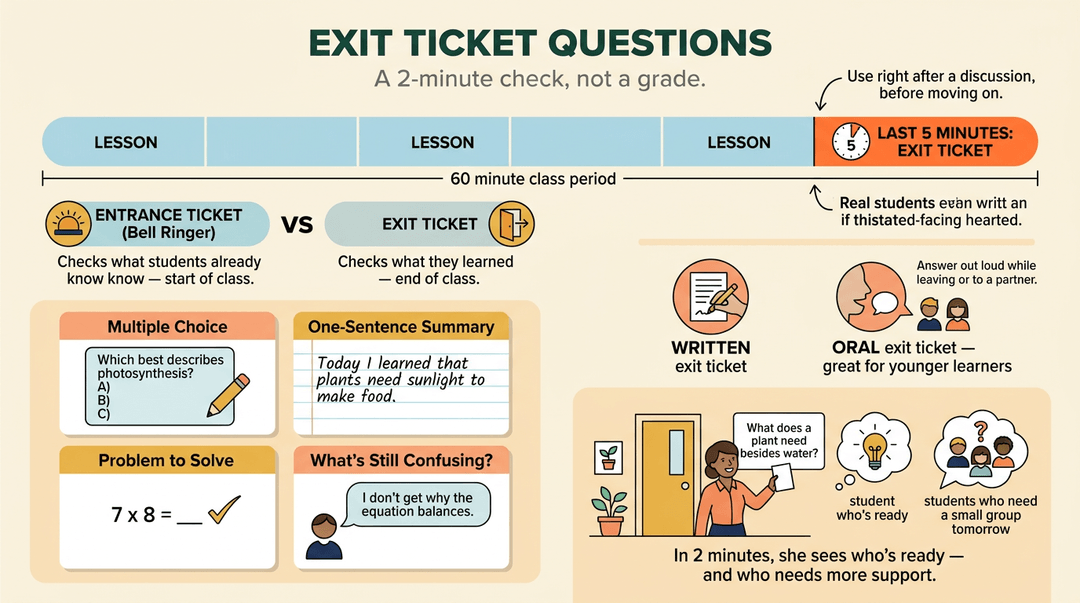
An exit ticket is a short prompt students answer at the end of a lesson. It works as a quick reflection, an open response, or an end-of-class formative check (a snapshot of understanding, not a grade).
Use one right after a discussion to check understanding before moving on.
Common question types include:
- multiple choice
- a one-sentence summary
- a problem to solve
- "What's still confusing?"
Keep it to the last 5 minutes so it doesn't crowd out the lesson.
Not every exit ticket has to be written. An oral exit ticket has students answer out loud as they leave or to a partner, which suits younger learners.
The opposite is the entrance ticket, or bell ringer, a short warm-up that checks what students already know at the start of class.
Consider a fifth-grade teacher who ends a plant unit by asking, "What does a plant need besides water?" In two minutes, she sees who's ready to move on and who needs a small group tomorrow.
Keeping Exit Ticket Templates Simple and Quick
Fit your template on one page: ruled lines for writing, the question at the top, a comment box, and a voting field with three checkboxes (got it, almost, not yet) for a quick tally.
Grading can be just as fast. Sort tickets into those three piles and skim them in minutes. Then let the results drive your next lesson.
A high school algebra teacher who finds half the class stuck on one step spends the first ten minutes of the next class fixing only that step. Results, not guesses, shape tomorrow.
Exit Tickets Across Grade Levels and Subjects
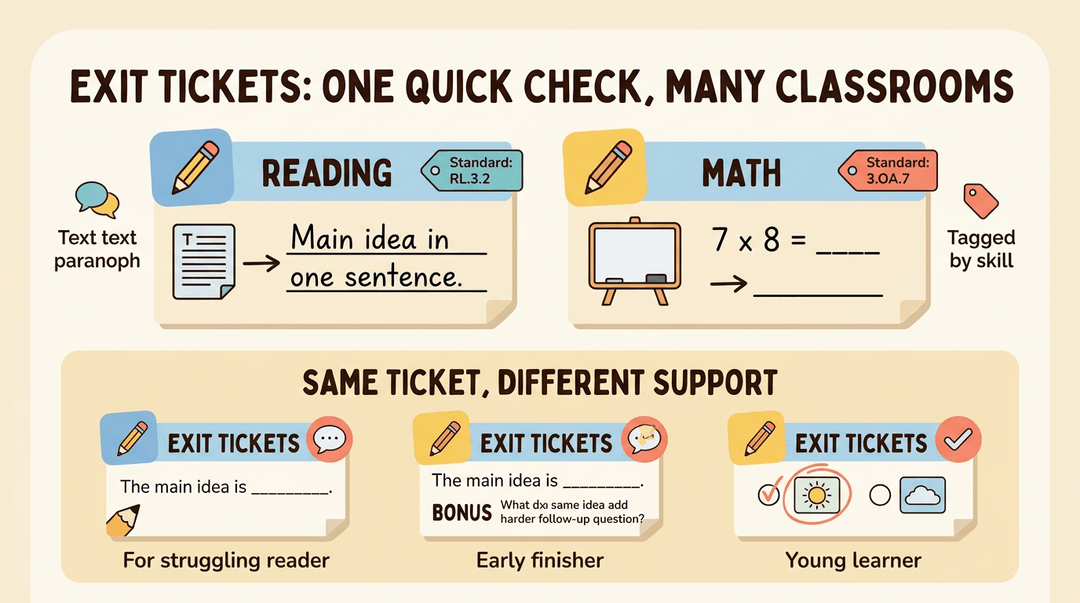
Exit tickets work from PreK through 12th grade and across English language arts (ELA), literature, and math. In reading, ask for a response to an informational text, like the main idea in one sentence.
In math, ask students to solve one problem like the day's lesson. Tag each ticket with its skill or standard so you can sort results later.
Differentiate with simple changes:
- Sentence frame for a struggling reader: "The main idea is..."
- Extension question for a student who finishes early
- Circle-the-answer option for a young learner
How to Make an Exit Ticket in Google Forms
Google Forms gives you an online board for responses, so you can collect answers remotely from students in the room or at home. It also collects group votes. To build one:
- Create a new form and title it with the lesson name.
- Add a short-answer question: "What did you learn today?"
- Add a multiple-choice vote with got it, almost, and not yet.
- Share the link and watch responses come in.
Building Exit Tickets into Your Lesson Plan
This guide helps you build an exit ticket into any lesson in four moves: place it, choose a format, use the results, and save it for reuse. Reach for it when you're planning tomorrow's lesson.
Plan the ticket
An exit ticket works best when it's planned with the lesson, not squeezed in when the bell is close.
- Place it in your closure step.
- Block the final 5 minutes on your plan.
- Say: "Last five minutes: ticket first, then pack up."
- Block the final 5 minutes on your plan.
- Pick one skill to check.
- One question gives you data you'll actually read.
- Align it to your objective.
- Objective: Students will solve two-step equations.
- Ticket: Solve 2x + 3 = 11. Show each step.
- Objective: Students will solve two-step equations.
✅ "Solve 2x + 3 = 11. Show each step." ❌ "What did you enjoy about math today?"
The difference: the first question can only be answered by someone who met the objective. The second tells you about mood, not learning.
Choose a quick format
Match the format to what you need to know. Each one takes about two minutes.
| Format | Students write | Reach for it when |
|---|---|---|
| 3-2-1 summary | 3 things learned, 2 examples, 1 question | The lesson covered a lot |
| One-word response | One word for how the idea feels or what it is | You want a fast pulse check |
| Muddiest point | The part that's still unclear | You just taught something tricky |
Try this prompt for the muddiest point: "Write the one part of today's lesson that's still muddy. One sentence is plenty."
Use the data tomorrow
Tickets only matter if they change what you do next.
- Sort responses into three piles.
- Got it, almost, not yet.
- Count each pile.
- A quick tally on a sticky note is enough.
- Adjust tomorrow's plan.
- Find your row below and act.
| When you see... | Try... |
|---|---|
| Most students are in "got it" | Skip the review and open with an extension problem |
| Most are in "almost" | Start class with one worked example, then a short retry |
| A few are in "not yet" | Pull a small group while others practice |
| Responses are split evenly | Pair "got it" students with "almost" students |
⚠️ Watch out: An unread ticket is just paper. Sort the stack before you plan, even if you only sort the top ten.
Example: A seventh-grade math teacher uses a muddiest-point ticket after a lesson on two-step equations. Nine of 24 students write that they're unsure when to subtract versus divide. Tomorrow she opens with one worked example showing that order, then gives a short retry. The ticket changed her warm-up.
Save it as a template
Once a ticket works, don't rebuild it. Keep a fill-in version and swap the details for each class or grade.
Objective: (copied from your lesson plan) Skill to check: (one skill only) Format: 3-2-1, one-word, or muddiest point Question: (the exact words students see) Sort by: got it / almost / not yet Next-day move: (filled in after you read the stack)
To reuse it, change the objective and question and keep the rest. A fifth-grade class might keep the muddiest-point format and swap in a fractions question. Your sorting piles stay the same, so reading the results gets faster each time.
Save and reuse your exit ticket templates across every class with EMStudio's lesson planner.
Virtual Classrooms and Online Learning
Not every lesson happens in the same room anymore. Here's a look at how virtual classrooms work, what they offer, and what you'll need to join one.
How Virtual Classrooms Work
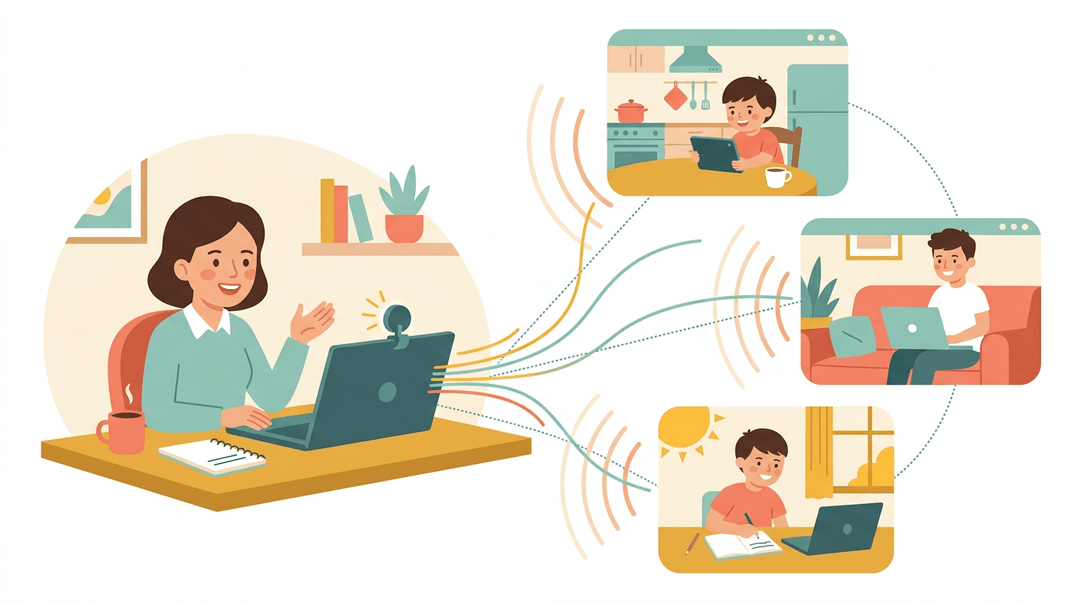
A virtual classroom is an online space where teachers and students interact in real time. There's no physical room, so the lesson happens through a screen: you talk, students respond, and everyone shares the same live session.
Virtual classrooms support both distance learning (learning from a remote location) and blended learning (online sessions mixed with in-person class time). Running one well takes some e-learning know-how.
It's less about where the class meets and more about how students stay connected to you.
Benefits of Learning Online
Online learning offers several advantages:
- No geographic barriers. Students can join from almost anywhere.
- Audio and video interactivity. Students hear and see you, and you hear and see them.
- Flexible, personalized learning. Lessons can adjust to each learner's pace and needs.
- Continuous teacher contact. Students stay connected to you between in-person moments.
- Builds learner responsibility. Students practice managing their own time and work.
Challenges of Virtual Classrooms
Two hurdles come up most often:
- Teacher skill gaps with technology. Not every educator has been trained on the platform, and fumbling with settings eats into teaching time.
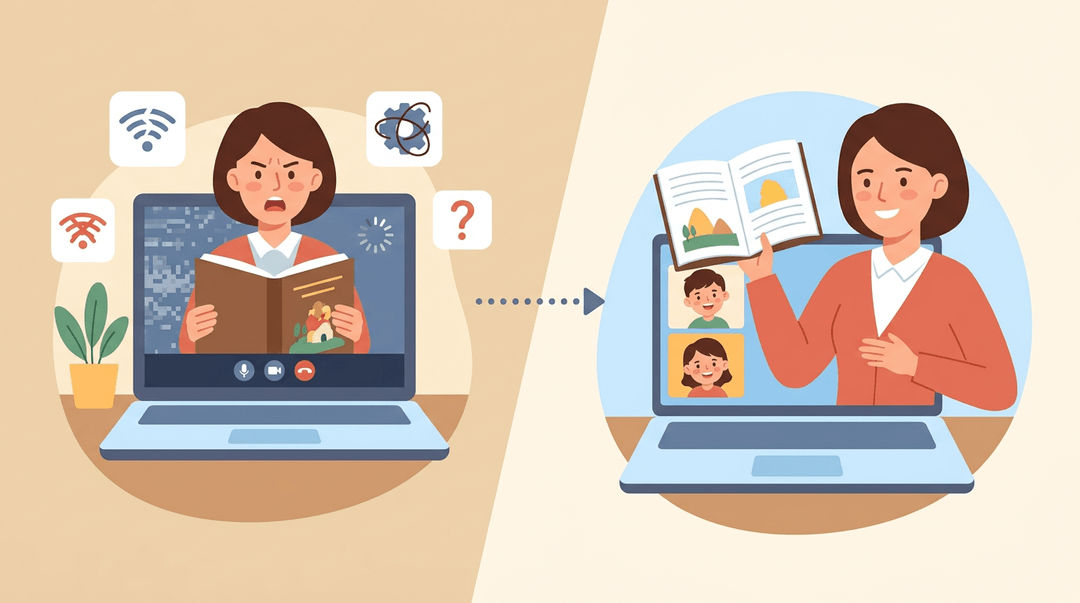
- Technical and connection problems. A dropped connection or frozen screen can interrupt a lesson mid-sentence.
Think of a fourth-grade teacher whose video freezes halfway through a read-aloud. A backup plan, like a shared copy of the text, keeps the lesson moving. Preparation solves more problems than you'd think.
What You Need to Join a Virtual Class
The basics are simpler than you might expect. You'll need:
- A computer or mobile device to run the session.
- A webcam (optional) so students can see you, though many sessions work well without one.
- A headset with a microphone to keep your voice clear.
- A stable internet connection, which every other item on this list depends on.
Exit Ticket and Exit Sign Visual Assets
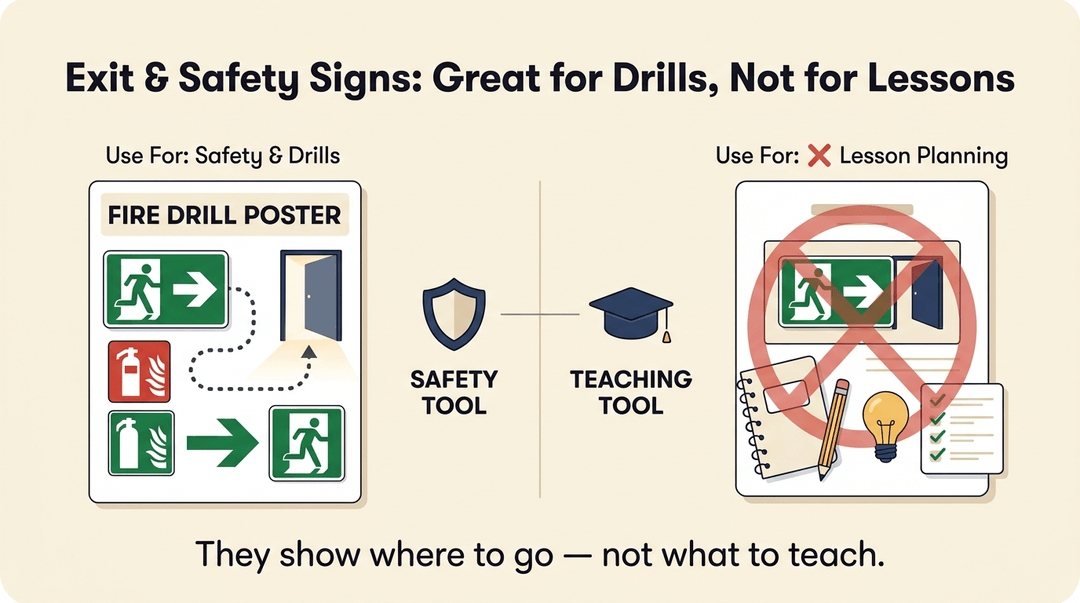
If you search for an exit ticket, you'll also find exit signs, cinema stubs, and party invitations. Here's how those graphics sort out.
Exit and Safety Sign Graphics
- Emergency exit icons
- fire exit sign templates
- green exit signage vectors
- directional arrow signs
show people where to go in an emergency. They're safety tools, not assessments. They're handy for a fire drill poster, but you can skip them when planning your lesson.
Ticket Stub and Event Ticket Graphics
- Movie ticket icons
- flight ticket vectors
- vintage ticket collections
- Halloween party ticket templates
are decorative. A ticket-shaped handout looks fun, but the picture doesn't check learning. The question printed on it does. Consider a fourth-grade teacher who uses a cinema-style ticket for a quick reading check.
Two questions tell her who needs another pass before tomorrow.
Downloadable Design File Formats
Vector and PSD files are the editable formats you'll want, since you can change text and colors. Premium and free assets vary, so read each license before printing for students.
Icons, illustrations, and 3D models look impressive, but editable beats detailed when prep time is short.
Exit tickets take only a few minutes, but they show you exactly where your students stand and what to reteach tomorrow. Choose a format that fits your room, keep the question tied to the day's objective, and let the results guide your next lesson.
Ready to build them into your plans? Check out our Lesson Planner to write, organize, and reuse lesson plans across multiple classes from one place.

Frequently asked questions
What is an exit ticket question?
An exit ticket question is a short prompt students answer at the end of a lesson, usually during the final five minutes. It provides a quick formative check of understanding and can be open-ended, multiple-choice, a problem to solve, or a reflection question.
What is the opposite of an exit ticket?
The opposite of an exit ticket is an entrance ticket, also called a bell ringer. It is a brief warm-up activity completed at the start of class to check what students already know or prepare them for the lesson.
How to make an exit ticket in Google Forms?
Create a new Google Form and title it with the lesson name. Add a short-answer question, such as “What did you learn today?”, followed by a multiple-choice question with options such as “got it,” “almost,” and “not yet.” Share the form link with students and review the responses as they come in.
Can an exit ticket be oral?
Yes. An exit ticket can be oral, with students answering aloud as they leave or responding to a partner. This format can work especially well with younger learners or when a written response is less practical.