Vocabulary Quiz Generator
Type your word list and get a printable vocabulary quiz with choose, match, and write questions, plus an answer key. Download it as a PDF in seconds. Free in your browser, no sign-up.
What is a vocabulary quiz generator?
A vocabulary quiz generator turns a list of words and meanings into a finished quiz. You type one word and its meaning on each line, like "prey, an animal that is hunted for food". The tool writes the questions for you: choose the word from four, match words to meanings, or write the word on a line. It is a quick vocabulary test maker with an answer key attached. Add a title, download the PDF, and hand it out. Nothing to install, nothing to sign up for.
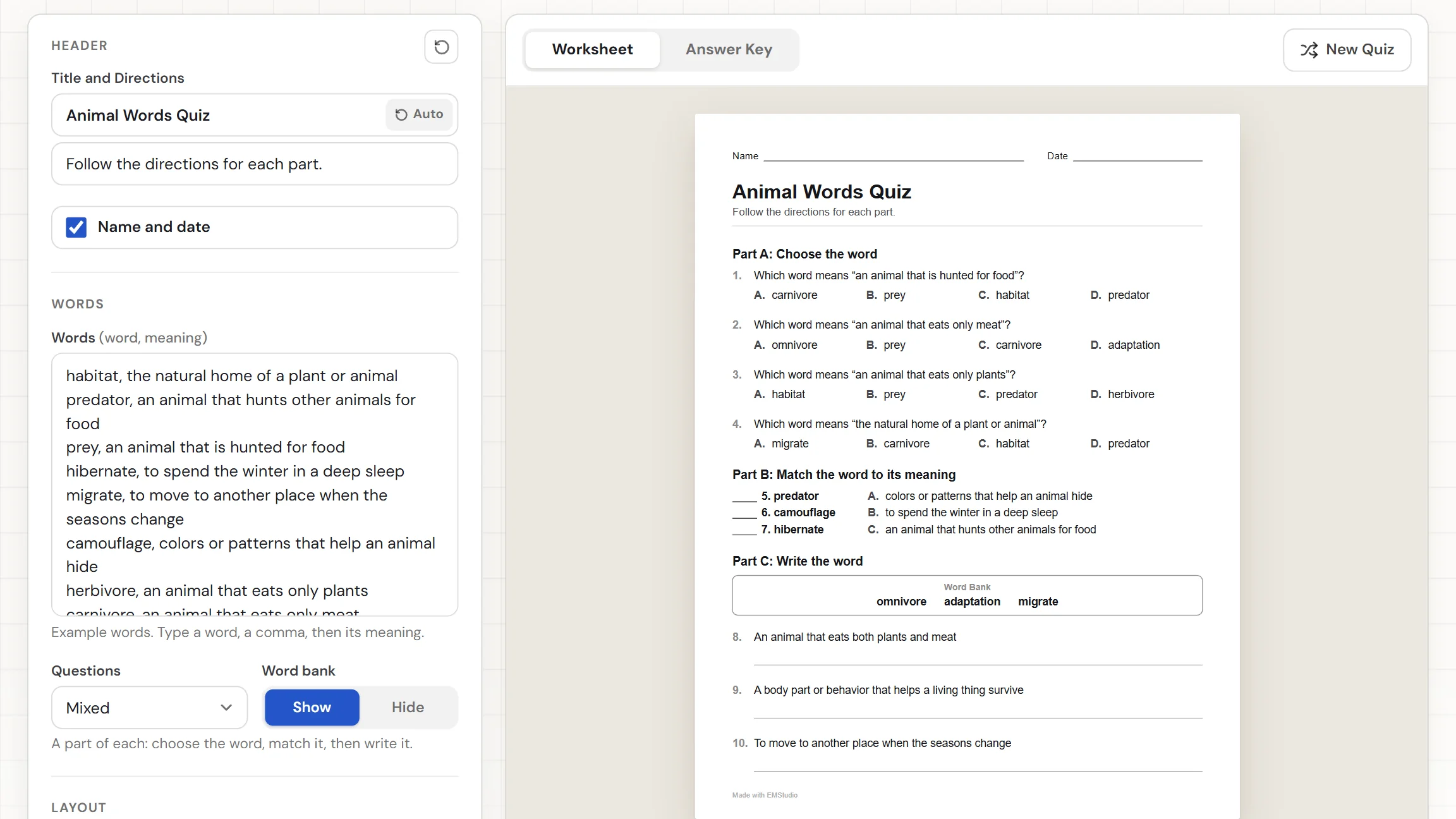
When do you use a vocabulary quiz?
Whenever you want to know which words students own. Three moments where a quiz built from your own word list beats a premade one:
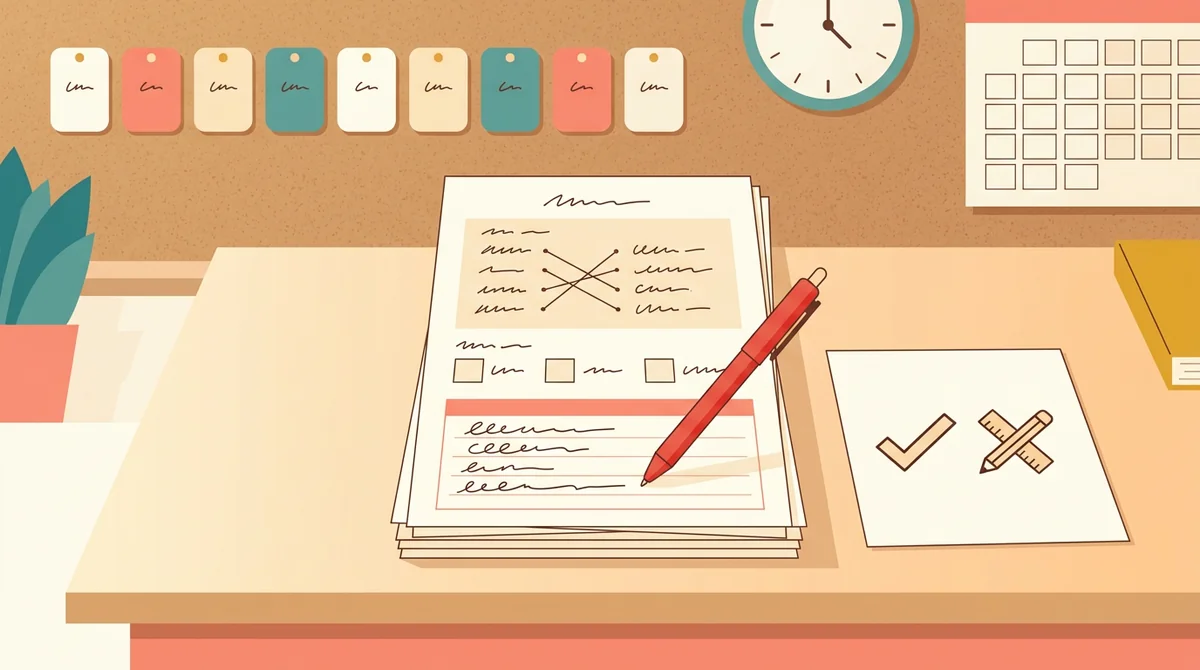
End of a unit
Type the ten words your unit leans on, each with the meaning you taught. Print a mixed quiz that asks students to choose a word, match words to meanings, and write words from memory. The answer key makes marking a stack of quizzes quick.
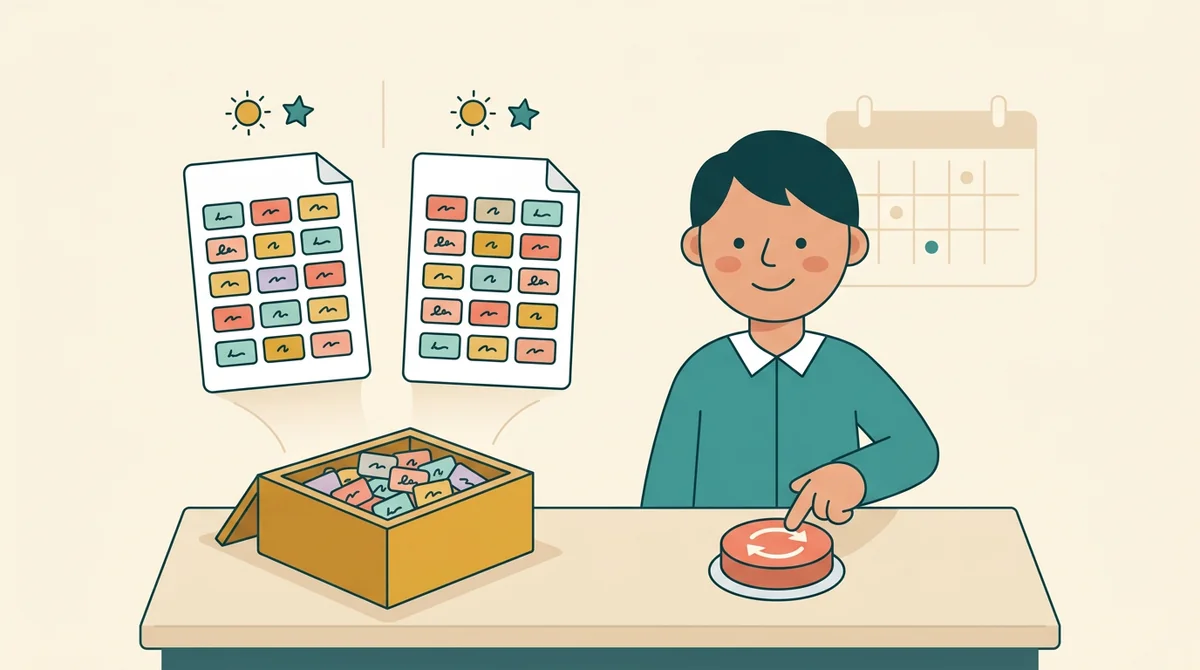
Weekly word checks
Keep this week's words in the box and press New Quiz whenever you need another copy. The questions come out in a new order each time, so a Friday check does not match the practice sheet from Wednesday. Students see the same words, asked a fresh way.
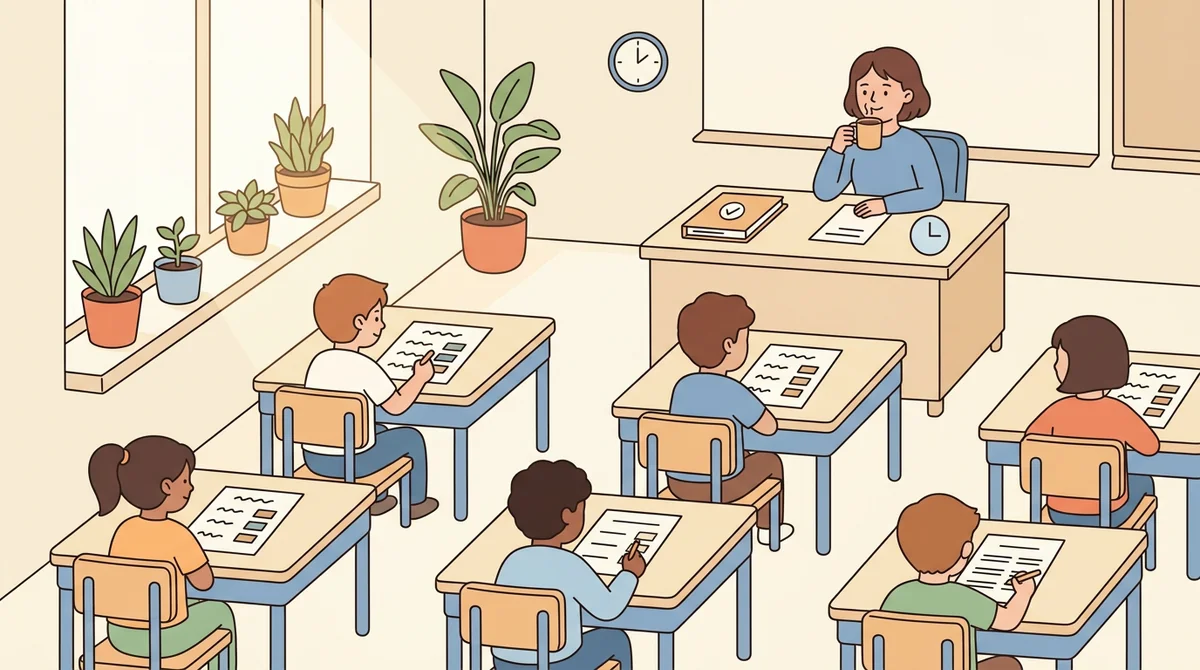
Substitute and review days
Leave a quiz that needs no explaining. The directions are printed on the page, the key is ready for whoever collects it, and you can limit the quiz to one kind of question. Pick Matching for a quick warm-up or Write the Word for a harder review.
Core features of
a vocabulary quiz generator
A good vocabulary quiz generator writes the questions so you do not have to. Here is what this one does, from the first word you type to the printed quiz.
Type one word on each line
Put a word, then its meaning, on each line, like "habitat, the natural home of a plant or animal". Each word needs a meaning, because the meaning becomes the question. You can use up to 60 words, and a repeated word is dropped.
- A word, a comma, then its meaning
- Hints count words with no meaning
- Up to 60 words, repeats dropped
Choose, match, and write in one quiz
The Mixed quiz splits your words into three parts. Part A asks students to choose the word for a meaning. Part B asks them to match words to meanings. Part C asks them to write the word. Matching is left out when too few words remain.
- Part A: choose the word
- Part B: match word to meaning
- Part C: write the word
Or use just one kind of question
The Questions menu also offers Multiple Choice, Matching, and Write the Word, so the whole quiz uses a single format. Multiple choice takes its wrong answers from your other words. Matching sets hold up to eight words, so the letters stay easy to scan.
- Four lettered choices on each question
- Matching in sets of up to eight
- Write the Word with a line for each
An answer key for every quiz
The Answer Key tab shows the same quiz with the answers in red. The right letter is circled in multiple choice, the matching letters sit on the blanks, and each written word fills its line. The key follows the exact order of the quiz you see.
- Right letter circled in red
- Matching letters written on the blanks
- Written words filled in on the lines
Download the PDF or print it
The Worksheet download button gives you the student quiz as a PDF. The Answer Key button gives you a second PDF for yourself. Print sends the quiz to the printer. Choose US Letter or A4, edit the title and directions, and switch the Name and Date row off if you want.
- A PDF of the quiz, plus the key
- US Letter or A4 paper
- Editable title, directions, and Name and Date row
How to make
a vocabulary quiz
Five steps from a word list to a printed quiz, and choosing the words is the longest part.
Type your words
Put one word on each line, then a comma and its meaning, or paste a list from a document. The hint under the box shows how many words the quiz has and warns if a word has no meaning.
Choose the kind of quiz
Open the Questions menu and pick Mixed, Multiple Choice, Matching, or Write the Word. A hint under it says what students will do on the page.
Show or hide the word bank
With Mixed or Write the Word, turn the word bank on to print a box of the words students write. Turn it off for a harder quiz where they recall each word.
Press New Quiz for another copy
New Quiz asks the same words in a new order, with the choices shuffled. Press it until the quiz looks right, or to make a second version. The title reads Vocabulary Quiz until you type your own.
Download or print
Choose US Letter or A4, then download the Worksheet for students and the Answer Key for yourself. Or press Print to send the quiz to the printer.
That's the whole vocabulary quiz
Type the words once and print as many versions as you need. The generator is at the top of this page.
Make a Vocabulary Quiz
Get started in under 5 minutes.
Sign up and walk through the onboarding tutorial. By the end you've got your classes set up and you're ready to plan your first lesson. No credit card required.
Get Started for FreeMore than a quiz template
A premade vocabulary quiz tests someone else's words. This one writes the questions from yours, shuffles them, and gives you the key. It runs in any browser, including a locked-down school laptop.
Wrong choices come from your list
Each multiple choice question gets three wrong answers drawn from your other words, so every choice is a word your class has learned.
A hint tells you what is missing
Fewer than four words, or a word with no meaning, and a hint under the box says what to fix before you print.
A header ready to print
The title reads Vocabulary Quiz and the directions match the kind of quiz you chose. Edit either one, or switch off the Name and Date row.
US Letter or A4
Pick the paper you print on and the page is laid out for it. The quiz and the answer key are separate PDFs.
Your settings are remembered
Your words and settings stay in this browser, so you can close the tab and pick the same quiz up later. Nothing is uploaded.
Free, and no watermark
No account, no sign-up, and no logo across the page. The only mark is a small "Made with EMStudio" line in the footer.
Who is the vocabulary quiz generator for?
Anyone who needs a vocabulary quiz built around specific words. If a premade quiz never quite matches what you taught, it is for you.
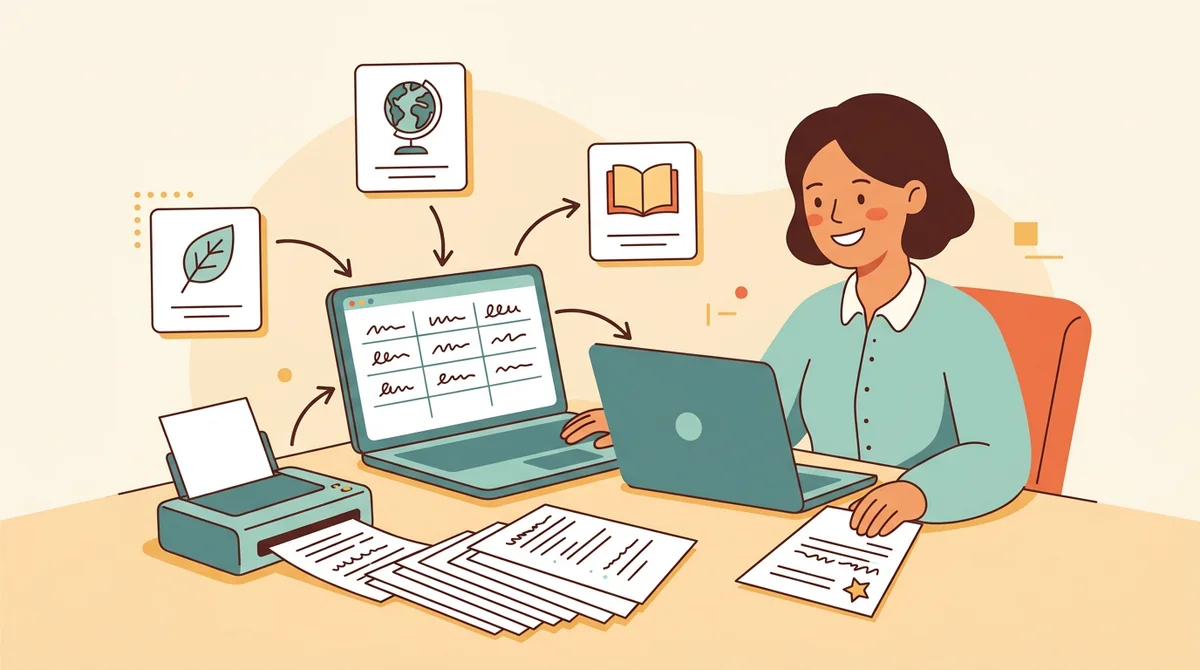
Classroom teachers
Unit vocabulary, read-aloud words, and terms from your science or social studies chapter. Type the words once, print a quiz for every student, and keep the answer key for yourself.
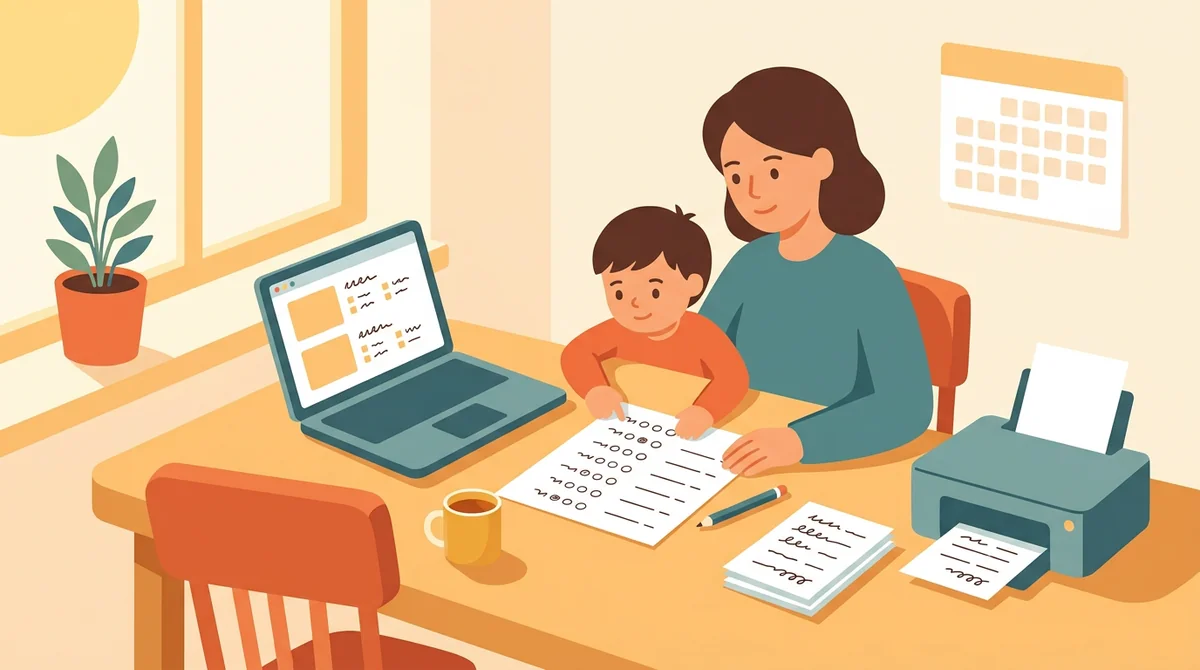
Tutors and homeschool parents
Make a quiz for this week's words and print it at the kitchen table. Use Multiple Choice for a gentle check and Write the Word when a child is ready to recall the words alone.
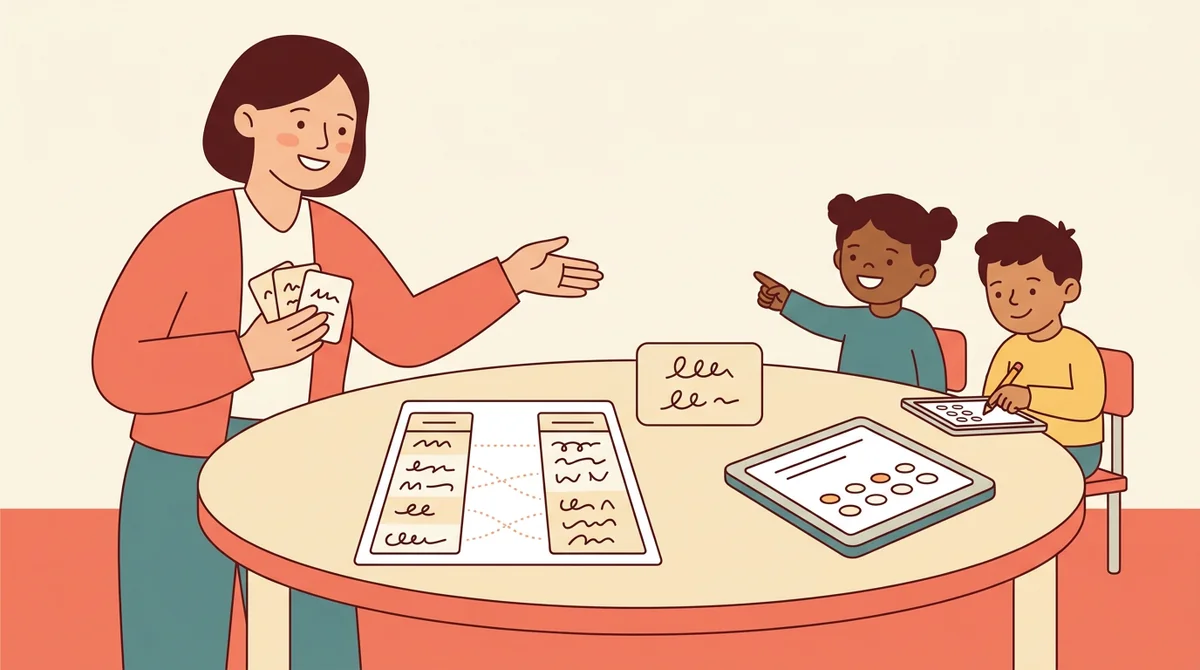
Language and special education teachers
Pair each word with a plain-language meaning, then pick the format that suits your students. Matching and Multiple Choice need no writing, and the word bank gives support when recalling a word is hard.
How EMStudio's vocabulary quiz generator is different
Many quiz makers bury the download behind a sign-up, add a logo to the page, or give you no answer key. This one is built by the team behind a full teacher planner, and it treats a quiz as part of your lesson.
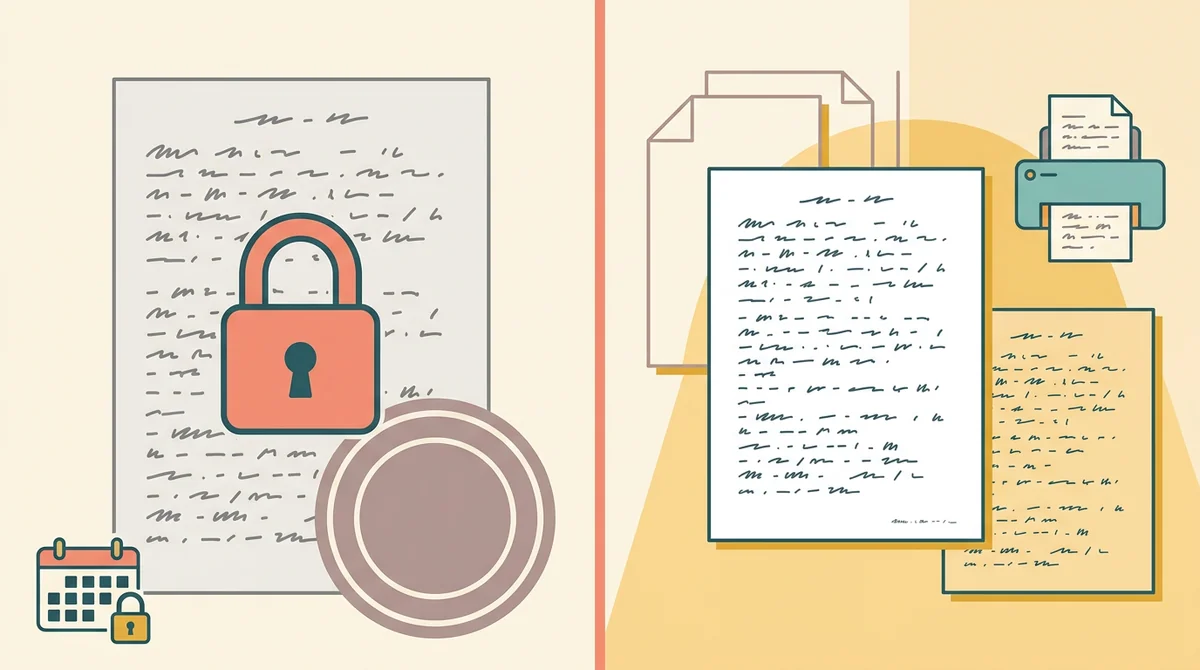
Free, with nothing held back
The full PDF, the answer key, both paper sizes, and printing, all without an account or a daily limit. The only mark on the page is a small "Made with EMStudio" footer line.
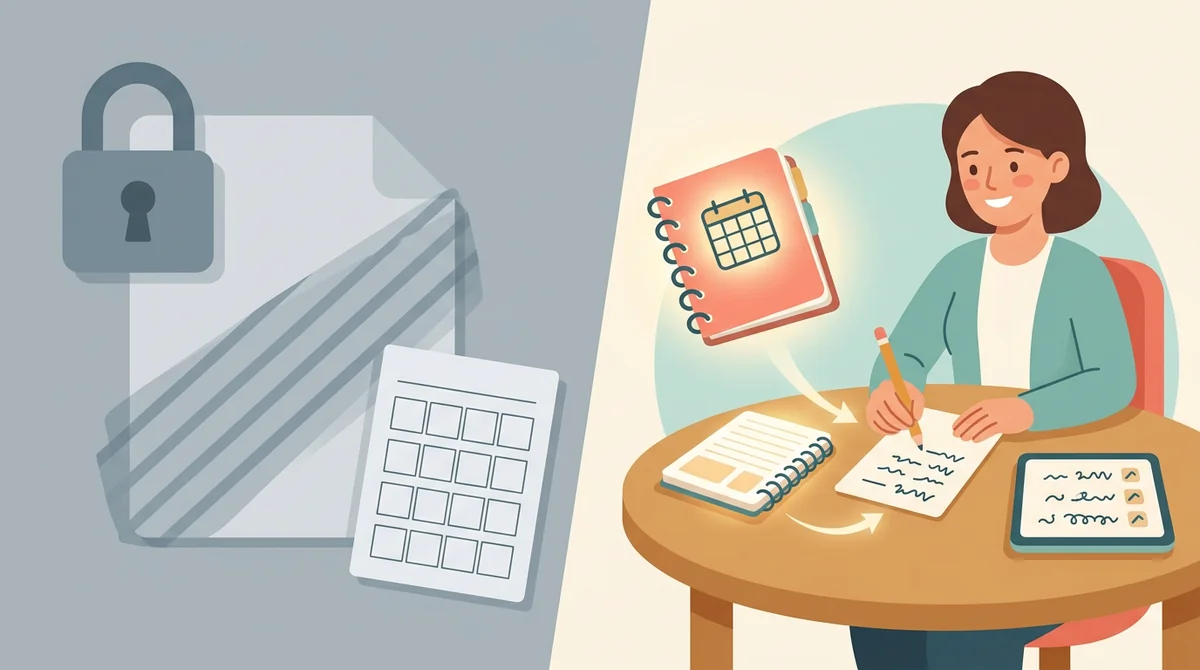
Your words, not a stock list
You choose each word and write its meaning, so the quiz checks what you taught, in the words your class uses. The generator writes the questions and the key.
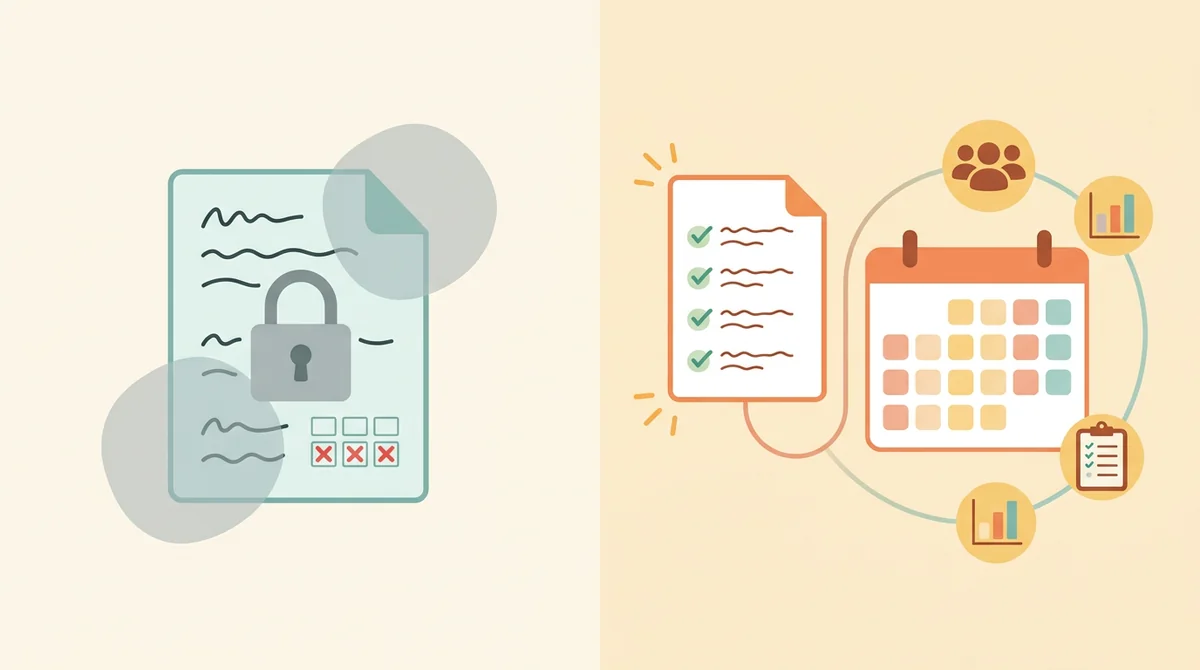
Part of a full teacher planner
A quiz is one small part of a lesson. When you are ready, EMStudio's lesson planner holds the rest: every class's lessons on a weekly calendar, beside your students, grades, and attendance.
More free teacher tools
FAQ
Try EMStudio today.
Create your first class, build a lesson, and take attendance all in under five minutes.
No credit card required.
Get Started for FreeYou have 3 lessons and 2 tasks today.