Test Maker
Build a printable test one question at a time, from multiple choice to matching, and get an answer key, mixed-up versions, and an optional bubble sheet. Free in your browser, no sign-up.
What is a test maker?
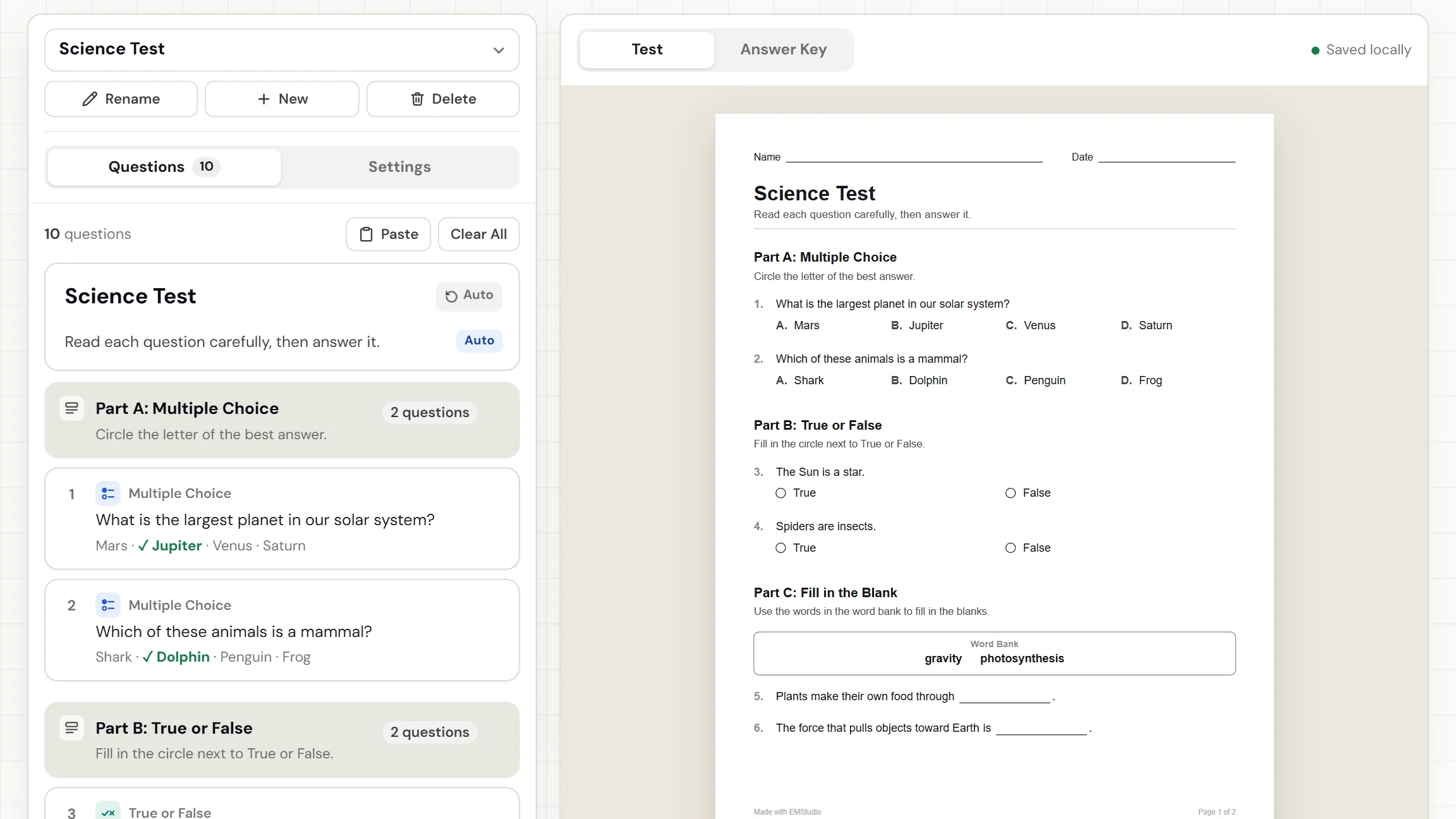
A test maker turns the questions you write into a finished test. Each question is a card: pick multiple choice, true or false, fill in the blank, short answer, essay, or matching, and type it in. The tool numbers the questions and lays them out on the page beside the cards. It also makes an answer key. Some teachers search for a test generator; it is the same tool. Download the PDF and hand it out. Nothing to install.
When do you use a test maker?
Whenever the test you need does not exist yet, or the premade one asks the wrong questions. Three moments where building your own pays off:
End-of-unit tests
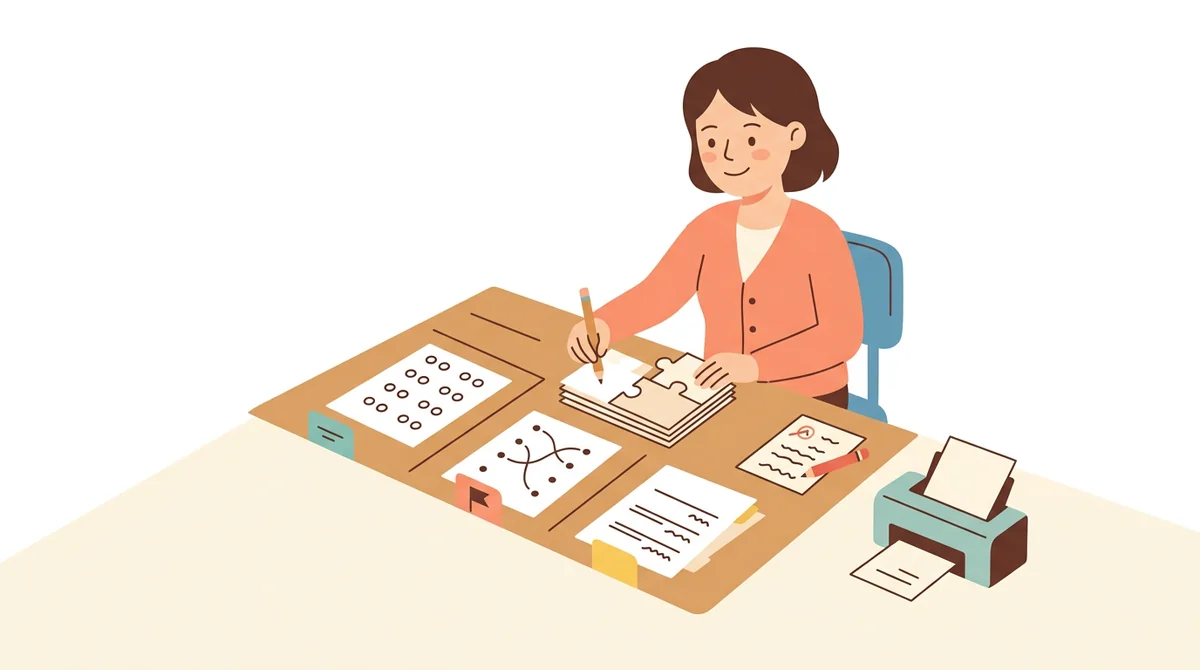
Build the test from what you taught: a few multiple choice questions, a matching set, and a short answer. Group them under headings like Part A, print it, and mark with the answer key beside you.
Tests that students cannot copy
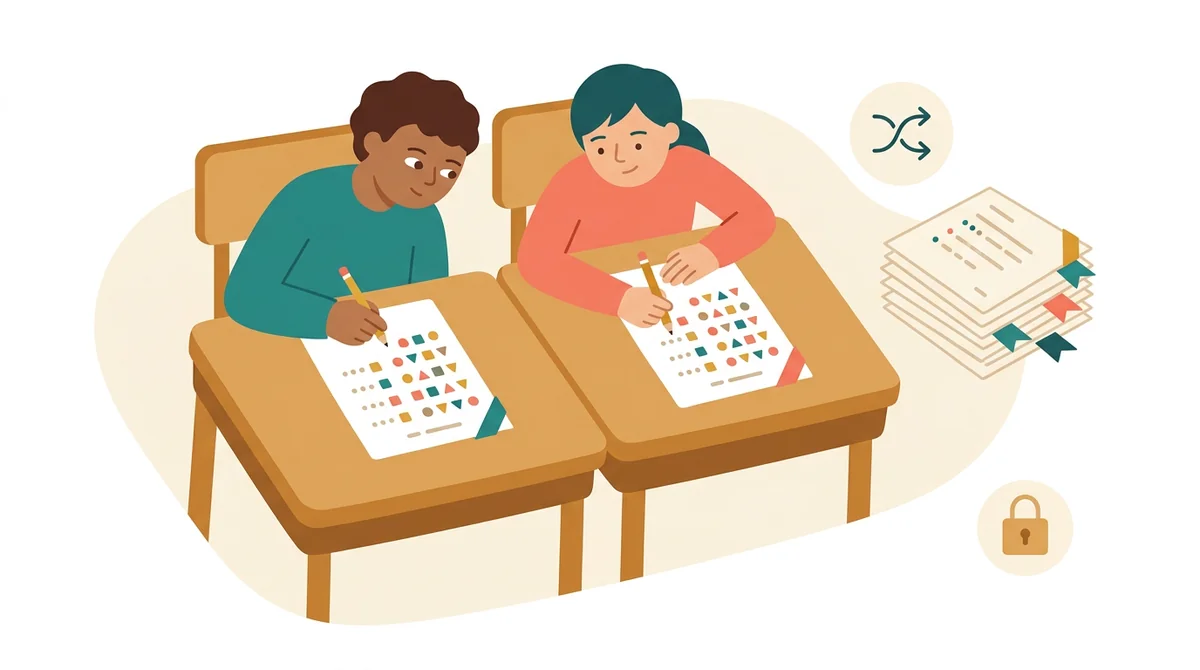
Pick two to four versions and turn on the shuffles. Each version comes out in its own order, tagged Version A, Version B, and so on, and each has its own answer key. Students next to each other get different pages.
Quizzes, retakes, and make-ups
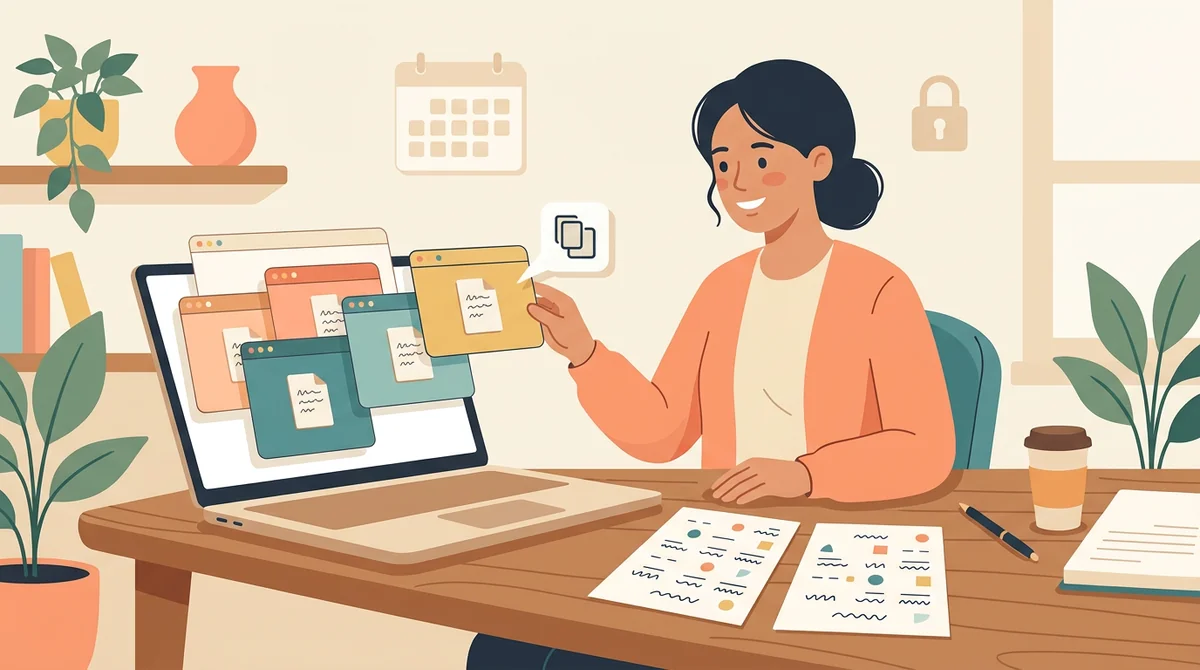
Save several tests in this browser and switch between them. Duplicate a question, change its wording, and print a short retake in a new order for the students who missed the first one.
Core features of
a test maker
A good test maker lets you build the test the way you think about it, one question at a time, and shows the page as you go. Here is what this one does.
A card for every question
Press Add Question and pick a type: Multiple Choice, True or False, Fill in the Blank, Short Answer, Essay, Matching, or a Section heading. One card is open at a time, so the list stays short. Drag cards to reorder them.
- Seven kinds of card to add
- Duplicate a card or delete it
- Switching type keeps your text
Tap words to make blanks
For a fill in the blank question, type the sentence and its words show up as buttons. Tap a word to turn it into a blank, and tap a blank to put it back. Tap two neighbors to make one blank, like water vapor.
- Tap a word to blank it
- Neighbors join into one blank
- A word bank can sit above them
Click the paper to edit
The test is on the right as it will print. Click any question on the paper and its card opens on the left. Open a card from the list and the paper turns to that question, so you always see what you are changing.
- Click a question on the paper
- The paper turns to the open card
- Numbers update as you reorder
Points, versions, and a bubble sheet
In Settings, turn on points to print a score box and a point value by each question. Pick one to four versions with shuffled questions and choices. Add a bubble answer sheet for the multiple choice and true or false questions.
- Points by each question
- One to four tagged versions
- An optional bubble answer sheet
An answer key, two PDFs, or print
Switch to the Answer Key to see the right answers in red on the same page. Download the Worksheet for students and the Answer Key for you, as separate PDFs, or press Print. Pick US Letter or A4 first.
- Right answers shown in red
- Worksheet and Answer Key PDFs
- US Letter or A4 paper
How to make
a test
Five steps from an empty page to a stack of tests. Writing good questions is the longest part.
Add your first question
Press Add Question and pick a type. The new card opens with the cursor ready, and the question appears on the paper. You can change the type later without losing what you typed.
Fill in the card
Type the question, then tap the letter next to the right choice to mark it. A line under the card says what is marked or what is still missing, and a small note flags any card that is not finished.
Reorder and group
Drag a card by its handle to move it, or duplicate it to reuse the wording. Add a Section heading like Part A to group questions. Deleted a card by mistake? Press Undo.
Set points, versions, and paper
Open the Settings tab. Turn on points, pick how many versions, choose the shuffles, and add the bubble answer sheet if you want one. Then pick US Letter or A4 and a text size.
Download or print
Check the Answer Key tab, then download the Worksheet for students and the Answer Key for you. Or press Print to send the test to the printer. Edit the title and directions at the top of the list if you like.
That's the whole test
Build it once and print as many copies as you need. The test maker is at the top of this page.
Make a Test
Get started in under 5 minutes.
Sign up and walk through the onboarding tutorial. By the end you've got your classes set up and you're ready to plan your first lesson. No credit card required.
Get Started for FreeMore than a test template
A template gives you blank lines to fill. This builds the page from your questions, shows it as you type, and gives you the key. It runs in any browser, including a locked-down school laptop.
Switch type, keep your text
Typed a multiple choice question that works better as a short answer? Switch its type and the text and the right answer come along.
Paste a list of questions
Press Paste Questions, drop in a typed list, and each question becomes a card. A count shows what was found before you add it.
Undo for deletes
Deleting a card, clearing all the questions, or deleting a whole test shows an Undo button, so a slip does not cost you the test.
Several tests, saved here
Keep a test for every unit. Use the Tests menu to start a new one, rename, switch, or delete. They stay in this browser and nothing is uploaded.
Points and a score box
Turn on points and every question shows its value, sections show their total, and the top of the page gets a score line. Set your own value on any card.
Free, and no watermark
No account, no sign-up, and no logo across the page. The only mark is a small "Made with EMStudio" line in the footer.
Who is the test maker for?
Anyone who writes their own tests. If a premade test never quite matches what you taught, it is for you.
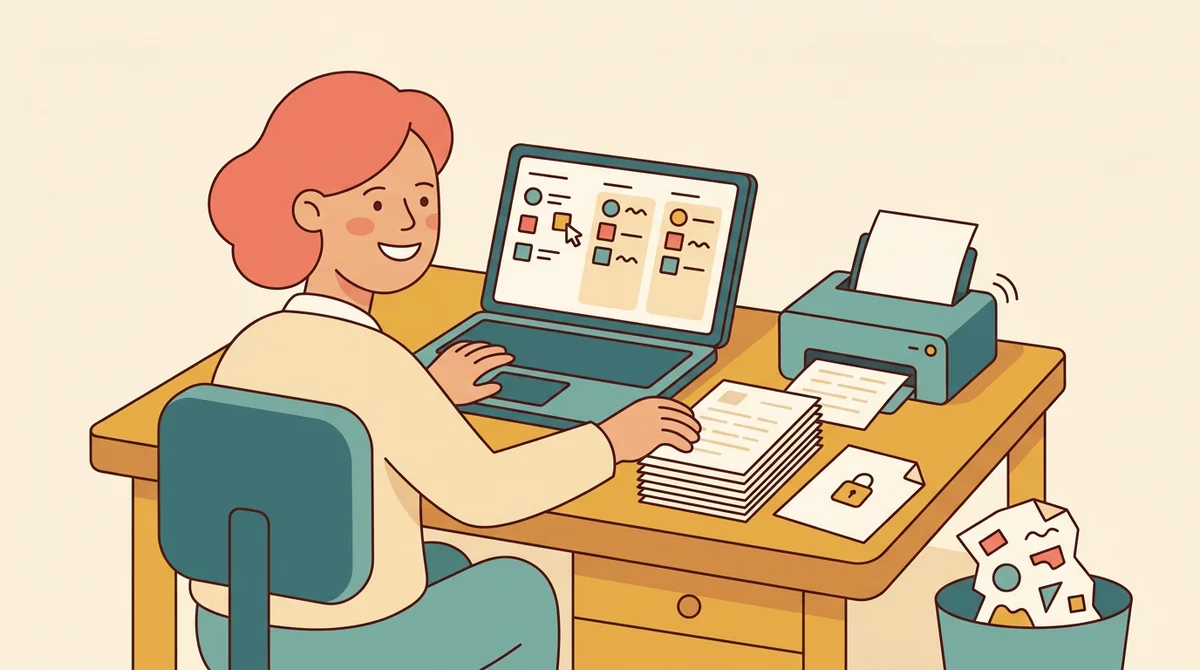
Classroom teachers
Unit tests, chapter checks, and mid-term reviews. Mix question types, group them into parts, print a copy for every student, and keep the answer key for yourself.
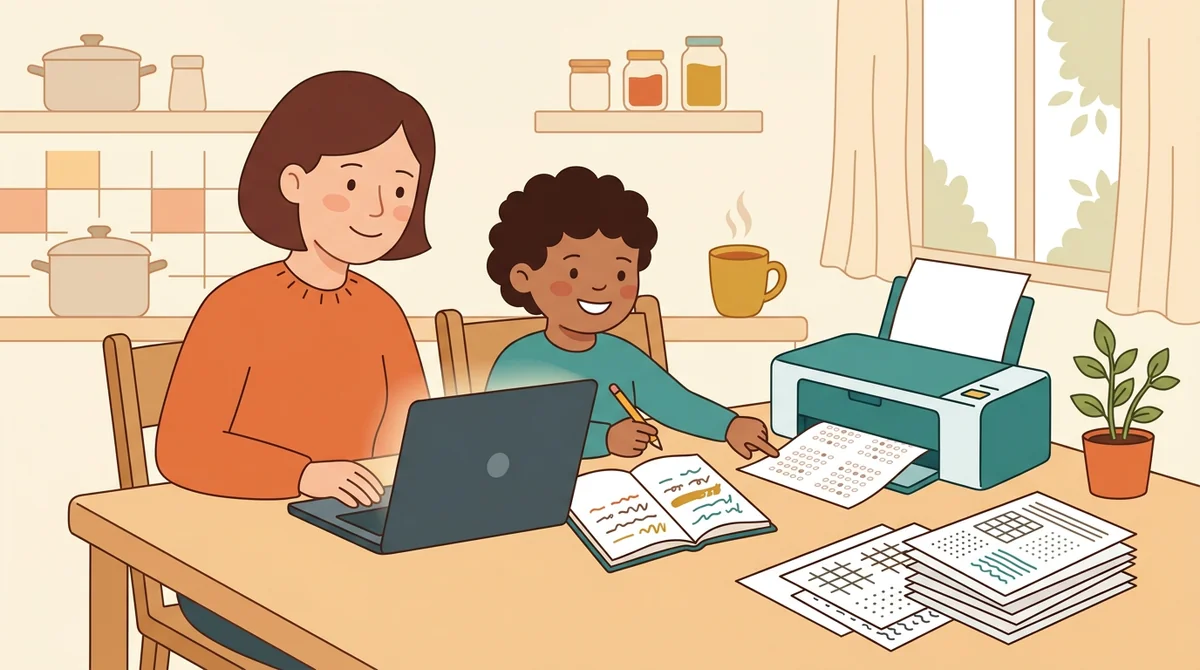
Tutors and homeschool parents
Build a test for this week's lesson and print it at the kitchen table. Keep one saved test per subject, and add the bubble answer sheet when your child is practicing bubble tests.
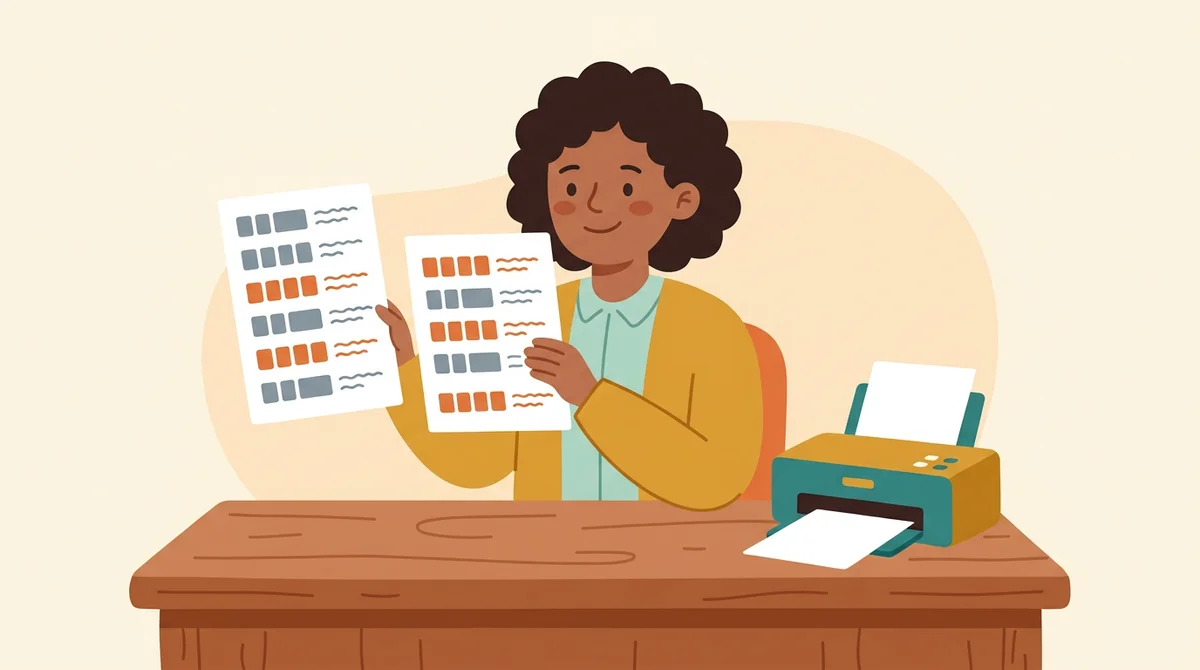
Teachers who give make-ups and retakes
Duplicate the test, keep the questions a few students missed, and print it in a new order. A shuffled version does not match the page the class already saw.
How EMStudio's test maker is different
Many test makers bury the download behind a sign-up, add a logo to the page, or give you no answer key. This one is built by the team behind a full teacher planner, and it treats a test as part of your lesson.
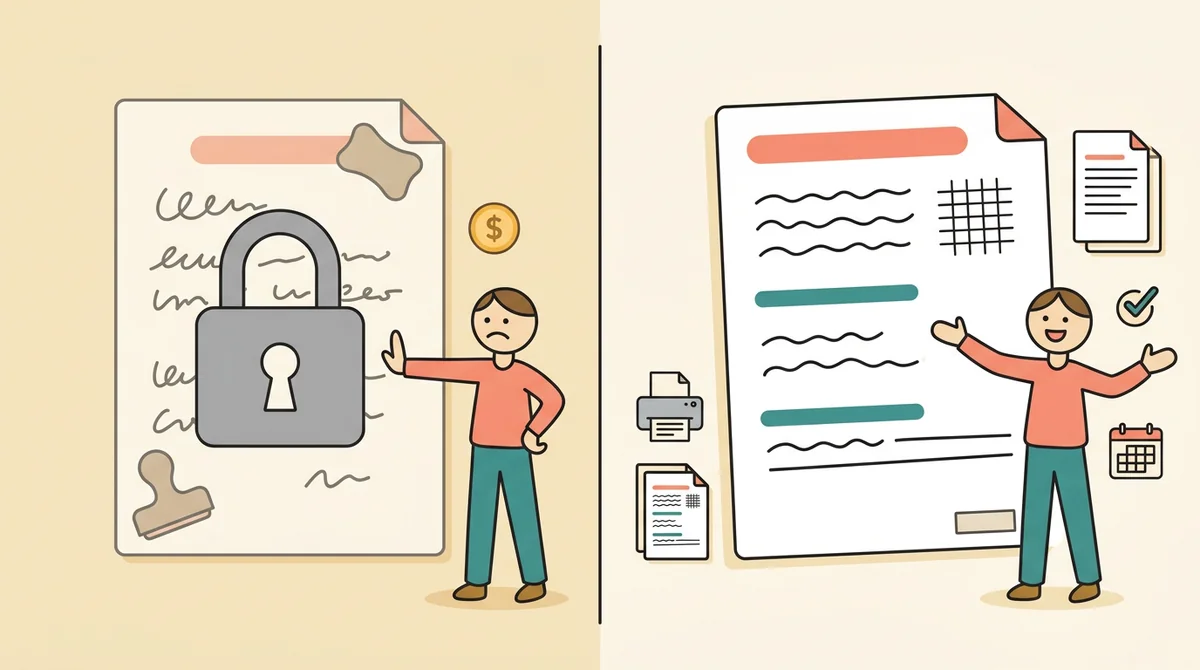
Free, with nothing held back
Both PDFs, every version, both paper sizes, and printing, all without an account or a daily limit. The only mark on the page is a small "Made with EMStudio" footer line.
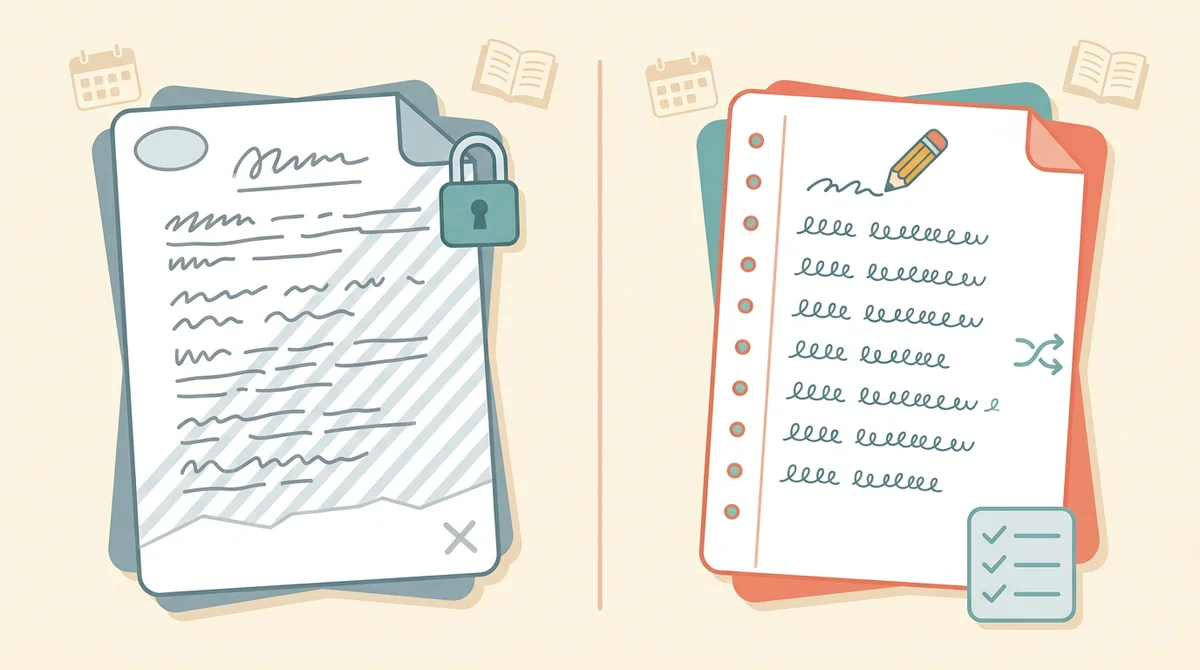
Your questions, not a stock bank
You write every question, so the test checks what you taught, at the reading level of your class. The tool does the numbering, the shuffling, the key, and the layout.
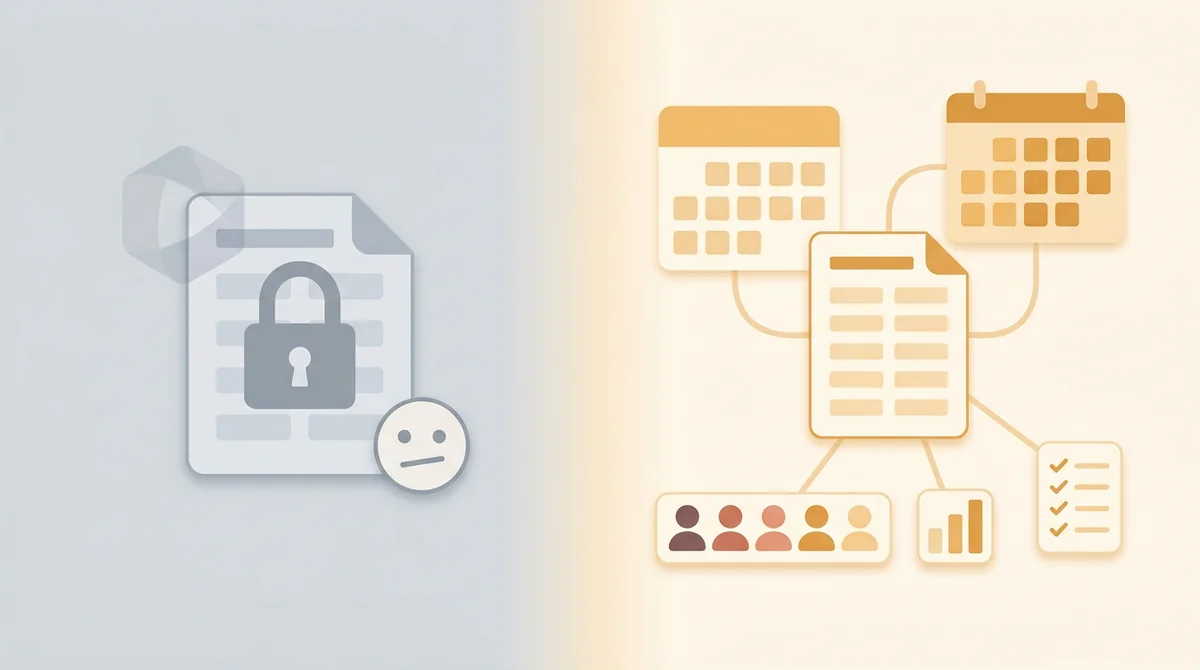
Part of a full teacher planner
A test is one small part of a unit. When you are ready, EMStudio's lesson planner holds the rest: every class's lessons on a weekly calendar, beside your students, grades, and attendance.
More free teacher tools
FAQ
Try EMStudio today.
Create your first class, build a lesson, and take attendance all in under five minutes.
No credit card required.
Get Started for FreeYou have 3 lessons and 2 tasks today.