Flashcard Maker
Type the front and back of each card and get a printable sheet of flashcards, set up for double-sided printing or folding. Free in your browser, no sign-up.
What is a flashcard maker?
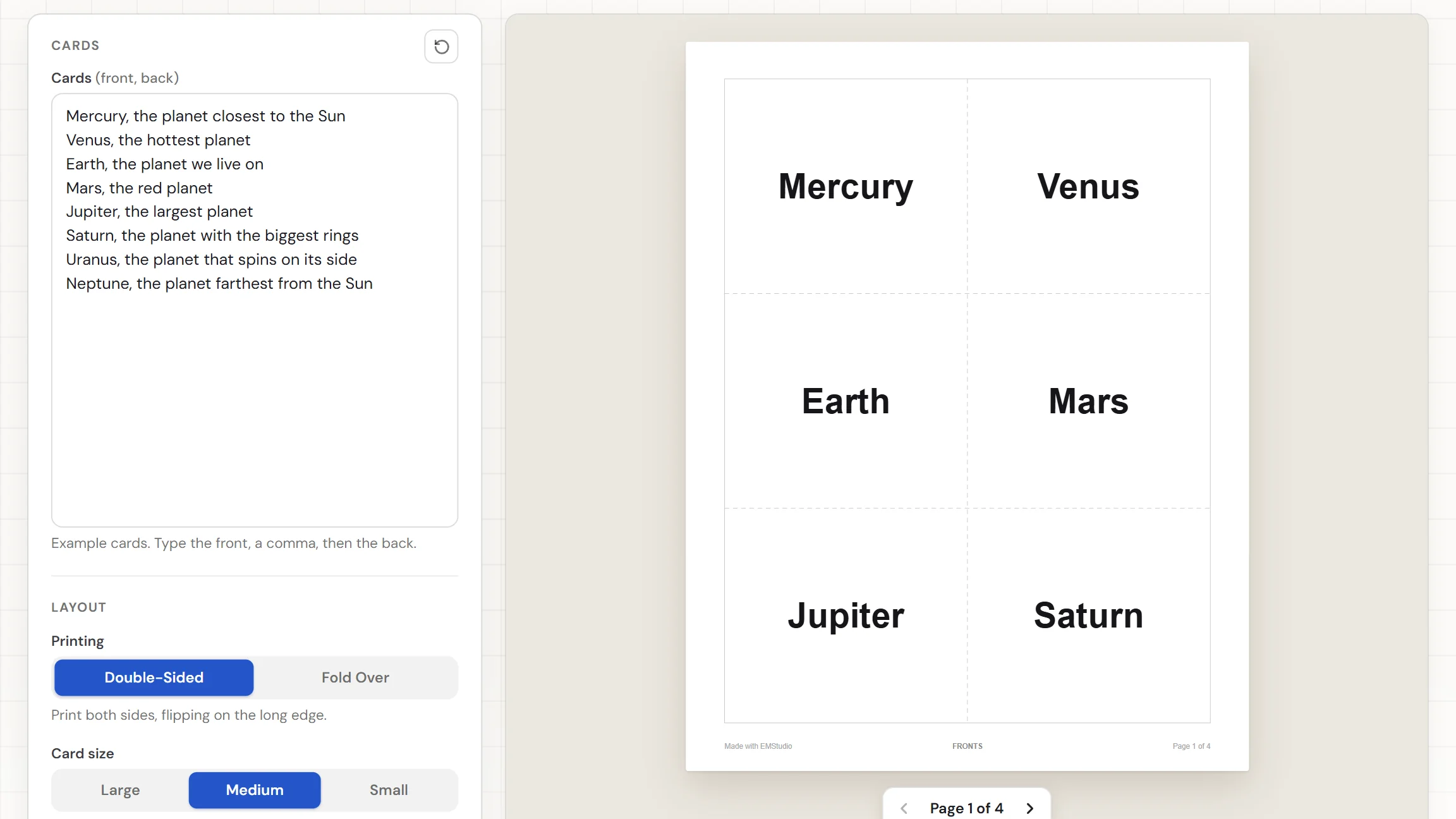
A flashcard maker turns a list of terms and answers into cards you can print and cut apart. Type one card per line, with the front, a comma, then the back. This one sets every card in the same size of large, clear lettering, adds dashed cut lines, and lays out the backs so they line up behind the fronts. Print double-sided, or fold each card down the middle. It runs in your browser, with nothing to install and nothing to sign up for.
When do you use flashcards?
Whenever something has to be learned by heart, and a set built from your own list beats a premade deck. Three times that happens:
Vocabulary and key terms
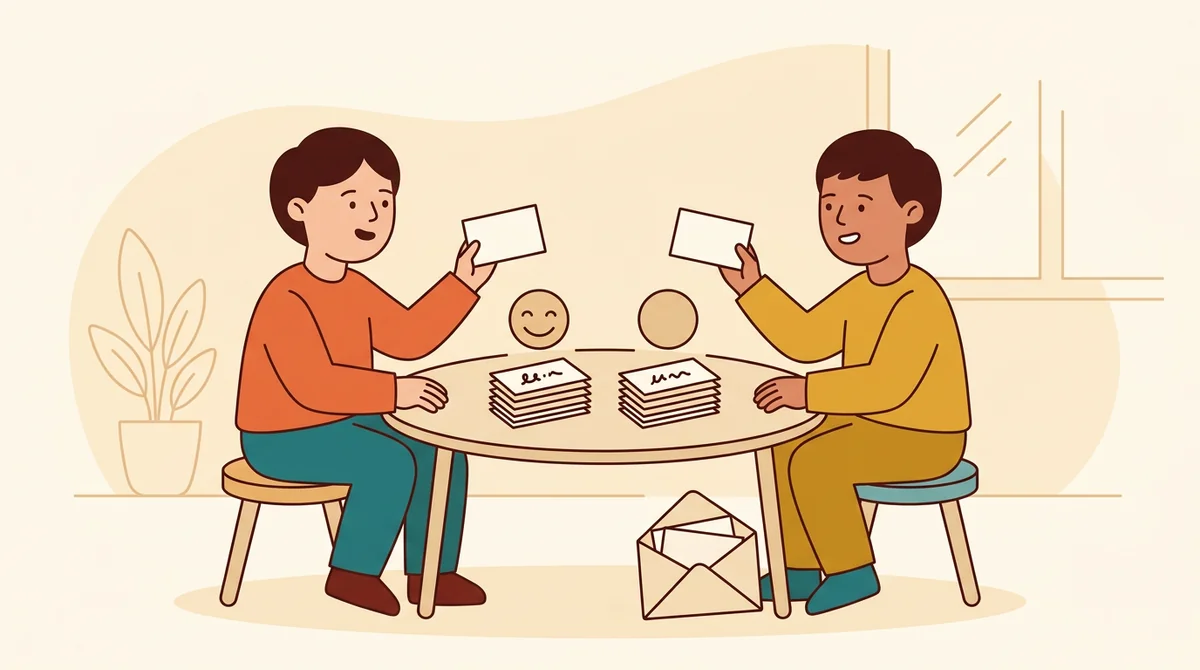
Type this unit's terms with their meanings and print a set for each student or pair. Students quiz each other, sort the cards into piles they know and piles they don't, and keep the set in an envelope for review.
Facts, dates, and math
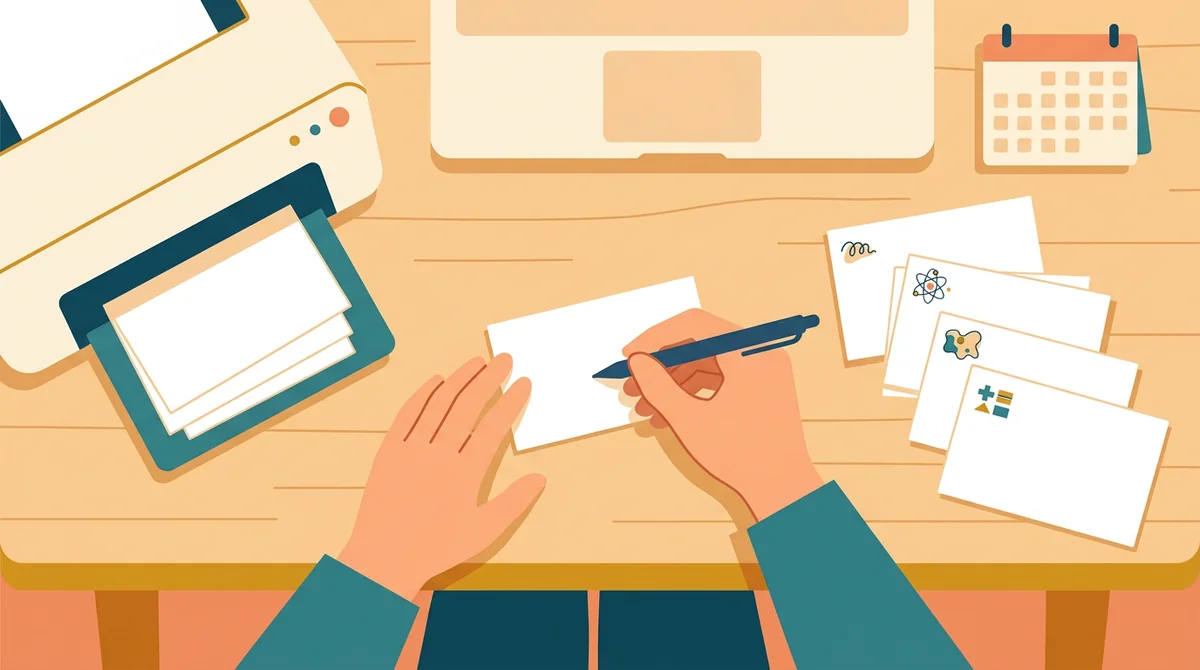
Put a date, a formula, or a fact on the front and the answer on the back. A set of multiplication facts, state capitals, or science symbols takes a few minutes to type and prints in one go.
Study at home
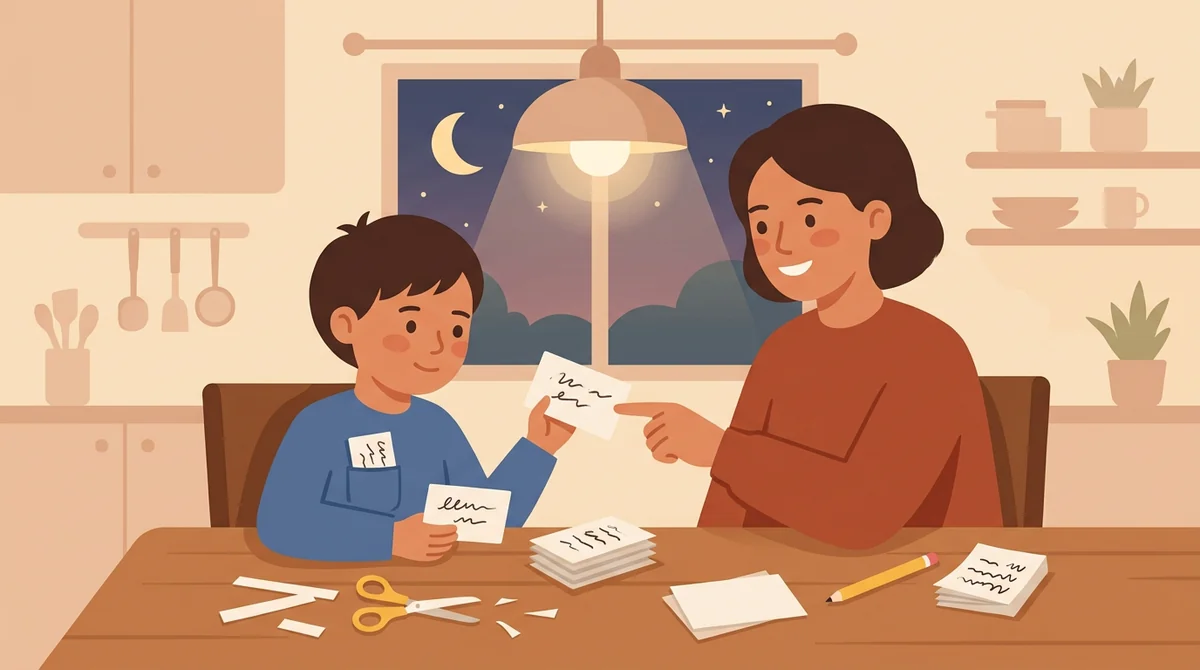
Make a set for a spelling test, a language quiz, or tomorrow's exam. Print it, cut it, and carry it in a pocket. Students and parents can build a new set from their own notes in a few minutes.
Core features of
a flashcard maker
A good flashcard maker takes your list and gives back cards you can cut and use right away. Here is what this one does, from the first line you type to the printed page.
Front, a comma, then the back
Type one card on each line. Put a comma between the front and the back, or use a colon, an equals sign, or a dash with spaces around it. Everything after the first separator is the back, so the back can have commas of its own.
- One card per line, up to 300
- A hint counts your cards
- Backs are optional
Double-sided or fold over
Double-Sided prints a page of fronts and a page of backs, with the backs mirrored so each one lands behind its own front when you flip the sheet on the long edge. Fold Over puts the front and back side by side, to fold and cut.
- Pages labeled FRONTS and BACKS
- Fold Over shows a fold line
- No backs typed, one side only
Three card sizes
Choose Large, Medium, or Small. Large gives four cards to a page for big print across a room, Medium gives six, and Small gives ten. The text is set in one size for the whole set, so every card on the sheet looks the same.
- Large, Medium, or Small cards
- Four, six, or ten per page
- One text size for the set
Classic or School lettering
Classic is bold, easy-to-read print. School uses the ball-and-stick alphabet from handwriting lessons, so early readers see the letters the way they are taught to write them. School lettering is used on the fronts; the backs stay in Classic.
- Classic or School on the fronts
- Backs always in Classic
- Text shrinks to fit each card
Download the PDF or print
The Worksheet button downloads the cards as a PDF, with dashed lines to cut along. Print sends the same pages to the printer. Choose US Letter or A4 first. A small "Made with EMStudio" line sits at the bottom of each page.
- One PDF with every page
- Dashed cut lines on every sheet
- US Letter or A4 paper
How to make
flashcards
Five steps from a list to a stack of cards, and typing the cards is the longest part.
Type your cards
Write one card per line: the front, a comma, then the back. Or paste a list from a document or spreadsheet. The hint under the box counts your cards, and a line with no back becomes a front-only card.
Choose how to print
Pick Double-Sided to print fronts and backs on two sides of the paper, or Fold Over to fold each card down the middle. The hint under the choice tells you how to flip the sheet or where to fold.
Pick the card size
Choose Large, Medium, or Small. Large gives bigger text and fewer cards on a page. Small fits more cards on each sheet. The preview updates as you choose, so you can see how many pages you get.
Choose the lettering
Choose Classic for bold print, or School for the handwriting alphabet used in class. Flip through the pages in the preview to check the fronts and the backs before you print.
Download or print
Choose US Letter or A4, then download the Worksheet as a PDF, or press Print. For double-sided cards, print both pages on one sheet of paper and flip it on the long edge. Cut along the dashed lines.
That's the whole stack
Type the list once and print as many sets as you need. The flashcard maker is at the top of this page.
Make Flashcards
Get started in under 5 minutes.
Sign up and walk through the onboarding tutorial. By the end you've got your classes set up and you're ready to plan your first lesson. No credit card required.
Get Started for FreeMore than a flashcard template
A blank template leaves the sizing, the cutting, and the lining up of fronts and backs to you. This maker does that work from your list, and it runs in any browser, including a locked-down school laptop.
Backs line up behind fronts
The backs page is mirrored left to right, so after you flip the sheet on its long edge each back sits behind its own front.
Fronts only works too
Leave out the backs and the cards print on one side. The hint tells you the cards are fronts only and print on one side.
One size for the whole set
The longest card decides the text size, and every card uses it. The sheet looks even, and nothing runs off the edge.
US Letter or A4
Pick the paper you print on, and the cards are laid out for it. Switch at any time and the page layout changes with it.
Your cards are remembered
Your list and settings stay in this browser, so you can close the tab and finish the set later. Nothing is uploaded.
Free, and no watermark
No account, no sign-up, and no logo across the cards. The only mark is a small "Made with EMStudio" line in the footer.
Who is the flashcard maker for?
Anyone who needs cards built around a specific list. If a premade deck never matches what you are learning or teaching, it is for you.
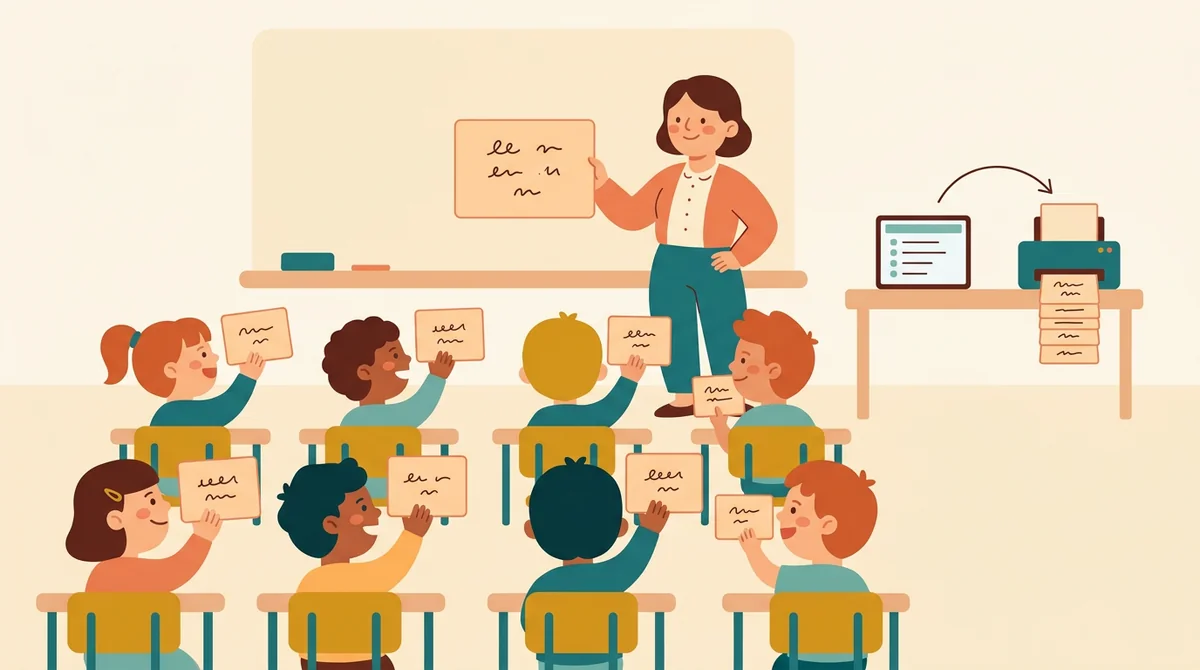
Classroom teachers
Vocabulary, sight words, math facts, and unit review. Type the list for your class and print a set for every student, or one large set to hold up at the front.
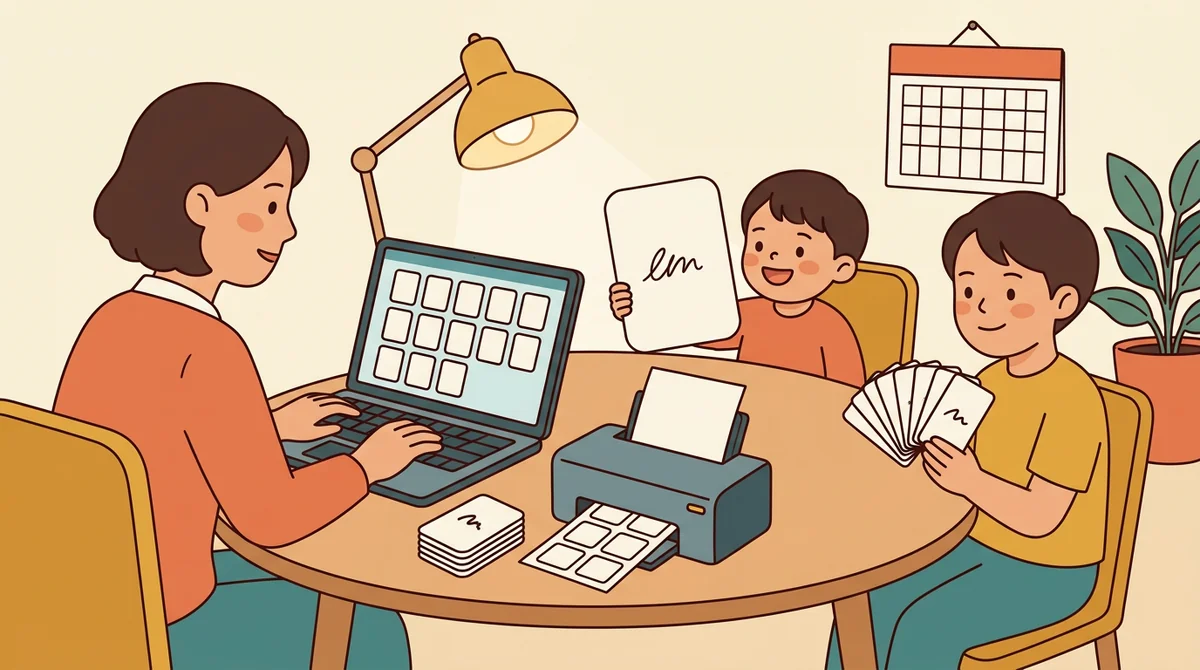
Tutors and homeschool parents
Make a set for this week's lesson and print it at home. Use Large cards with School lettering for a young reader, and Small cards for an older child with a longer list.
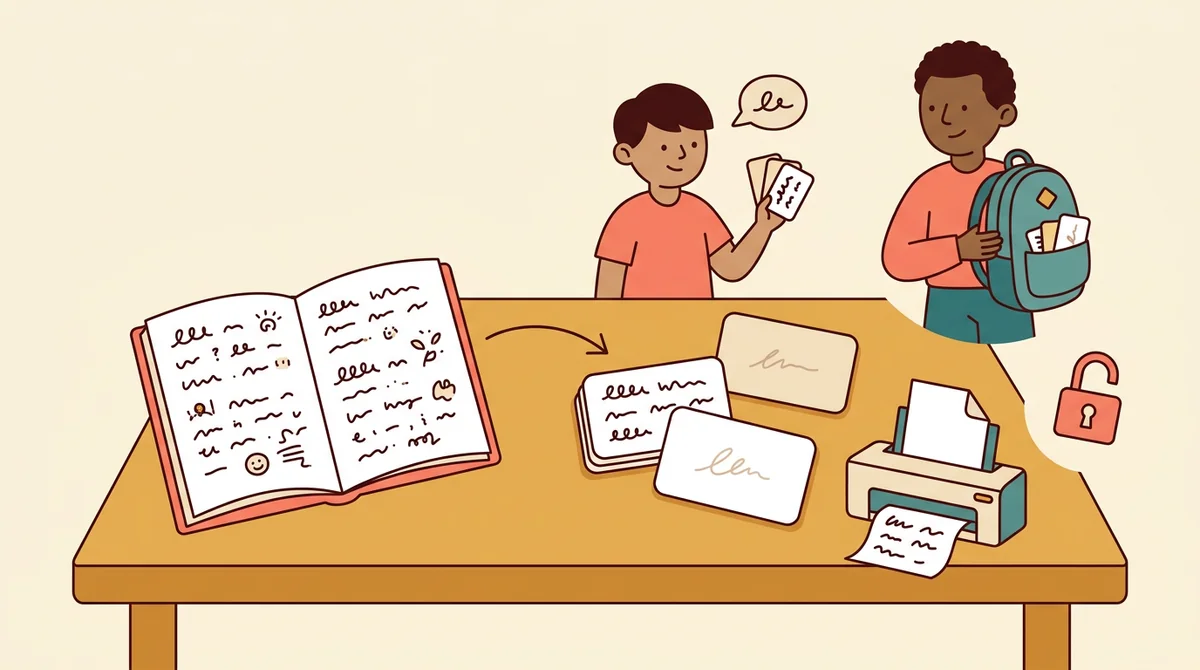
Students and language learners
Turn your own notes into cards for a test or a new language. Type the term and its meaning, print a set, and carry it with you. It is free and needs no account.
How EMStudio's flashcard maker is different
Many flashcard makers put cards behind a sign-up, add a logo to every card, or leave the printing to you. This one is built by the team behind a full teacher planner, and it treats a set of cards as part of your lesson.
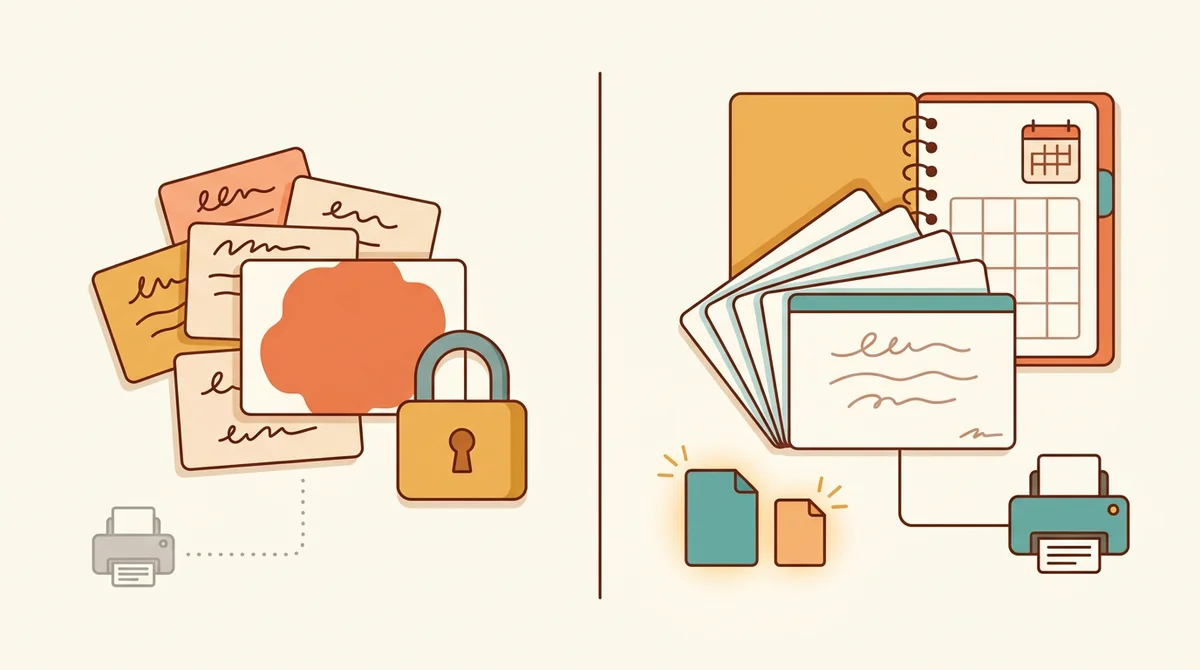
Free, with nothing held back
The full PDF, both paper sizes, and printing, all without an account or a daily limit. The only mark on the page is a small "Made with EMStudio" footer line.
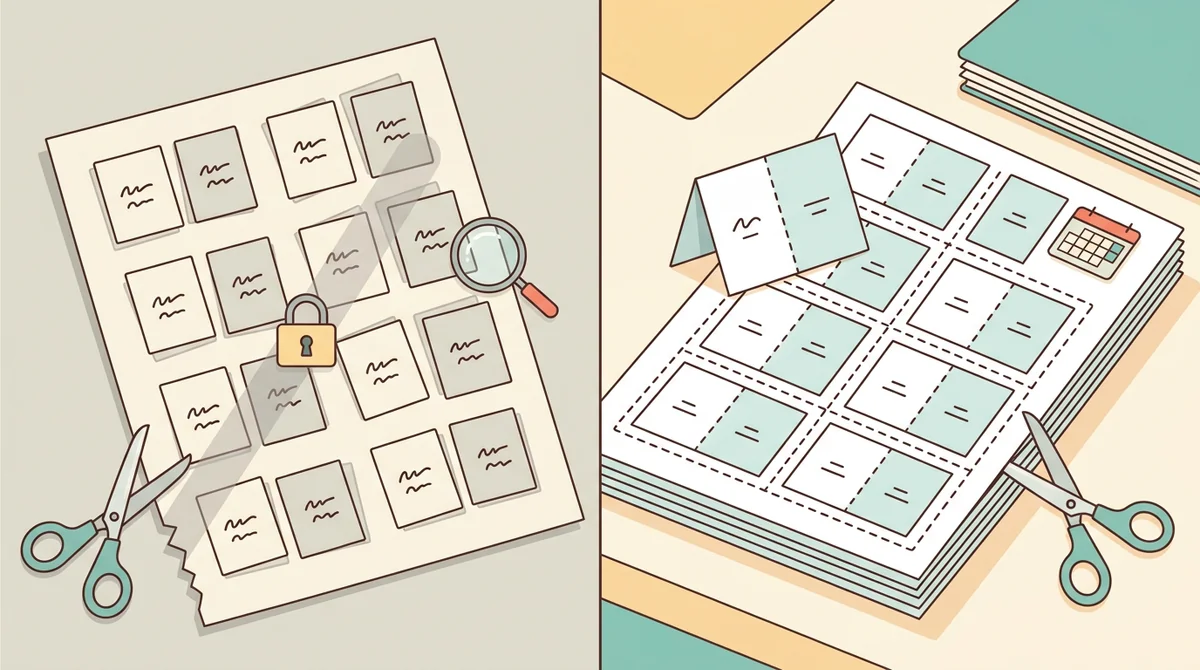
Printing worked out for you
You do not line up fronts and backs by hand. Double-sided pages are mirrored to match, fold-over cards have a fold line, and every sheet has dashed cut lines.
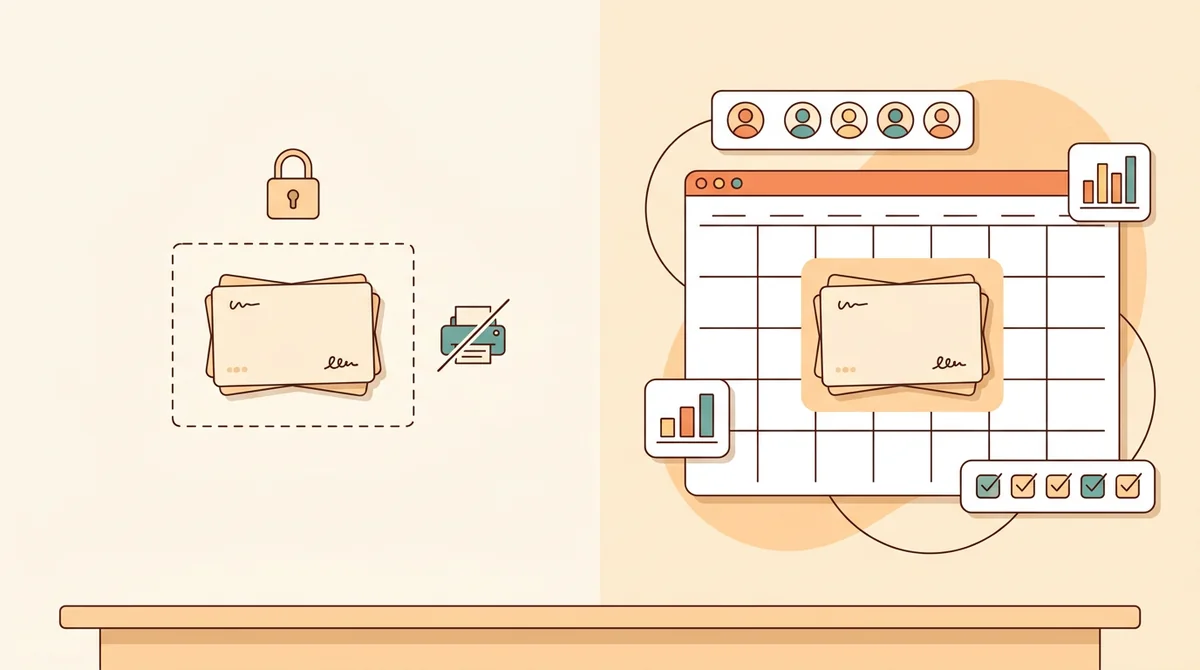
Part of a full teacher planner
A set of cards is one small part of a lesson. When you are ready, EMStudio's lesson planner holds the rest: every class's lessons on a weekly calendar, beside your students, grades, and attendance.
More free teacher tools
FAQ
Try EMStudio today.
Create your first class, build a lesson, and take attendance all in under five minutes.
No credit card required.
Get Started for FreeYou have 3 lessons and 2 tasks today.