Name Tag Maker
Type a class list or a guest list and get a printable page of name tags, or a desk plate for every name, with a HELLO banner and six colors. Free in your browser, no sign-up.
What is a name tag maker?
A name tag maker turns a list of names into tags you print, cut apart, and wear or stick on. This one fills a page with tags, 6, 8, or 10 to a page, each with a colored border and an optional HELLO banner that reads "my name is". A name tag generator like this also makes desk plates, one per page, that fold in half and stand on a desk. Every name is drawn in one size, so the set looks even. Download the PDF and print it.
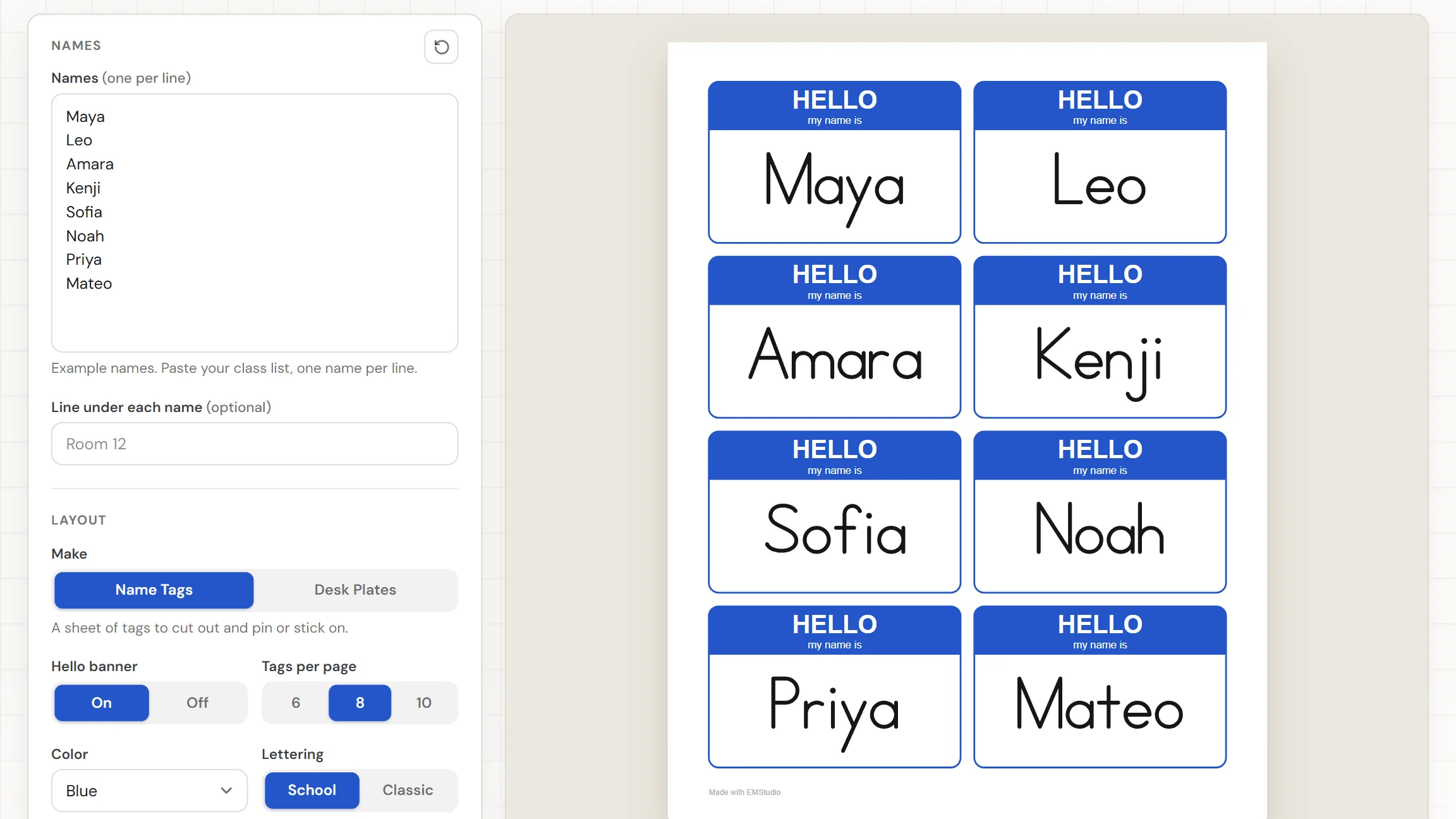
When do you use name tags?
Whenever a room of people needs to learn each other's names fast. Three moments where tags made from a list beat writing them by hand:
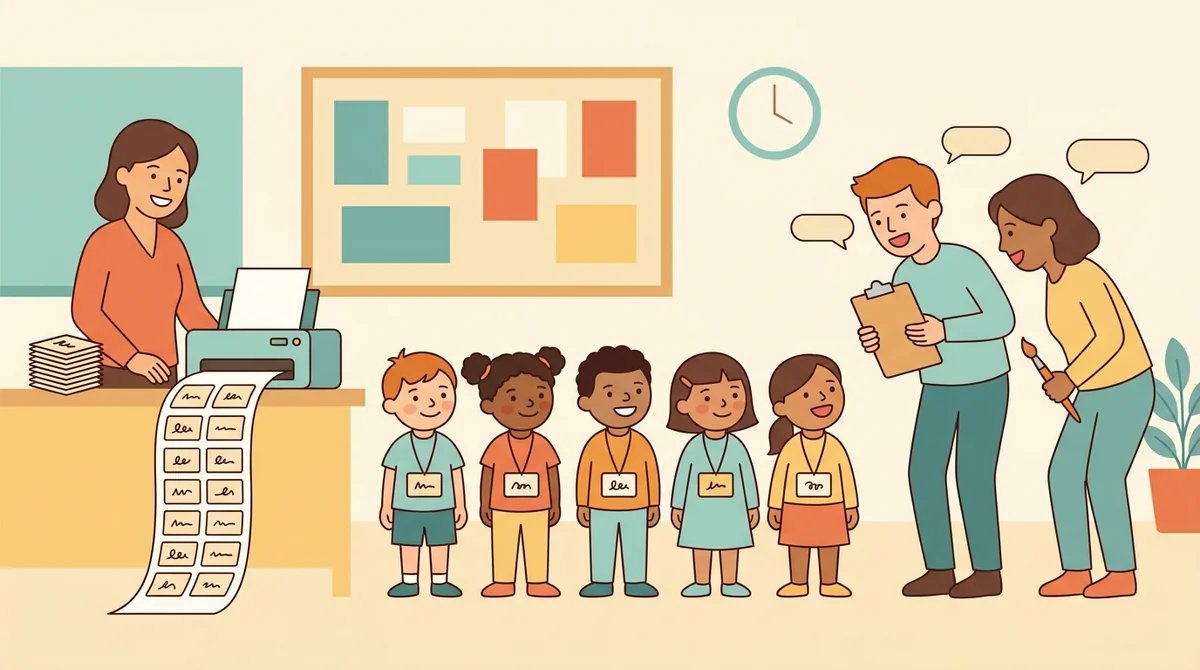
The first days of school
Paste your class list and print a tag for every child. Students wear them for the first week, so you, a substitute, and the specials teachers can all use names from the first morning.
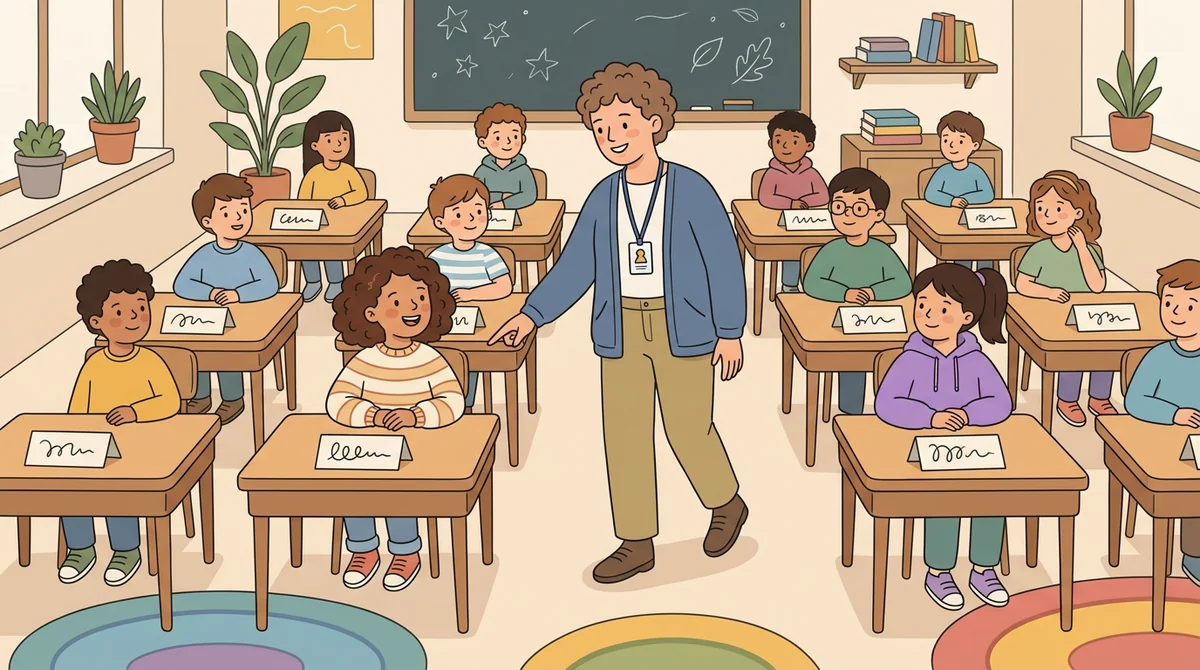
Desks and seating charts
Switch to Desk Plates and print one folded plate per student. Each plate stands on the desk with the name facing out, so a substitute or a visitor can call on every child by name.
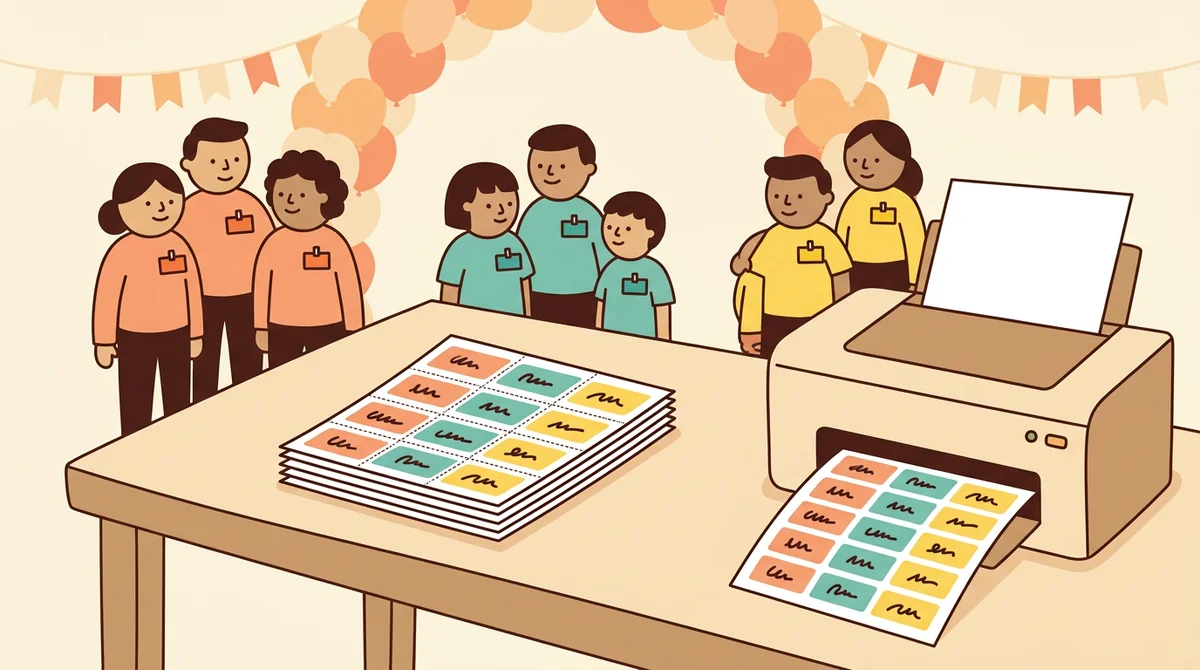
Camps, events, and parent nights
Type the names of campers, volunteers, or families and print a sheet of tags in your colors. Pick one color for each group, and people can see who belongs where before anyone says a word.
Core features of
a name tag maker
A good name tag page is quick to make and easy to cut apart. Here is what this one does, from the first name to the printed sheet.
Type or paste your names
Put one name on each line, up to 200, and each one gets its own tag. Paste a class list straight from a document. A hint under the box counts your names, and tells you when the box is empty.
- One name per line, up to 200
- Paste a class list from a document
- A hint counts the names
A banner and a line on every tag
Each tag has a colored border and a banner that says HELLO, my name is. Turn the Hello banner Off for a plain tag. Type a line such as Room 12 and it prints in small gray letters under every name.
- HELLO banner On or Off
- An optional line under each name
- Rounded outline to cut along
Six colors and two lettering styles
Pick Blue, Red, Green, Purple, Orange, or Black for the borders and banners. Set Lettering to School for ball-and-stick print, the way children learn to write, or to Classic for bold, plain capitals and lowercase.
- Six colors
- School print lettering
- Classic bold lettering
Tags or folding desk plates
Set Make to Desk Plates and every name gets a page of its own. The top half is printed upside down, so when you fold the page in half, the name faces out on both sides of the desk. The bottom half can carry the alphabet and a number line.
- One plate per page
- A fold line across the middle
- ABC and 0 to 20 for the student
Download the PDF or print it
The Worksheet button gives you a PDF of every page. Print sends the pages to the printer. Choose US Letter or A4 paper. Tags per page can be 6, 8, or 10, and the whole set is drawn in the same size.
- One PDF for all the names
- US Letter or A4 paper
- 6, 8, or 10 tags per page
How to make
name tags
Five steps from a class list to a page of tags, and typing the names is the longest part.
Type your names
Put one name on each line, or paste a class list from a document. The hint under the box shows how many names you have.
Choose tags or desk plates
Set Make to Name Tags for a sheet of tags to cut out and pin or stick on. Set it to Desk Plates for one per page, folded to stand on a desk.
Pick a color and lettering
Choose one of the six colors, then School or Classic lettering. The page changes as you pick, so you see the tags before you print.
Add a line, or switch the banner
Type a line like Room 12 to print it under every name. For tags, turn the Hello banner On or Off and choose how many tags go on a page.
Download or print
Choose US Letter or A4, then download the Worksheet as a PDF. Or press Print to send the pages to the printer. Cut the tags apart along their borders.
That's the whole page
Type the names once and print a tag for every person. The maker is at the top of this page.
Make Name Tags
Get started in under 5 minutes.
Sign up and walk through the onboarding tutorial. By the end you've got your classes set up and you're ready to plan your first lesson. No credit card required.
Get Started for FreeMore than a blank template
A premade name tag template has a blank space you fill in by hand, or one fixed font. This one writes every name for you, fits them all to the same size, and lays them out on the page. It runs in any browser, including a locked-down school laptop.
Every tag the same size
The longest name decides the letter size for the whole set, so a long name never shrinks next to a short one. Every tag on the page looks even.
6, 8, or 10 tags per page
Pick bigger tags for badges or smaller ones to save paper. The names fill the page in order, and a long list continues on new pages.
A desk plate with ABC and 0 to 20
The student's half of a desk plate can show the alphabet in capitals and lowercase, and a number line from 0 to 20. Switch it Off for a plain plate.
US Letter or A4
Pick the paper you print on and every page is laid out for it. The download is one PDF with all your tags in it.
Your class list is remembered
Your names and settings stay in this browser, so you can close the tab and pick the same tags up later. Nothing is uploaded.
Free, and no watermark
No account, no sign-up, and no logo across the page. The only mark is a small "Made with EMStudio" line in the footer.
Who is the name tag maker for?
Anyone who has a list of names and a printer. If writing tags by hand takes too long, it is for you.
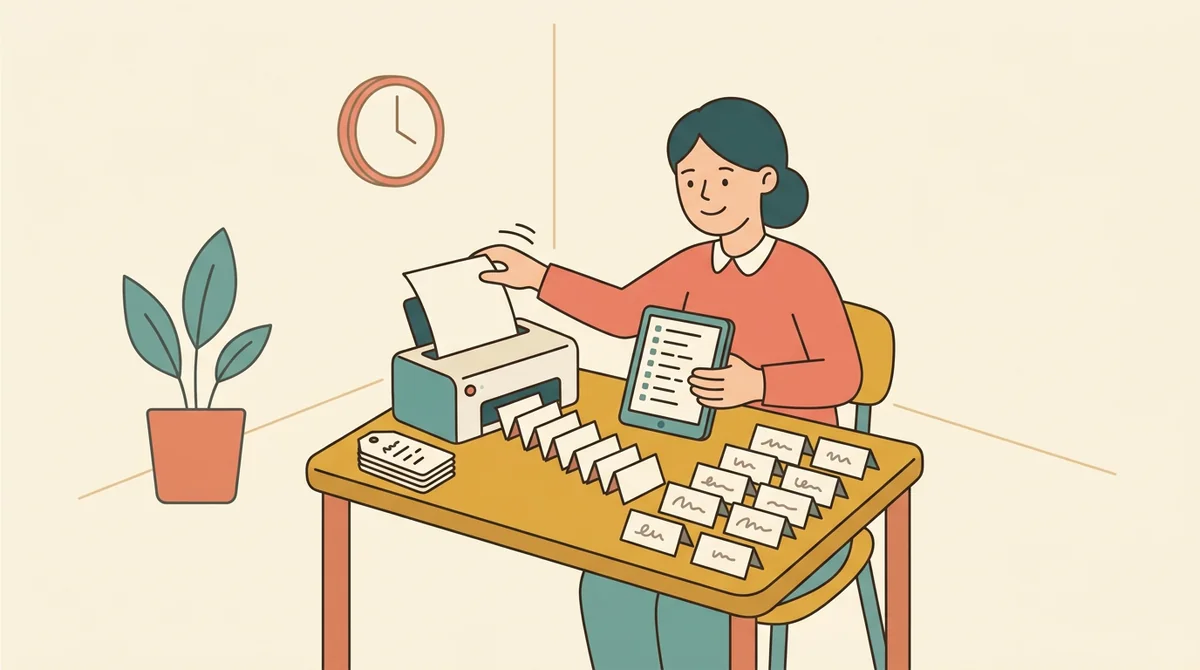
Classroom teachers
Paste the class list, print tags for the first week, and fold desk plates for the seating plan. Use School lettering so the names look like the print your students are learning.
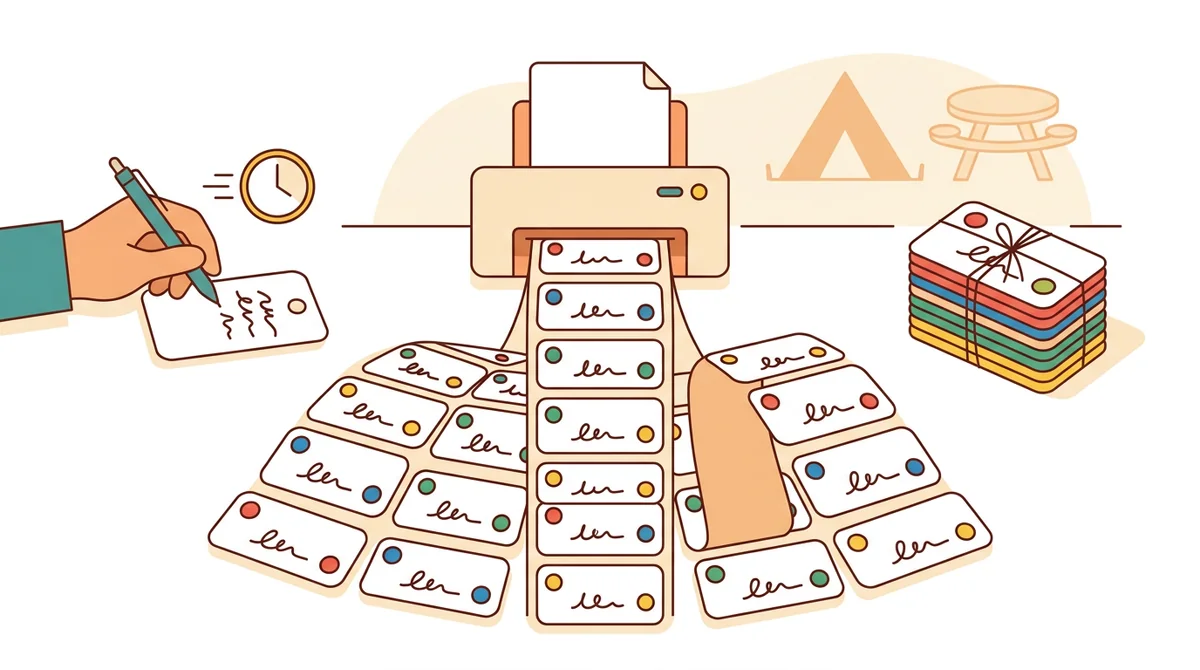
Camp and event organizers
Print a color for each cabin, team, or table. A list of up to 200 names fits in one box, and the whole set comes out in the same lettering and size.
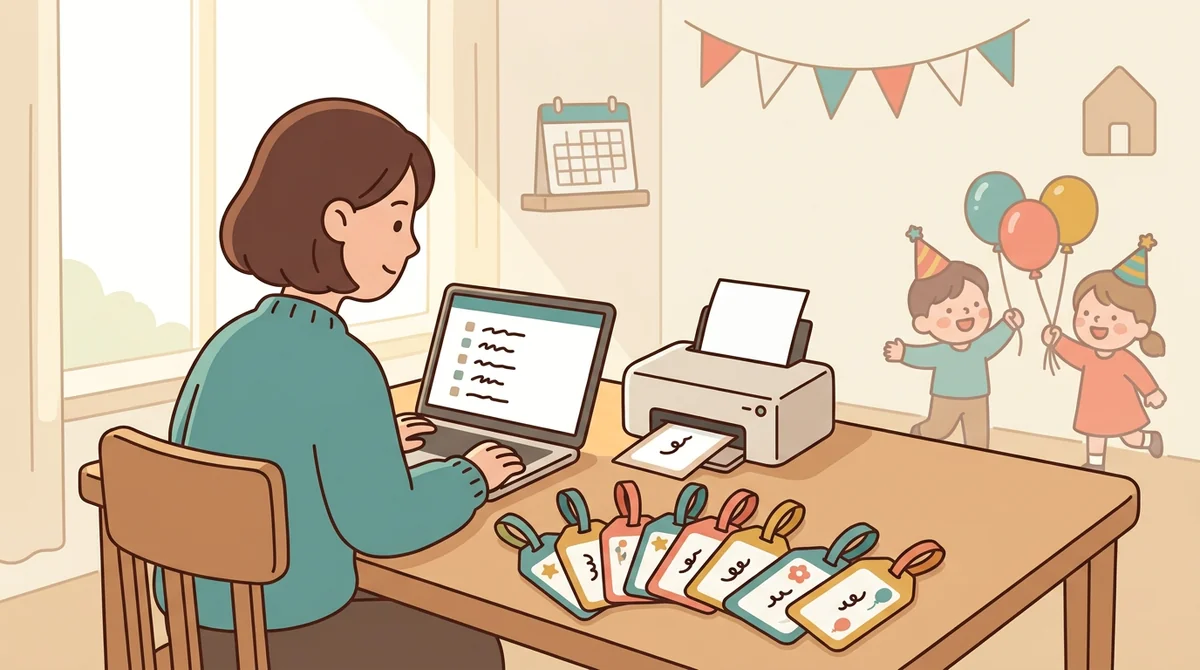
Parents and homeschool families
Make tags for a co-op day, a birthday party, or a family reunion in a few minutes. Type a few names or fifty, and print on whatever paper you have at home.
How EMStudio's name tag maker is different
Many name tag tools make one tag at a time, hide the download behind a sign-up, or add a logo to the page. This one is built by the team behind a full teacher planner, and it treats a set of tags as part of your week.
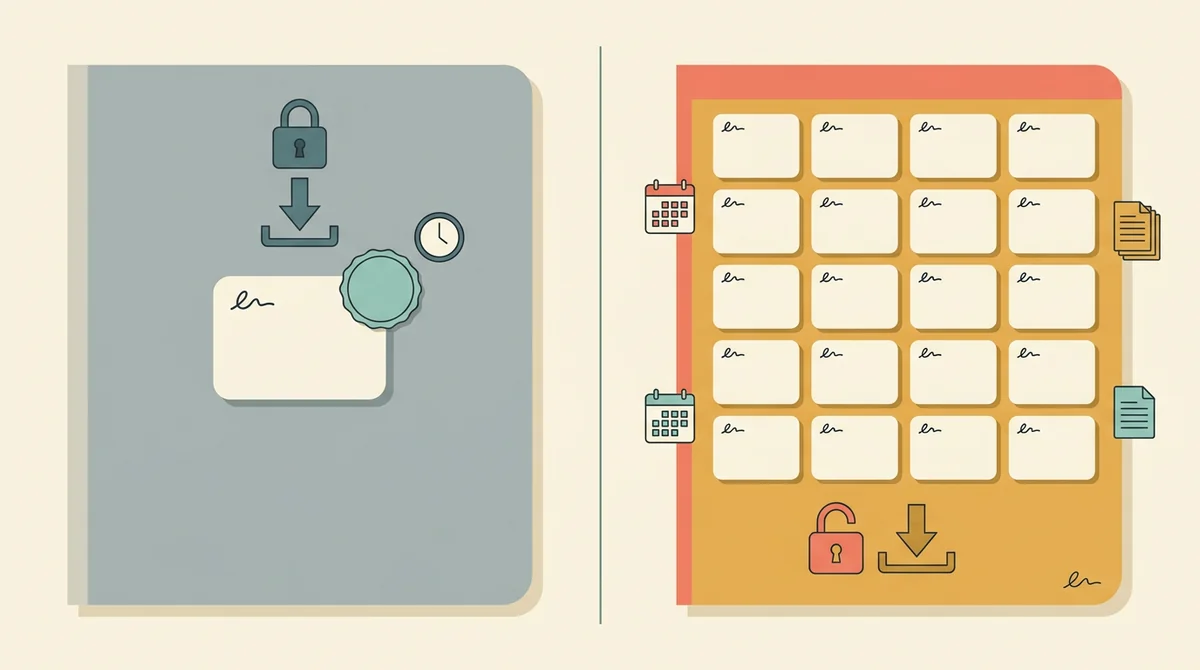
Free, with nothing held back
The full PDF, both paper sizes, and printing, all without an account or a daily limit. The only mark on the page is a small "Made with EMStudio" footer line.
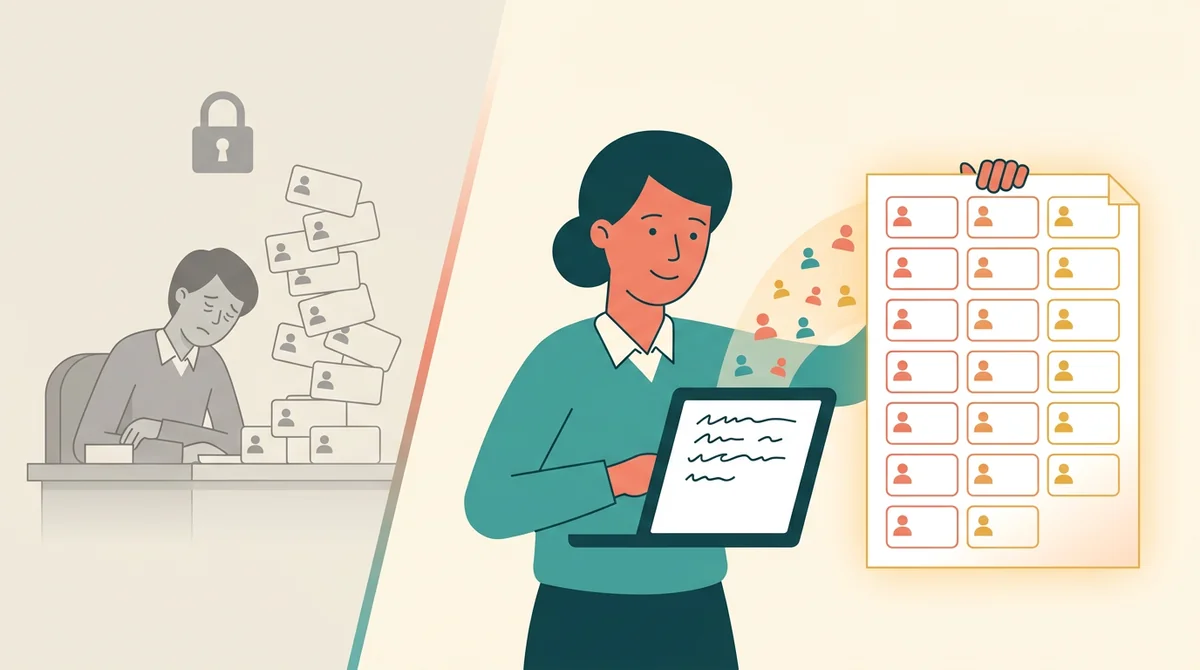
The whole list at once
Type or paste every name and the tags are laid out for you, a page at a time. You never retype a name or copy a template once per person.
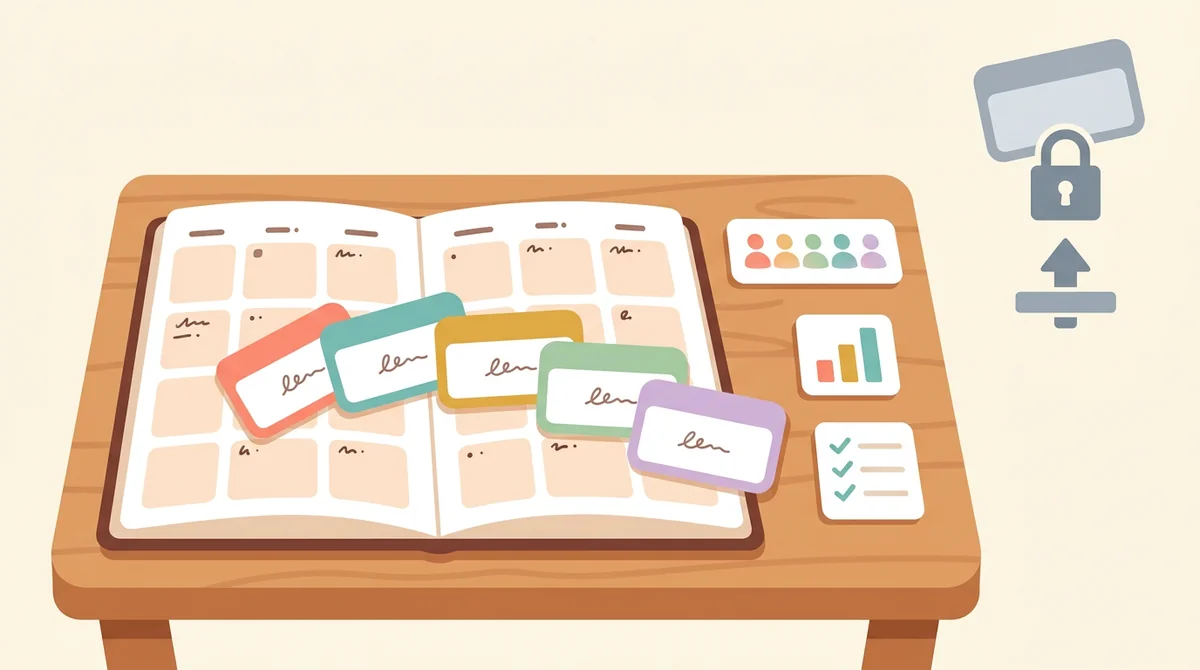
Part of a full teacher planner
A set of name tags is one small part of the first week. When you are ready, EMStudio's lesson planner holds the rest: every class's lessons on a weekly calendar, beside your students, grades, and attendance.
More free teacher tools
Prefer a ready-made sheet? Desk Name Tags
FAQ
Try EMStudio today.
Create your first class, build a lesson, and take attendance all in under five minutes.
No credit card required.
Get Started for FreeYou have 3 lessons and 2 tasks today.