Graph Paper Generator
Pick a square size, a line color and axes, and get printable graph paper in inches or centimeters. Free in your browser, no sign-up.
What is a graph paper generator?
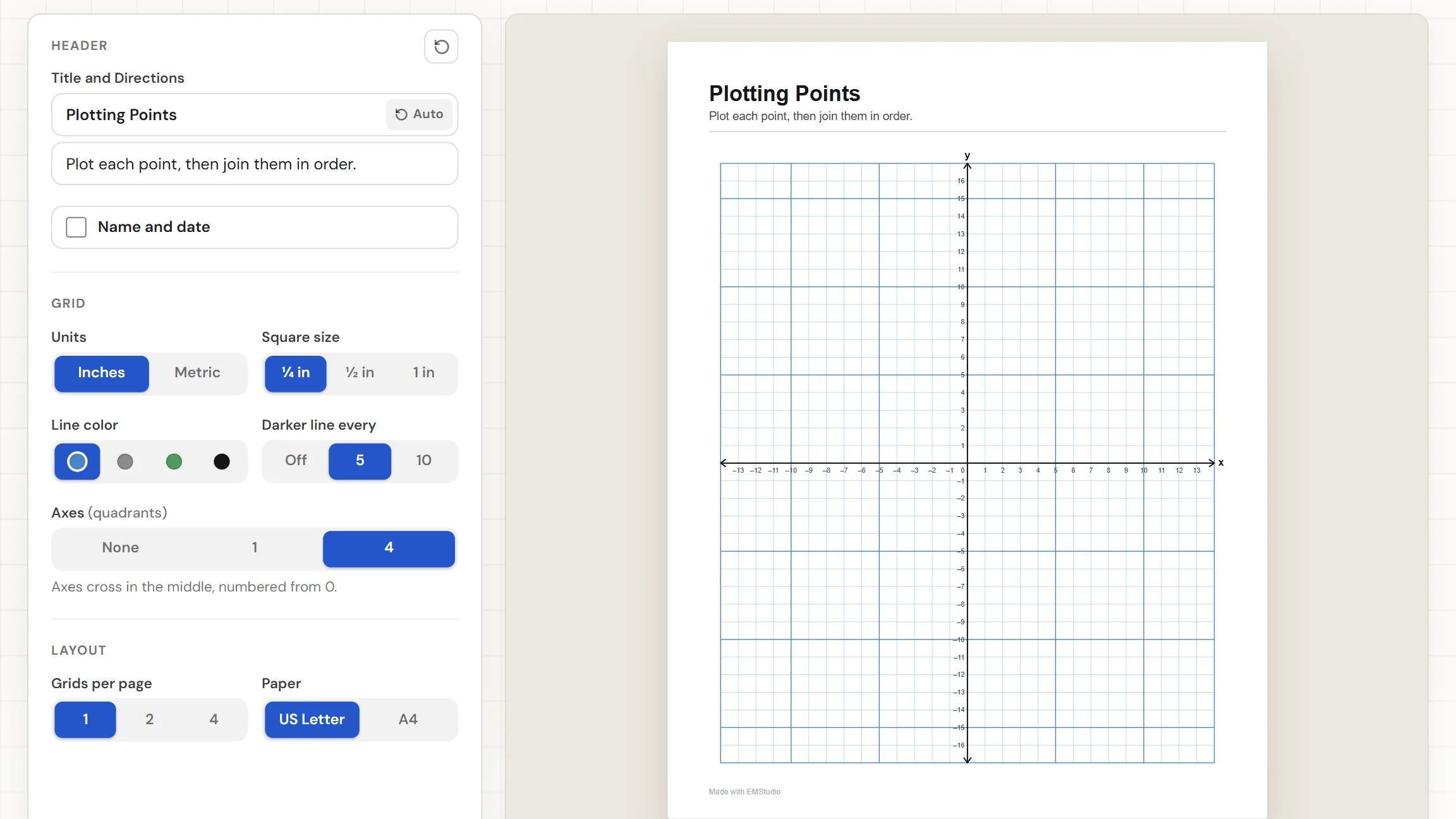
A graph paper generator draws a page of squares to the size you choose, ready to print. This one makes a clean grid in quarter-inch, half-inch, or one-inch squares, or in 5 mm, 1 cm, or 2 cm squares. Choose the line color, add darker lines every 5 or 10 squares, and add numbered axes for plotting. Download the PDF or print it, and there is no sign-up.
When do you use graph paper?
Whenever a pencil needs a grid to follow. Three moments where printing your own beats hunting for a pad:
Plotting points and lines
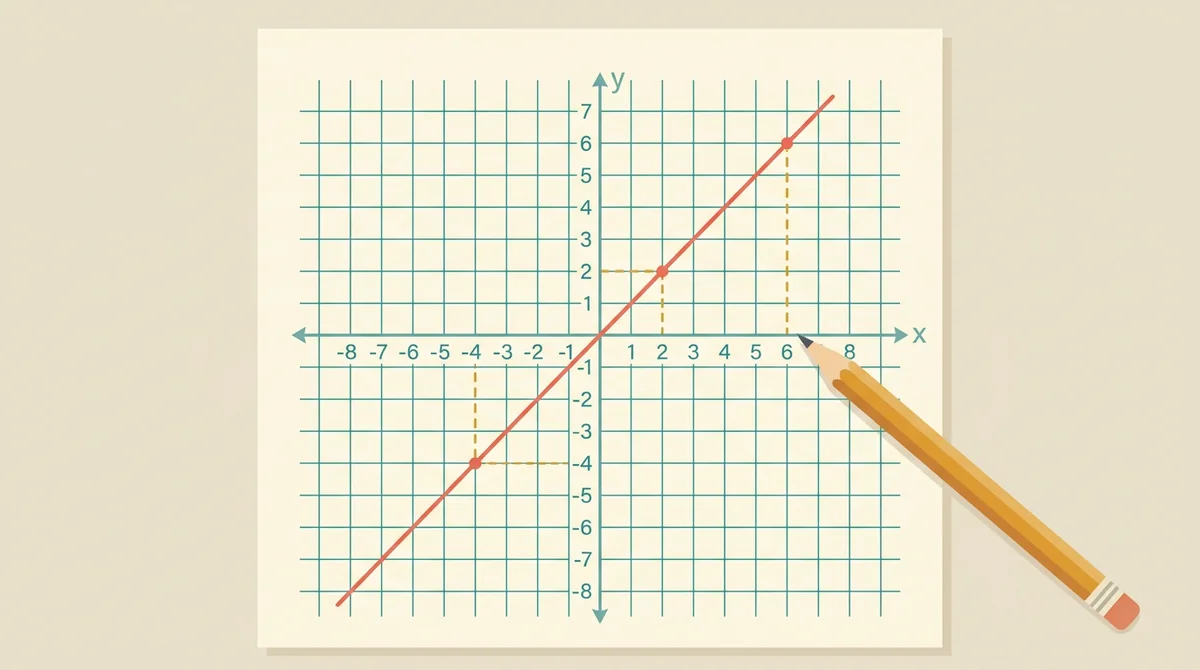
Turn on numbered axes and hand out a coordinate plane for plotting points, drawing lines, and reading graphs. Choose the first quadrant for positive numbers only, or all four quadrants when negatives come into play.
Science data and lab graphs
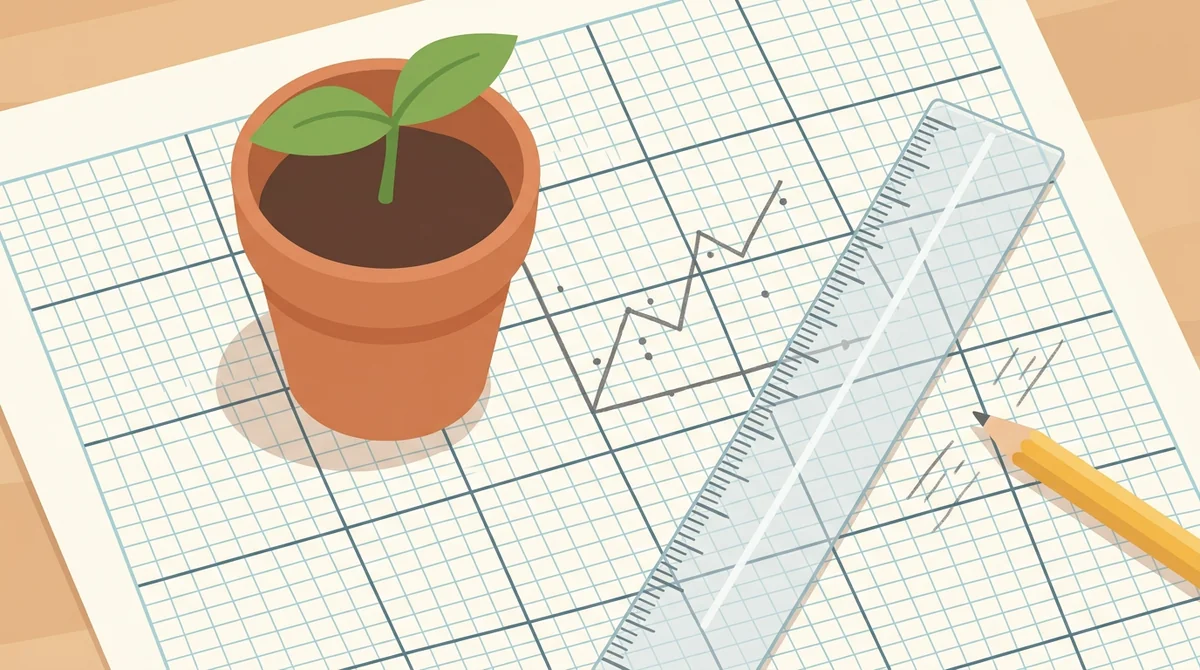
Print a metric grid for a lab write-up, a growth chart, or a line graph of results. Darker lines every 5 or 10 squares make it easy to read a value off the page and to count squares when you measure area.
Sketches, patterns, and plans
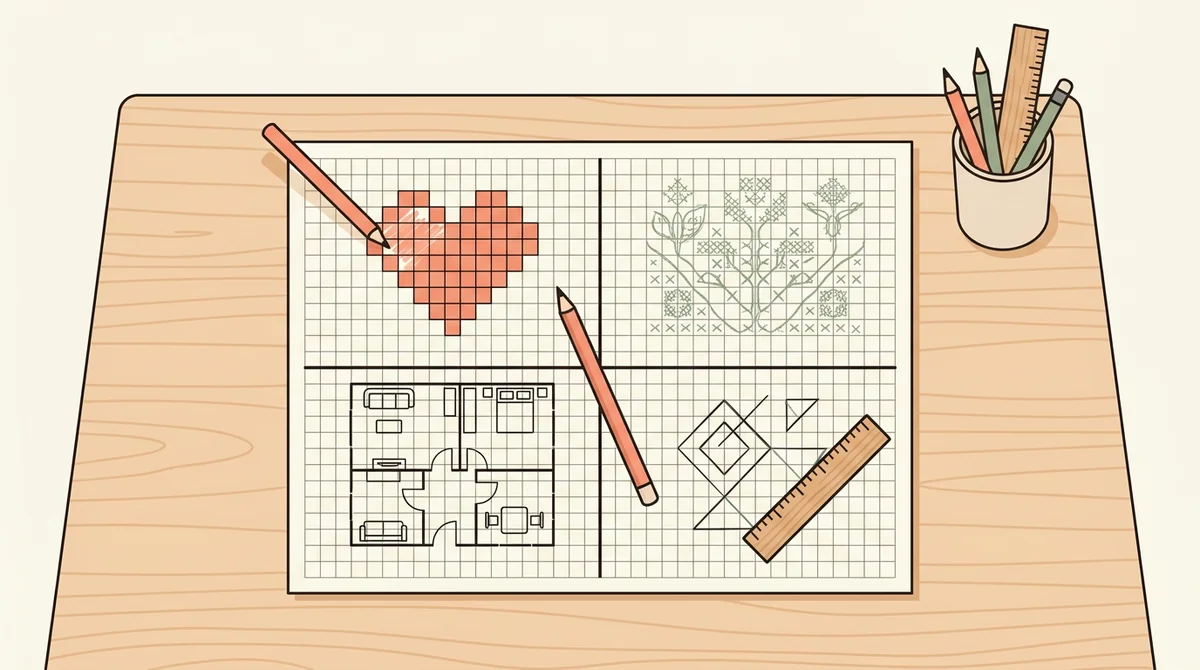
A grid keeps drawings to scale. Use it for pixel art, cross-stitch and knitting charts, floor plans, or a quick design sketch, with two or four small grids on one page when you only need a little space for each.
Core features of
a graph paper generator
A good graph paper maker lets you set the squares, lines, and axes and gives you a page that prints true. Here is what this one does, from the first setting to the printed sheet.
Inches or metric squares
Choose Inches or Metric, then a square size to match. Inches give quarter-inch, half-inch, or one-inch squares. Metric gives 5 mm, 1 cm, or 2 cm squares. The grid is drawn at true size, so the squares print the size you picked.
- Inches or Metric units
- Three square sizes in each
- Squares print at true size
Line color and darker lines
Pick blue, gray, green, or black lines. Set Darker line every to 5 or 10 and every fifth or tenth line is drawn heavier, which makes counting easy. The outer edge of the grid always gets the darker line too. Choose Off for an even grid.
- Blue, gray, green, or black lines
- Darker line every 5 or 10
- The outer edge is framed
Numbered axes for plotting
Set Axes to 1 for a first-quadrant graph with the axes along the bottom and left, or to 4 for axes that cross in the middle. Both come with arrowheads, x and y labels, and numbers from 0. Choose None for plain squares.
- First quadrant or all four
- Arrowheads, x and y, and numbers
- None gives plain squares
One, two, or four grids per page
Set Grids per page to 1 for a full sheet, 2 for two stacked grids, or 4 for a two by two layout. Every grid fills its space and uses the same settings, so a page of small graphs takes one print.
- 1, 2, or 4 grids per page
- Each grid fills its space
- Same settings on every grid
Download the PDF or print it
The Worksheet download button gives you a one-page PDF, and Print sends the page to the printer. Choose US Letter or A4, add a title and directions if you want them, and switch on a Name and Date row.
- One-page PDF download
- US Letter or A4 paper
- Optional title, directions, Name and Date
How to make
graph paper
Five steps from a blank page to a printed grid. Most pages take under a minute.
Choose a square size
Pick Inches or Metric, then the square size: quarter, half, or one inch, or 5 mm, 1 cm, or 2 cm. The page redraws as you click.
Pick a line color
Choose blue, gray, green, or black. Set Darker line every to 5 or 10 if you want heavier lines to count by, or leave it Off.
Add axes if you need them
Choose 1 for a first-quadrant graph or 4 for all four quadrants, and the axes appear with numbers. Leave it on None for plain squares.
Set the grids per page
Choose 1, 2, or 4 grids on the page. Type a title and directions if you like, and switch on the Name and Date row if students need it.
Download or print
Choose US Letter or A4, then download the Worksheet as a PDF. Or press Print to send the page to the printer.
That's the whole page
Choose the squares once and print as many grids as you like. The generator is at the top of this page.
Make Graph Paper
Get started in under 5 minutes.
Sign up and walk through the onboarding tutorial. By the end you've got your classes set up and you're ready to plan your first lesson. No credit card required.
Get Started for FreeMore than a stack of blank grids
A downloaded PDF has one size and one color. This graph paper maker builds the page you ask for, with the squares, lines, and axes already set. It runs in any browser, including a locked-down school laptop.
Darker lines that line up
With no axes, the darker lines are centered so the part-blocks at opposite edges match. With axes, they count out from the origin.
Axis numbers that stay readable
Every line on each axis gets its number, counting out from 0, with minus signs to the left and below when all four quadrants show. Students read coordinates straight off the page.
A title, directions, and Name line
Type a title and a line of directions to turn a grid into an assignment. The Name and Date row is there when you switch it on.
US Letter or A4
Pick the paper you print on and the grid fills the page, edge to edge. The download is a one-page PDF.
Your settings are remembered
Your square size, color, and axes stay in this browser, so you can close the tab and pick up where you left off. Nothing is uploaded.
Free, and no watermark
No account, no sign-up, and no logo across the grid. The only mark is a small "Made with EMStudio" line in the footer.
Who is the graph paper generator for?
Anyone who needs a grid and does not have the right pad. Teachers come first, but it works just as well at home or at a drawing table.
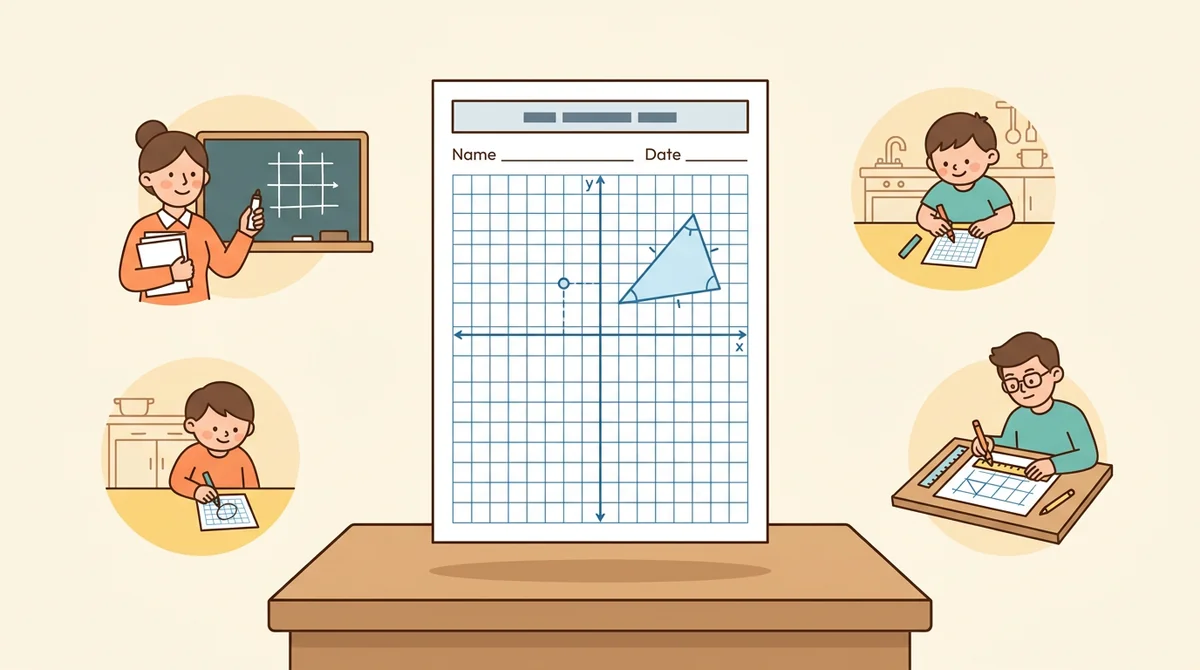
Classroom teachers
Math and science classes need a grid for coordinates, graphs, and area. Print the size and axes you want, with a title, directions, and a Name and Date row, and hand out a clean sheet.
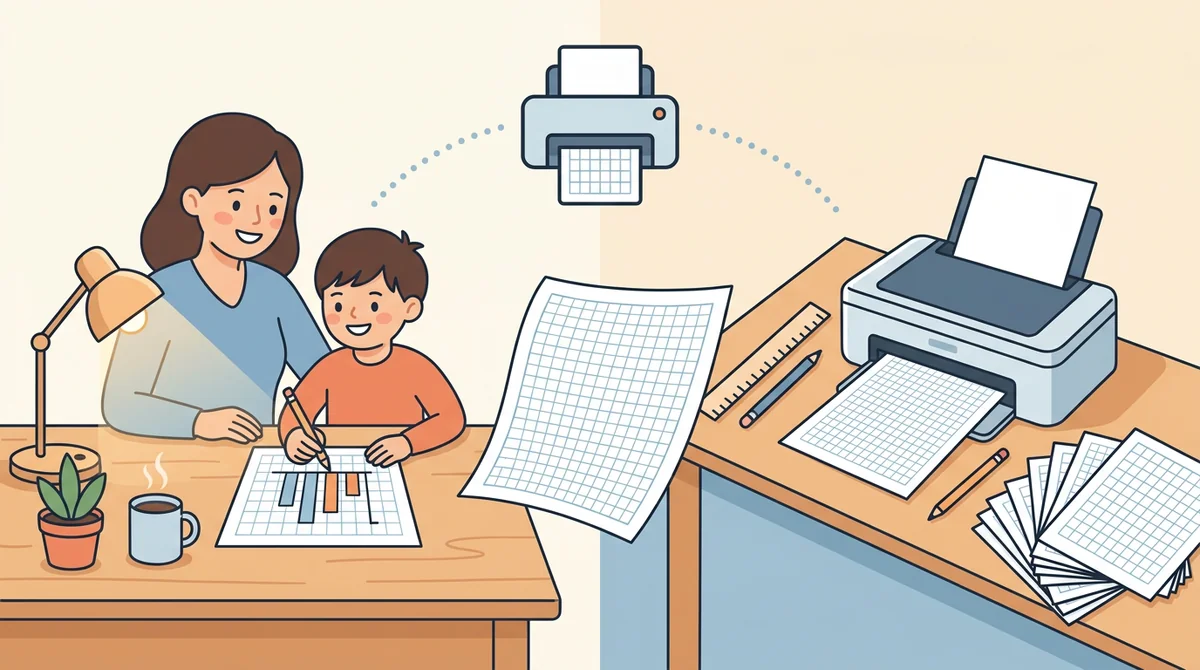
Tutors and homeschool parents
Print a half-inch grid for a first graph or a 5 mm grid for careful work, one sheet at a time. Choose exactly the squares your child needs.
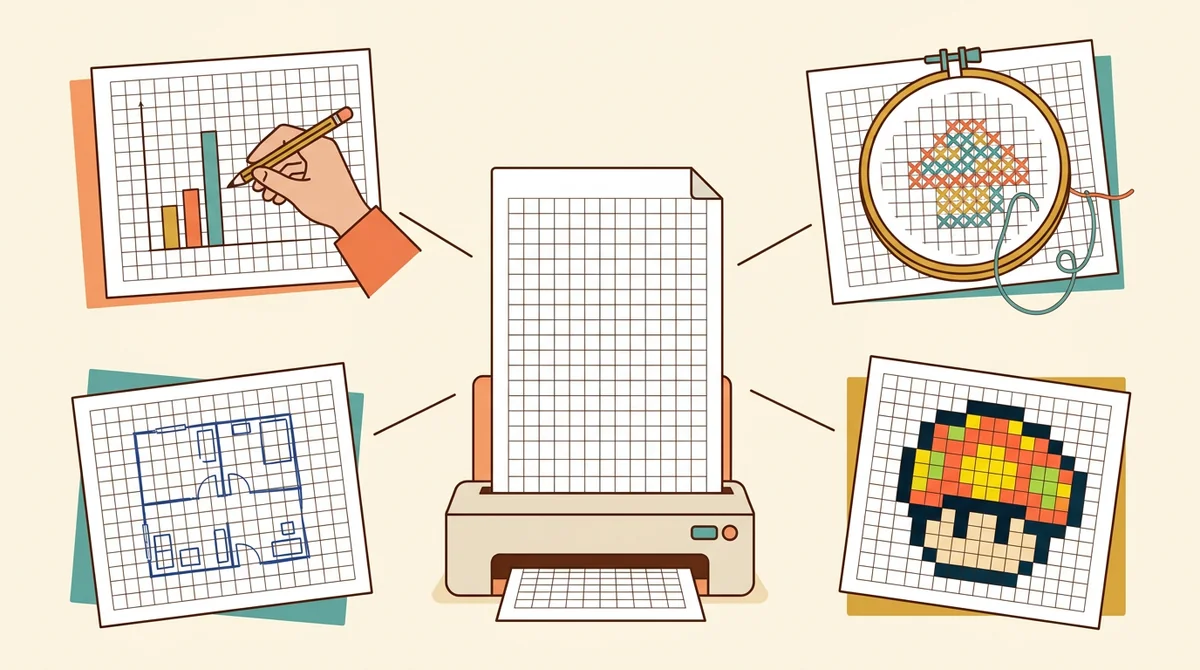
Crafters, designers, and engineers
Use a grid for pixel art, knitting and cross-stitch charts, floor plans, and quick technical sketches. Pick the square size, color, and paper, and print as many as you need.
How EMStudio's graph paper generator is different
Many graph paper pages are fixed PDFs with one square size, or add a logo and a sign-up wall. This one is built by the team behind a full teacher planner, and it treats a printed grid as part of your lesson.
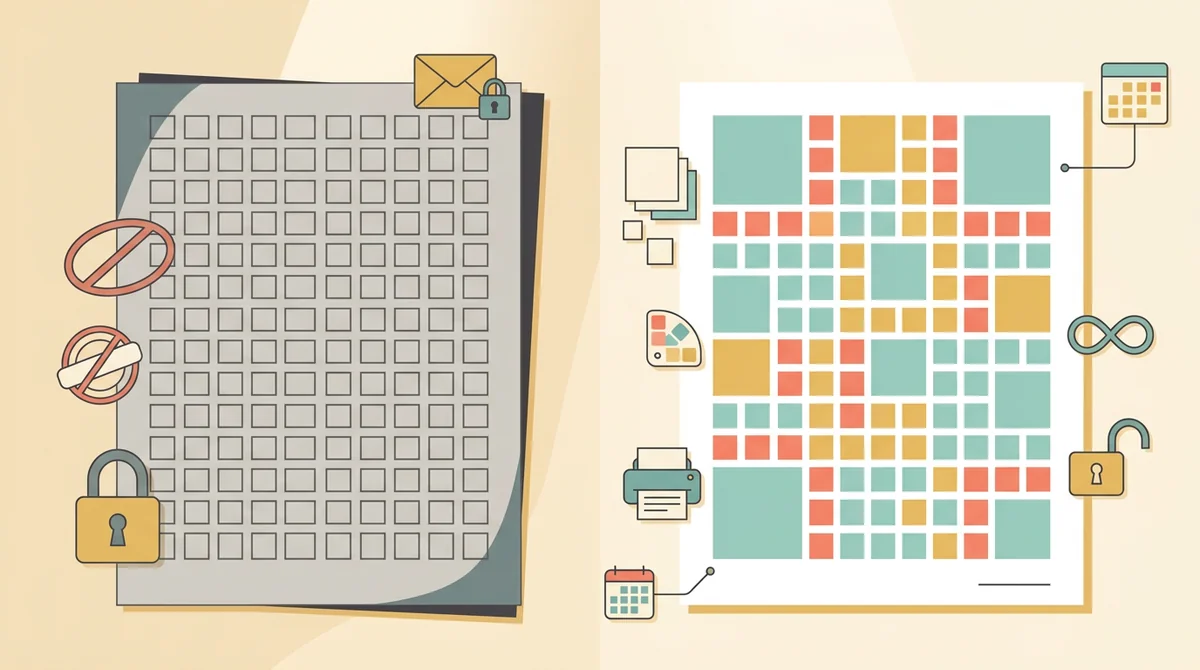
Free, with nothing held back
Every square size, color, and layout, both paper sizes, and printing, all without an account or a daily limit. The only mark on the page is a small "Made with EMStudio" footer line.
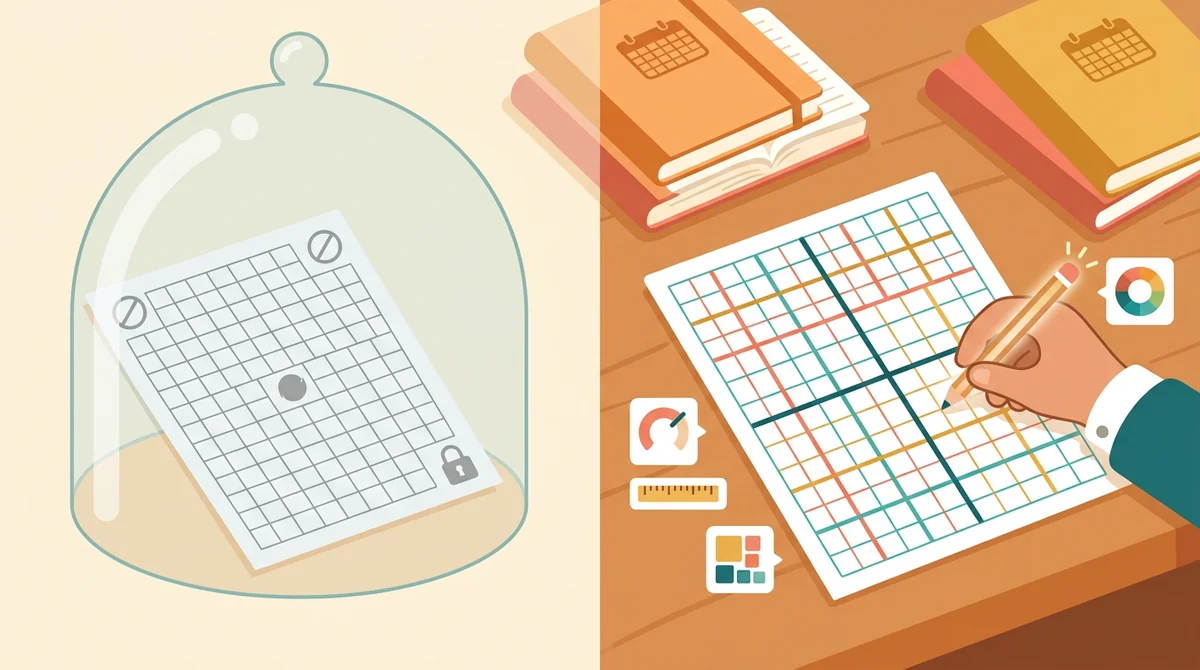
Built to your settings
You choose the units, squares, colors, darker lines, axes, and grids per page, and the page is drawn to match. You never edit a fixed PDF to get the grid you wanted.
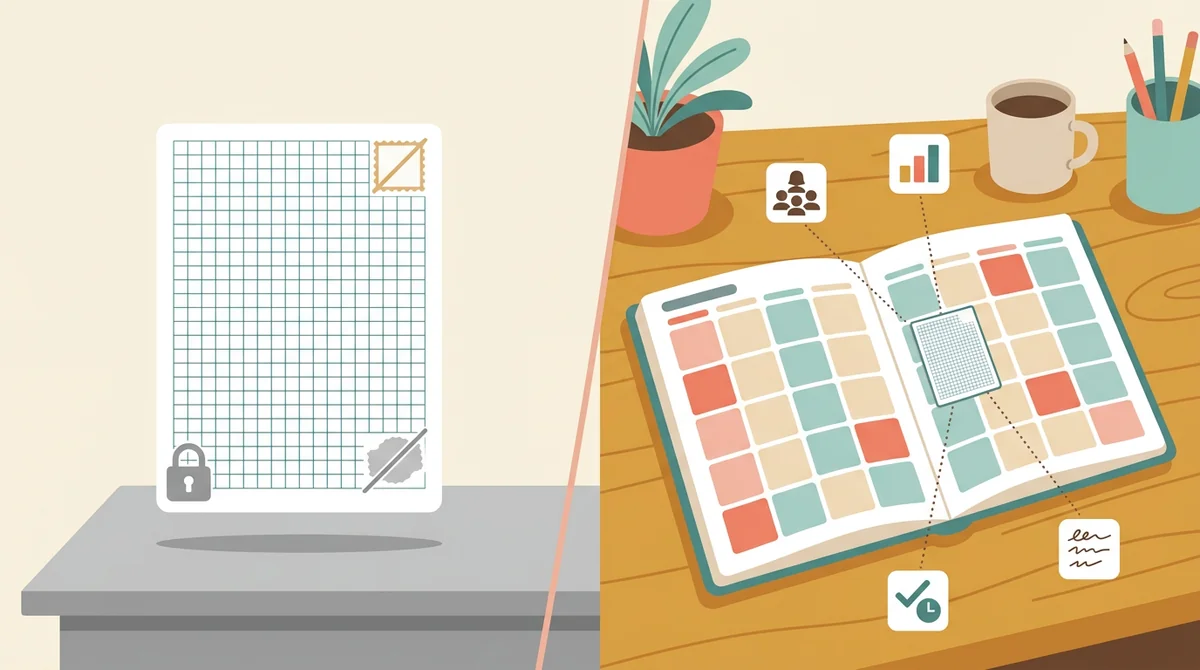
Part of a full teacher planner
A graph paper page is one small part of a lesson. When you are ready, EMStudio's lesson planner holds the rest: every class's lessons on a weekly calendar, beside your students, grades, and attendance.
More free teacher tools
FAQ
Try EMStudio today.
Create your first class, build a lesson, and take attendance all in under five minutes.
No credit card required.
Get Started for FreeYou have 3 lessons and 2 tasks today.