Division Worksheet Generator
Make division facts or long division sheets, with or without remainders, plus an answer key, ready as a PDF in seconds. Free in your browser, no sign-up.
What is a division worksheet generator?
A division worksheet generator builds a sheet of division problems for you, so you never write them by hand. This division worksheet maker draws either basic facts like 56 ÷ 7 or full long division in the bracket layout, picks the numbers at random from the sizes you choose, and lets you decide whether problems leave a remainder. It writes the answer key in red too. Choose the problems, download the PDF, and print. Nothing to install, nothing to sign up for.
When do you use a division worksheet?
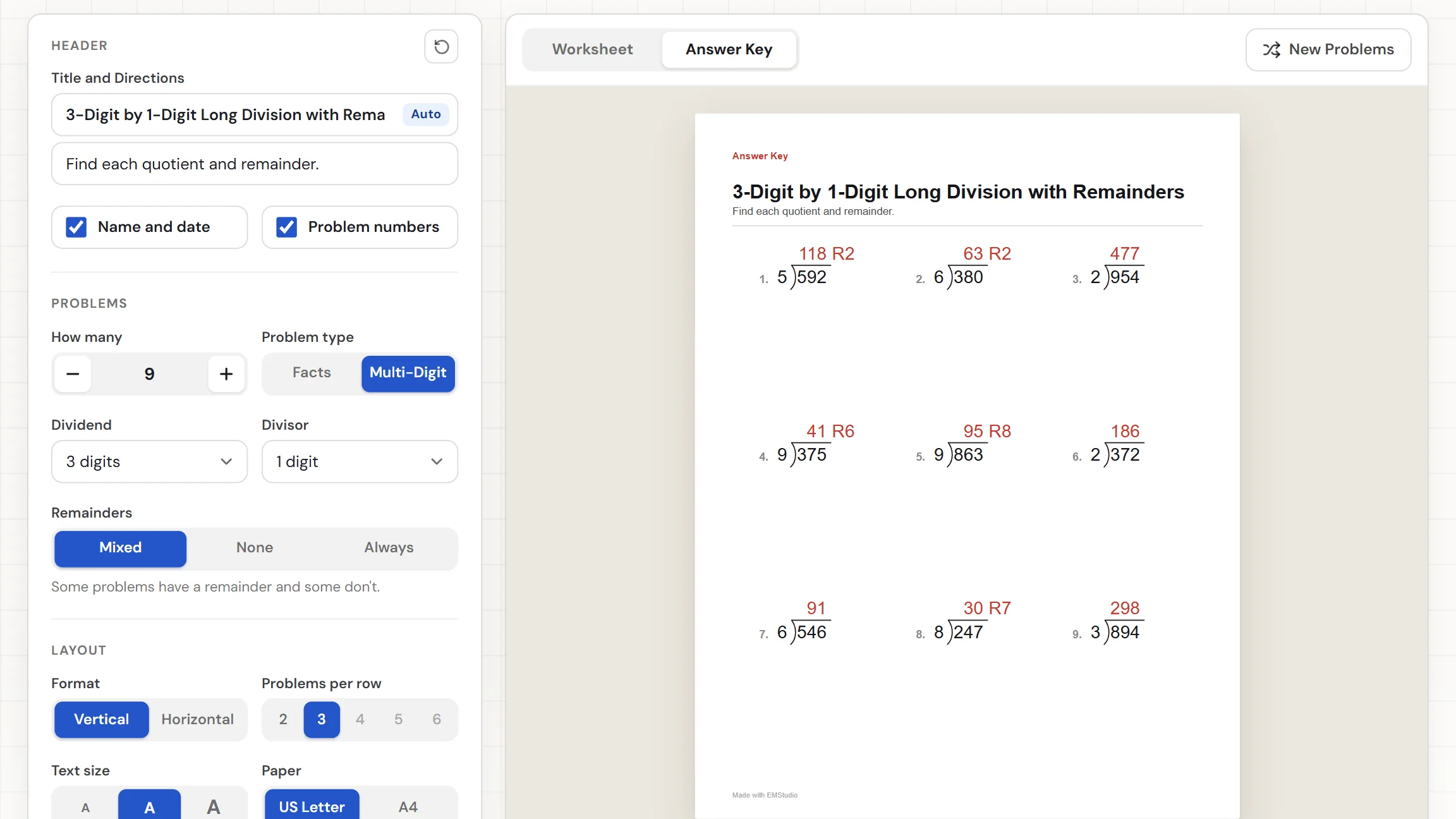
Whenever students need repeated practice at the same level, with new numbers each time. Three moments where a fresh sheet beats a premade one:
Learning the facts
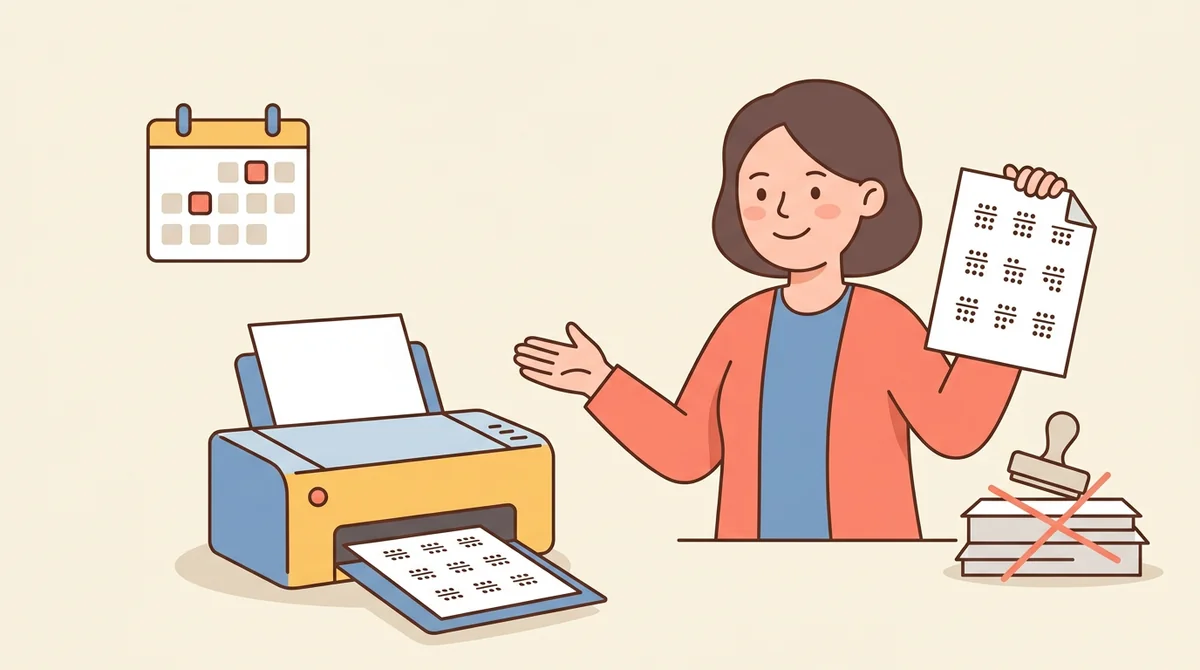
Set the second number to the one your class is working on, such as dividing by 6, and print a sheet of facts that all divide evenly. Print another tomorrow with different numbers for a quick fluency check.
Teaching long division
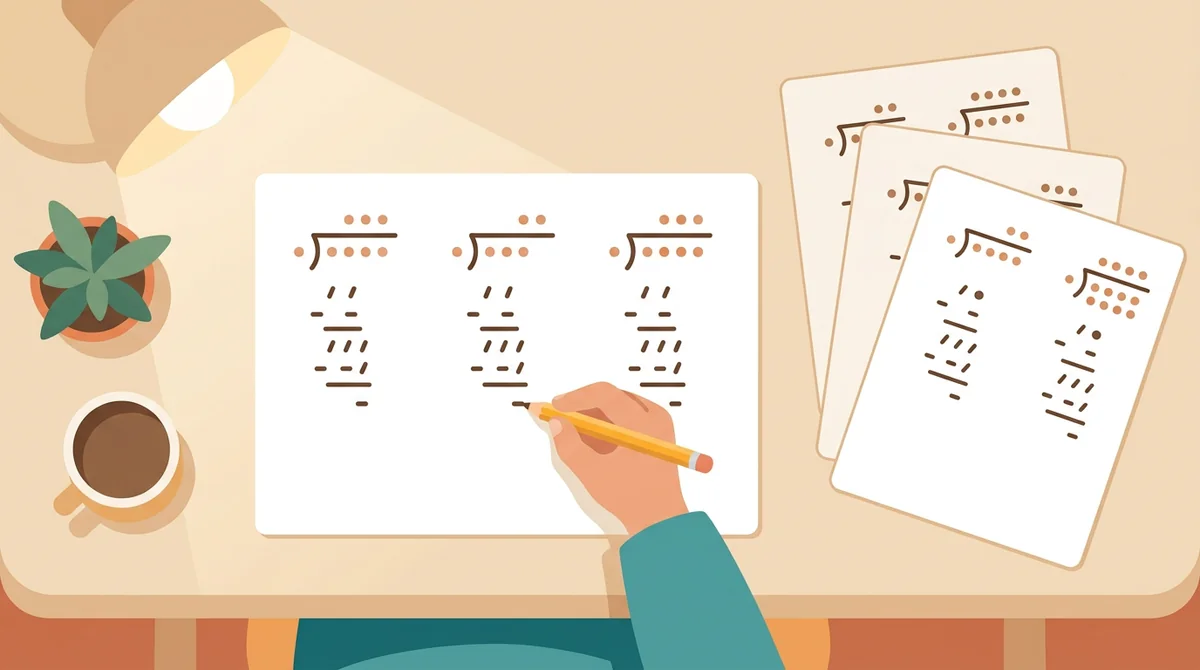
Start with even problems, then move to remainders once students know the steps. The bracket layout leaves working space under each problem, so students can show every multiply and subtract step on the page.
Homework, sub plans, and early finishers
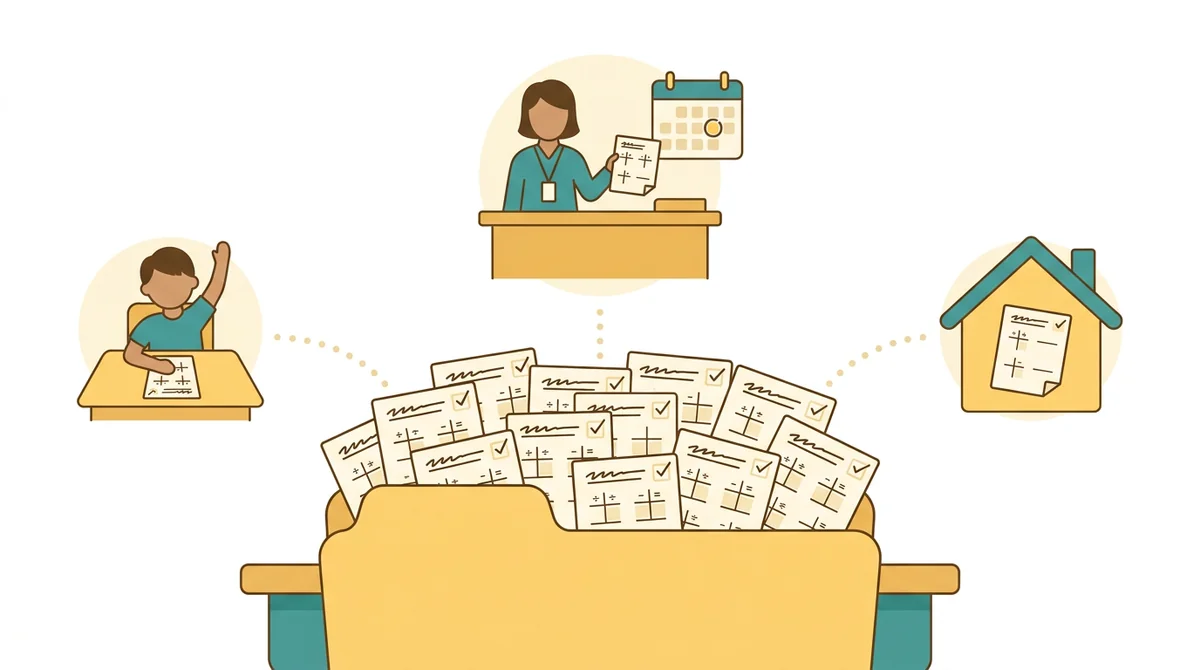
Keep a few sheets in the folder for the student who finishes first, or leave one in the substitute plans. Each sheet comes with a key, so whoever covers the room can mark it without doing the division.
Core features of
a division worksheet generator
A good worksheet tool lets you set the skill and the numbers, then gives you a clean sheet. Here is what this one does, from the first setting to the printed page.
Choose facts or long division
The Problem type setting has two choices: Facts and Multi-Digit. Facts are short problems like 56 ÷ 7. Multi-Digit draws long division in the bracket layout, with the dividend under the bar and room to work below.
- Facts for quick recall practice
- Multi-Digit draws the long division bracket
- Working space under each bracket
Decide how remainders work
For long division, the Remainders setting has three choices: Mixed, None, and Always. A hint under it shows an example, such as 85 ÷ 4 = 21 R1. The sheet title and directions change to match.
- None means every problem divides evenly
- Always means every problem has a remainder
- Mixed gives a bit of both
Set the size of the numbers
In Multi-Digit mode, pick 1 to 6 digits for the dividend and 1 to 3 digits for the divisor, or choose Custom range to type your own limits. In Facts mode, set a from and to for the first and second number.
- Dividend of 1 to 6 digits
- Divisor of 1 to 3 digits
- Custom range for exact limits
An answer key for every sheet
Switch between the Worksheet and the Answer Key. The key shows the same problems with every quotient in red, and the remainder beside it, such as 21 R3. Press New Problems for a different set with the same settings.
- Quotients and remainders in red
- New Problems gives fresh numbers
- The key always matches the sheet
Download the PDF or print it
The Worksheet and Answer Key download buttons give you two PDFs. Print sends the sheet to the printer. Choose US Letter or A4, set how many problems you want from 1 to 100, and edit the title and directions.
- Two PDFs: the worksheet and the key
- US Letter or A4 paper
- 1 to 100 problems per sheet
How to make
a division worksheet
Five steps from a blank page to a stack of sheets, and most of the time goes to choosing the numbers.
Choose the problem type
Set Problem type to Facts or Multi-Digit. The title on the sheet changes to match, for example "Division Facts" or "3-Digit by 1-Digit Long Division".
Set the numbers
For Facts, set the lowest and highest first and second number. For Multi-Digit, pick the digits for the dividend and divisor, then choose Mixed, None, or Always under Remainders.
Choose the layout
Set How many, then pick Vertical or Horizontal and the problems per row. Vertical draws the long division bracket; Horizontal writes each problem on a line. The directions read "Find each quotient." until you type your own.
Press New Problems for another
Press New Problems for different numbers with the same settings. Switch to Answer Key to check the red answers. Do it as often as you like.
Download or print
Choose US Letter or A4, then download the Worksheet for the students and the Answer Key for yourself. Or press Print to send the sheet to the printer.
That's the whole worksheet
Choose the numbers once and print as many different sheets as you need. The generator is at the top of this page.
Make a Division Worksheet
Get started in under 5 minutes.
Sign up and walk through the onboarding tutorial. By the end you've got your classes set up and you're ready to plan your first lesson. No credit card required.
Get Started for FreeMore than a worksheet template
A premade sheet has fixed numbers and one answer key. This one builds new problems from your settings, checks that they divide the way you asked, and gives you the key. It runs in any browser, including a locked-down school laptop.
A real long division bracket
Each long division problem is drawn with the divisor outside the bracket, the dividend under the bar, and blank space below for the steps.
Remainders on the key
When problems have remainders, the key writes the quotient and the remainder together in red, such as 21 R3, so marking takes seconds.
Division that comes out even
Choose None under Remainders, or use Facts, and every problem divides evenly. No problem ever divides by zero.
A title, directions, and Name and Date
The title and directions follow your settings. Edit them on the page. The Name and Date row switches off in one click.
US Letter or A4
Pick the paper you print on and the page is laid out for it. The worksheet and the answer key are two separate PDFs.
Free, and no watermark
No account, no sign-up, and no logo across the page. The only mark is a small "Made with EMStudio" line in the footer.
Who is the division worksheet generator for?
Anyone who needs division practice at the right level and does not want to write the problems. If a premade sheet never matches what your students are on, it is for you.

Classroom teachers
Fact practice in the third grade, long division in the fourth and fifth. Set the numbers for your class, print a copy for every student, and keep the answer key for yourself.

Tutors and homeschool parents
Make a sheet for the exact step a child is stuck on and print it at the kitchen table. Start with even problems, then add remainders when the child is ready.

Special education and intervention teachers
Use a small divisor and a 2-digit dividend, choose the large text size, and print only a few problems per row. Build the sheet around the step a student still needs.
How EMStudio's division worksheet generator is different
Many division worksheet generators bury the download behind a sign-up, add a logo to the page, or give you no answer key. This one is built by the team behind a full teacher planner, and it treats a worksheet as part of your lesson.
Free, with nothing held back
The full PDF, the answer key, both paper sizes, and printing, all without an account or a daily limit. The only mark on the page is a small "Made with EMStudio" footer line.
An answer key every time
Every sheet comes with its own key, with each quotient and remainder in red. You never have to work the problems yourself to be sure the page is right.

Part of a full teacher planner
A worksheet is one small part of a lesson. When you are ready, EMStudio's lesson planner holds the rest: every class's lessons on a weekly calendar, beside your students, grades, and attendance.
More free teacher tools
FAQ
Try EMStudio today.
Create your first class, build a lesson, and take attendance all in under five minutes.
No credit card required.
Get Started for FreeYou have 3 lessons and 2 tasks today.