Bubble Sheet Generator
Choose A to D, A to E, or true and false, set how many questions, and get a printable bubble answer sheet with a key. Free in your browser, no sign-up.
What is a bubble sheet generator?
A bubble sheet generator, also called a bubble sheet maker, draws an answer sheet with a numbered row of bubbles for every question, ready to print. This one makes sheets for 1 to 100 questions with A to D, A to E, or true and false choices. Type the right answers and it makes an answer key with those bubbles filled in. Download the PDF or print it, and there is no sign-up.
When do you use a bubble sheet?
Whenever students answer on a separate page from the questions. Three moments where printing your own sheet beats copying a test twice:
Tests with a separate answer page
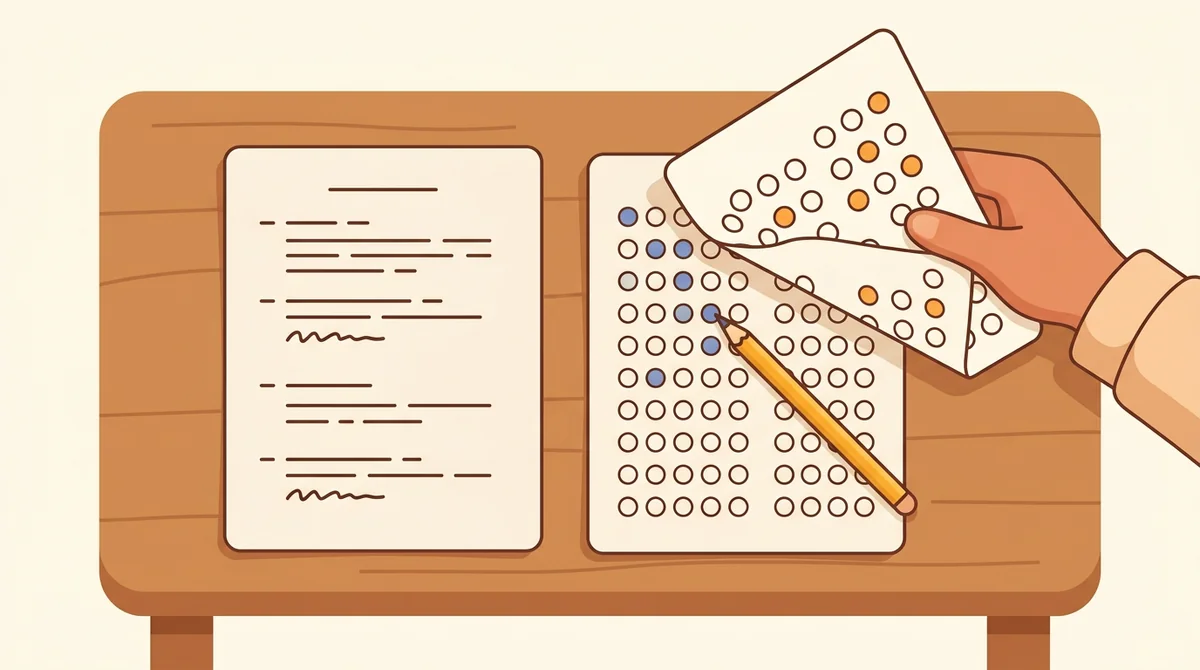
Hand out the test on one page and a bubble sheet on another. Students fill in a bubble for each question, and you check the sheets against a key that matches the number of questions on the test.
Quick quizzes and exit tickets
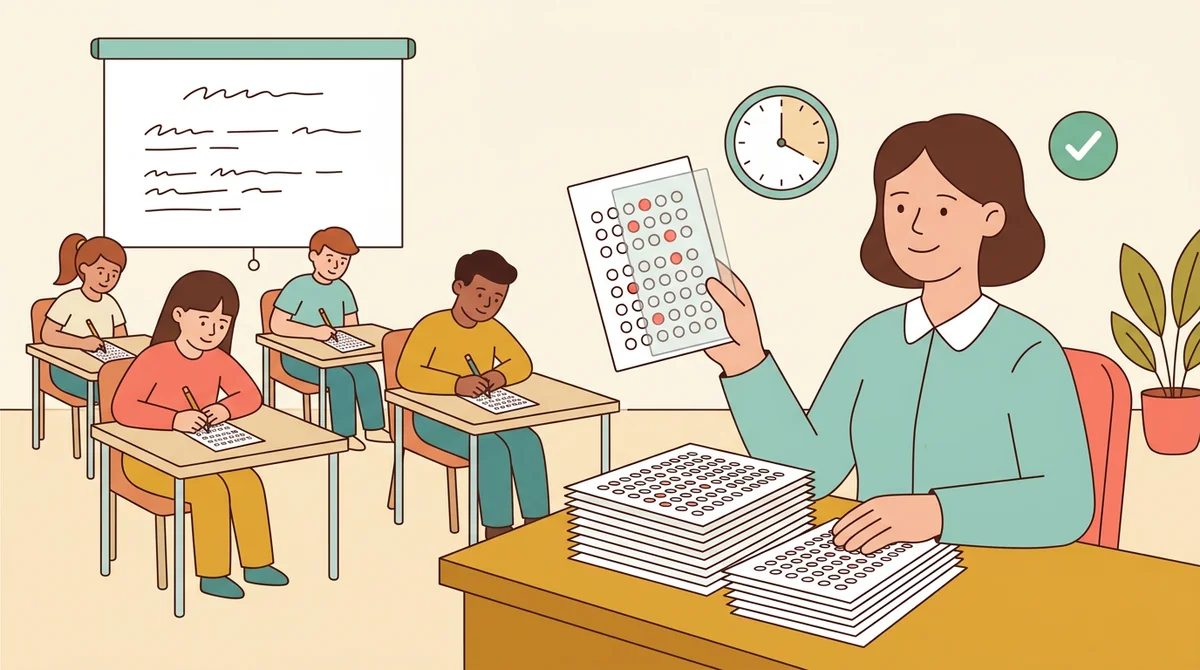
Read ten questions aloud, or project them, and let students bubble in their answers. A short sheet takes one page, and the answer key lets you mark a stack of papers in a few minutes.
True and false and review games
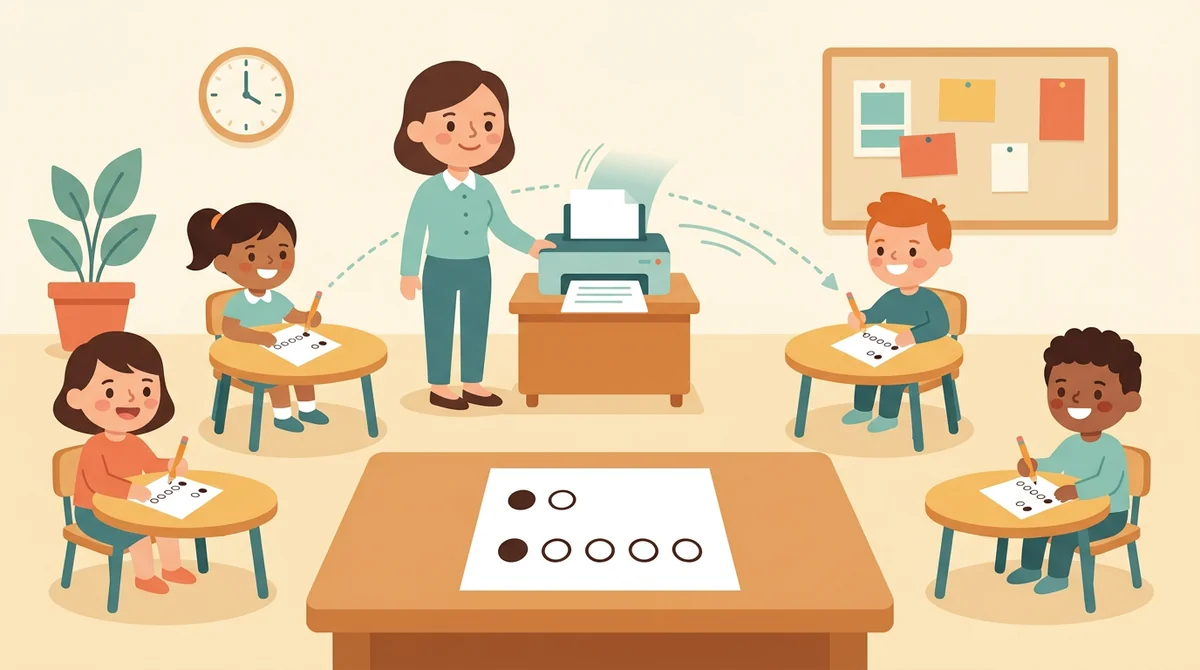
Switch the choices to T and F for true or false statements, or use five choices when a test needs them. The same sheet works for a review game where every student answers every round.
Core features of
a bubble sheet generator
A good bubble sheet maker lets you set the choices and the question count and gives you a page that prints clean. Here is what this one does, from the first setting to the printed sheet.
A to D, A to E, or true and false
Choose A to D for a four-choice test, A to E when you need a fifth choice, or T and F for true or false. Every row of the sheet gets the same lettered bubbles, so students always know which letter to fill in.
- A to D, A to E, or T and F
- Lettered bubbles on every row
- The directions change to match
Type the answers, get a key
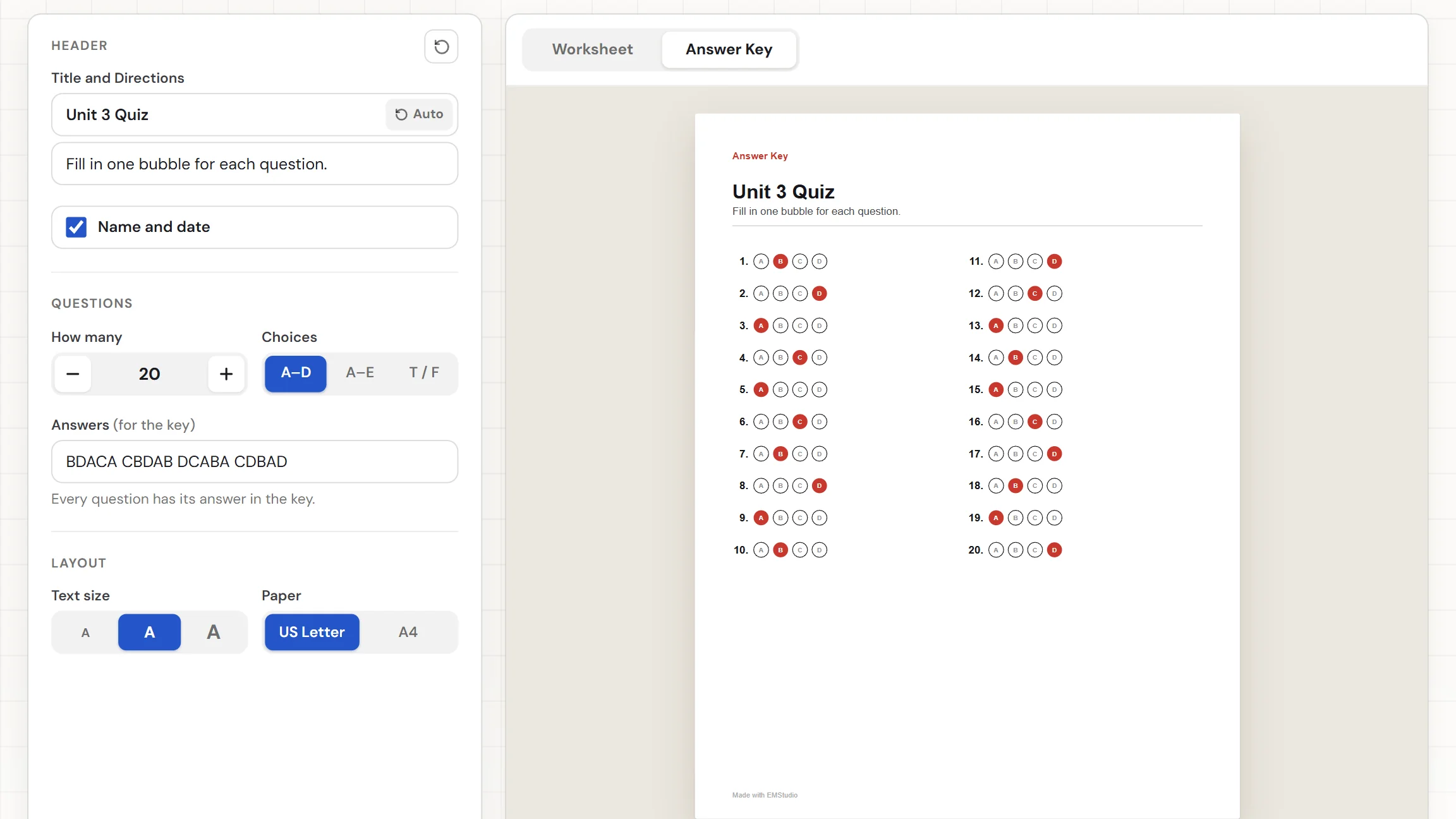
Type the right answers in the Answers box, like ABDCA BCDAB. Spaces, commas, and question numbers are ignored, so you can paste a list as it is. The sheet's key fills in the bubble for every answer you typed.
- Letters in order, in one box
- Spaces, commas, and numbers ignored
- Notes if an answer is missing
From 1 to 100 questions
Set How many to any number from 1 to 100. A short sheet uses a single column. Past 12 questions the rows split into two columns, and a long sheet runs onto more pages, with the numbers still counting up.
- Any number from 1 to 100
- Two columns past 12 questions
- Long sheets run onto more pages
An answer key to match
Switch between the Worksheet and the Answer Key. The key is the same sheet with the right bubble on each row filled in red, so you can lay it beside a student's paper and mark it at a glance.
- Right bubbles filled in red
- Same layout as the student sheet
- Easy to mark at a glance
Download the PDF or print it
The Worksheet and Answer Key download buttons give you two PDFs. Print sends the sheet to the printer. Choose US Letter or A4, and switch the Name and Date row off if you want.
- Two PDFs: the sheet and the key
- US Letter or A4 paper
- Name and Date row you can switch off
How to make
a bubble sheet
Five steps from a blank page to a stack of answer sheets. Most sheets take under a minute.
Choose the answer choices
Pick A to D, A to E, or T and F. The sheet redraws as you click, with that many bubbles on every row.
Set how many questions
Type a number from 1 to 100, or use the plus and minus buttons. The sheet adds rows and columns to fit the questions.
Type the answers
Type the right answers in order, like ABDCA. A note under the box tells you if you have typed fewer answers than questions, and the key fills in the rest as you go.
Add a title and directions
The title reads "Answer Sheet" until you type your own. Change the directions if you like, and switch the Name and Date row on or off.
Download or print
Choose US Letter or A4, then download the Worksheet for your students and the Answer Key for yourself. Or press Print to send the sheet to the printer.
That's the whole sheet
Set the choices once and print as many answer sheets as you need. The generator is at the top of this page.
Make a Bubble Sheet
Get started in under 5 minutes.
Sign up and walk through the onboarding tutorial. By the end you've got your classes set up and you're ready to plan your first lesson. No credit card required.
Get Started for FreeMore than a blank bubble template
A downloaded template has one length and one set of choices. This bubble sheet maker builds the page you ask for, with the questions, choices, and key already set. It runs in any browser, including a locked-down school laptop.
Answers in any format
Type 1. B 2) d or just BD. Spaces, commas, numbers, and lowercase letters are all fine, so a list you already have pastes straight in.
Letters that do not fit are skipped
If you type a letter that is not one of the choices, a note names it and leaves it out of the key. A typo never ends up as a wrong answer.
A title, directions, and Name line
The directions read "Fill in one bubble for each question," or the true or false version. Type your own title, and switch the Name and Date row on when students need it.
US Letter or A4
Pick the paper you print on and the sheet is laid out for it. The worksheet and the answer key are two separate PDFs.
Your settings are remembered
Your choices and answers stay in this browser, so you can close the tab and pick the same sheet up later. Nothing is uploaded.
Free, and no watermark
No account, no sign-up, and no logo across the page. The only mark is a small "Made with EMStudio" line in the footer.
Who is the bubble sheet generator for?
Anyone who gives a test with a separate answer page. Teachers come first, but it works just as well at a kitchen table or in a tutoring session.
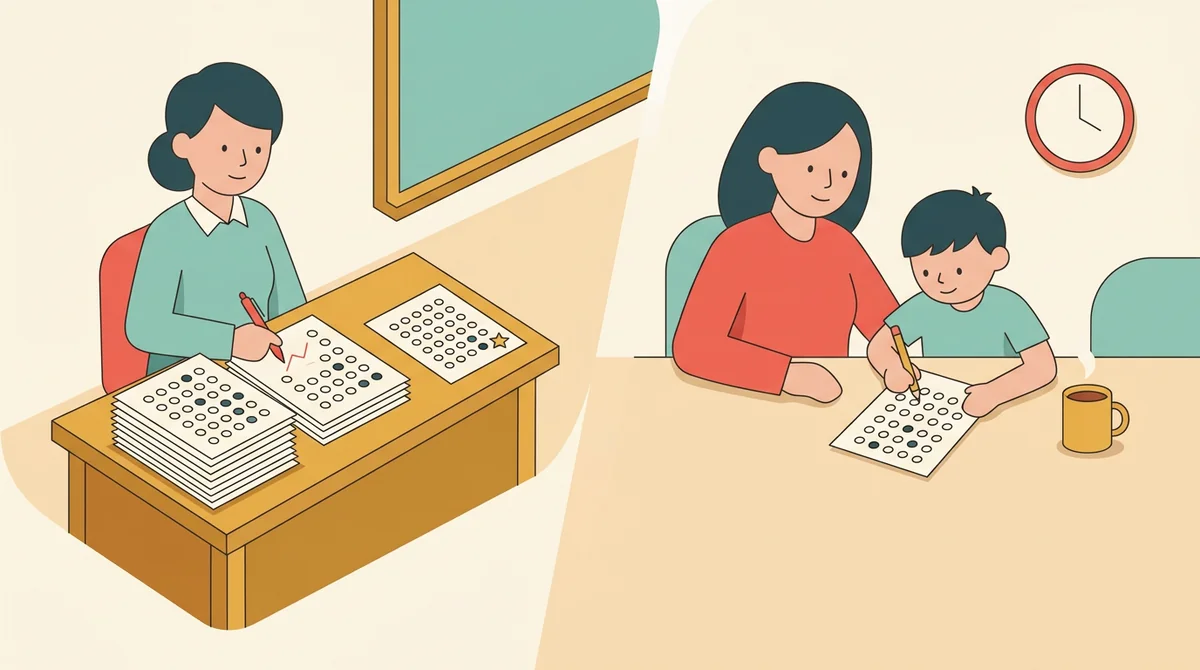
Classroom teachers
Quizzes, unit tests, and review games all need somewhere to answer. Print a sheet for every student, keep the answer key, and mark the stack without counting rows.
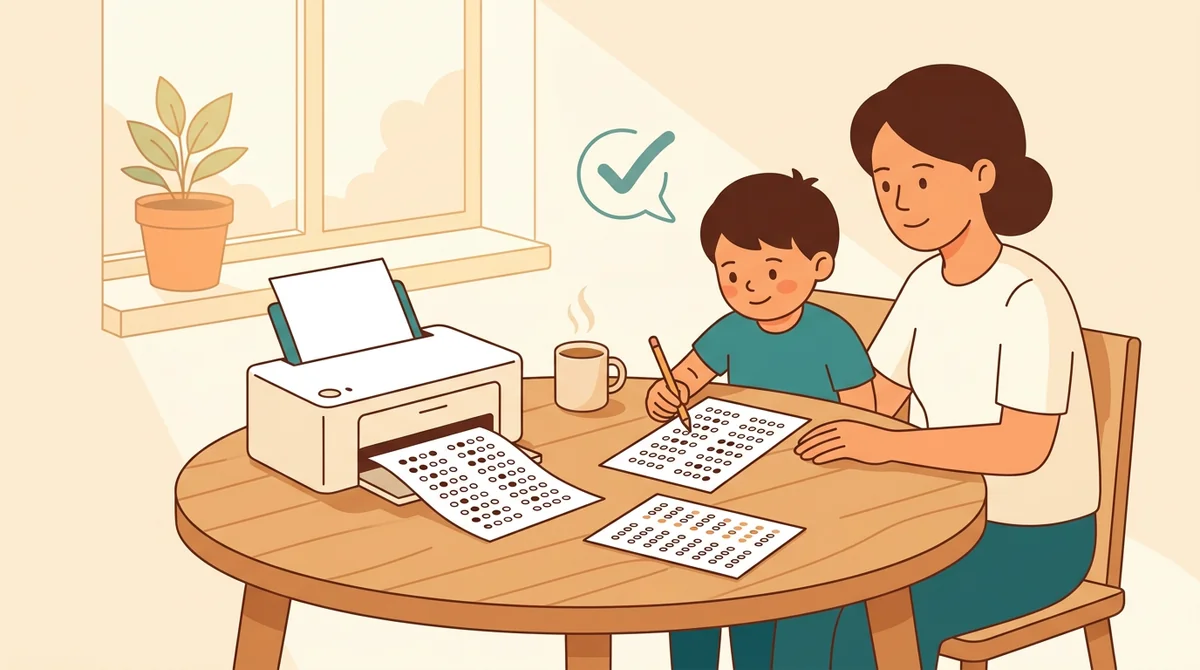
Tutors and homeschool parents
Make a short sheet for a practice test and print one copy at a time. Choose the number of questions and the letters your child needs, and check the work against the key.
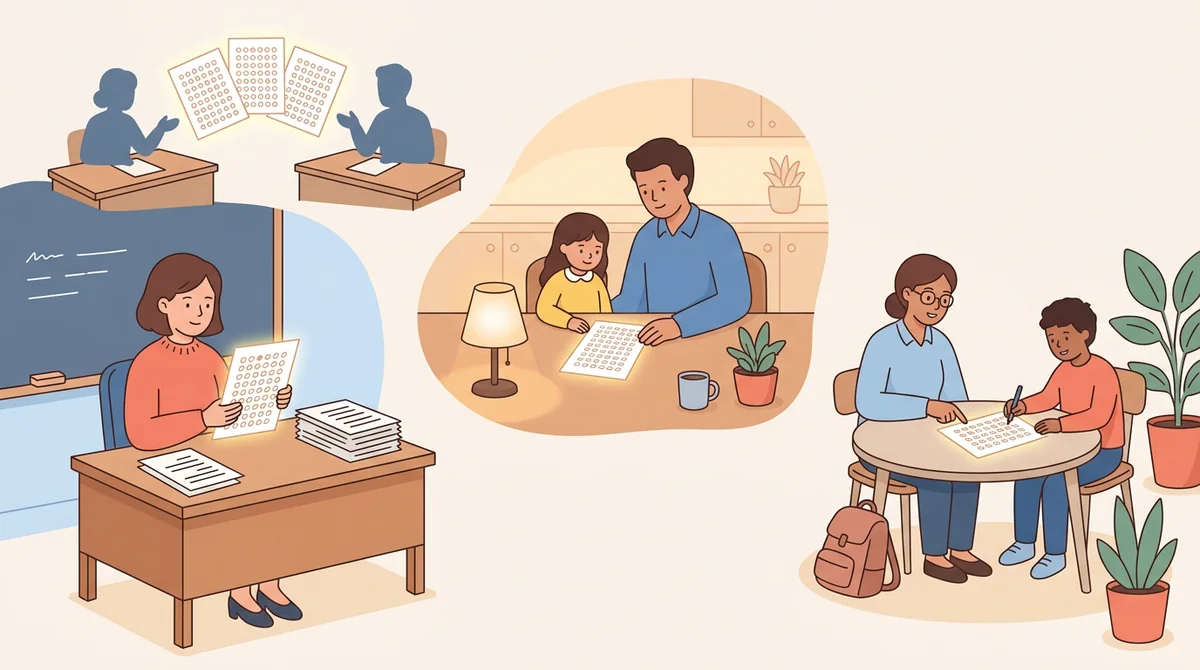
Test writers and department leads
Build one answer sheet to go with a test you wrote in another program. Match the number of questions and choices, type the answers, and share the same PDF with the whole team.
How EMStudio's bubble sheet generator is different
Many bubble sheet pages are fixed PDFs with one question count, or add a logo and a sign-up wall. This one is built by the team behind a full teacher planner, and it treats an answer sheet as part of your lesson.
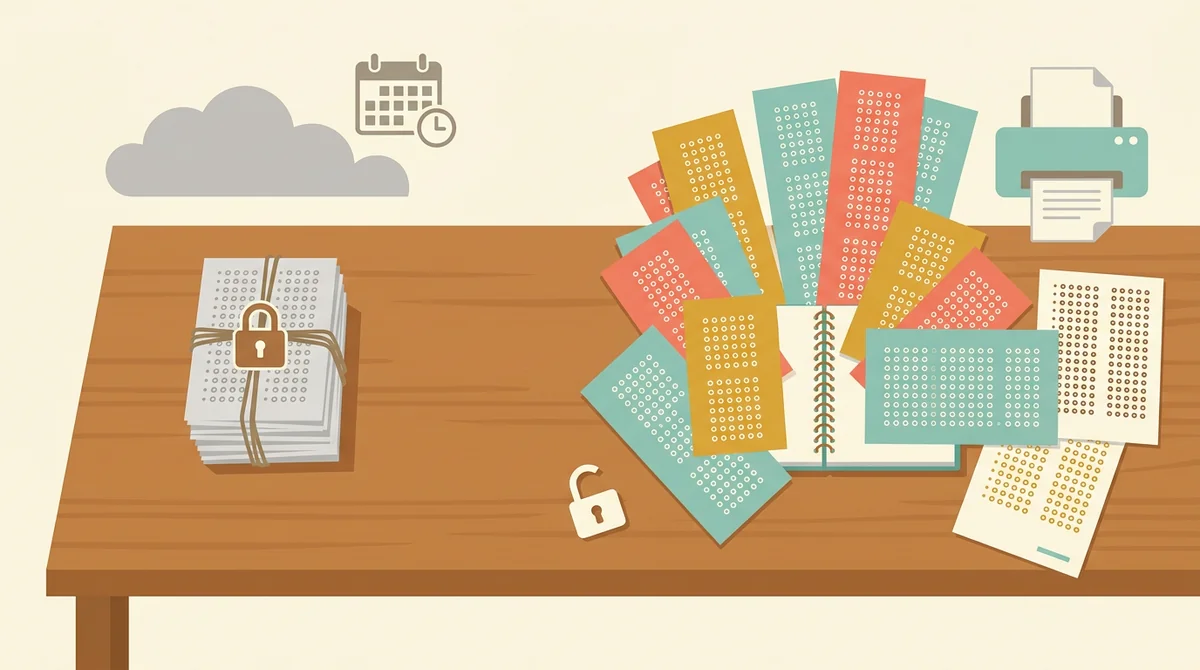
Free, with nothing held back
Every choice set, any question count, the answer key, both paper sizes, and printing, all without an account or a daily limit. The only mark on the page is a small "Made with EMStudio" footer line.
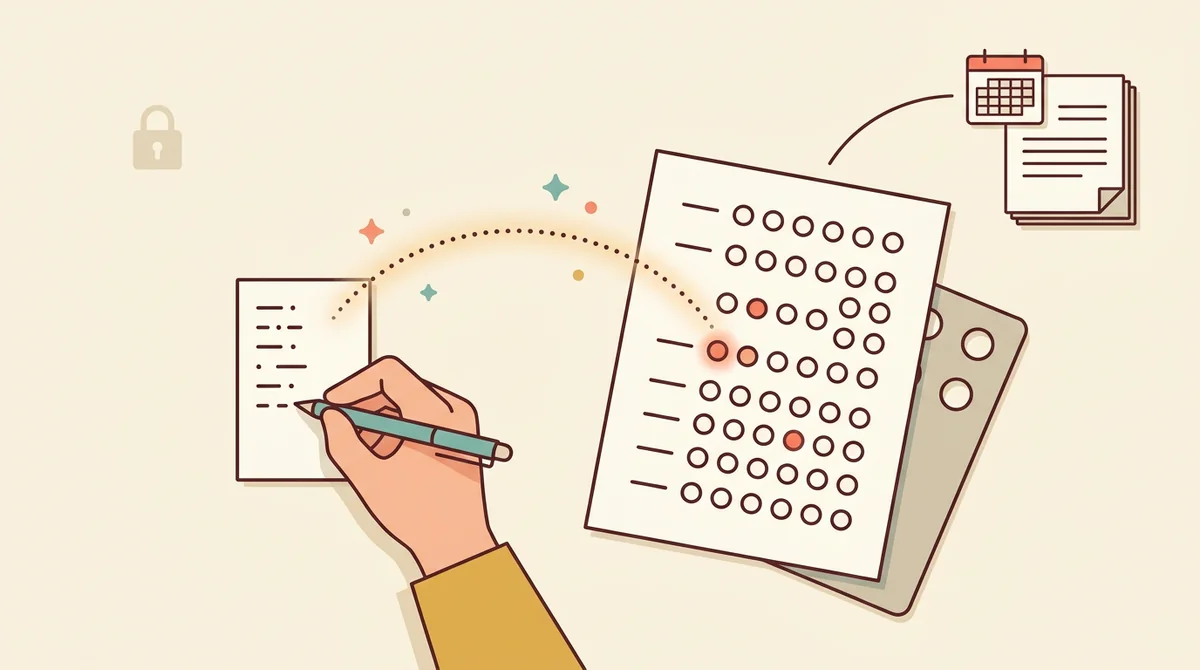
A key from the answers you type
Type the answers once and the key fills in the right bubble on every row. You never draw a key by hand or hold a stencil over a stack of papers.
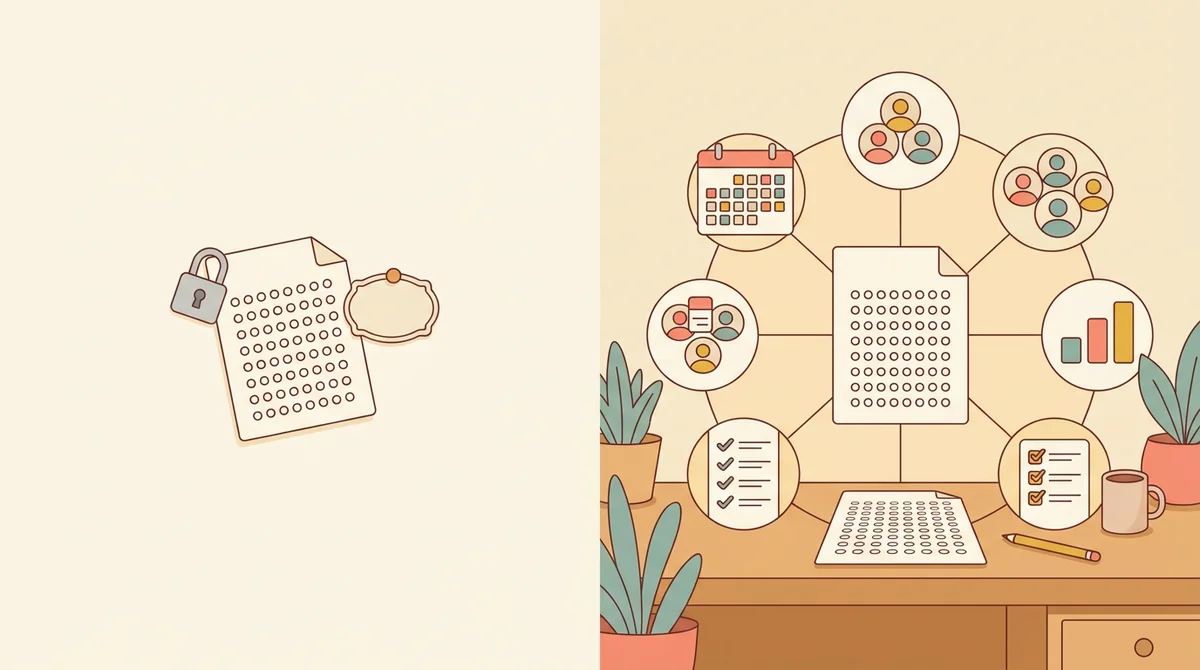
Part of a full teacher planner
An answer sheet is one small part of a week. When you are ready, EMStudio's lesson planner holds the rest: every class's lessons on a weekly calendar, beside your students, grades, and attendance.
More free teacher tools
FAQ
Try EMStudio today.
Create your first class, build a lesson, and take attendance all in under five minutes.
No credit card required.
Get Started for FreeYou have 3 lessons and 2 tasks today.