Task Boxes for Special Education: A Complete Guide

Jump to section
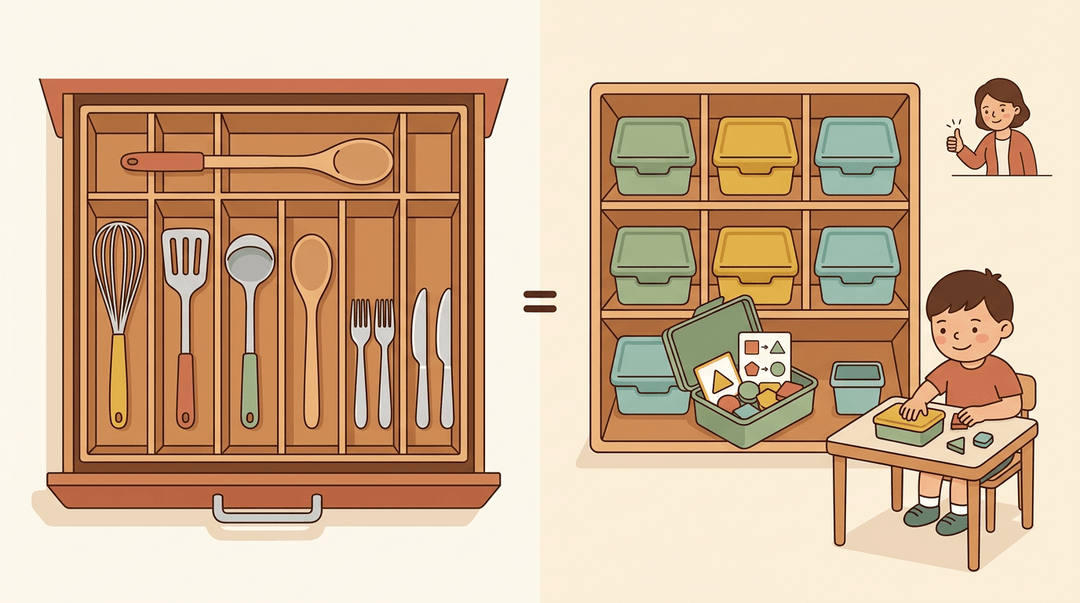
Think of a well-organized kitchen drawer, where every utensil has its own slot. You can grab what you need without digging. Task boxes work the same way in special education classrooms.
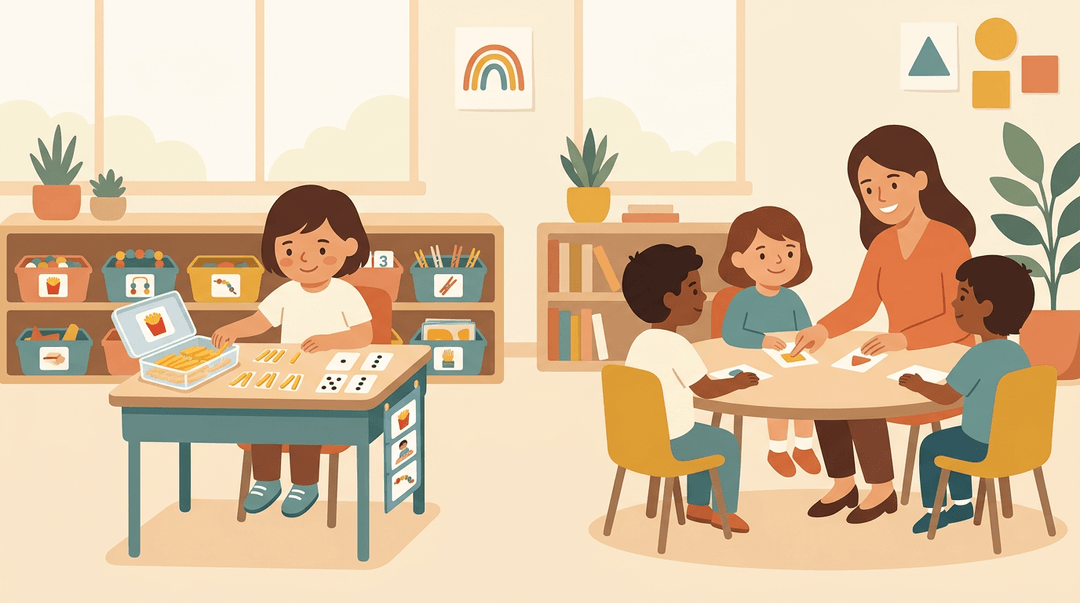
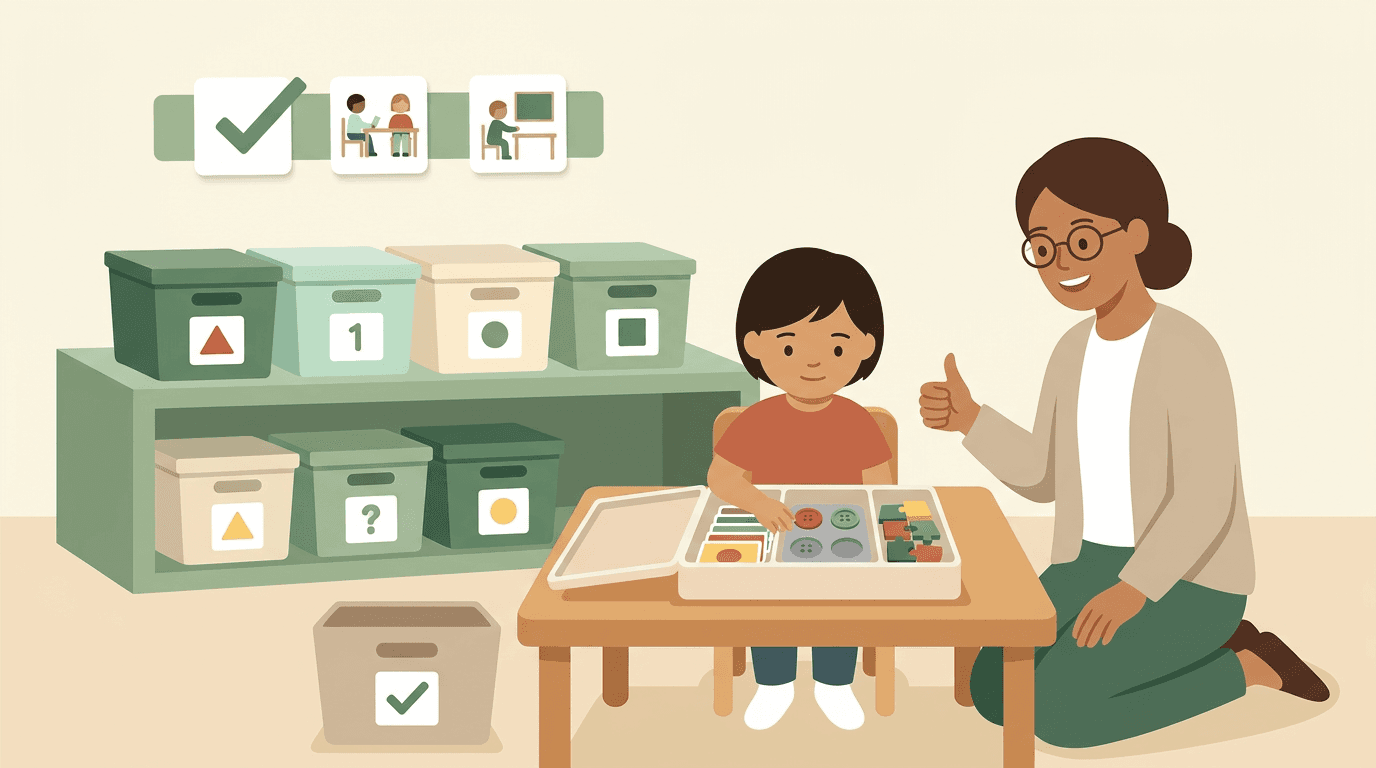
A task box is a small container holding one self-contained activity, with everything a student needs and clear directions for finishing it. Students get a predictable, independent job they can work through at their own pace.
We'll cover how to build and organize your boxes, teach and fade support, track progress, and fit them into your weekly plan.
Why Task Boxes Help Special Education Students
Task boxes are self-contained boxes, each holding one short, independent activity and everything needed to finish it.
Students learn to work independently
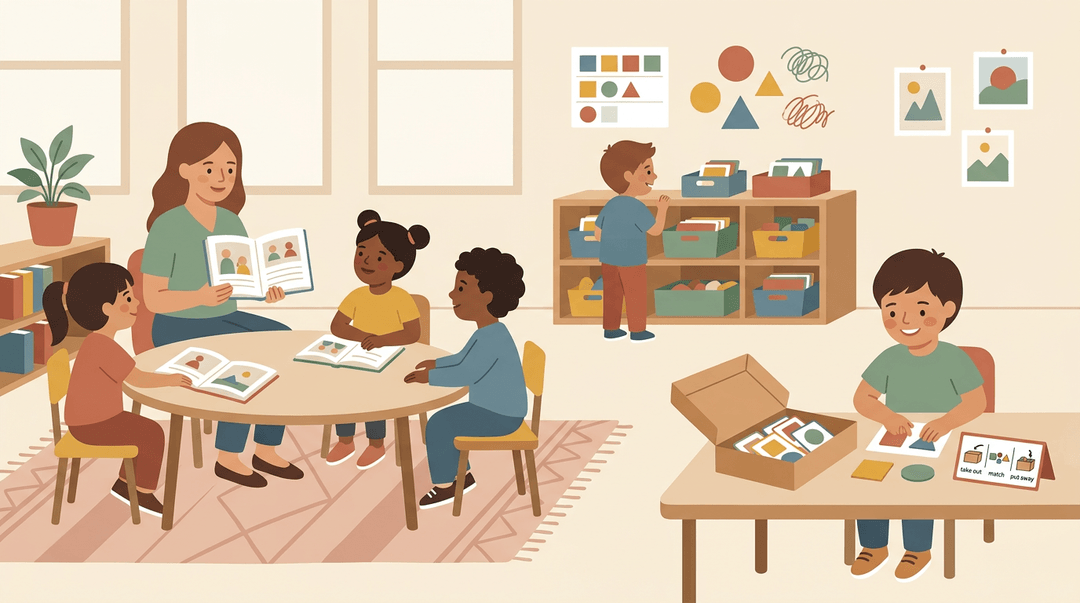
Picture a special education teacher running a small reading group while a student works nearby. The student opens a box, follows the picture directions, and finishes without waiting for a prompt.
That's the goal: students work on their own, so you can focus where you're needed most.
Students often start asking to use the boxes, a sign they see them as worth doing. When a class finishes early, they can choose a box during downtime instead of sitting idle. After a few weeks, they often need very little help getting started.
The aim is students working with the box rather than waiting on you. Less hovering, more doing.
Skills each box can target
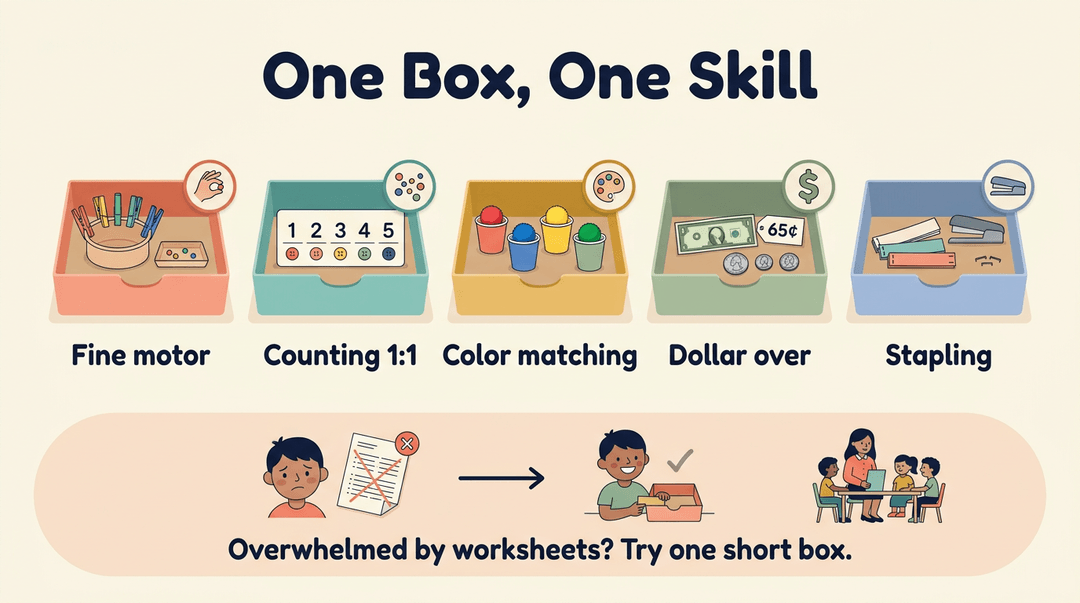
Each box can target one specific skill, so you can match it to a student's goals:
- Fine motor skills. Sorting small objects or pinching clothespins builds hand control.
- Counting and 1:1 correspondence. Students match each object to exactly one number, a skill called one-to-one correspondence.
- Color matching. Students pair items by color, building sorting and attention.
- Money (dollar over). Students practice money skills like dollar over, figuring out the change from a dollar.
- Office skills like stapling. A stapling box gives students a real-world task they can use around school.
Consider a teacher whose student gets overwhelmed by full worksheets. A short counting box lets that student succeed, and you can work with the group without stopping to redirect.
Setting up and Organizing Your Boxes
A little setup decides whether students can work independently. Here's how to pick containers, stock them affordably, and build directions anyone can follow.
Choosing and labeling containers
Plan for 31 boxes labeled by letter and shape, so anyone can find and return the right one. Clear scrapbook cases let students see what's inside at a glance. Store them on a labeled shelf at a height your students can reach.
The goal isn't a perfect shelf. It's one students can use on their own.
Affordable materials with little prep
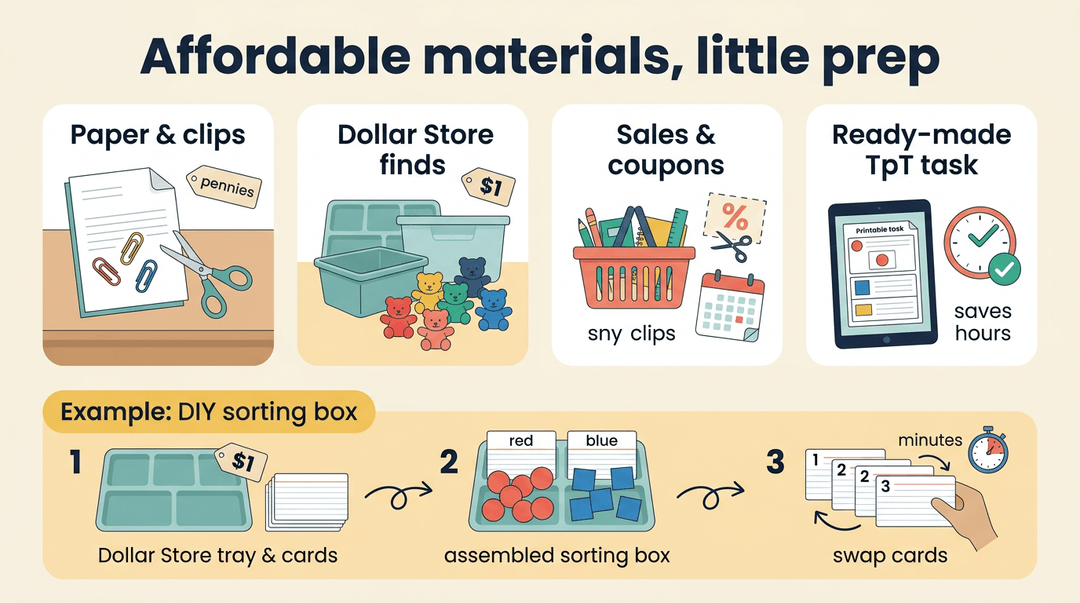
You don't need a big budget. Look for these:
- Low-prep, low-cost materials: things you already own or can grab cheaply, like paper and clips.
- Dollar Store supplies: bins, trays, and small manipulatives.
- Wait for sales and coupons: stock up gradually.
- Purchased Teachers Pay Teachers (TpT) resources: buy a ready-made task when it saves hours of prep.
Consider a special education teacher who turns a Dollar Store tray and index cards into a sorting box. When a student needs a new skill, they swap the cards, and the box is ready in minutes.
Build visual directions and data sheets
This is where the box starts working without you. Give each box visual directions with pictures, numbers, or arrows that show the steps.
Laminate the teacher directions so they last all year, and keep data sheets to track each student's mastery of their Individualized Education Program (IEP) goals. Keep schedules and labels in the same folder.
Paraeducators, assistants, and substitutes can step in with confidence when every box explains itself. Keep a sub plan binder with the directions for each box. Your substitute won't need a tour of the room.
Fit Task Boxes into Your Weekly Plan
This is a weekly routine for slotting task boxes into your lesson plans: plan each box, rotate them, match them to age, and check them before they go out. Reach for it on planning day.
Plan the box first
Fill in three slots before you build anything. Here's a worked entry you can copy.
| Slot | Your entry |
|---|---|
| IEP goal | The goal this box practices, named in your plan |
| Measurable objective | What the student does, how much, how independently |
| Independent-level task | Something the student can already do without help |
Objective on the plan: Given a sorting box, Maya will sort 10 items by color into three bins, with no adult prompts, on 4 of 5 days.
⚠️ Watch out: If a student needs help to do the task, it isn't a box task yet. Teach the skill first, then box it.
Run the weekly rotation
Follow these in order each week.
- Pick 2-3 boxes per student
- Choose boxes tied to different goals so the block stays varied.
- Model, then prompt, then fade
- Say: "Watch my hands. First this, then this."
- Then prompt only as needed, and step back as the student succeeds.
- Schedule a daily work-task block
- Same time every day, so the routine itself becomes the cue.
- Rotate boxes weekly
- Swap in new boxes at the start of the week and log what moved.
Fading is the point of the routine: the less you do each day, the more the box is truly independent.
Match boxes to the grade band
Use these as starting points, then adjust to each student's goal.
| Band | Box ideas |
|---|---|
| Early years | Color matching |
| Elementary | Counting, sorting, stapling |
| Secondary | Vocational packing tasks |
Check each box before you use it
Confirm all five before the box goes on the shelf.
- Clear start and finish: the student can see what "done" looks like.
- Visual directions included: pictures or symbols show the steps, not just words.
- Materials self-contained: nothing needs to be fetched from elsewhere.
- Data sheet attached: you can record the result in seconds.
- Sub-friendly directions: a substitute could run it from the card alone.
💡 Tip: Tape the objective and a one-line prompting plan inside the lid so a substitute sees them first.
At a glance:
| Phase | Key move | What you get |
|---|---|---|
| Plan | Goal, objective, independent task | A box with a purpose |
| Rotate | 2-3 boxes, model, prompt, fade | Growing independence |
| Check | Five-point review | A box anyone can run |
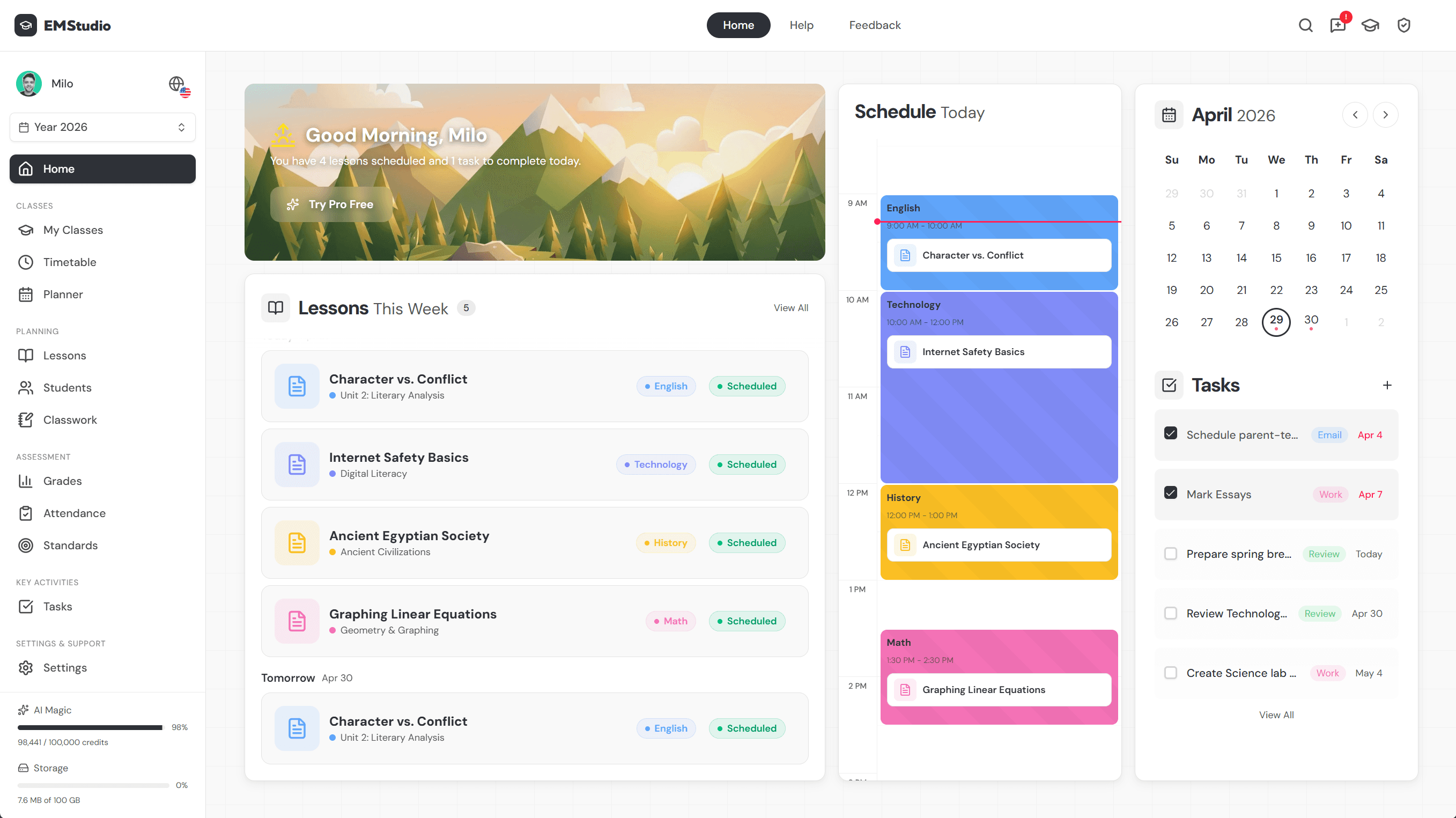
Save task box routines as reusable plans in EMStudio's online lesson planner.
Task Box Activities to Try
The right activity makes a task box work. Here are options grouped by skill.
Math and matching tasks to try
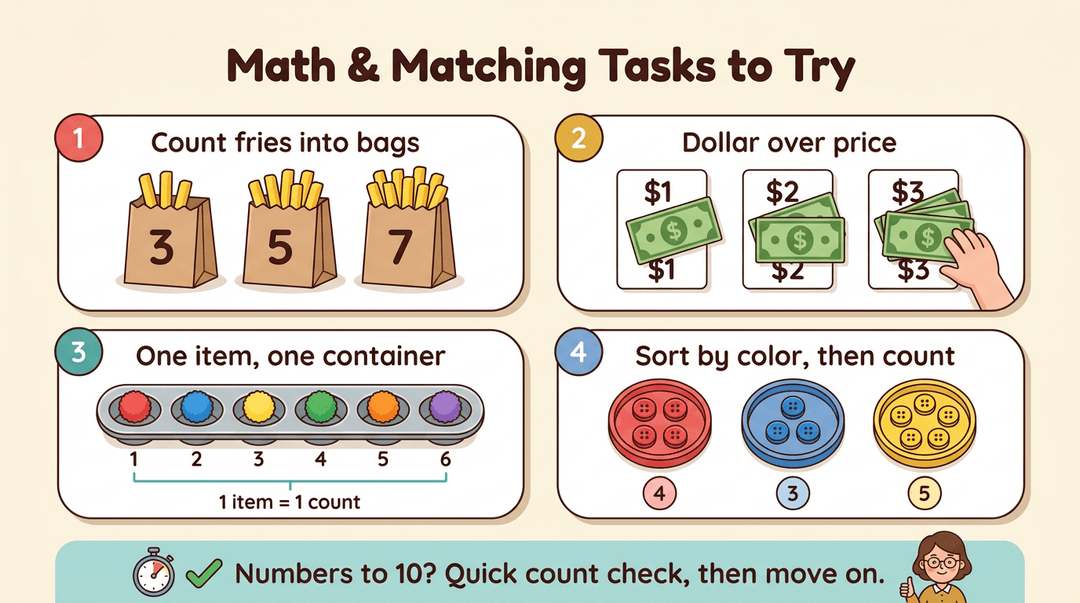
Try these hands-on options:
- Counting fries into bags: Students count a set number of toy fries into each paper bag.
- Dollar over price cards: Students place play money over the matching price.
- 1:1 correspondence with containers: Students place one item in each container, building one-to-one correspondence (matching each object to one count).
- Color matching and counting: Students sort objects by color, then count each group.
Consider a teacher whose student is working on numbers to ten. Checking each count takes seconds, so the teacher can move on quickly.
Easier tasks for students needing support
Some students need a lighter load first. Try these:
- Popsicle stick into container: Students drop craft sticks into a cup one at a time.
- Keeping some boxes very simple: Build a few boxes with only one step.
- Removing numbers to simplify: Take the numerals off a counting task and keep the objects.
Aim for success rather than speed. A student who finishes one simple box with pride is ready for the next. Momentum matters.
Fine motor tasks like punching and stapling
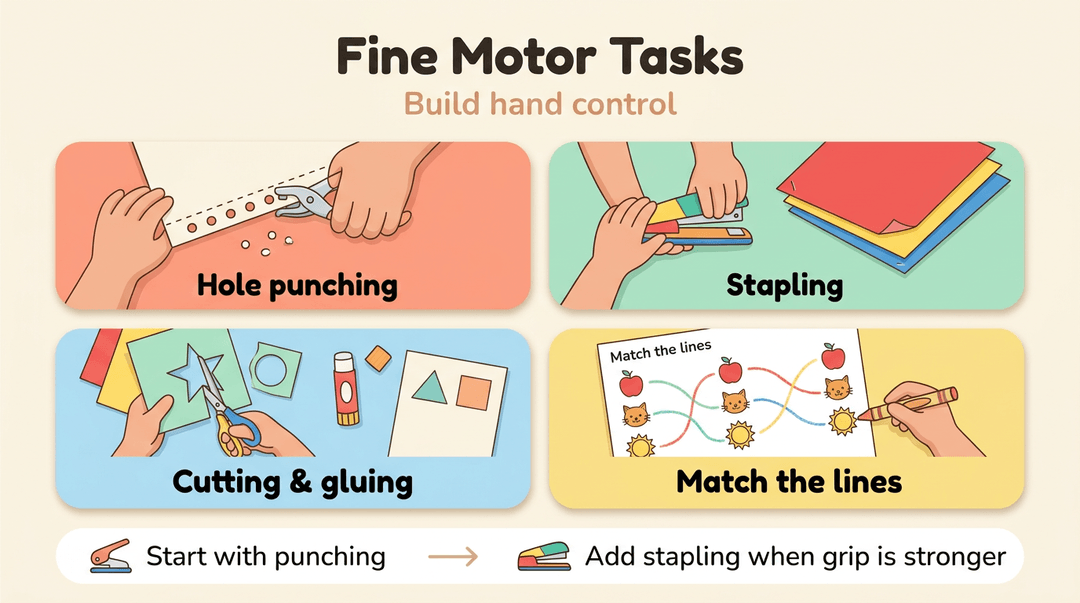
Fine motor work builds the hand control students use every day. Try these:
- Hole punching: Students punch along a line on paper to build grip.
- Stapling: Students staple sorted papers together in a set order.
- Cutting and gluing: Students cut out shapes and glue them onto a sheet.
- Drawing lines to match: Students connect each picture to its matching card.
A teacher preparing a box for a kindergartner might start with hole punching, then add stapling once the student's grip is stronger.
Putting Task Boxes to Work in Class
Once your boxes are built, here's how to get them into students' hands.
Teach students and staff step by step
Introduce one box a day. Start with whole group instruction: model the task, prompt students through it, then fade your help as they gain independence. Teach staff these steps too, so a substitute can keep a box running.
Next, you'll gauge how much support each student needs. Think of a student who finishes the hole-punch box alone but needs you at the stapler. That tells you where to sit, not whether they're ready.
Set routines and a box schedule
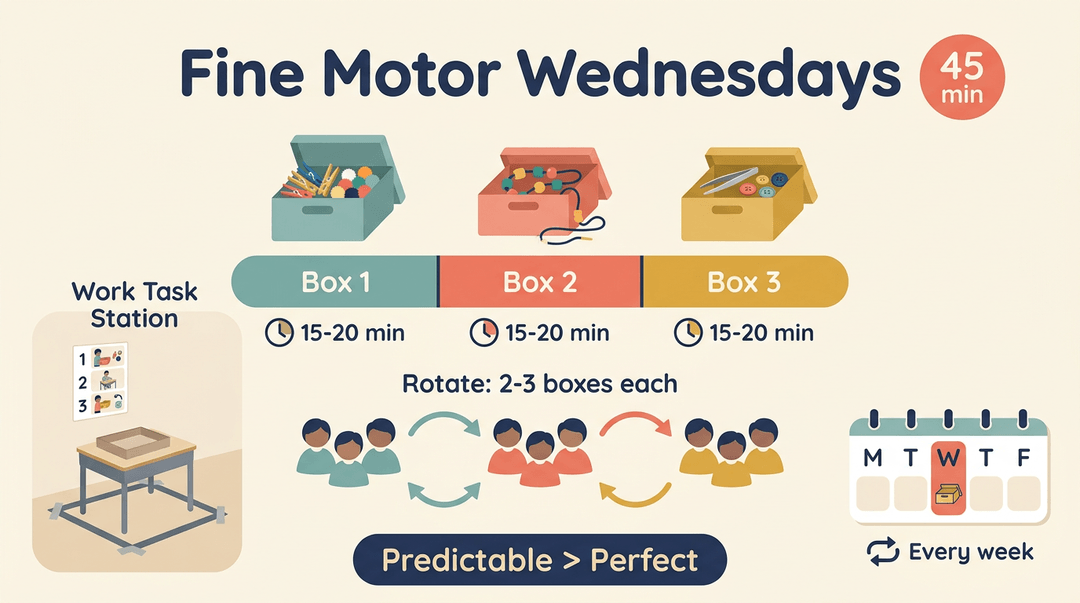
Set up a work task station with a clear spot and posted steps. Then plan a Fine Motor Wednesdays block of 45 minutes:
- Budget 15-20 minutes per box.
- Rotate students through 2-3 boxes each.
- Plan boxes into your weekly schedule so they show up every week.
The goal is predictable rather than perfect.
Adjusting boxes for different learners
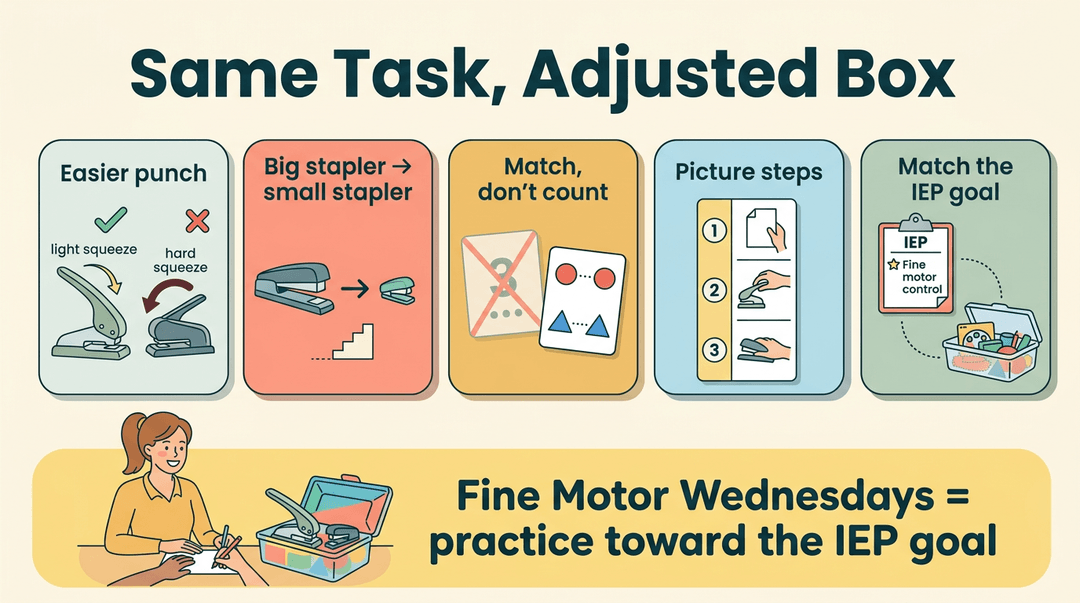
Small changes let everyone work on the same task:
- Different hole punch types: Offer punches that take different amounts of squeeze.
- Large and small staplers: Start large, then move to small as skills grow.
- Simplify by removing numbers: Match by shape or color instead of counting.
- Visual supports: Add picture cues for each step.
- Match boxes to IEP goals: Tie each box to a goal in a student's Individualized Education Program (IEP).
Think of a special education teacher whose student's IEP targets fine motor control. She pairs the easier punch and the large stapler with that goal, so every minute of Fine Motor Wednesdays practices what the student is working toward.
Other Approaches and Resources to Explore
Task boxes are one tool in a wider toolbox, and you don't have to start from zero. Here are a few related approaches and ready-made resources we'd suggest as you build independence.
TEACCH work tasks for autism
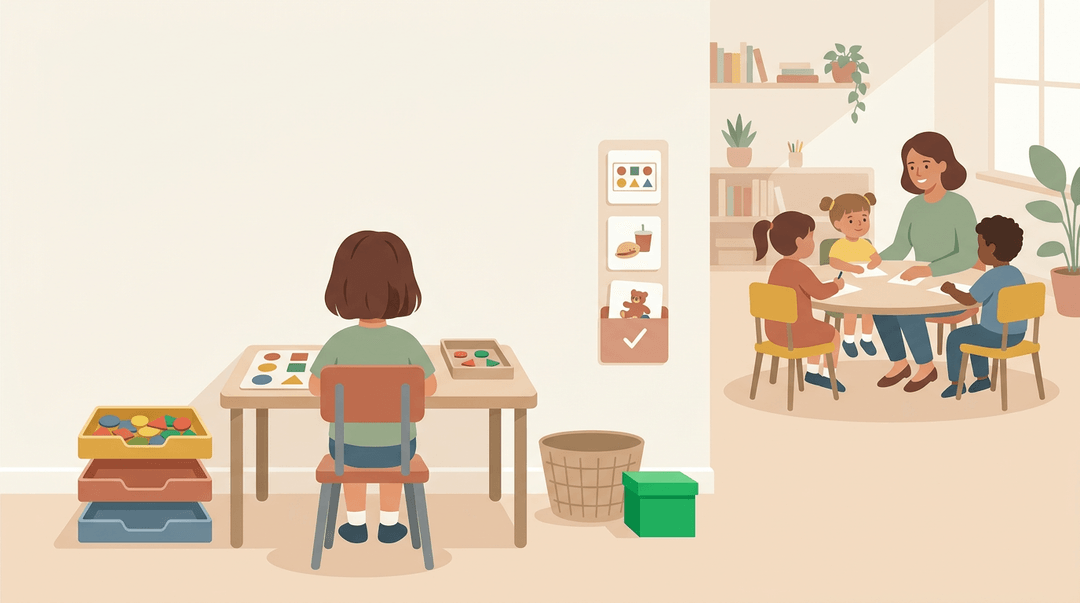
TEACCH is a structured teaching approach for autistic learners. Its work task station gives a student one clear job at one spot, with materials in front of them and a visible finish point.
Picture a student sorting and matching while the teacher works with a small group nearby.
An independent work system ties those stations together. It answers three questions for the student: what's first, how much is left, and what happens when they're done.
It's less about what the student is doing and more about how they know they're finished. Clarity does a lot of the teaching.
Ready-made resources you can buy
Not every task needs building from scratch. When planning time is tight, consider these:
- Counting fries pack: A fry-themed counting activity from TpT (Teachers Pay Teachers), a marketplace where teachers sell their own materials.
- Fine motor centers pack: Ready-made stations for building small hand skills, like pinching and threading.
- Work task schedules and labels: Visual schedules and labels that show students the order of their tasks and where materials go.
- Extra practice worksheets: Additional sheets for a skill that needs more repetition.
Say a special education teacher has a student ready for more counting practice. She slides the fries pack into that student's task box, the student works solo, and the teacher spends that time with a small group. Less hovering, more teaching.
Task boxes give students independent practice they can handle with confidence, and they free you up to work with the learners who need you most.
When you're building them around each student's goals, teaching the routine clearly, and fading support as skills grow, they're a dependable part of your day.
Ready to make room for them in your week? Try Lesson Planning to write, organize, and reuse your plans across multiple classes from one place.