Sentence Tracing Generator
Type your sentences and get a printable sheet with each one in dotted letters to trace, plus a line to write it, ready as a PDF in seconds. Free in your browser, no sign-up.
What is a sentence tracing generator?
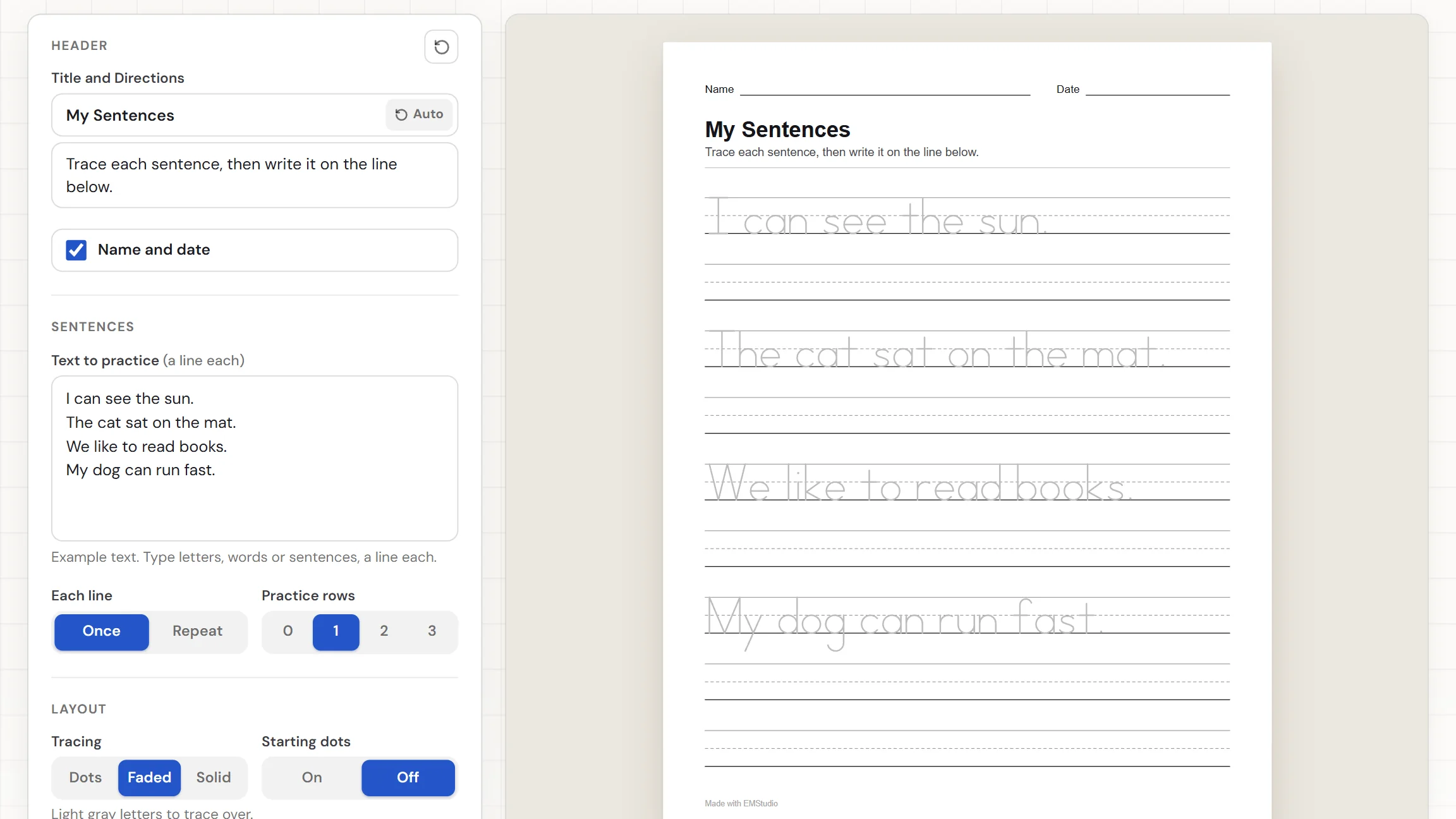
A sentence tracing generator turns the sentences you type into a sheet where each one is drawn in dotted print on writing lines, ready for a student to trace. Beneath every sentence sit practice rows for writing it again. This one uses a simple single-stroke print alphabet, keeps your capitals and punctuation, and carries long sentences onto the next row. Choose dots, faded, or solid letters, add a title, then download the PDF. Nothing to install, nothing to sign up for.
When do you use sentence tracing?
Whenever students should write a whole sentence with a model right in front of them. Three moments where a custom sheet beats a premade one:
Handwriting practice with real sentences
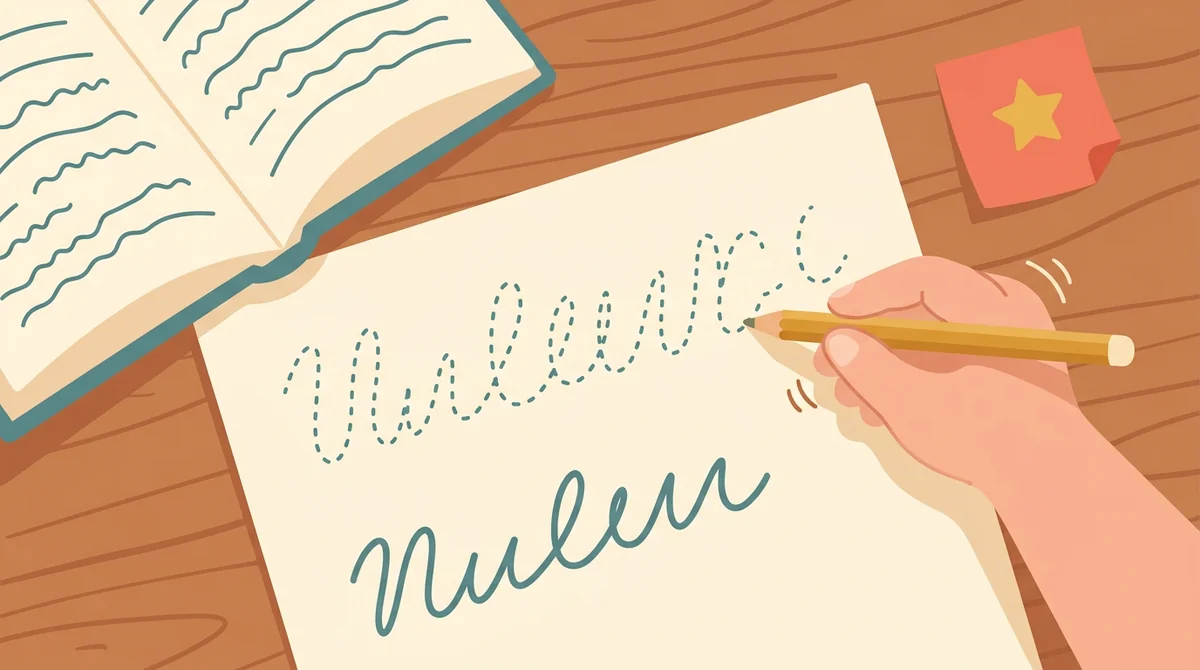
Type the sentences your class is reading this week. Students trace each one in dotted print, then write it again on the line below, so they practice letter shapes, spacing, capitals, and end punctuation on words they will meet again.

Sight words in a sentence
A word is easier to remember inside a sentence. Put this week's sight words into short sentences, and students read them while they trace. Add a second or third practice row and they copy the sentence from memory.
Morning work and early finishers
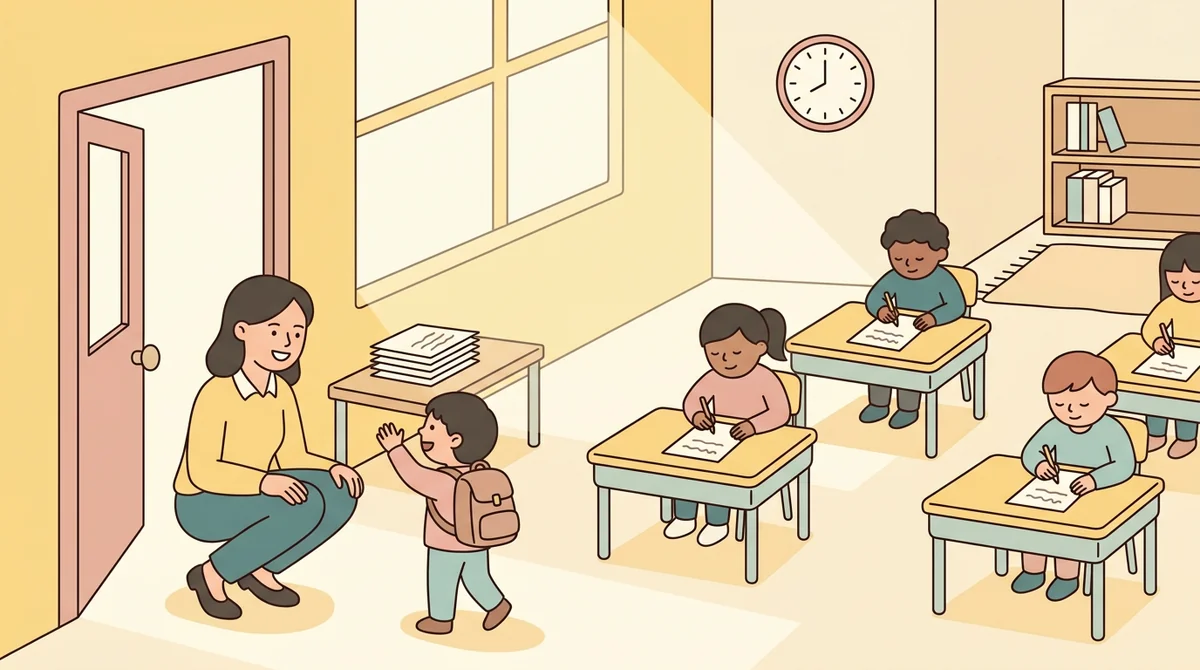
Print a stack for morning work, a center, or the folder of extras for whoever finishes first. Nothing needs checking against a key, so the sheet runs itself and you can greet students at the door.
Core features of
a sentence tracing generator
A good sentence tracing maker takes your sentences and gets a clean sheet out the other end. Here is what this one does, from the first sentence to the printed page.
Type your sentences
Put one sentence on each line of the text box. It holds up to 3000 characters. A note under the box counts your sentences, and it names any character that cannot be traced yet, which is left off the sheet.
- One sentence per line
- Up to 3000 characters in the box
- A note counts your sentences
Dots, faded, or solid
Tracing sets how the letters look. Dots are evenly spaced dots to connect, Faded is light gray letters to trace over, and Solid is dark model letters to copy. Starting dots add a green dot where each stroke begins.
- Dots, Faded, or Solid letters
- Green starting dots you can switch on
- Capitals and punctuation drawn as typed
Practice rows under each sentence
Every sentence is followed by practice rows, from none to three, where students write it themselves. A traced sentence and its practice rows always stay together on one page, and the empty space left on the last page stays lined.
- Zero to three practice rows
- Sentence and its rows stay together
- Spare space on the last page stays lined
Long sentences and letter sizes
A sentence too long for one row carries on to the next, breaking between words. Pick Small, Medium, or Large letters, which set the ruled lines at three-eighths, one-half, or three-quarter inch. Repeat copies a short line along its row.
- Long sentences carry on to the next row
- Three letter sizes from small to large
- Repeat fills a row with a short line
Download the PDF or print it
The Worksheet button saves the sheet as a PDF, and Print sends it to the printer. Choose US Letter or A4, and switch the Name and Date row off if you want. A sheet has no answer key because there is nothing to answer.
- One PDF of the finished sheet
- US Letter or A4 paper
- Name and Date row you can switch off
How to make
a sentence tracing sheet
Five steps from a blank page to a stack of worksheets, and typing the sentences is the longest part.
Type your sentences
Put one sentence on each line, using the capitals and end punctuation you want students to see. The sheet builds as you type, and the note under the box shows how many sentences you have.
Choose Dots, Faded, or Solid
Pick Dots for letters to connect, Faded for light gray letters to trace over, or Solid for dark letters to copy. A short line under the setting describes what students will see.
Set practice rows and starting dots
Choose zero to three Practice rows for students to write each sentence again. Switch Starting dots on to put a green dot where every stroke begins, which helps young writers form letters the right way.
Add a title and directions
The title reads "Sentence Tracing" until you type your own. The directions follow your settings, for example "Trace each sentence, then write it on the line below." You can replace them with your own words.
Download or print
Choose US Letter or A4, then download the Worksheet as a PDF. Or press Print to send the sheet straight to the printer. Make as many as you need.
That's the whole worksheet
Type the sentences once and print as many sheets as you need. The generator is at the top of this page.
Make a Sentence Tracing Sheet
Get started in under 5 minutes.
Sign up and walk through the onboarding tutorial. By the end you've got your classes set up and you're ready to plan your first lesson. No credit card required.
Get Started for FreeMore than a tracing template
A premade sheet uses someone else's sentences. This one traces yours, in letters you can make dotted, faded, or solid. It runs in any browser, including a locked-down school laptop.
Three letter sizes
Small, Medium, and Large set the writing lines at three-eighths, one-half, or three-quarter inch, so the sheet fits the hands using it.
Repeat a short line
Switch Each line to Repeat and a short line is copied along its row, spaced evenly. Handy for a single letter or a short phrase.
Unsupported characters flagged
If a character cannot be traced yet, a note names it and leaves it off the sheet, so you are never surprised at the printer.
US Letter or A4
Pick the paper you print on and the page is laid out for it. The worksheet downloads as one PDF.
Your settings are remembered
Your sentences and settings stay in this browser, so you can close the tab and pick the same sheet up later. Nothing is uploaded.
Free, and no watermark
No account, no sign-up, and no logo across the page. The only mark is a small "Made with EMStudio" line in the footer.
Who is the sentence tracing generator for?
Anyone who needs sentences to trace built around specific words or patterns. If a premade sheet never quite matches what you are teaching, it is for you.
Classroom teachers
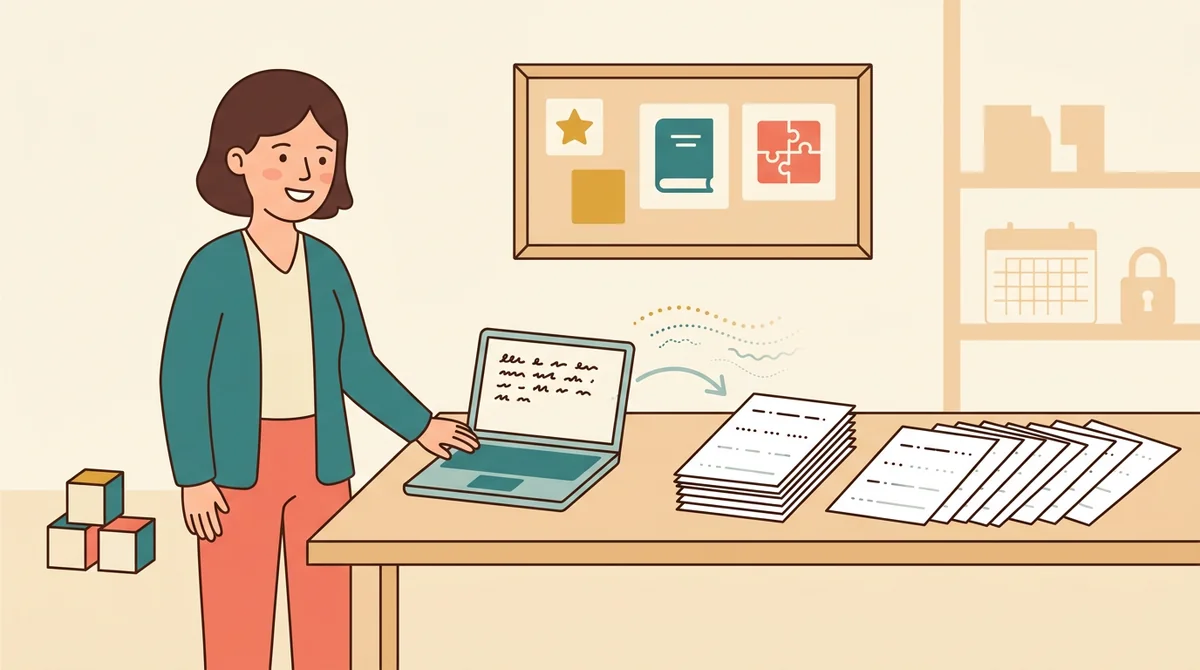
Sight words, sentence patterns, and unit vocabulary in a sentence. Type the sentences for your class, choose dotted or faded letters for early writers, and print a copy for every student.
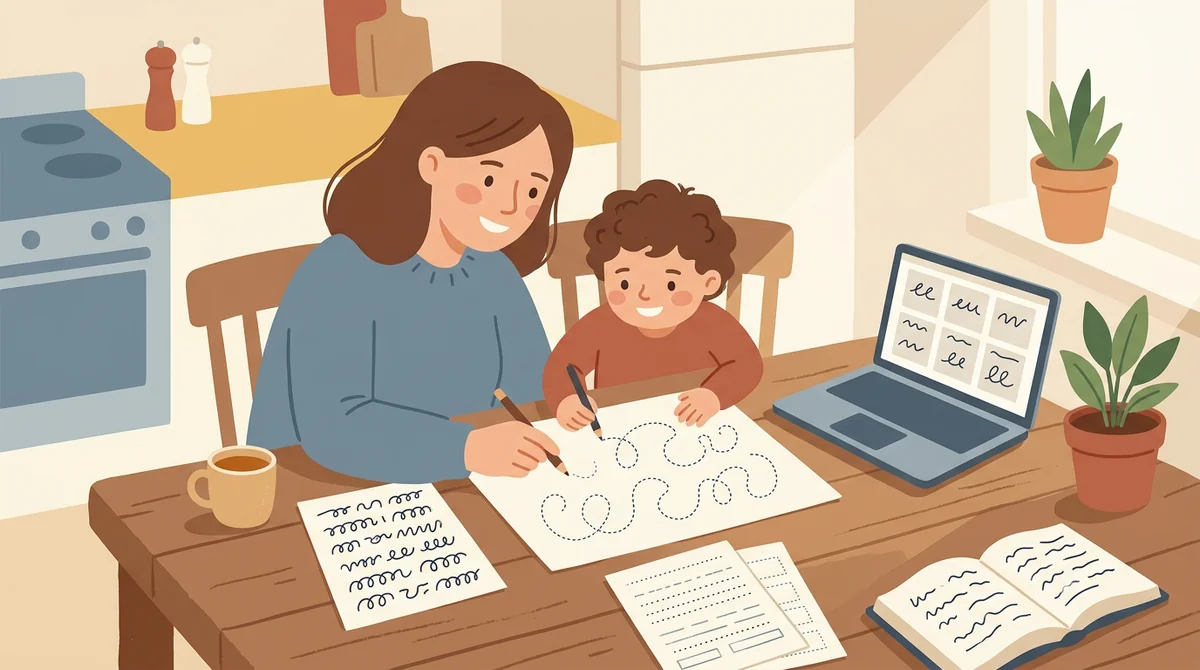
Tutors and homeschool parents
Make a sheet from this week's reading and print it at the kitchen table. Use dots, starting dots, and large letters for a beginning writer, or solid letters and extra practice rows for an older child.
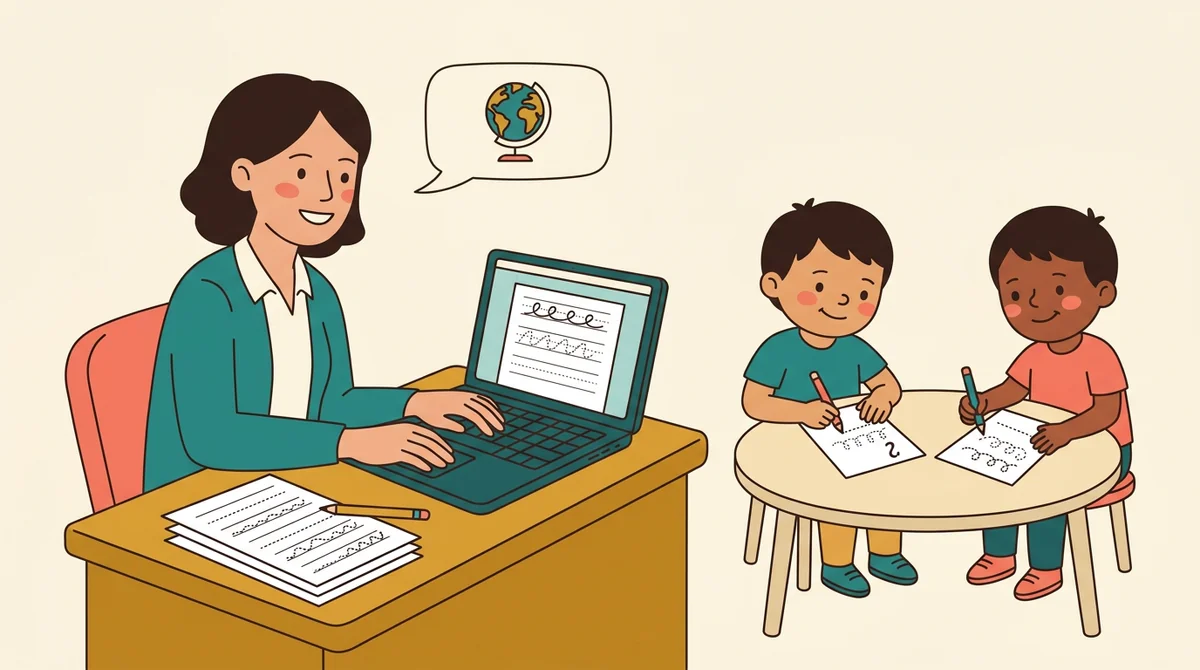
ESL and language teachers
Build a sheet from the sentences in a lesson. Tracing and then writing each one slows learners down to see how English sentences are spelled and punctuated, and accented letters are drawn too.
How EMStudio's sentence tracing generator is different
Many tracing makers bury the download behind a sign-up, add a logo to the page, or limit you to a fixed word list. This one is built by the team behind a full teacher planner, and it treats a worksheet as part of your lesson.
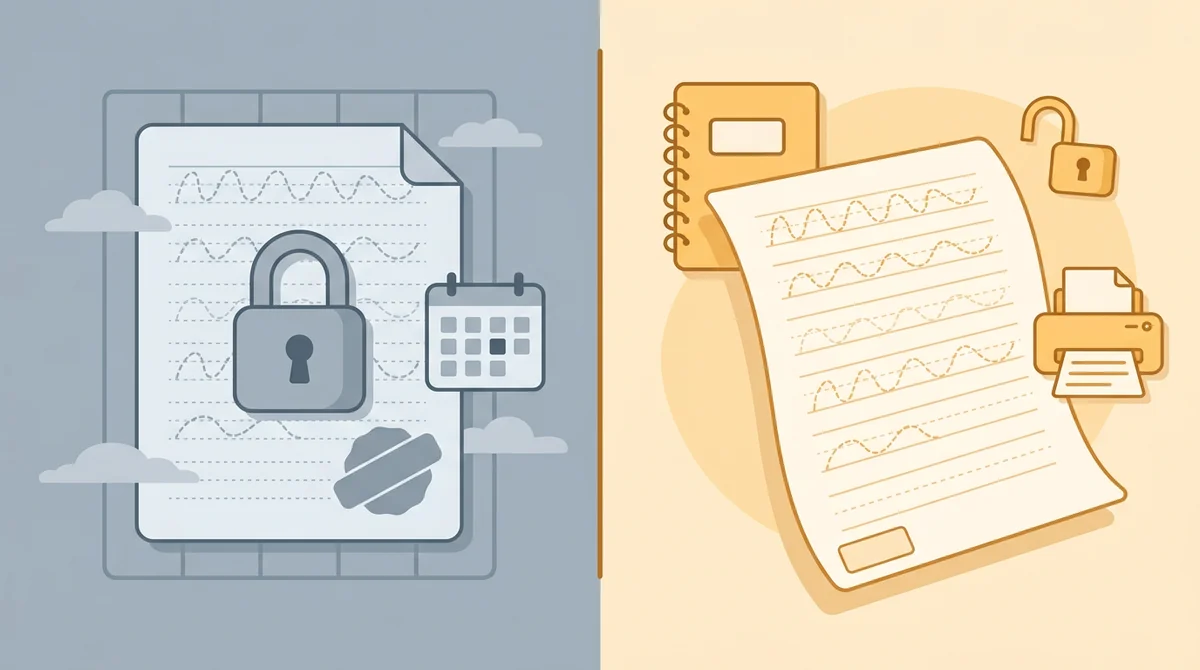
Free, with nothing held back
The full PDF, every tracing style, both paper sizes, and printing, all without an account or a daily limit. The only mark on the page is a small "Made with EMStudio" footer line.
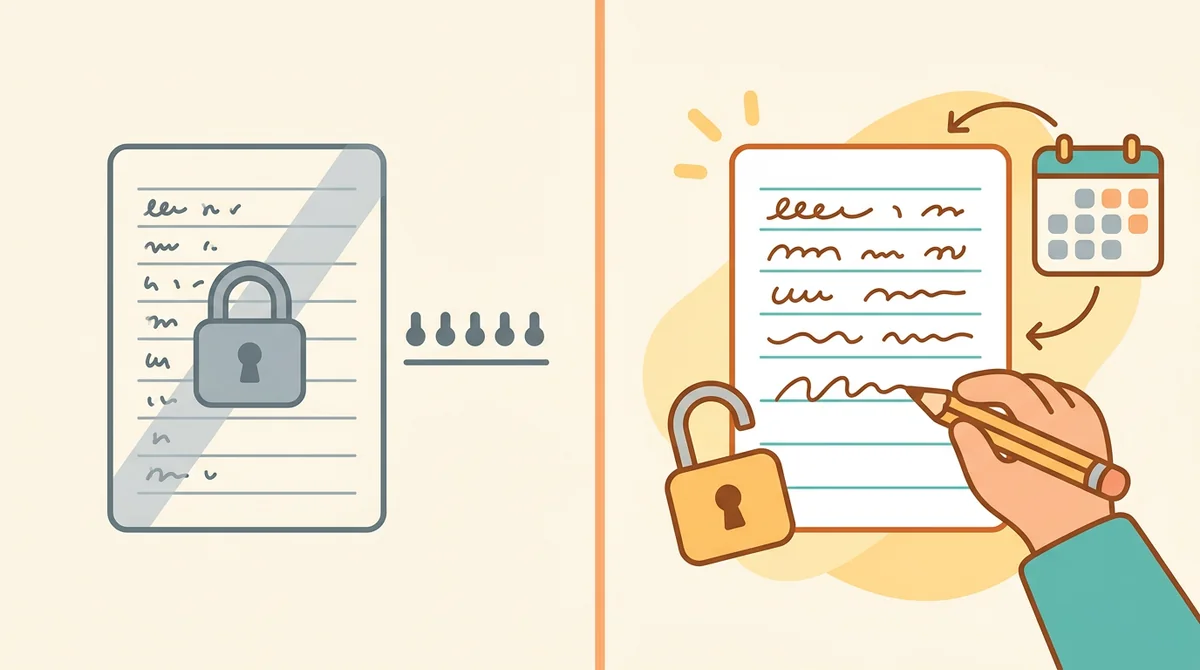
Your sentences, not a fixed list
You type anything, up to 3000 characters, and it is drawn in clear print on proper writing lines. Capitals, commas, and periods come out as you typed them.

Part of a full teacher planner
A worksheet is one small part of a lesson. When you are ready, EMStudio's lesson planner holds the rest: every class's lessons on a weekly calendar, beside your students, grades, and attendance.
More free teacher tools
FAQ
Try EMStudio today.
Create your first class, build a lesson, and take attendance all in under five minutes.
No credit card required.
Get Started for FreeYou have 3 lessons and 2 tasks today.