Nonsense Word Generator
Pick the sound patterns and get a printable sheet of made-up words, as rows with a running count, a numbered list, or cut-apart cards. Free in your browser, no sign-up.
What is a nonsense word generator?
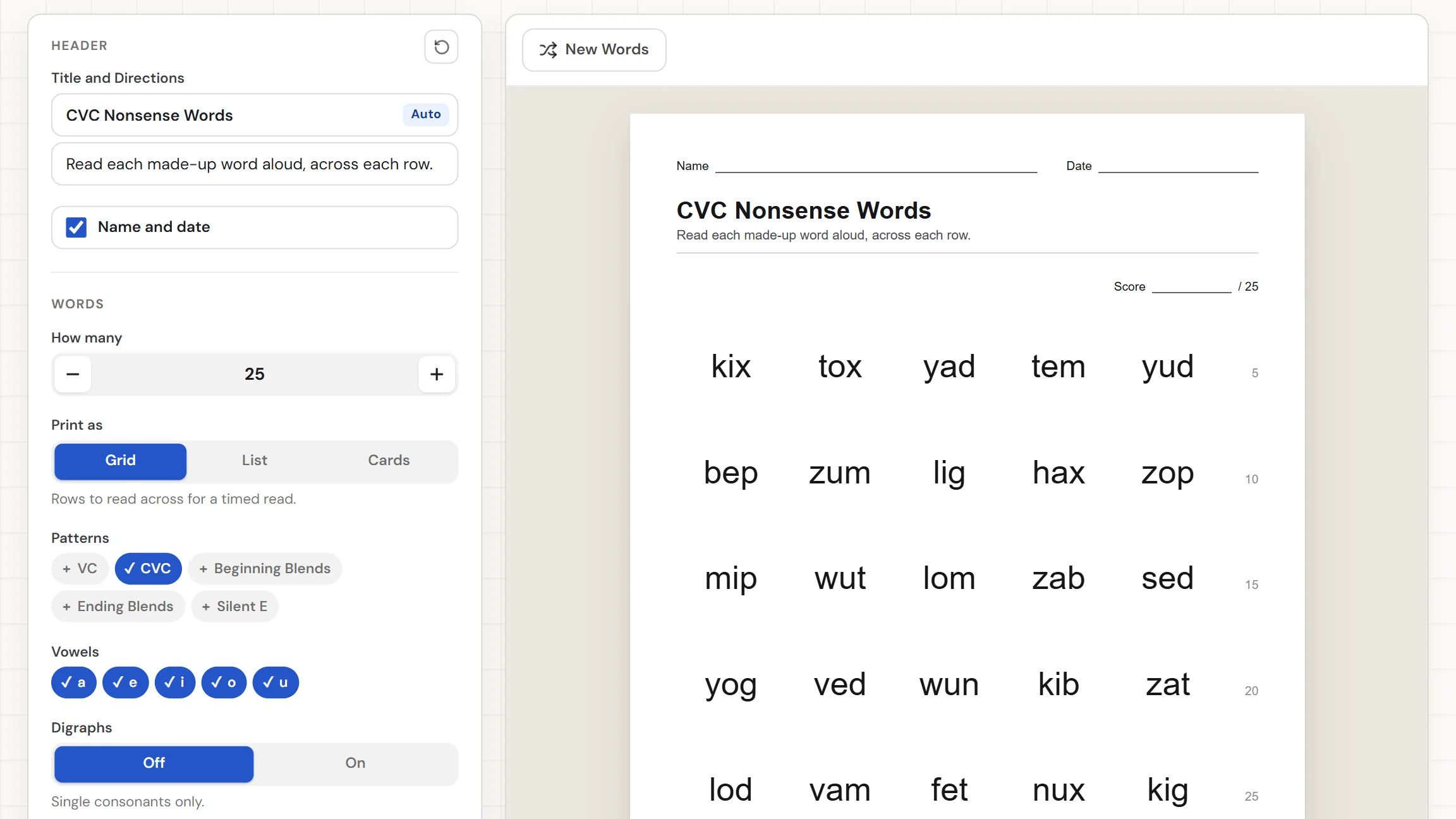
Nonsense words are made-up words that follow real spelling patterns, like "teg" or "vit". A nonsense word generator builds them for you, so you never type a list. You pick the patterns, the vowels, and whether digraphs are in, and the tool prints a sheet of words no student has seen before. It never prints a real word or a rude one. Press New Words for another set, then download the PDF.
When do you use nonsense words?
Whenever a student should sound a word out because they cannot recognize it by sight. Three moments where a fresh sheet helps:
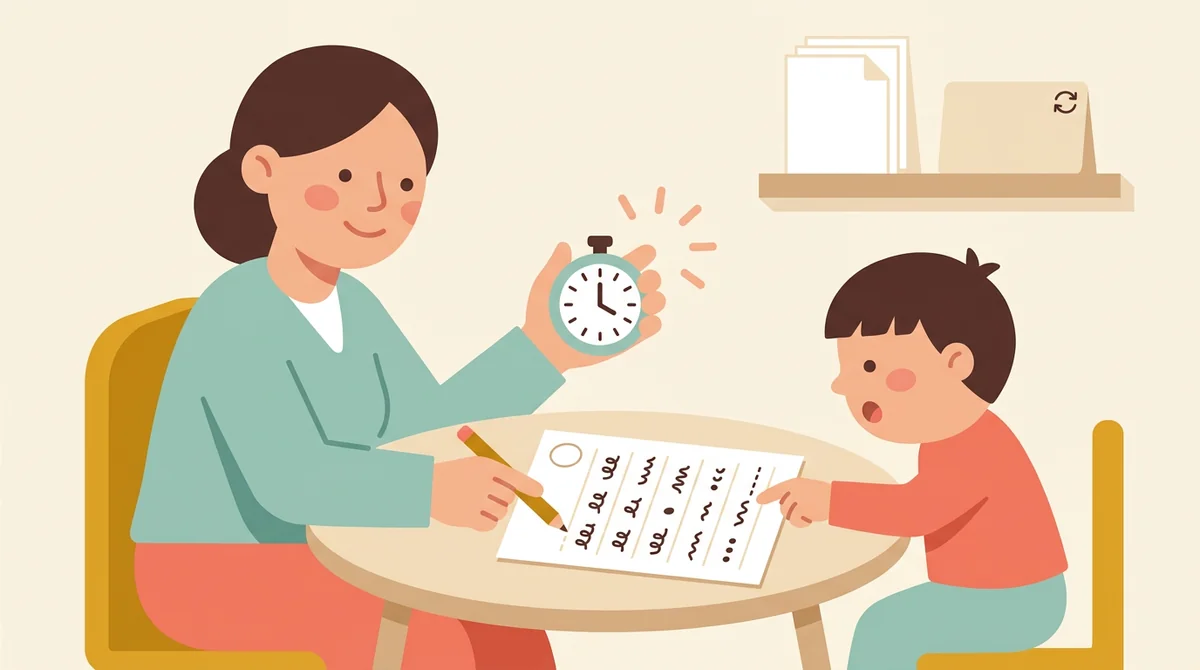
A timed read of rows
Print the Grid with a Score line at the top and a running count at the end of each row. Time a minute, mark where the student stops, and read the score off the count. Press New Words for a different sheet next time.
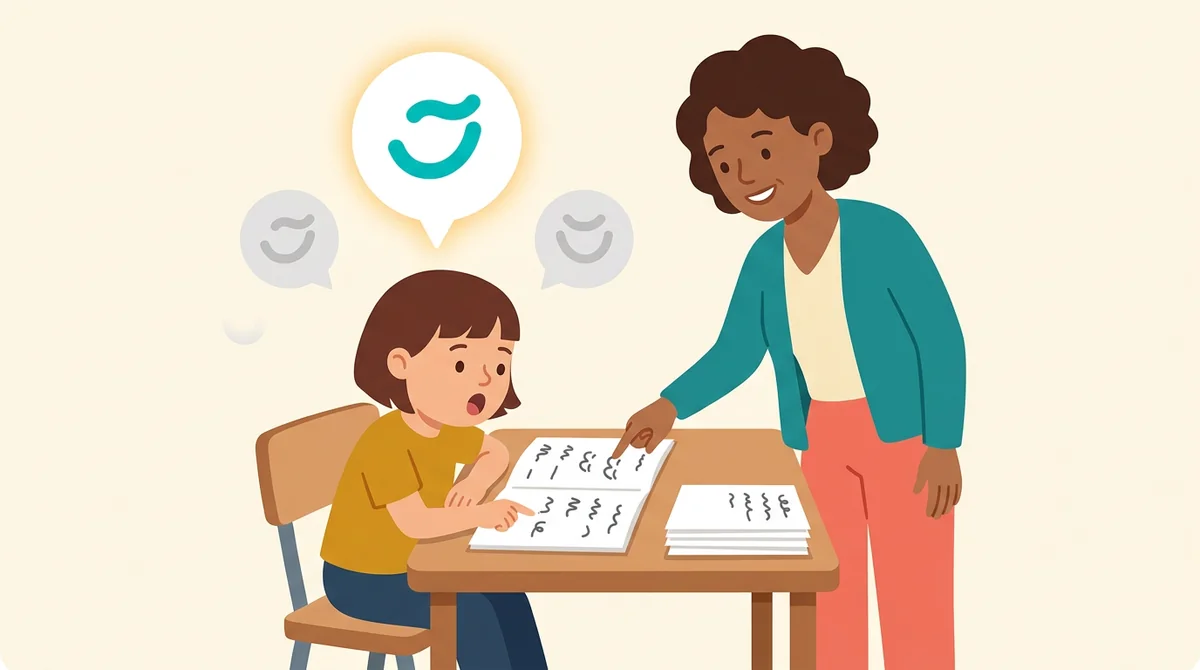
Practice on one phonics pattern
Teaching CVC words this week, or silent e next? Choose only that pattern and the vowels you have covered. Every word on the sheet uses only those patterns and vowels, and none of them can be read from memory.
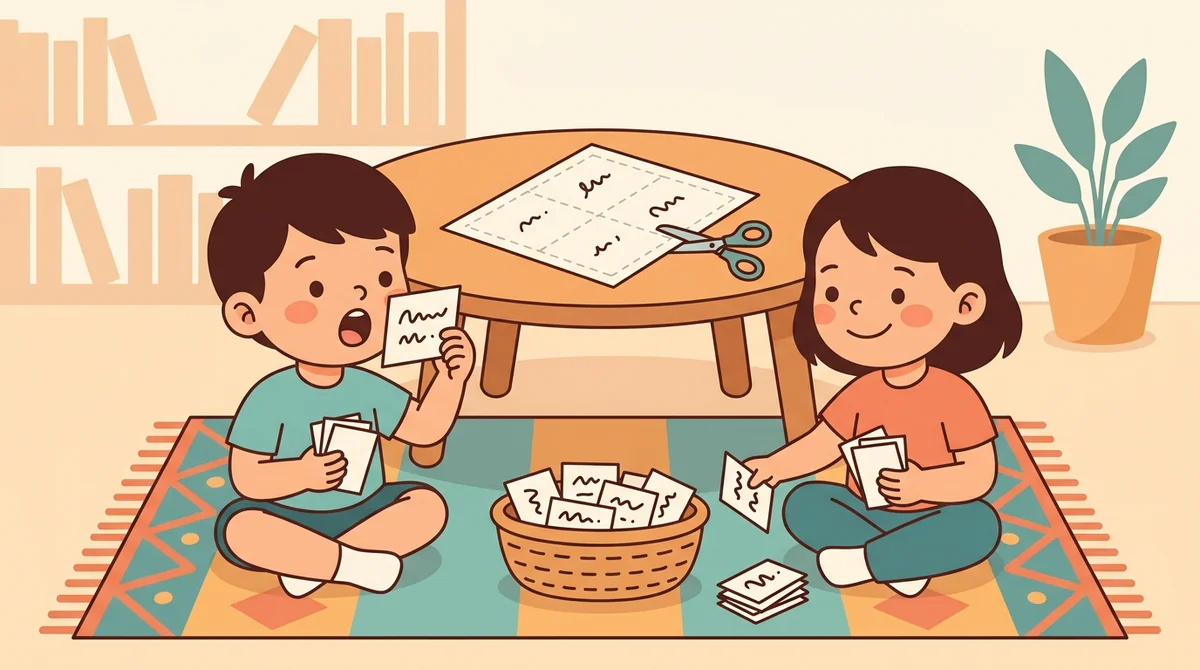
Cards for centers and games
Print the Cards layout, eight to a page, and cut them apart. Use them in a reading center, as a flip-and-read pile for partners, or for a game where students keep the cards they read correctly.
Core features of
a nonsense word generator
The tool builds the words from your choices and lays them out as a sheet. Here is what it does, from the patterns you pick to the printed page.
Pick the sound patterns
Choose one pattern or several: VC, CVC, Beginning Blends, Ending Blends, and Silent E. The words are made from the patterns you pick, spread evenly across them, so a mixed sheet really is mixed.
- Five patterns, any combination
- Mixed sheets spread across the patterns
- Words spelled the way English spells them
Choose the vowels
Turn the vowels a, e, i, o, and u on or off. Teach short a and short i first, and the sheet uses only those. Add the rest as your class learns them, and the same sheet grows with them.
- Any set of the five vowels
- Match the sheet to what you have taught
- Add vowels later, no rebuild needed
Digraphs on or off
Digraphs are Off at the start, so words use single consonants only. Switch them On to add sh, ch, th, wh, ck, and ng. A line under the control says what changes, so you know before you print.
- Off: single consonants only
- On adds sh, ch, th, wh, ck, ng
- A line under the control says which
Rows with a running count
The Grid sets large words in rows, with a running count at the end of each row: 5, 10, 15, and so on. A Score line sits at the top. After a timed read, you see how far the student got at a glance.
- Large words, a count at each row end
- A Score line out of the word total
- Three to six words per row
A teacher copy to mark
Switch Teacher copy On and the same words follow again on a teacher's page. Every word has a box under it to tick as the student reads, and a Notes line sits at the foot for what you heard.
- The same words in the same places
- A box under each word to tick
- A Notes line at the foot
How to make
nonsense words
Five steps from a blank sheet to a printed set, and most of the time is spent choosing patterns.
Choose how many words
Set How many with the stepper, from 1 to 100. The default is 25. A line under the settings says how many nonsense words fit your choices, and the sheet holds as many as there are if fewer fit.
Choose Print as
Pick Grid for rows to read across, List for numbered words with a box to tick, or Cards for eight word cards a page. A short line under the choice says what each one prints.
Set the words per row
On the Grid, use Words per row to choose three to six words in a row. Fewer words in a row leave more space around each one. Switch Teacher copy On if you want a page to mark.
Press New Words
Press New Words for a fresh set from the same choices. Do it as often as you like, for a new sheet each day or a different one for every student in a group.
Download or print
Choose US Letter or A4, then download the Worksheet as a PDF, or press Print to send it to the printer.
That's the whole sheet
Pick the patterns once and print as many fresh sheets as you need. The generator is at the top of this page.
Make Nonsense Words
Get started in under 5 minutes.
Sign up and walk through the onboarding tutorial. By the end you've got your classes set up and you're ready to plan your first lesson. No credit card required.
Get Started for FreeMore than a word list
A premade list has the same words every time. This tool makes new ones from the patterns you teach and lays them out three ways. It runs in any browser, including a locked-down school laptop.
Cards to cut apart
The Cards layout prints eight word cards to a page, two across and four down, each word at one size so the stack looks even.
A numbered list to tick
The List layout numbers the words in columns and puts a box beside each, so you can tick off the ones a student reads correctly.
Name and date lines
Name and date lines sit at the top of the page and switch off in one click. Cards have none, because they are cut apart.
US Letter or A4
Pick US Letter or A4 before you print, and the sheet is laid out again to fit that paper.
A title that follows your patterns
The title and directions write themselves, such as "CVC Nonsense Words", and change when you change patterns. Type your own and yours stays.
A Score line on the sheet
The Grid puts a Score line at the top, out of the number of words on the sheet, so the student's result has a place to go.
Who is the nonsense word generator for?
Anyone who listens to children sound out words. If you want a fresh set of words without writing them yourself, it is for you.
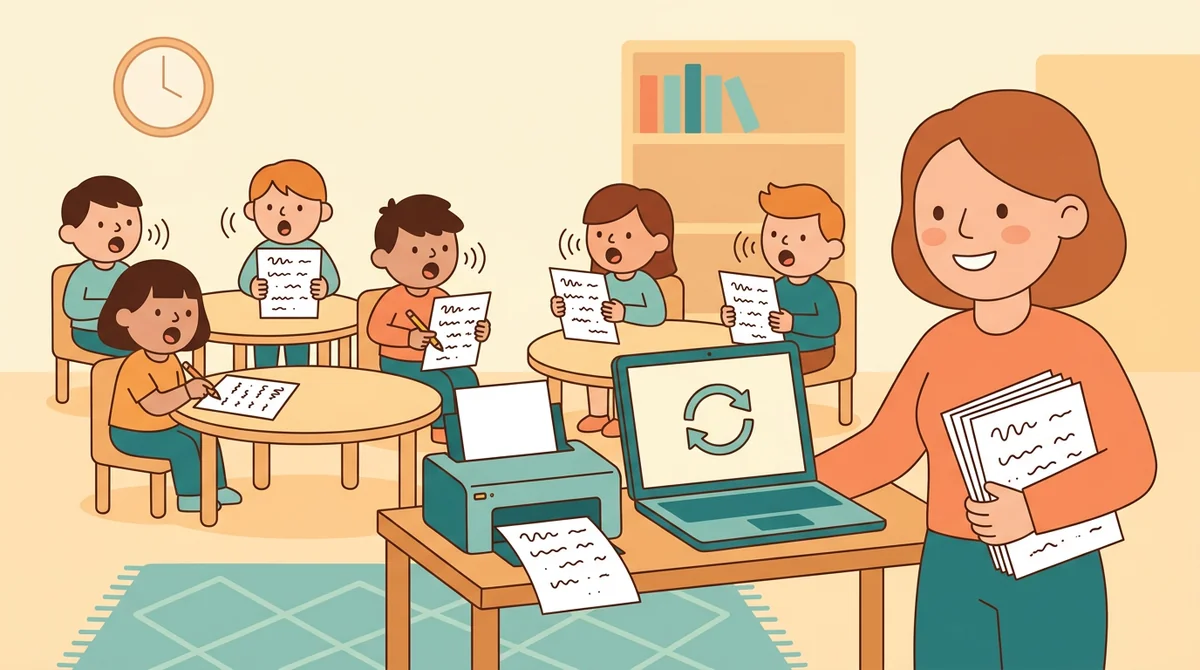
Classroom teachers
Pick the patterns your class has covered, print a sheet for every student, and keep the teacher copy to mark. Press New Words and the next sheet is ready.
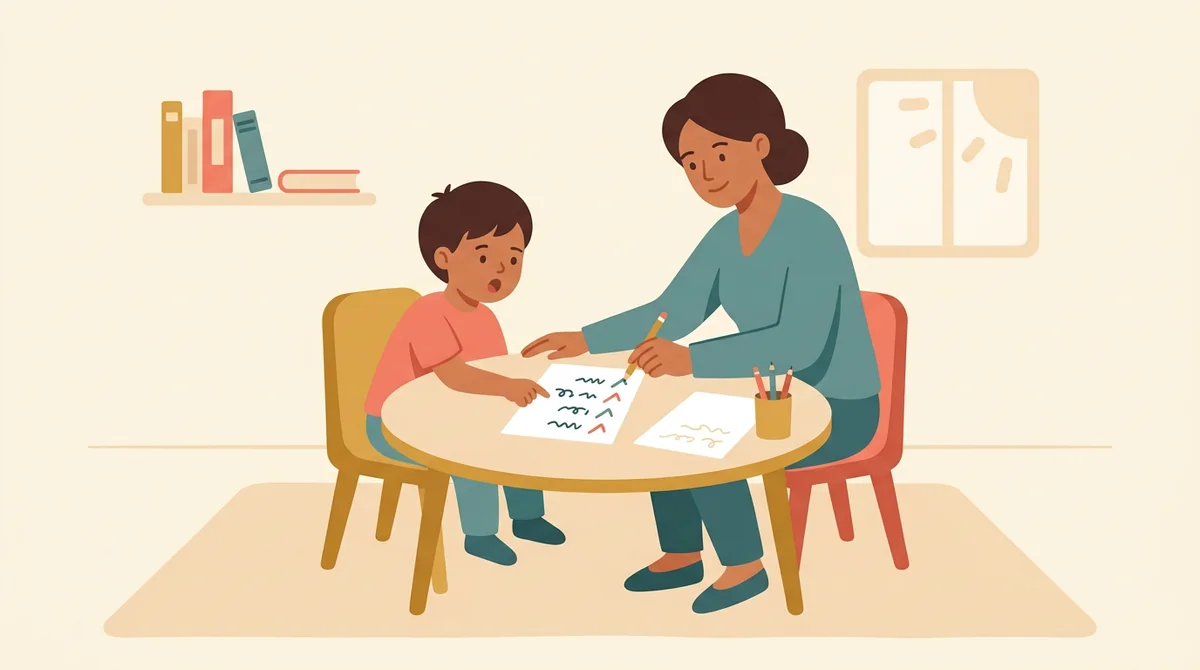
Reading specialists and tutors
Work on one pattern at a time with one student. Choose a single pattern and a few vowels, print the list, and tick the words they read right as you go.
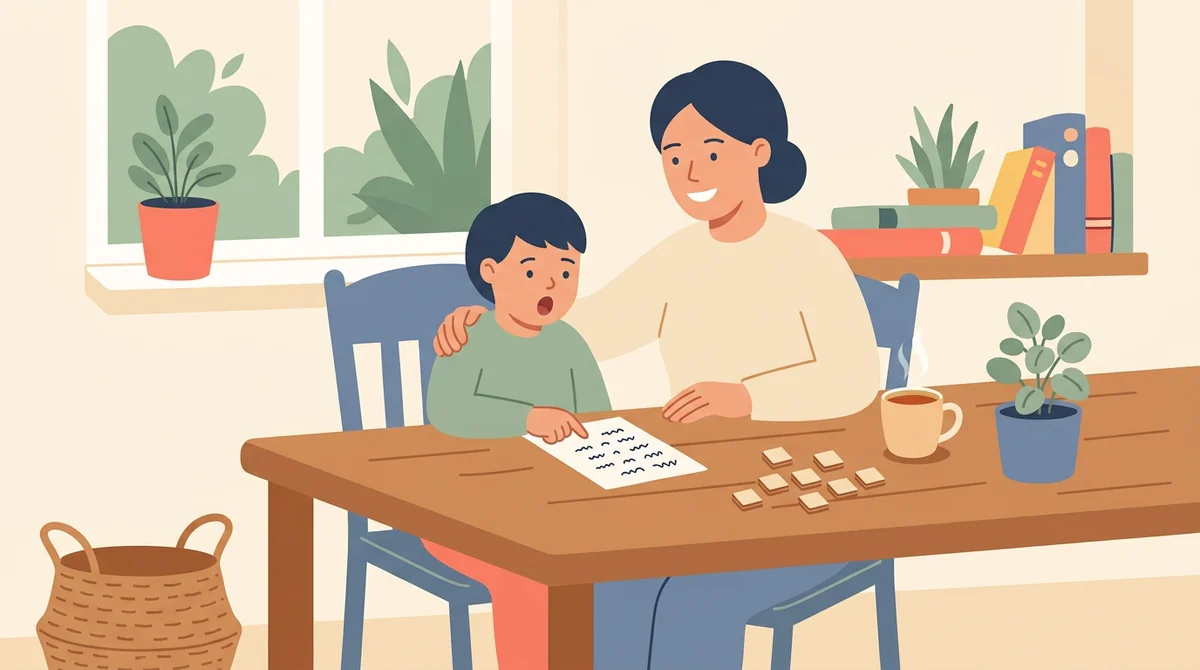
Homeschool parents
Print a short sheet for the kitchen table. Start with a few vowels and a small word count, then add patterns and digraphs as your child gets ready.
How EMStudio's nonsense word generator is different
Many nonsense word lists are one fixed page that students soon know by heart. This one makes new words from the patterns you choose, and it is built by the team behind a full teacher planner.
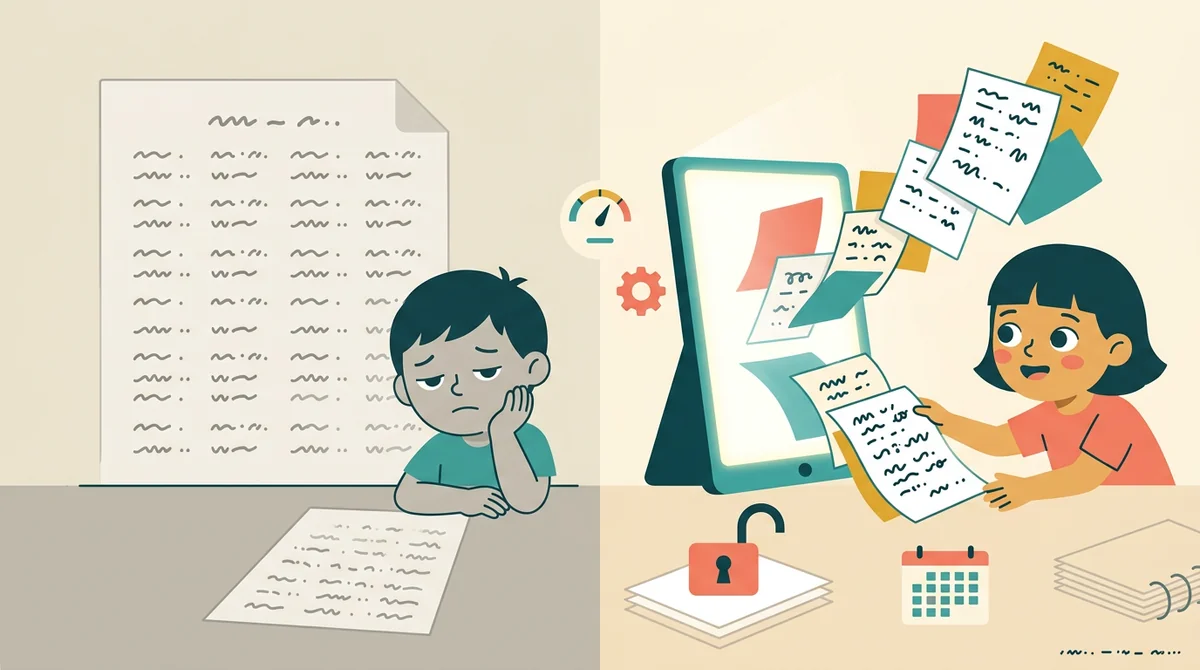
Free, with nothing held back
Every layout, both paper sizes, the teacher copy, and printing, all without an account or a daily limit. The only mark on the page is a small "Made with EMStudio" footer line.
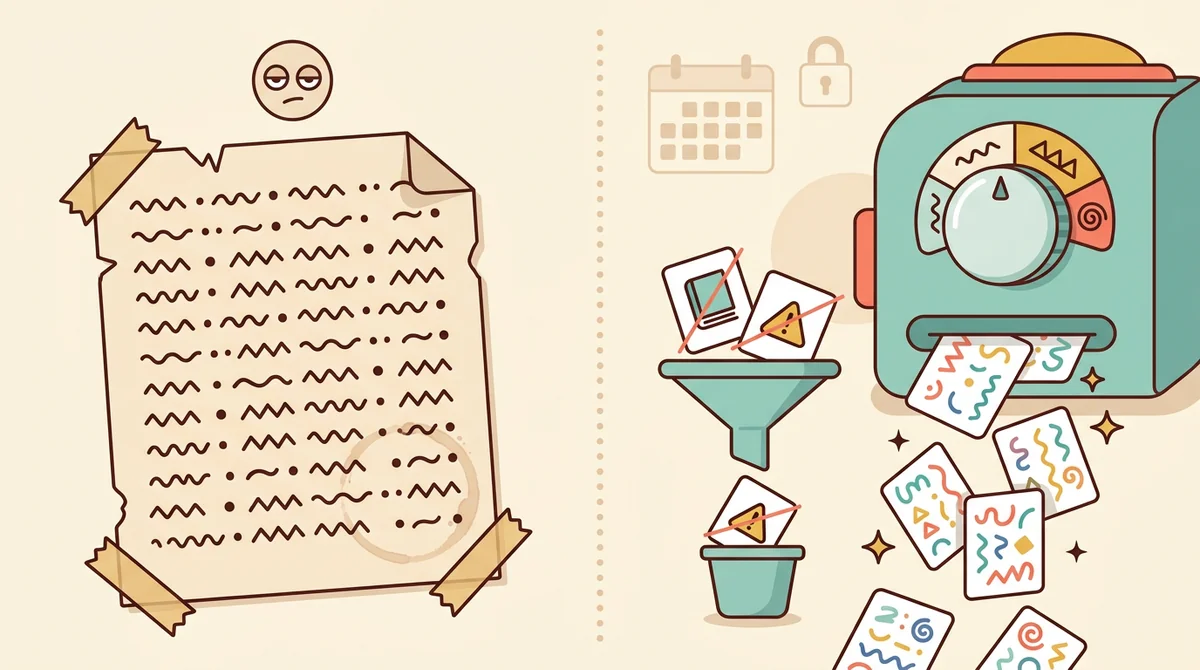
Never a real word, never a rude one
Every word is checked against lists of real English words and of rude ones before it is printed. Anything on either list is left out, so a sheet of made-up words stays made up and safe for children.
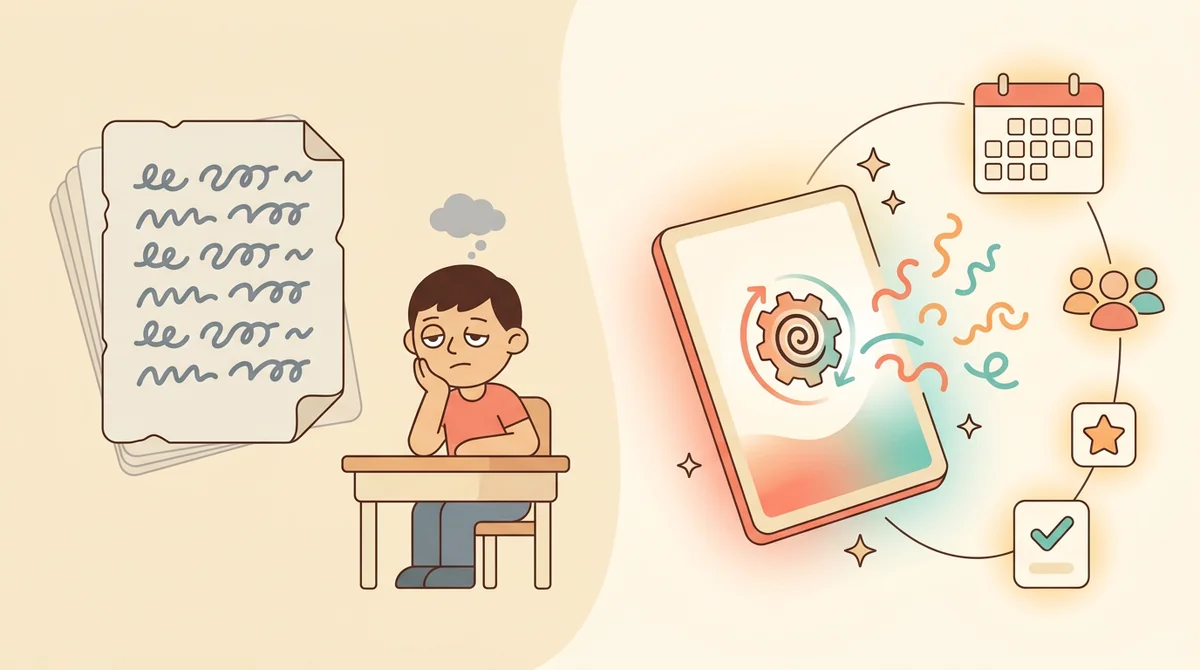
Part of a full teacher planner
A word sheet is one small part of a lesson. When you are ready, EMStudio's lesson planner holds the rest: every class's lessons on a weekly calendar, beside your students, grades, and attendance.
More free teacher tools
FAQ
Try EMStudio today.
Create your first class, build a lesson, and take attendance all in under five minutes.
No credit card required.
Get Started for FreeYou have 3 lessons and 2 tasks today.