Crossword Puzzle Maker
Type your words and clues and get a printable crossword with an answer key, ready as a PDF in seconds. Free in your browser, no sign-up.
What is a crossword puzzle maker?
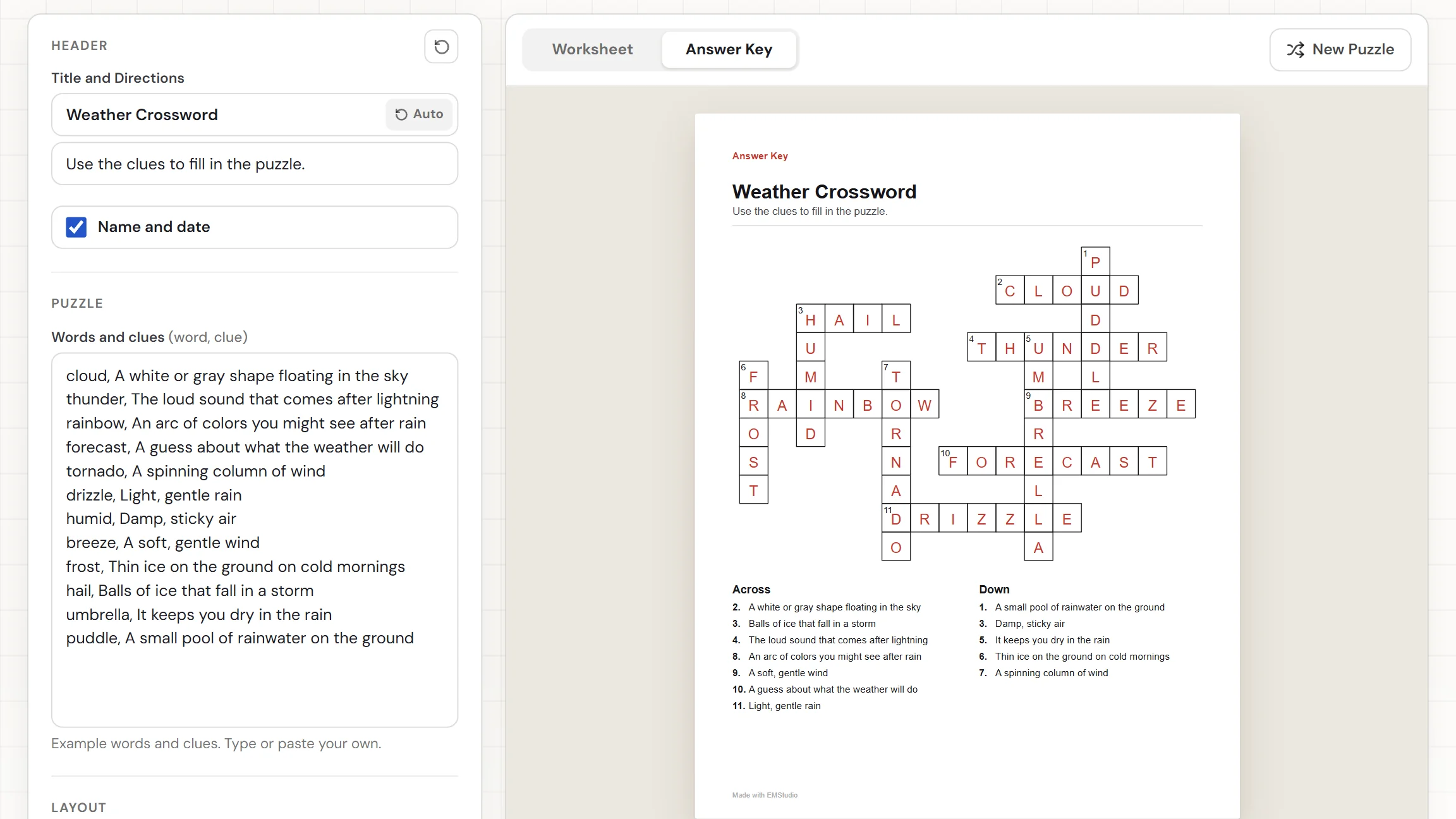
A crossword puzzle maker turns a list of words and clues into a finished crossword. You type a word and its clue on each line. The tool crosses the words on a grid, numbers the boxes where words start, and lists the clues under the grid as Across and Down. It also makes an answer key with every letter filled in. Add a title, download the PDF, and hand it out. Nothing to install, nothing to sign up for.
When do you use a crossword?
Whenever students should recall a meaning, not just spot a word. Three moments where a crossword built from your own clues beats a premade one:
Vocabulary and unit review
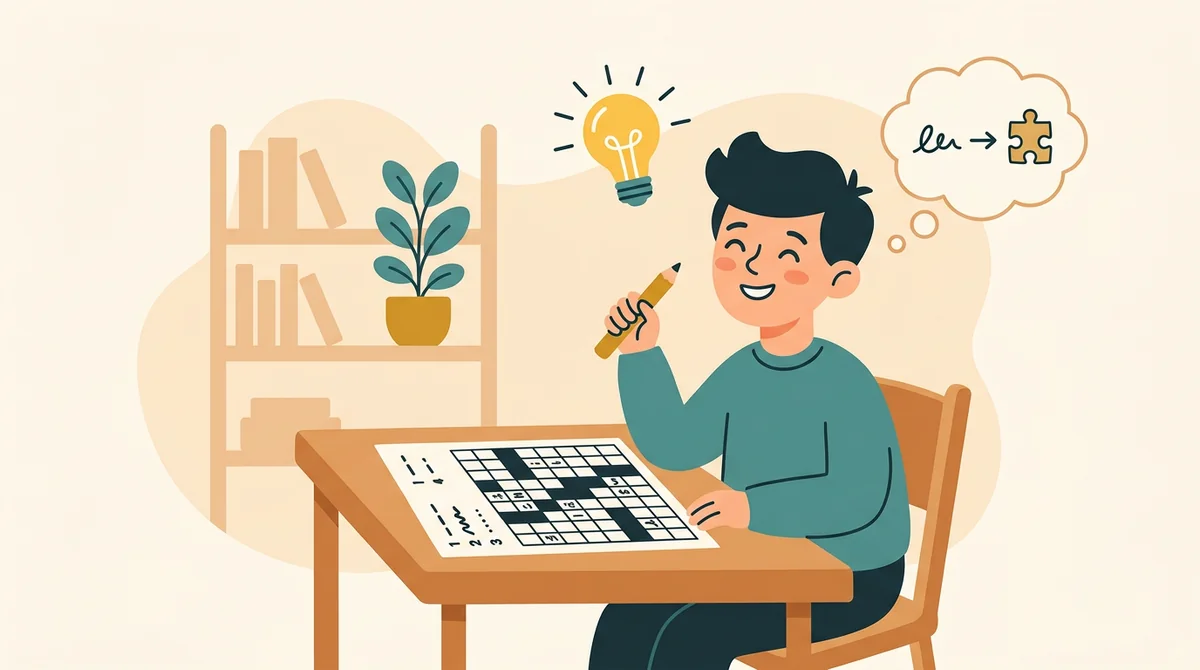
Type the unit's key terms with a student-friendly clue for each. To fill in the grid, students have to read the clue, remember the term, and spell it. That is more recall than a matching sheet asks for, and it fits on one page.
Early finishers and sub plans
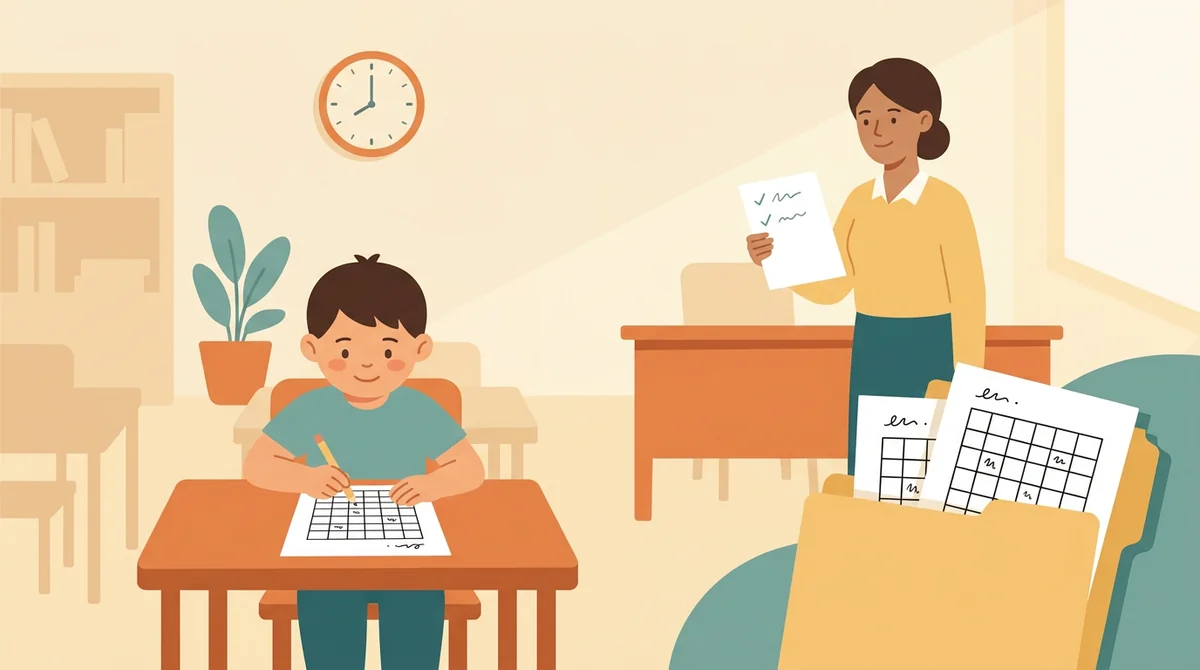
Keep a crossword in the folder for the student who finishes first, or leave one in the substitute plans. The answer key is its own PDF with every letter filled in, so whoever is covering the room can check it in a minute.
Seasonal and holiday fun
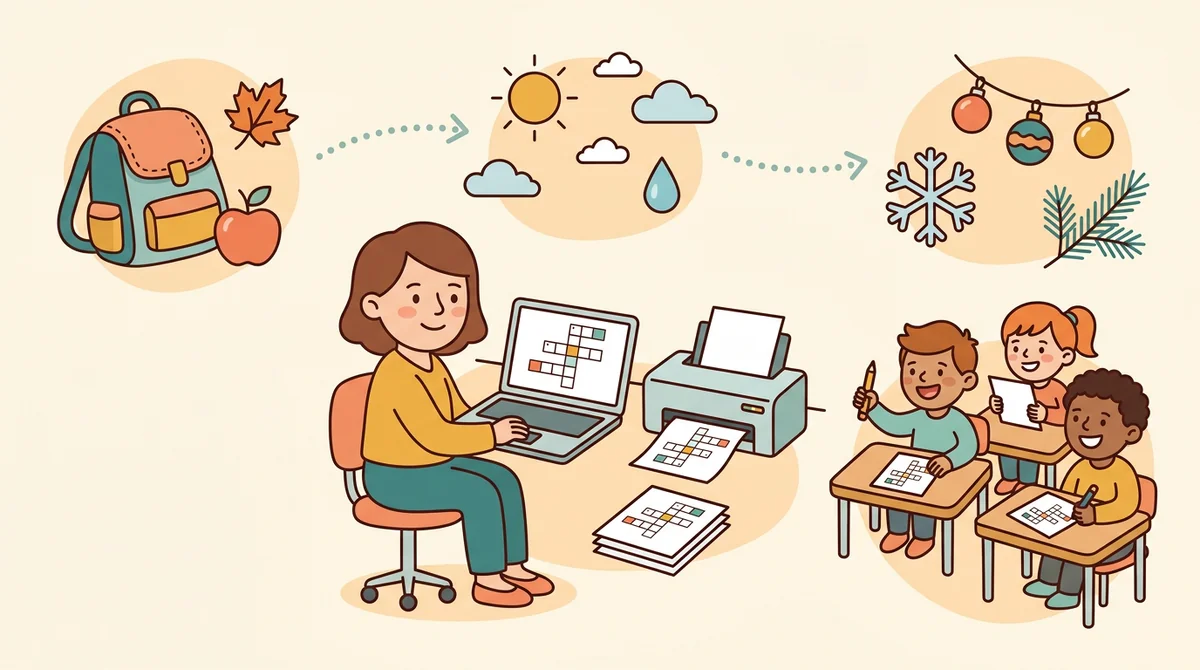
A back-to-school crossword on day one, a weather crossword in spring, a holiday one in December. Type the words and clues, and print a fresh sheet for the whole class in a few minutes.
Core features of
a crossword puzzle maker
A good crossword generator takes your words and clues and gets a clean, numbered sheet out the other end. Here is what this one does, from the first word to the printed page.
Type each word with its clue
Put one word and its clue on each line, like "cloud, A white shape in the sky". You can use up to 40 words. A hint under the box counts the words and the crossings, and names any word that has no clue yet.
- One word, a comma, then its clue
- Up to 40 words, duplicates ignored
- A hint names any word missing a clue
Words cross on their own
The maker lays your words across and down so they share letters. It tries 24 layouts and keeps the one that places the most words and crosses them most often. No two words run side by side, so every square is clear.
- Tries 24 layouts, keeps the best
- Words cross at shared letters
- A hint names any word it cannot connect
Numbered boxes and clue lists
Boxes are numbered in reading order, and a square where an Across word and a Down word both start shares one number. The clues sit under the grid, Across on the left and Down on the right. Long lists flow onto a second page.
- Numbers in reading order
- Across on the left, Down on the right
- Long clue lists continue on page two
An answer key for every puzzle
Switch between the Worksheet and the Answer Key. The worksheet has empty boxes, and the key fills in every letter. Press New Puzzle for a different layout from the same words. Turn the Word bank on to list the answers under the grid.
- Empty boxes on the worksheet
- Every letter filled in on the key
- New Puzzle gives a new layout, same words
Download the PDF or print it
The Worksheet and Answer Key download buttons give you two PDFs. Print sends the sheet to the printer. Choose US Letter or A4, edit the title and directions, and switch the Name and Date row off if you want.
- Two PDFs: the worksheet and the key
- US Letter or A4 paper
- Editable title, directions, and Name and Date row
How to make
a crossword puzzle
Five steps from a blank page to a stack of crosswords, and writing the clues is the longest part.
Type your words and clues
Put one word and its clue on each line, separated by a comma, or paste a list from a document. The hint under the box shows how many words crossed.
Fill in any missing clues
If a word has no clue, the hint names it and asks you to add one after a comma. If a word cannot connect to the others, the hint names that too, so you can reword it or add a word that shares letters.
Choose the word bank
Word bank is set to Hide, which suits older students. Choose Show to list the answers in a box under the grid, which helps younger students and mixed groups.
Press New Puzzle if you want another
Press New Puzzle for a different layout from the same words and clues. Switch to Answer Key to check that every letter fits. Do it as often as you like.
Download or print
Choose US Letter or A4, then download the Worksheet for the student page and the Answer Key for yours. Or press Print to send the sheet to the printer.
That's the whole crossword
Type the words and clues once and print as many copies as you need. The maker is at the top of this page.
Make a Crossword
Get started in under 5 minutes.
Sign up and walk through the onboarding tutorial. By the end you've got your classes set up and you're ready to plan your first lesson. No credit card required.
Get Started for FreeMore than a puzzle template
A premade crossword uses someone else's words and clues. This one builds the grid from yours, checks that they connect, and gives you the key. It runs in any browser, including a locked-down school laptop.
One number for a shared start
When an Across word and a Down word start in the same box, they share one number, the way a printed crossword does.
Words that cannot connect are named
If a word has no letters in common with the rest, the hint says which one. Reword it, press New Puzzle, or add a word that shares letters.
A header ready to print
The title reads Crossword Puzzle and the directions tell students to use the clues. Edit either one, or switch off the Name and Date row.
US Letter or A4
Pick the paper you print on and the page is laid out for it. The worksheet and the answer key are two separate PDFs.
Your settings are remembered
Your words, clues, and settings stay in this browser, so you can close the tab and pick the same puzzle up later. Nothing is uploaded.
Free, and no watermark
No account, no sign-up, and no logo across the page. The only mark is a small "Made with EMStudio" line in the footer.
Who is the crossword puzzle maker for?
Anyone who needs a crossword built around specific words and clues. If a premade puzzle never quite matches what you are teaching, it is for you.
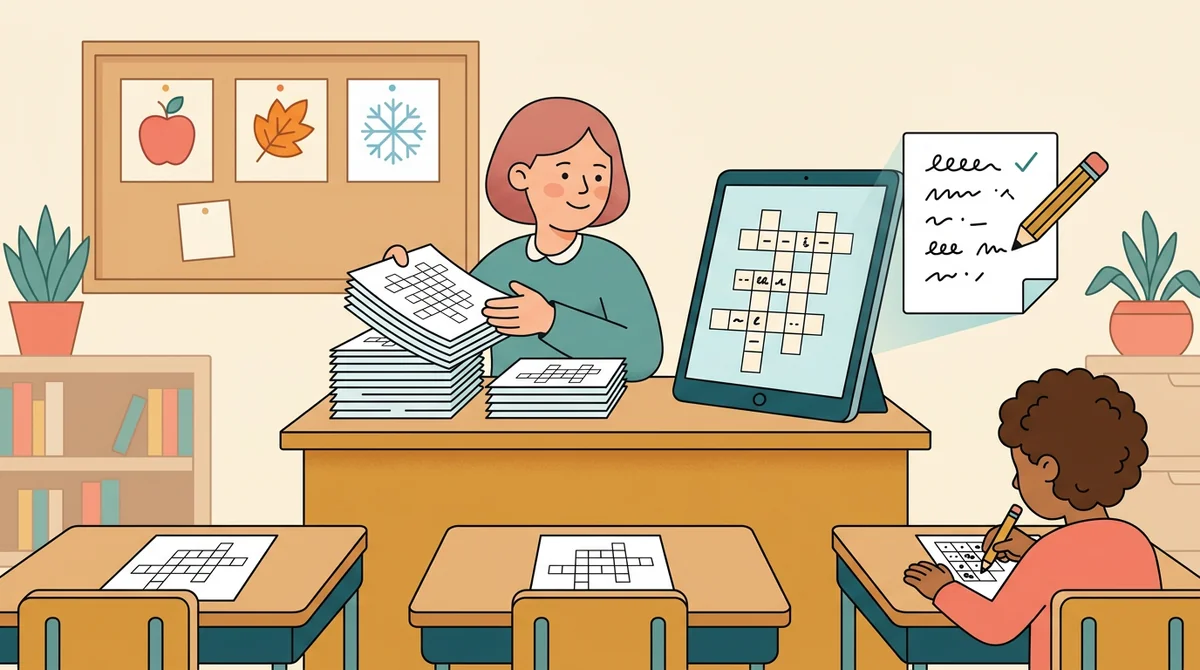
Classroom teachers
Unit vocabulary, spelling words, and seasonal fun. Write the clues in your students' language, print a copy for every student, and keep the answer key for yourself.
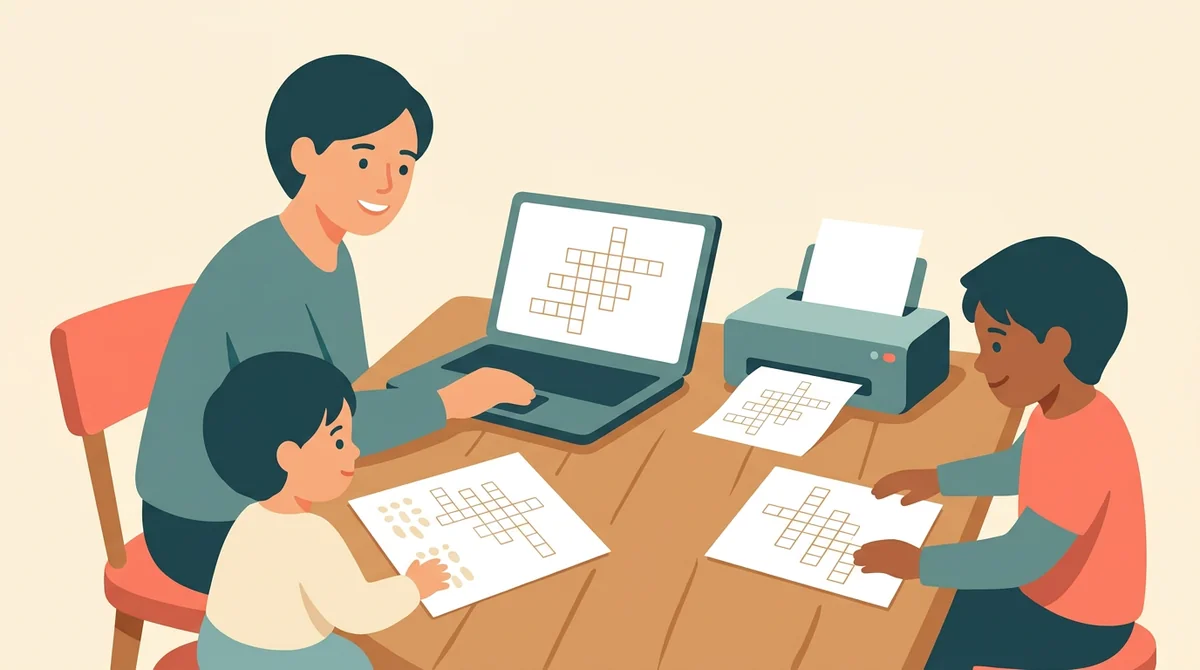
Tutors and homeschool parents
Make a crossword for this week's lesson and print it at the kitchen table. Show the word bank for a young learner and hide it for an older child.
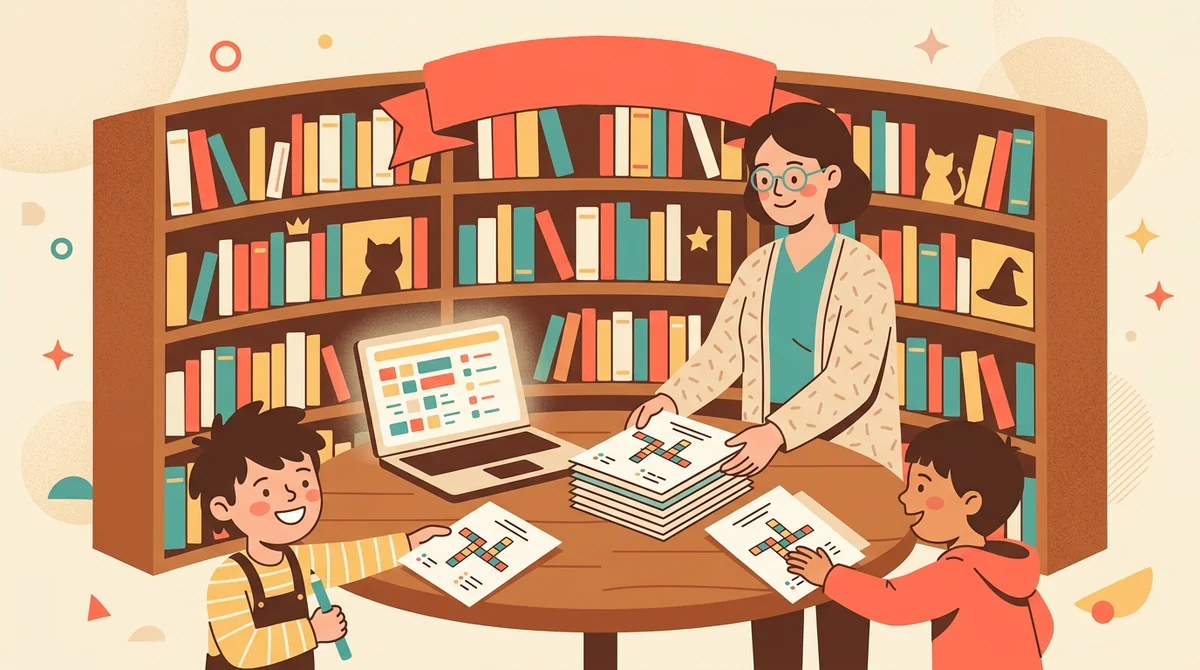
Librarians and club leaders
Build a crossword on a book's characters, a reading challenge, or a club theme. Put the words and clues in, print the sheet, and set out a stack at the table.
How EMStudio's crossword puzzle maker is different
Many crossword generators bury the download behind a sign-up, add a logo to the page, or give you no answer key. This one is built by the team behind a full teacher planner, and it treats a puzzle as part of your lesson.
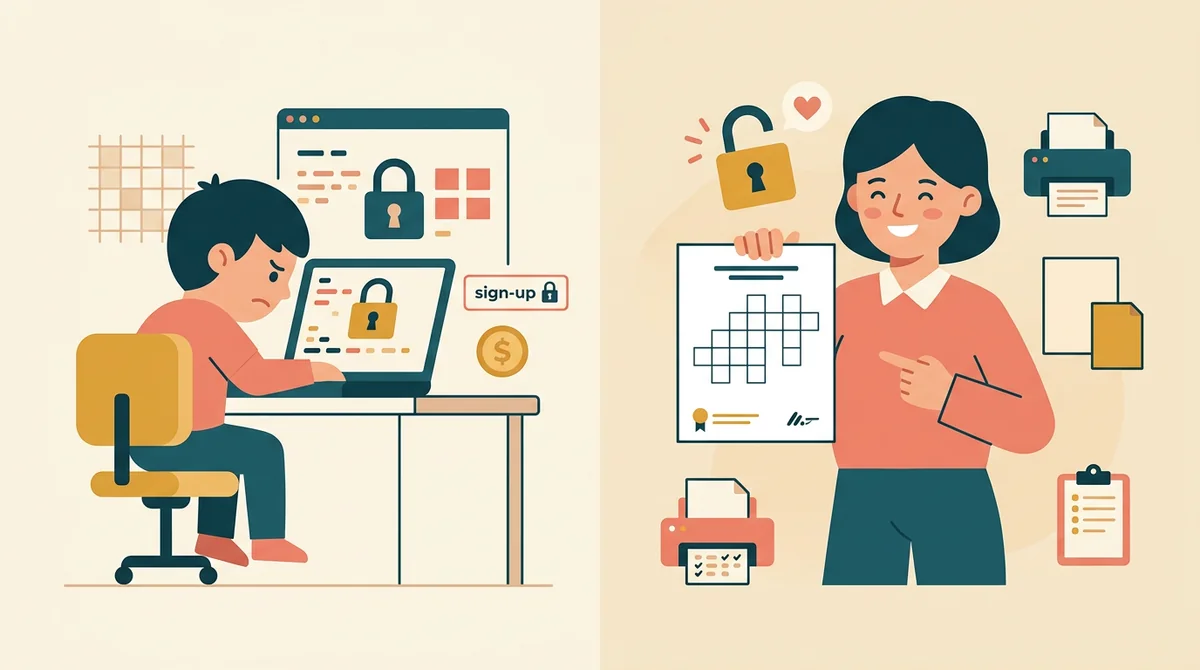
Free, with nothing held back
The full PDF, the answer key, both paper sizes, and printing, all without an account or a daily limit. The only mark on the page is a small "Made with EMStudio" footer line.
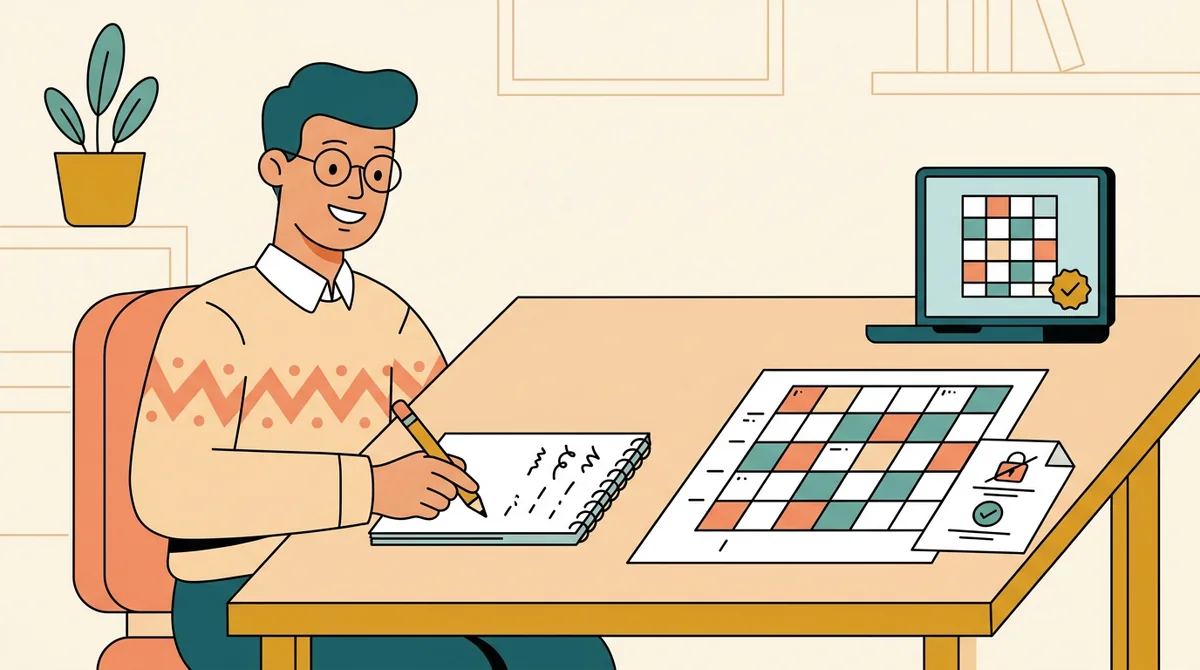
Your clues, not a stock list
You write each clue, so the puzzle tests what you taught, at the reading level of your class. The maker does the layout and numbering.
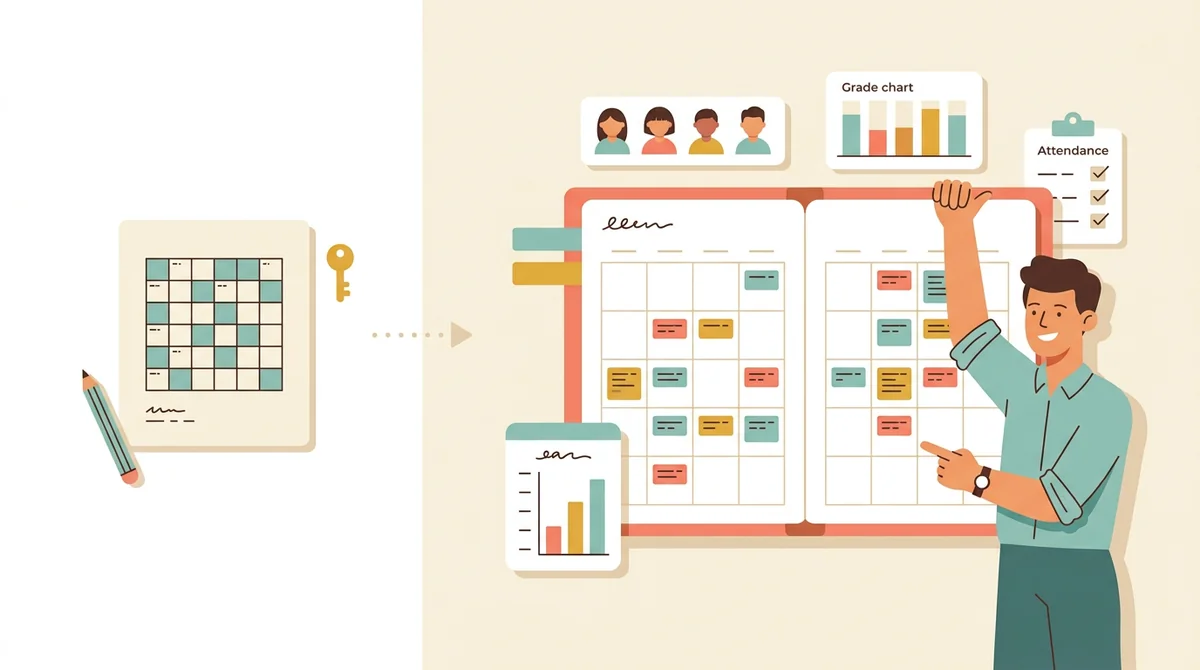
Part of a full teacher planner
A puzzle is one small part of a lesson. When you are ready, EMStudio's lesson planner holds the rest: every class's lessons on a weekly calendar, beside your students, grades, and attendance.
More free teacher tools
FAQ
Try EMStudio today.
Create your first class, build a lesson, and take attendance all in under five minutes.
No credit card required.
Get Started for FreeYou have 3 lessons and 2 tasks today.