Bingo Card Generator
Type your words or pick a number range and get a different bingo card for every player, plus a caller sheet, as printable PDFs. Free in your browser, no sign-up.
What is a bingo card generator?
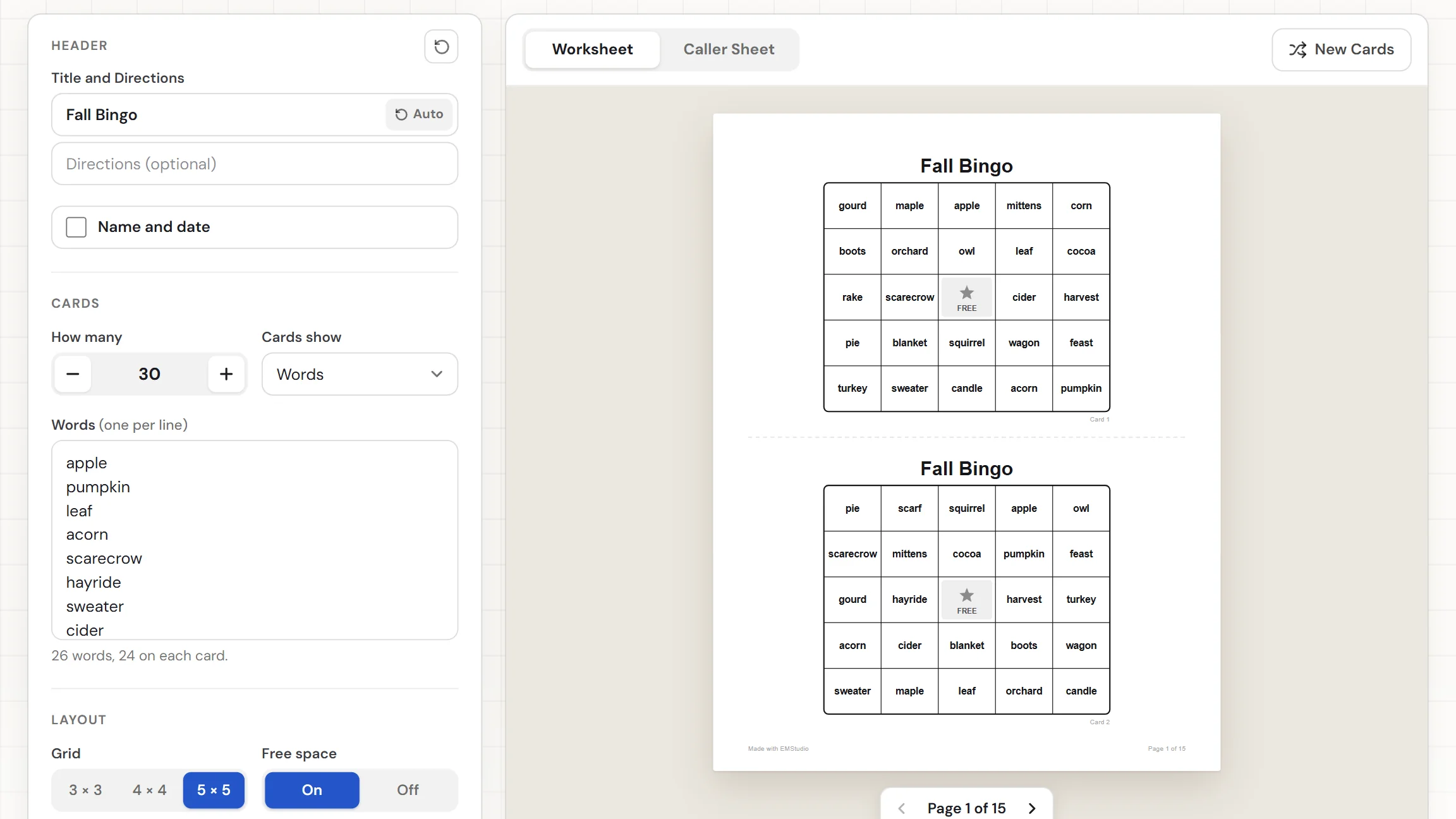
A bingo card generator fills a grid with items from your list and gives every player a different card. This one makes cards from words, numbers, or math facts, in a 3 × 3, 4 × 4, or 5 × 5 grid, with an optional free space in the middle. It also builds a caller sheet with everything that can be called, to cut apart or tick off. Pick how many cards you need, download the PDFs, and play. Nothing to install, nothing to sign up for.
When do you use bingo in class?
Whenever you want a whole room reviewing the same material and nobody sitting out. Three moments where cards built from your own list beat a premade set:

Vocabulary and sight word review
Paste the unit's key terms or this month's sight words and print a card for every student. You call the word, they find it. Everyone hears and sees each item again, and the game feels like play instead of review.
Math fact practice
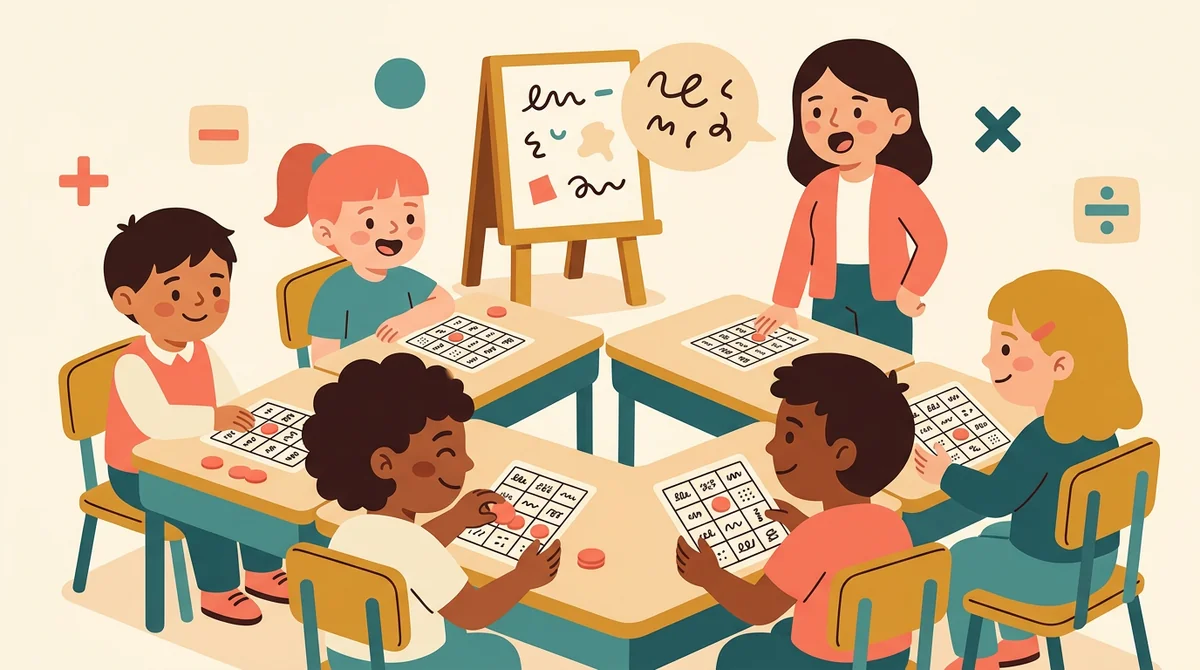
Choose addition, subtraction, multiplication, or division and a number range. The cards show the answers and you call the problems, so students work out each fact before they can mark a square.
Parties and family game nights
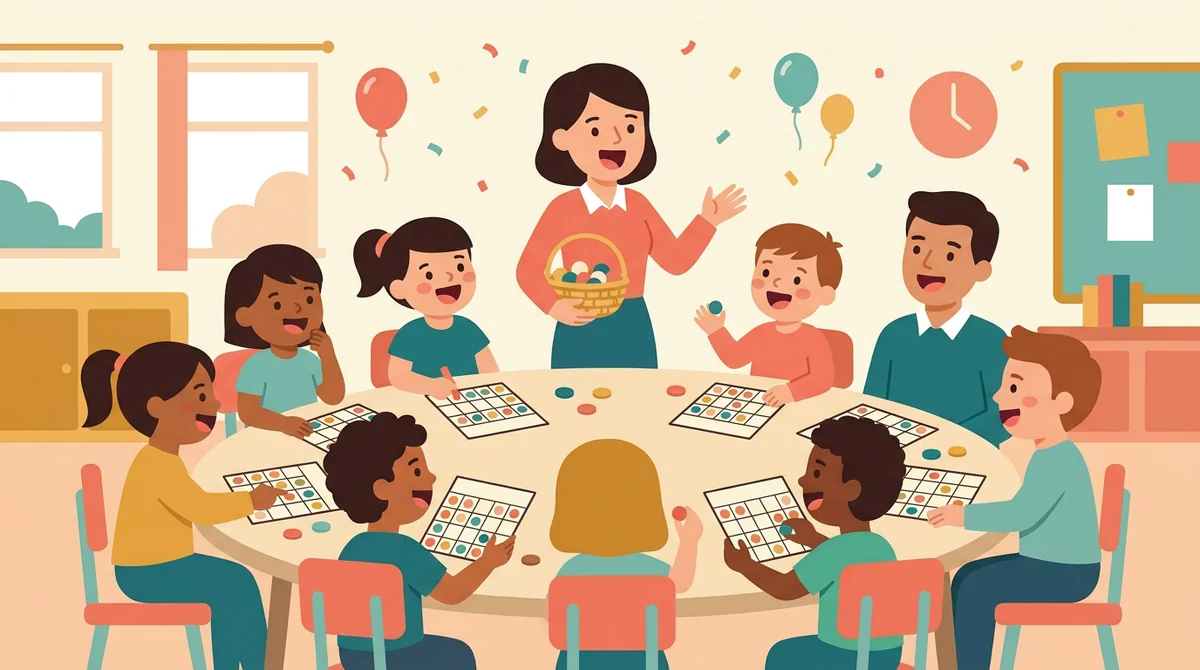
Make classic number bingo for a class party, a library event, or a rainy afternoon at home. Print cards in the classic B, I, N, G, O columns, with a caller sheet to draw from, and everyone gets their own card.
Core features of
a bingo card generator
A good bingo card maker takes your list and hands back cards you can play with right away. Here is what this one does, from the first word to the printed page.
Words, numbers, or math facts
Choose what the cards show. For words, type or paste one per line. For numbers, set a range with the from and to steppers. For math facts, pick an operation and a range. A hint says how many items are in play.
- Words, one per line, up to 500
- Numbers from 0 to 999
- Addition, subtraction, multiplication, division
A different card for every player
Every card is filled from your list in a new order, and the tool does not repeat a card. Give it more items than a card holds and the cards also hold different items, so a row of bingo does not mean the same win for everyone.
- Each card is numbered "Card 1", "Card 2", and so on
- No item twice on one card
- From 1 up to 100 cards
Pick the grid and the free space
Choose a 3 × 3 grid for the youngest players, 4 × 4 for a short game, or 5 × 5 for the classic. On 3 × 3 and 5 × 5 you can leave a free space in the middle, drawn as a gray square with a star.
- 3 × 3, 4 × 4, or 5 × 5
- Free space on or off
- Text sizes itself to fit the squares
A Caller Sheet for every set
Switch between the Worksheet and the Caller Sheet. The Caller Sheet lists everything that can be called, in slips you can cut apart and draw from a bag or tick off as you go. Classic numbers get one row per letter.
- Slips to cut apart or tick off
- Math facts show the answer on each slip
- New Cards gives a fresh set, same list
Download the PDFs or print
The Worksheet and Caller Sheet download buttons give you two PDFs. Print sends the cards to the printer. Choose 1, 2, or 4 cards per page with dashed cut lines, US Letter or A4, and add a title or a Name and Date line.
- Two PDFs: the cards and the caller sheet
- 1, 2, or 4 cards per page
- US Letter or A4 paper
How to make
bingo cards
Five steps from an empty page to a stack of cards, and typing the list is the longest part.
Type your words
Put one word on each line, or paste a list from a document. Prefer numbers or math? Change what the cards show. The hint under the box says how many are in play and how many go on each card.
Pick the grid and free space
Choose 3 × 3, 4 × 4, or 5 × 5. A 5 × 5 card needs 24 different words with a free space, or 25 without one. If you give it fewer, the hint says how many more to add.
Choose how many cards
Set how many cards you need and how many go on a page. Fill the Page adds just enough cards to finish the last sheet. Add a title if you want; BINGO is the default.
Press New Cards if you want another set
New Cards deals a fresh set from the same list. Switch to the Caller Sheet to see everything you can call. Do it as often as you like.
Download or print
Choose US Letter or A4, then download the Worksheet for the cards and the Caller Sheet for yours. Or press Print to send the cards to the printer. Cut along the dashed lines.
That's the whole game
Type the list once and print as many cards as you need. The generator is at the top of this page.
Make Bingo Cards
Get started in under 5 minutes.
Sign up and walk through the onboarding tutorial. By the end you've got your classes set up and you're ready to plan your first lesson. No credit card required.
Get Started for FreeMore than a bingo template
A premade bingo set uses someone else's words and gives everyone the same card. This one builds cards from your list, deals a different one to each player, and gives you the caller sheet. It runs in any browser, including a locked-down school laptop.
Classic B, I, N, G, O columns
Numbers 1 to 75 on a 5 × 5 card go into the classic columns, B 1 to 15 through O 61 to 75, with the letters over each column.
Math cards show the answers
Pick a fact type and the cards hold answers. The Caller Sheet gives one problem per answer, such as 6 × 4 for the 24 on the card.
Dashed cut lines
Print 2 or 4 cards per page and dashed lines mark where to cut. With 2 per page the squares widen so the words print bigger.
US Letter or A4
Pick the paper you print on and the page is laid out for it. The cards and the caller sheet are two separate PDFs.
Your settings are remembered
Your list and settings stay in this browser, so you can close the tab and pick the same game up later. Nothing is uploaded.
Free, and no watermark
No account, no sign-up, and no logo across the cards. The only mark is a small "Made with EMStudio" line in the footer.
Who is the bingo card generator for?
Anyone who needs bingo cards built around a specific list. If a premade set never quite matches what you are teaching or playing, it is for you.

Classroom teachers
Sight words, unit vocabulary, math facts, and end-of-term fun. Type the list for your class, print a card for every student, and keep the caller sheet for yourself.
Tutors and homeschool parents
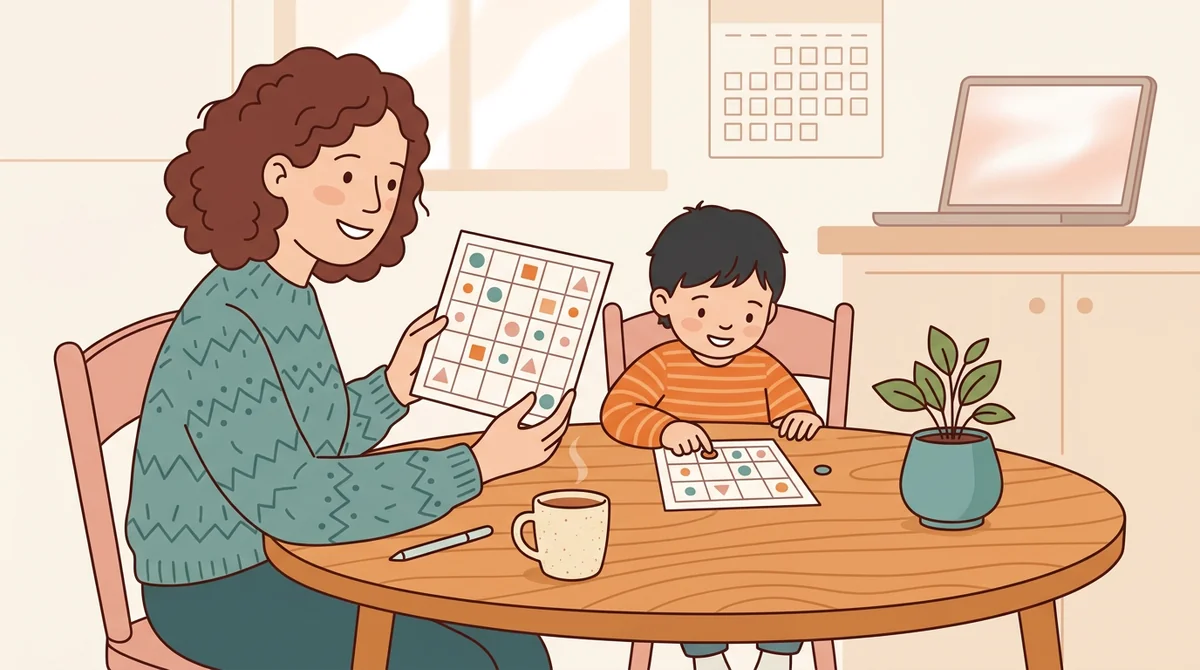
Make a set for this week's lesson and play at the kitchen table. Use a 3 × 3 grid for a young reader and a 5 × 5 for an older child.
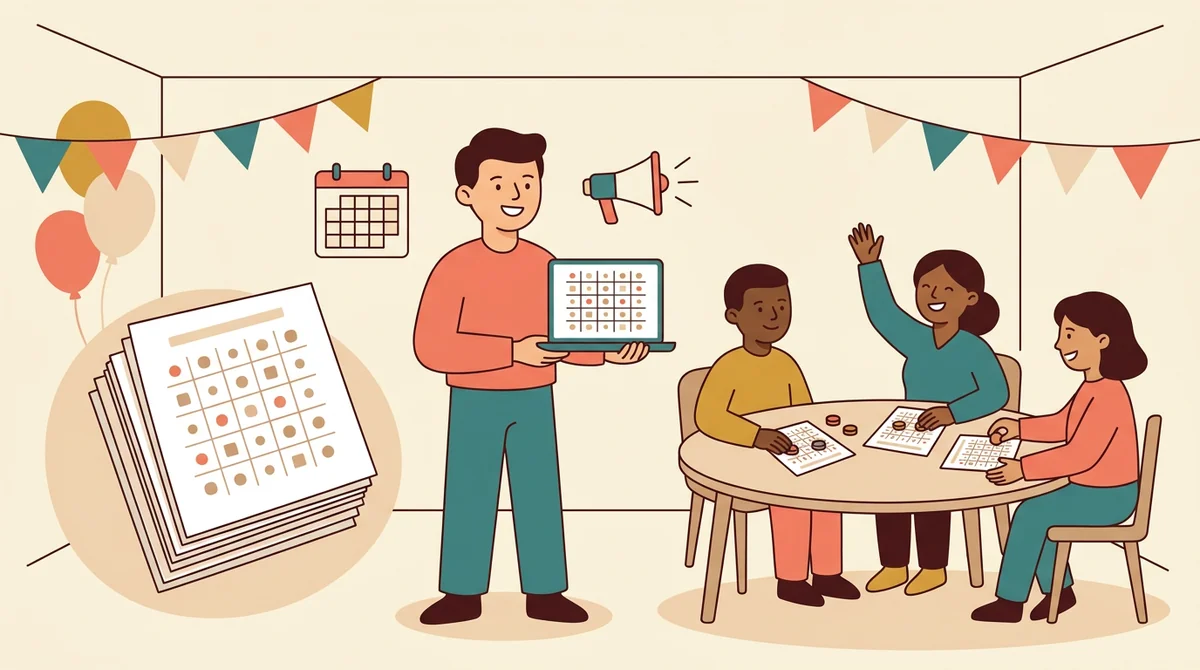
Party hosts and club leaders
Run bingo at a class party, a library event, or a family night. Make classic number cards, print one for each guest, and call from the caller sheet.
How EMStudio's bingo card generator is different
Many bingo generators bury the download behind a sign-up, put a logo on every card, or give you no caller list. This one is built by the team behind a full teacher planner, and it treats a game as part of your lesson.
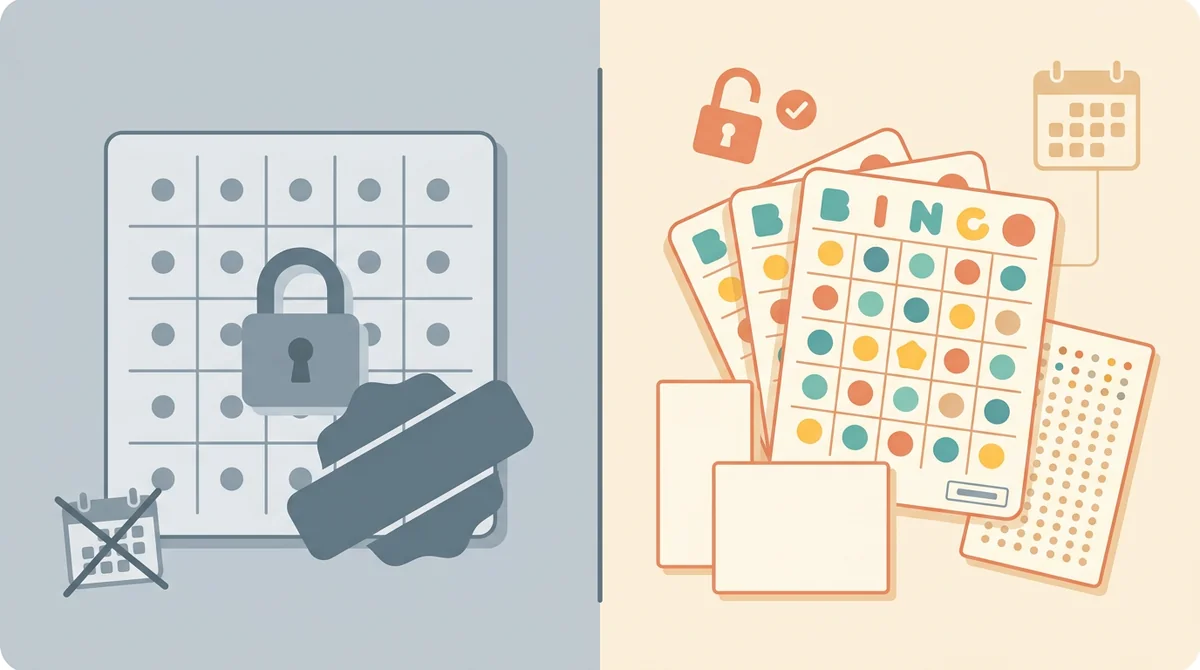
Free, with nothing held back
The full PDFs, the caller sheet, both paper sizes, and printing, all without an account or a daily limit. The only mark on the page is a small "Made with EMStudio" footer line.
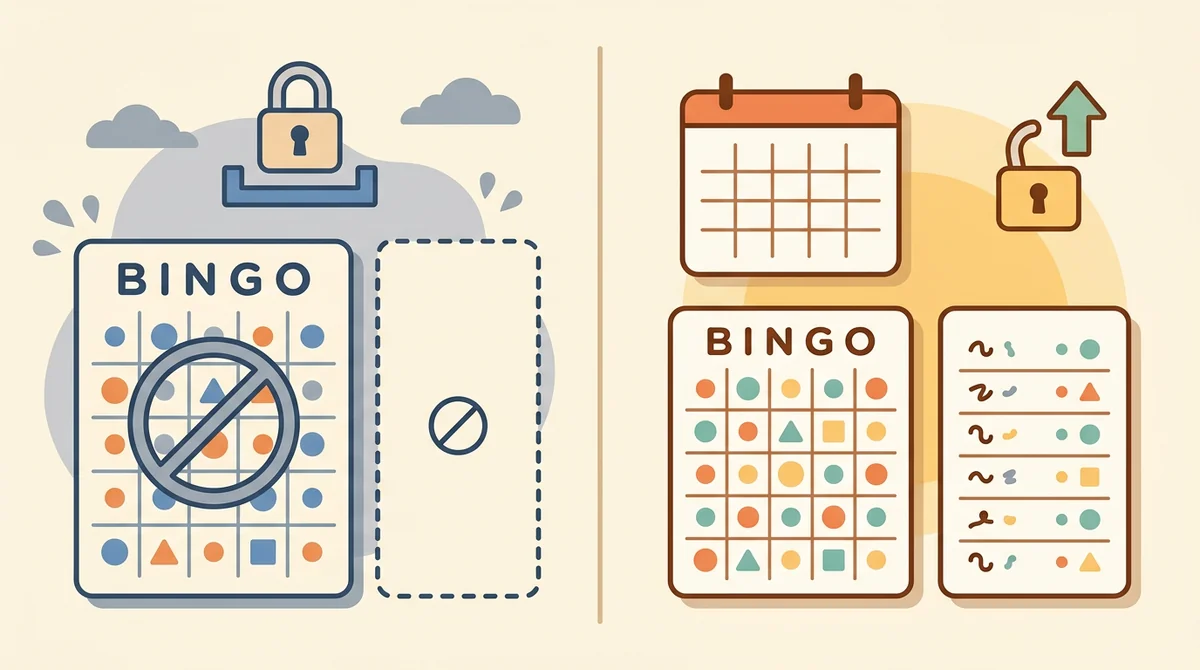
A caller sheet every time
Every set comes with its own caller sheet, so you always know what can be called. For math, each slip shows the problem and the answer it matches.
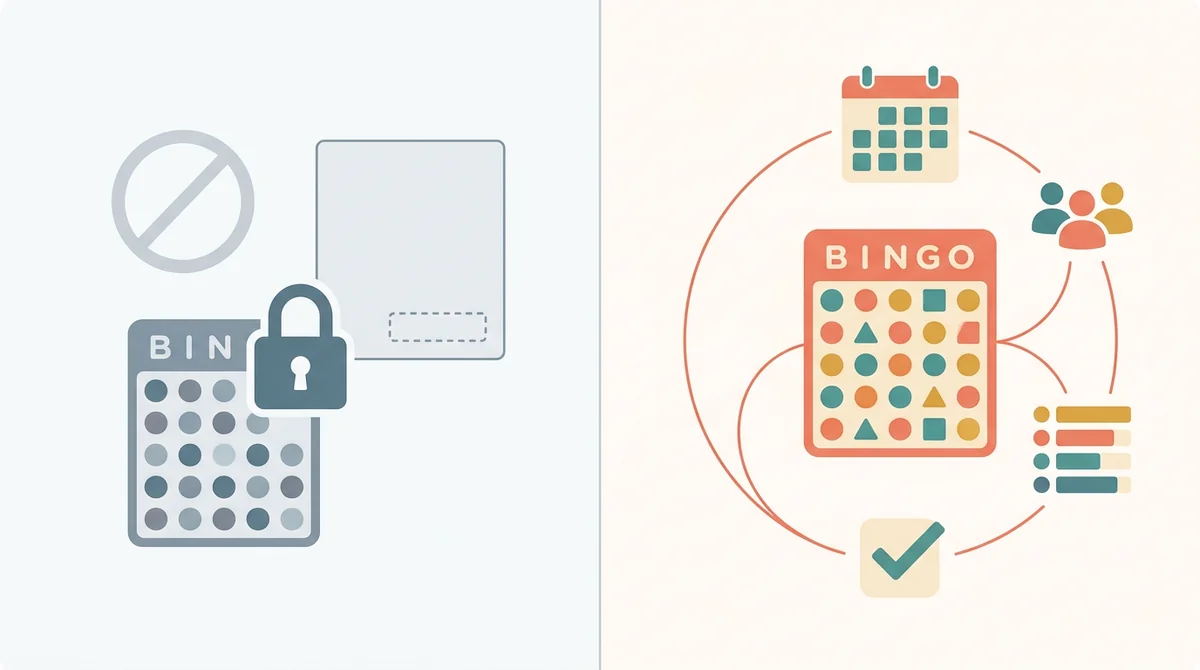
Part of a full teacher planner
A bingo game is one small part of a lesson. When you are ready, EMStudio's lesson planner holds the rest: every class's lessons on a weekly calendar, beside your students, grades, and attendance.
More free teacher tools
FAQ
Try EMStudio today.
Create your first class, build a lesson, and take attendance all in under five minutes.
No credit card required.
Get Started for FreeYou have 3 lessons and 2 tasks today.