Acrostic Poem Generator
Type a name or any word and get a printable acrostic poem page with a box and a writing line for every letter. Free in your browser, no sign-up.
What is an acrostic poem generator?
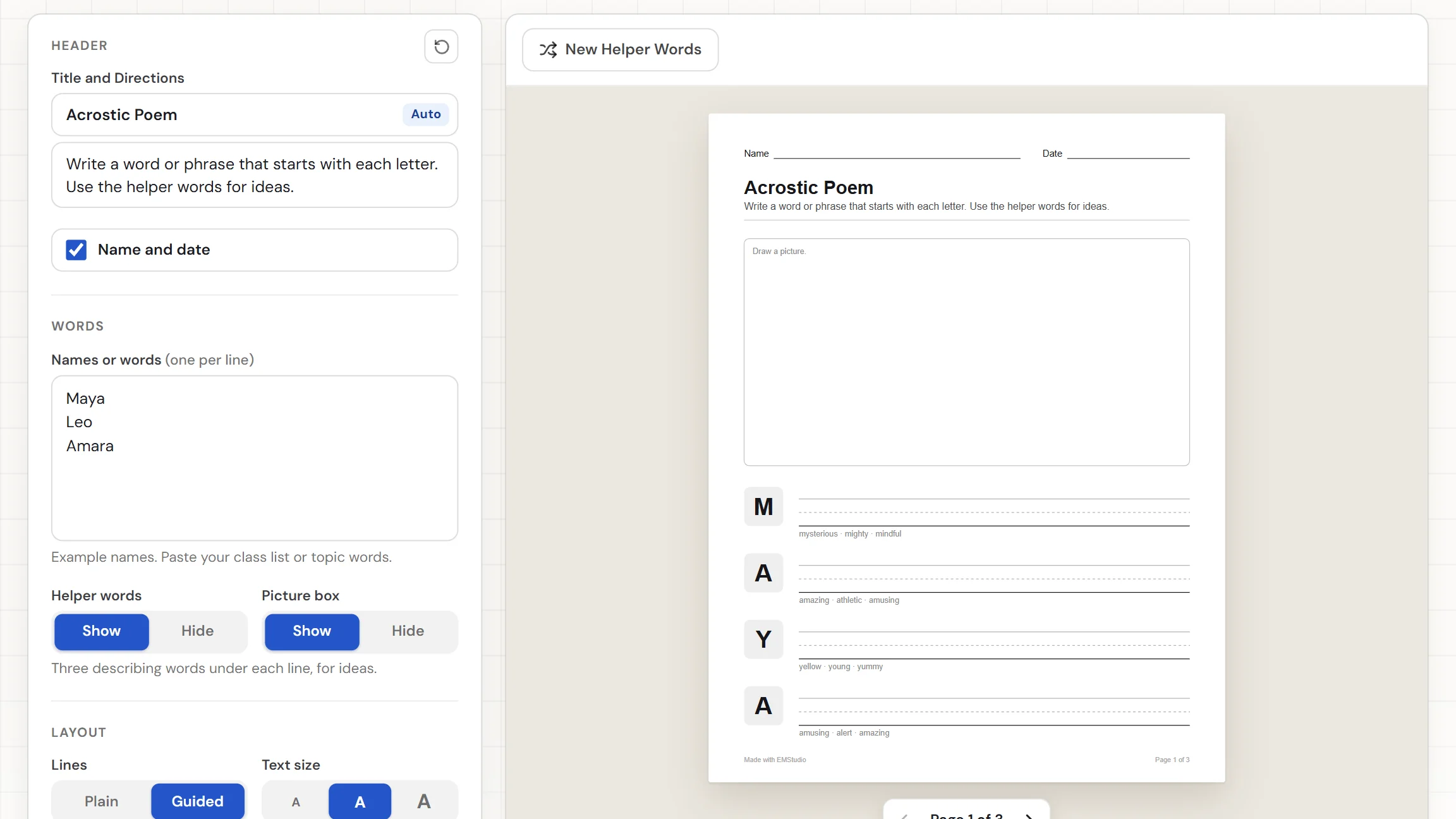
An acrostic poem generator sets up the page for an acrostic, where a word is written down the side and each letter starts a line of the poem. This one makes a separate page for every name or word you type, with a box for each letter, a writing line beside it, and an optional picture box at the top. It can also print three kind describing words under each line for ideas. Add a title, download the PDF, and hand it out.
When do you use an acrostic poem?
Whenever students should write about a word they know well. Three moments where a custom page beats a blank sheet:
Name poems on the first days
Paste your class list and print one page for every student. Each child writes a line that starts with each letter of their own name, and the finished poems make a quick way to learn names and a display for the wall.
Poetry units and topic words
Type the topic words for your unit, such as ocean, community, or a character from the class novel, and each word gets its own page. Students describe the topic one letter at a time, and a picture box leaves room to draw it.
Kind words for classmates
Give each student a classmate's name and ask for a kind word for every letter. The helper words under each line suggest describing words, so a student who is stuck on a letter always has three ideas to start from.
Core features of
an acrostic poem generator
A good acrostic poem maker takes your names and words and gets a clean page out the other end. Here is what this one does, from the first name to the printed sheet.
Type or paste your names and words
Put one name or word on each line, up to 60, and each one gets its own page. Paste a class list straight from a document. A hint under the box counts the poems, or says which words are too long or too many.
- One name or word per line, up to 60
- Paste a class list from a document
- A hint counts the poems, a page each
A box and a line for every letter
Each letter of the word gets a grey box with the capital letter in it and a writing line beside it. Spaces, hyphens, and apostrophes get no row, and an accented letter such as é shows as its capital. Words stop at 16 letters.
- A capital letter in a box on every row
- A writing line beside each box
- Rows for up to 16 letters per word
Helper words for ideas
With Helper words set to Show, three kind describing words print under each writing line, such as brave, bright, and bold for B. Press New Helper Words for a fresh set. Set Helper words to Hide for just the letters and lines.
- Three describing words under every line
- New Helper Words draws a fresh set
- Hide them for a plain page
A picture box and guided lines
A "Draw a picture." box sits above the rows, and a short word gives it more of the page while the rows keep their room. Choose Plain or Guided lines, and the guided style adds a top line and a dashed middle line for young writers.
- Picture box Show or Hide
- Short words leave more room to draw
- Plain or Guided writing lines
Download the PDF or print it
The Worksheet download button gives you a PDF with a page for every name or word. Print sends the pages to the printer. Choose US Letter or A4, edit the title and directions, and switch the Name and Date row off if you want.
- One PDF with a page for each word
- US Letter or A4 paper
- Editable title, directions, and Name and Date row
How to make
an acrostic poem page
Five steps from a blank page to a stack of acrostic sheets, and typing the names is the longest part.
Type your names or words
Put one name or word on each line, or paste a class list from a document. The hint under the box shows how many poems you have, one page each.
Choose your options
Set Helper words, Picture box, and Lines. Show the helper words for ideas, hide the picture box for more room to write, and pick Guided lines for younger students.
Add a title and directions
The title reads "Acrostic Poem" until you type your own. The directions ask students to write a word or phrase that starts with each letter. Switch off the Name and Date row if you do not need it.
Press New Helper Words if you want others
With the helper words showing, press New Helper Words to draw three new describing words under every line. Do it as often as you like before you print.
Download or print
Choose US Letter or A4, then download the Worksheet as a PDF. Or press Print to send the pages to the printer. Each name or word comes out on its own page.
That's the whole page
Type the names once and print a poem page for every student. The generator is at the top of this page.
Make an Acrostic Poem
Get started in under 5 minutes.
Sign up and walk through the onboarding tutorial. By the end you've got your classes set up and you're ready to plan your first lesson. No credit card required.
Get Started for FreeMore than a blank template
A premade template has one word on it. This one builds a page for each name on your list, with the letters, lines, and ideas already set out. It runs in any browser, including a locked-down school laptop.
Guided lines for young writers
Switch to Guided lines and each row gets a top line, a dashed middle line, and a base line, so early writers can keep their letters the right size.
Up to 60 poems, 16 letters each
Add up to 60 names or words in one go. A longer word stops at 16 letters, and a hint tells you when the list or a word went over.
Directions and a Name and Date row
Every page carries a title and a line of directions, plus a Name and Date row that is on by default and switches off in one click.
US Letter or A4
Pick the paper you print on and every page is laid out for it. The download is one PDF with a page for each word.
Your settings are remembered
Your names and settings stay in this browser, so you can close the tab and pick the same pages up later. Nothing is uploaded.
Free, and no watermark
No account, no sign-up, and no logo across the page. The only mark is a small "Made with EMStudio" line in the footer.
Who is the acrostic poem generator for?
Anyone who wants students to write a poem from a word. If a blank sheet takes too long to set up for every name, it is for you.
Classroom teachers
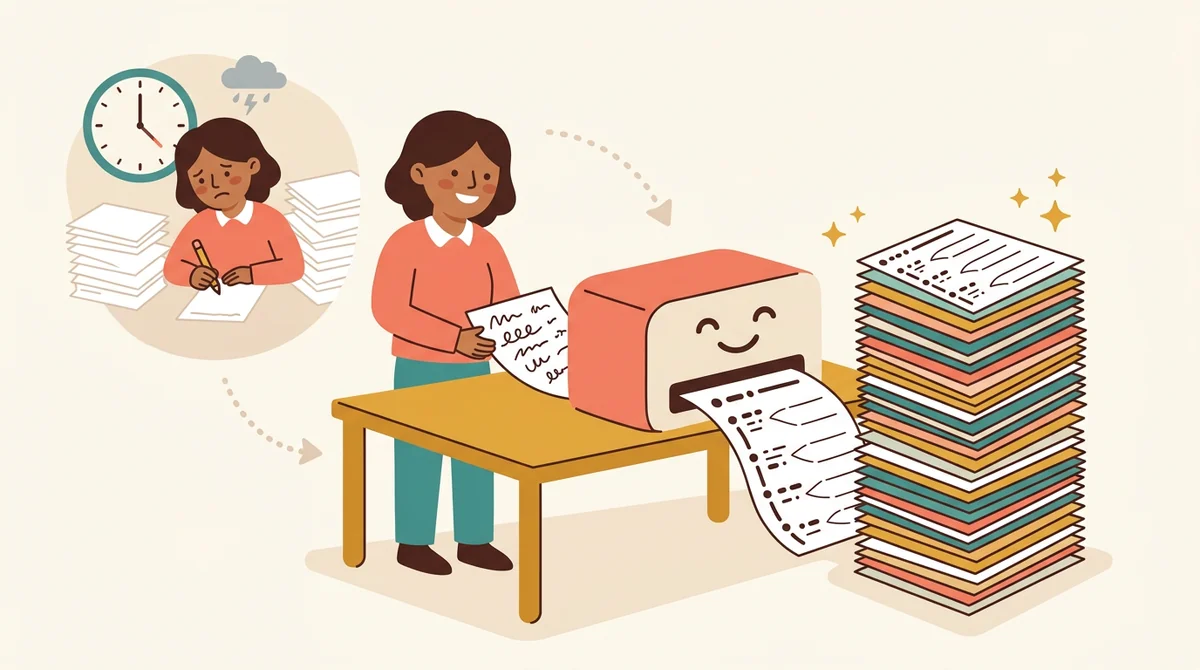
Name poems, topic words, and poetry units. Paste the class list, print a page for every student, and let the helper words give a stuck writer three places to start.

Tutors and homeschool parents
Make a page for your child's name or this week's vocabulary word and print it at the kitchen table. Use Guided lines for a young writer and plain lines for an older one.
Librarians and club leaders
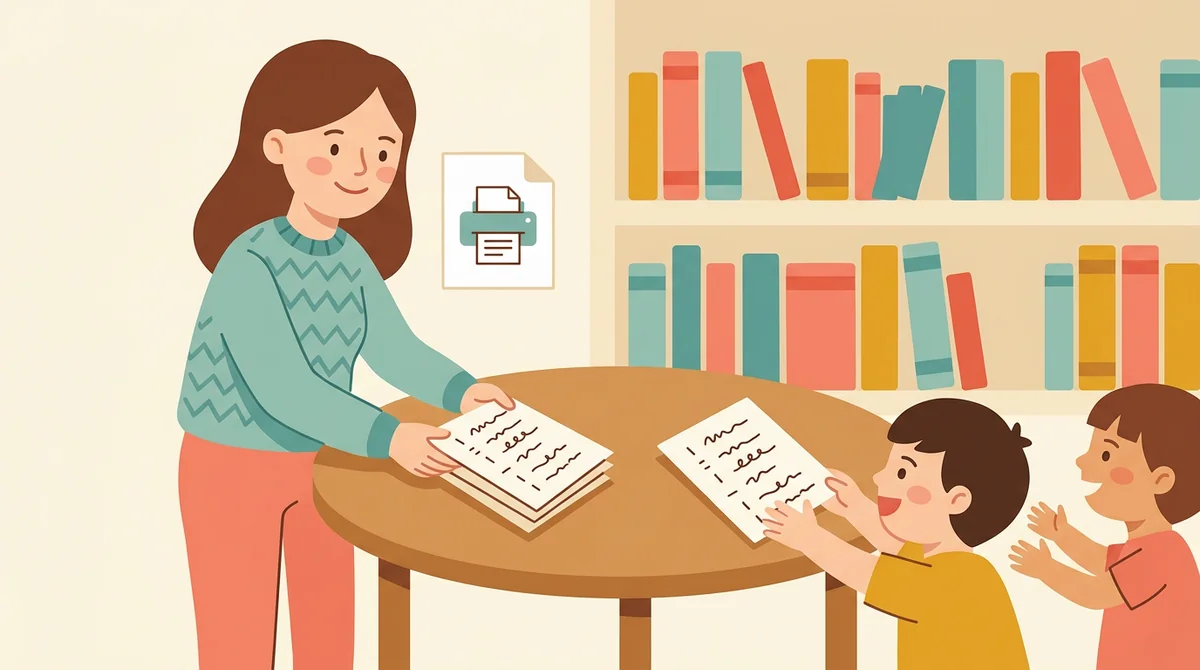
Hand out a poem page for a book's title, a reading challenge, or a club name. Type the words, print the pages, and set out a stack at the table.
How EMStudio's acrostic poem generator is different
Many acrostic templates are one fixed page, hide the download behind a sign-up, or add a logo to the sheet. This one is built by the team behind a full teacher planner, and it treats a poem page as part of your lesson.
Free, with nothing held back
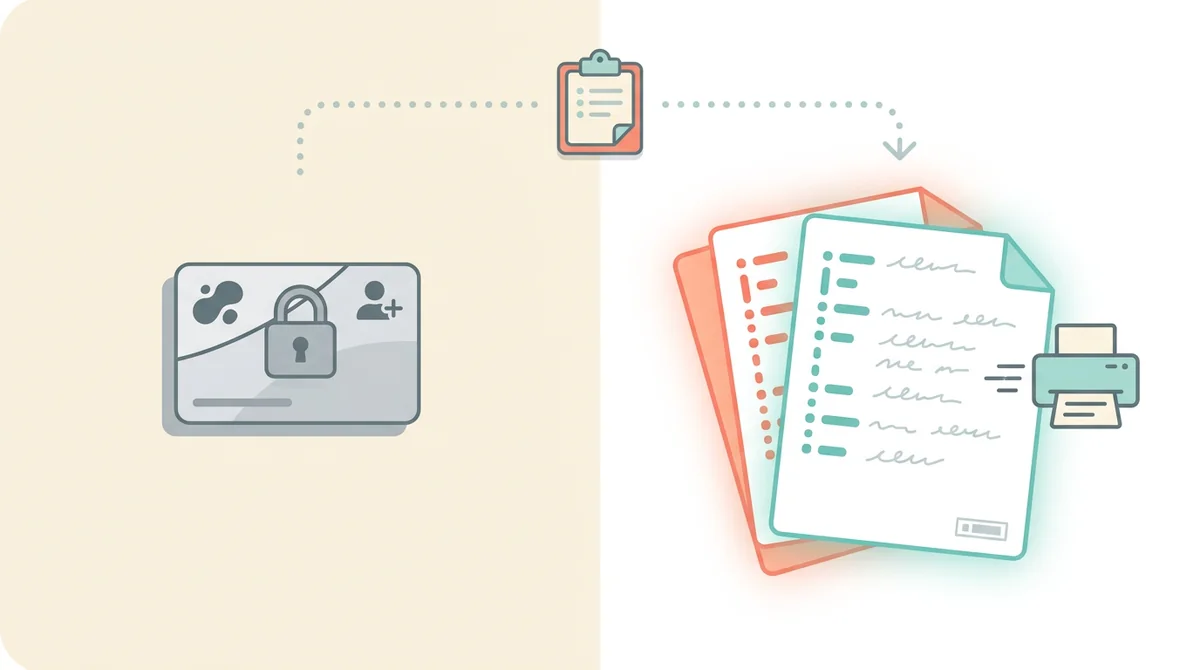
The full PDF, both paper sizes, and printing, all without an account or a daily limit. The only mark on the page is a small "Made with EMStudio" footer line.
A page for every name
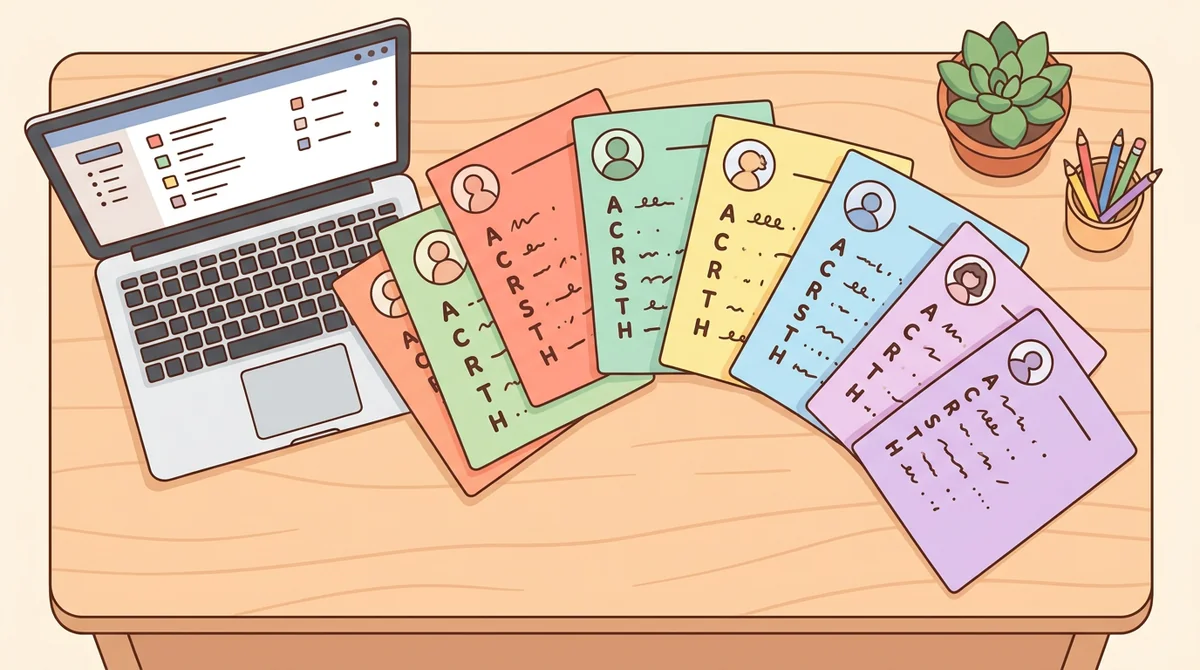
Type a whole class list and every name gets its own page, with its own letters and its own helper words. You never copy a template once per student.

Part of a full teacher planner
A poem page is one small part of a lesson. When you are ready, EMStudio's lesson planner holds the rest: every class's lessons on a weekly calendar, beside your students, grades, and attendance.
More free teacher tools
FAQ
Try EMStudio today.
Create your first class, build a lesson, and take attendance all in under five minutes.
No credit card required.
Get Started for FreeYou have 3 lessons and 2 tasks today.