AI for Teachers: The Complete Guide to Getting Started


Jump to section
Picture the last time you stayed past dark, stack of ungraded quizzes on one side and tomorrow's lesson plan on the other, wishing you had a second pair of hands.
That's essentially what AI for teachers offers: a tireless assistant that handles the repetitive load so you can focus on the parts of teaching only you can do.
It's no longer a novelty or a buzzword; it's quickly becoming a practical part of how classrooms run. In this post, we'll walk through why it matters, the tools worth trying, and how to start using them today.

Why AI Matters for Teachers
Every new classroom tool eventually has to answer one question: what's it actually for? With artificial intelligence (AI), the answer cuts two ways.
It's already shaping the world your students will graduate into, and it can hand you back real hours of your week.
Why Teachers Need to Understand AI
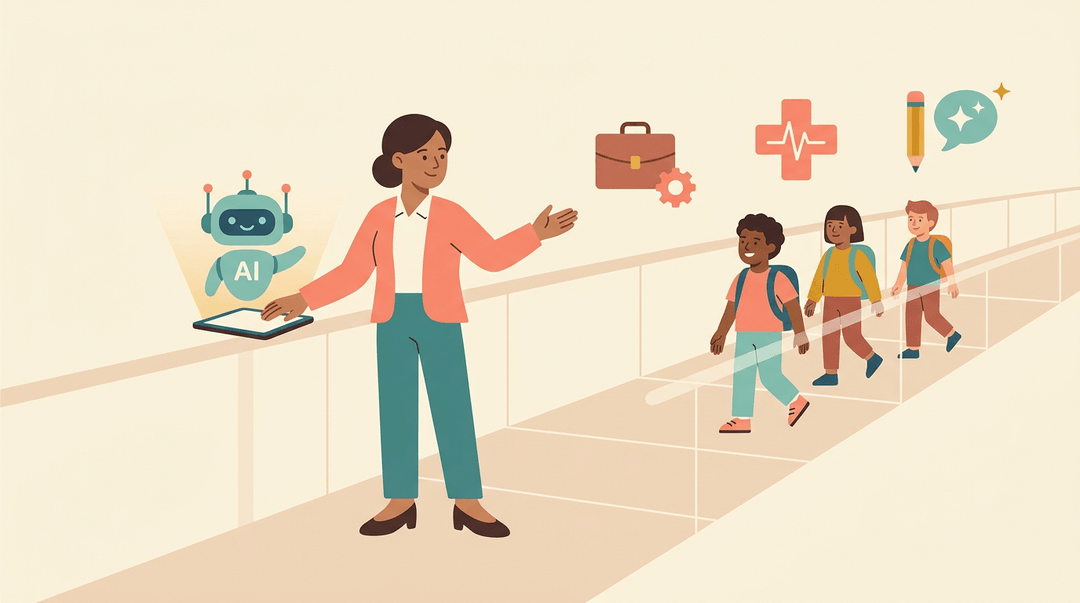
The students sitting in your classroom today will spend their careers working alongside AI, whether that's a hiring algorithm, a diagnostic tool, or a writing assistant.
That makes AI literacy less of an optional skill and more of a basic responsibility: you can't prepare students for a future you don't understand yourself.
Embracing these tools responsibly, with a clear eye on their limits, puts you in a far better position to guide students than simply avoiding them.
AI Saves Teachers Hours Each Week
Here's the more immediate case for paying attention: time. According to a 2022 EdWeek analysis, teachers spend just under half of their working hours actually teaching.
The rest disappears into grading, planning, and paperwork, a trade-off many of us feel every week: less time in front of students, more time behind a desk.
A Gallup survey found that teachers using AI for repetitive tasks save roughly 7 to 10 hours a week. Automating that high-volume, low-reward work is what turns less prep into more teaching time.
Key Benefits of AI in the Classroom
Once you know what AI actually is, the real question is what it does for your classroom this week. The benefits break down into four areas: how students learn, how you spend your time, how lessons get built, and how students get support outside class.
Personalizing Learning for Every Student
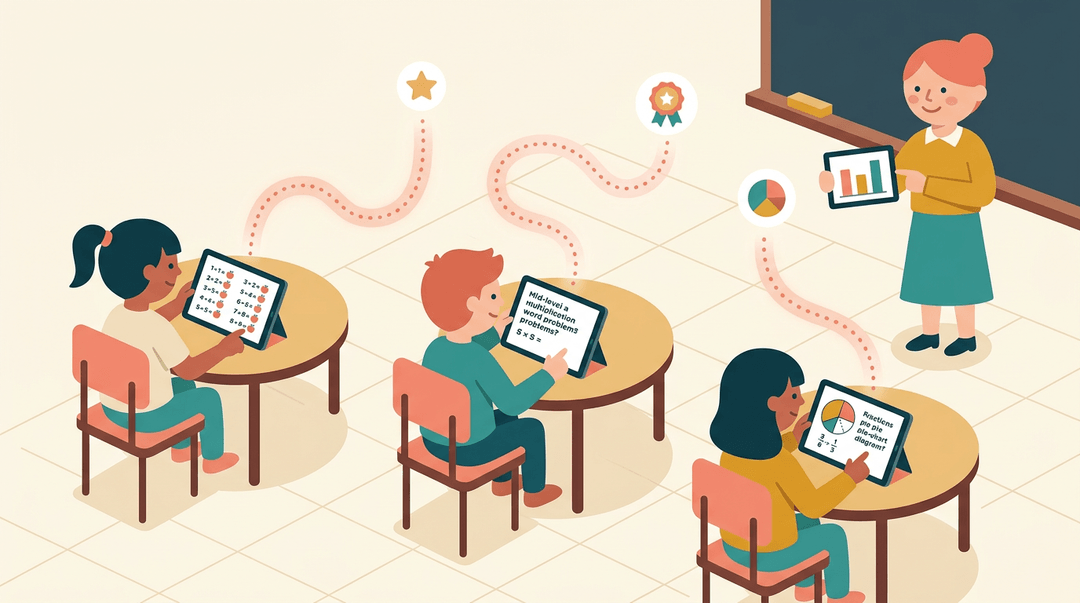
No two students learn at the same pace, and AI tools finally make planning for that realistic. Adaptive learning platforms use performance analytics to see where a student is strong and where they're stuck, then adjust question difficulty in real time. Instead of handing everyone the same worksheet, the software builds a personalized learning path tailored to each student's strengths and pace. Think of a fourth-grade math teacher whose class ranges from kids still shaky on multiplication to kids ready for early fractions: adaptive software can quietly serve each of them the right next problem.
Boosting Productivity and Saving Time
AI is also a serious time-saver behind the scenes. It can automate clerical tasks like attendance and grading multiple-choice work, and it streamlines the parent emails and progress notes that used to eat up an evening. That's less time buried in a spreadsheet and more time with your students. For a teacher juggling five class periods, a smaller planning burden can mean the difference between a rushed lesson and a rehearsed one.
Creating and Adapting Lesson Content
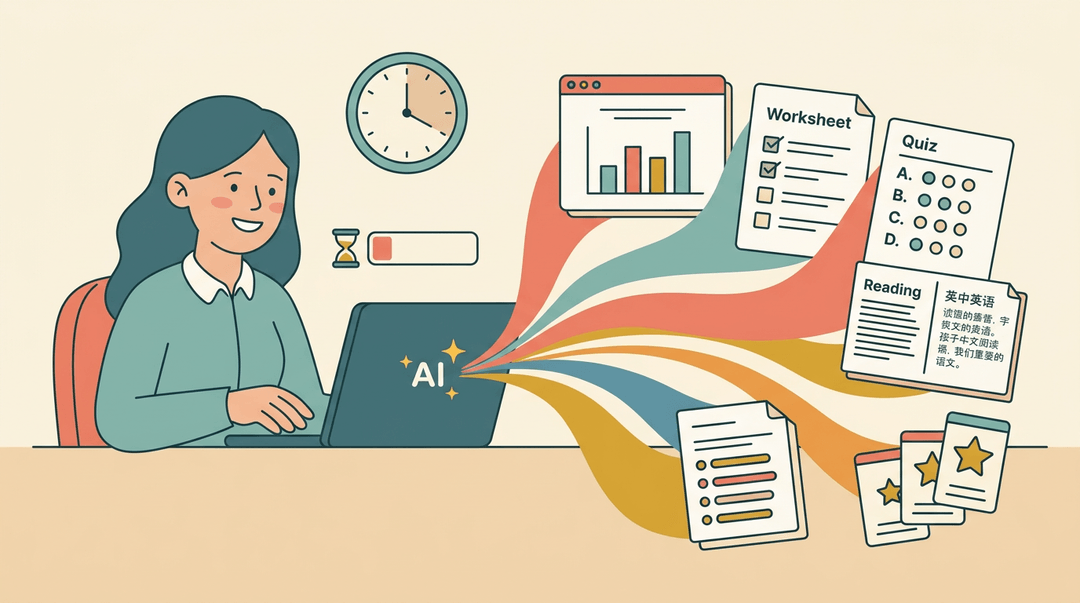
Need a lesson for tomorrow? AI can generate lessons, activities, and assessment prompts from a single request, and build a presentation in minutes instead of an hour. It can produce original academic content rather than recycling last year's handout, translate a reading passage into another language for a multilingual classroom, and reshape the same lesson to fit different grade bands without starting from scratch.
AI Tools That Support Student Learning
Students benefit directly too. AI learning assistants can act as research helpers for a history project, give a student instant feedback on a rough draft, or run as a character chatbot that keeps a reluctant reader engaged. Self-paced study tools let a student review a concept at midnight without waiting for office hours, which means the support doesn't stop when the bell does.
A Quick-Start Guide to Using AI
You don't need a tech overhaul to start using AI; you need one task, one free tool, and about twenty minutes. Here's the whole first week, plus a safety check to run before anything touches your classroom.
Your first five steps
- Pick one repetitive task. Choose something you rewrite every week anyway.
- Good first picks: a parent email, a warm-up question, a rubric row.
- Try a free tool first. Judge the fit before you ask for budget.
- Free tiers of the major chatbots handle drafting jobs well enough for a test run.
- Draft with AI, then edit for your voice. The AI writes the skeleton; you make it sound like you.
- Swap stiff phrases for the words your students actually hear from you.
- Check every output for accuracy. AI states wrong facts with total confidence.
- Verify names, dates, math answers, and anything you'd be quoted on.
- Save the prompts that worked. A good prompt is a reusable asset.
- Keep one doc titled "Prompts that work" and paste in winners as you go.
Here's the kind of line that belongs in that doc:
A prompt worth saving: "Rewrite this passage at a 3rd-grade reading level. Keep the vocabulary words erosion and sediment. 150 words max."
One starting idea per grade band
Not sure what your "one repetitive task" should be? Find your row and start there.
| You teach... | Start with... |
|---|---|
| Elementary | Simplified reading passages: one text, rewritten at three levels |
| Middle school | Quiz question banks: 20 questions drafted from your unit notes |
| High school | Essay feedback drafts: comments you edit before students see them |
| Tutoring | Session recap notes: a same-day summary you can send to parents |
Before you paste anything in
Run this check once, then reuse it every time you add a new tool:
- School AI policy confirmed. Ask your admin what's approved before your first real use.
- Data privacy covered. Never paste student names, grades, or IEP details into a public tool.
- Output reviewed for bias. Scan the examples and names it generates: do they reflect all your students?
- Human final check kept. Nothing AI-made reaches students without your eyes on it first.
⚠️ Watch out: if a task requires student work, anonymize it first. "Student A's essay" gets you the same feedback without the privacy risk.
Once the checklist passes, the easiest way to make this a habit is doing it where you already plan: draft and refine lesson content right inside your planner with EMStudio's AI Lesson Editor.
AI Tools for Teachers
The AI tool landscape for teachers is crowded, and the good news is that plenty of it is free: AudioPen, Canva, Curipod, Eduaide.Ai, and Quizizz all offer free tiers, and MagicSchool and ChatGPT do too.
There's no single best platform, though: the right one depends on your biggest time sink, whether that's lesson planning, grading, or admin work. We've grouped the standouts by what they actually do:
Tools for Building Lessons and Content
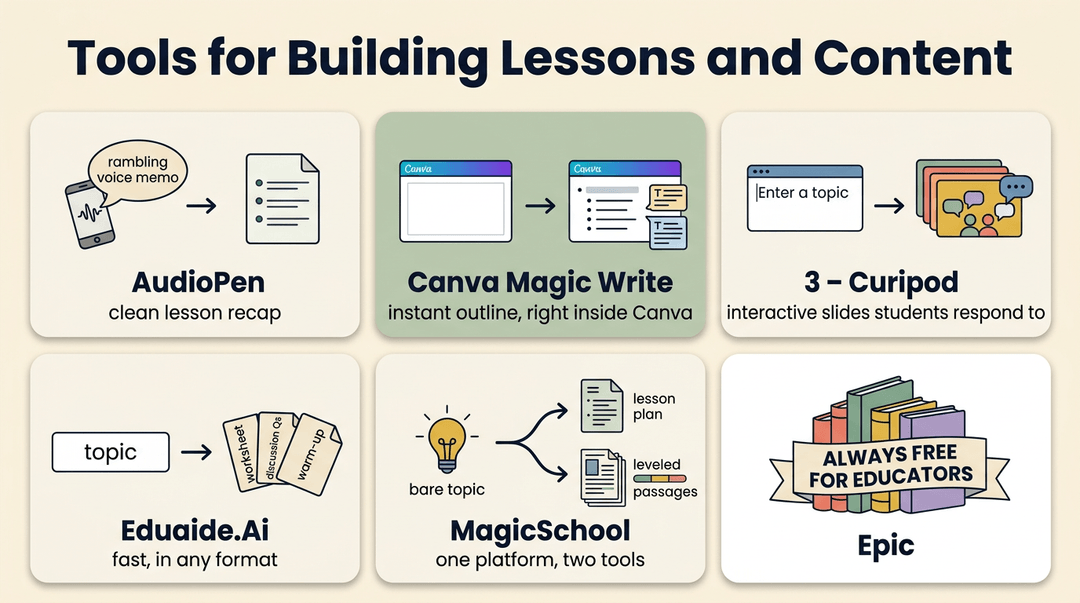
- AudioPen turns a rambling voice memo into clean written text: record a thought between classes and have a lesson recap ready before you're home.
- Canva Magic Write brainstorms outlines and content ideas right inside the design tool you probably already use for slides and worksheets.
- Curipod builds interactive, discussion-driven lessons from a single prompt, complete with slides students can respond to live.
- Eduaide.Ai generates worksheets, discussion questions, and warm-ups fast, in whatever format you specify.
- MagicSchool offers both a lesson plan generator and a separate academic content tool, so you can go from bare topic to full lesson, then to leveled reading passages, without switching platforms.
- Epic keeps its book library free for educators, too. As an Epic announcement covered by the Learning Counsel confirms, the platform stays "always free for educators."
Tools for Building Presentations and Slides
Presentations are where AI saves the most visible chunk of time.
Slidesgo and Canva's Magic Write both turn a bare topic into a polished slide deck in minutes, and MagicSchool's presentation generator does the same, built specifically for classroom content.
Type in "the water cycle for fourth grade," and you'll have a starting deck before your coffee's done.
Tools for Quizzes, Rubrics, and Feedback
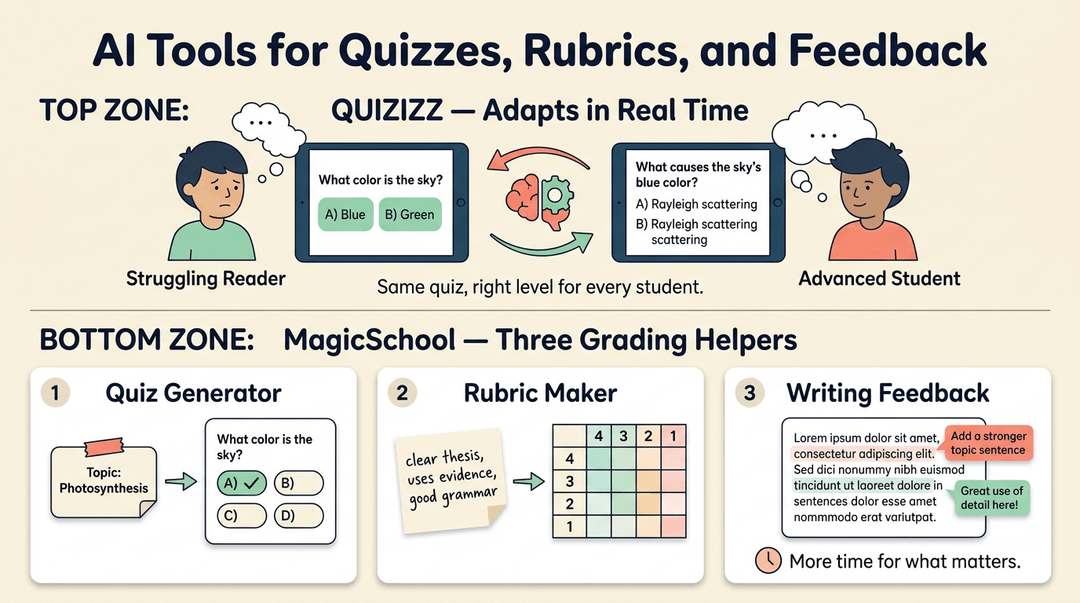
Grading is the classic AI use case, and for good reason. Quizizz adapts quiz difficulty to each student in real time, so a struggling reader and an advanced one get questions matched to where they actually are. MagicSchool adds:
- a multiple-choice quiz generator
- a rubric maker that turns your criteria into a scored grid in seconds
- a writing feedback tool that gives students specific comments on a draft, freeing you to spend feedback time where it matters most
Is ChatGPT Free for Teachers?
Short answer: yes. OpenAI introduced ChatGPT for Teachers, calling it "a free version of ChatGPT built for teachers" and making it free through June 2028.
Beyond the free tier, ChatGPT can draft classroom prompts, power custom classroom chatbots, and even run character-based chatbots for lessons: students chatting with "Abraham Lincoln" to review a history unit, for example.
The real skill worth building isn't the tool itself. It's prompt engineering, learning to ask for exactly what you need so the first answer is usable instead of the fifth.
AI Help for IEPs and Admin Work
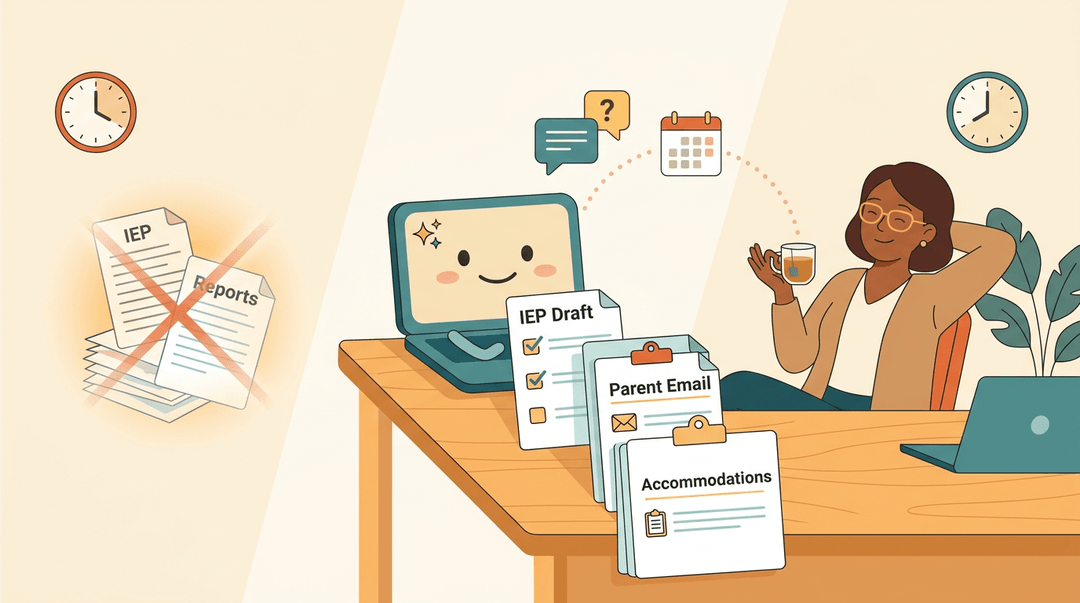
AI also handles the paperwork that eats into evenings. Tools built for individualized education program (IEP) plan assistance can draft a starting plan and compile an accommodation list in a fraction of the usual time.
The same tools draft parent emails and offer teaching-assistant chatbot features for quick answers on scheduling or classroom logistics, so busywork stops eating into planning time.
Getting Started and Customizing AI Tools
You don't need a tech background or a free afternoon to bring AI into your classroom. Most tools are built to get you up and running in minutes, and the real payoff comes once you start shaping them to fit your room.
Signing Up and Getting Started
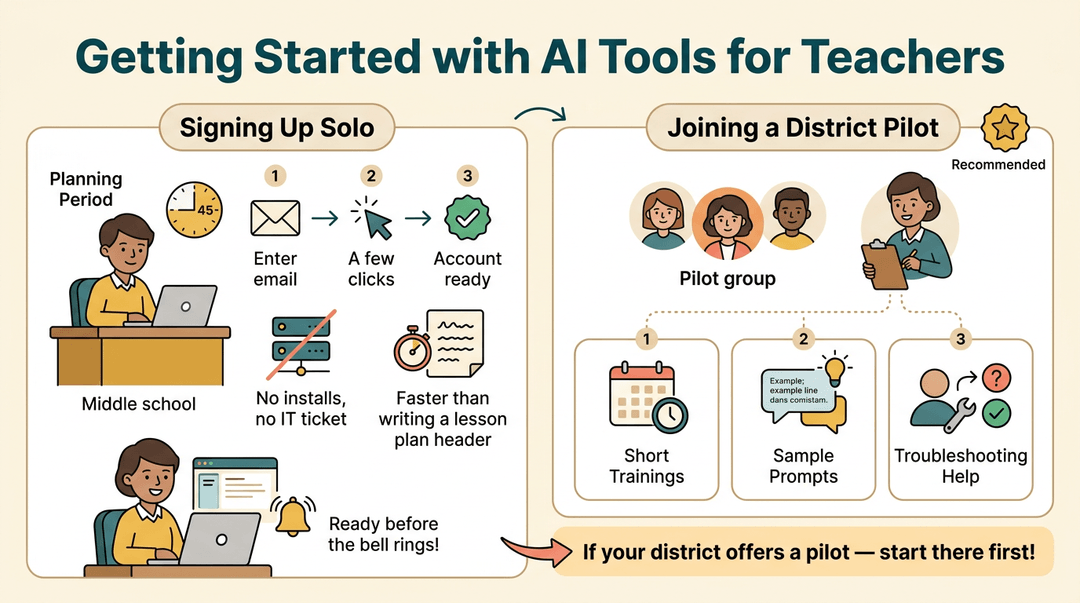
Most AI tools for teachers start with a free teacher account, and signup usually takes less time than writing a lesson plan header. There's no complex setup: no installs, no IT ticket, just an email address and a few clicks.
For instance, a middle school teacher can create an account during a planning period and have a usable tool before the bell rings.
Some districts go further, running pilot programs that give a handful of teachers early access along with structured onboarding support:
- short training sessions
- sample prompts
- a point person to troubleshoot
If your district offers one, it's worth asking to join. We'd recommend starting there if you can. It's the fastest way to get comfortable before a tool spreads school-wide.
Customizing AI Tools for Your Classroom
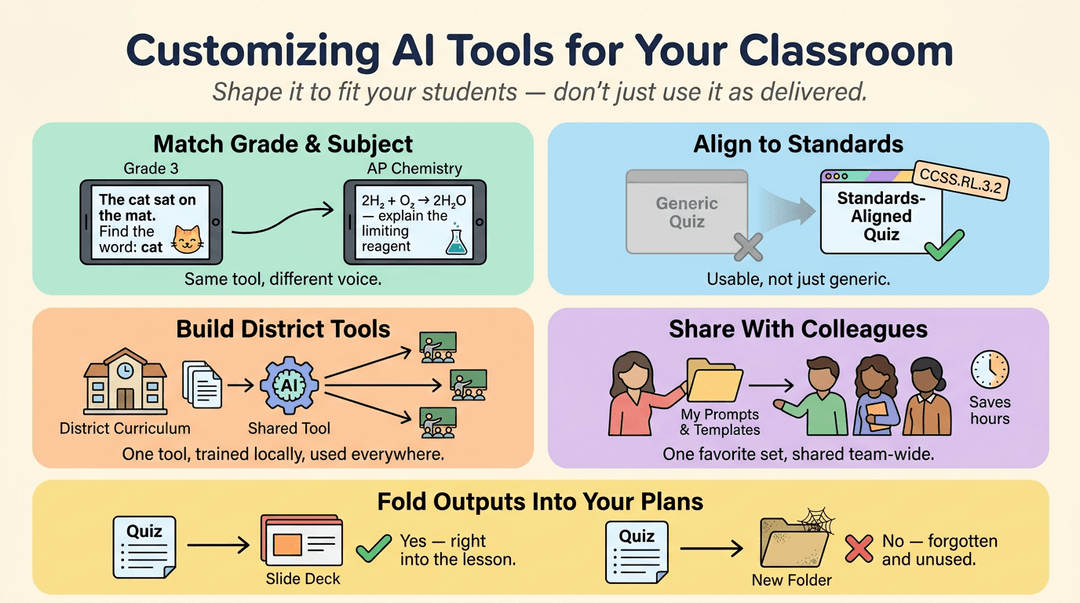
Once you're in, it's less about using a tool as delivered and more about shaping it to match your students. A few ways to make that happen:
- Match tools to grade and subject. A third-grade reading tool should sound nothing like one built for AP Chemistry.
- Align outputs to standards. Ask the tool to format results against your state or district standards, so what it generates is usable, not just generic.
- Build custom district tools. Some platforms let districts create shared versions trained on local curriculum.
- Share tool collections with colleagues. A favorite set of prompts or templates can save a grade-level team hours.
Then fold the outputs into your existing plans instead of treating them as a separate step: drop a generated quiz straight into your slide deck, not into a new folder you'll forget to check.
Using AI Responsibly and Ethically
Bringing AI into your classroom means teaching students how to use it well too. That starts with honest conversations, not just a policy posted on a slide.
Teaching Students About AI Ethics
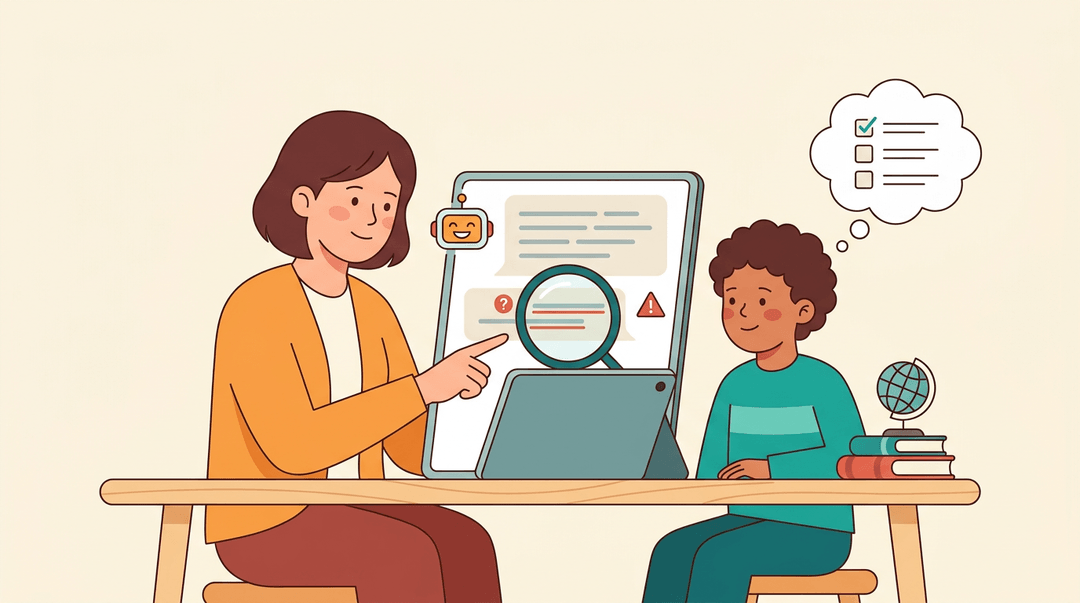
Talk with your students about what AI actually does well (drafting, summarizing, brainstorming) and where it falls short: getting facts wrong while sounding completely confident. Model that yourself.
Think aloud when you check an AI-generated example, and show students how you verify claims instead of just trusting the output. Bias is real too, since these tools learn from the internet, and the internet isn't neutral.
Build in ongoing classroom conversations rather than a one-off lecture, so students get comfortable asking "how do I know this is right?" every time they use a tool.
Many teachers pair this with AI writing detectors for flagged assignments, but it's worth treating a flag as a reason to talk with the student, not a final verdict.
Keeping Student Data Safe and Private
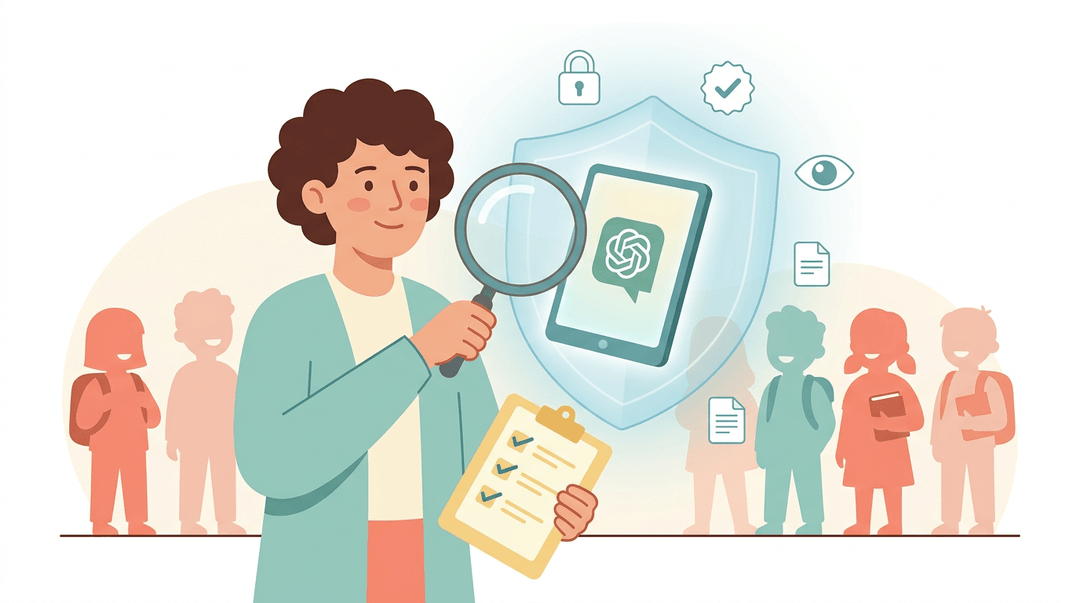
Before you hand any tool to your students, check what happens to their information.
According to the Poorvu Center for Teaching and Learning at Yale, your use of AI tools in the classroom must comply with the Family Educational Rights and Privacy Act (FERPA), and reputable EdTech vendors also carry obligations under COPPA and GDPR for children's and student data.
Look for a SOC 2 Type 2 certification, which means an outside auditor has verified the vendor's security practices over time, and confirm the vendor doesn't sell student data: aiEDU, for example, states plainly that it "does not sell your personal information."
Beyond compliance, check for content moderation suited to your students' age group, and make sure you, as the teacher, keep clear visibility into what your students are doing inside the tool.
AI won't replace the judgment, warmth, or instinct you bring to your classroom. What it can do is clear the busywork out of the way: drafting a lesson, sorting a rubric, freeing up an evening, so you have more energy left for your students.
Used thoughtfully, it's less a shortcut and more a quiet partner in the work you already do well.
Ready to put it into practice? Check out our AI Lesson Editor to draft and refine lessons with built-in AI assistance.
References
- Symbolic, Selective, or Substantive? Compliance Patterns in EdTech Privacy Policies — aisel.aisnet.org (2026)
- Protecting Student Privacy and Your Data — poorvucenter.yale.edu
- A free version of ChatGPT built for teachers — openai.com (2025)
- How Teachers Spend Their Time: A Breakdown — edweek.org
- Three in 10 Teachers Use AI Weekly, Saving Six Weeks a Year — news.gallup.com
- Privacy Policy — aiedu.org
- Epic Announces Free Support for Educators, Students and Families Impacted by COVID-19 School Closures — thelearningcounsel.com
Frequently asked questions
What is the best AI for a teacher?
There is no single best AI for every teacher. ChatGPT, MagicSchool, Curipod, Canva, Quizizz, and Eduaide.Ai are strong options, depending on whether you need lesson planning, content creation, quizzes, feedback, or administrative help.
What is the best AI app for teachers?
MagicSchool is a strong all-purpose AI app for teachers because it includes lesson planning, academic content creation, quizzes, rubrics, writing feedback, and presentation tools. ChatGPT is another flexible choice for drafting, brainstorming, adapting materials, and creating classroom prompts.
What are some free AI platforms for teachers?
Free or free-tier options include ChatGPT, MagicSchool, AudioPen, Canva, Curipod, Eduaide.Ai, Quizizz, and Slidesgo. Epic also provides educators with free access to its book library. Features and usage limits can vary by plan and may change over time.
What are the 5 major AI platforms?
Five major AI platforms commonly used by teachers are ChatGPT, Google Gemini, Microsoft Copilot, Claude, and Perplexity. They are general-purpose AI platforms, while tools such as MagicSchool and Curipod are more specifically designed for education.
How can I use AI as a teacher?
Start with one repetitive task, such as drafting a parent email, creating warm-up questions, adapting a reading passage, or building a rubric. Ask the AI for a specific format and grade level, then edit the result, verify facts, check for bias, and avoid entering student names, grades, or IEP information into public tools.
How to make an extra $1000 a month as a teacher?
Teachers can earn an additional $1,000 a month through tutoring, selling original lesson resources, teaching online courses, curriculum writing, educational consulting, or professional development workshops. AI can help draft materials and reduce preparation time, but earnings depend on demand, pricing, taxes, platform fees, and the time available.
Is ChatGPT free for educators?
Yes. ChatGPT for Teachers is offered as a free version for teachers through June 2028. Availability, eligibility, and features may depend on the current program terms, so educators should confirm details with OpenAI and follow their school or district policy.
Which AI platform is best for teachers?
The best platform depends on the job. MagicSchool is a strong choice for broad classroom workflows, ChatGPT is versatile for drafting and brainstorming, Curipod is useful for interactive lessons, Quizizz supports quizzes and adaptive practice, and Canva helps create visual lesson materials and presentations. Choose the tool that matches your biggest time-consuming task and review all outputs before using them with students.