Time Management for Teachers: A Complete Guide


Jump to section
Think about the last time you watched the clock hit 3:30 and thought, finally, I can get to my actual work. Except the stack on your desk hadn't shrunk, your inbox was fuller than the morning, and you still had tomorrow's lessons to plan. Sound familiar?
Teaching is one of the few jobs where the official hours are just the warm-up.
Time management for teachers isn't really about squeezing more into your day. It's about protecting your time so the work that matters most, the work that actually reaches your students, gets done without burning you out in the process.
In this post, we'll cover the planning systems, scheduling strategies, classroom routines, and boundary-setting habits that help real teachers work smarter, not just longer.

Why Time Management for Teachers Is so Hard
Teaching doesn't come with big, uninterrupted blocks of time you can shape however you like.
The structure of the school day works against you before you've even started, and the sheer variety of tasks you juggle makes focused work genuinely hard to carve out.
How the school day works against you
Most of your day is already spoken for.
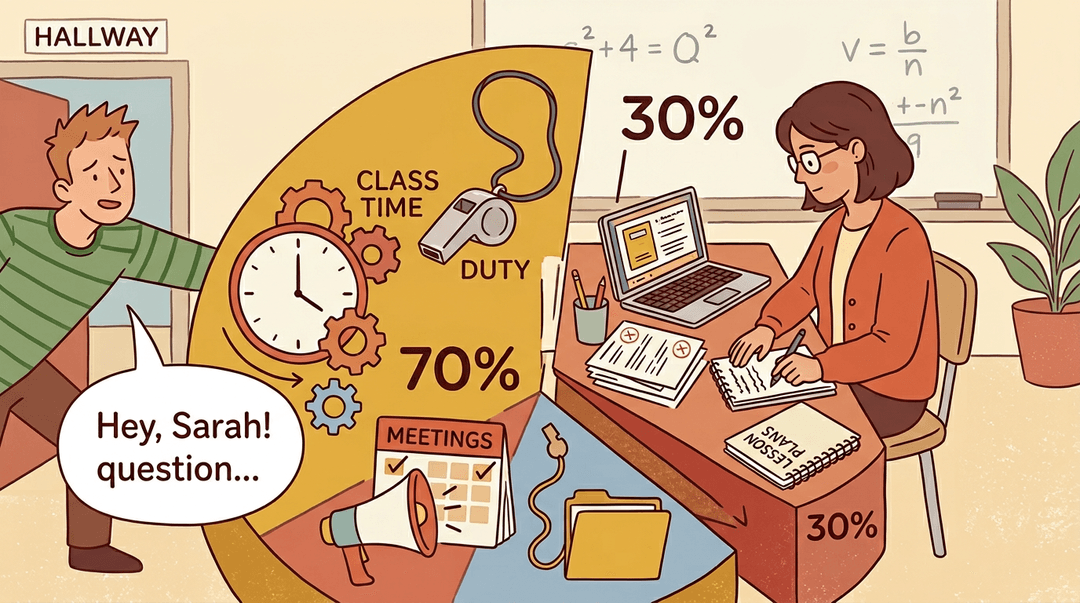
According to Edutopia's guide to time management for teachers, the 70/30 rule captures this well: roughly 70% of a teacher's day is managed time, meaning your schedule is dictated for you through classes, duties, and meetings.
That leaves just 30% for everything else:
- planning
- grading
- responding to emails
- preparing materials
That 30% rarely arrives in one clean stretch. It comes in fragments: a spare 20 minutes before lunch, a planning period sliced by an impromptu conversation in the hallway.
Reaching a genuine flow state, where you're fully focused and making real progress, is difficult when you keep getting pulled back to the surface.
The sheer volume and variety of teacher tasks
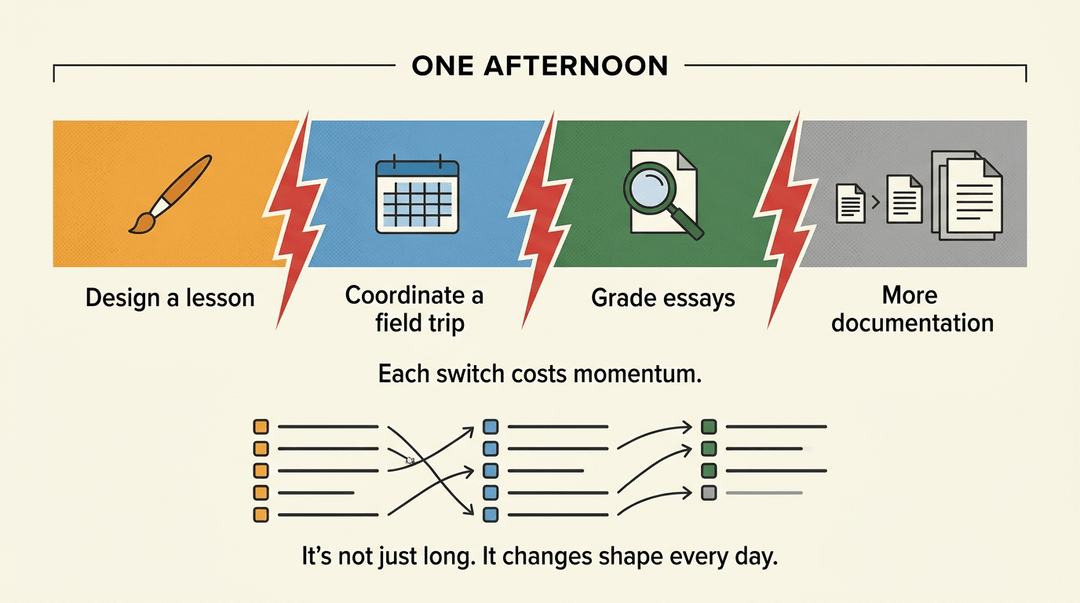
What fills that remaining 30% is part of the problem too. Teaching pulls you across completely different kinds of work in the same afternoon:
- creative lesson design
- logistical coordination
- analytical grading
- documentation that seems to multiply on its own
Each shift in task type costs you mental momentum.
Add to that the pressure of content coverage, and you have a recipe for constant reactive task-switching rather than deliberate, focused work. The to-do list isn't just long; it changes shape every day.
Planning and Prioritization Systems That Work
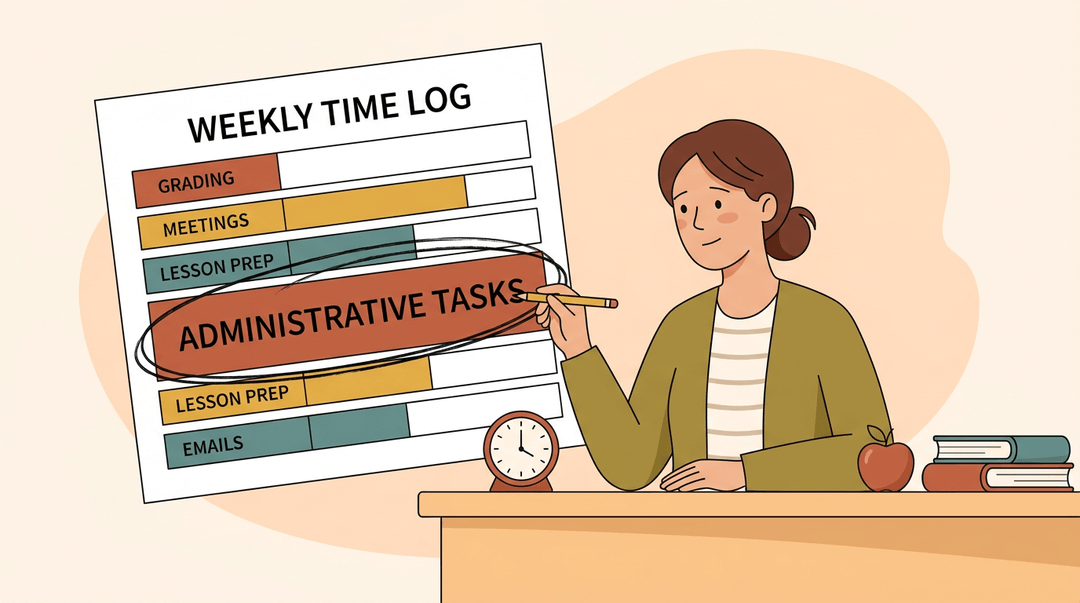
Knowing you're busy isn't the same as knowing where your time actually goes. Before you change anything, spend 3–5 days tracking how you spend each hour.
You'll likely find unmanaged pockets you didn't realize existed, and that awareness is where better planning begins.
Track your time before you change anything
Log your tasks honestly for a few days, then look at the totals. Which responsibilities are eating the most time? Which feel urgent but aren't really important? That reflection tells you what to protect and what to cut.
Build a weekly plan around your top three tasks
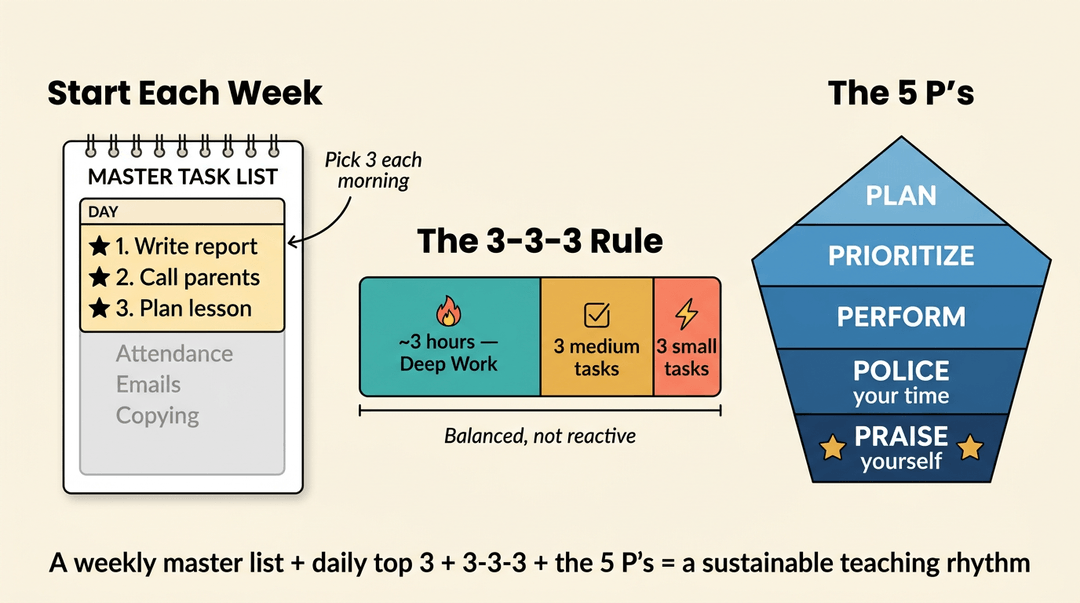
At the start of each week, write a master task list. Then, each morning, pick your top three priorities for the day and put them at the top.
Update the list as things shift, and capture recurring tasks (attendance, copying, emails) so nothing falls through the cracks.
The 3-3-3 rule takes this further: spend roughly three hours on your most important work, complete three medium tasks, and handle three small ones. It keeps your day balanced rather than reactive.
The 5 P's of time management offer a complementary lens: Planning, Prioritizing, Performing, Policing your time boundaries, and Praising yourself for progress. Together, they build a sustainable rhythm.
Frameworks for deciding what to do first
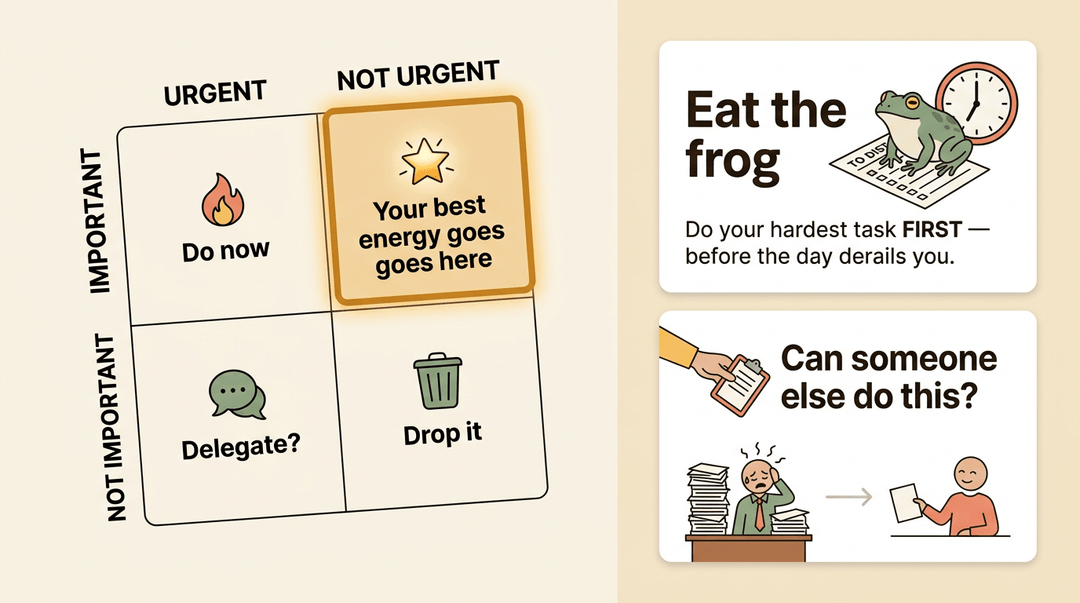
Two tools help when everything feels urgent. The urgent vs. important matrix separates genuine priorities from noise: tasks that are important but not urgent are where your best teaching energy belongs.
Eat the frog means tackling your hardest task first, before the day gets away from you. And for anything that doesn't require you specifically, ask: can this be delegated?
Scheduling and Batching Strategies
A good schedule doesn't just track your time: it protects it. These three approaches help you stop reacting to your week and start designing it.
Block your schedule around energy and tasks
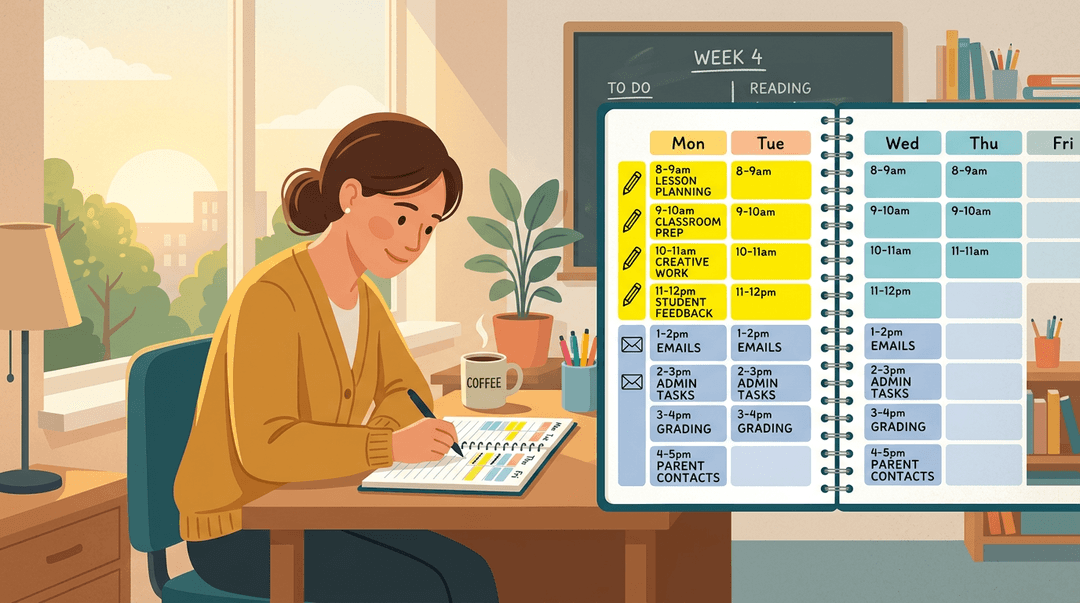
Start by mapping your full week, not just your classes. Assign specific tasks to specific time blocks, and do it with your energy in mind. Most teachers hit their creative peak in the morning: that's when to write lesson plans, not answer emails.
Reserve lower-energy slots for logistical work. Whether you use Google Calendar or a paper planner, the habit is the same: give every block a job before the week starts.
Group similar work to cut mental switching
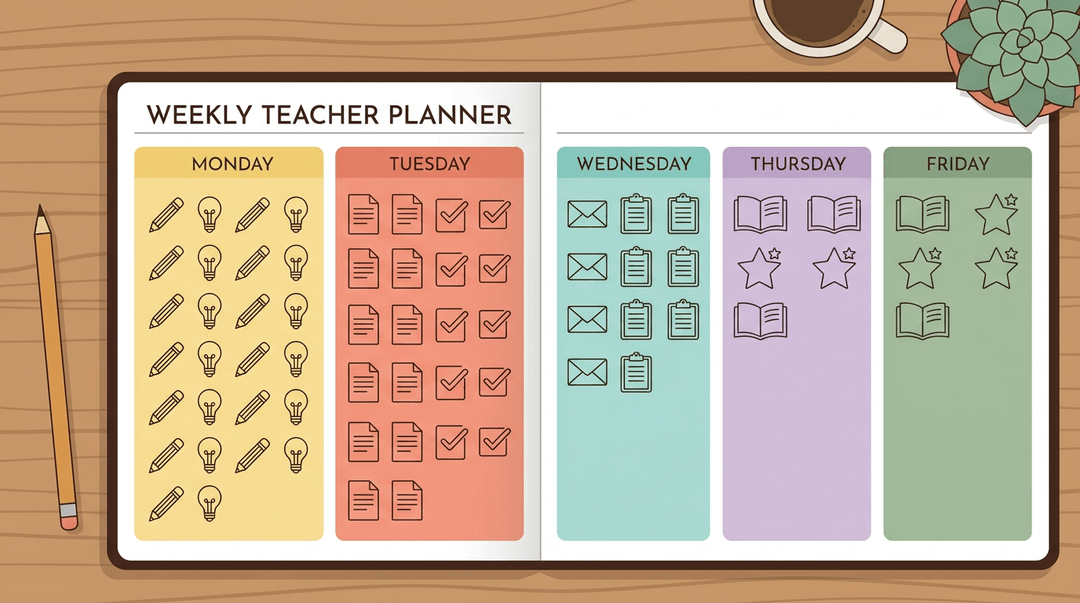
Every time you jump from grading to planning to replying to a parent email, your brain pays a switching cost. Task batching fixes that by grouping like work together.
Take it further with themed days: Monday for unit planning, Tuesday for grading, for example.
Separating creative tasks (lesson design, project feedback) from logistical ones (copying, data entry, inbox) means you stay in one mode longer and move through the work faster.
Make short gaps count with a 15-minute task list
Keep a running list of tasks that take under 30 minutes:
- replying to one email
- updating a grade
- printing tomorrow's handout
When a gap opens up between classes or before a meeting, you already know what fits. Matching task size to available time turns those loose minutes into real progress, without the mental overhead of figuring out what to tackle next.
Your Weekly Time Management Checklist
This is your week on one page: a Monday setup, the daily habits that keep it from slipping, and a Friday reset. Pin it near your desk and run it on repeat.
Monday: set the week
Spend ten minutes before students arrive so the week has a spine.
- Name your top-3 priorities. The three things that must move this week, written where you'll see them.
- Example: "Grade unit 4 essays. Plan Friday's lab. Call two parents."
- Block grading and prep windows. Put them on the calendar as appointments, not hopes.
- Treat a blocked window like a meeting you can't skip.
- Review upcoming deadlines. Scan the next two weeks for anything due.
- Report cards, permission slips, district forms: catch them early.
Daily habits that keep it on track
These cost seconds and save hours. Build them into the rhythm you already have.
- Confirm today's top task each morning. One thing, before the first bell.
- If you do only one thing today, this is it.
- Use 15-minute gaps for quick wins. A free passing period clears small debts.
- Send one email, grade one stack, log one grade.
- File materials the moment you finish. Handle each paper once.
- The pile you don't make is the pile you don't sort later.
💡 Tip: A 15-minute gap is real time. Keep a short "quick task" list visible so you're not deciding what to do, just doing it.
Friday: reset and pre-load next week
Close the loop so Monday starts clean instead of buried.
- Clear or reschedule unfinished items. Nothing carries over by accident.
- Move it to a real day and time, or cross it off for good.
- Batch next week's recurring tasks. Group like with like.
- Copy all worksheets at once; draft all five lesson plans in one sitting.
- Log one time-waster to eliminate. Name the thing that ate your week.
- "Re-explaining the same instructions" → make a posted handout instead.
Key principle: The Friday reset is the habit that protects all the others. A week that ends in order is a week that starts in control.
At a glance:
| Day | Move | What you get |
|---|---|---|
| Monday | Set top-3, block windows | A week with a spine |
| Daily | Confirm task, fill gaps, file | No backlog building |
| Friday | Clear, batch, log waster | A clean Monday start |
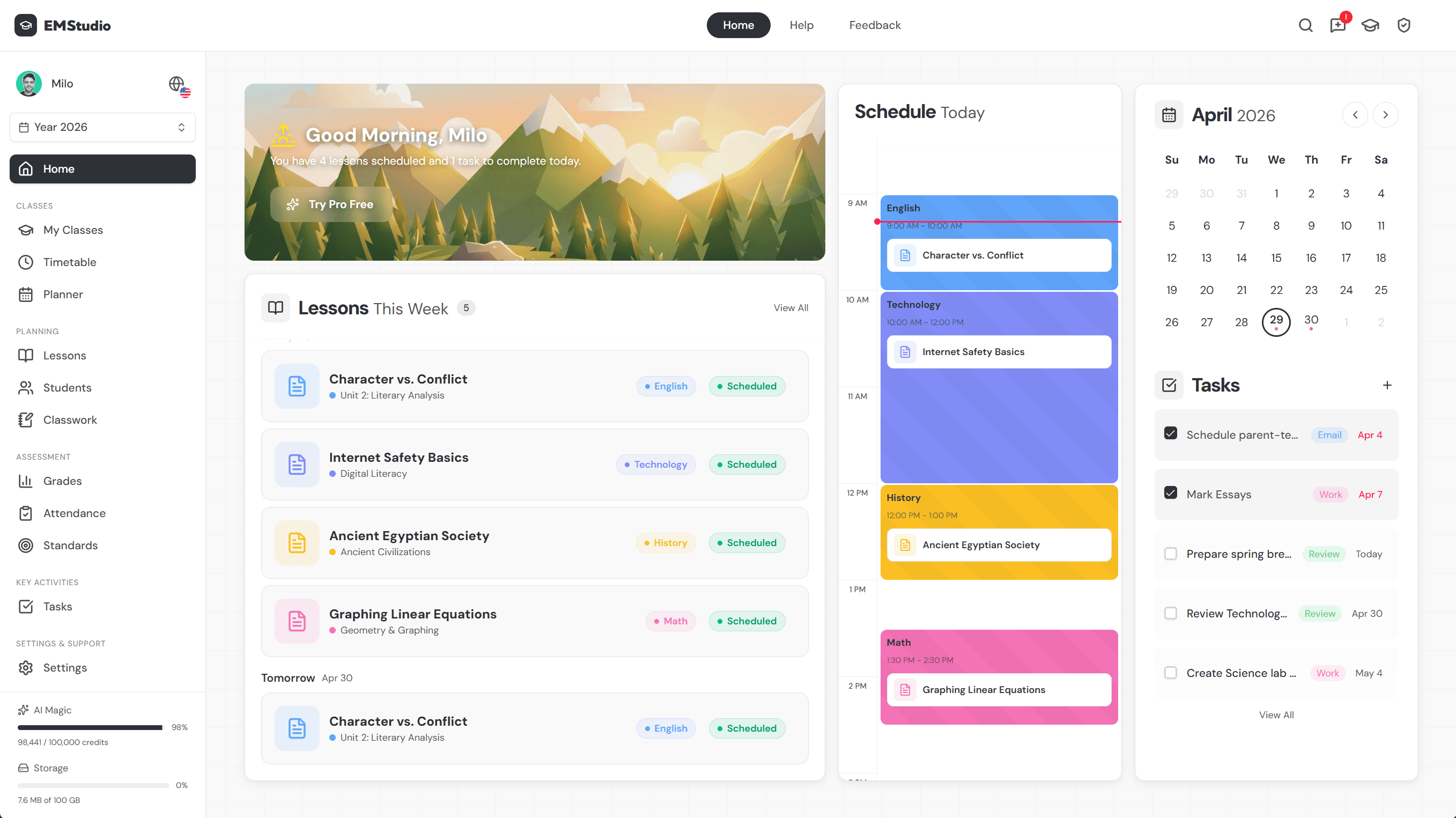
Batching plans is where the biggest hours hide, so let the drafting itself go faster: use EMStudio's AI Lesson Editor to draft and refine lesson plans in minutes, reclaiming your blocked planning time for higher-priority work.
Tools and Techniques That Boost Productivity
The right tools don't manage time for you, but they do remove the friction that quietly eats it. A few practical systems, used consistently, make a real difference.
Use timers to protect your focus
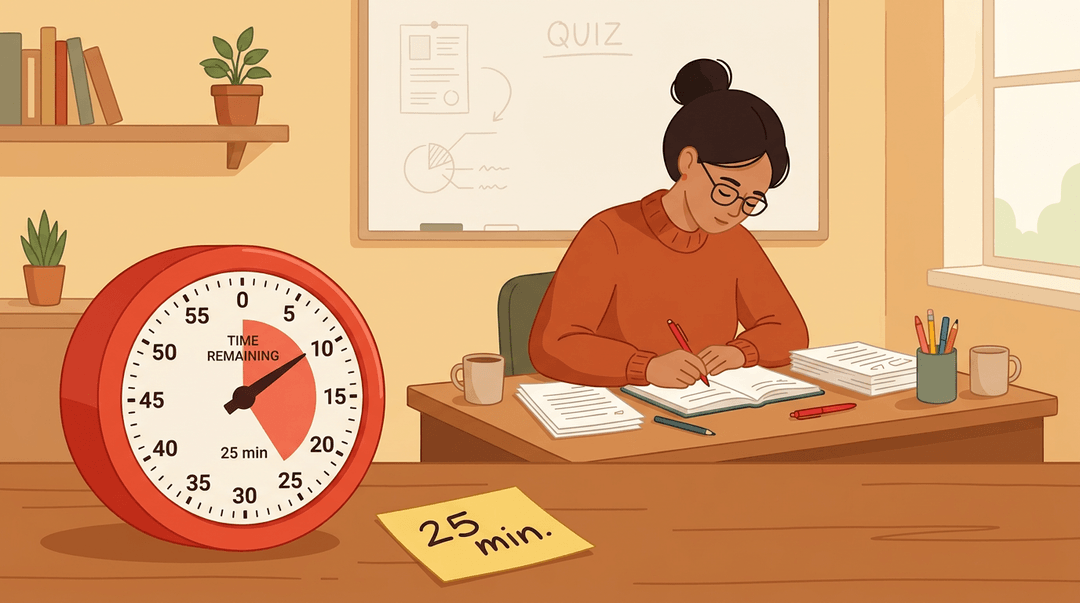
The Pomodoro Technique breaks work into 25-minute focus blocks, each followed by a short break. It sounds simple because it is, and that's exactly why it works. You sit down, set the timer, and the decision of when to stop is already made.
Use the same idea inside your classroom: a visible timer keeps lessons on pace and, once students get used to it, they'll manage transitions independently without a reminder from you.
Planners and organizers worth keeping on your desk
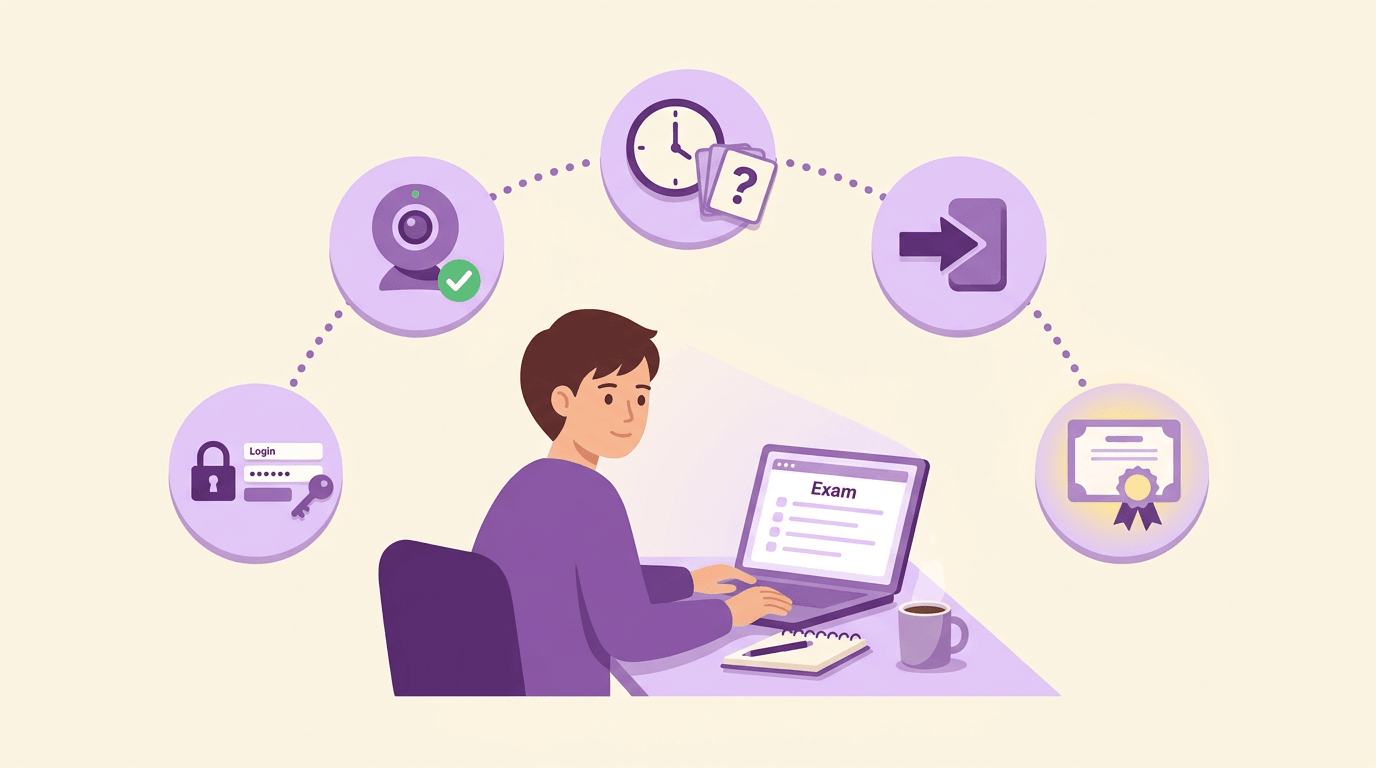
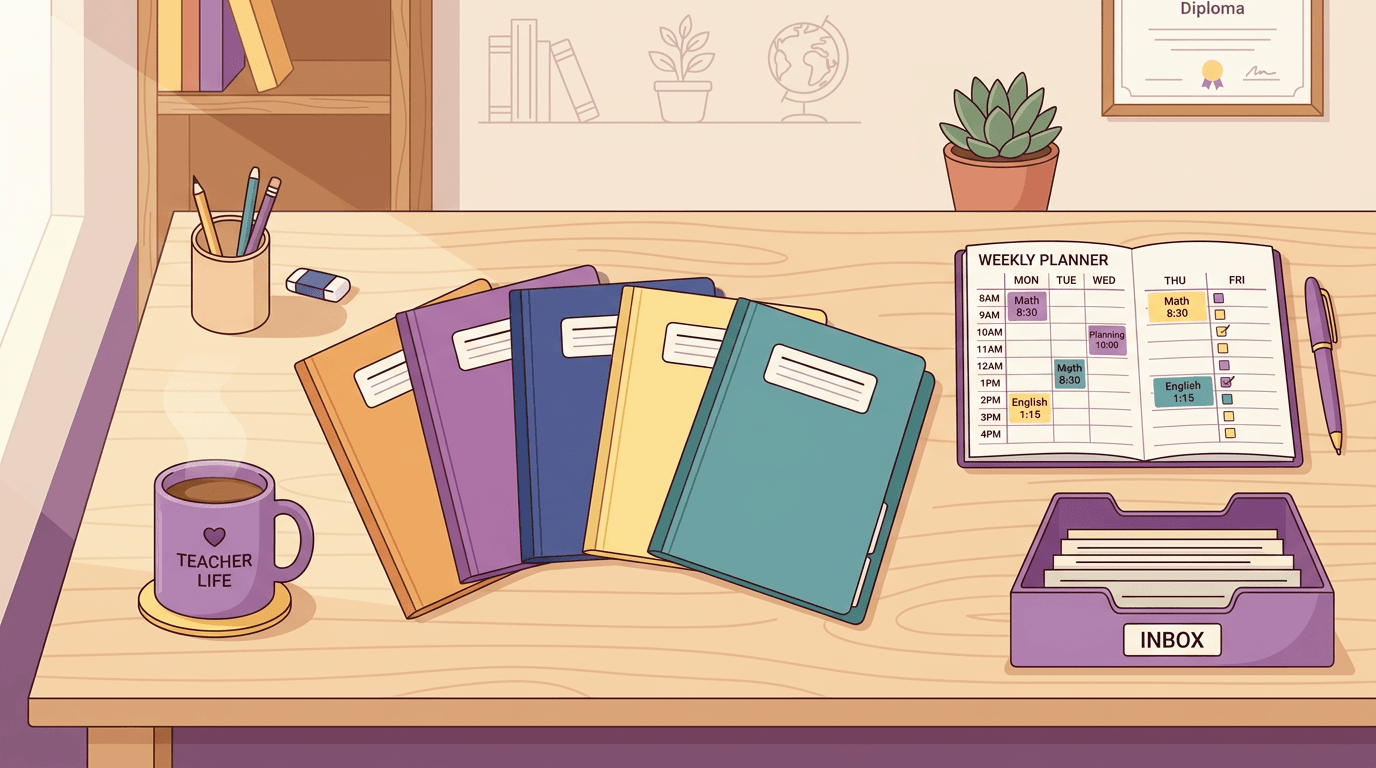
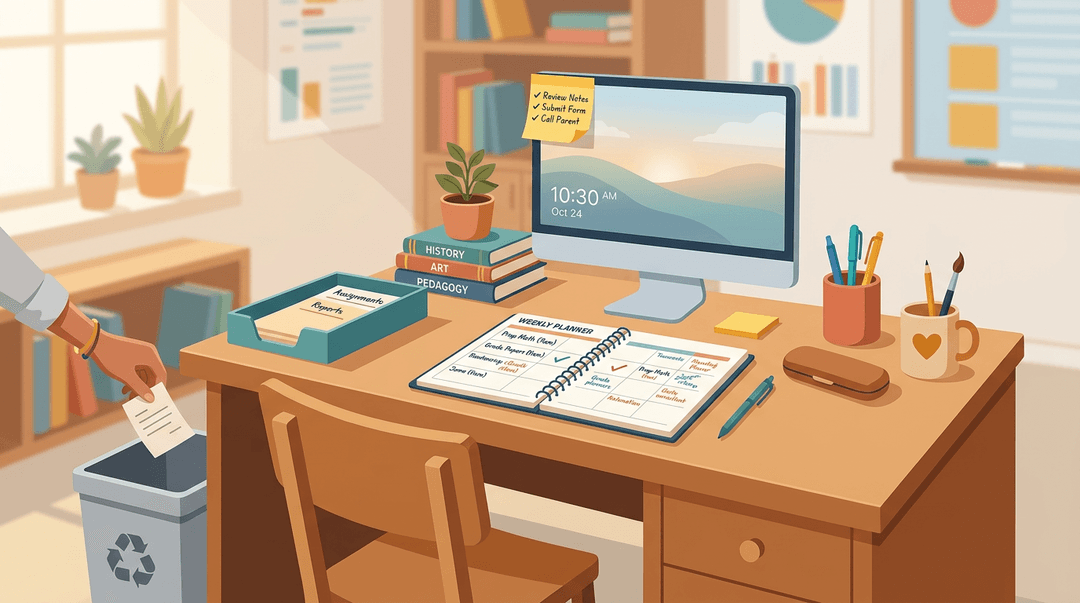
A dedicated teacher planner keeps materials, notes, and to-dos in one place instead of scattered across three notebooks. Pair it with a digital calendar for anything schedule-based: meetings, deadlines, parent conferences.
For daily priorities, a sticky note on your monitor beats a long list every time. And one rule that protects more time than it sounds: don't touch a paper or an email twice. File it, action it, or bin it the moment it lands.
Digital tools that cut repetitive work
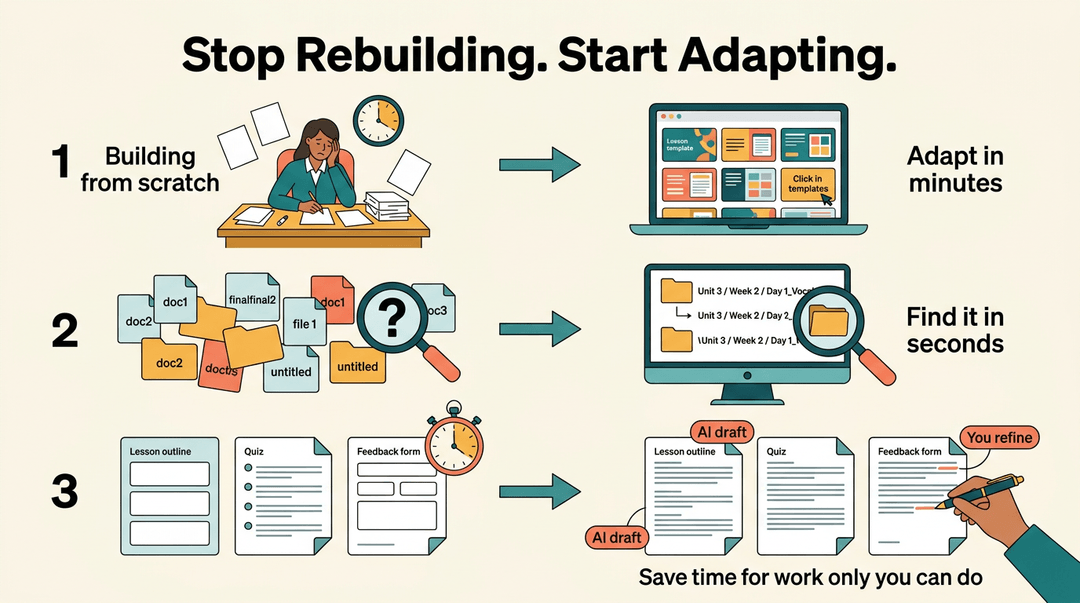
Repetitive tasks are where teacher hours quietly disappear. Online platforms give you ready-made resources and activities you can adapt rather than build from scratch.
Organizing materials digitally, shared folders, a consistent naming system, means you find things in seconds rather than minutes.
An LMS tool like EMStudio is worth mentioning here too: drafting lesson outlines, generating quiz questions, and giving feedback on low-stakes writing are all tasks where AI can take the first pass and give you time back for the work only you can do.
Classroom Systems, Routines, and Transitions
The more your classroom runs itself, the more time you have to actually teach. That shift starts with procedures your students own.
Build procedures students can follow independently
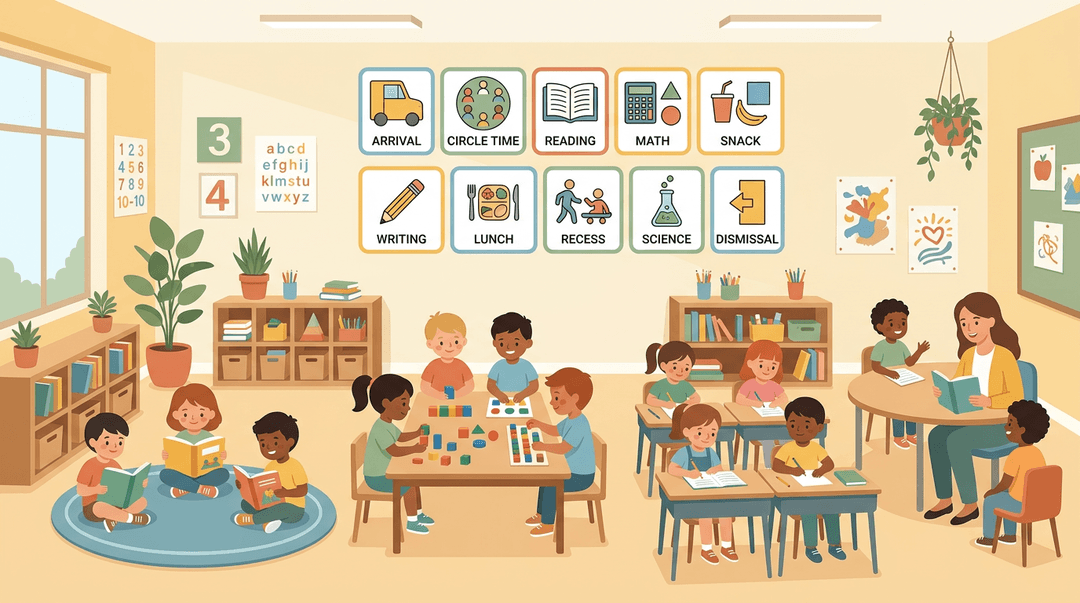
Post a visual schedule where every student can see it. When the day's structure is visible, you field fewer "what do we do now?" interruptions.
From day one, practice your routines the way you'd practice a fire drill: repeatedly, with feedback, until they're automatic. Independent learning stations and small-group rotation structures pay the biggest dividends here.
Once students know exactly where to go and what to do, you can pull a small group without managing the rest of the room at the same time.
Speed up transitions with timers and student buy-in
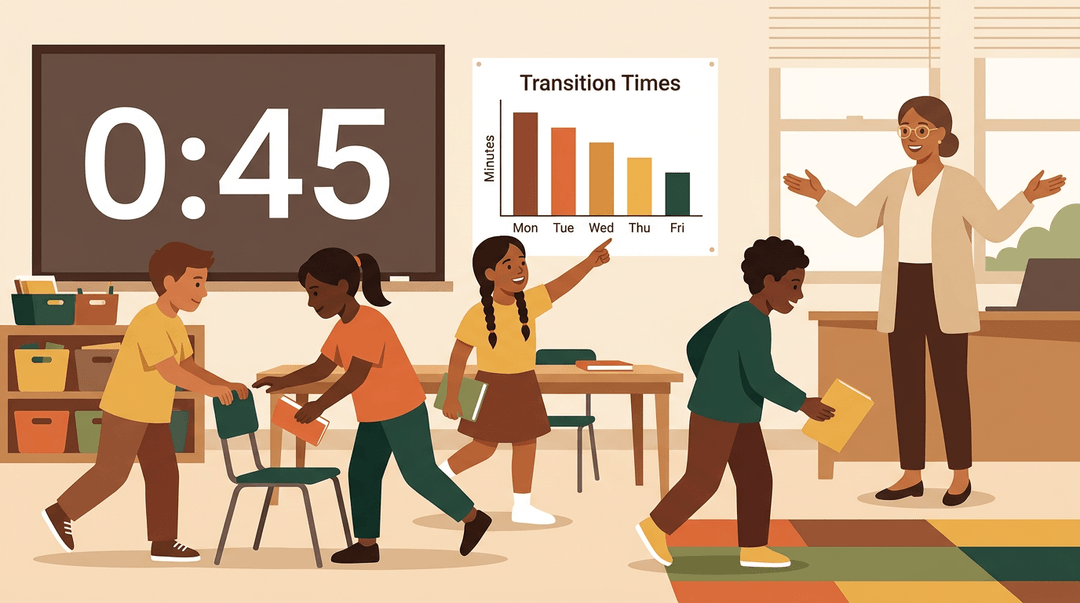
A visible countdown timer makes transition expectations concrete. Students aren't guessing how long they have: the clock is right there. Involve them in improving the process too. Ask, "What slowed us down today?" and set a class goal together.
When they hit it, celebrate it. A few teachers even track transition times on a simple chart and share it back with students. Watching their own data motivates them more than any reminder from you.
Give students jobs that free up your time
Assign classroom maintenance tasks:
- supply monitor
- paper passer
- folder filer
- materials organizer
Use dismissal time to rotate through these jobs rather than scrambling through them yourself. The payoff is real: student jobs can free up 5–10 minutes of your instructional day, every day.
That's time you take back for conferencing, resetting materials, or simply catching your breath before the next class walks in.
Collaboration and Delegation
You don't have to carry the whole load alone. Two of the biggest time wins available to teachers come from sharing work with colleagues and having an honest conversation with your administrator.
Save planning time by sharing with colleagues
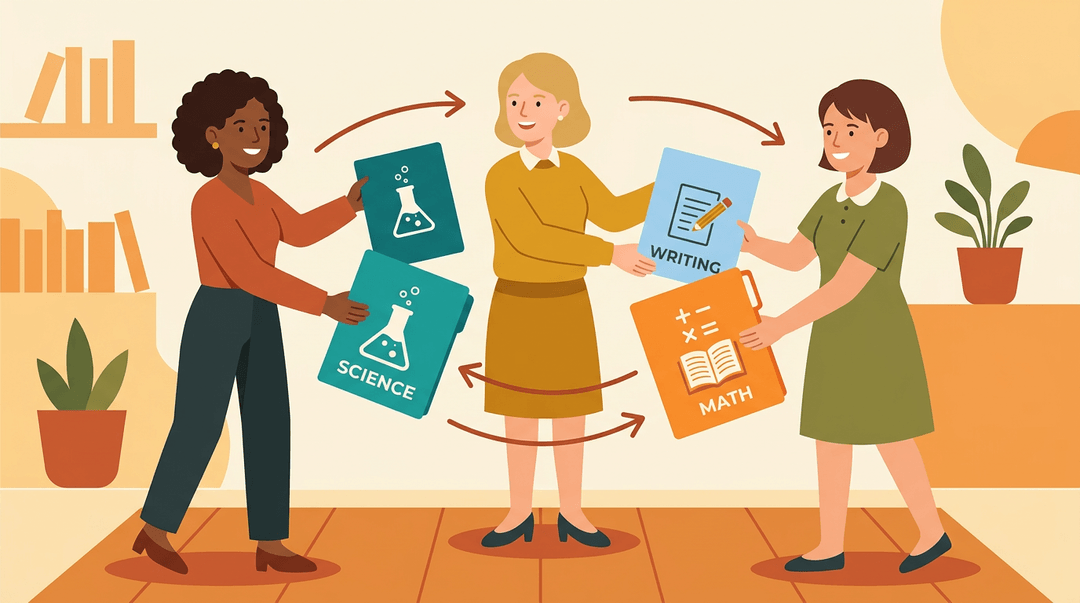
If three teachers on your team each plan a unit independently, that's triple the work for the same result. Specialize instead: one teacher owns the science unit, another owns the writing workshop, and you share what you build.
You also pick up each other's shortcuts along the way, cutting redundant planning that no one has time for.
Ask your administrator to help lighten the load
Most principals don't know exactly what's on your plate until you show them. Write out your current responsibilities, bring the list to a one-on-one, and ask directly: "Which of these is actually mine to own, and what can shift?"
Administrators can't help you prioritize what they can't see.
Grade less without sacrificing feedback quality
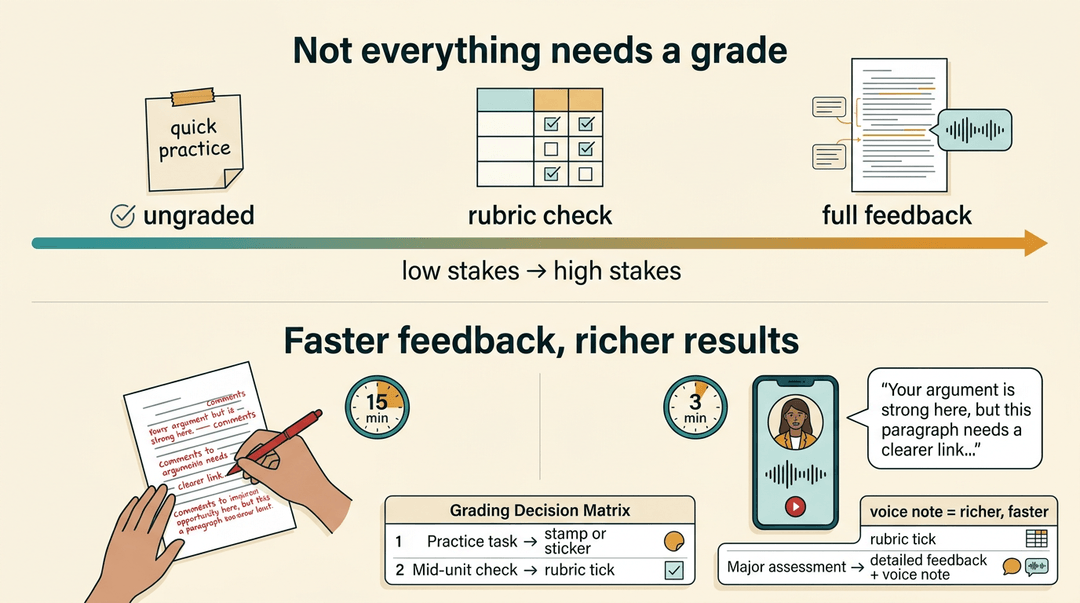
Not everything students produce needs a grade. A quick practice task can stay ungraded; save your full attention for the assessments that actually move learning forward.
When something does need grading, use a grading decision matrix: decide in advance what gets detailed feedback, what gets a rubric check, and what gets a stamp or a sticker.
For written work, a short voice note recorded on your phone often gives students richer feedback than written comments, in less time. Rubrics do double duty here too: they speed up your grading and make expectations clearer for students before they start.
Boundaries, Well-being, and Working Sustainably
Productivity without rest is just a faster path to burnout. Protecting your time outside school isn't a luxury; it's what keeps you effective inside it.
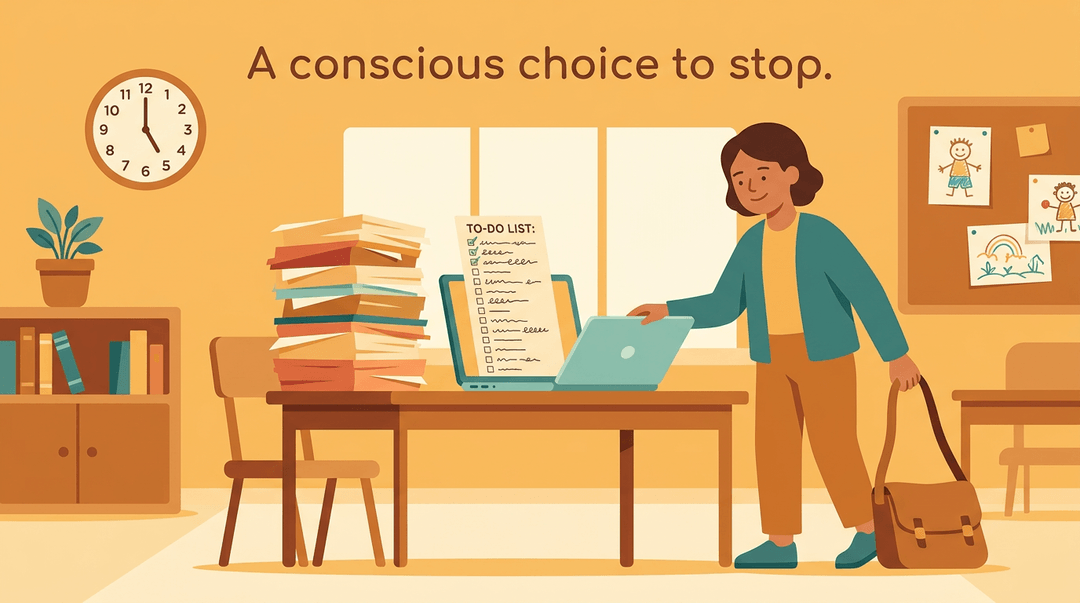
Set a firm stop time and stick to it
Start by deciding your target working hours, then schedule a departure time the same way you'd schedule a meeting. When that time arrives, pack up and leave. The to-do list will never be fully done, and treating it as a finish line is a trap.
A hard stop isn't giving up; it's recognizing that tomorrow's students need a teacher who showed up rested, not one who ran on empty for the fifth night in a row. If weekend work is unavoidable, cap it: one defined block, then off.
Unlimited "catch-up" time expands to fill however much you give it.
Why breaks make you a more productive teacher
Building in breaks isn't a reward for finishing; it's part of finishing well. Rest before an intense stretch, not just after. Take a genuine lunch, drink water, and move during the day.
Stepping away from a problem for ten minutes often solves it faster than grinding through. When you hit a real milestone, acknowledge it. Small, deliberate rewards reinforce the habits you're trying to build.
Keep your personal life organized too
A chaotic home life follows you into the classroom. A simple life planner for personal tasks and appointments keeps that cognitive load off your plate during school hours.
Think about what your time is actually worth per hour: if outsourcing a chore costs less than that, it's worth considering. Delegate what you can, at home just as you would at school.
The goal is a life that supports teaching, not one that competes with it.
Good time management won't make teaching effortless, but it will make it sustainable.
When you have systems that handle the predictable stuff, you free up your energy for the moments that only you can create: the conversation that turns a struggling student around, the lesson that finally clicks, the calm end-of-day feeling that makes tomorrow look possible.
Ready to cut down your lesson prep time? Check out our AI Lesson Plan Generator to see how it can give you back hours every week.
References
- Time Management Tips for Teachers — edutopia.org
Frequently asked questions
What is the 3 3 3 rule for time management?
The 3-3-3 rule for time management suggests spending roughly three hours on your most important work, completing three medium-sized tasks, and then handling three smaller tasks. This approach helps to balance the workday and prevents it from becoming overly reactive to immediate demands.
What is the 70 30 rule in teaching?
In teaching, the 70/30 rule indicates that approximately 70% of a teacher's day is "managed time," meaning fixed periods dedicated to classes, duties, and meetings. The remaining 30% is available for tasks like planning, grading, and non-instructional duties, often in fragmented increments.
How to improve time management as a teacher?
To improve time management, teachers can track how they spend their hours to identify inefficiencies and unmanaged pockets of time. Building a weekly plan around top priorities, grouping similar tasks, and using short gaps for quick wins are also effective strategies tailored to a teacher's schedule. Utilizing classroom routines and student-led procedures can also free up valuable time.