Random Partner Generator
Paste your class list and deal rounds of partners where nobody gets the same partner twice, then print the Partner Chart. Free in your browser, no sign-up.
Students
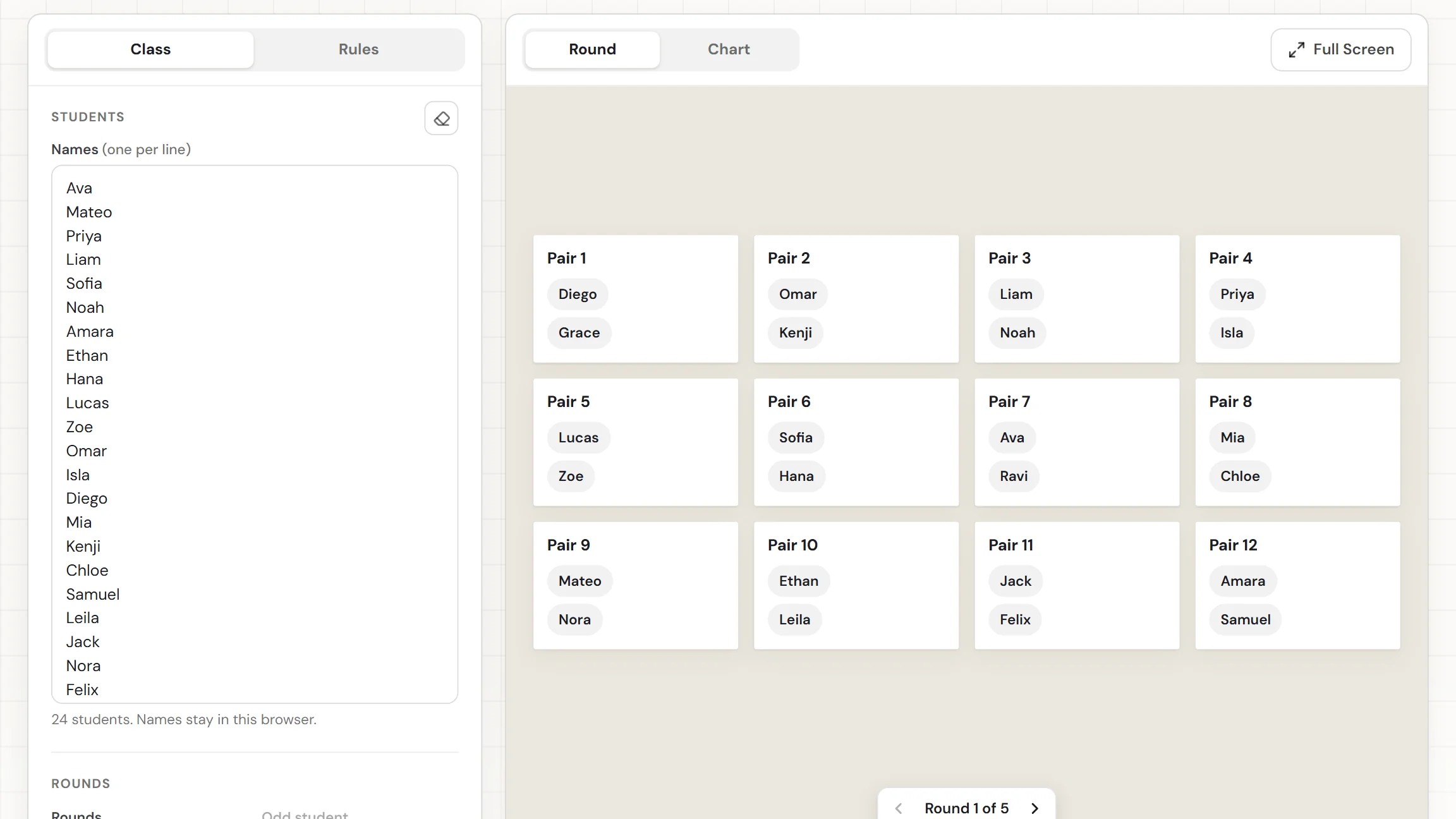
24 students. Names stay in this browser.
Rounds
This class can have up to 23 rounds with no repeat partners.
Away Today
Tap a name to leave that student out today.
Never Partners
These two are never partners, in any round.
Pair 1
Pair 2
Pair 3
Pair 4
Pair 5
Pair 6
Pair 7
Pair 8
Pair 9
Pair 10
Pair 11
Pair 12
What is a random partner generator?
A random partner generator pairs up your class so you do not have to. You type or paste the names, choose how many rounds you want, and press Make Partners. Each round appears as a set of pair slips, and nobody gets the same partner twice. If the class is odd, you choose what happens to the extra student. You can step through the rounds on the board, add more rounds later, and print the whole rotation as a chart. Nothing to install, nothing to sign up for.
When do you pair students up?
Any time students work in twos and you would rather not pick the pairs by hand, week after week. Three moments where a fresh set of partners helps:
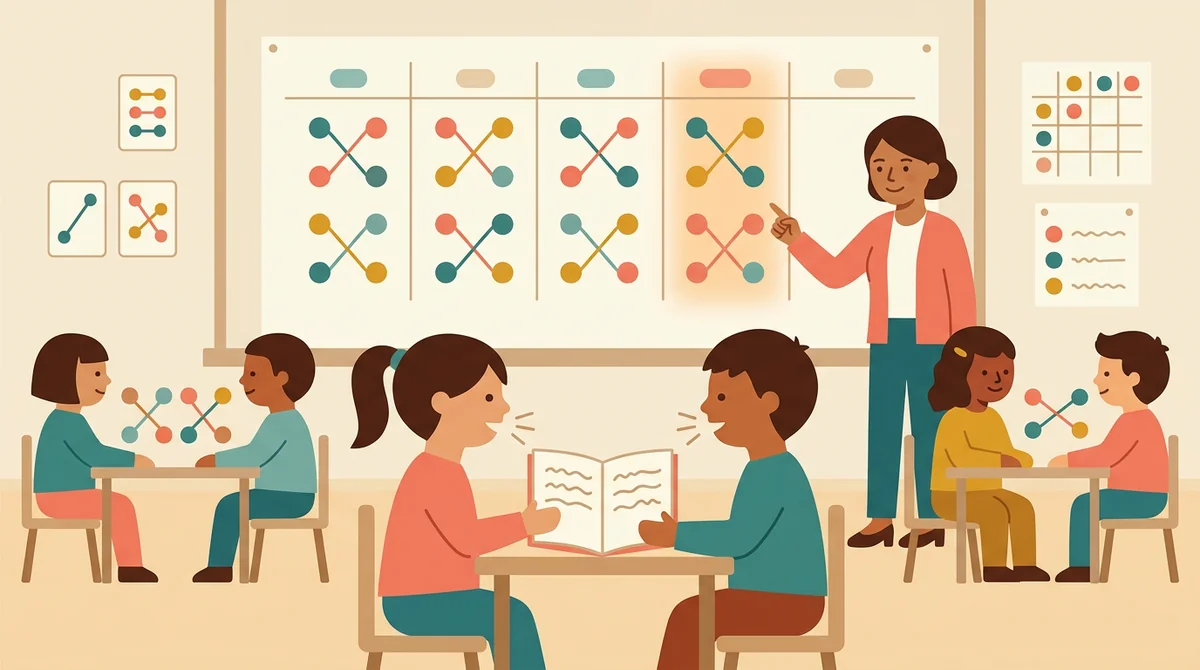
Partner reading and peer review
Deal five rounds on Monday and show one round each day. Students read to a new partner every time, and you never have to remember who sat with whom. The Partner Chart on the wall answers the question when someone asks.
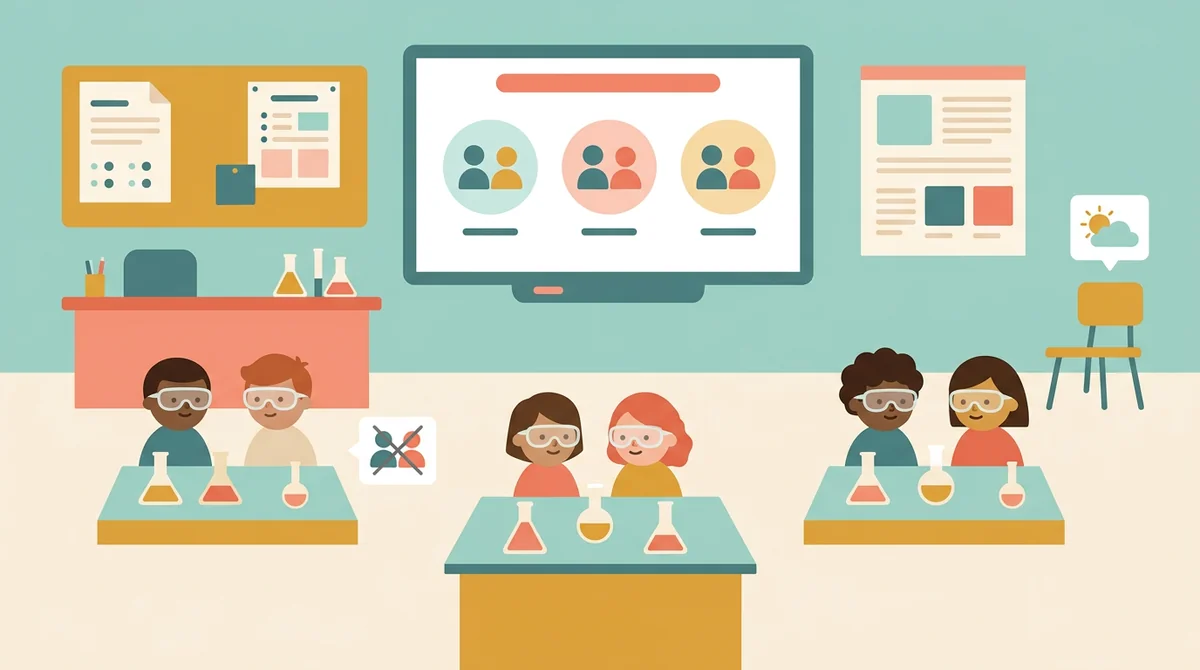
Lab partners and station rotations
Pair students for each experiment in a unit. Add a Never Partners rule for two students who should not work together, and mark anyone who is away under Away Today. The pairs for the day appear on the board with Full Screen.
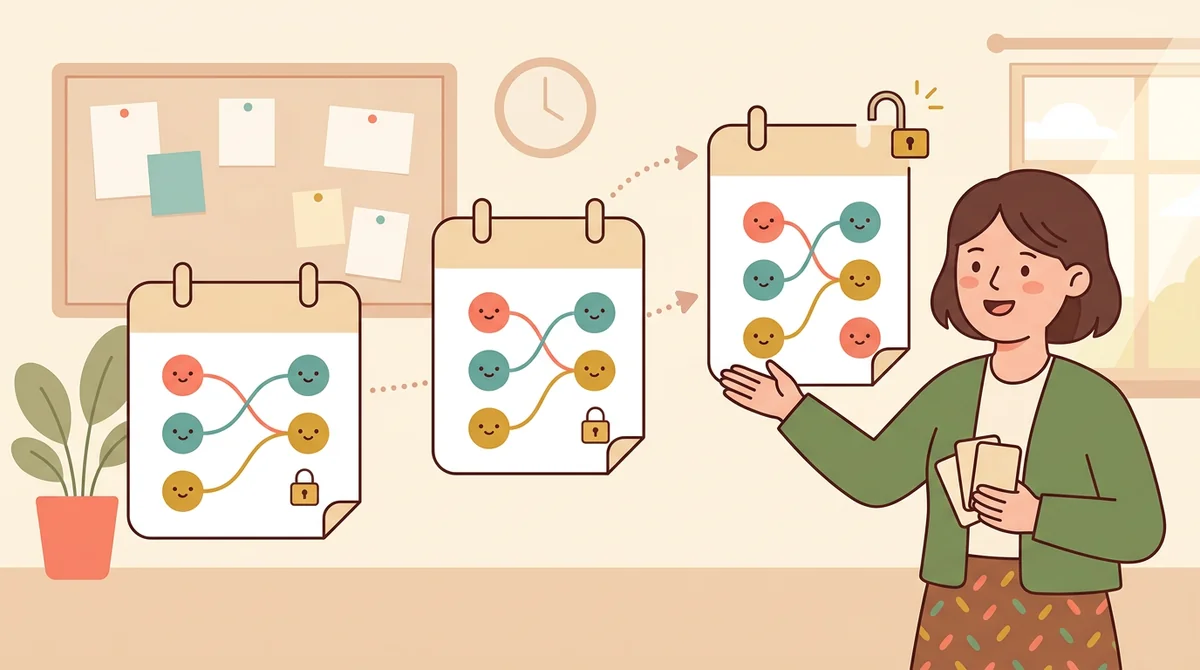
A new partner for each class
Keep the same class list all term and come back for the next round when you need it. Raise the number of rounds and the new ones are added after the rounds you already used, so last week's pairs stay the same.
Core features of
a random partner generator
A good partner generator remembers who has already worked together. Here is what this one does, from the first name to the printed chart.
Type or paste your class list
Put one name on each line, up to 200 students. The page opens with a sample class so you can see how it works. A line under the box counts your students, and your names stay in this browser.
- One name per line, up to 200
- A sample class is already there
- Clear the box, then press Undo
Rounds with no repeat partners
Set how many rounds you want with the Rounds stepper. A line under it says how many rounds this class can have with no repeat partners, and the stepper stops at that number.
- A stepper for the number of rounds
- A line states the most rounds possible
- No partner repeats within those rounds
A choice for the odd student
When the class is odd, pick Odd student: Group of Three, Sits Out, or With the Teacher. The odd place is shared out, so nobody gets it twice before everyone has had it once.
- Group of Three, Sits Out, or With the Teacher
- The odd place rotates through the class
- Only used when the class is odd
Pair slips, one round at a time
Each round shows as slips on the desk, labeled Pair 1, Pair 2, and so on. A pager under them reads Round 2 of 5 and steps through the rounds. The arrow keys work too.
- One slip for each pair
- Previous and next round arrows
- Arrow keys move between rounds
A Partner Chart to print
Switch from Round to Chart to see one row for each student and one column for each round, with that student's partner in every cell. Press Print for the chart and the rounds as lists.
- A row for each student
- A column for each round
- Print, or Copy the rounds as text
How to make
partners for a class
Five steps from a class list to partners on the board, and typing the names is the longest part.
Type your class list
Put one name on each line, or paste a list from a document. The sample class is in the box to start, and the clear button empties it if you want your own. Undo brings it back.
Choose the number of rounds
Use the Rounds stepper to set how many rounds you want. The line under it says how many rounds are possible with no repeat partners. If the class is odd, pick what the Odd student does.
Press Make Partners
Make Partners deals every round at once. Add Away Today or Never Partners rules first if some students are out or should not be paired. The button then reads New Partners.
Step through the rounds
Use the arrows under the slips to move from Round 1 to Round 2 and on. Or switch to Chart to see every round in one table. Press Full Screen to show the round on the board.
Copy or print
Press Copy to paste the rounds as text, or Print to send the Partner Chart and the rounds to the printer. Post the chart, and students can look up their own partner for each round.
That's the whole rotation
Type the names once, and come back for more rounds whenever you need them. The generator is at the top of this page.
Make Partners
Get started in under 5 minutes.
Sign up and walk through the onboarding tutorial. By the end you've got your classes set up and you're ready to plan your first lesson. No credit card required.
Get Started for FreeMore than a pair shuffler
A one-off shuffle can pair the same two students again. This one keeps every round different, handles an odd class, leaves out students who are away, and tells you when a rule limits the rounds. It runs in any browser, including a locked-down school laptop.
Add rounds without changing old ones
Raise the number of rounds and the new ones come after the rounds already made. The pairs you have used stay exactly as they were.
Away students in one tap
Open Away Today and tap the names of students who are out. They are left out of the pairs. All Here brings everyone back.
Pairs that never meet
Pick two students under Never Partners and press Add. They are never partners in any round, and each rule can be removed later.
A slip for the odd student
An odd class gets a Group of Three, Sits Out, or With the Teacher slip in each round, and a different student has it each time.
Full Screen for the board
Full Screen shows the current round large, with the pager, so students can read their partner from their seats.
It says when rules limit the rounds
If Never Partners rules cut down how many rounds are possible, a line names the new limit. If the class changes, the rounds are dealt again and the page says so.
Who is the partner generator for?
Anyone who pairs people up again and again and wants each round to be new. If you usually pick partners by hand or count off by twos, it is for you.
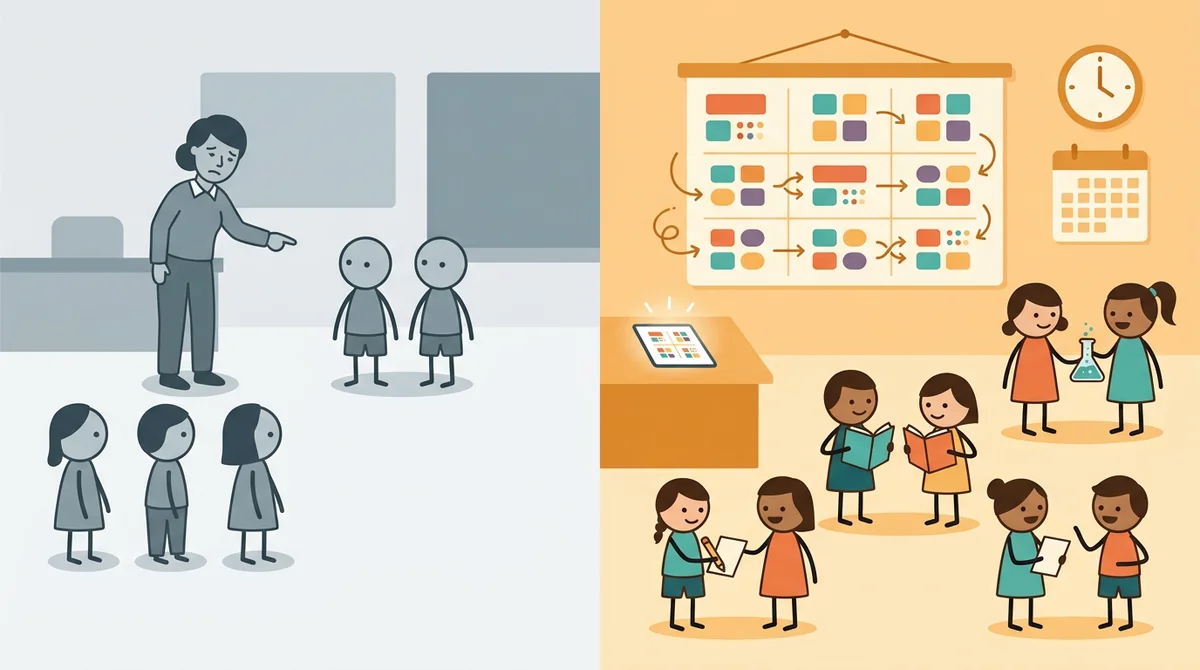
Classroom teachers
Partner reading, lab pairs, math talk, and peer editing. Paste the class list, deal the rounds, and post the chart so students know who is next.
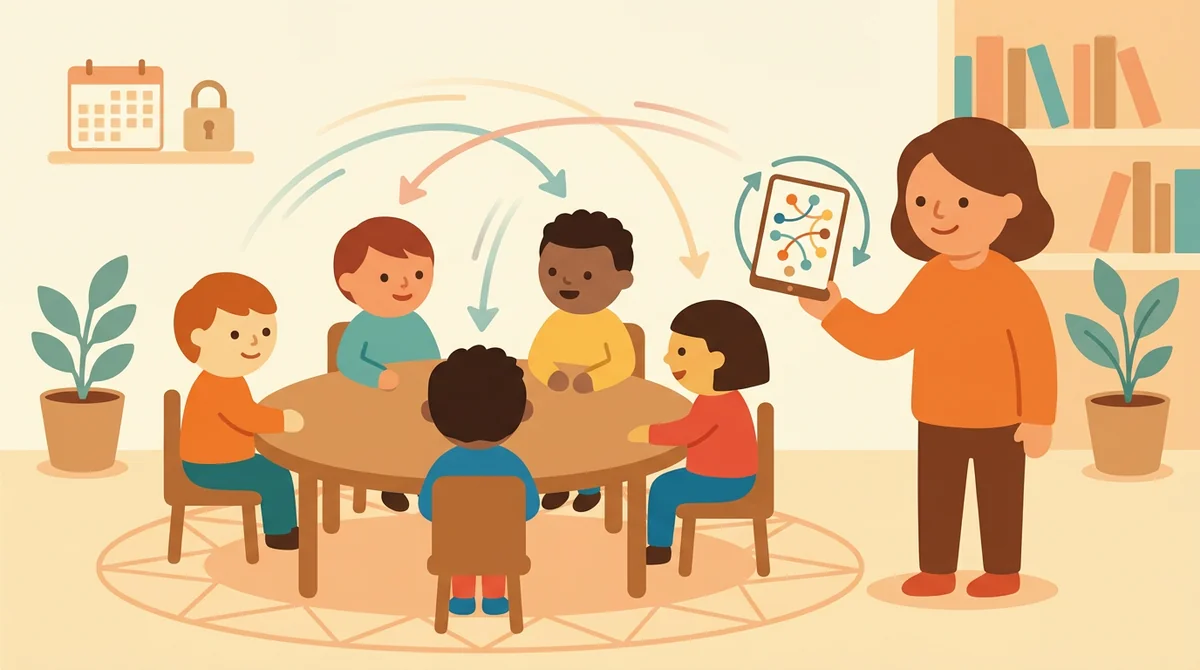
Tutors and homeschool parents
Rotate partners in a small group or a co-op class. With a short list, the tool tells you how many rounds you can run before partners would repeat.
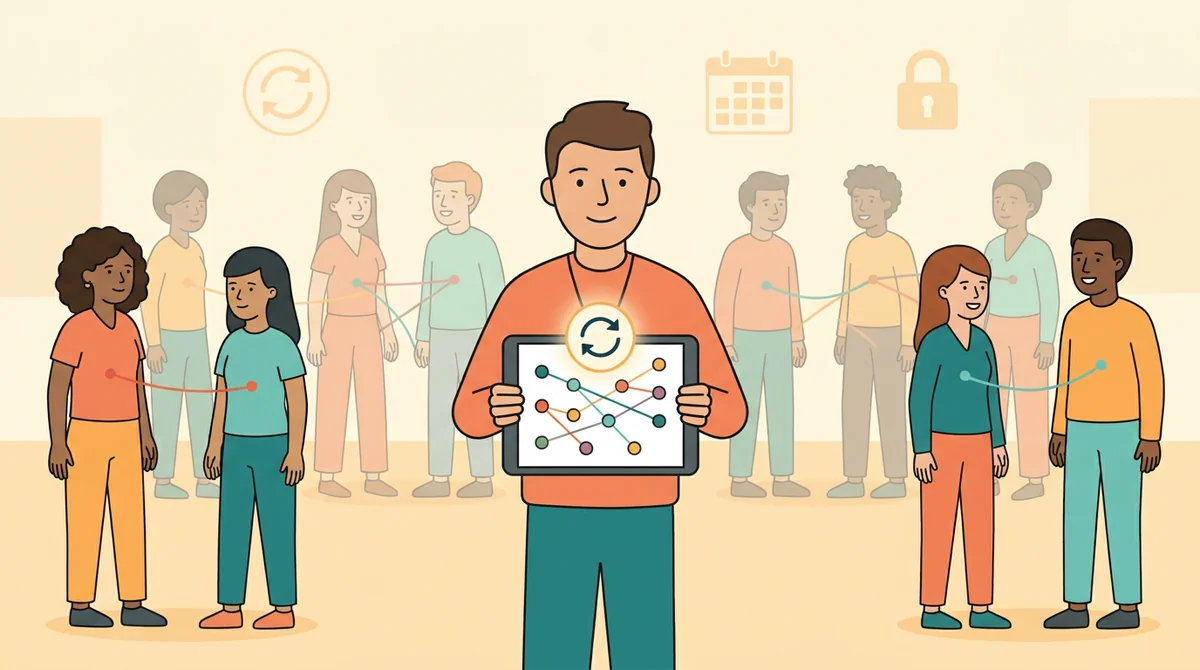
Coaches and club leaders
Pair up drills, practice partners, or workshop activities. Each session gets a new round, so members meet someone new without anyone keeping track.
How EMStudio's partner generator is different
Many partner pickers shuffle once and forget. This one deals several rounds at a time, keeps them stable, and gives you a chart to print.
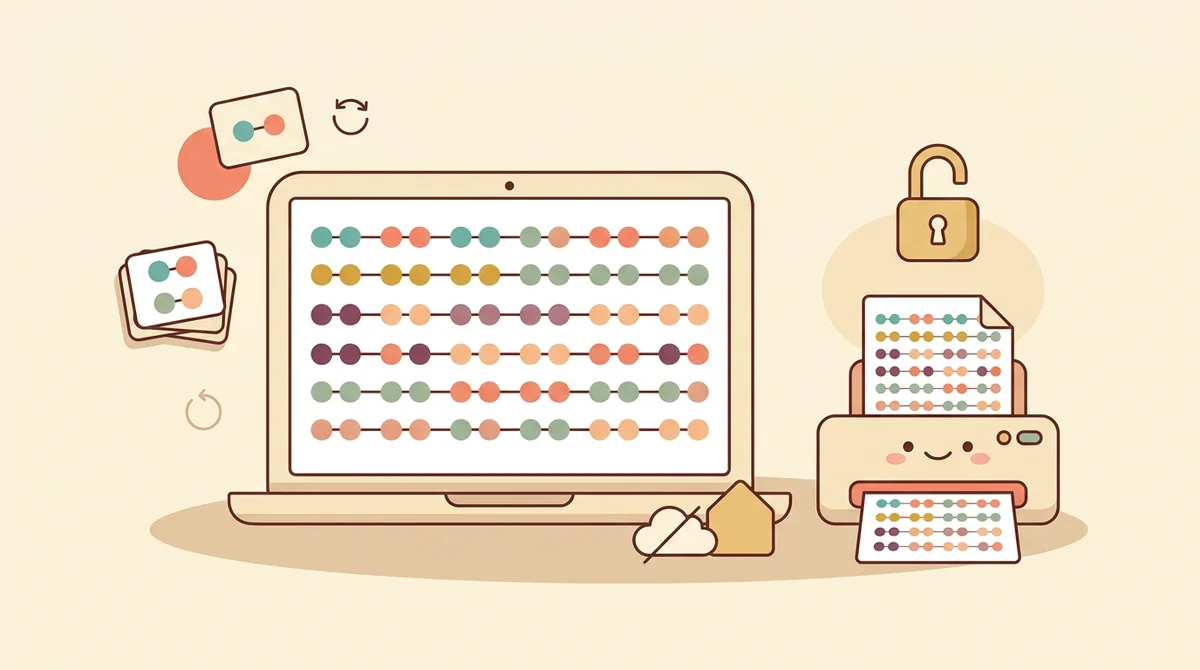
Free, with nothing held back
Every round, rule, the chart, Copy, Print, and Full Screen work without an account, a trial, or a daily limit. The names stay in your browser and nothing is sent anywhere.
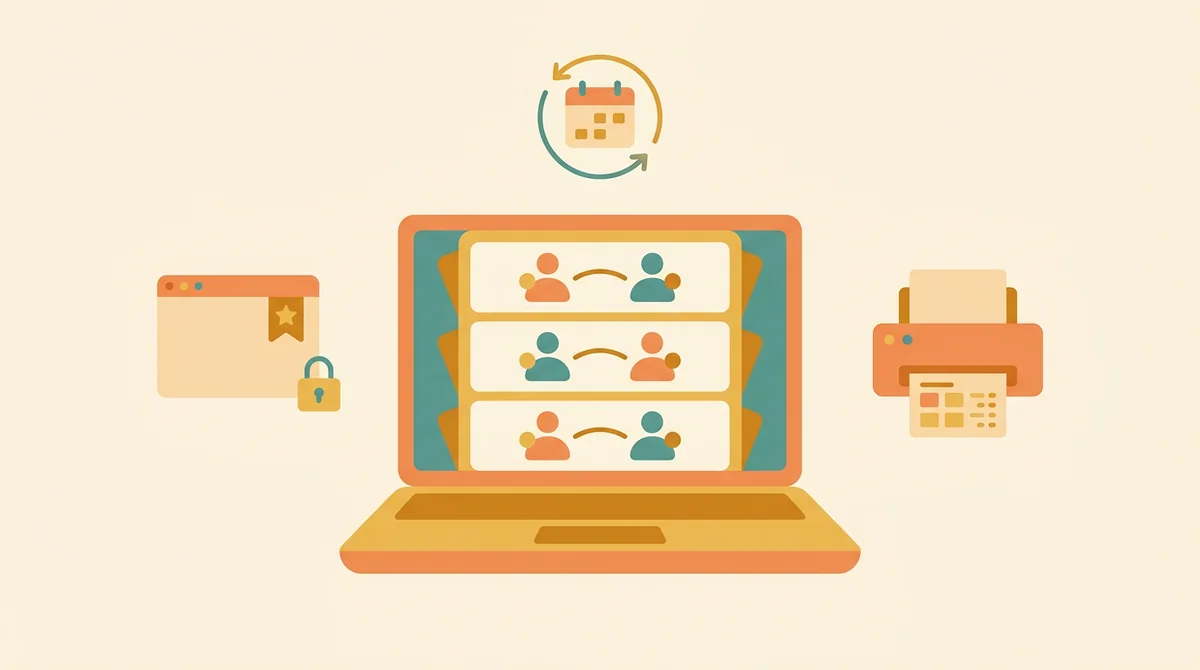
Rounds that remember
Your names, rules, rounds, and the round on show are kept in this browser. Come back next week and the same partners are there, ready for one more round.
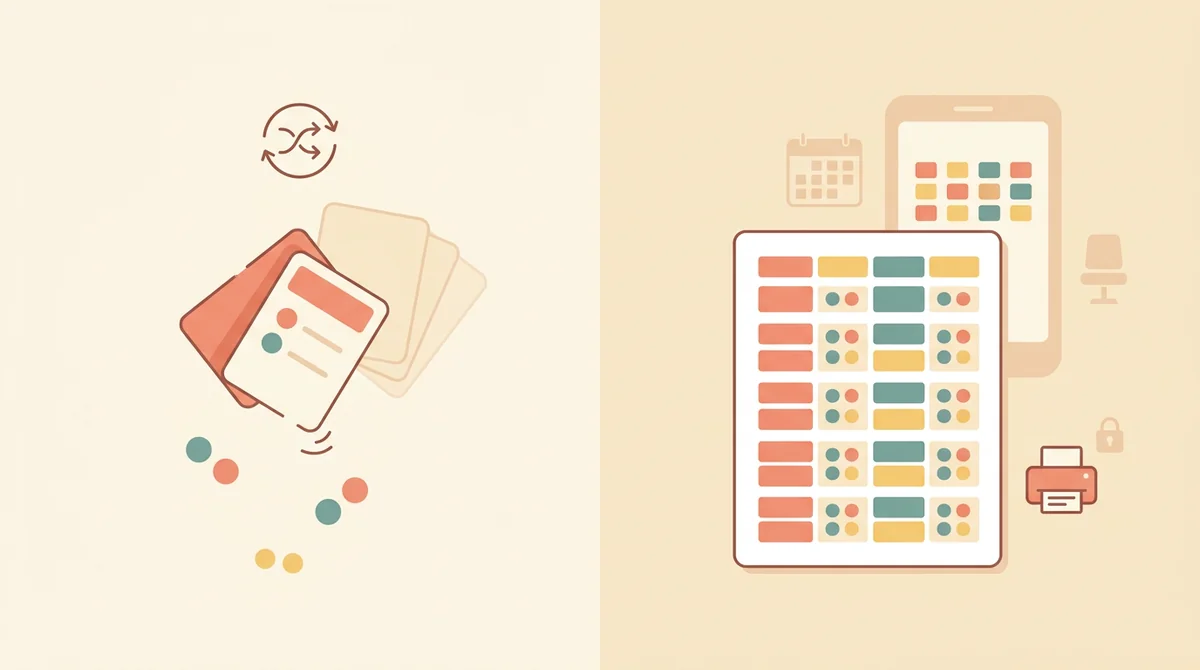
Part of a classroom management app
EMStudio's classroom management app keeps your class rosters, attendance, and seating in one account. This free page does not save partners to a class, and the app is where the class itself lives.
More free teacher tools
FAQ
Try EMStudio today.
Create your first class, build a lesson, and take attendance all in under five minutes.
No credit card required.
Get Started for FreeYou have 3 lessons and 2 tasks today.