Rubric Generator
Start from a ready-made rubric or a blank one, click any box on the page to change its words, then print it or save a PDF. Free in your browser, no sign-up.
What is a rubric generator?
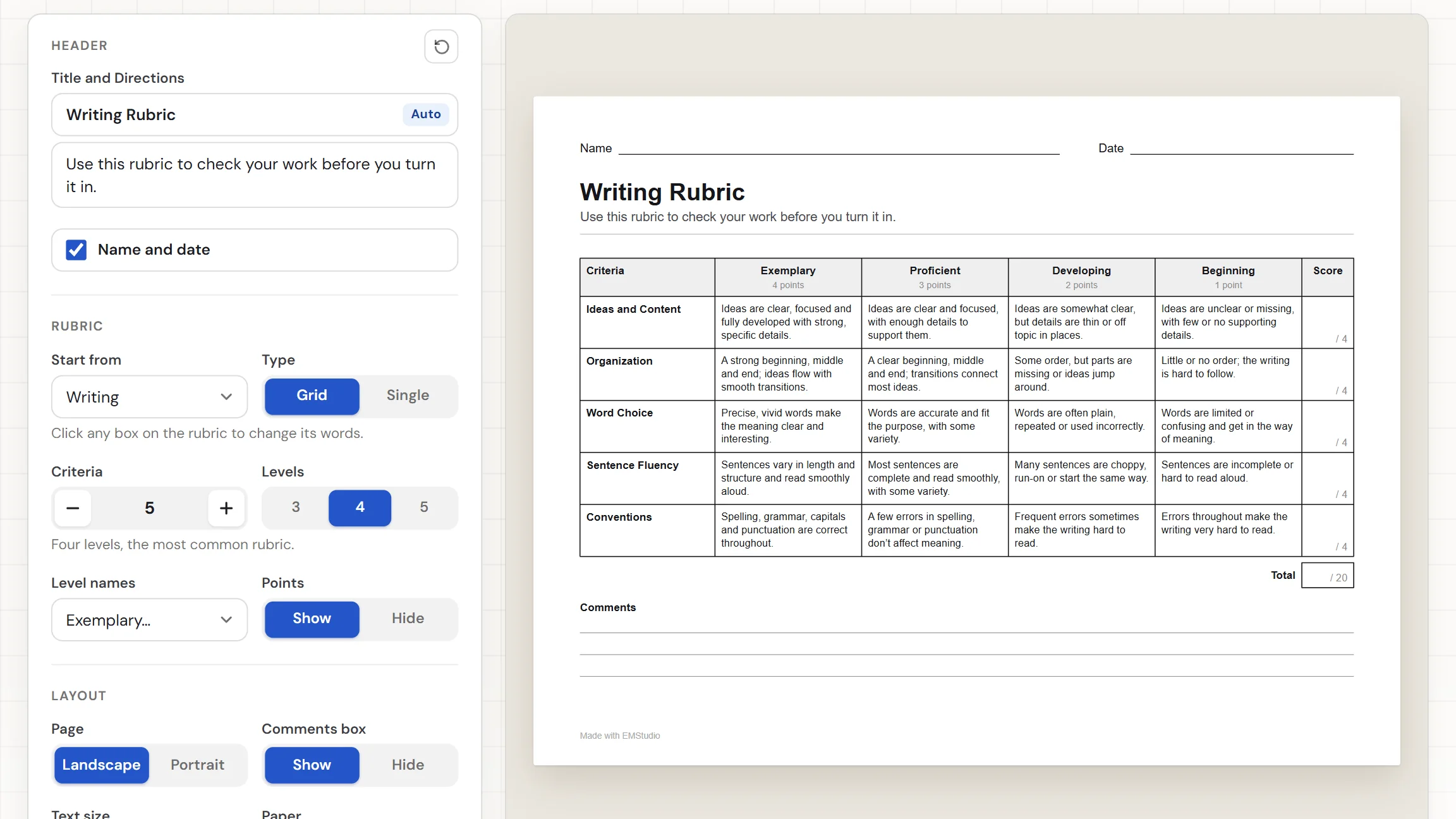
A rubric generator builds the table you score work against: criteria down the side, performance levels across the top, and a description in every box. This one starts from nine ready-made rubrics or a blank one and lays the table out on a printable page. Click any box to type your own words, pick three to five levels, add points if you want them, then download the PDF or print it.
When do you use a rubric?
Whenever students deserve to know what good work looks like before they start. Three moments where a rubric you built yourself saves time:

Writing and project assignments
Hand students the rubric when you give the assignment, so they see what each level looks like before they begin. Start from Writing or Project, change a box or two to match your task, and print a copy for every student.

Presentations and group work
Pick Presentation to score a talk, or Group Work to have students rate how their team worked together. Group Work opens with its own directions, written for students to read, and you can reword any of them.
Conferences and feedback
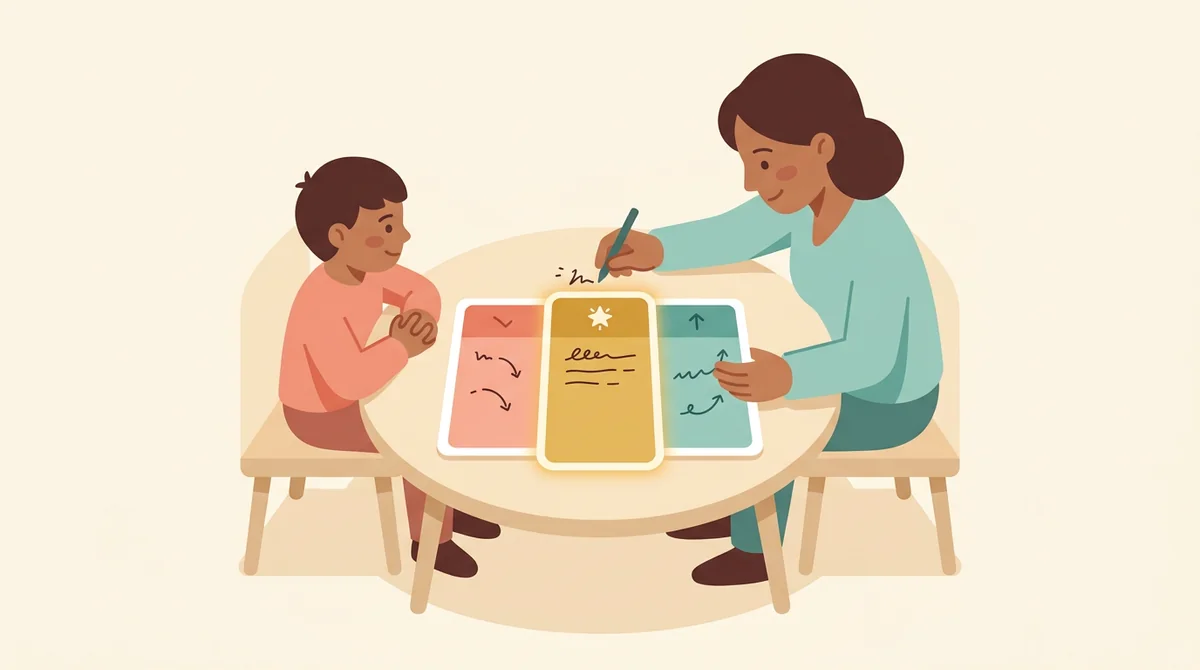
Use a Single rubric when you want to write feedback by hand. The goal for each row sits in the middle, with a column on each side for what to improve and where the work went further than the goal.
Core features of
a rubric generator
A good rubric maker saves you the typing without taking away your wording. Here is what this one does, from choosing a starting rubric to the printed page.
Start from a ready-made rubric
Open Start from and pick Writing, Presentation, Research Report, Project, Poster, Group Work, Science Lab Report, Math Problem Solving, or Reading Response, or choose Blank. Each one fills in its criteria with a description for every level.
- Nine ready-made rubrics, or Blank
- A description written for every level
- Each one sets its own number of criteria
Click any box to change its words
Click a box on the page and type, and the rubric changes as you do. Tab moves to the next box, Enter keeps your words, and Esc puts the old ones back. Boxes you empty show Click to type, which never prints.
- Criteria, level names, and descriptions
- Tab moves on, Esc restores the old words
- Click to type never reaches the PDF
A grid or a single-point rubric
Set Type to Grid for criteria down the side and a column for each level. Set it to Single for a single-point rubric: the goal in the middle, with Needs Work and Above and Beyond columns for your comments. Choose one to ten criteria.
- Grid with a column for each level
- Single-point with comment columns
- One to ten criteria
Levels, level names, and points
Choose three, four, or five levels, where five adds a Missing column worth 0. Name the levels Exemplary, Exceeds, Excellent, Advanced, or 4 3 2 1. Turn Points on for a Score column and a Total box.
- Three, four, or five levels
- Five sets of level names, or numbers
- A Score column and a Total box
Print it or save the PDF
The Worksheet download button gives you a PDF named for your title, and Print sends it to the printer. Pick Landscape or Portrait, a text size, and US Letter or A4, and show or hide the Comments box and the Name and Date row.
- One PDF, named for your title
- Landscape or Portrait, three text sizes
- US Letter or A4 paper
How to make
a rubric
Five steps from a blank screen to a rubric in your students' hands, and changing the wording is the longest part.
Pick a starting rubric
Open Start from and choose the one closest to your assignment, such as Science Lab Report. The criteria fill in with a description for every level. Choose Blank to write them all yourself.
Choose the type and criteria
Set Type to Grid or Single, then set Criteria from one to ten. A hint under the settings reminds you that you can click any box on the rubric to change its words.
Click a box and type
Click any box on the page and a text box opens over it. Type your own words, then press Tab for the next box, Enter to keep them, or Esc to put the old ones back.
Set the levels and points
Choose three, four, or five levels, pick the level names, and decide whether Points shows. A hint under Levels tells you what each choice gives you. The Total adds up on its own.
Download or print
Pick Landscape or Portrait and US Letter or A4, then download the Worksheet as a PDF. Or press Print to send the rubric to the printer. Edit the title first if you like.
That's the whole page
Pick a starting rubric once, change what you need, and print it whenever you give the assignment. The generator is at the top of this page.
Make a Rubric
Get started in under 5 minutes.
Sign up and walk through the onboarding tutorial. By the end you've got your classes set up and you're ready to plan your first lesson. No credit card required.
Get Started for FreeMore than a rubric template
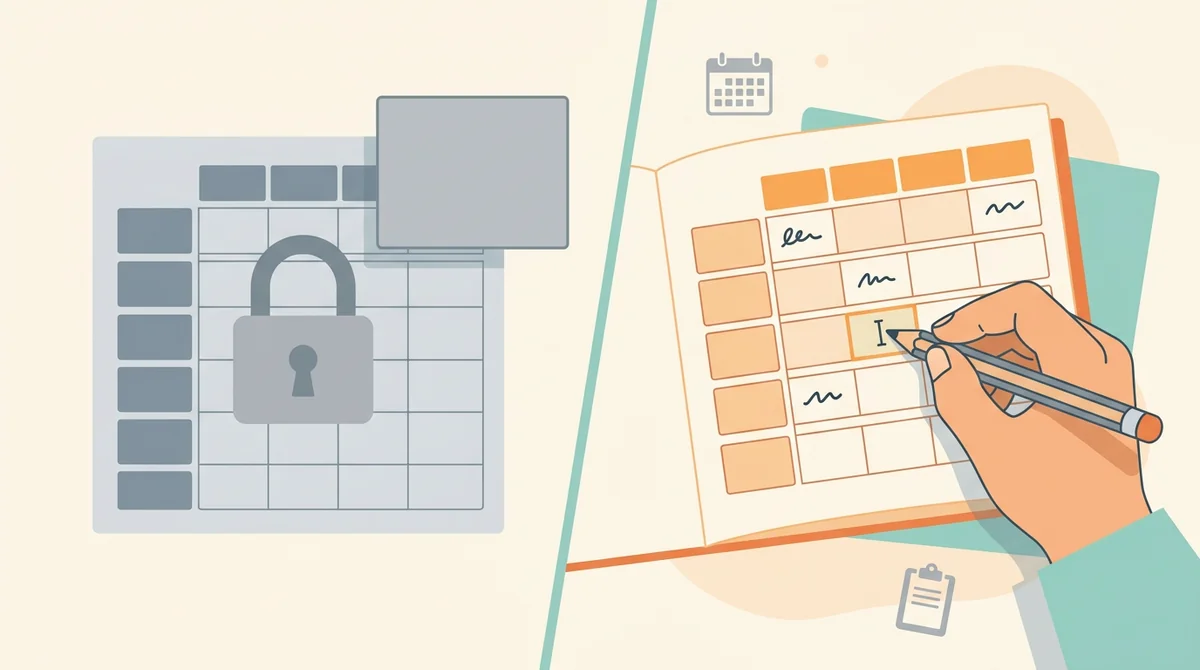
A template leaves you to retype it in a word processor and fix the columns. This one lays out the table for you, and every word in it is yours to change, in any browser, including a locked-down school laptop.
Single-point rubrics
Set Type to Single and each row shows its goal in the middle, with Needs Work on one side and Above and Beyond on the other, left open for your comments.
A Missing column worth 0
Choose five levels and a Missing column joins the four written levels. It is worth 0 points and starts with the words Not done or not turned in.
Points that add themselves up
With Points on, each row shows its top score and the Total box shows the sum for every criteria row. Add or remove a criterion and the Total follows.
Landscape or Portrait, Letter or A4
Choose the page shape and the paper you print on. A short rubric fits one page, and a long one runs onto a second page with the Total and Comments still together.
Your changes are remembered
The words you change and your settings stay in this browser, so you can close the tab and pick the rubric up later. Nothing is uploaded.
Free, and no watermark
No account, no sign-up, and no logo across the page. The only mark is a small "Made with EMStudio" line in the footer.
Who is the rubric generator for?
Anyone who scores work against criteria and wants students to see those criteria first. If building the table eats your planning time, it is for you.

Classroom teachers
Writing, projects, labs, and presentations. Start from the rubric closest to your task, reword the boxes to match it, and print one for the whole class.

Tutors and homeschool parents
Print a short rubric for a single learner. Use three levels and a Single rubric for a simple conversation about what went well and what to try next, and keep the same page for each assignment.
Teams planning together
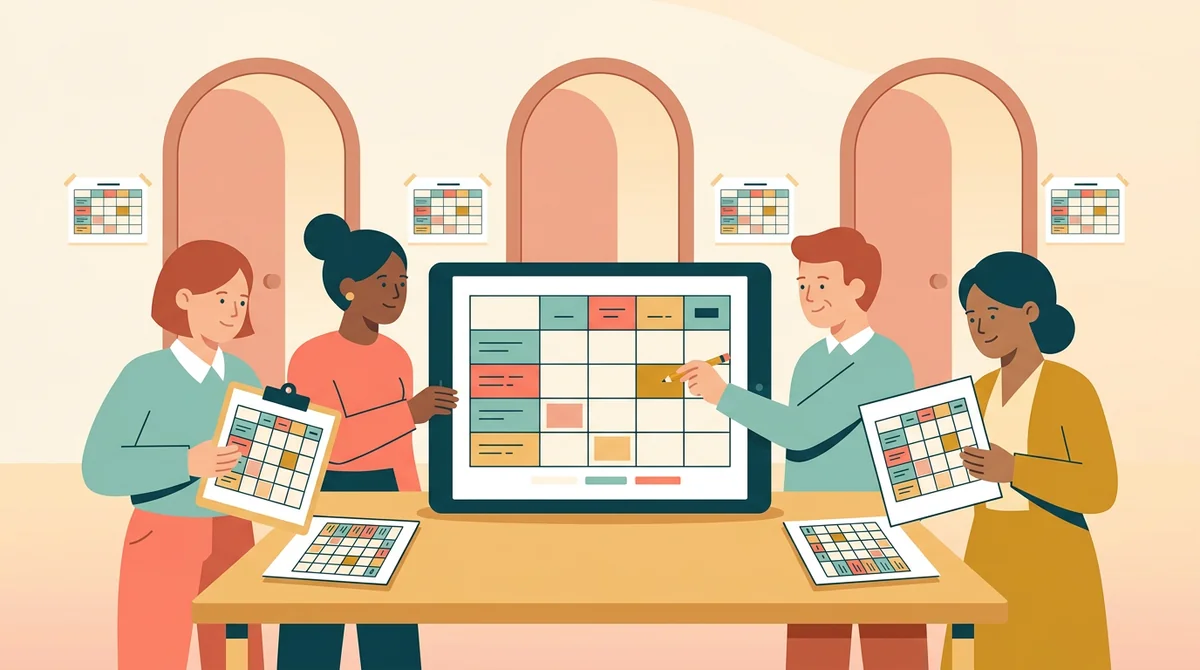
Agree on one rubric for a shared unit. Change the wording until everyone is happy with it, then print the same page for every classroom so students are scored against the same criteria.
How EMStudio's rubric generator is different
Many rubric tools hand you a fixed template, ask for a sign-up before the download, or put a logo on the page. This one is built by the team behind a full teacher planner, and it treats a rubric as part of your lesson.

Free, with nothing held back
The full PDF, both paper sizes, and printing, all without an account or a daily limit. The only mark on the page is a small "Made with EMStudio" footer line.
Edited on the page itself
There is no separate form to fill in. You click the box you want to change on the rubric and type, so you see the real page, with the real line breaks, as you work.
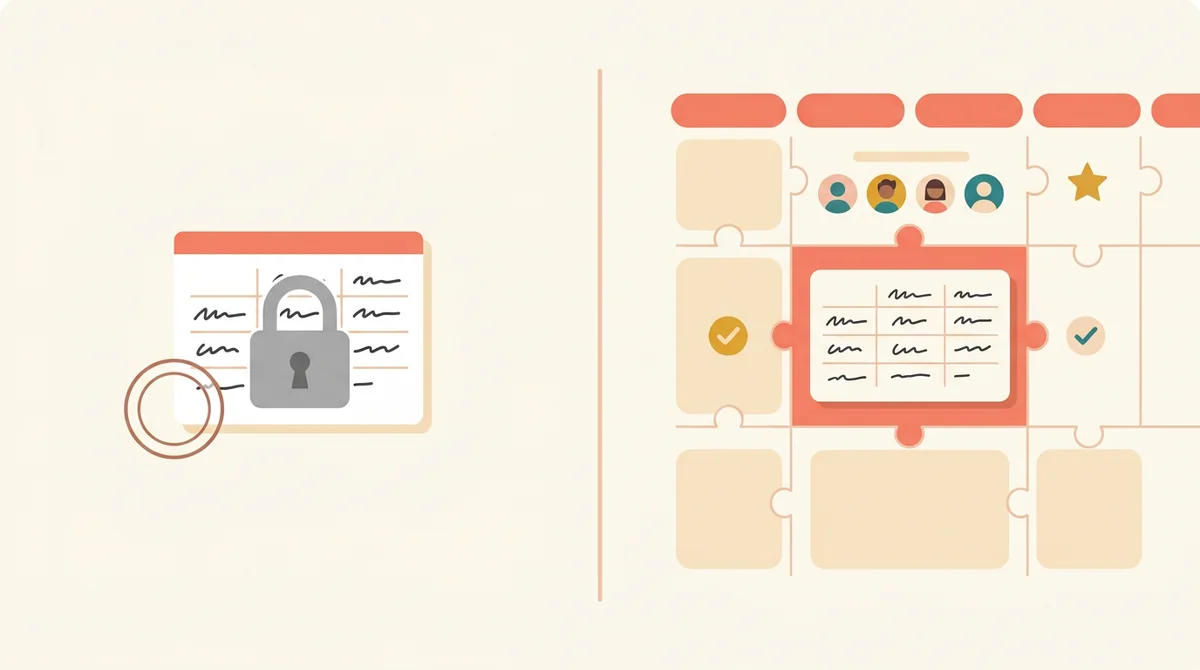
Part of a full teacher planner
A rubric is one small part of a lesson. When you are ready, EMStudio's lesson planner holds the rest: every class's lessons on a weekly calendar, beside your students, grades, and attendance.
More free teacher tools
Prefer a ready-made sheet? Rubric Template
FAQ
Try EMStudio today.
Create your first class, build a lesson, and take attendance all in under five minutes.
No credit card required.
Get Started for FreeYou have 3 lessons and 2 tasks today.